How One Company Reduced “Surprise Failures” Across Projects by Eliminating Tool Sprawl
Learn how one IT company reduced surprise project failures by eliminating tool sprawl through consolidation, clearer visibility, and integrated work delivery.
Teams don’t struggle because they lack tools. They struggle because they have too many of them. Each new platform is adopted with good intentions: to move faster, collaborate better, or gain visibility. Over time, those tools pile up. Work becomes scattered across task trackers, documents, dashboards, and chat threads, with no single place that reflects what is actually happening.
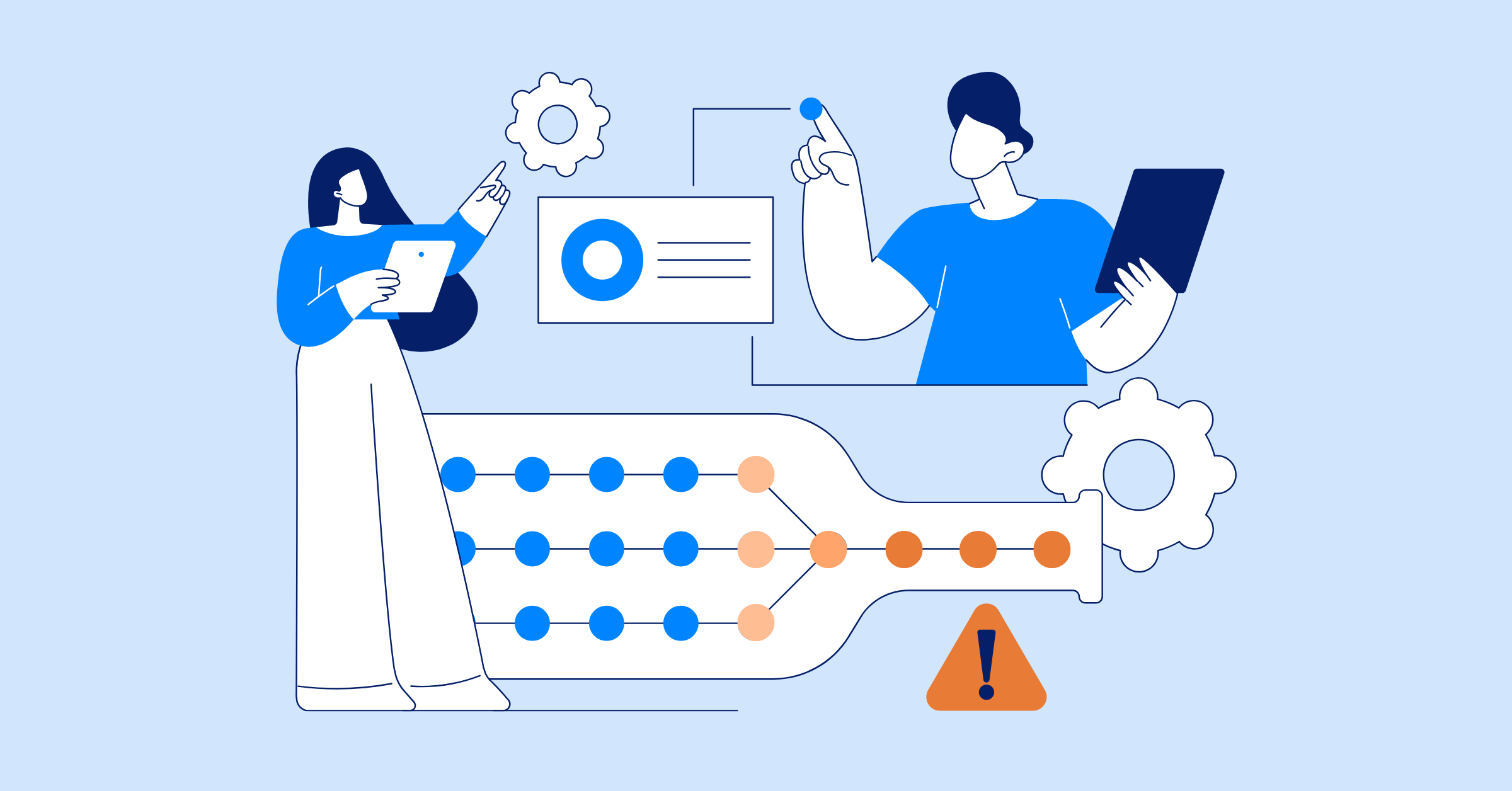
This is how tool sprawl quietly creates surprise failures. Projects appear to be on track until the final stages, when missed dependencies, unclear ownership, or outdated information surface all at once. By then, teams are reacting instead of managing. The problem is not effort or capability, but the absence of an integrated work delivery environment where project management, execution, and visibility live in one system.
What Is Tool Sprawl?
Tool sprawl is what happens when an organization uses too many disconnected tools to manage work.
In project management, this means work is planned in one tool, executed in another, discussed in a third, and reported on somewhere else entirely. Context is scattered, and alignment becomes harder with every new tool added.
Tool sprawl does not usually come from poor decision making. It often develops organically.
- Teams adopt tools to solve local problems
- Departments select platforms that fit their immediate needs
- Old tools remain in place even after better options appear
The result is a collection of overlapping systems that were never designed to work together.
The Business Impact of Tool Sprawl
Tool sprawl creates problems long before projects fail outright. Its impact shows up in subtle but damaging ways that affect how work is planned, executed, and evaluated. Therefore, it also damages work delivery.
Fragmented workflows hide real progress
When work is spread across multiple tools, workflows become fragmented.
Updates live in different systems. Dependencies are tracked in one place, while actual execution happens somewhere else. Teams believe they are making progress, but no one can see the full sequence of work from start to finish.
This makes it difficult to spot delays early or understand how one issue affects the rest of the project.
Work and updates live in different systems
A task might be marked “complete” in a task management app, still “open“ in a reporting dashboard, and “under discussion” in chat. Each system tells a slightly different story.
As a result, leaders and stakeholders rely on stitched-together updates rather than a single source of truth. Confidence in reporting erodes over time.
Costs grow beyond software subscriptions
The financial impact of tool sprawl extends well beyond license fees.
Organizations pay for onboarding, training, low adoption, and duplicated functionality. Teams spend time maintaining tools rather than delivering outcomes. These costs are rarely tracked in one place, which makes waste hard to see.
What looks like a reasonable software budget on paper often hides significant operational drag.
Operational drag becomes normalized
Manual updates, duplicate data entry, and constant tool switching become part of daily work. Teams accept this friction as normal.
Over time, people spend more energy managing tools than managing projects. Productivity declines, not because individuals are underperforming, but because systems are working against them.
Scattered systems create hidden risk
When information is fragmented, decision making suffers.
Risks remain invisible until they cause real damage. Dependencies are missed. Ownership gaps go unnoticed. Issues surface late, when options are limited and costs are high.
What Surprise Failures Tool Sprawl Leads To
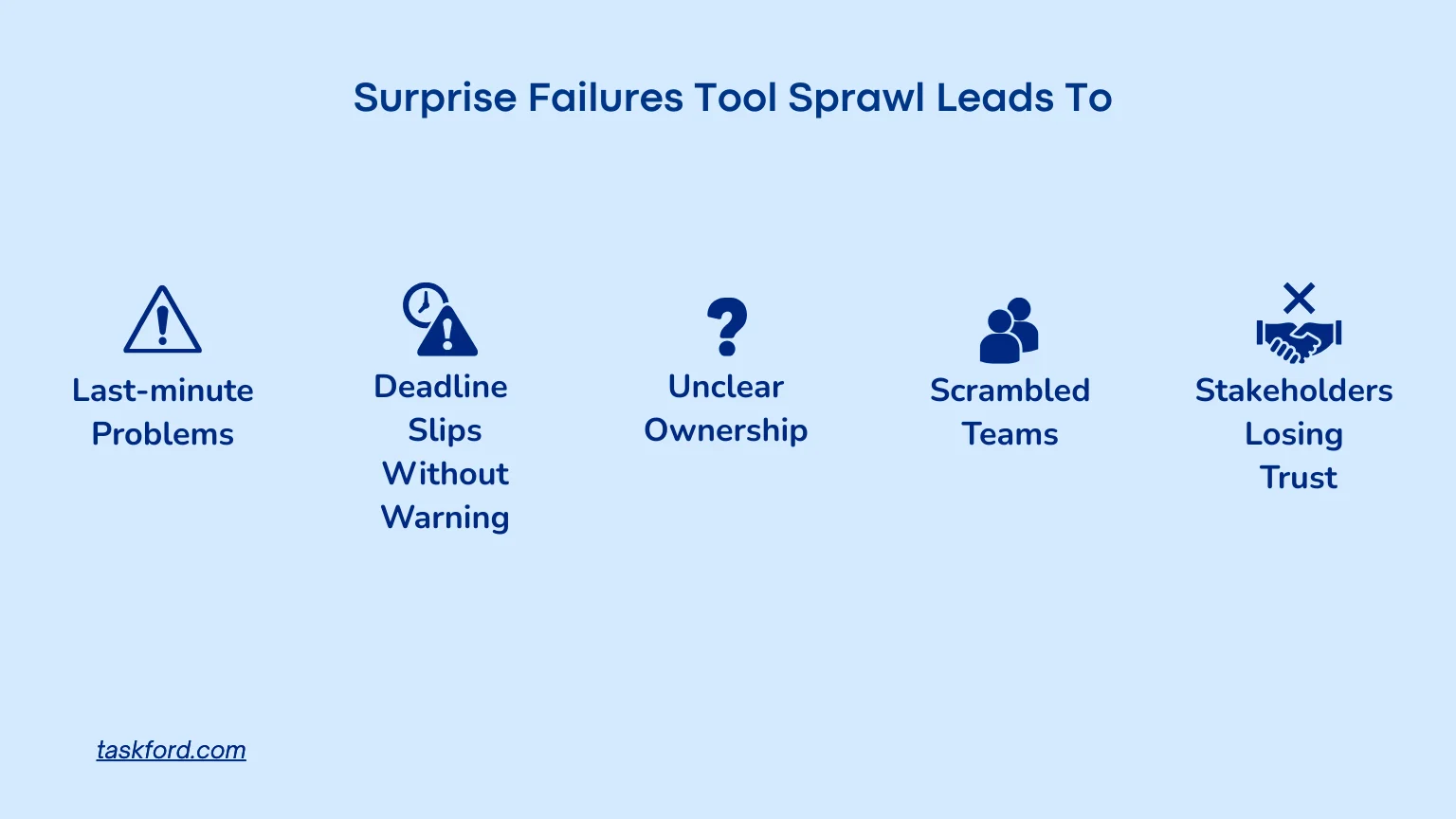
Tool sprawl does not usually cause dramatic breakdowns early in a project. Instead, it creates conditions where failure arrives quietly and unexpectedly.
Last-minute problems
Dashboards show progress. Status reports are green. Teams believe everything is moving as planned. But because data is fragmented, these signals are often misleading. Underlying issues are masked by partial visibility.
And because of that, when everything looks okay at the end, “suddenly” there are new problems that you weren’t accounting for at all.
Deadlines slip with little warning
When delays finally surface, they feel sudden. Teams realize too late that work was blocked, misaligned, or incomplete. There is no clear moment where things went wrong. The failure feels abrupt, even though it was building over time.
Ownership becomes unclear when issues arise
When problems emerge, teams struggle to identify who owns what. Responsibility is distributed across tools, teams, and handoffs. This slows response time and increases tension during critical moments.
Teams scramble to fix problems at the last minute
Without early signals, teams shift into reactive mode. Plans change rapidly. Resources are reallocated. Quality often suffers as deadlines approach.
Stakeholders lose trust in project updates
When reported progress does not match reality, trust erodes. Leaders and stakeholders stop believing dashboards. Status updates are questioned. This creates pressure on teams and undermines confidence in project management processes.
Introducing the Use Case
The company at the center of this story is an IT services organization running multiple client projects in parallel. Teams handled software development, infrastructure, and application support, each with its own timelines and SLAs. Over time, tools were added to support different parts of delivery.
The setup gradually became fragmented:
- Project and task tracking split across tools like Jira, Trello, and spreadsheets
- Technical documentation and requirements stored in Confluence, shared drives, and cloud folders
- Team communication and handoffs happening in chat tools and email threads
- Project reporting built from disconnected dashboards and manual status updates
For a while, it worked. Tickets moved, releases shipped, and clients were satisfied. But as project volume grew, visibility dropped. Leaders struggled to see delivery health, teams disagreed on task status, and risks surfaced late in testing or just before release.
The tools kept growing. Their success did not.
The Signs That Helped the Company Identify Tool Sprawl
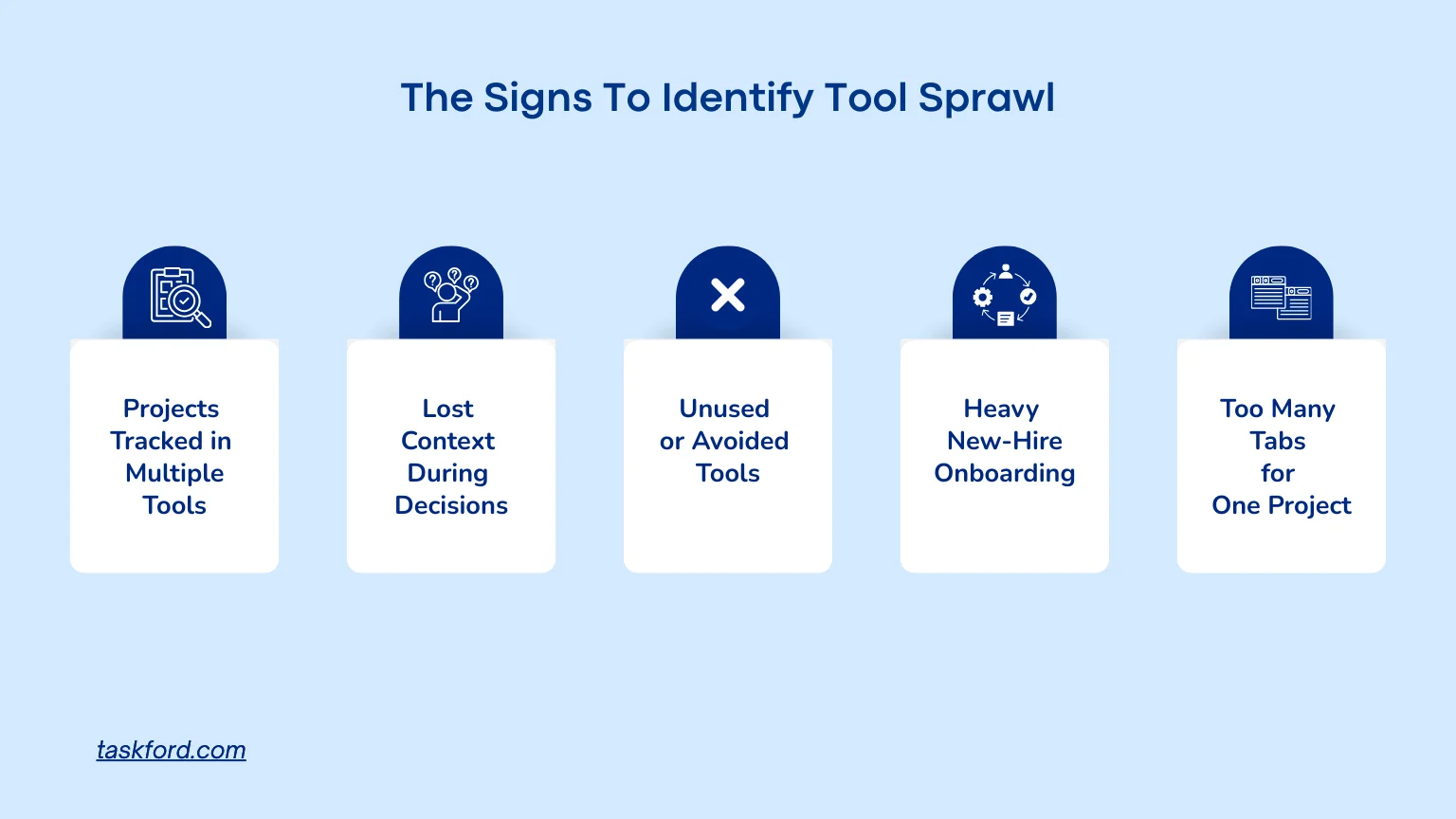
The company did not identify tool sprawl through a single incident. It became clear through repeated patterns.
Project Tracked In Multiple Tools
What this means for you: When a project lives in more than one system, it becomes hard to tell which version is correct. A task may look complete in one tool and still appear in progress in another. Over time, teams stop trusting status updates altogether.
What the company noticed: The same initiatives appeared in Jira, spreadsheets, and internal trackers. During reviews, teams disagreed on progress because they were looking at different sources. Leadership realized there was no single source of truth for project status.
Unclear Context During Decision Making
What this means for you: Without clear context, decisions slow down. Task history, rationale, and past changes are scattered across documents, comments, and chat threads. Teams spend time searching instead of moving forward.
What the company noticed: When issues surfaced, engineers and project managers had to dig through messages, meeting notes, and old documents to understand what had already been decided. Critical context was fragmented, making even small decisions harder than necessary.
Unused Or Avoided Tools
What this means for you: When tools feel redundant or unclear, people quietly stop using them. Work moves into side channels like chat or personal notes, creating gaps in visibility and accountability.
What the company noticed: Several tools technically existed in the stack but were consistently bypassed. Teams updated them only when required, not because they found them useful. Real work happened elsewhere, outside the systems leadership relied on.
Heavy Onboarding for Newcomers
What this means for you: Too many tools make onboarding harder. New hires are forced to learn multiple systems that overlap in purpose, delaying productivity and increasing confusion.
What the company noticed: New engineers and project managers were introduced to several tools that handled similar tasks. Instead of gaining clarity, they struggled to understand where work actually lived and which system mattered most.
Too Many Tabs for One Project
What this means for you: Constant context switching slows work and increases errors. Managing a single project across multiple tools drains focus and energy.
What the company noticed: Team members kept several systems open just to manage one project. If a tool slowed down or failed, progress stalled across the board. Productivity depended more on tool coordination than actual delivery work.
How the Company Eliminated Tool Sprawl
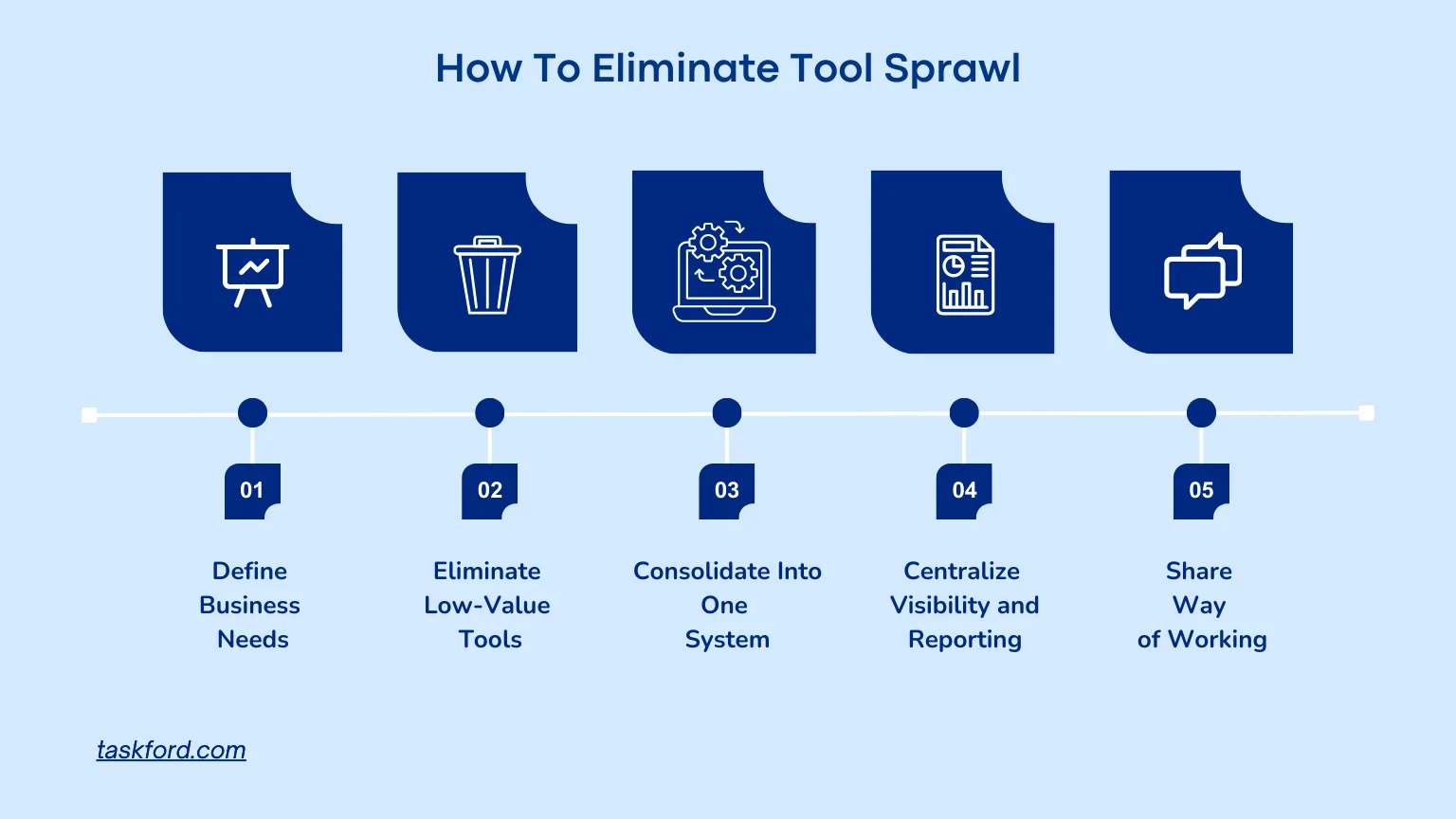
Once the company connected tool sprawl to surprise failures, it took a deliberate and structured approach to change.
Step 1: Clarify what the business actually needs
The company began by defining its core delivery objectives. Leadership focused on predictable releases, clear task ownership, and accurate project reporting across environments.
Instead of asking which tools teams preferred, the company identified required capabilities such as backlog management, dependency tracking, release visibility, and SLA monitoring. Tools were evaluated on whether they supported these outcomes in real delivery scenarios.
Lesson: Tool decisions should start with business outcomes, not tool popularity. If a tool does not directly support how work is planned, executed, or measured, it adds complexity without value.
Step 2: Eliminate redundant and low-value tools
With those needs defined, the company judged its existing tools and made specific cuts:
- Retired one of two task tracking tools that served overlapping purposes across teams
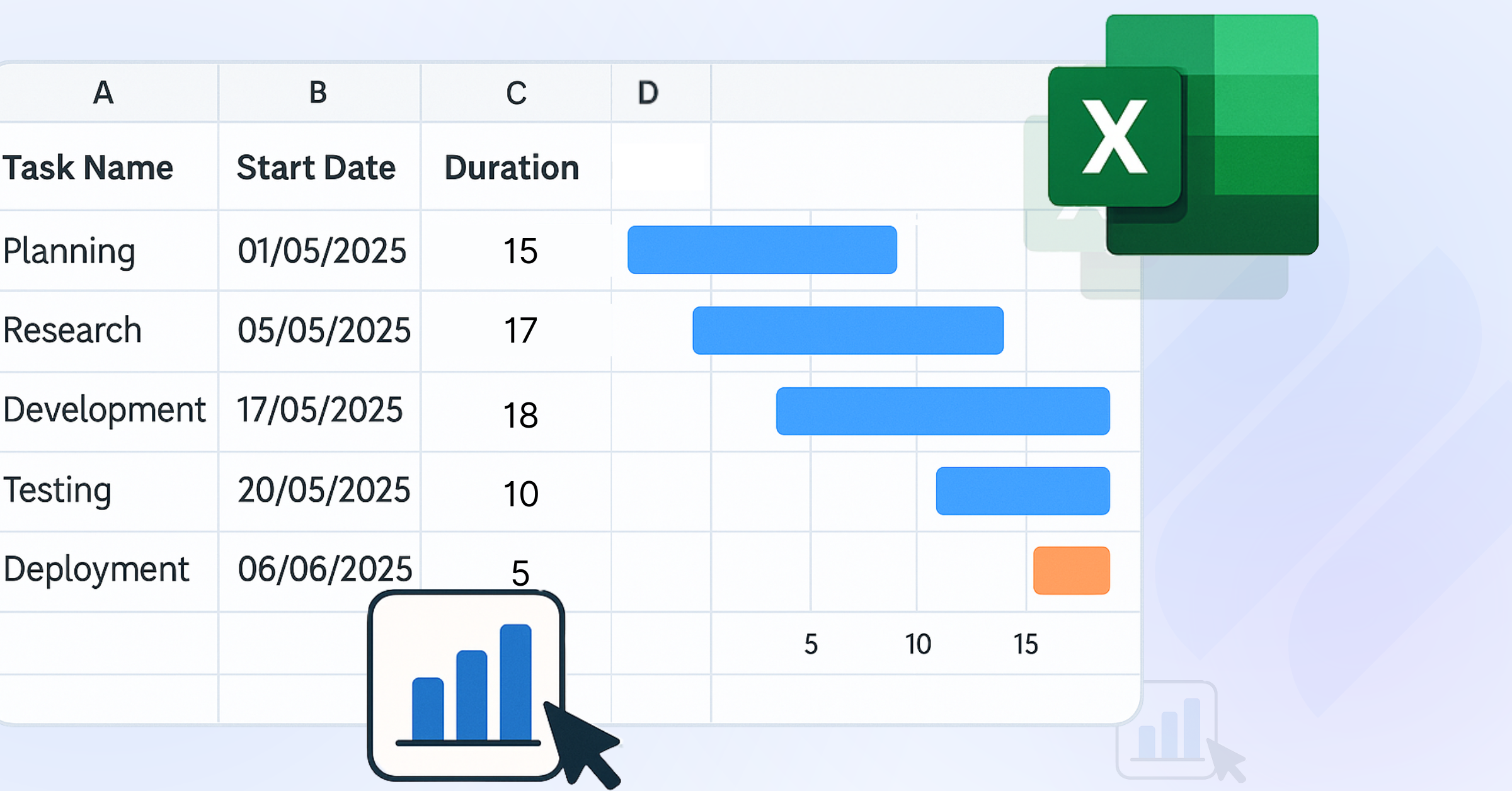
- Replaced spreadsheet trackers used for milestones and dependencies
- Phased out a standalone reporting tool that duplicated project data from other systems
Tools with low adoption or duplicated data were removed first, reducing the need for double updates and manual reconciliation.
Lesson: Redundancy is rarely intentional. If two tools track the same work, one of them is already failing. So eliminate whatever you see is unnecessary.
Step 3: Consolidate remaining tools into a single system
After eliminating overlap, the company consolidated core delivery work into one integrated work delivery platform. The company decided to choose TaskFord.
Backlogs, task assignments, dependencies, and delivery status for both development and infrastructure projects were moved into the same system.
This removed the need to update multiple tools for the same ticket, sprint, or milestone and created a single source of truth for delivery.
Lesson: Tool consolidation simplifies execution. One system managing work end to end is easier to maintain than several loosely connected tools.
Step 4: Centralize visibility, monitoring, and reporting
With delivery data centralized in TaskFord, the company stopped generating reports by pulling data from multiple sources. Release status, ownership, and risks were visible in real time within the platform, without spreadsheets or manual rollups.
Project managers and IT leadership relied on one reporting view instead of reconciling conflicting dashboards.
Lesson: When reporting requires manual effort, visibility is already compromised. Centralized data makes insight timely and reliable
Step 5: Align teams around one shared way of working
Finally, the company focused on adoption. Training centered on real workflows, not features. Teams understood where work lived and how it moved through the system.
TaskFord reinforced consistent behavior instead of personal workarounds.
Lesson: A tool only works best when teams agree to use it the same way with shared vision.
TaskFord: The Platform Built to Solve Tool Sprawl
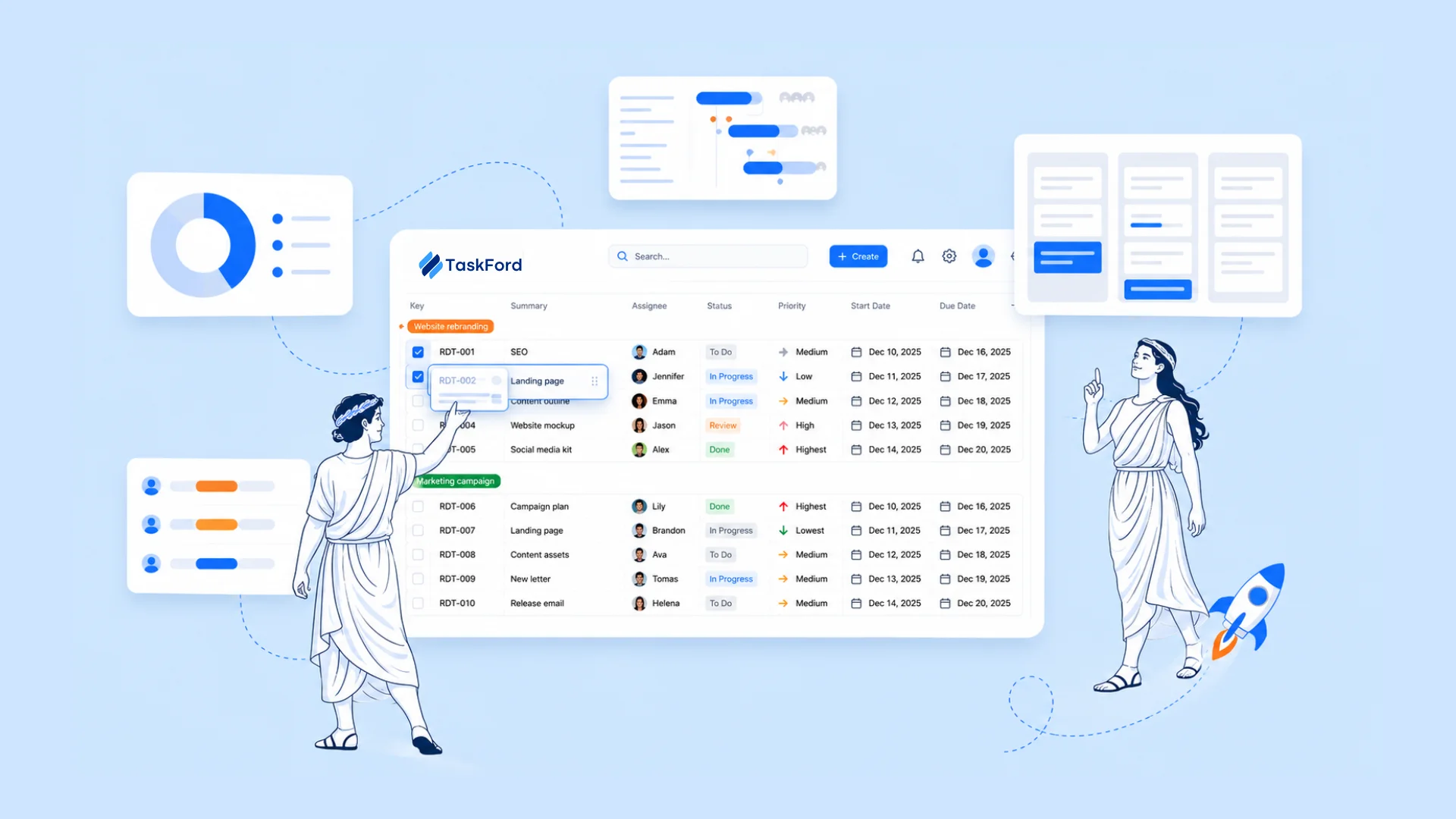
TaskFord solves tool sprawl by bringing core delivery activities into one integrated work delivery platform. It gives teams a single place to plan work, execute tasks and understand progress without jumping between disconnected tools.
Kanban: One Place to Manage Day-to-Day Execution
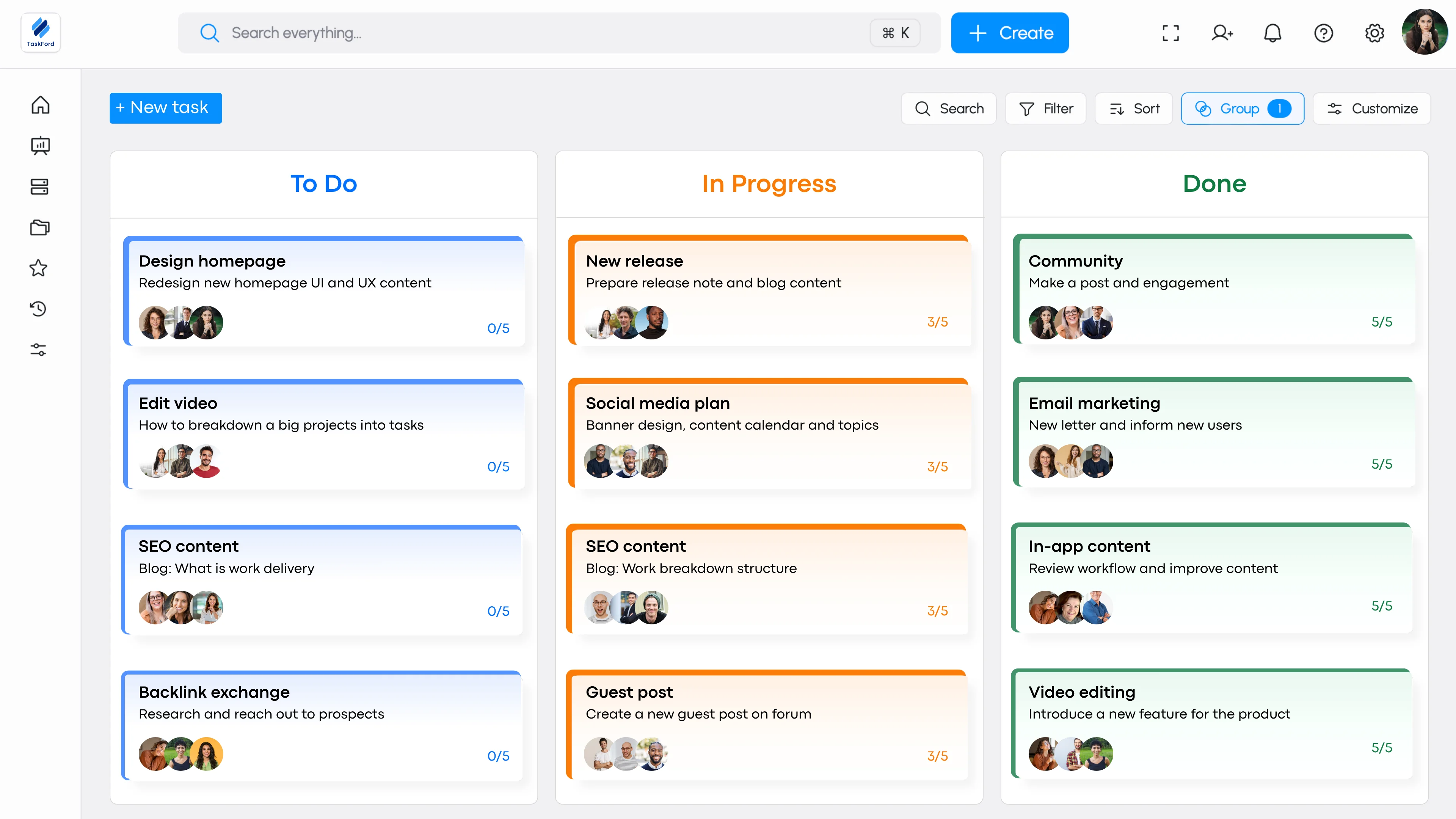
TaskFord’s Kanban boards bring all active work into one place, where teams manage backlogs, track status, and surface blockers using a shared workflow. Ownership stays clear, updates happen once, and everyone sees the same version of progress.
Gantt: Clear Timelines Without Spreadsheets
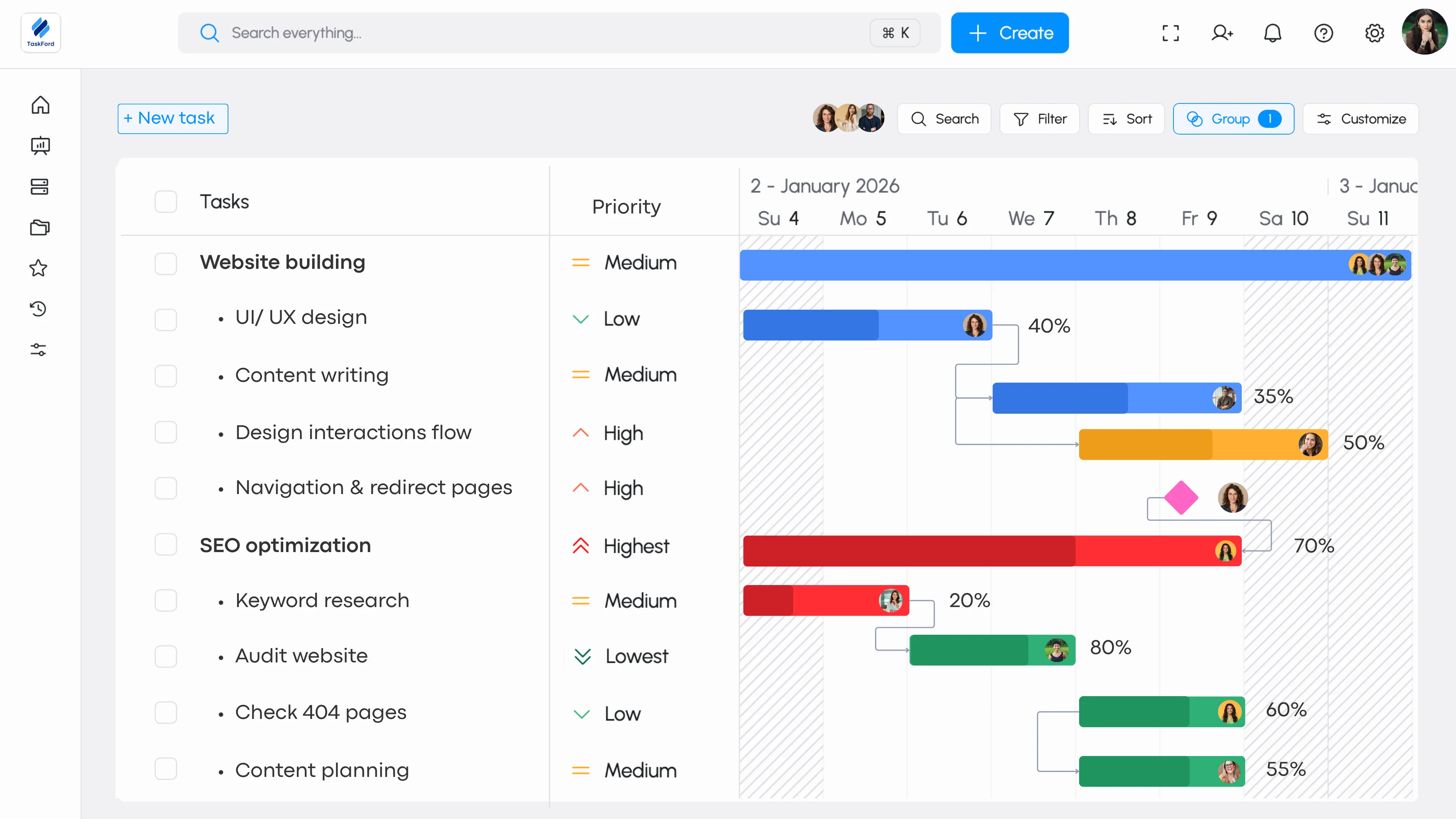
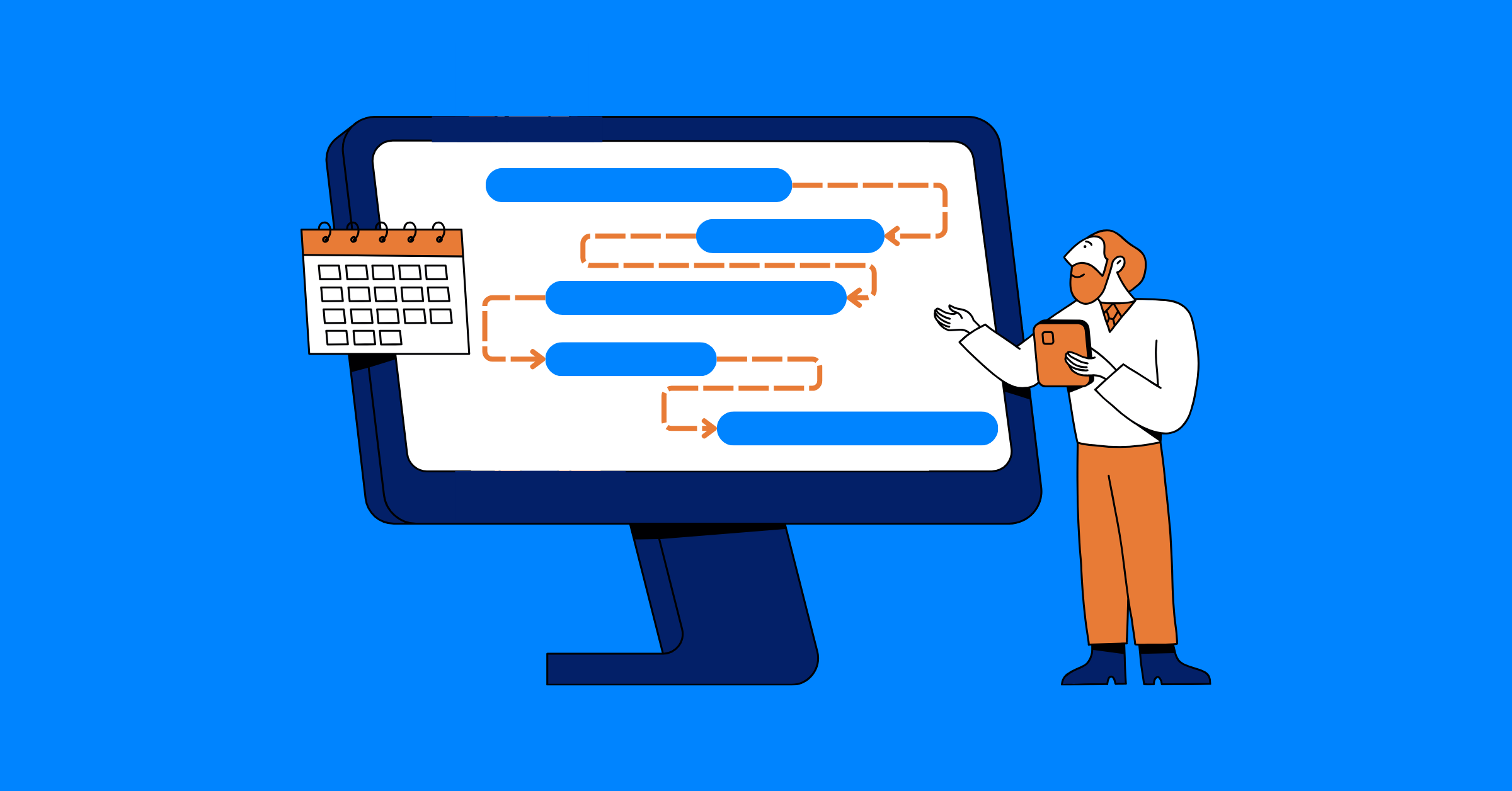
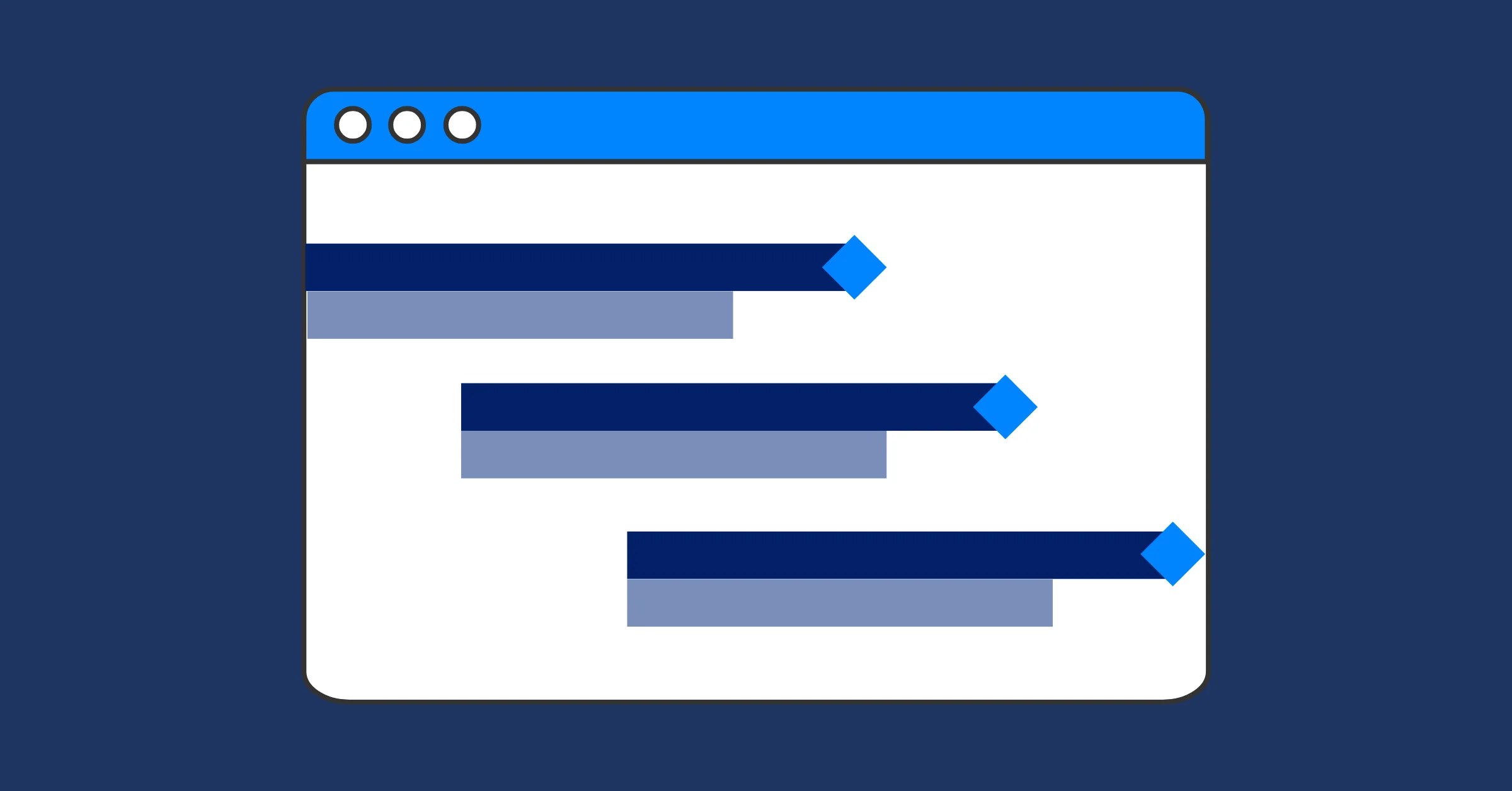
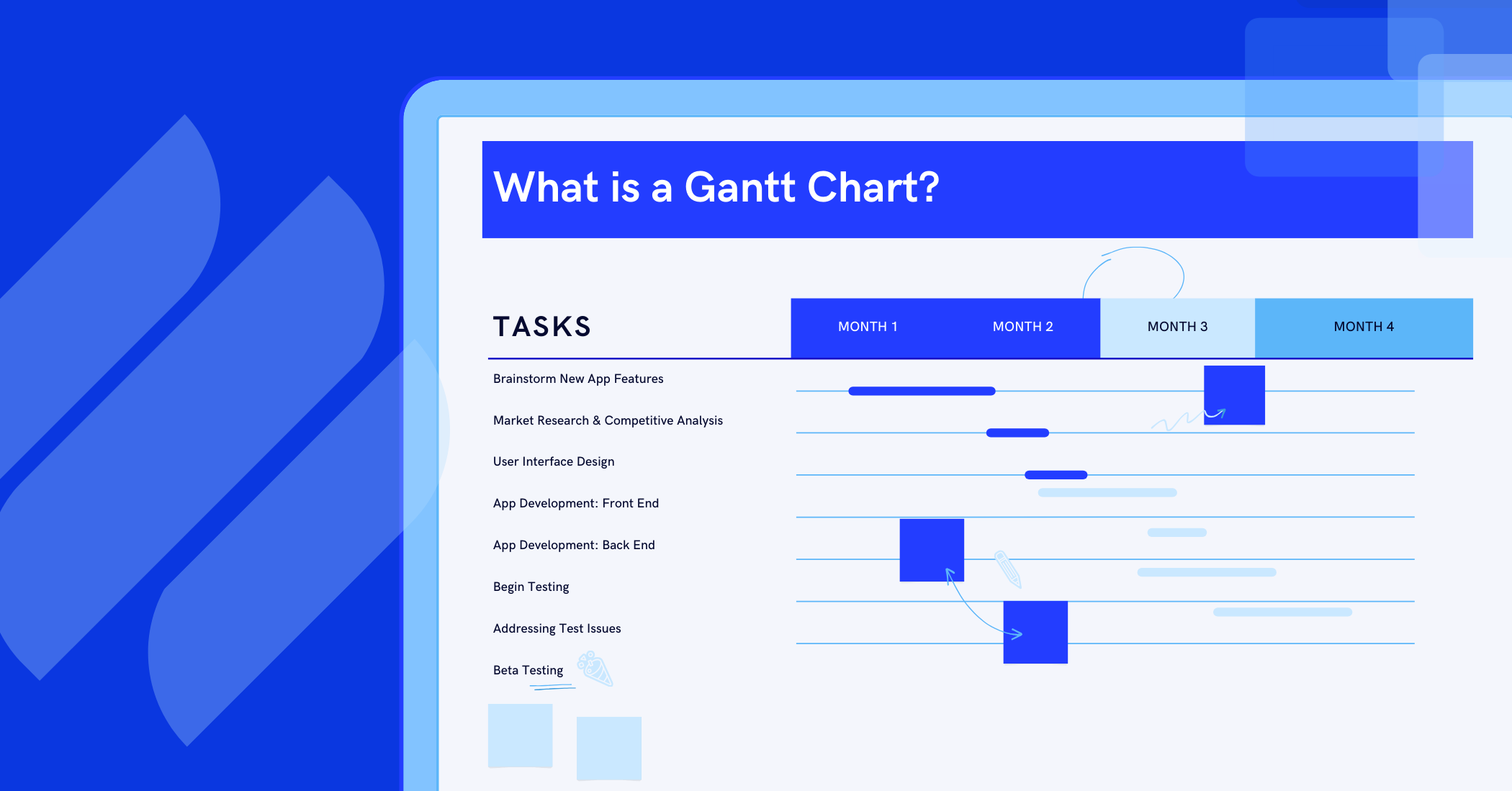
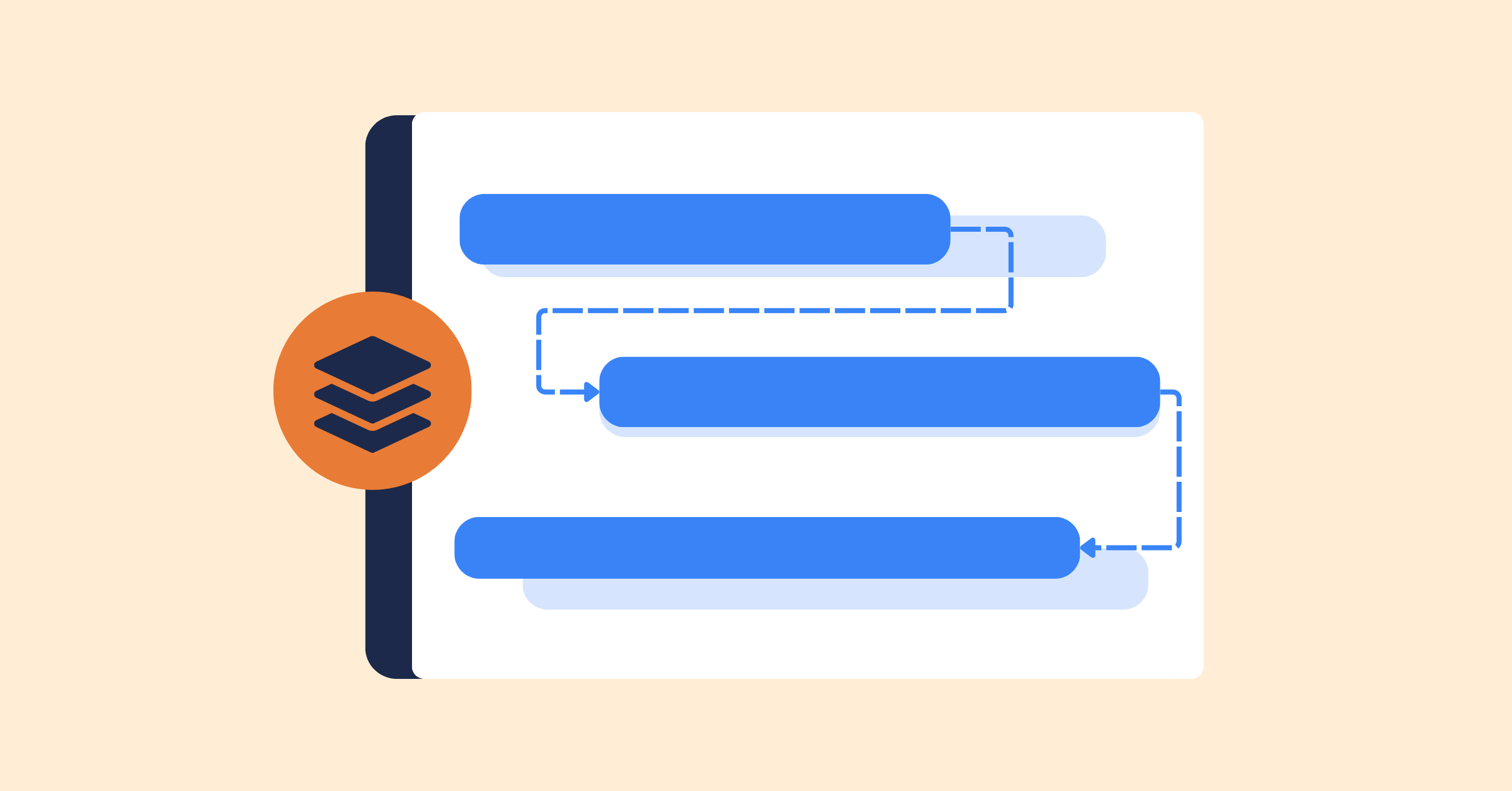
TaskFord’s Gantt view connects timelines directly to tasks and dependencies, so plans stay aligned with execution. As work progresses, timelines update automatically, allowing project managers to see how delays affect delivery dates and helping teams understand how their tasks fit into the larger plan.
Reporting: Visibility Without Manual Rollups
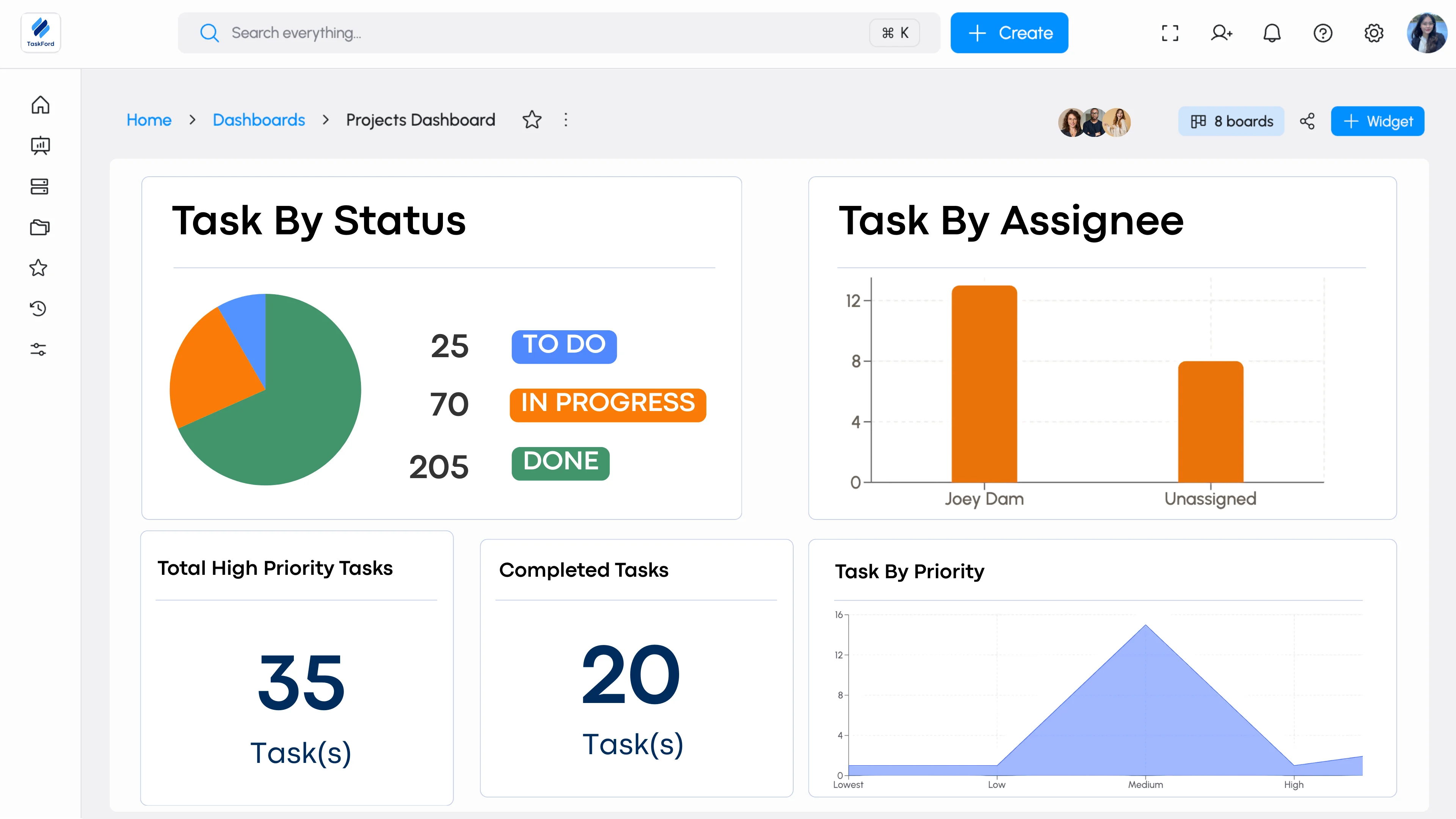
Reporting often relies on pulling data from multiple tools and stitching it together after issues already surface. TaskFord centralizes reporting by using live project data from a single system. Progress, ownership, workload, and risks stay visible without spreadsheets or duplicated dashboards, giving leaders a consistent, real-time view of delivery.
Time Tracking: Embedded Into How Work Is Done
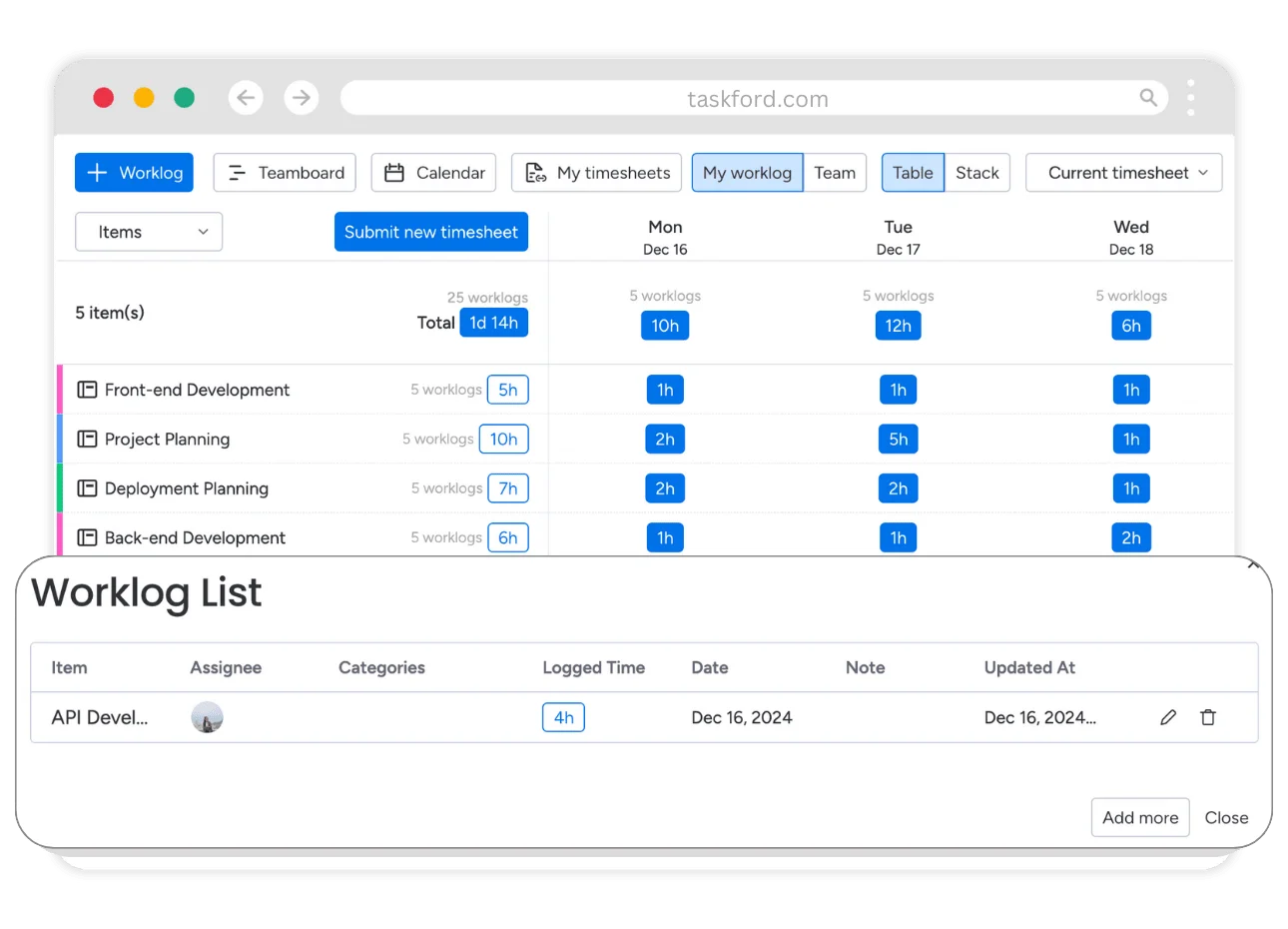
Time tracking is commonly handled in separate trackers, disconnected from tasks and project plans, which makes effort hard to interpret. In TaskFord, time tracking is built directly into task execution. Time entries link to specific work items, giving teams and managers clear insight into effort, capacity, and delivery cost while eliminating the need for standalone time tracking systems.
Best Practices to Prevent Tool Sprawl
Eliminating tool sprawl is not a one-time cleanup. Preventing it requires ongoing discipline around how tools are evaluated, adopted, and used.
- Review tools regularly: Check whether each tool still supports current delivery and project management needs, not past habits.
- Set clear rules before adding new tools: Only introduce a tool when an existing system cannot meet a defined requirement.
- Standardize how work is tracked: Use consistent task structures, statuses, and ownership so work is easy to understand across teams.
- Avoid overlapping tools: One core activity should have one system of record to prevent duplicate updates and conflicting data.
- Prioritize visibility over volume: Fewer tools with clear, shared visibility support better integrated work delivery than many disconnected systems.
- Treat tooling as an ongoing responsibility: Tool decisions should be reviewed as teams, projects, and delivery models evolve.
These practices helps maintain clarity as the organization continue to grow.
Conclusion
Tool sprawl rarely feels like the problem. It looks like progress, choice, and flexibility.
But over time, it quietly exposes visibility, accountability, and trust. The result is not immediate failure, but surprise failure, when projects collapse late and teams are left reacting instead of leading. By eliminating tool sprawl, companies can overcome the unknown surprises and regain control.
The lesson is clear. Fewer tools, used well, deliver better outcomes than many tools used in isolation.
Related Articles










How to Build and Manage a Product Roadmap with TaskFord











How to Build a Connected Project Timeline in TaskFord









What Are the Best Jira Alternatives for Scrum Teams?


















How WBS Reveals Delivery Breakdown Before It’s Too Late







![How To Conduct a Profound Stakeholder Analysis [+ Free Template]](/marketing/blog/stakeholder-analysis.webp)














What to Look for in Scrum Tools (Beyond Kanban Boards)


![Project Management Calendar for Teams and Managers [Free Templates]](/marketing/blog/project-management-calendar.webp)






How to Define Project Deliverables: A Step-by-Step Guide





![RACI Chart in Project Management: Rules & Examples [Free Download]](/marketing/blog/raci-chart.webp)











![7 Must-Have Project Management Documents Every PO Should Know [Free Templates]](/marketing/blog/project-management-documents.webp)








![How to Create a Winning Project Plan for IT Projects [10 Steps Included]](/marketing/blog/how-to-create-a-project-plan.webp)

![Daily Standup Best Practices: Apply AI to Organize Meetings Successfully [2026 Trends]](/marketing/blog/daily-standup.webp)






![How to Create a Project Communication Plan: Step-by-Step Guide [+Free Template]](/marketing/blog/project-communication-plan.png)


![Master Project Procurement Management in 5 Steps [Download a free plan template]](/marketing/blog/project-procurement-management.webp)

























Subscribe for Expert Tips
Unlock expert insights and stay ahead with TaskFord. Sign up now to receive valuable tips, strategies, and updates directly in your inbox.