What Is a Project Milestone? A Detailed Guide to Effective Project Management
Learn what a project milestone is, explore practical examples, and discover how to set and track milestones to keep projects on schedule and aligned.
In any project, there are moments when you stop and realize just how far you’ve come.
These moments, known as project milestones, are the key achievements that show progress and help guide the team toward the finish line. Whether it’s finishing a phase, hitting a major goal, or getting approval, milestones give everyone a sense of direction.
In this comprehensive guide, we’ll explore what project milestones are, how they work, and how you can use them to make your project more successful.
What is a Project Milestone?
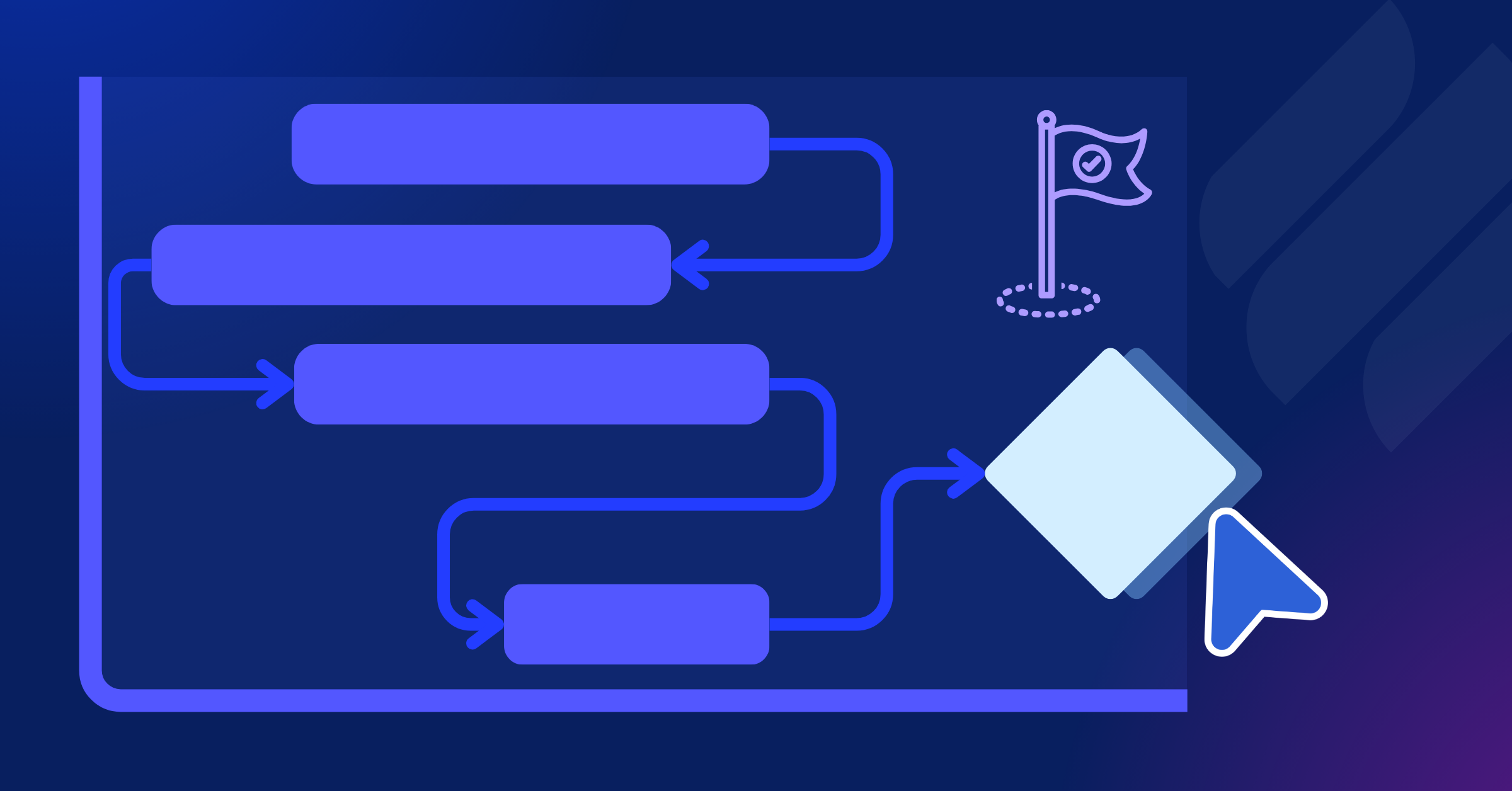
A project milestone is a key point or event in the project timeline that marks significant progress. It’s not about the tasks completed, but about achieving important goals or phases in the project.
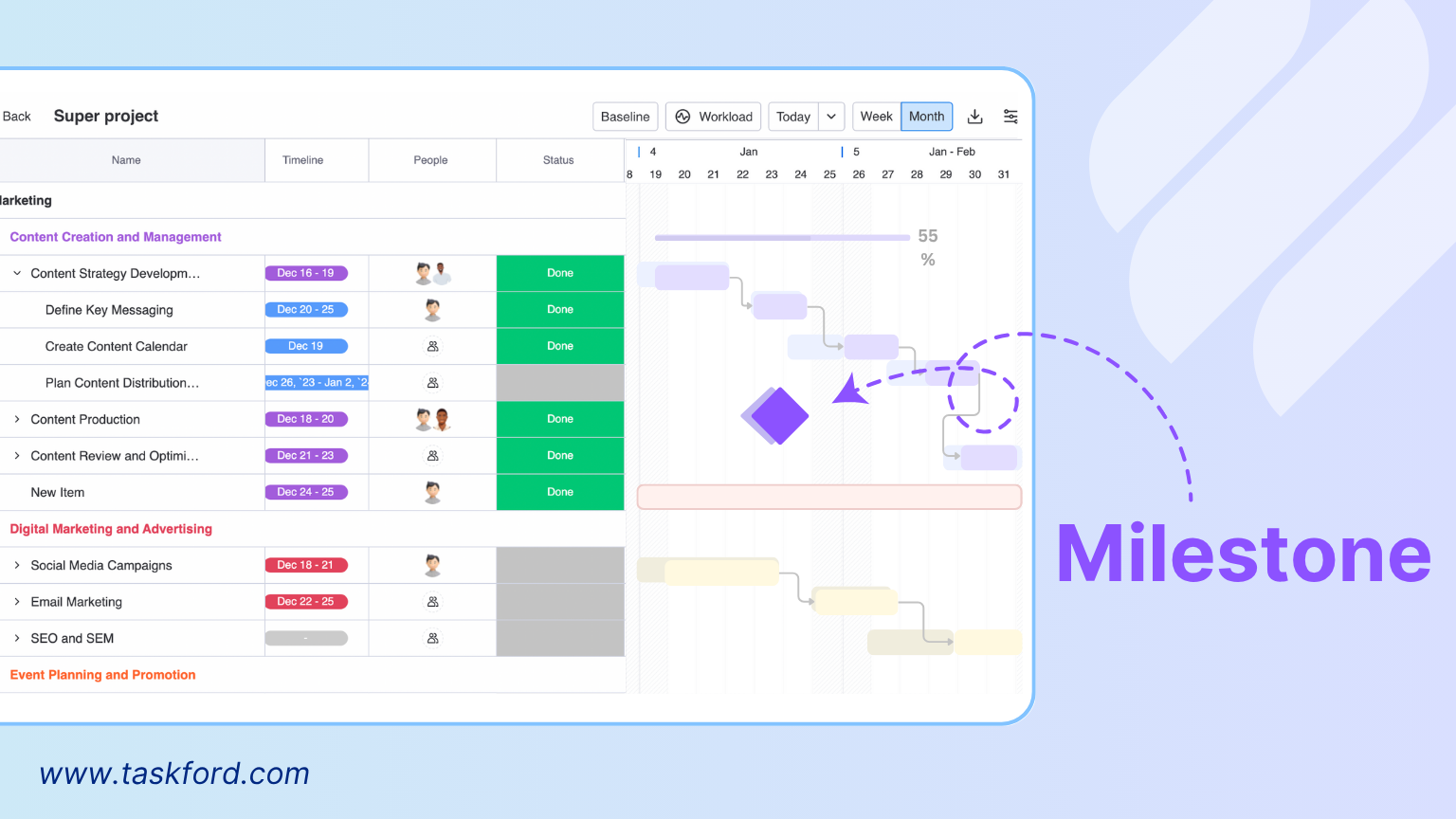
Milestones can mark the start or end of a project, the completion of a big phase, or the delivery of something important. They help track how the project is moving and highlight the most important achievements along the way.
Why Milestones Are Essential in Project Management
Project milestones are more than mere markers; they are strategic tools that drive project efficiency and alignment. Here’s why they matter:
1. Clarity and Structure
Projects often involve numerous tasks, dependencies, and deadlines, which can create confusion. Milestones break down complex projects into digestible segments, offering clear targets for teams to focus on. By anchoring the project timeline to these key events, teams can prioritize their efforts and maintain momentum without getting bogged down in details.
2. Enhanced Accountability
Milestones assign clear ownership to specific deliverables or phases. For example, a milestone like “Client Approval of Project Plan” holds both the project team and the client accountable for meeting that deadline, ensuring responsibilities are well-defined.
3. Improved Stakeholder Engagement
Stakeholders, whether internal leaders or external clients, often need high-level updates without wading through every task. Milestones provide a concise way to communicate progress, offering a snapshot of the project’s status. For instance, a project manager might report, “We’ve reached the milestone for completing the design phase and are now entering development,” keeping stakeholders informed without overwhelming them.
4. Proactive Risk Mitigation
Milestones act as checkpoints to evaluate progress. If a milestone is delayed, it signals potential issues that could impact the project’s trajectory. This early warning system allows project managers to reallocate resources, adjust timelines, or address bottlenecks before they escalate.
5. Boosting Team Morale
Hitting a milestone is a moment to acknowledge progress, especially in lengthy or intricate projects. Celebrating achievements like “Website Beta Launch” or “Phase 1 Testing Complete” fosters a sense of accomplishment and keeps teams motivated.
Examples of Milestones in Project Management
To illustrate the power of milestones, here are examples across different industries:
- Marketing Campaign: Milestones might include “Campaign Strategy Approved,” “Ad Creatives Finalized,” and “Campaign Launched.”
- Construction Project: Key milestones could be “Permits Obtained,” “Foundation Completed,” and “Building Occupancy Certified.”
- Software Development: Milestones might include “Requirements Gathered,” “Beta Version Released,” and “Product Launch.”
- Event Planning: Milestones could be “Venue Booked,” “Vendors Confirmed,” and “Event Day.”
(Learn more: 10 Examples of Milestones in Project Management)
These examples highlight how milestones adapt to the unique needs of each project while maintaining their role as critical checkpoints.
The Key Differences Between Project Milestones and Tasks
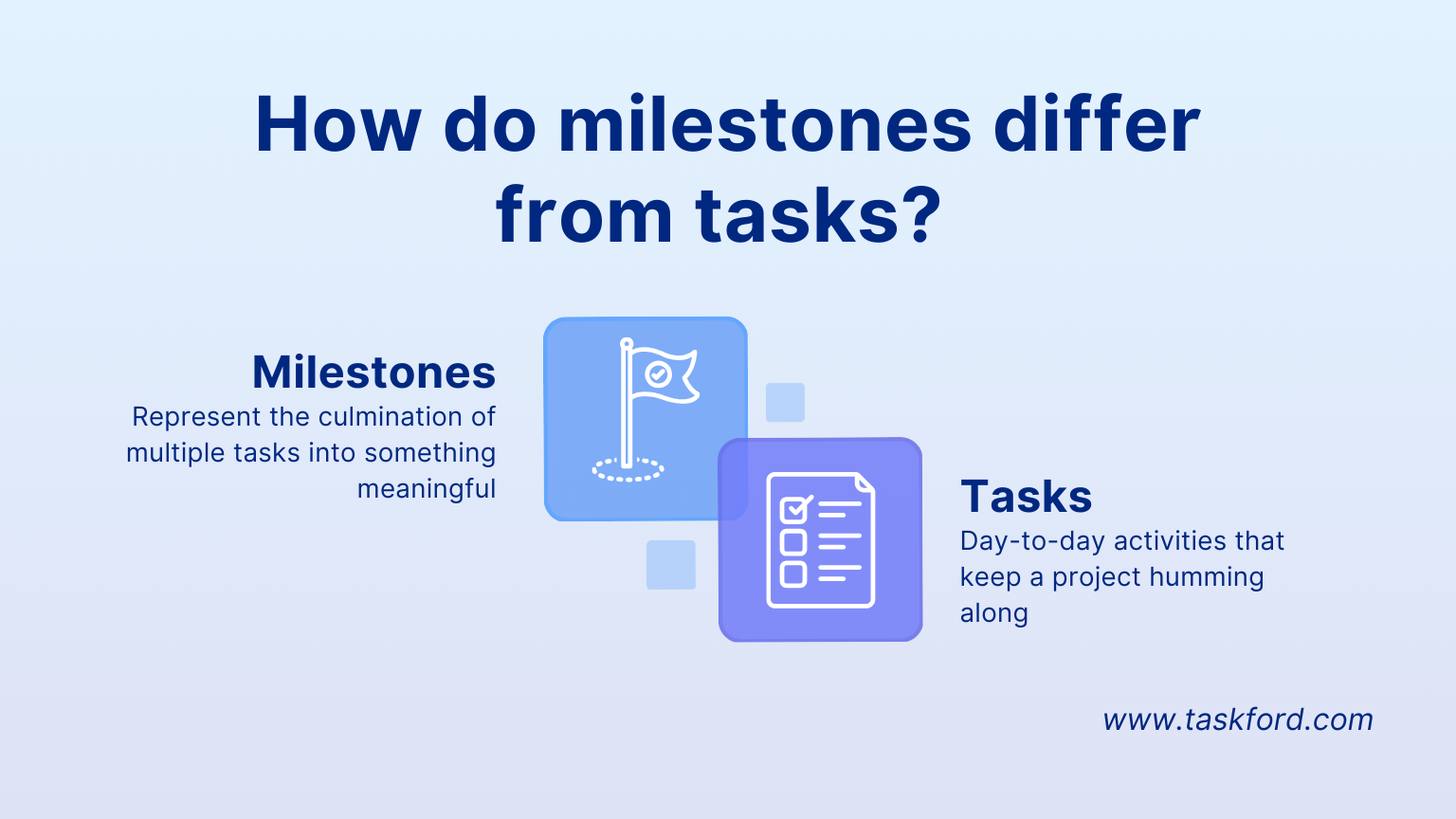
To fully understand project milestones, it’s important to differentiate them from tasks, as both are integral to project management but serve distinct roles:
- Purpose:
- Milestones mark significant achievements or key events in a project, like completing a phase or receiving approval. They represent progress rather than work itself.
- Tasks are individual pieces of work that need to be completed to reach those milestones. They are the smaller, actionable steps taken to achieve a larger goal.
- Duration:
- Milestones have no duration. They’re simply points in time that signify something important has been achieved.
- Tasks have a specific duration and require time and effort to complete.
- Focus:
- Milestones focus on the big picture and track overall progress, like when a project is moving from one phase to the next.
- Tasks focus on the details and represent the specific actions needed to move the project forward.
So, milestones are markers that show progress, while tasks are the steps that get you there.
How to Set Effective Project Milestones
Creating meaningful milestones requires careful planning. Here’s a step-by-step guide to setting effective project milestones:
Step 1: Define Clear Project Goals
Before setting milestones, start with the end in mind. What is your project trying to achieve, and what outcomes define success?
- For example, if the project is to launch a mobile app, your overarching goals might be “release an MVP within three months” or “achieve 1,000 active users after launch.”
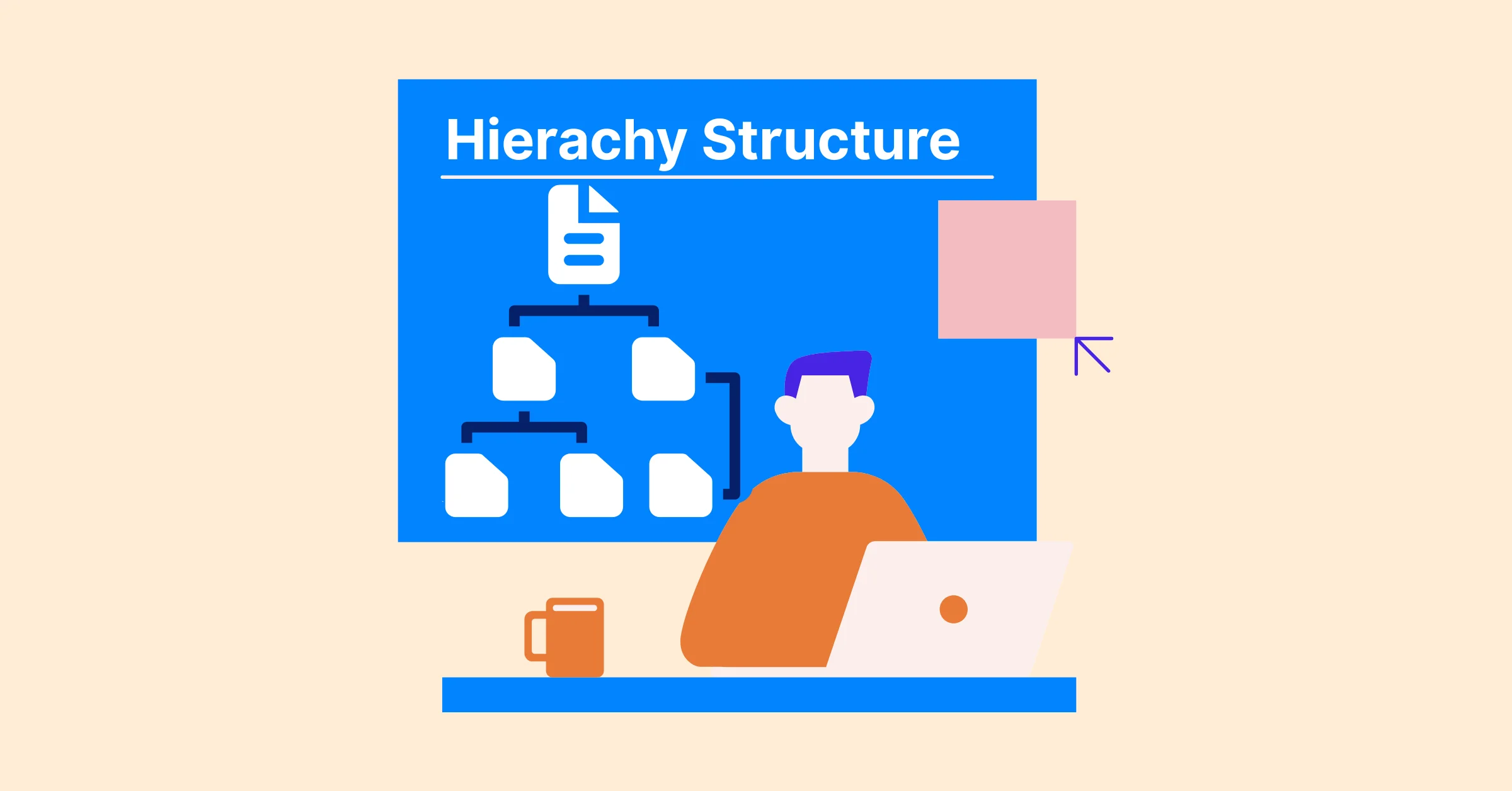
- A Work Breakdown Structure (WBS) can help at this stage by breaking the project into phases, deliverables, and tasks. This gives you a clearer view of the work involved and makes it easier to identify meaningful milestones.
- Once these goals are clear, you can identify the key events that indicate progress toward them. Those become your milestones.
- To ensure these milestones align across all teams and timelines, establish an integrated project timeline . It consolidates every major deliverable and milestone into a single, unified timeline that keeps all stakeholders synchronized.
- Avoid abstract goals like “improve customer experience”; instead, link milestones to measurable deliverables, such as “Customer feedback system deployed.”
Step 2: Break Down the Project into Phases
Divide your project into logical, manageable phases that build toward the final goal. Each phase should conclude with a milestone that signals completion.
- Example: A marketing campaign might include phases like Strategy Development, Creative Production, Campaign Launch, and Performance Review.
- At the end of each phase, set a milestone such as “Creative Assets Approved” or “Launch Completed.” This structure helps teams see the big picture and reduces overwhelm from trying to manage hundreds of individual tasks at once.
Step 3: Identify Critical Tasks and Dependencies
Not every task deserves a milestone. Focus on those that directly affect project flow or decision-making.
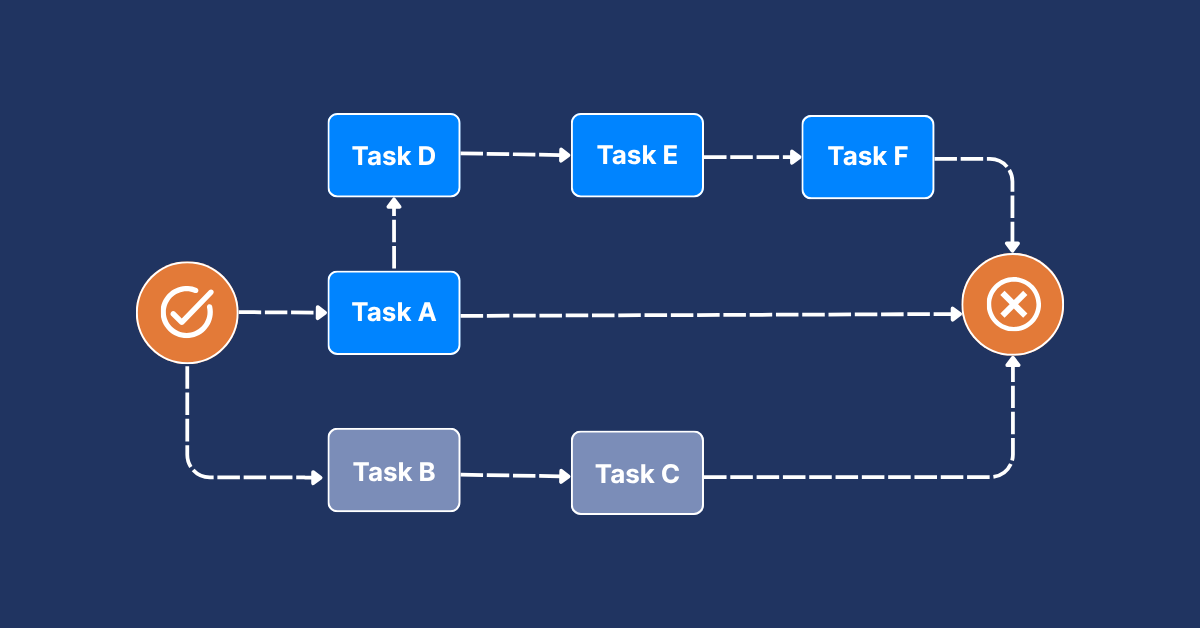
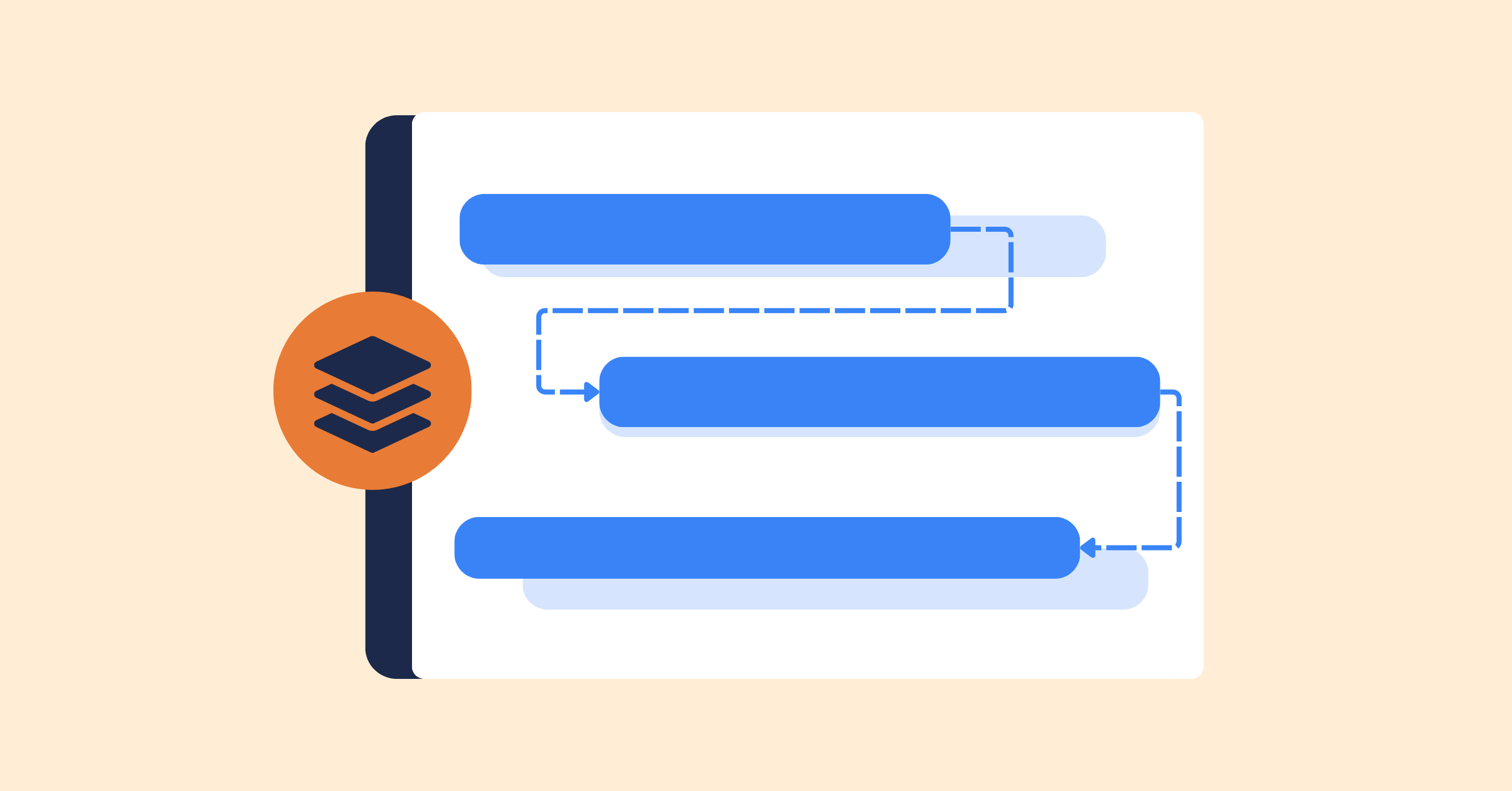
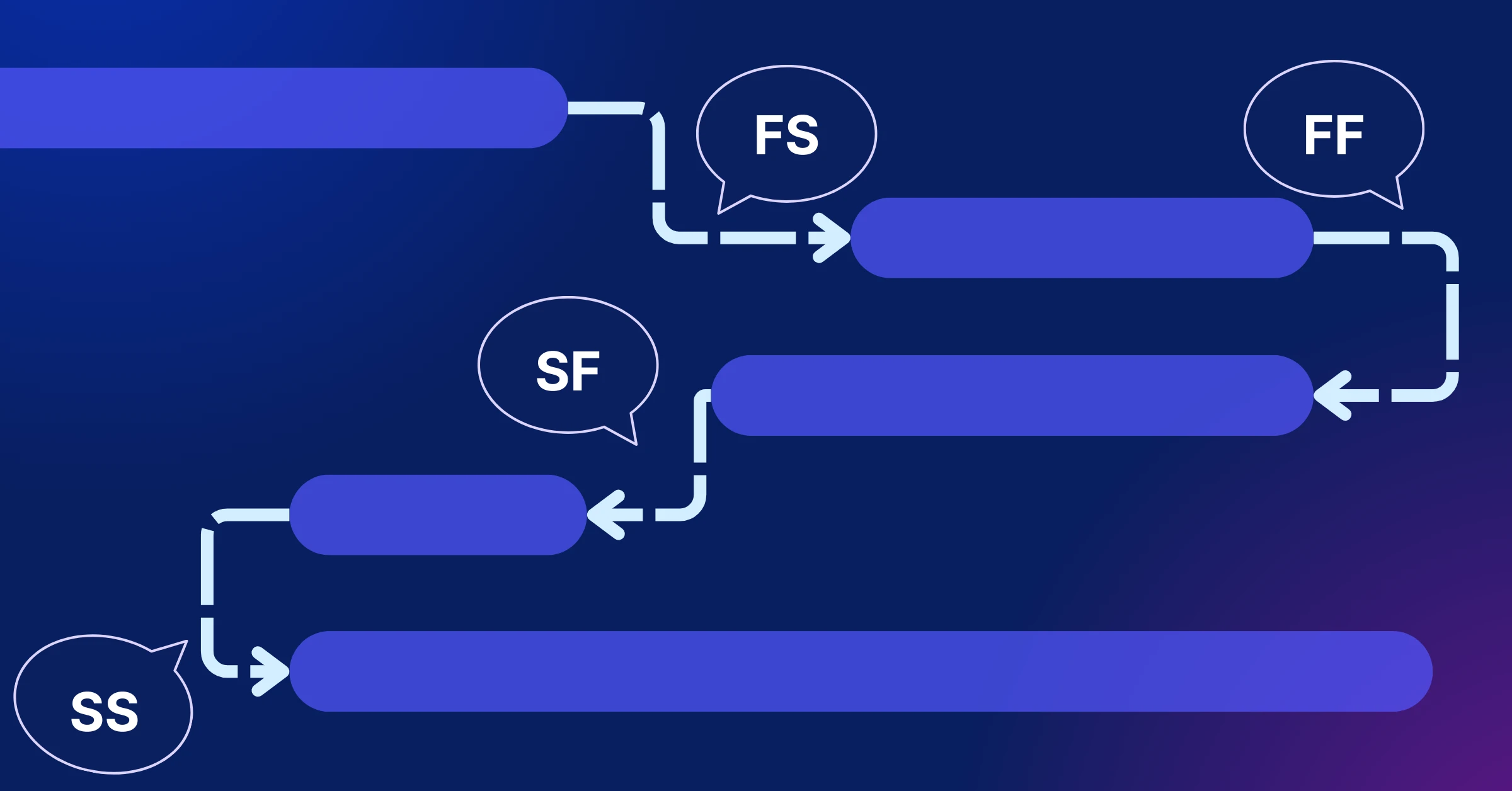
- Look for dependencies, which are tasks that must finish before others can begin. For instance, “Prototype Approved” must precede “Beta Testing.”
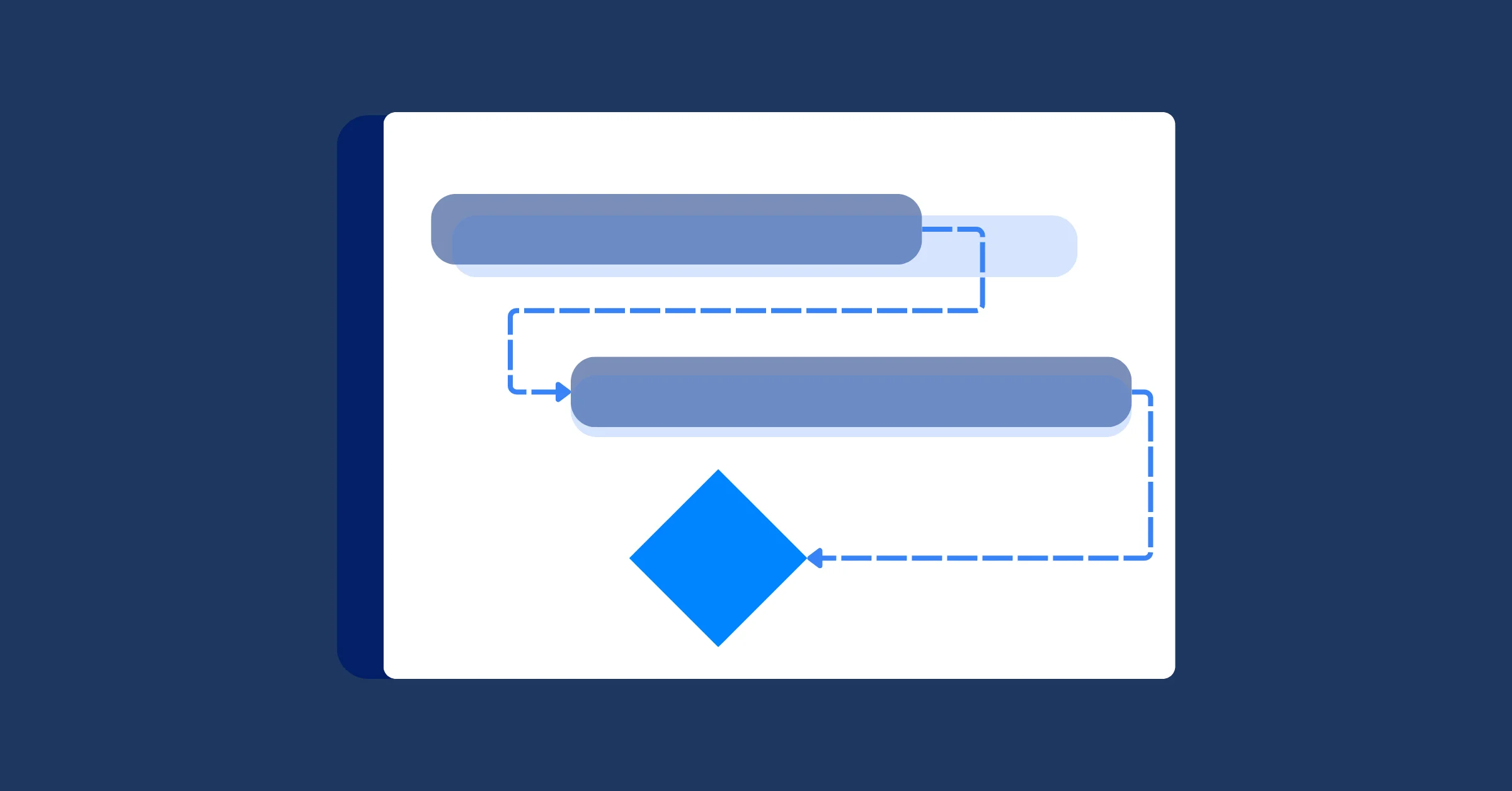
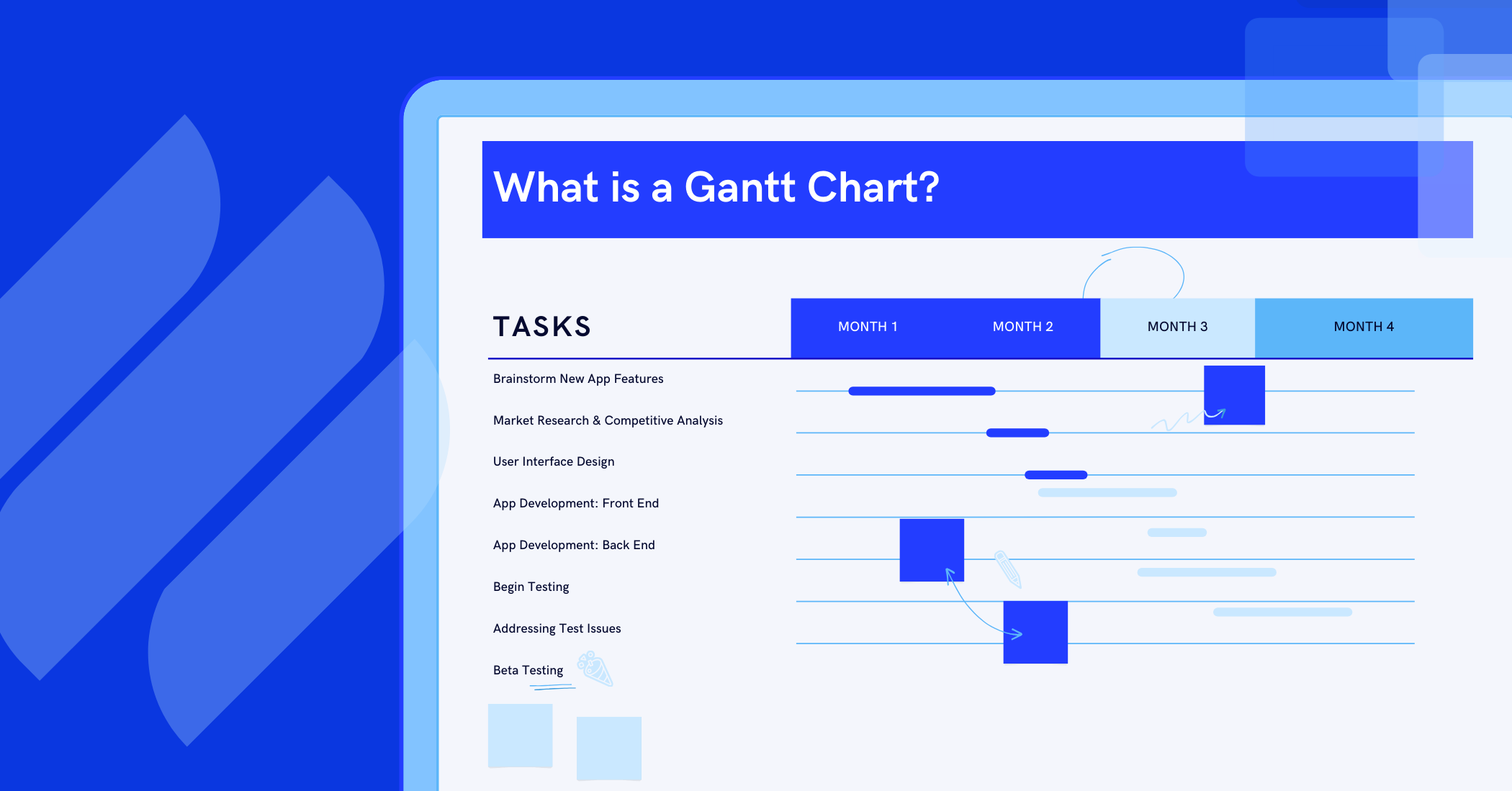
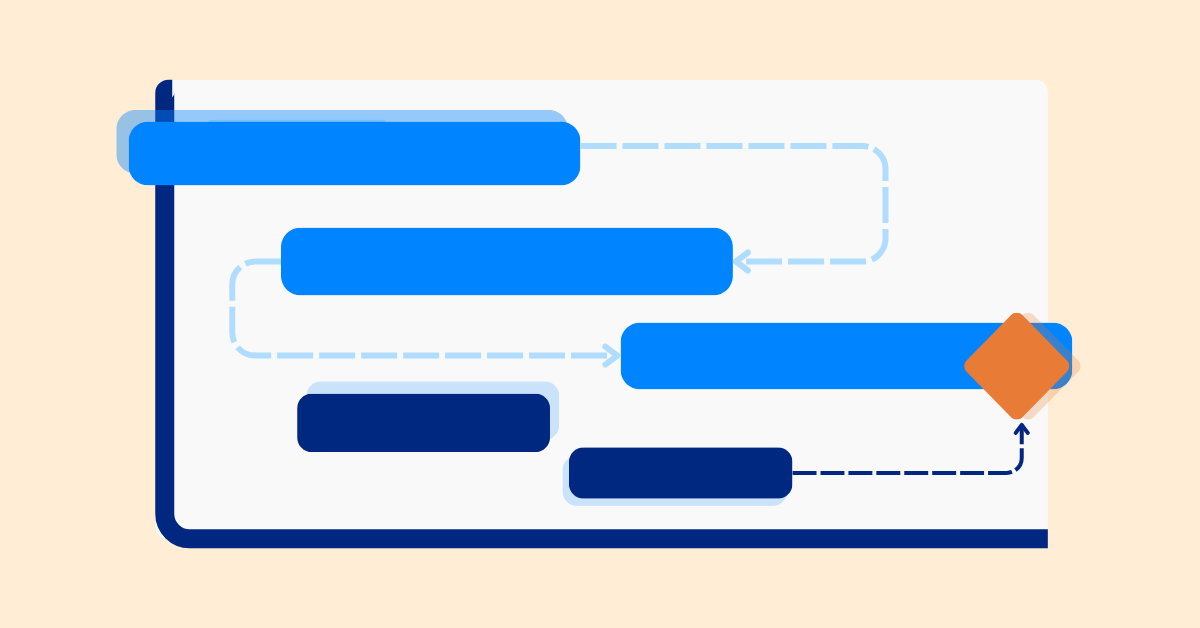
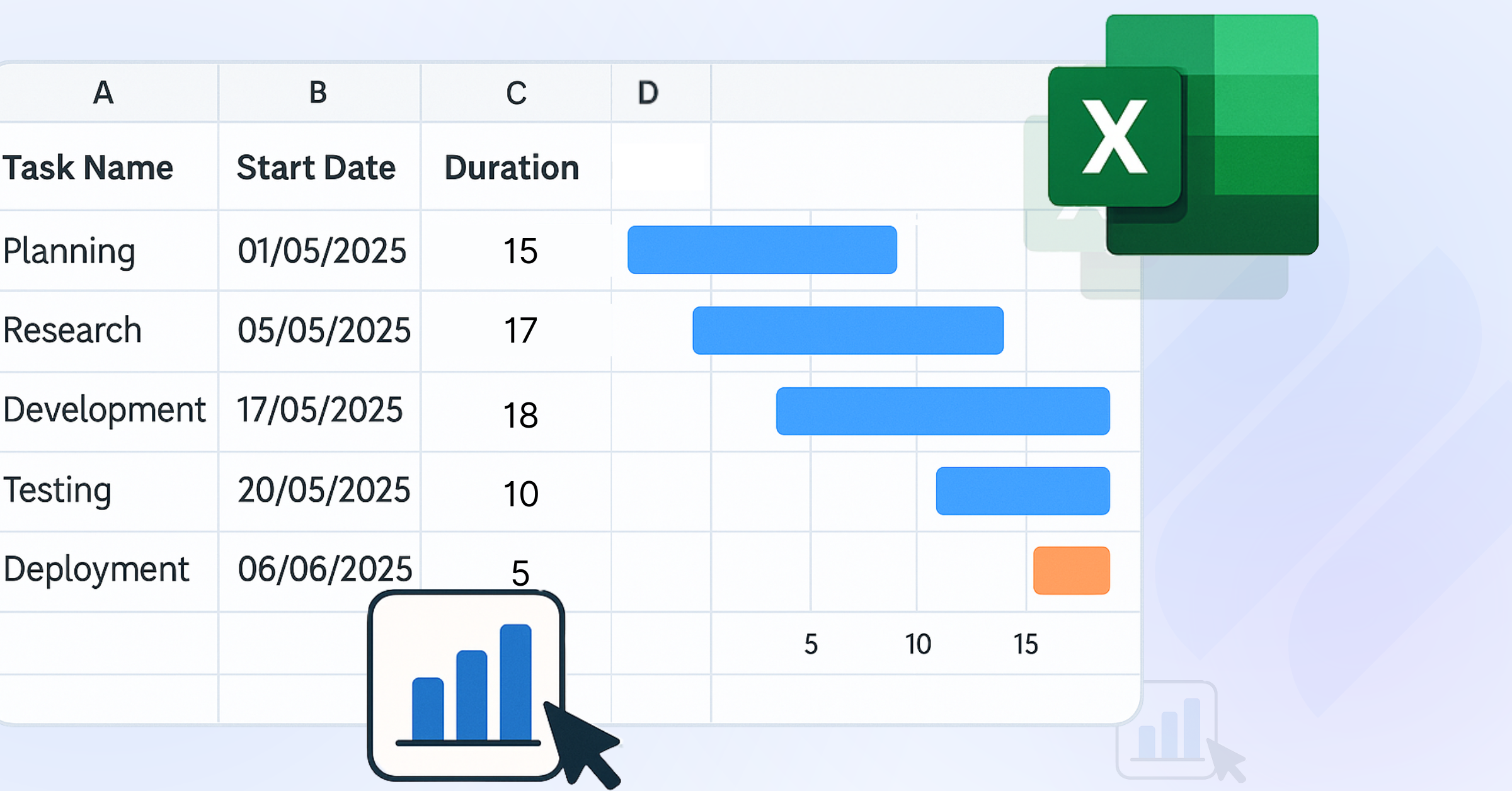
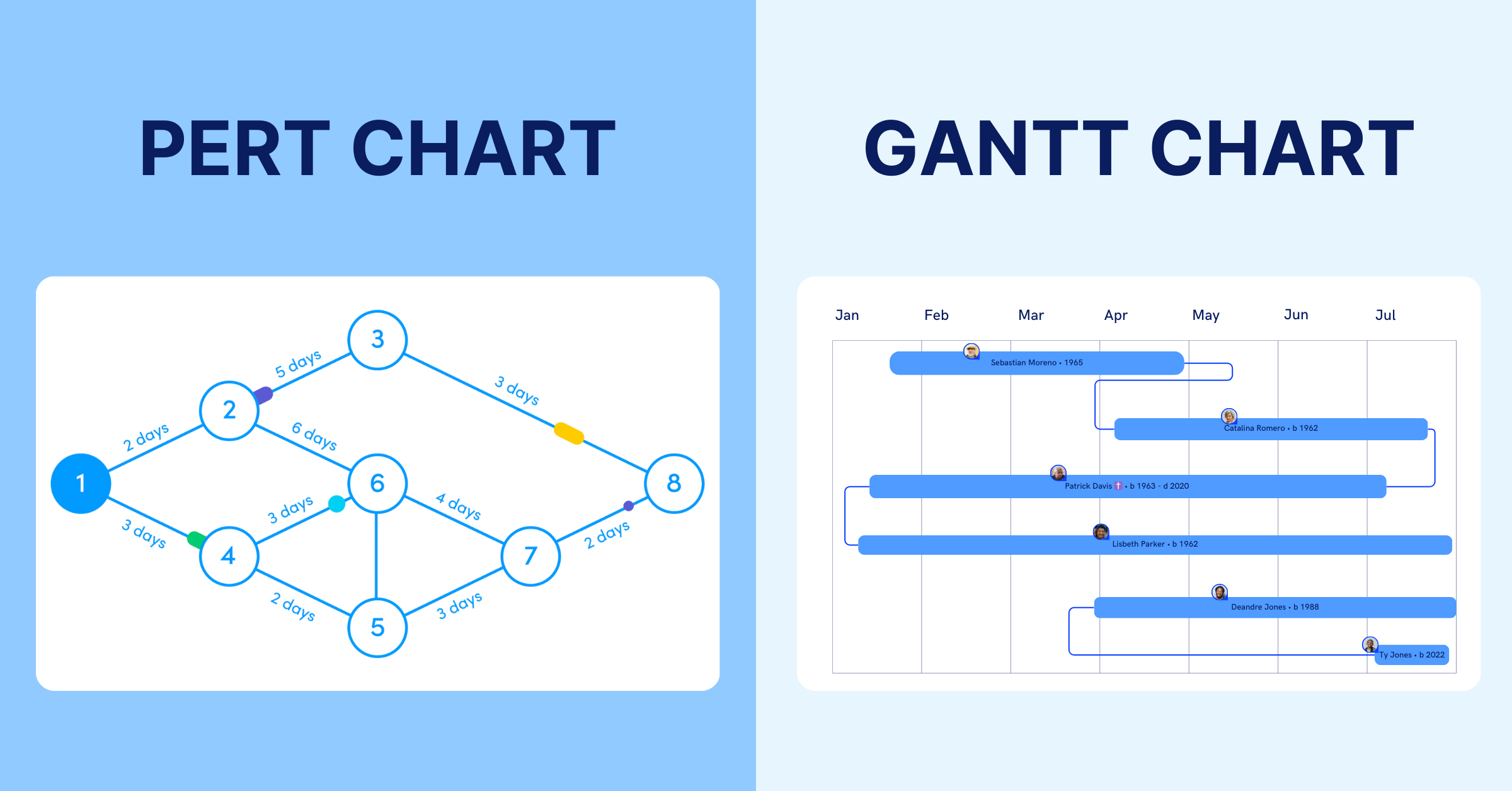
- Use your Gantt chart or project management software to map these dependencies visually.
- Select milestones that represent major transitions or decision points rather than minor progress.
By connecting milestones to key dependencies, you ensure they function as real checkpoints that influence scheduling and resource allocation.
Step 4: Assign Realistic Dates and Responsibilities
Milestones only work if they’re achievable. Estimate timeframes based on task complexity and resource availability, then validate them with your team.
- Include buffer time for testing, revisions, or approvals.
- Assign ownership to each milestone, meaning someone is responsible for driving it to completion.
- Avoid arbitrary dates (“end of quarter”) without context; base deadlines on the completion of specific deliverables.
Step 5: Communicate and Align with Stakeholders
Misaligned expectations can derail even the best-laid plans. Involve key stakeholders early when defining milestones.
- Review proposed milestones in a kickoff meeting to confirm they reflect real priorities.
- Document them clearly so everyone, from executives to contributors, understands what each milestone represents.
- If a milestone like “Client Review Complete” depends on external feedback, confirm that the client’s schedule supports it.
Transparent communication ensures accountability and prevents unpleasant surprises later.
Step 6: Monitor Progress and Adjust as Needed
Milestones aren’t static, they evolve with your project. Regularly track progress using your project management tool’s milestone view or dashboard.
- If a milestone slips, investigate early: Is the delay caused by resource bottlenecks, unclear scope, or dependencies?
- Update timelines and communicate changes promptly to avoid cascading delays.
- Use milestone reports or notifications to alert stakeholders when a major checkpoint is reached or postponed.
Learn more: How to Set Project Milestones That Actually Signal Progress
Track and Manage Milestones with Ease with TaskFord
Managing project milestones can be a complex task, especially when coordinating multiple teams and deadlines. TaskFord - the Integrated Work Delivery Platform helps you keep track of every milestone by offering a clear, centralized timeline that integrates all major deliverables and key events. Here’s how TaskFord helps:
1. Clear Milestone Tracking
TaskFord allows you to set, monitor, and update milestones across your projects. With real-time updates, you can see progress instantly, making it easier to ensure deadlines are met.
2. Milestone Dependencies
Link milestones to tasks and dependencies, helping you track what needs to be completed before moving forward. TaskFord’s dependency management ensures projects stay on track by highlighting critical tasks.
3. Timeline Visualization
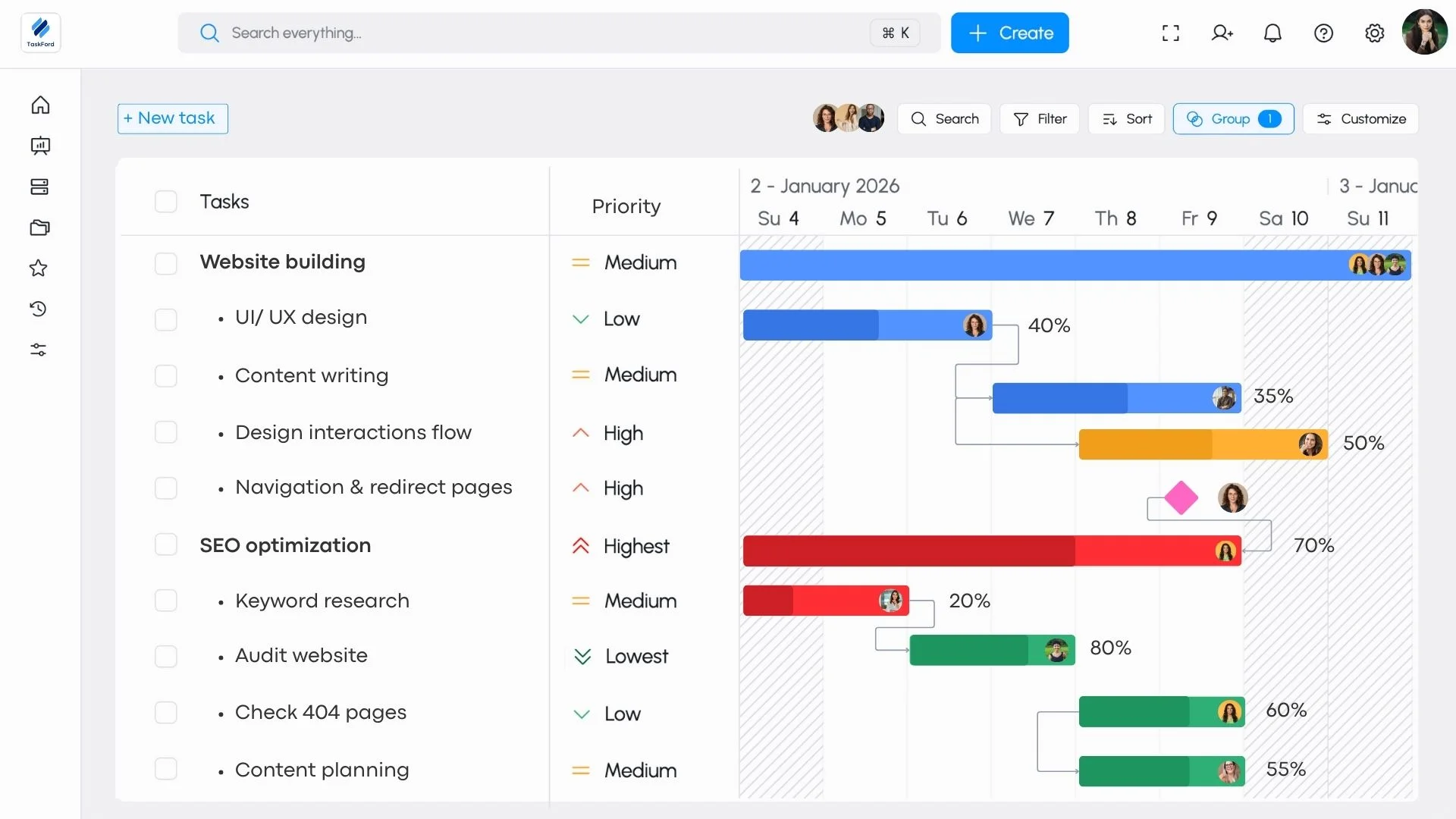
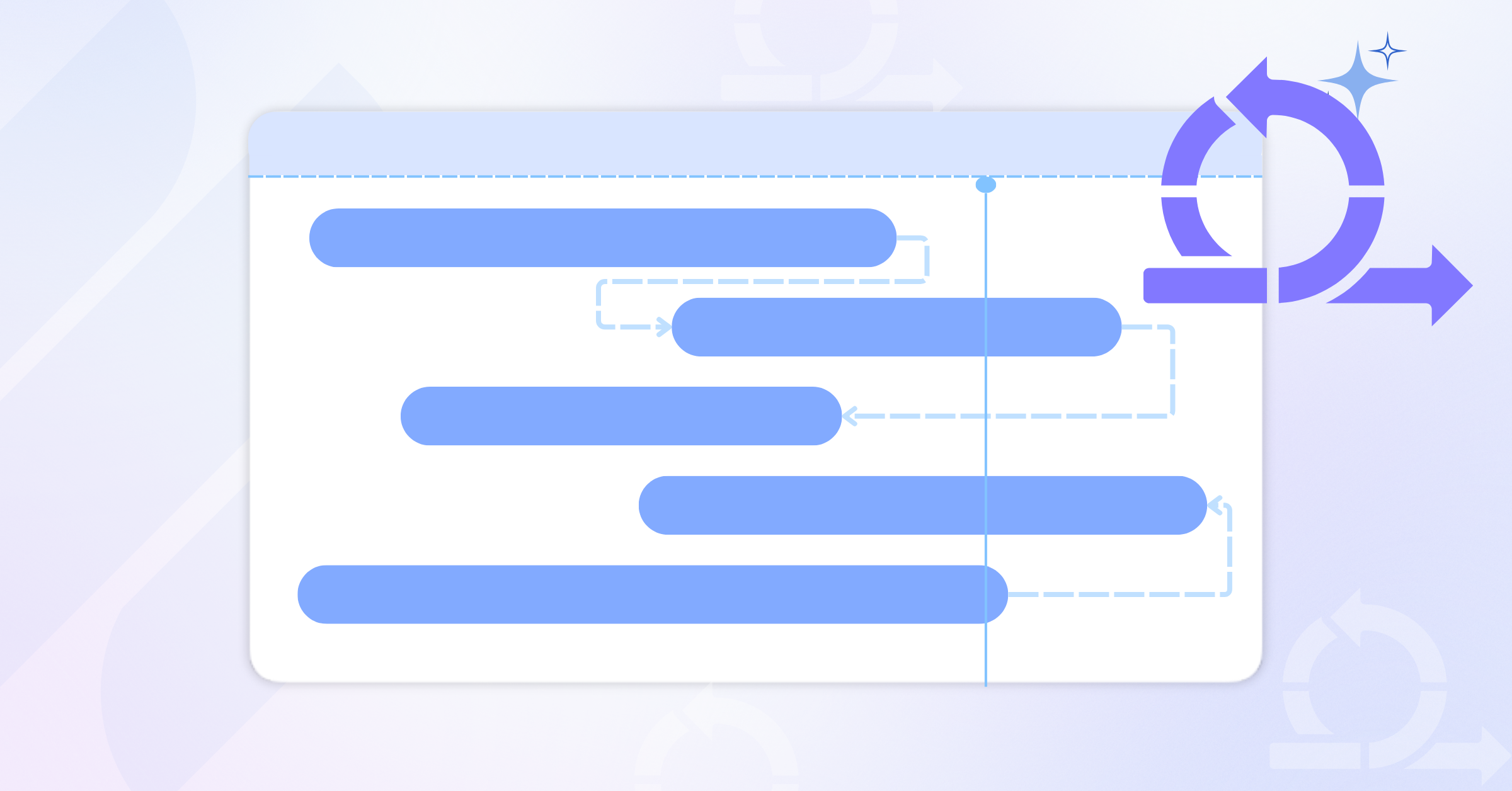
Using TaskFord’s Gantt Chart, you can visualize your milestones alongside project timelines. This gives teams a clear understanding of the overall project flow and helps prevent delays by ensuring key dates are met.
4. Easy Adjustments
If schedules change, TaskFord makes it easy to adjust milestones and timelines. With a few clicks, you can update your project’s goals, resources, and timelines, keeping everything aligned with new objectives.
5. Improved Team Alignment
By tracking milestones in TaskFord, everyone stays on the same page. Real-time tracking ensures that all team members know what needs to be done and when, reducing confusion and improving collaboration.
Frequently Asked Questions
How do I decide how many milestones my project should have?
There’s no fixed number, but each milestone should represent a meaningful phase or achievement. For most projects, aim for 5–10 milestones that correspond to key transitions such as planning complete, prototype approved, or final delivery. Too many milestones can dilute focus, while too few make progress harder to measure.
Can milestones change during a project?
Yes, and they often should. Projects evolve, and milestone dates or criteria may shift as new information emerges. Use tools like Gantt charts to adjust milestone dependencies without losing overall visibility. What’s important is to communicate changes early so stakeholders stay aligned.
How do I track milestone progress effectively?
Link milestones to specific deliverables or completion criteria. For example, “Beta Version Released” is measurable, either the beta is out or it’s not. Tools like TaskFord make tracking easier by showing milestone status updates, visual indicators, and automated alerts when deadlines slip.
What’s the best way to present milestones to stakeholders?
Avoid long status reports. Instead, share a visual Gantt chart view that highlights milestones as clear diamond markers. This gives stakeholders a quick sense of progress at a glance, making it useful for executive summaries or client updates.
Conclusion
Project milestones are indispensable for effective project management, offering clarity, accountability, and motivation. By breaking down complex projects into manageable segments, milestones help teams stay focused, communicate progress, and mitigate risks. When integrated into Gantt charts, milestones provide a visual roadmap that enhances task management and keeps projects on track.
Whether you’re managing a software launch, a construction project, or a marketing campaign, milestones are your guideposts to achieving your goals. By setting clear, meaningful milestones and leveraging tools, you can ensure that your projects stay organized, on time, and aligned with your objectives. To get started with effective milestone tracking, explore how TaskFord can transform your project management experience.
Learn more
- Gantt Chart 101: Definition, Key Features, and How to Use It for Project Management
- 10 Examples of Milestones in Project Management and How to Track Them
- Gantt Chart Milestones: How to Map Your Project Milestones on Gantt Charts Effectively
Related Articles

















How to Build and Manage a Product Roadmap with TaskFord
















How to Build a Connected Project Timeline in TaskFord












What Are the Best Jira Alternatives for Scrum Teams?






















How WBS Reveals Delivery Breakdown Before It’s Too Late










![How To Conduct a Profound Stakeholder Analysis [+ Free Template]](/marketing/blog/stakeholder-analysis.webp)


















What to Look for in Scrum Tools (Beyond Kanban Boards)


![Project Management Calendar for Teams and Managers [Free Templates]](/marketing/blog/project-management-calendar.webp)







How to Define Project Deliverables: A Step-by-Step Guide












![RACI Chart in Project Management: Rules & Examples [Free Download]](/marketing/blog/raci-chart.webp)



















![7 Must-Have Project Management Documents Every PO Should Know [Free Templates]](/marketing/blog/project-management-documents.webp)












![How to Create a Winning Project Plan for IT Projects [10 Steps Included]](/marketing/blog/how-to-create-a-project-plan.webp)




![Daily Standup Best Practices: Apply AI to Organize Meetings Successfully [2026 Trends]](/marketing/blog/daily-standup.webp)






![How to Create a Project Communication Plan: Step-by-Step Guide [+Free Template]](/marketing/blog/project-communication-plan.png)


![Master Project Procurement Management in 5 Steps [Download a free plan template]](/marketing/blog/project-procurement-management.webp)


































Subscribe for Expert Tips
Unlock expert insights and stay ahead with TaskFord. Sign up now to receive valuable tips, strategies, and updates directly in your inbox.