Jira vs Clickup: Feature-by-Feature Battle for Modern Teams
Jira or ClickUp? Discover how these project management tools stack up on features, pricing, and usability — plus insights for modern teams.
When teams search for the best project management software, two tools often rise to the top: Jira and ClickUp. Both are powerful and popular, but they serve very different types of teams.
Jira is known for its strong Agile and software development features, while ClickUp aims to be a flexible all-in-one workspace for any kind of team. That leaves many managers asking the same question: Jira vs ClickUp — which one is the better choice for modern teams in 2026?
In this guide, we’ll compare the two tools feature by feature — from task management and reporting to pricing and ease of use. Whether you’re leading a dev-heavy team or a cross-functional group, this breakdown will help you decide which platform best fits your workflow.
Snapshot of Jira and ClickUp
When it comes to project management, Jira and ClickUp are two heavyweights that dominate the field, each bringing a unique flavor to the table. Here’s a quick look at their origins, capabilities, and ideal use cases:
Jira Overview
Jira was developed by Atlassian and originally built as a bug and issue tracking tool. Over the years, it has evolved into one of the most widely used platforms for Agile Project Management. Jira is known for its robust support of Scrum and Kanban, detailed backlog management, sprint planning, and advanced reporting. It also connects with the wider Atlassian ecosystem, including Confluence, Bitbucket, and Trello.
Best suited for: Software development, IT, and product teams that work in Agile environments and need powerful issue tracking and reporting.
ClickUp Overview
ClickUp entered the market as a modern, all-in-one productivity platform, aiming to replace multiple tools with a single workspace. Its biggest strength is flexibility — offering features such as task management, docs, chat, goals, dashboards, time tracking, and whiteboards, all highly customizable to match different workflows.
Best suited for: Cross-functional teams, startups, marketing, operations, and organizations that need a flexible all-in-one platformto manage tasks, documents, collaboration, and reporting in one place.
Feature-by-Feature Comparison
With both tools established as leaders, the real question is how they stack up in practice. Let’s break down Jira and ClickUp across the features that matter most to modern teams — from task management and Agile support to collaboration, reporting, and pricing.
1. Task Management
-
Jira organizes tasks through an issue-based system, structuring work into epics, stories, and bugs with predefined workflows, making it ideal for software development but potentially rigid for non-technical teams.
-
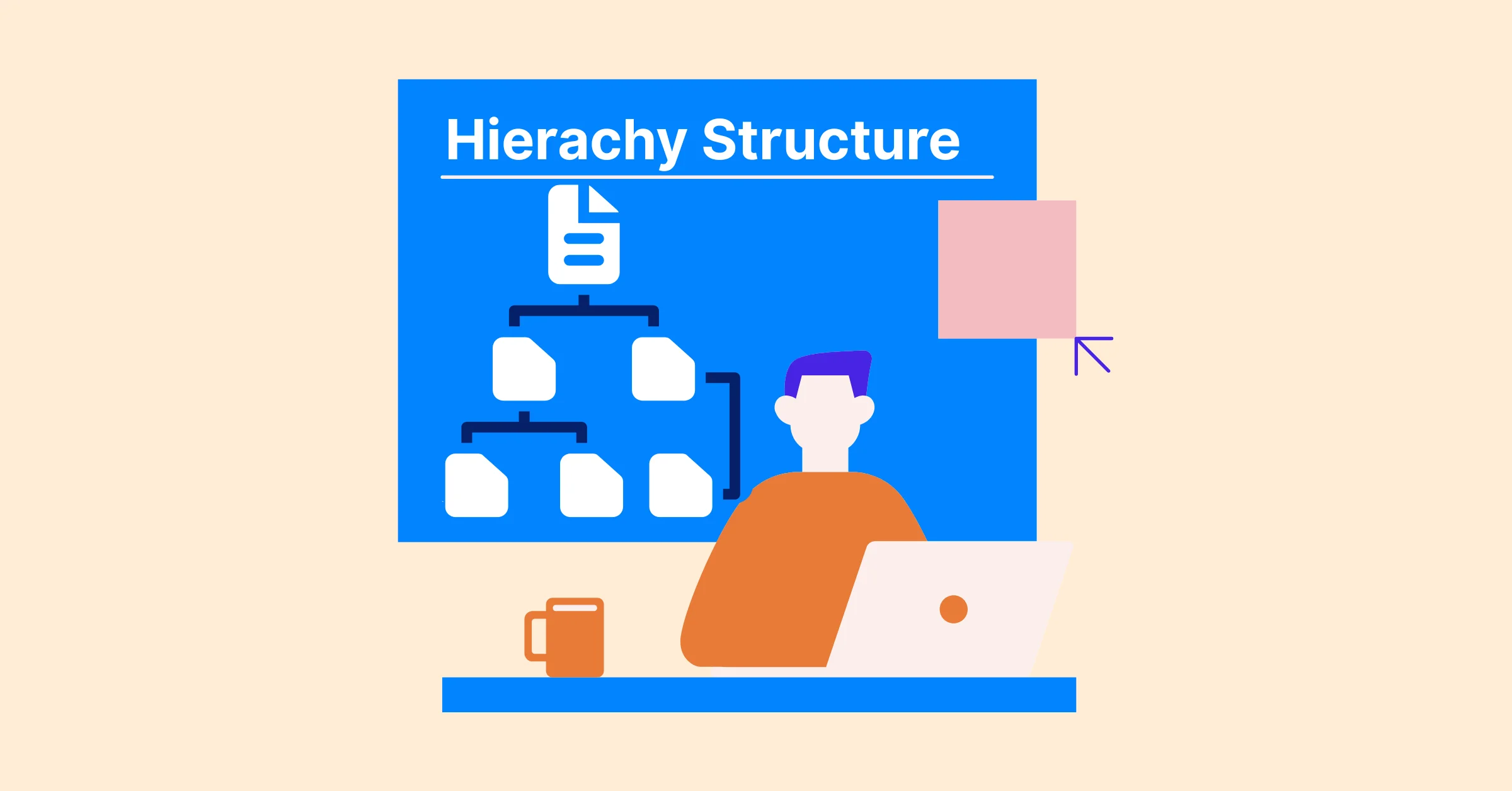
In contrast, ClickUp offers a flexible six-level hierarchy, from Workspace to Subtasks, allowing teams to tailor task organization to diverse project needs with custom fields and statuses, though its feature-rich setup might overwhelm simpler workflows.
→ Key difference: Jira delivers a structured, technical approach best for development teams, while ClickUp provides an adaptable system suited for a wide range of industries and workflows.
2. Agile Methodologies
- Jira was built with Agile in mind, offering robust support for Scrum, Kanban, sprint planning, and backlog management. Its built-in reports make it a go-to choice for teams practicing Agile at scale.
- ClickUp supports Agile practices through boards, sprints, and custom workflows, but it is less specialized. It works well for teams blending Agile with other methods.
→ Key difference: Jira is purpose-built for Agile teams, while ClickUp offers Agile as part of a broader, more flexible toolkit.
3. Collaboration & Communication
- Jira provides collaboration features such as comments, mentions, and integrations with Confluence for documentation. While effective, it often relies on the Atlassian ecosystem for deeper collaboration.
- ClickUp integrates collaboration into its core with docs, whiteboards, real-time chat, and goal tracking, allowing teams to plan, discuss, and execute in the same space.
→ Key difference: Jira depends on integrations for collaboration, whereas ClickUp delivers an all-in-one experience.
4. Time Tracking
- Jira includes only basic time tracking and often requires third-party plugins like TeamBoard TimePlanner for advanced time tracking and reporting.
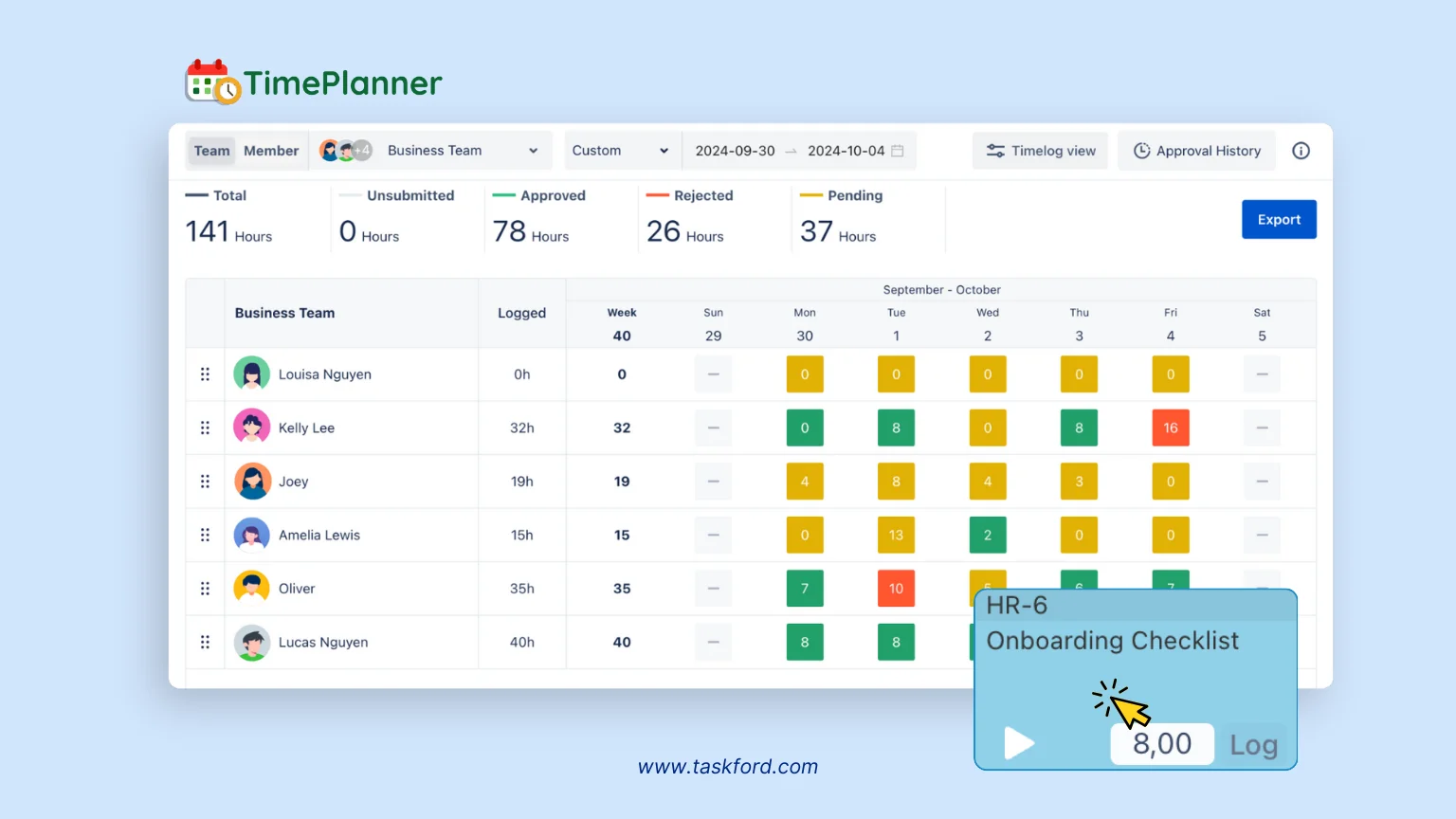
- ClickUp provides built-in time tracking with the ability to log hours, set estimates, and integrate with external time management tools.
→ Key difference: Jira requires add-ons for robust time tracking, while ClickUp includes it natively.
5. Reporting & Analytics
- Jira excels in reporting with Agile-specific tools like sprint velocity charts,burndown charts, and release tracking, providing detailed insights for technical teams but often requiring configuration for broader use.
- ClickUp delivers customizable dashboards and reports that cater to diverse project needs, offering user-friendly visualizations without deep technical expertise.
→ Key difference: Jira is stronger for Agile-specific reporting, while ClickUp offers broader, customizable insights.
6. Integrations
- Jira boasts over 3,000 integrations through the Atlassian Marketplace, connecting seamlessly with developer tools like Bitbucket and Confluence, ideal for technical teams but potentially overwhelming for simpler setups.
- ClickUp integrates widely with productivity, communication, and business tools such as Slack, Google Drive, and HubSpot, offering more variety outside development.
→ Key difference: Jira is best for Atlassian-based teams; ClickUp offers wider integrations for cross-functional use.
7. Customization
- Jira allows highly detailed customization of workflows, fields, and permissions, making it a powerful option for technical teams that need precision. However, this flexibility comes with complexity, often requiring admin expertise to set up and maintain.
- ClickUp emphasizes easy-to-use customization, offering drag-and-drop fields, custom statuses, and templates that non-technical users can adjust quickly. It balances flexibility with accessibility, but may not reach the depth Jira offers for complex workflows.
→ Key Difference: Jira offers advanced customization for technical teams, while ClickUp makes customization easier and more approachable for all users.
8. User Interface & Ease of Use
- Jira provides a feature-rich interface designed to handle complex project structures. While powerful, the learning curve can be steep, and new users may find it overwhelming without training.
- ClickUp has a modern and intuitive interface, designed for quick onboarding and ease of navigation. That said, the abundance of features can sometimes feel cluttered, requiring teams to streamline their setup.
→ Key Difference: Jira rewards experienced teams with its depth, while ClickUp is more beginner-friendly and faster to adopt.
9. Pricing
-
Jira provides a free plan for up to 10 users, with paid plans starting at $8.60 per user per month, offering scalability but higher costs for larger teams.
-
ClickUp’s free plan includes unlimited users with robust features, and paid plans start at $10 per user per month, making it more budget-friendly.
→ Key Difference: Jira’s pricing model favors large enterprises, while ClickUp delivers better value for smaller and growing teams.
Jira vs ClickUp: Pros and Cons
No tool is perfect. Both Jira and ClickUp bring impressive strengths but also come with trade-offs that teams need to consider before committing.
✅ Jira Pros
- Purpose-built for Agile with strong Scrum and Kanban support.
- Advanced reporting and analytics tailored to development teams.
- Deep integration with Atlassian’s ecosystem (Confluence, Bitbucket, Trello).
- Highly customizable workflows and permissions.
- Scales well for enterprise-level organizations.
❌ Jira Cons
- Steep learning curve for new or non-technical users.
- Setup and customization can be complex and time-consuming.
- Collaboration features rely heavily on integrations (e.g., Confluence).
- Pricing can become high as teams scale and add features.
✅ ClickUp Pros
- Flexible all-in-one platform suitable for diverse industries.
- Built-in collaboration features like docs, chat, and whiteboards.
- Intuitive and modern user interface with easy onboarding.
- Strong customization that doesn’t require technical expertise.
❌ ClickUp Cons
- Feature-rich setup can feel overwhelming for smaller teams.
- Agile functionality is less specialized compared to Jira.
- Performance can slow down with large workspaces.
- Some advanced features require additional configuration.
- Pricing can become high as teams scale and add features.
Best Use Cases
While Jira and ClickUp share the same goal of helping teams manage projects, their strengths make them better suited for different scenarios.
When Jira Works Best
- Software Development & IT Teams → Ideal for teams practicing Agile methodologies with heavy reliance on Scrum, Kanban, and issue tracking.
- Enterprises with Complex Workflows → Suited for organizations that need advanced customization, reporting, and integration with developer tools.
- Agile-First Organizations → Perfect for companies that already follow structured Agile frameworks and want a platform built around them.
When ClickUp Works Best
- Cross-Functional Teams → Great for marketing, sales, operations, and startups looking for one tool to manage varied workflows.
- Small to Mid-Sized Teams → Flexible pricing and an intuitive interface make it easier to adopt without steep learning curves.
- All-in-One Workspace Needs → Ideal for teams wanting built-in docs, chat, whiteboards, and dashboards without relying heavily on third-party tools.
Verdict: Which Tool Wins for Modern Teams?
When it comes to Jira vs ClickUp, there’s no single winner — it all depends on your team’s priorities.
- Jira shines for software development and IT teams that rely on structured Agile practices. Its depth in issue tracking, sprint planning, and Agile reporting makes it the go-to for teams who need precision and are willing to manage the complexity.
- ClickUp, on the other hand, is better suited for cross-functional and growing teams that want flexibility and an all-in-one workspace. With its built-in collaboration tools, customizable workflows, and budget-friendly pricing, it’s a strong choice for organizations outside the strict Agile mold.
Looking for a Simpler & Modern Alternative? Meet TaskFord!
If Jira feels too complex and ClickUp too overwhelming, there’s good news: modern teams now have simpler, balanced options. One of them is TaskFord — an integrated work delivery platform designed to help teams plan, align, and execute projects with greater clarity and predictability.
What is TaskFord?
TaskFord is an Integrated Work Delivery Platform designed to help organizations connect strategic goals with day-to-day execution. Instead of focusing only on task tracking, TaskFord brings planning, collaboration, and delivery management into a single system so teams can move work forward with greater clarity and control.
With TaskFord, teams can plan initiatives, manage projects, track tasks, and monitor progress across the entire organization in one place. By aligning strategy, projects, and daily work, TaskFord helps teams stay focused on what matters most and achieve predictable delivery across critical initiatives.
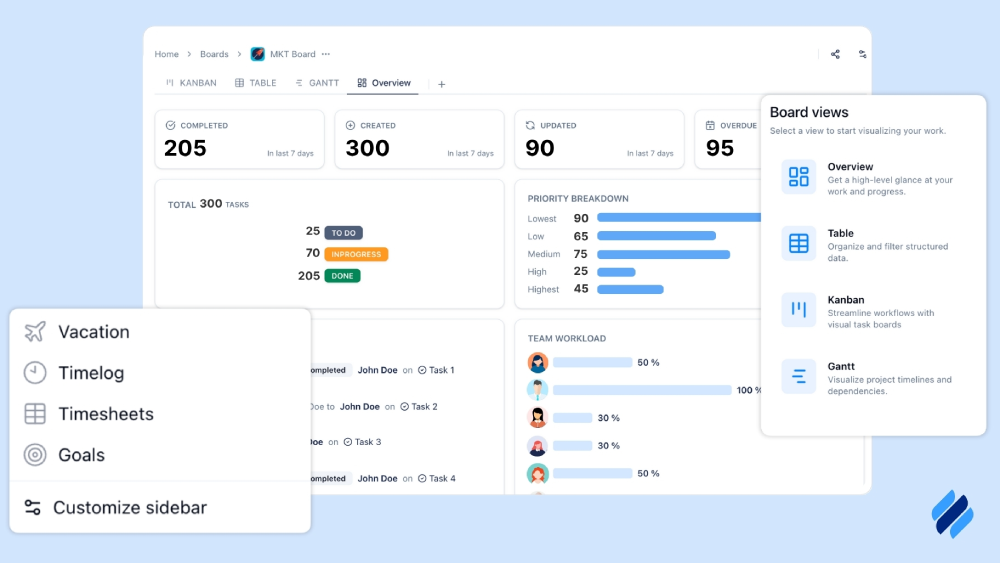
Key Features of TaskFord include:
- Strategic alignment – TaskFord connects goals, initiatives, projects, and tasks in one system, helping teams understand how their work contributes to strategic objectives.
- Integrated planning – The app enables teams to plan and manage work from strategy to execution in a unified workspace.
- Multiple project views – It provides flexible views such as Table, Kanban, Gantt, Schedule and Overview so teams can manage work in the way that suits them best.
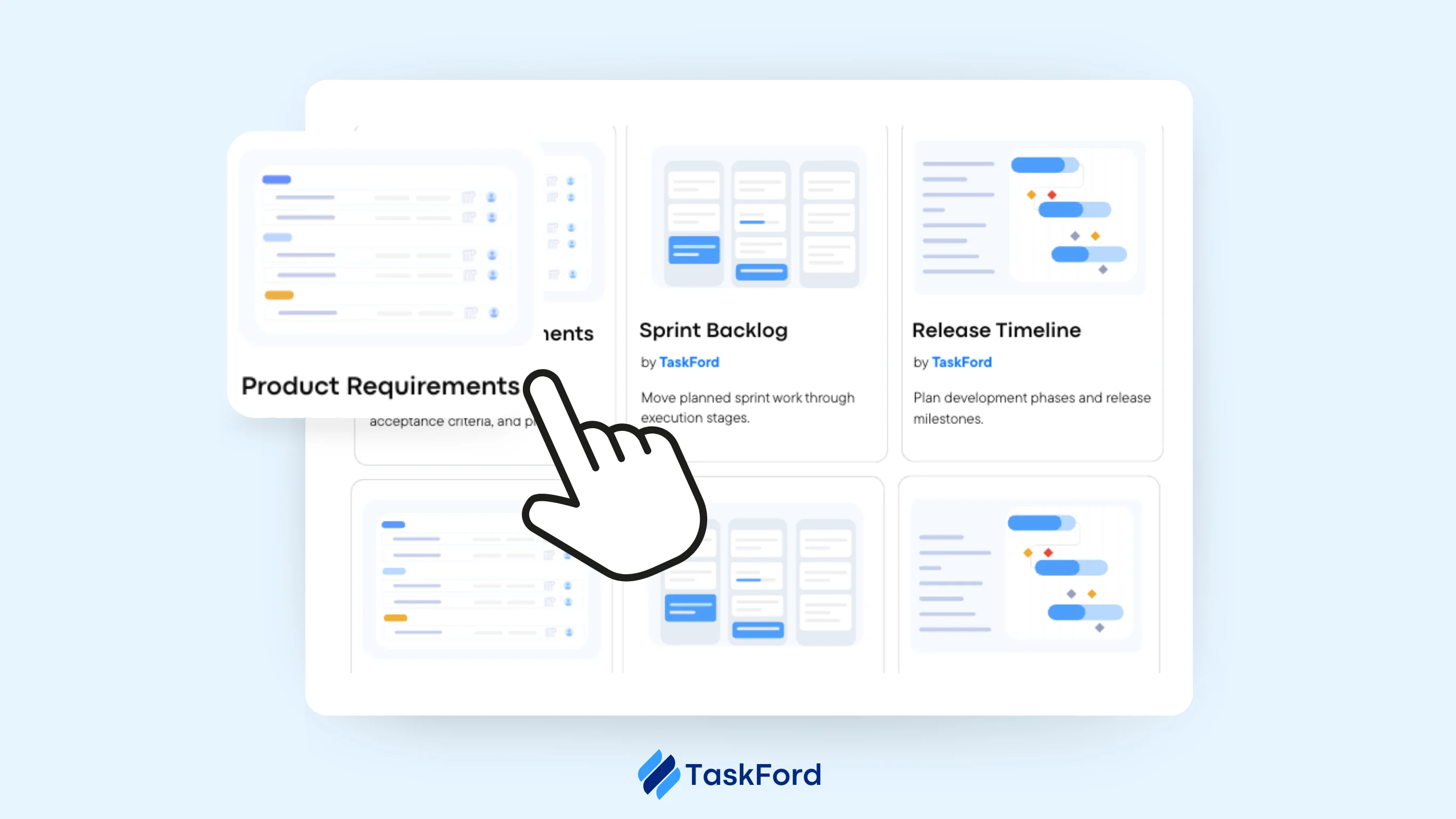
- Dependency management – TaskFord allows teams to link tasks with dependencies, automatically keeping schedules aligned when changes occur.
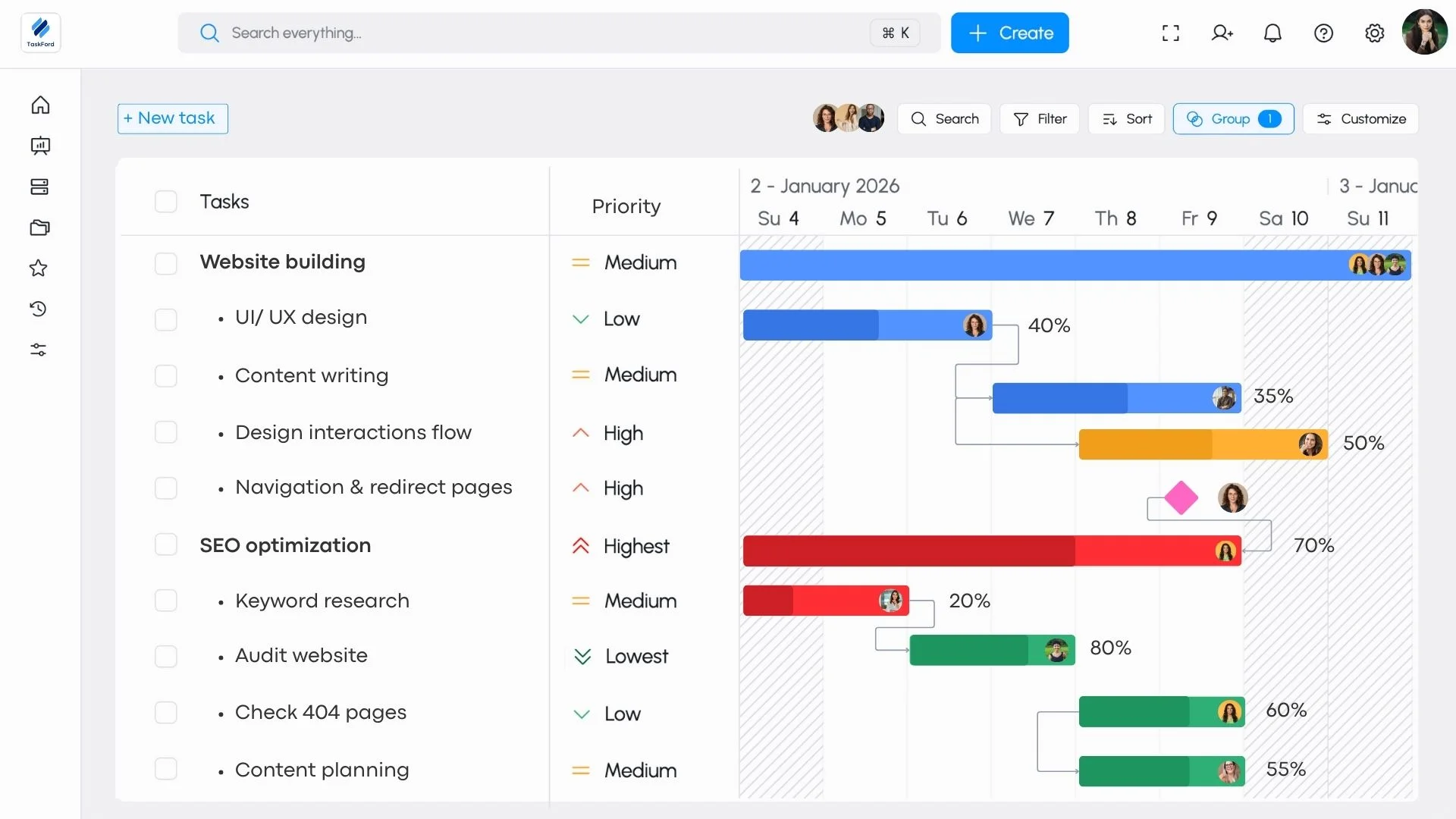
- Portfolio visibility – It gives leaders clear visibility across multiple projects and initiatives with real-time progress tracking.
- Team collaboration – The platform keeps discussions, updates, and project context together, making collaboration easier across teams.
- Predictable delivery – TaskFord helps teams monitor execution and progress, ensuring projects stay on track and deliver results on time.
Why Choose TaskFord Instead?
While Jira and ClickUp are widely used for project and task management, some teams look for a solution that more directly connects planning, execution, and delivery. TaskFord is designed to help organizations bring these elements together in a clear and structured way.
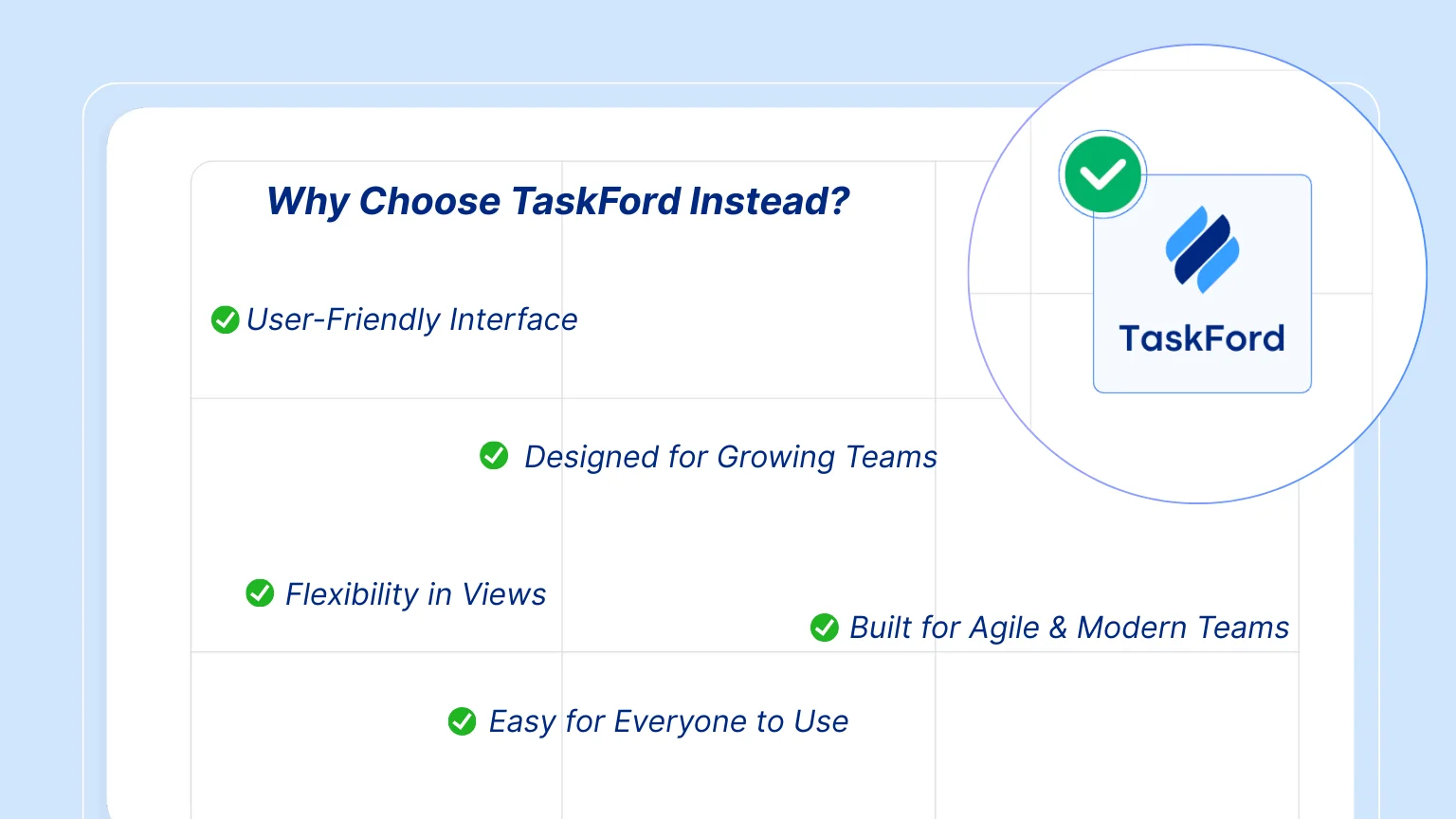
- Strategy-to-execution alignment TaskFord connects goals, initiatives, projects, and tasks so teams can clearly see how their work contributes to organizational priorities.
- Integrated planning and execution With TaskFord, teams can plan initiatives, manage projects, and track tasks in one unified platform.
- Flexible project views TaskFord supports multiple views such as Table, Kanban, Gantt, and Overview, allowing teams to manage work in the way that suits them best.
- Designed for predictable delivery TaskFord focuses on helping organizations plan, execute, and deliver projects reliably, not just manage tasks.
For teams looking to better connect strategy with day-to-day execution, TaskFord provides a modern approach to managing and delivering work.
Conclusion
Both Jira and ClickUp are powerful platforms that support teams in managing projects and tasks, each offering different strengths depending on team needs and workflows. Choosing the right tool often depends on factors such as team size, project complexity, and how work is organized across the organization.
For teams that want to go beyond task management and better connect planning, execution, and delivery, TaskFord offers a modern alternative. By linking goals, initiatives, projects, and tasks in one unified platform, TaskFord helps organizations stay aligned and deliver work with greater clarity and predictability.
Ultimately, the best solution is the one that helps your team plan effectively, collaborate smoothly, and deliver projects with confidence.
Related Articles:
- ClickUp Project Management vs Alternatives in 2026: Which Tool Fits Your Team
- Microsoft Project vs Monday for Project Management - A Full Review & Comparison
- Asana vs Smartsheet: Which Project Management Tool Fits Your Team?
- Wrike vs Monday: Which Project Management Tool Should You Choose For Your Team?
Related Articles














How to Build and Manage a Product Roadmap with TaskFord










How to Build a Connected Project Timeline in TaskFord







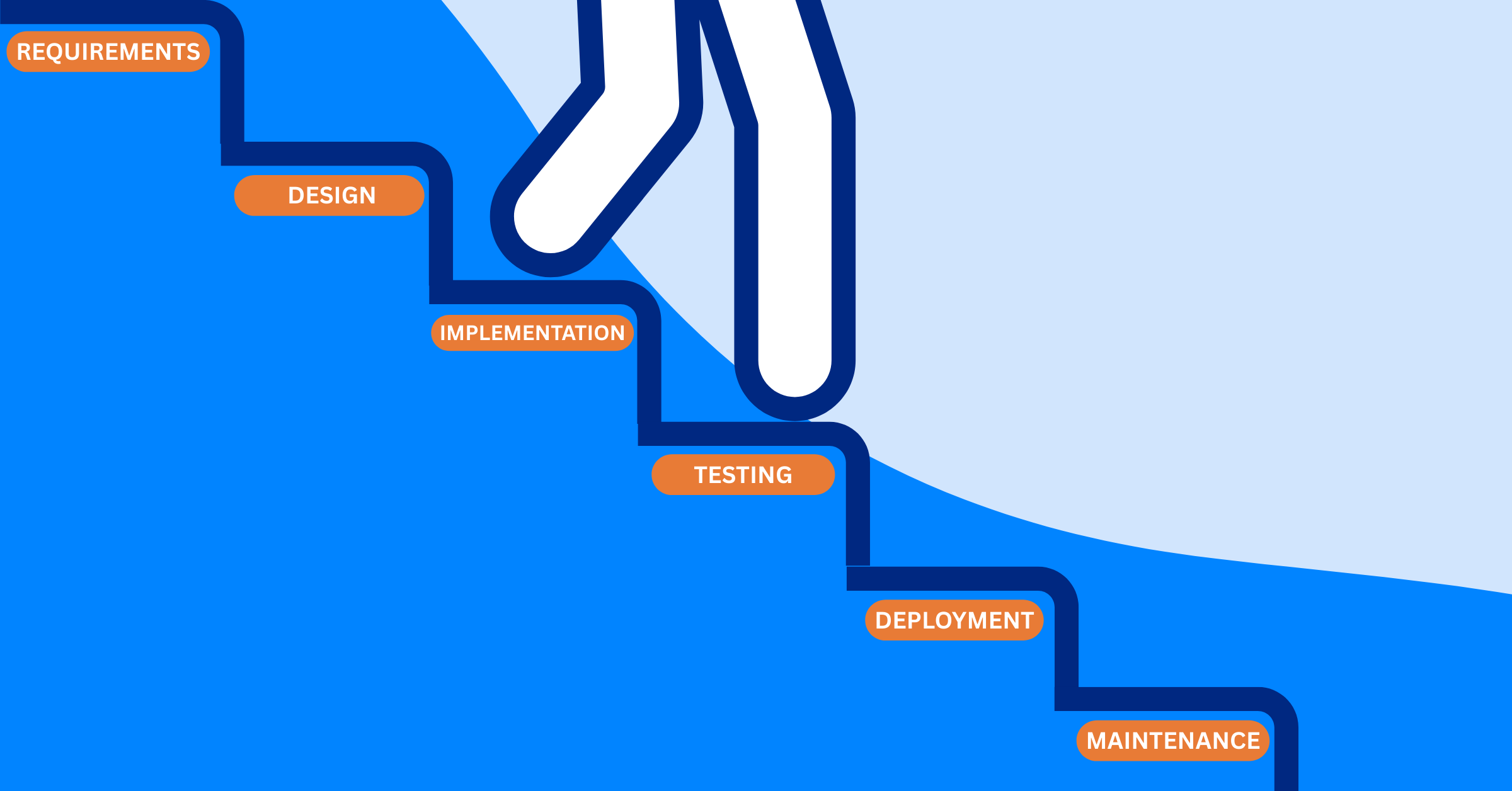
What Are the Best Jira Alternatives for Scrum Teams?






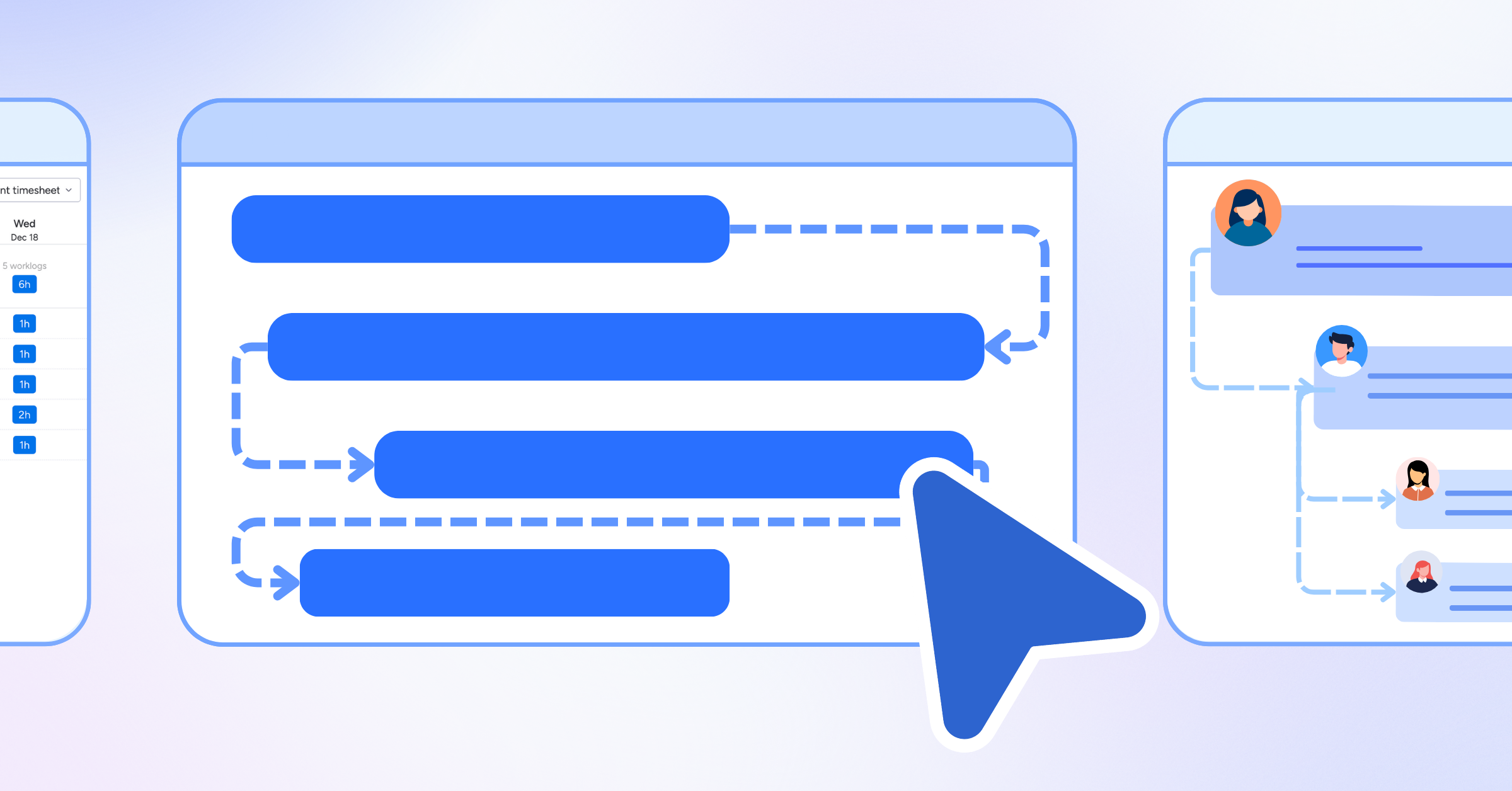











How WBS Reveals Delivery Breakdown Before It’s Too Late








![How To Conduct a Profound Stakeholder Analysis [+ Free Template]](/marketing/blog/stakeholder-analysis.webp)












What to Look for in Scrum Tools (Beyond Kanban Boards)

![Project Management Calendar for Teams and Managers [Free Templates]](/marketing/blog/project-management-calendar.webp)






How to Define Project Deliverables: A Step-by-Step Guide




![RACI Chart in Project Management: Rules & Examples [Free Download]](/marketing/blog/raci-chart.webp)












![7 Must-Have Project Management Documents Every PO Should Know [Free Templates]](/marketing/blog/project-management-documents.webp)






![How to Create a Winning Project Plan for IT Projects [10 Steps Included]](/marketing/blog/how-to-create-a-project-plan.webp)



![Daily Standup Best Practices: Apply AI to Organize Meetings Successfully [2026 Trends]](/marketing/blog/daily-standup.webp)





![How to Create a Project Communication Plan: Step-by-Step Guide [+Free Template]](/marketing/blog/project-communication-plan.png)


![Master Project Procurement Management in 5 Steps [Download a free plan template]](/marketing/blog/project-procurement-management.webp)
























Subscribe for Expert Tips
Unlock expert insights and stay ahead with TaskFord. Sign up now to receive valuable tips, strategies, and updates directly in your inbox.