Work that works.
Delivery that delivers.
TaskFord’s features give teams everything they need to turn work into delivery.
No credit card needed - Free forever plan
TaskFord Overview
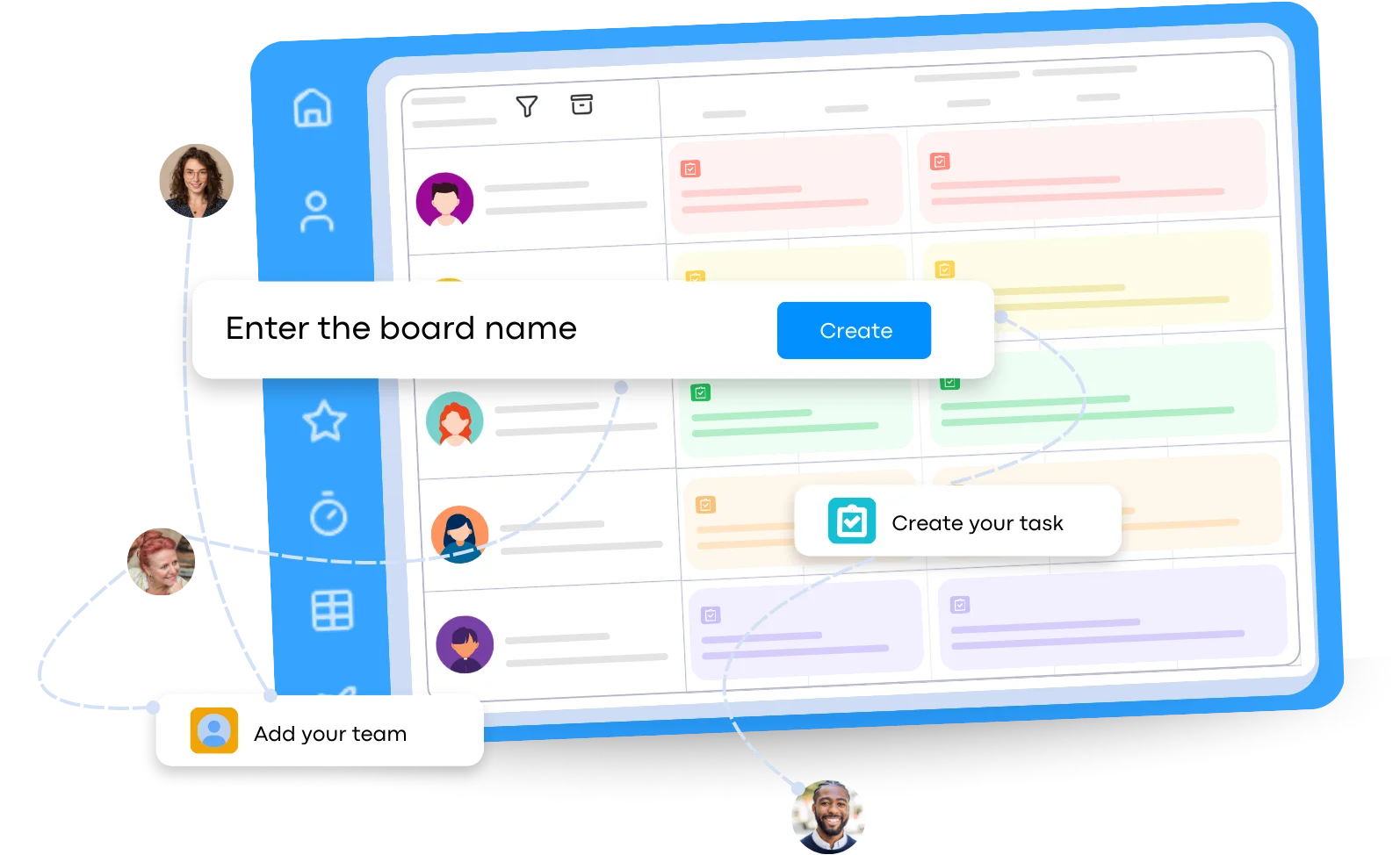
You don’t need many tools. TaskFord helps you see projects, tasks, time, and resources in one place.
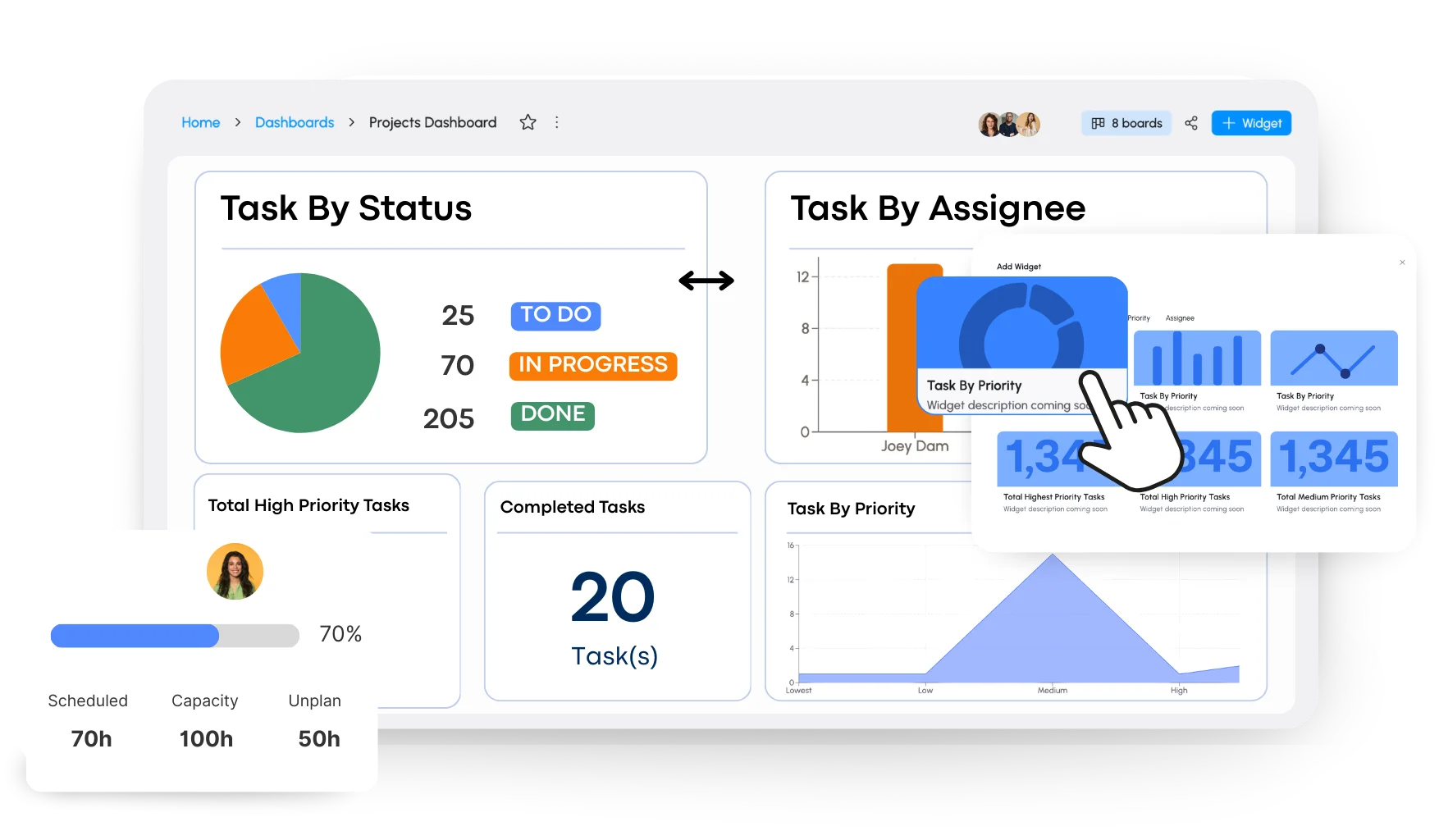
Dashboards
See everything in one view.
See project status at a glance
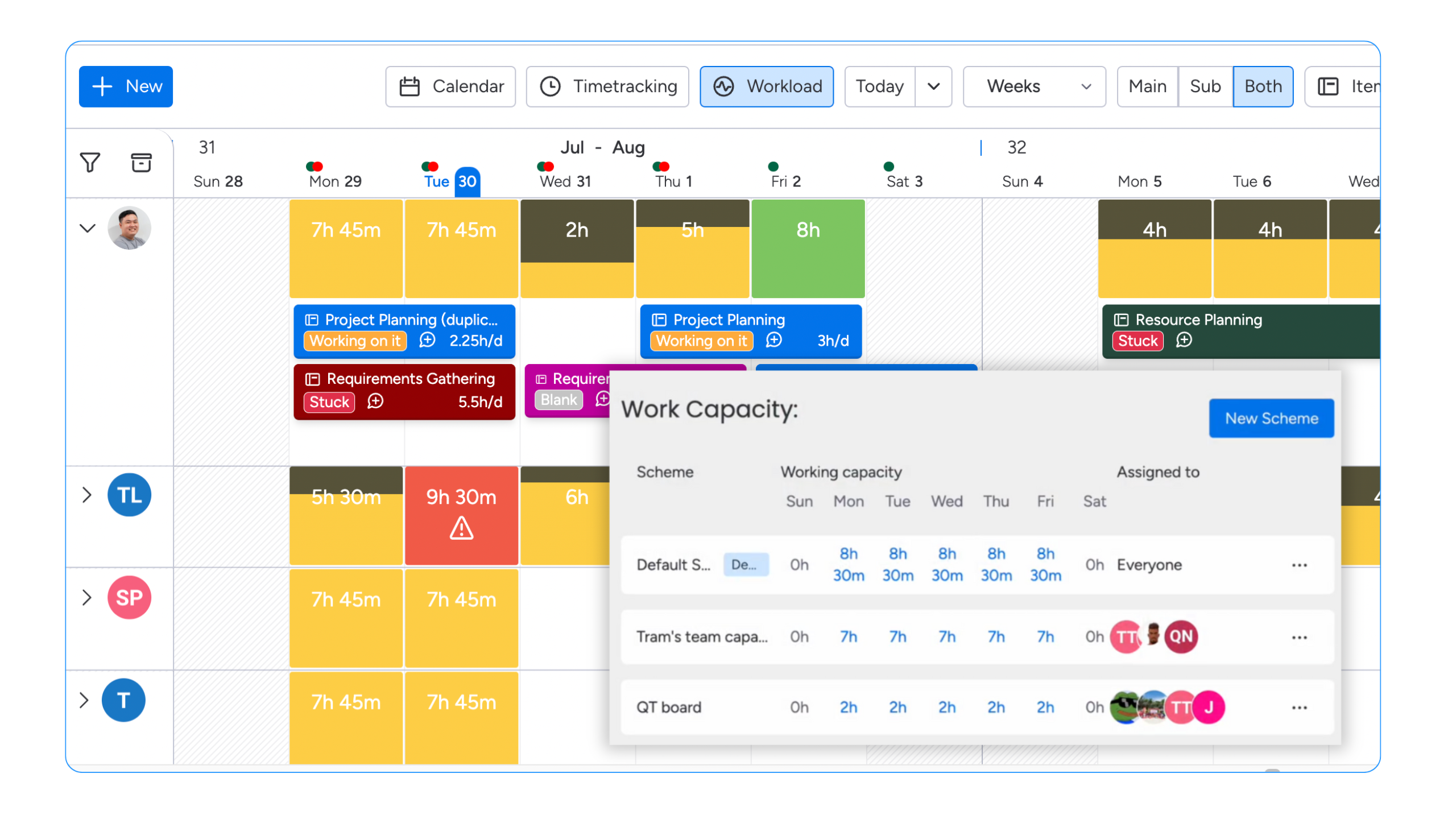
Track workload and team capacity
Monitor logged and planned time
Spot risks and delays early
Projects & Tasks
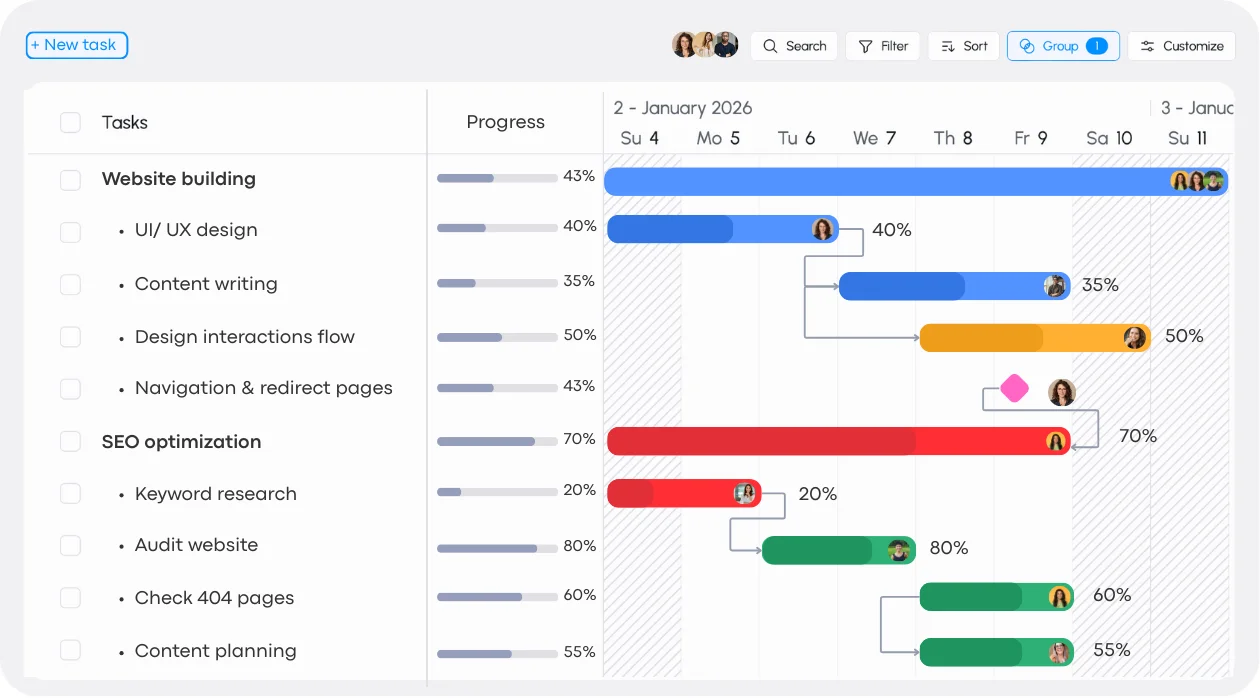
Plan, organize, and track projects by breaking work into clear tasks that everyone can follow from start to finish.
Resource Planning
Understand team capacity, availability, and workload so work is assigned fairly and stays realistic.
Time Tracking
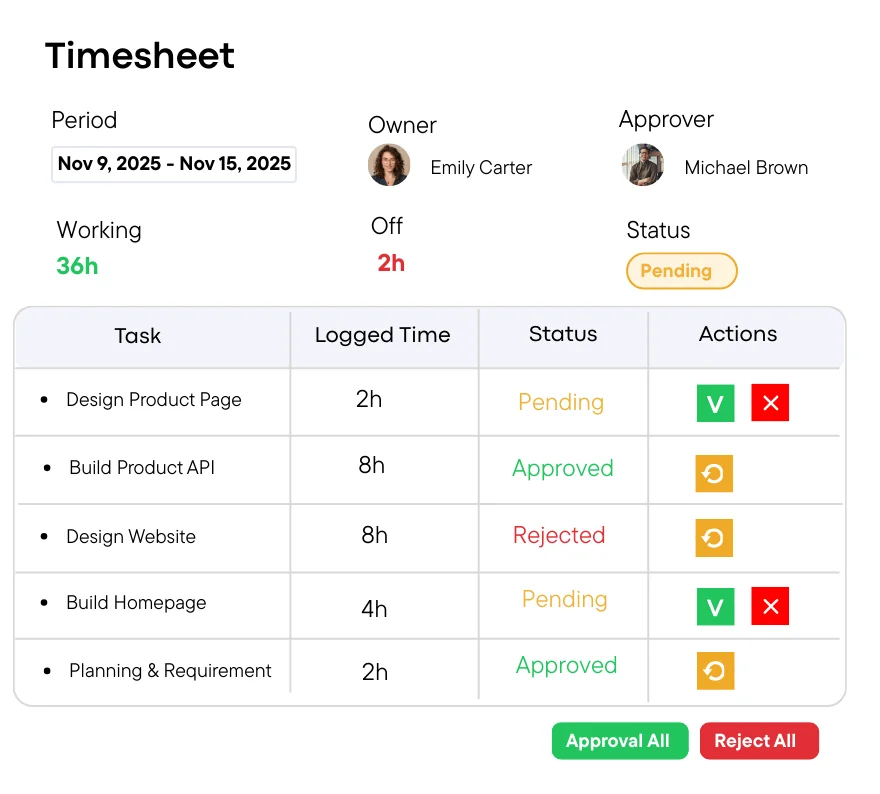
Track, review, and approve time with confidence.
Team Collaboration
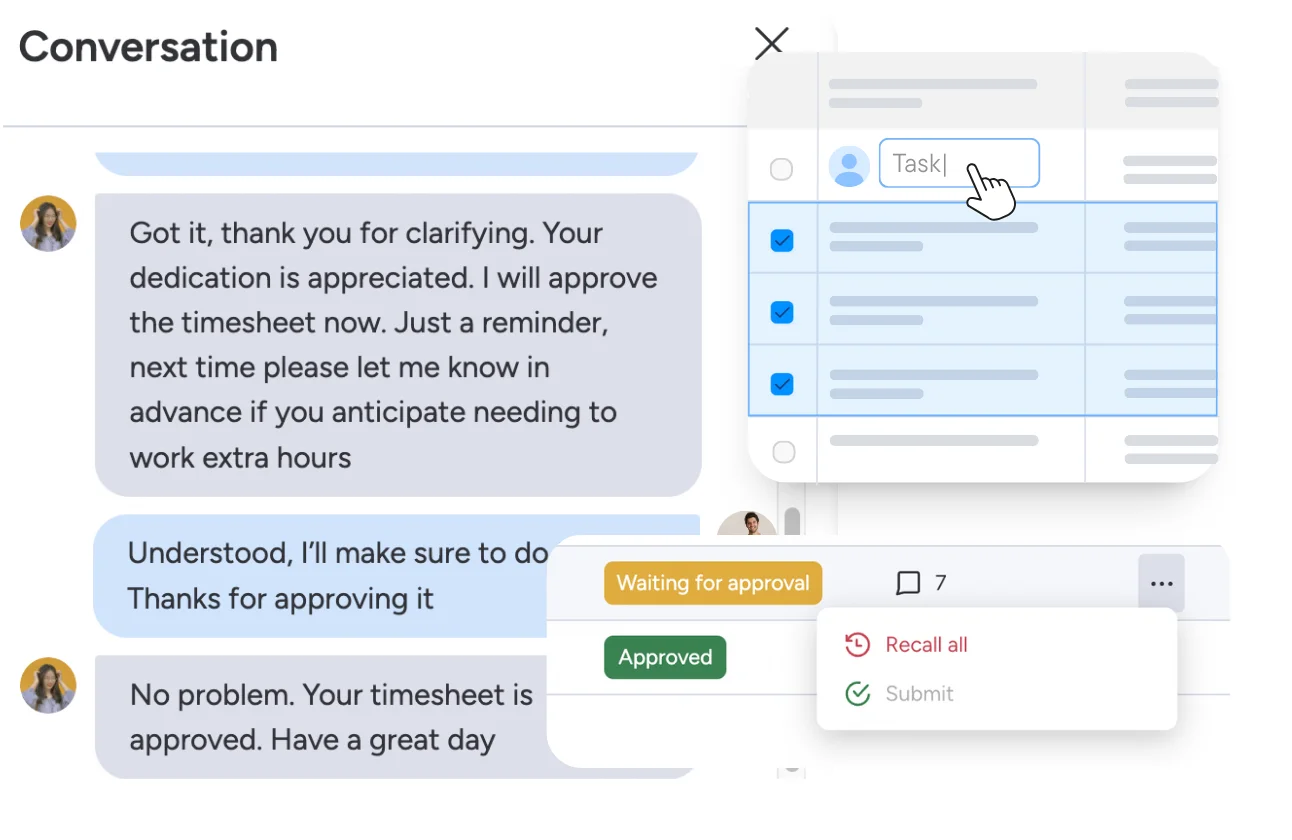
Bring conversations, tasks, and approvals together in one place.
Keep projects moving with clear tasks
Plan projects, break them into tasks, and keep everything connected.
Project/Portfolio View
See work at every level.
Manage single projects or multiple projects together
Get a high-level view of overall progress
Spot risks and delays across projects
Understand what is most important
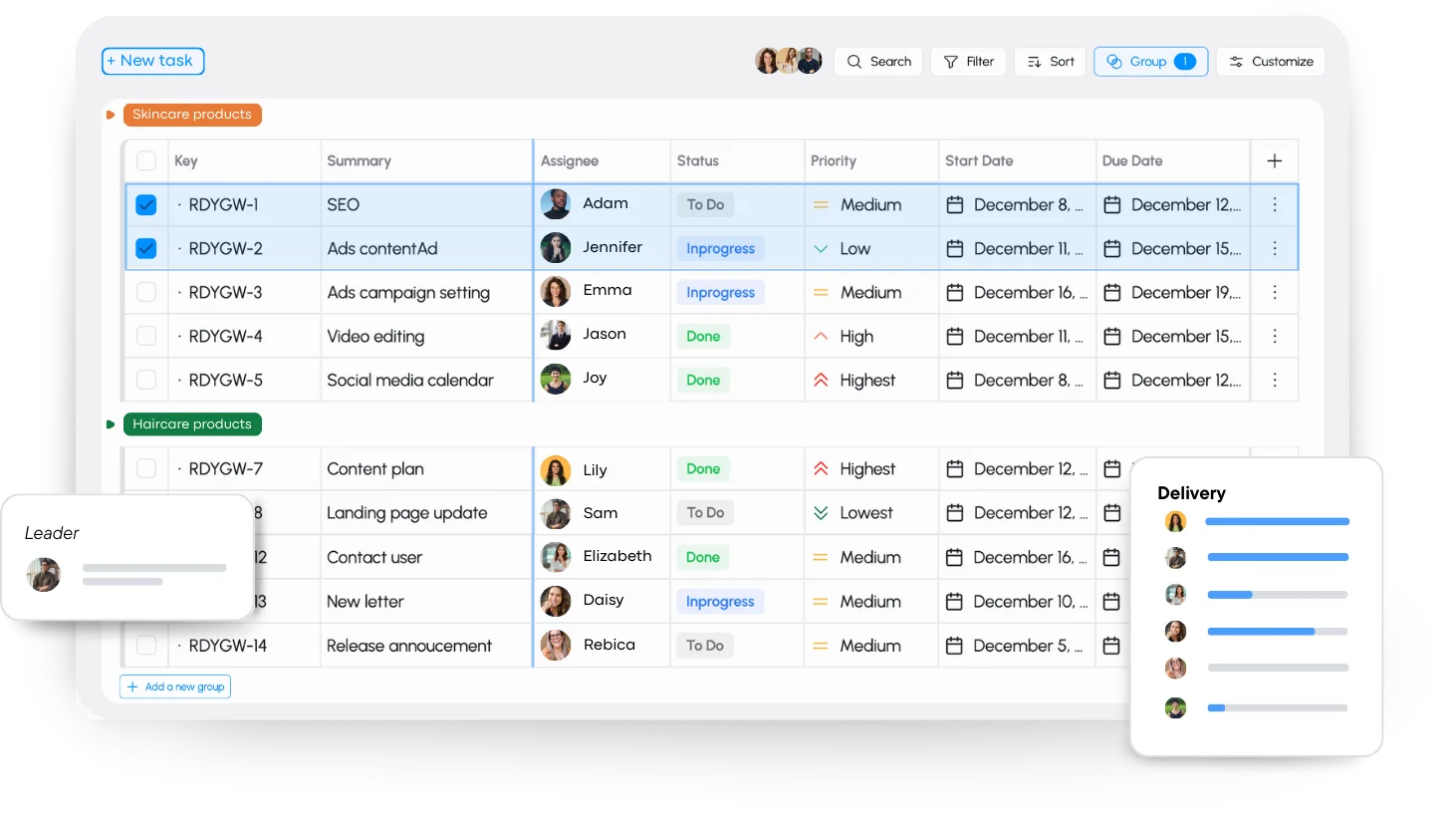
Task Management
Create, assign, and track tasks so everyone knows what to do and when.
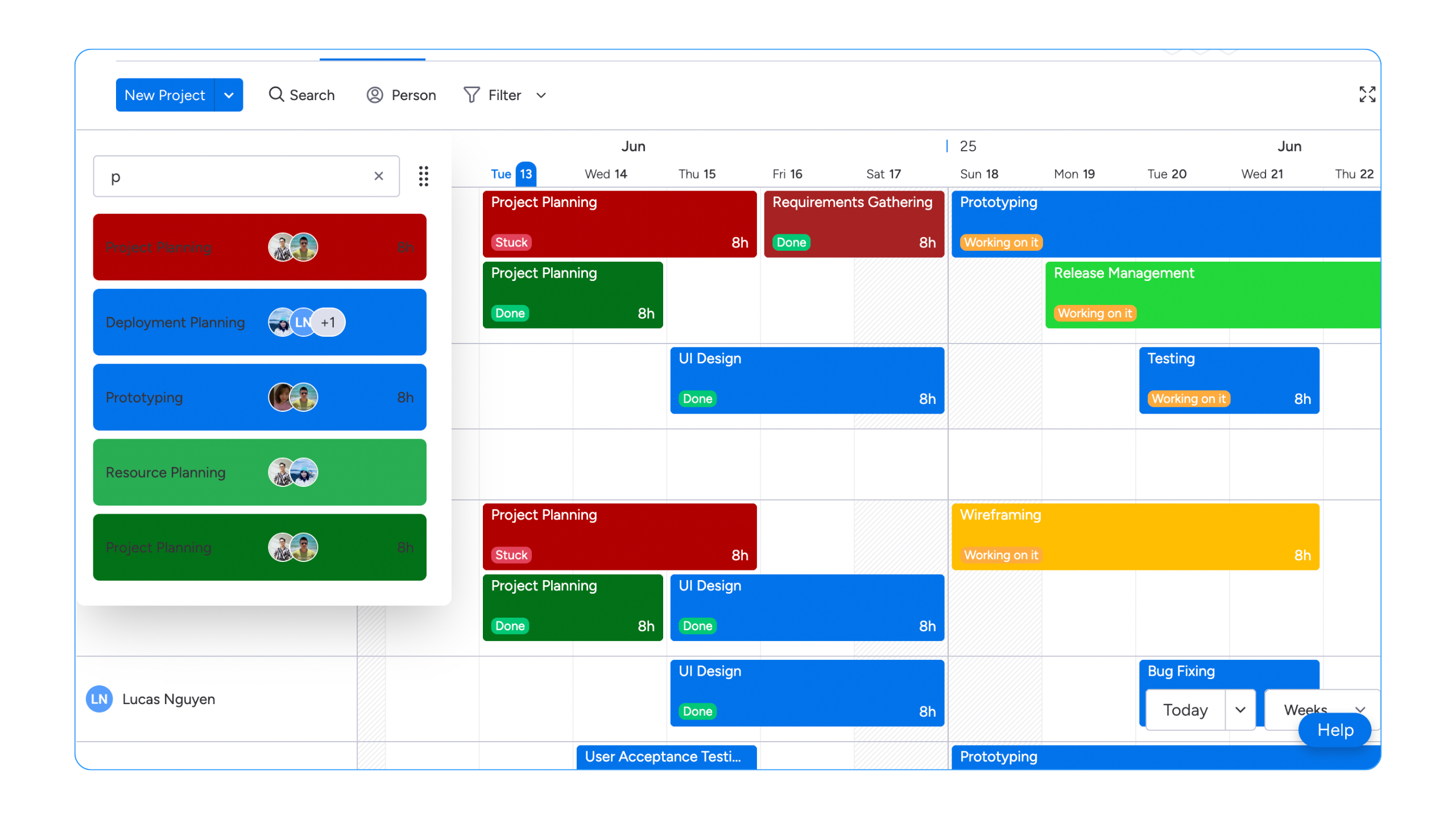
Status & Progress
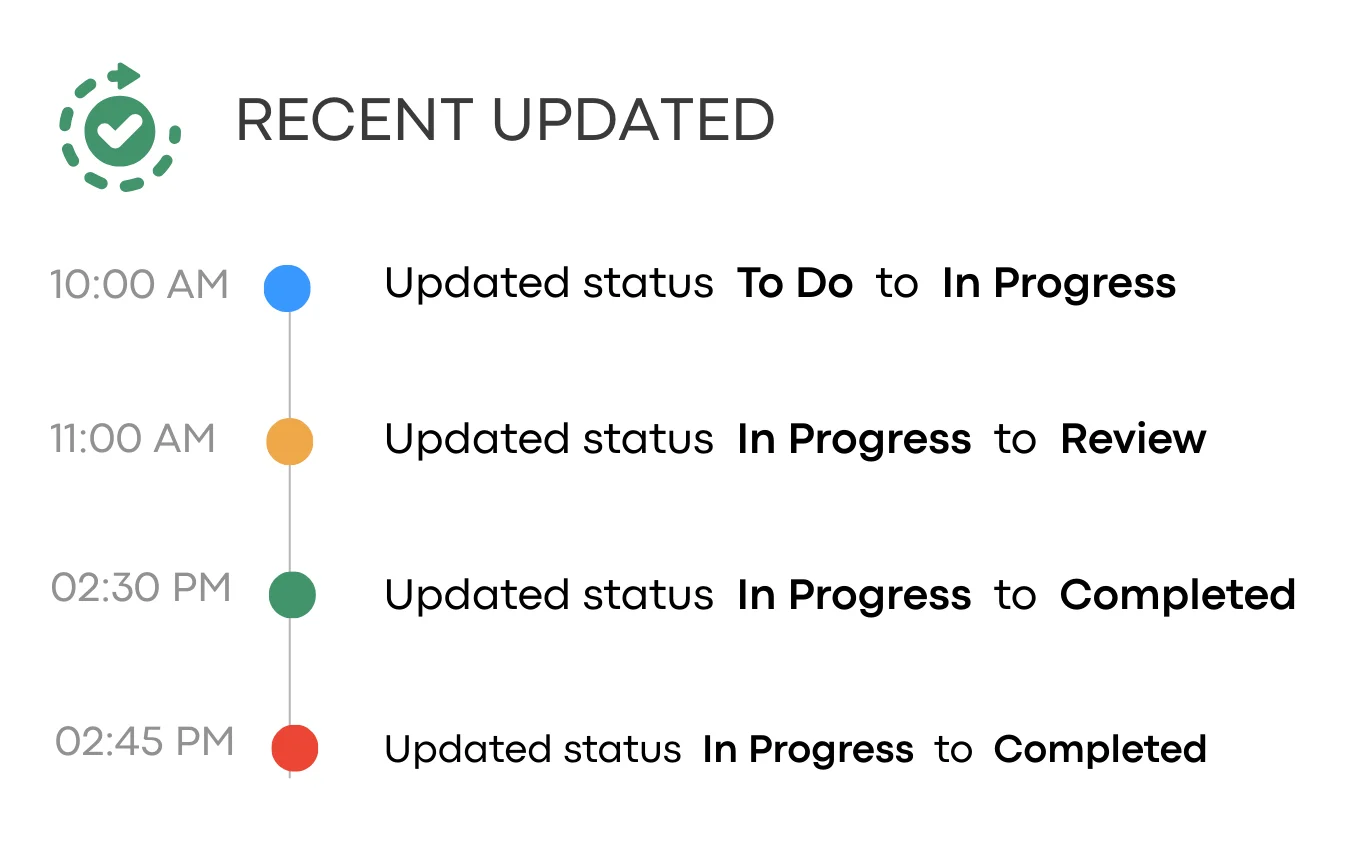
See what’s done, in progress, or blocked—without chasing updates.
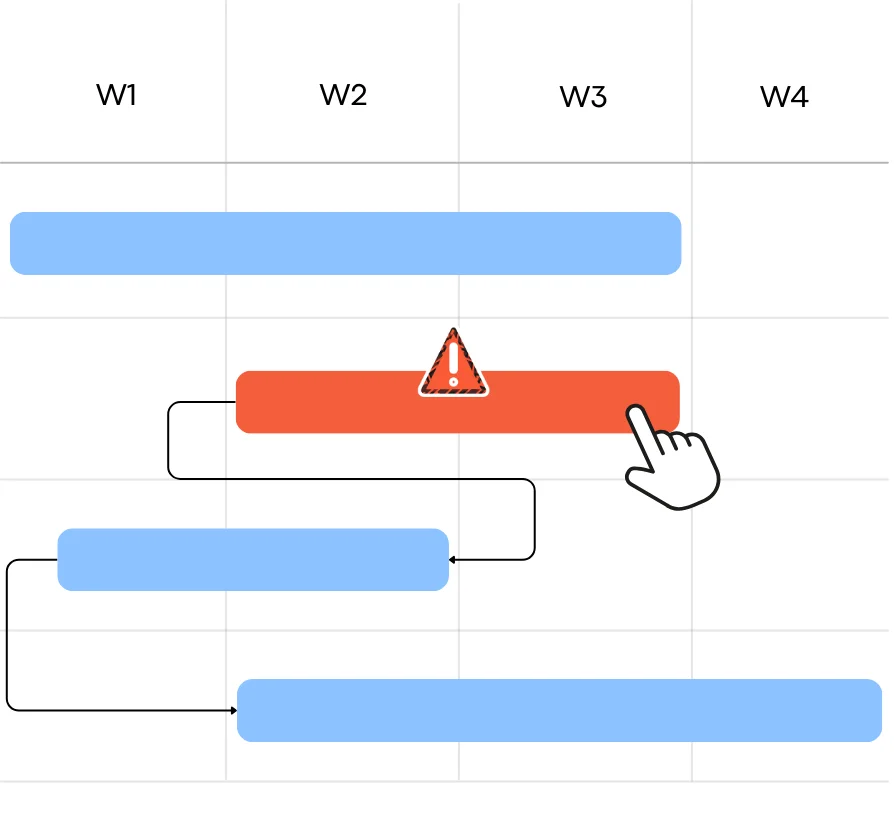
Project Templates
Use project and task templates to create consistent work structures in minutes.
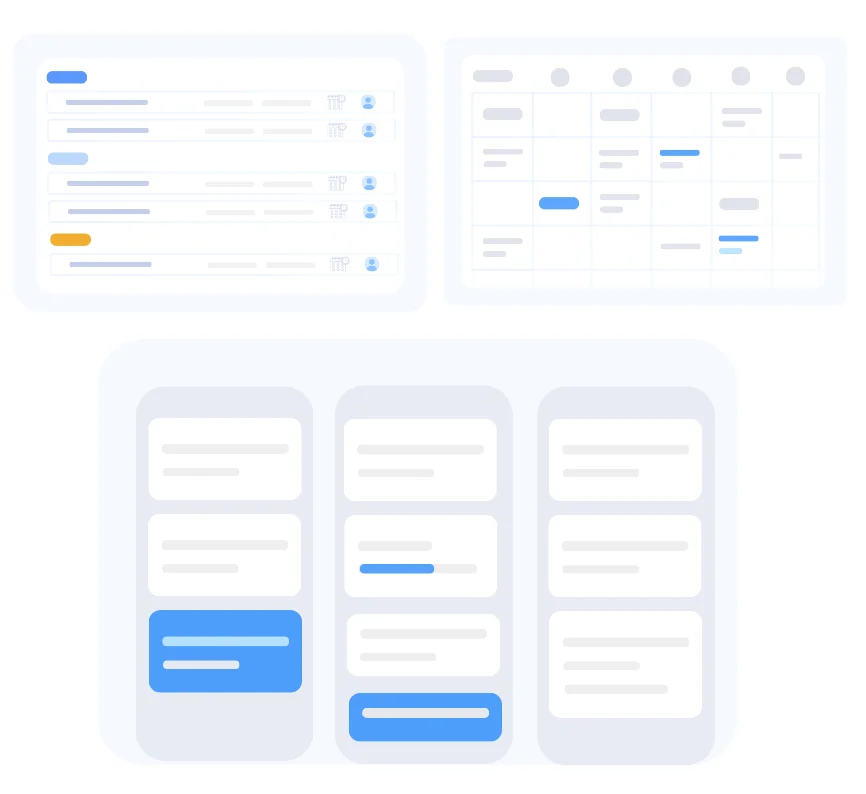
Collaboration in Tasks
Comment, share updates, and keep conversations tied directly to the task.
Plan work based on real capacity
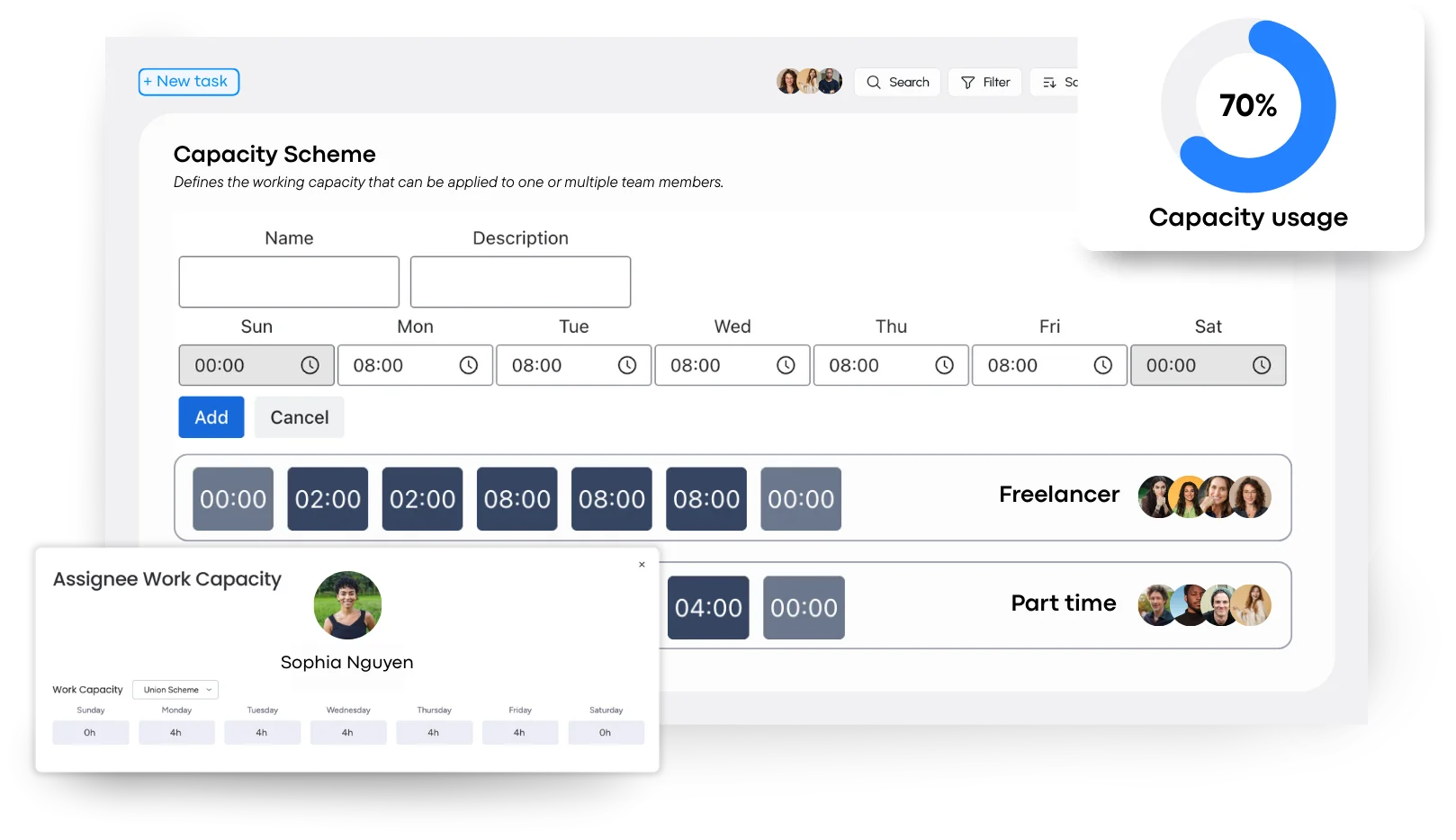
Understand who is available, who is busy, and how much work the team can handle.
Team Capacity
Know how much work the team can handle.
Set different capacity for each team member
Adjust capacity by role or team
Assign multiple capacity plans when needed
Update capacity easily as plans change
Balance workload
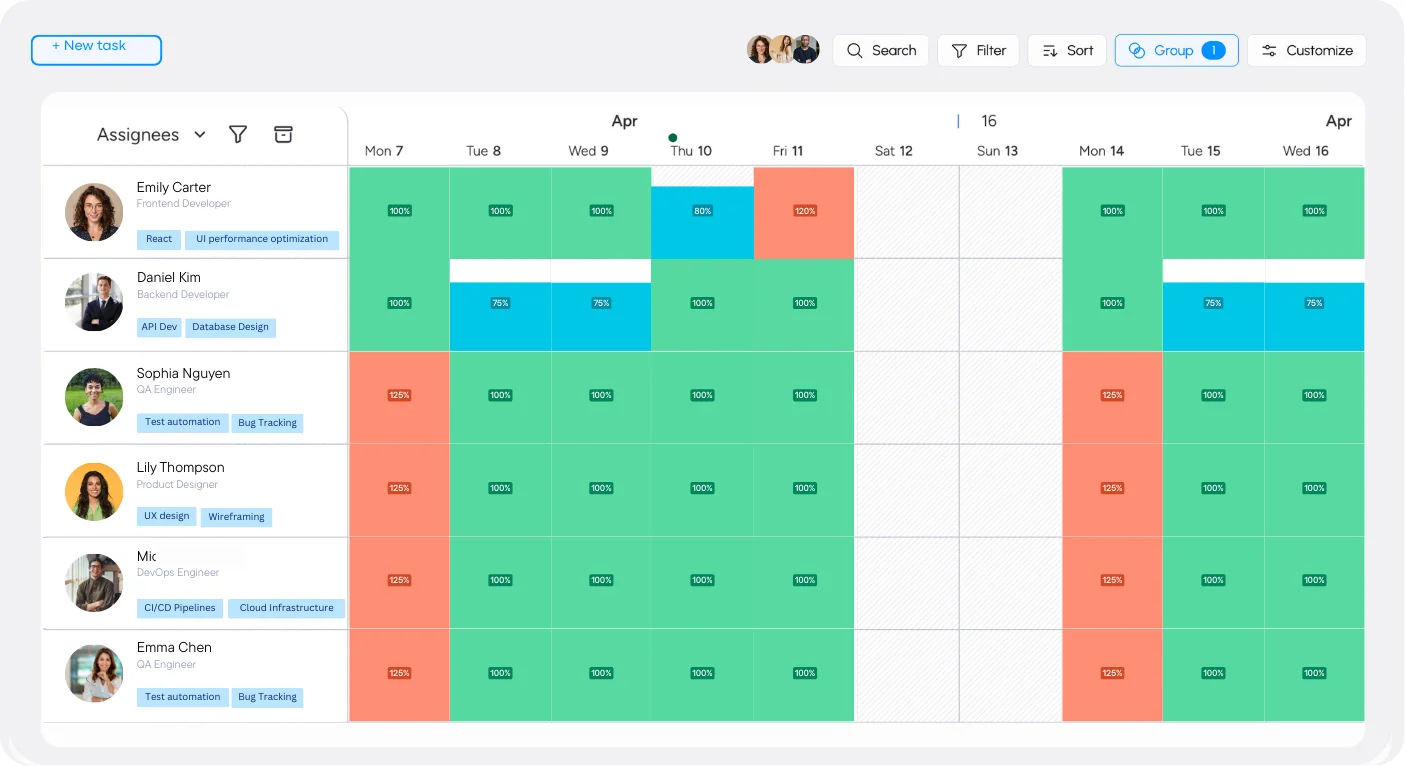
See how work is spread across the team so you can balance it before problems happen.
Permissions & Roles
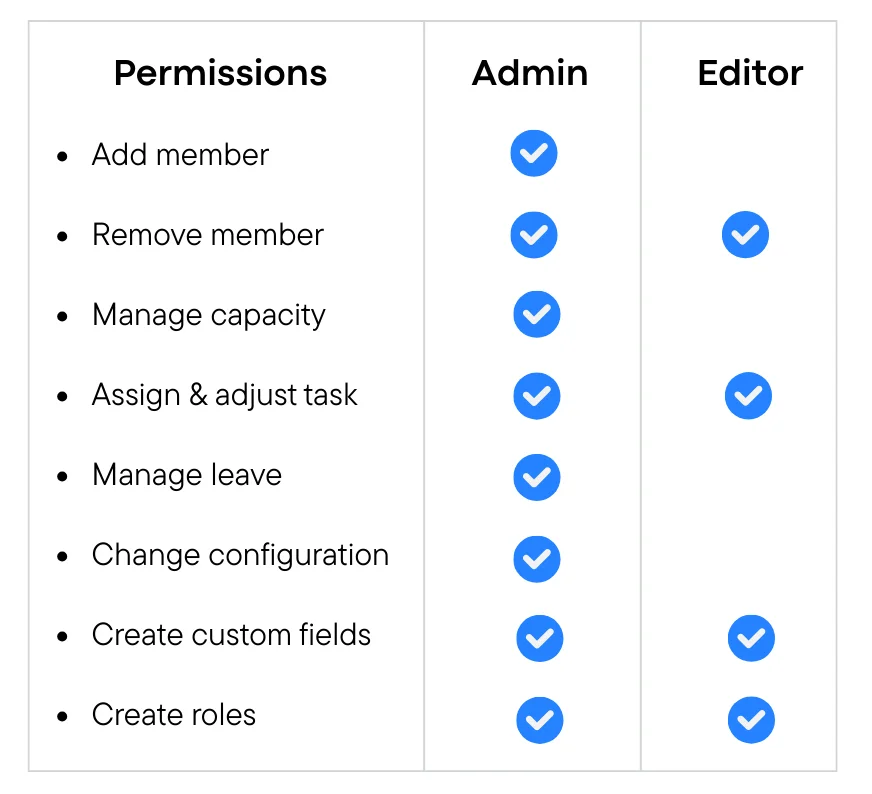
Set roles and permissions so everyone has the right level of access.
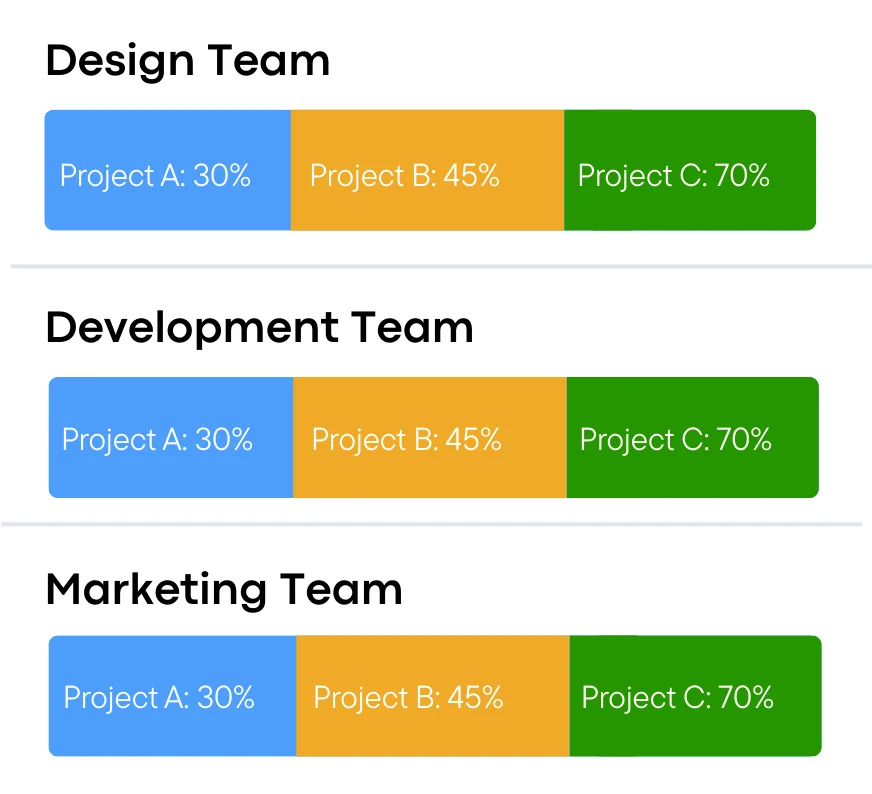
Team Grouping
Group team members to plan work and capacity more easily.
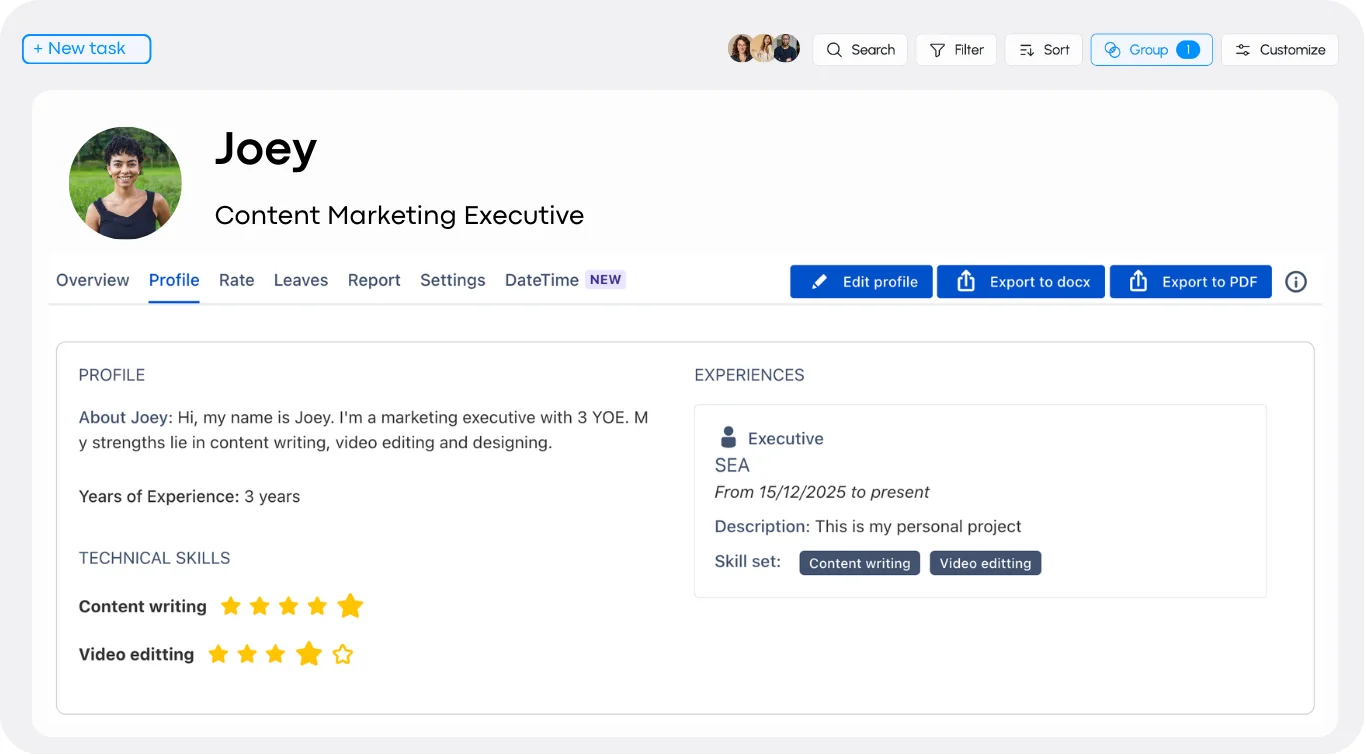
Employee Profile
View each person’s skills, experiences, tasks, capacity, and availability in one place to make better assignment decisions.
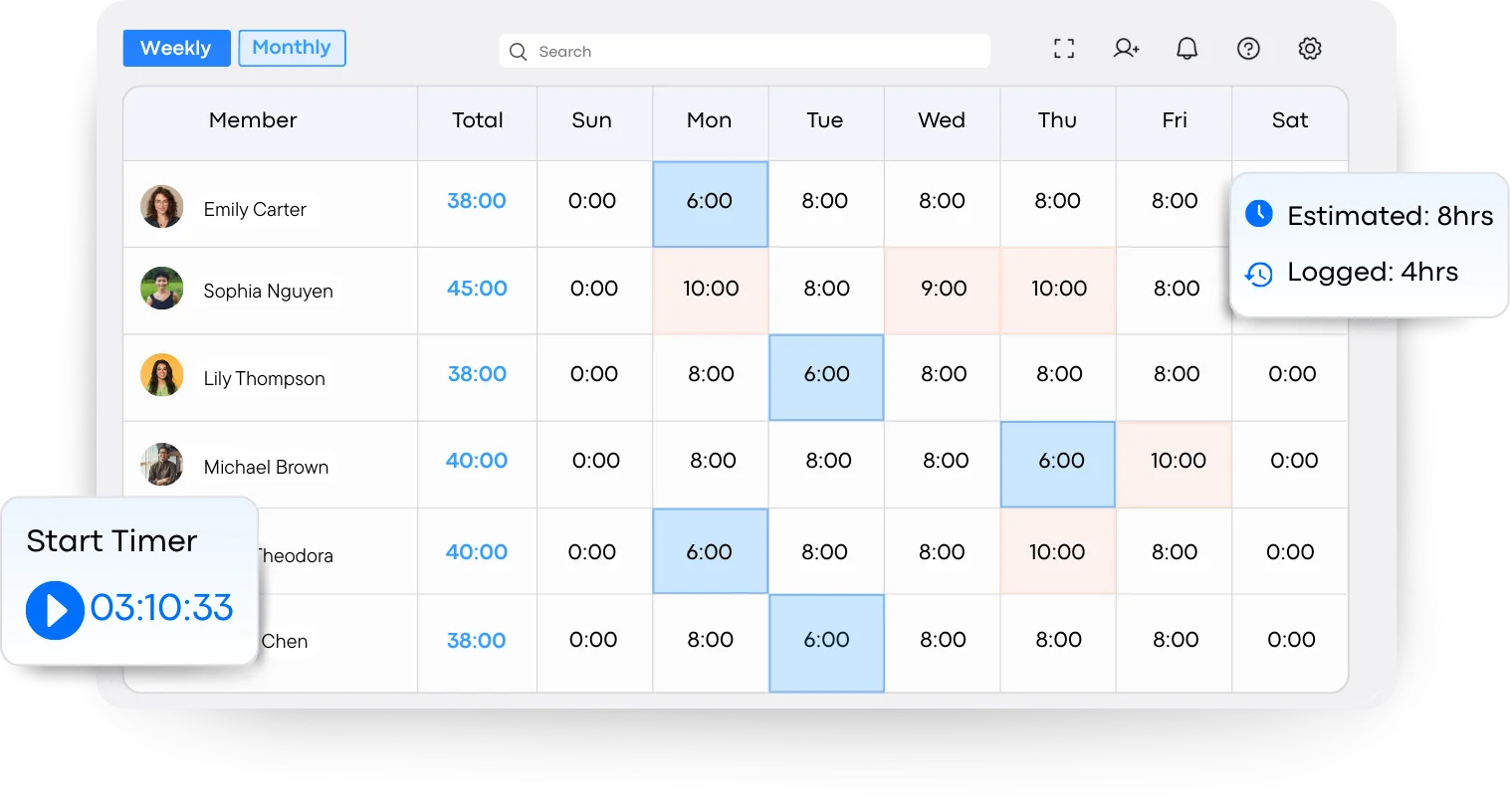
Clear time. Better planning.
Track, review, and approve time so teams understand where time is spent and plans stay accurate.
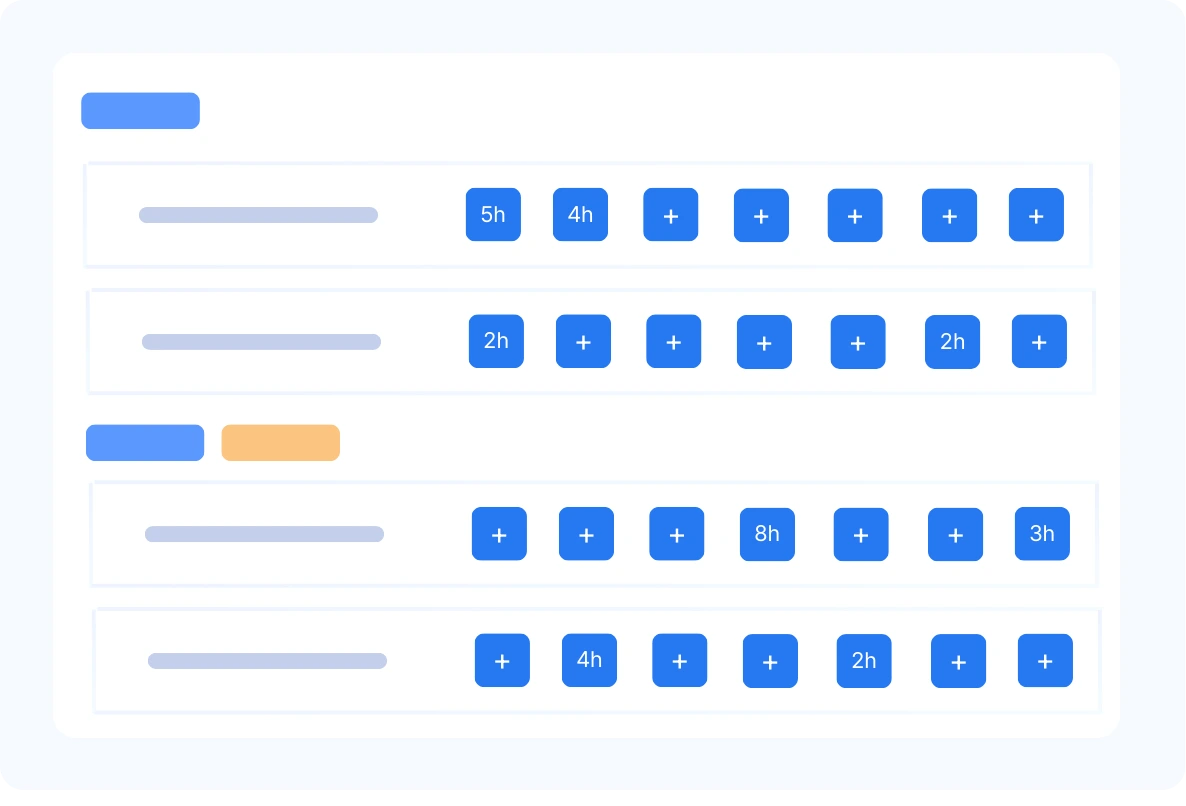
Time Tracking
Track time by task, project, or person.
Log time manually or use timer while working
Track time by task or project
Edit entries easily
Keep records simple and clear
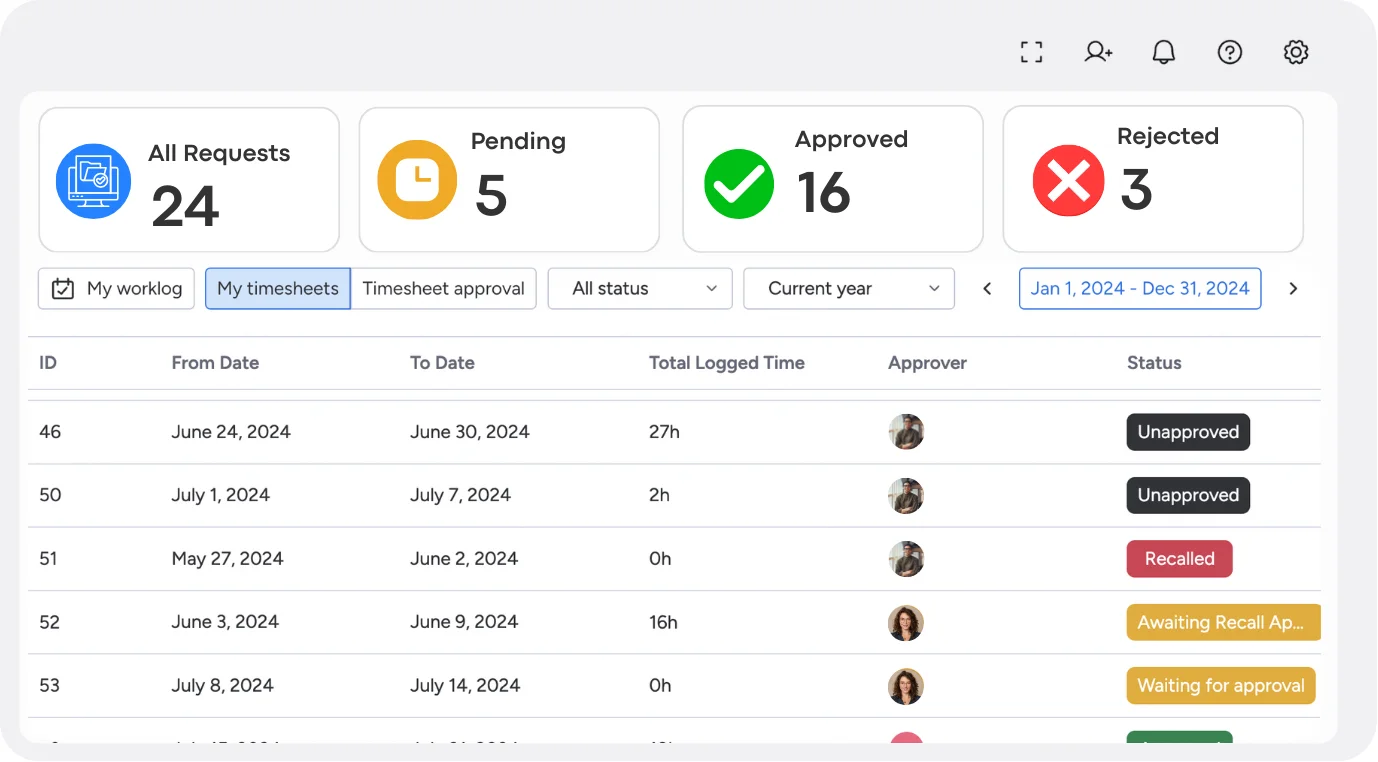
Timesheet Approval
Check, approve, or request changes to timesheets before time is finalized.
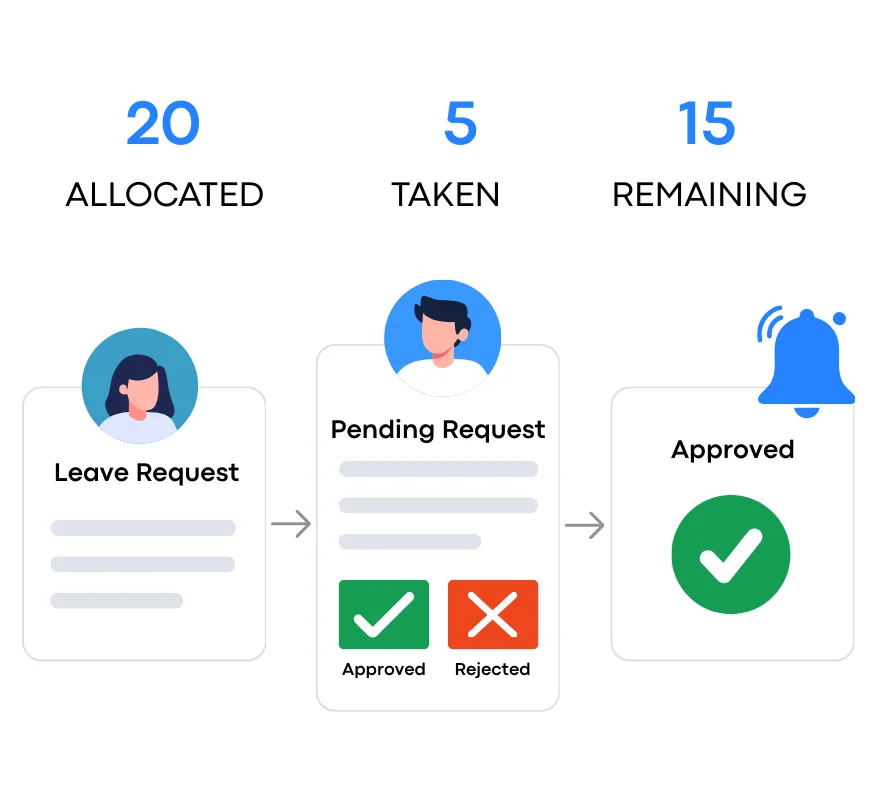
Leave / Time Off
Plan work around planned leave so tasks are not assigned when people are away.
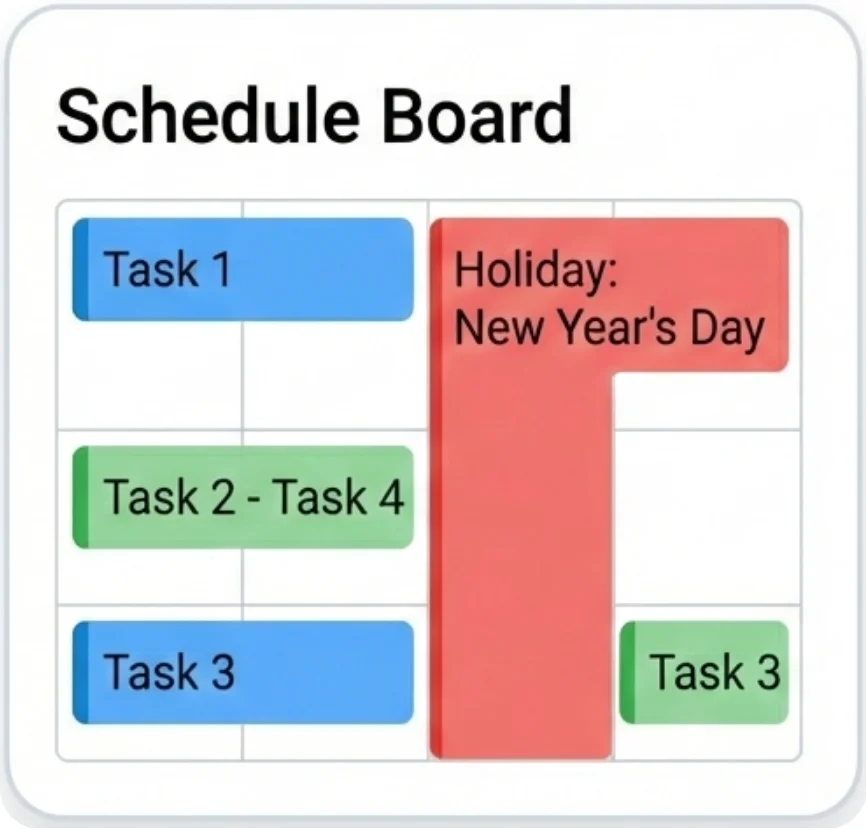
Holidays Management
Include public holidays in your plans to keep schedules realistic.
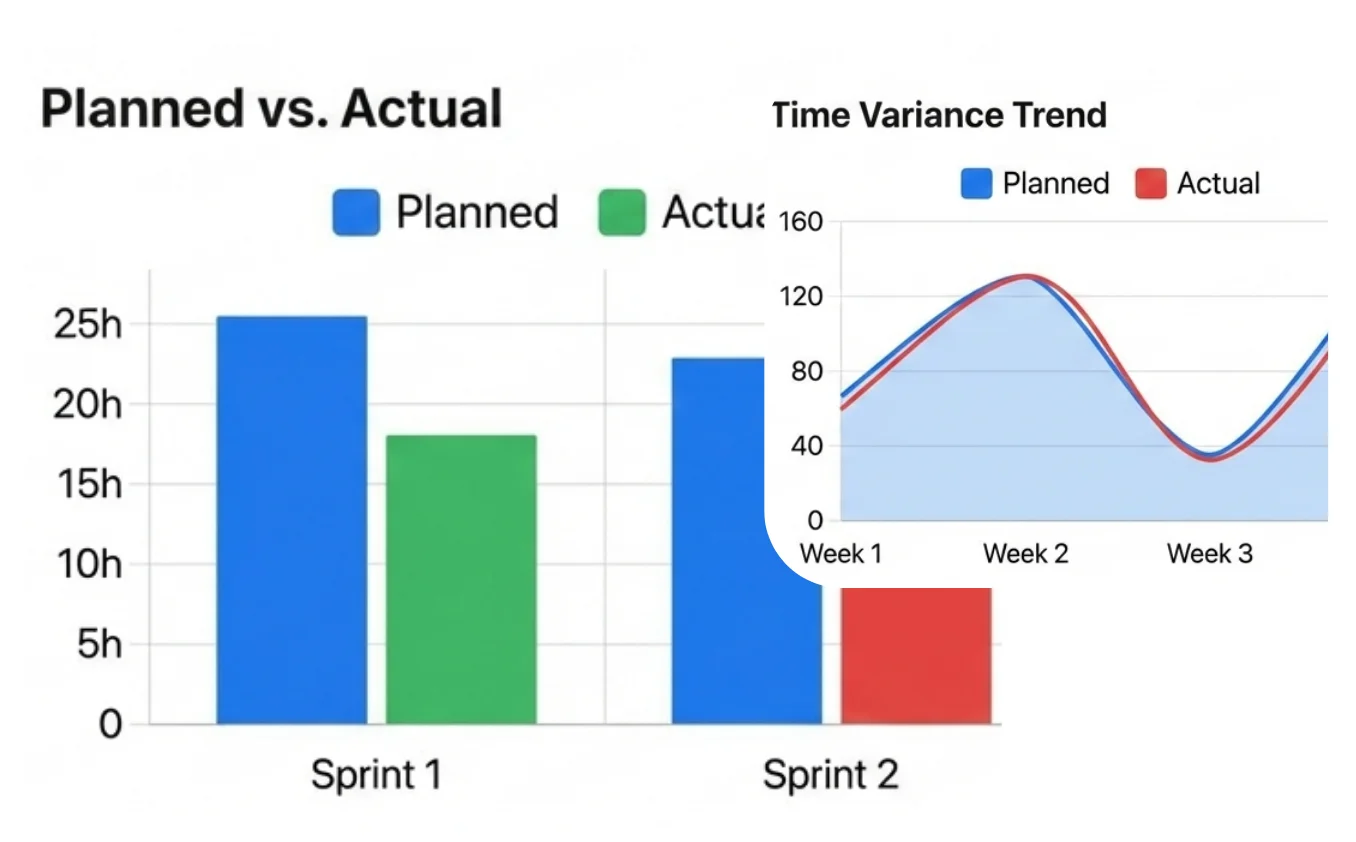
Time Report
Review planned and logged time to understand how the team is really working.
More than what you see.
TaskFord includes extra tools to support how teams actually work, with more features continuously added over time.
Integrations
Sync work across tools
Reduce manual updates
Keep data consistent
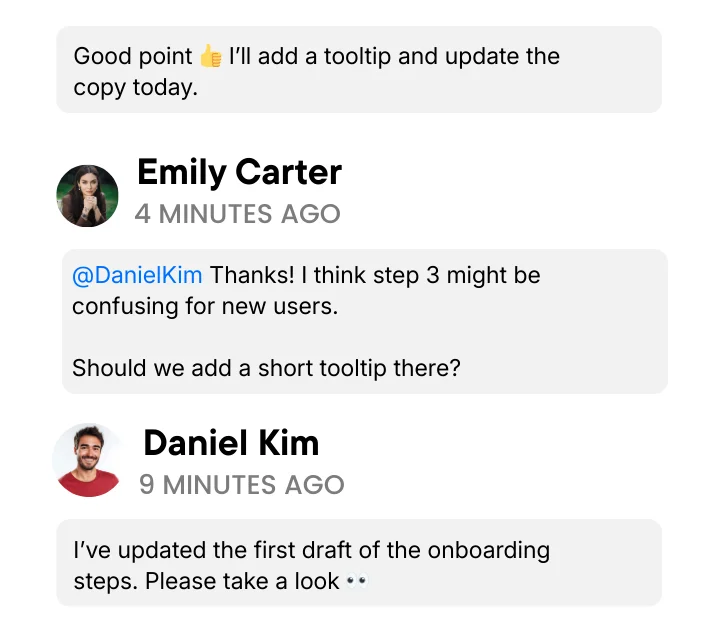
Task Collaboration
Comment directly on tasks
Mention teammates
Track decisions in context
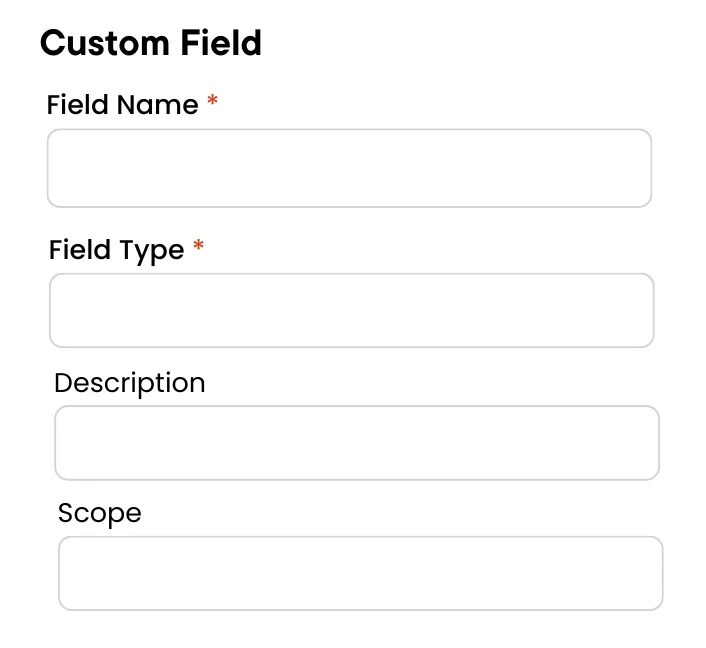
Custom Fields
Add custom fields to tasks
Support different data types
Filter and sort easily
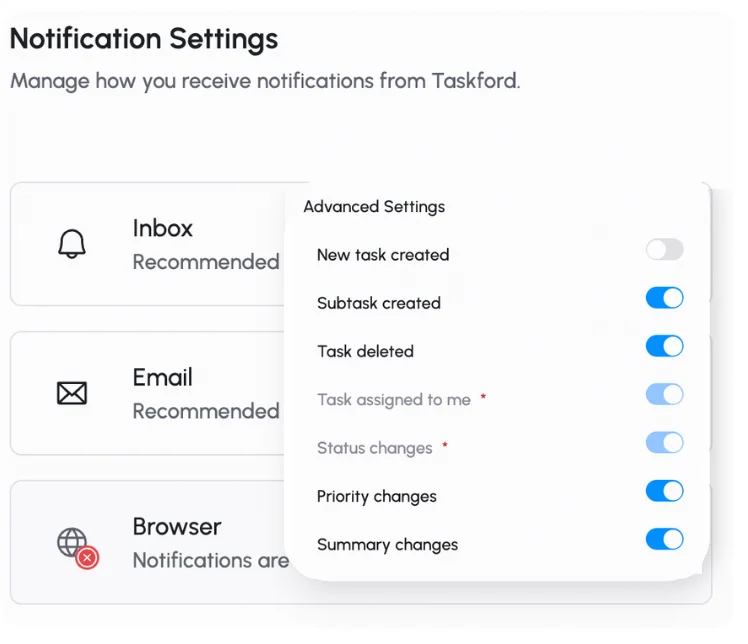
Notifications & Alerts
Get updates that matter
Avoid unnecessary noise
React to changes quickly
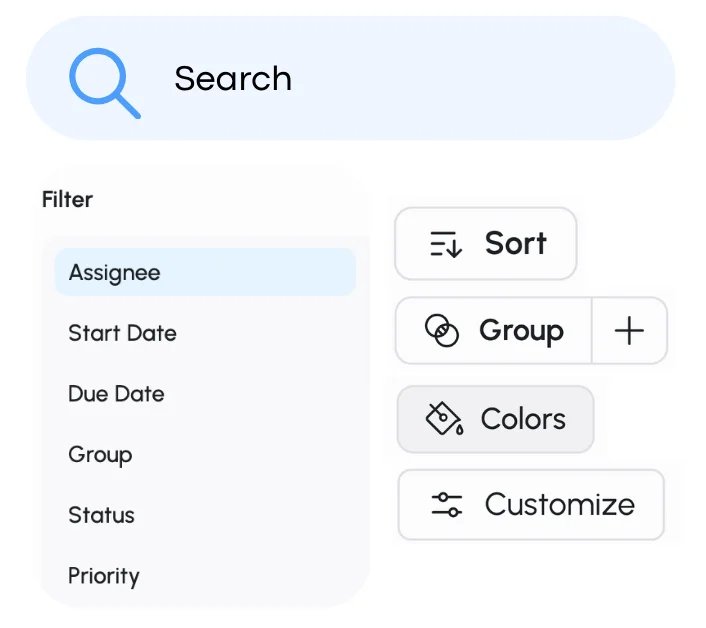
Search & Filters
Search across projects
Filter by status or owner
Save common views
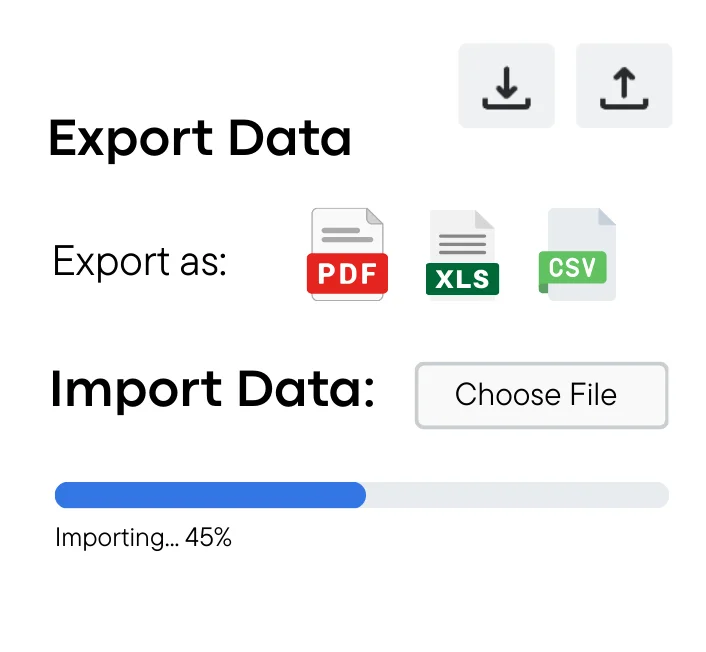
Data Import & Export
Import from other tools
Export reports anytime
Quick and easy setup