A Full Breakdown of Kanban Project Management: All You Need To Know
Discover the power of Kanban project management. Learn how to boost team productivity, improve workflow visibility, and deliver results faster with this guide.
What is Kanban Project Management?
Kanban project management is a visual method for managing work and improving workflow. It helps teams organize tasks, control workload, and deliver work more efficiently.
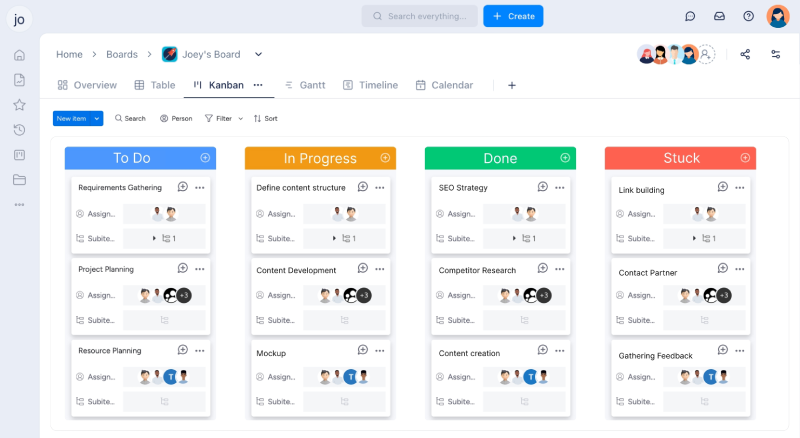
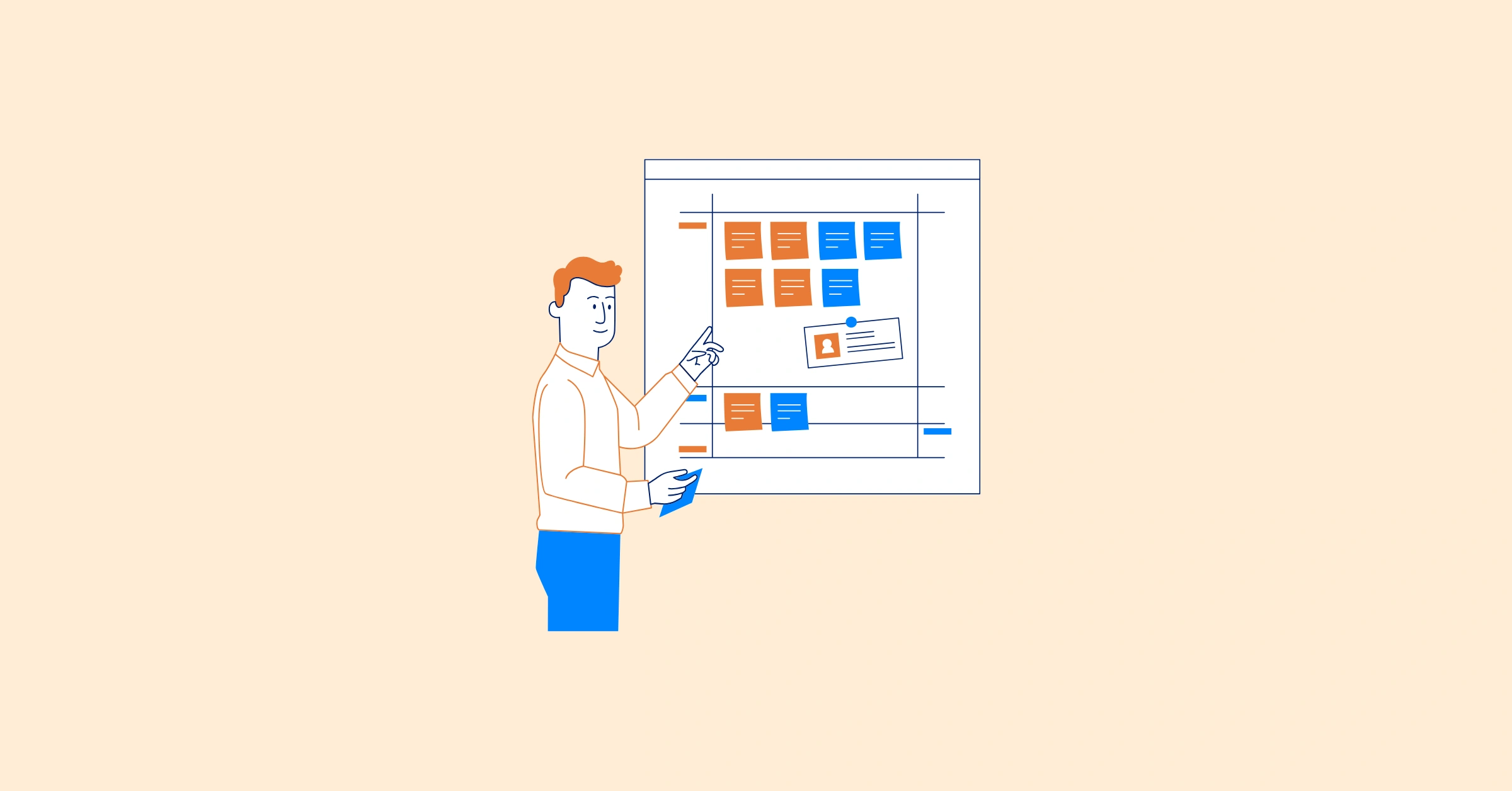
In Kanban, tasks are displayed on a board with columns such as To Do, In Progress, and Done. As work progresses, tasks move across the columns, giving the team clear visibility into current status and workload.
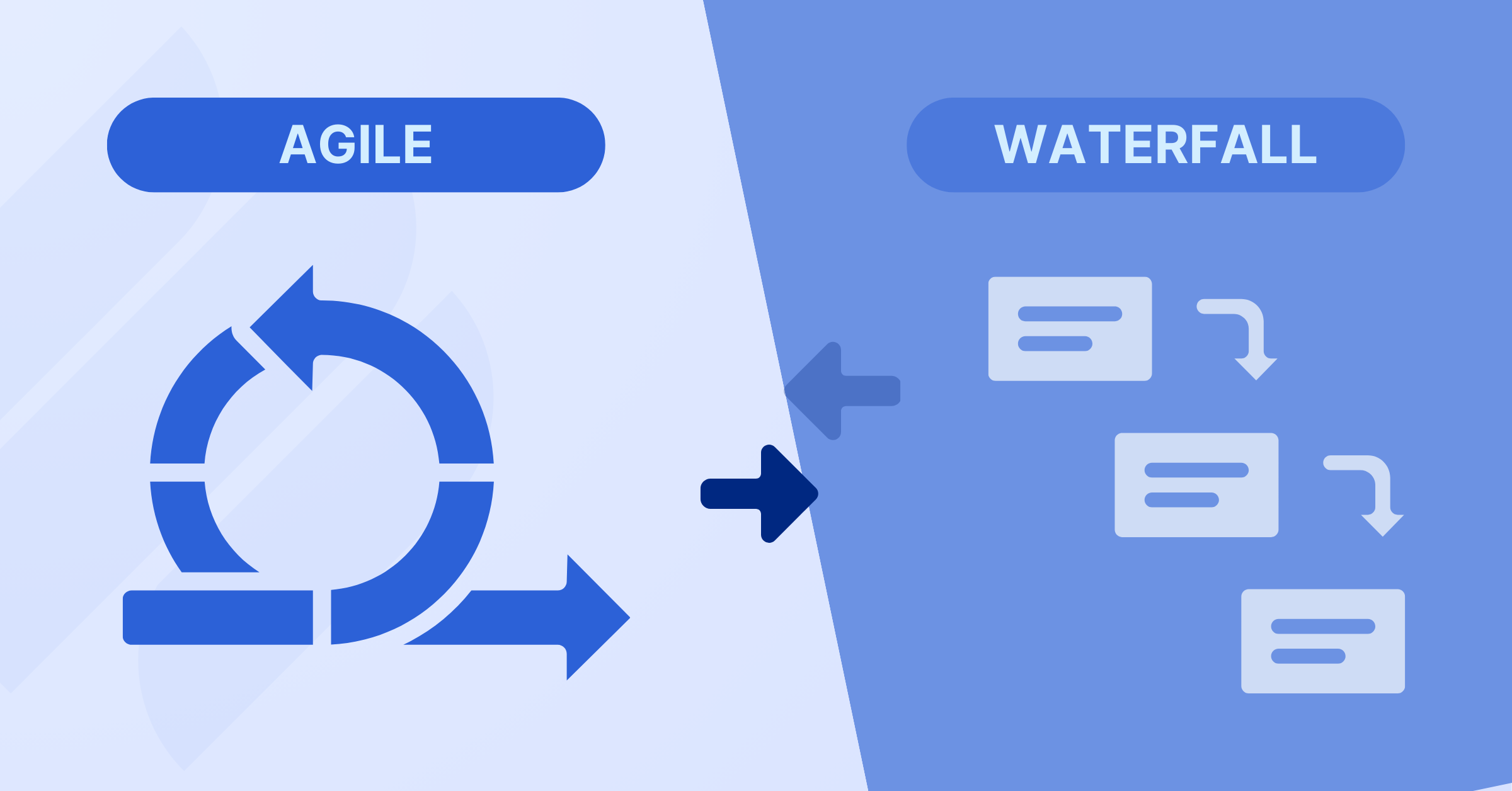
Unlike traditional project management methods that rely heavily on fixed schedules and detailed upfront planning, Kanban is flexible and adapts to changing priorities. It focuses on maintaining a steady, efficient flow of work rather than following rigid timelines.
How Kanban Works
Kanban Origins and Core Concepts
Kanban, derived from the Japanese word for “signboard,” is a scheduling system developed by Toyota in the late 1940s to improve manufacturing efficiency, as detailed in Toyota’s Production System Guide. Created by Taiichi Ohno, it used visual signals, often cards, to trigger the movement or production of materials only when needed, ensuring a just-in-time approach to inventory management. In the 2000s, David J. Anderson adapted Kanban for knowledge work, particularly software development, establishing it as a robust project management methodology.
Kanban is a visual system that prioritizes transparency, adaptability, and continuous improvement. Unlike rigid frameworks like Waterfall, it offers flexibility to handle shifting priorities while keeping progress visible. It rests on four foundational principles and six core practices, detailed below.
Core Ideas Behind Kanban
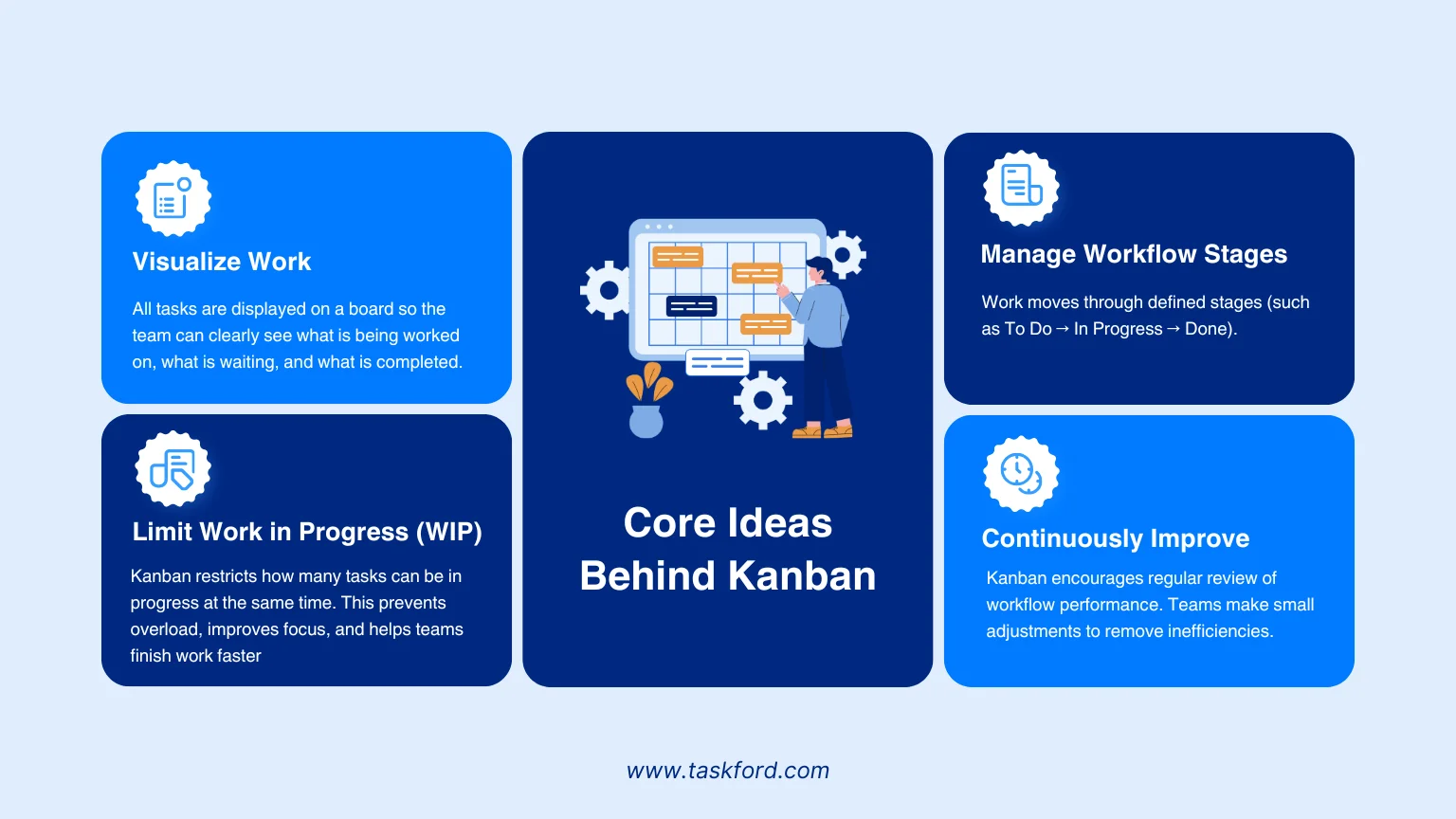
1. Visualize Work All tasks are displayed on a board so the team can clearly see what is being worked on, what is waiting, and what is completed. This transparency reduces confusion and improves coordination.
2. Limit Work in Progress (WIP) Kanban restricts how many tasks can be in progress at the same time. This prevents overload, improves focus, and helps teams finish work faster instead of multitasking excessively.
3. Manage Workflow Stages Work moves through defined stages (such as To Do → In Progress → Done). Teams monitor how tasks flow across these stages and identify bottlenecks when work gets stuck.
4. Continuously Improve Kanban encourages regular review of workflow performance. Teams make small adjustments to remove inefficiencies and improve delivery over time.
What Are Kanban Boards?
A Kanban board is a visual tool used to manage and track work as it moves through different stages of a process. It organizes tasks into columns that represent workflow steps, such as:
- To Do
- In Progress
- Review
- Done
Each task is represented by a card. As work progresses, the card moves from one column to the next. This allows everyone on the team to quickly see:
- What needs to be done
- What is currently being worked on
- What has been completed
Kanban boards can be physical (like sticky notes on a wall) or digital (within project management software). Digital boards offer added benefits such as real-time updates, collaboration, task details, and reporting.
Benefits of Kanban in Project Management
Kanban helps teams improve how work flows from start to finish. Instead of relying only on schedules and task lists, it focuses on visibility, focus, and continuous improvement.
Here are the key benefits:
1. Clear Visibility of Work
Kanban makes all tasks visible on a board. Everyone can quickly see what is being worked on, what is pending, and what is completed. This transparency reduces confusion and improves coordination.
2. Better Workload Control
By limiting work in progress (WIP), Kanban prevents team overload. This helps members focus on completing tasks before starting new ones, leading to higher productivity.
3. Faster Identification of Bottlenecks
When tasks get stuck in a stage, it becomes immediately visible. Teams can quickly address delays and remove obstacles before they impact overall delivery.
4. Improved Team Collaboration
A shared visual board keeps everyone aligned. Team members understand priorities, dependencies, and responsibilities more clearly.
5. More Predictable Delivery
By monitoring how work flows and tracking cycle time, teams can better estimate how long tasks will take — improving planning accuracy over time.
Where Kanban Falls Short
While Kanban is powerful for managing workflow, it is not perfect for every situation. Understanding its limitations helps teams decide when to use it alone — and when to combine it with other planning methods.
1. Limited Long-Term Planning
Kanban focuses on flow rather than fixed timelines. It does not naturally provide detailed long-term scheduling or roadmap visibility for complex, multi-phase projects.
2. Less Structure for Fixed-Scope Projects
For projects with strict deadlines, defined milestones, and heavy dependencies, Kanban alone may feel too flexible or lightweight.
3. Requires Discipline to Maintain WIP Limits
If teams ignore work-in-progress limits, the board can quickly become overloaded, reducing its effectiveness.
4. Can Become Cluttered
Without clear workflow stages and defined policies, Kanban boards may grow messy and hard to manage — especially in large teams.
5. Limited Strategic Alignment
Basic Kanban boards show task flow but may not connect daily work to broader strategic objectives without additional planning layers.
Kanban works best for continuous workflows and operational teams. For complex initiatives requiring structured timelines, dependency management, and portfolio visibility, it is often most effective when combined with more structured planning tools.
How to Use Kanban for Project Management
Kanban is simple to start and easy to scale. Here’s a practical step-by-step approach to using Kanban effectively in project management.
Step 1: Define Your Workflow Stages
Identify the key steps work goes through from start to completion. Common stages include:
- To Do
- In Progress
- Review
- Done
Customize stages to match your team’s real process.
Step 2: Create a Kanban Board
Set up a physical or digital Kanban board. A Kanban board offers customizable columns and real-time collaboration. Create columns for each stage and add task cards with details like assignees and due dates.
Step 3: Add Tasks as Cards
Break your project into clear, actionable tasks. Each task becomes a card that includes:
- Description
- Owner
- Priority
- Due date (if applicable)
Place tasks in the appropriate starting column.
Step 4: Set Work-in-Progress Limits
Establish WIP limits for each column to prevent bottlenecks. For example, limit Editing to three tasks to maintain focus. Adjust limits based on team capacity and performance.
Step 5: Monitor and Manage Flow
Track task movement, using metrics like cycle time to identify delays. If tasks pile up in one stage, investigate causes, such as resource constraints, and address them.
Step 6: Hold Regular Reviews
Conduct daily stand-ups to discuss progress and blockers. Schedule weekly or biweekly retrospectives to evaluate the Kanban system and propose improvements.
Step 7: Iterate and Improve
Use feedback and metrics to refine your Kanban system. Experiment with changes, like adjusting WIP limits or adding columns, and measure their impact.
Visualize and Control Workflow with TaskFord Kanban
Basic Kanban boards provide visibility — but they often lack structure, timeline alignment, and resource control as projects grow more complex.
TaskFord goes beyond simple task tracking. It connects workflow with planning, capacity management, and portfolio visibility, ensuring daily work stays aligned with strategic objectives.
With TaskFord Kanban, you can:
- Customize workflow stages to match your real operational process
- Drag and drop tasks with instant status updates
- Set work-in-progress (WIP) limits to prevent overload
- Monitor bottlenecks before they delay delivery
- Track progress in real time across teams
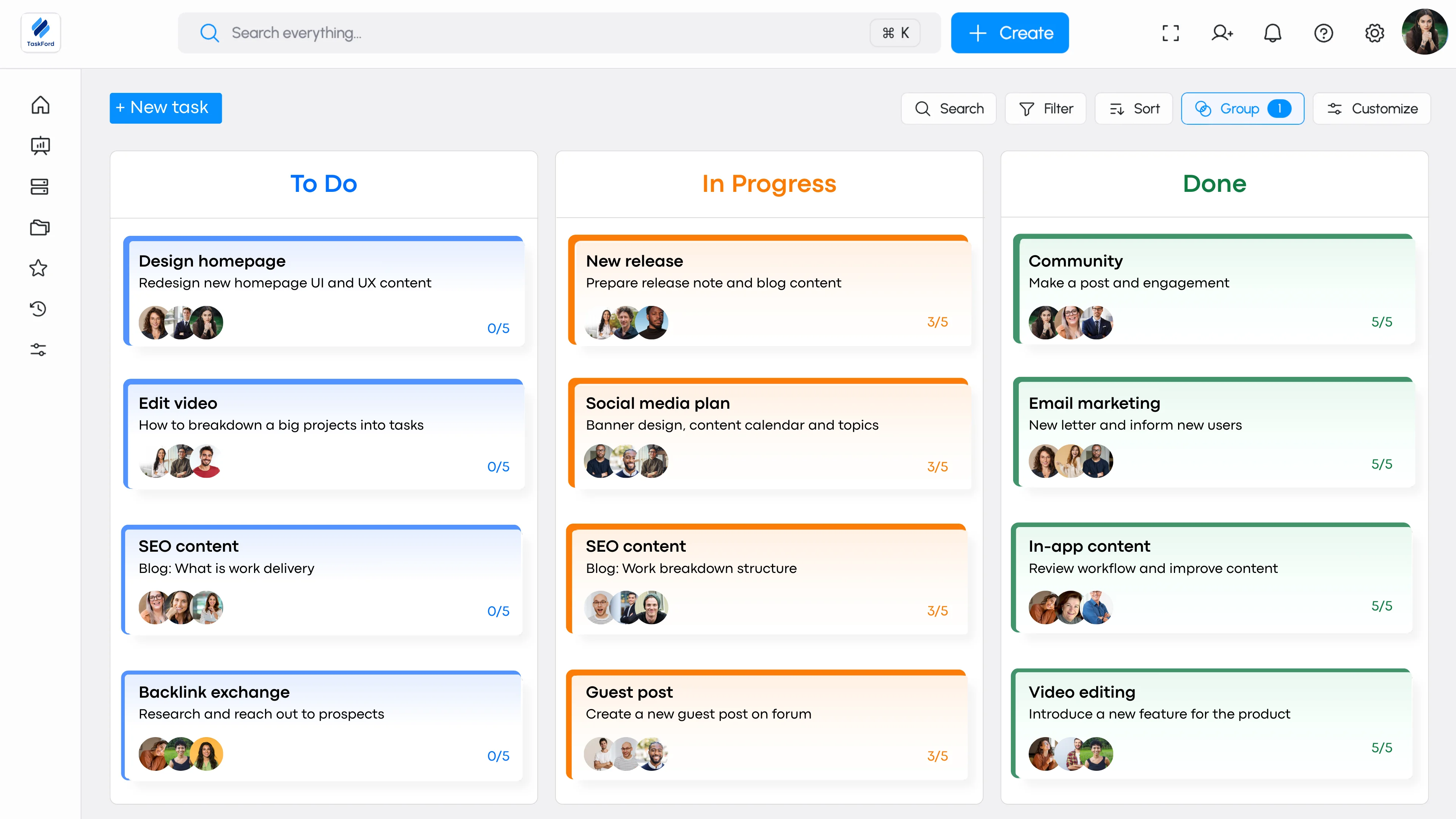
More importantly, TaskFord integrates Kanban with structured planning tools such as gantt charts, resource management, and portfolio tracking. This ensures that daily workflow is not isolated — it remains aligned with project milestones and strategic objectives.
Instead of managing tasks separately from plans, TaskFord unifies planning, execution, and visibility in one platform.
With TaskFord Kanban, workflow isn’t just visible — it’s structured, aligned, and built to drive predictable delivery across all critical projects.
Real-World Applications of Kanban
Kanban’s versatility suits various industries. Here are some examples:
- Software Development: Agile teams use Kanban to manage sprints, track bugs, and prioritize features. Columns like To Do, In Progress, Done, and Stuck help visualize progress and address bottlenecks.
- Marketing: Marketing teams manage campaigns, content creation, and social media schedules with Kanban.
- Human Resources: HR teams apply Kanban to recruitment and onboarding. This will help them get a smoother and clearer workflow.
Common Challenges and How to Overcome Them
Kanban implementation can face hurdles, but solutions exist:
- Overloaded Boards: Too many tasks can clutter the board. Solution: Enforce WIP limits and archive completed tasks.
- Resistance to Adoption: Teams may resist Kanban. Solution: Offer training, highlight benefits, and involve the team in board setup.
- Unclear Policies: Vague task criteria cause confusion. Solution: Define explicit rules for each stage and ensure detailed task cards.
Kanban vs. Gantt Chart
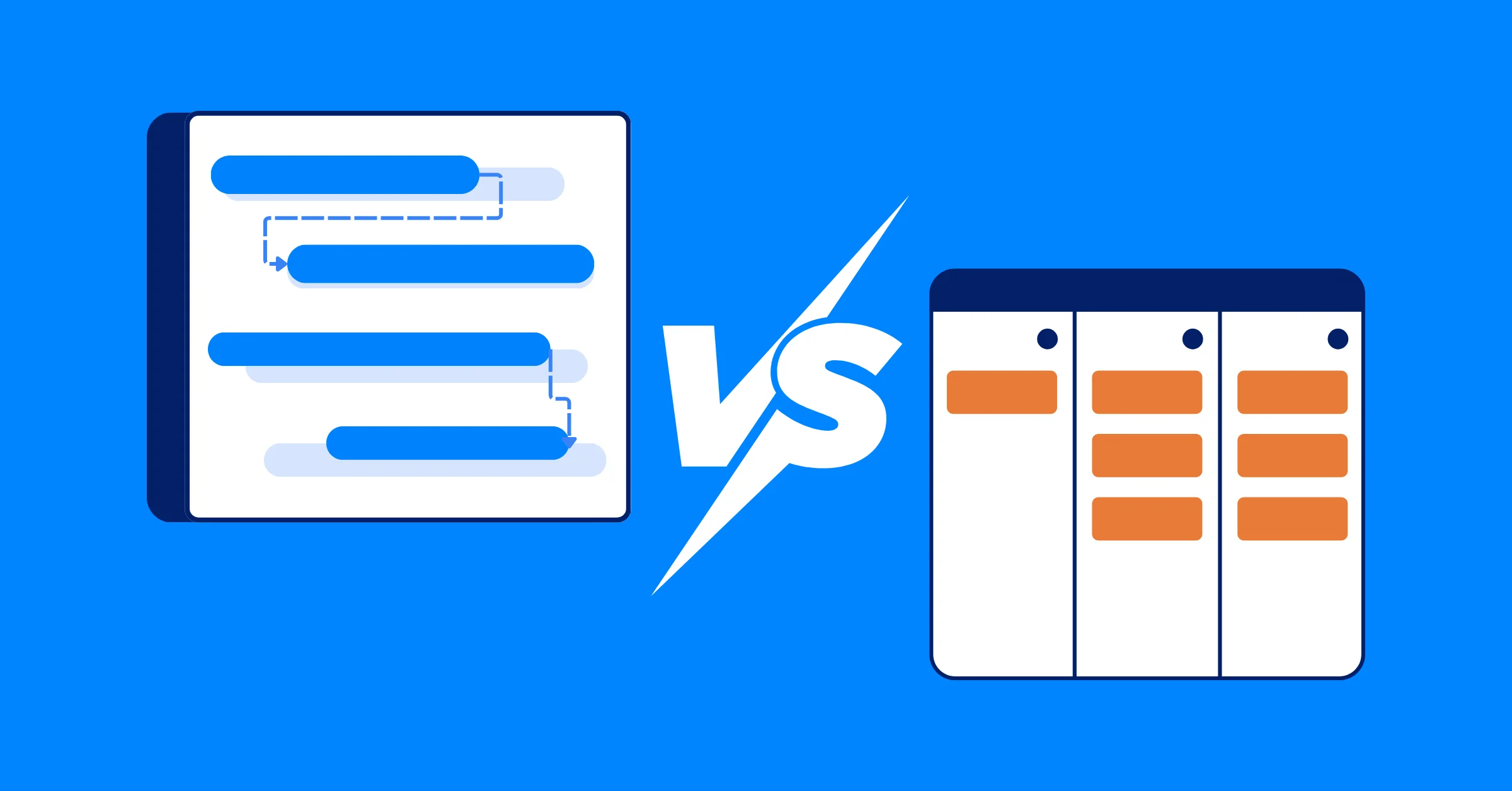
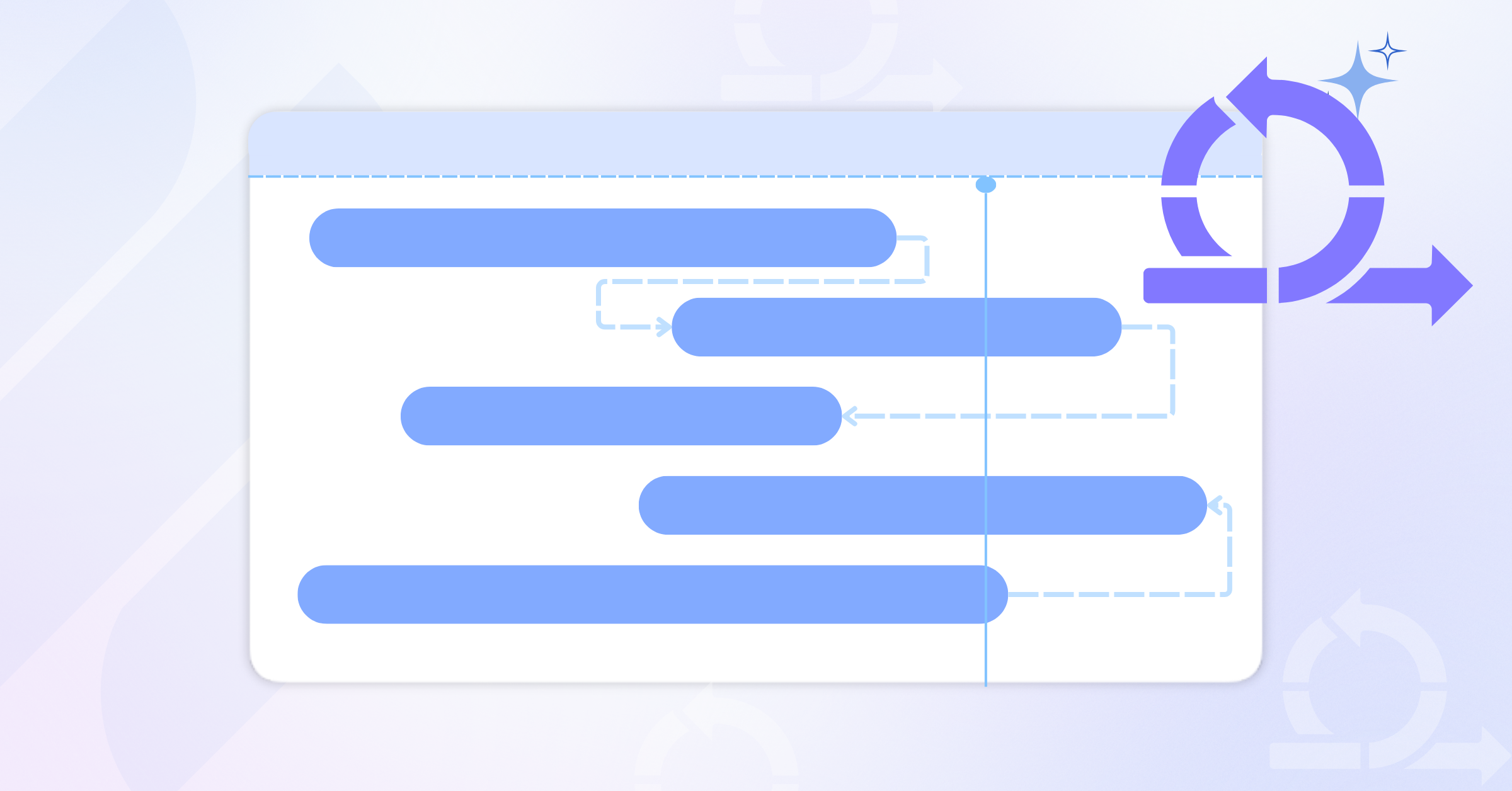
Kanban and Gantt charts are both powerful project management tools, but they serve different purposes based on project needs. The following table highlights their key differences to help you choose the right tool for your team.
| Feature | Gantt Chart | Kanban Board |
|---|---|---|
| Best For | Large, structured projects with fixed deadlines (e.g., construction, event planning) | Agile workflows with continuous delivery (e.g., software development, customer support) |
| Workflow Type | Linear, phase-based | Flexible, iterative |
| Task Visualization | Timeline-based with dependencies | Card-based, drag-and-drop system |
| Flexibility | Rigid structure with predefined schedules | Highly adaptable with real-time updates |
| Collaboration | Best for teams working in sequential phases | Ideal for teams with concurrent tasks |
| Complexity | Can become overwhelming for large projects | Simple and intuitive, but lacks long-term planning features |
| Time Tracking | Includes milestone tracking & deadlines | Focuses on work-in-progress limits rather than deadlines |
| Best For Teams Like | Project managers, event planners, construction teams | Agile teams, developers, marketing teams |
For a deeper comparison of Kanban and Gantt charts, including pros, cons, and best use cases, read our detailed guide:
Conclusion
Kanban project management helps teams improve visibility, reduce overload, and maintain a steady workflow. By visualizing tasks and limiting work in progress, teams can work more efficiently and deliver more consistently.
As projects grow in complexity, combining clear workflow management with structured planning becomes essential. When applied thoughtfully, Kanban enables teams to stay focused, adaptable, and aligned — supporting more predictable and scalable project delivery.
Related Articles















How to Build and Manage a Product Roadmap with TaskFord














How to Build a Connected Project Timeline in TaskFord










What Are the Best Jira Alternatives for Scrum Teams?





















How WBS Reveals Delivery Breakdown Before It’s Too Late









![How To Conduct a Profound Stakeholder Analysis [+ Free Template]](/marketing/blog/stakeholder-analysis.webp)















What to Look for in Scrum Tools (Beyond Kanban Boards)

![Project Management Calendar for Teams and Managers [Free Templates]](/marketing/blog/project-management-calendar.webp)







How to Define Project Deliverables: A Step-by-Step Guide






![RACI Chart in Project Management: Rules & Examples [Free Download]](/marketing/blog/raci-chart.webp)













![7 Must-Have Project Management Documents Every PO Should Know [Free Templates]](/marketing/blog/project-management-documents.webp)







![How to Create a Winning Project Plan for IT Projects [10 Steps Included]](/marketing/blog/how-to-create-a-project-plan.webp)


![Daily Standup Best Practices: Apply AI to Organize Meetings Successfully [2026 Trends]](/marketing/blog/daily-standup.webp)






![How to Create a Project Communication Plan: Step-by-Step Guide [+Free Template]](/marketing/blog/project-communication-plan.png)


![Master Project Procurement Management in 5 Steps [Download a free plan template]](/marketing/blog/project-procurement-management.webp)




























Subscribe for Expert Tips
Unlock expert insights and stay ahead with TaskFord. Sign up now to receive valuable tips, strategies, and updates directly in your inbox.