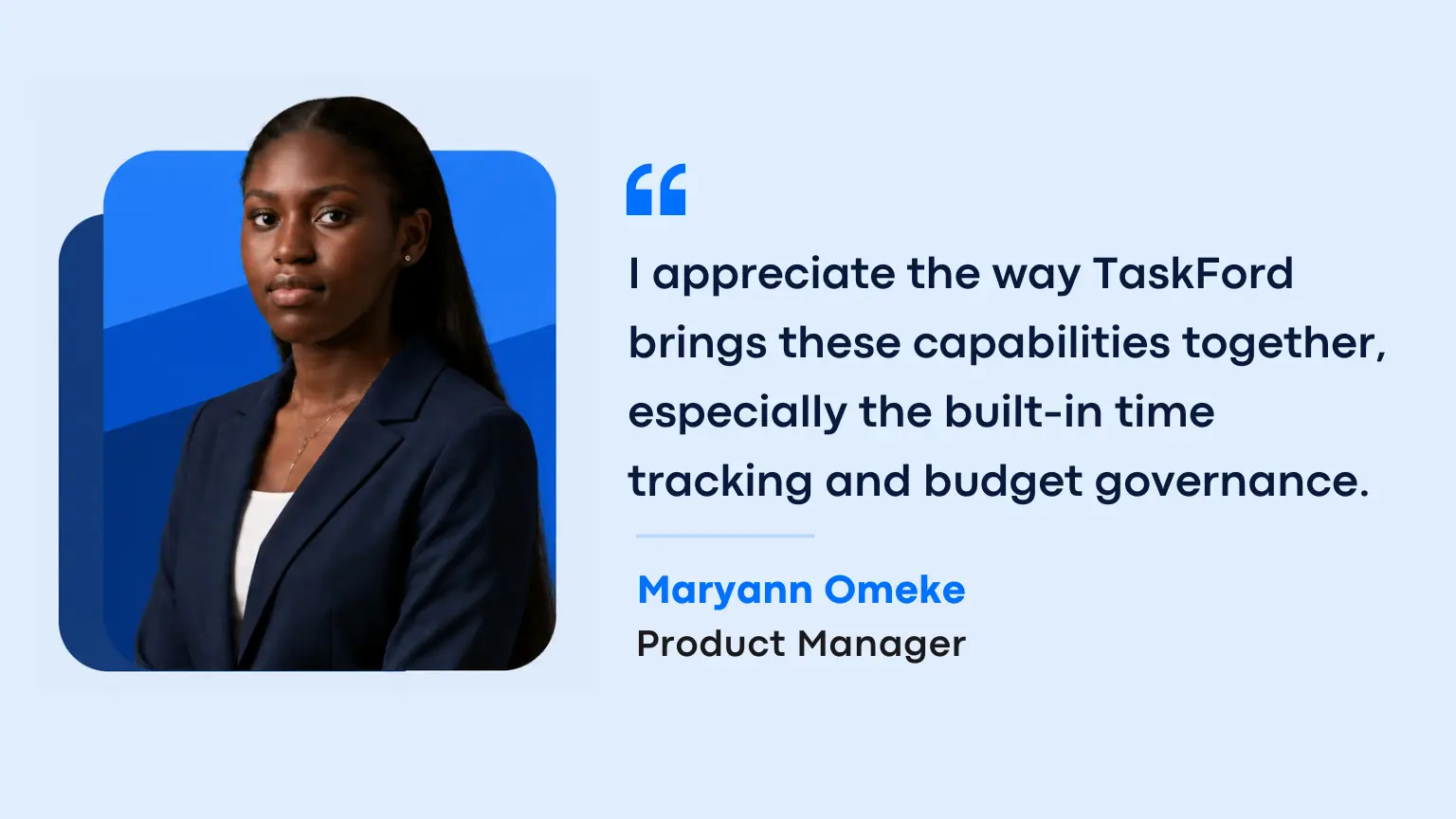
Meet Maryann Omeke
Maryann Omeke is an independent Product Manager who works across different client teams, product initiatives, and delivery timelines. Like many consultants and client-facing professionals, her work does not stay within one project environment. Each client has different goals, stakeholders, workflows, and expectations.
One week may involve preparing a product roadmap for one client, reviewing delivery risks with another team, and helping a third project move toward its next milestone.
When Maryann evaluated TaskFord, she was not looking for another way to organize tasks. She wanted to understand whether the platform reflected how client delivery works in practice. Three areas stood out.
What Stood Out: A Platform that Matched How Client Delivery Actually Works
Maryann evaluated TaskFord against the setup many teams already use: one tool for planning, another for time tracking, and a spreadsheet for budget. These things separated it from that familiar stack.
#1. They kept delivery and commercial context together
Client work involves more than tasks and deadlines. Every new request affects time, effort, and budget. When those details are tracked separately, product managers have to rebuild the full picture before making a decision.
"I appreciate the way TaskFord brings these capabilities together, especially the built-in time tracking and budget governance."
For teams managing several client projects, this is not only about convenience. It removes a recurring layer of manual work: checking different systems to understand whether a project is still on track and within budget.
#2. They treated capacity as part of planning
Most project tools are built around the assumption that a plan is only about tasks and dates. But a realistic plan also depends on whether the right people have room to do the work.
For teams balancing several client engagements, capacity is not a secondary concern. It is what separates a workable plan from one that looks realistic on paper and slips in practice.
Having capacity visible alongside the plan makes scheduling conflicts easier to spot.
"The integrated resource and capacity view is a real differentiator. Most tools treat workload as an afterthought."
#3. They found the workspace clear and focused
Moving between several projects already creates enough context switching. A work management platform should not add to it. It should make it easy to return to a project and immediately understand what needs attention.
"The UI feels clean and purposeful, not trying to be everything to everyone."
That focus matters when users need to move quickly between project plans, delivery timelines, resource decisions, and client conversations. It helps them reduce the time spent searching for context and makes the next decision easier to identify.
What Maryann’s Perspective Highlights
Maryann’s evaluation points to a broader issue in client-facing delivery. Most teams do not lack tools. The problem is that different tools often show different parts of the same project.
Tasks show what needs to happen. Capacity shows whether the team can take it on. Time and budget show what the work is costing. When those views are separated, someone has to connect them manually.
A Fair Look at What’s Next
An honest evaluation should include what is still taking shape, not only what already works. Maryann also raised fair questions about product maturity.
- Balancing depth with reliability, so existing capabilities work well before more complexity is added
- Building deeper integrations with the collaboration, calendar, and design tools product teams already use
TaskFord is still evolving in these areas. Its approach is based on continuous improvement: listening to customer feedback, strengthening the core experience, and expanding the platform with care.
Who This Perspective Is For
This evaluation will likely resonate most with:
- Freelance and independent PMs managing several client relationships without one consistent tool stack
- Consultants asked to keep control of systems with each engagement and own a small setup cost each time
- Project leads and account managers connecting tasks, capacity, and budget by hand
Final Words
For Maryann, evaluating TaskFord was not about finding another place to manage tasks. It was about seeing whether one system could reflect the way client delivery actually works.
The challenge was not a lack of tools. It was having project plans, capacity, time, and budget split across different places, with someone left to connect them manually. What stood out was TaskFord’s attempt to bring those views closer together without making the workspace feel unnecessarily complex.
For product managers, consultants, and agencies managing several clients at once, that visibility matters. It can make the difference between reacting to delivery problems late and seeing them early enough to make a better decision.
Want to see how TaskFord works for your team? Start a free trial →