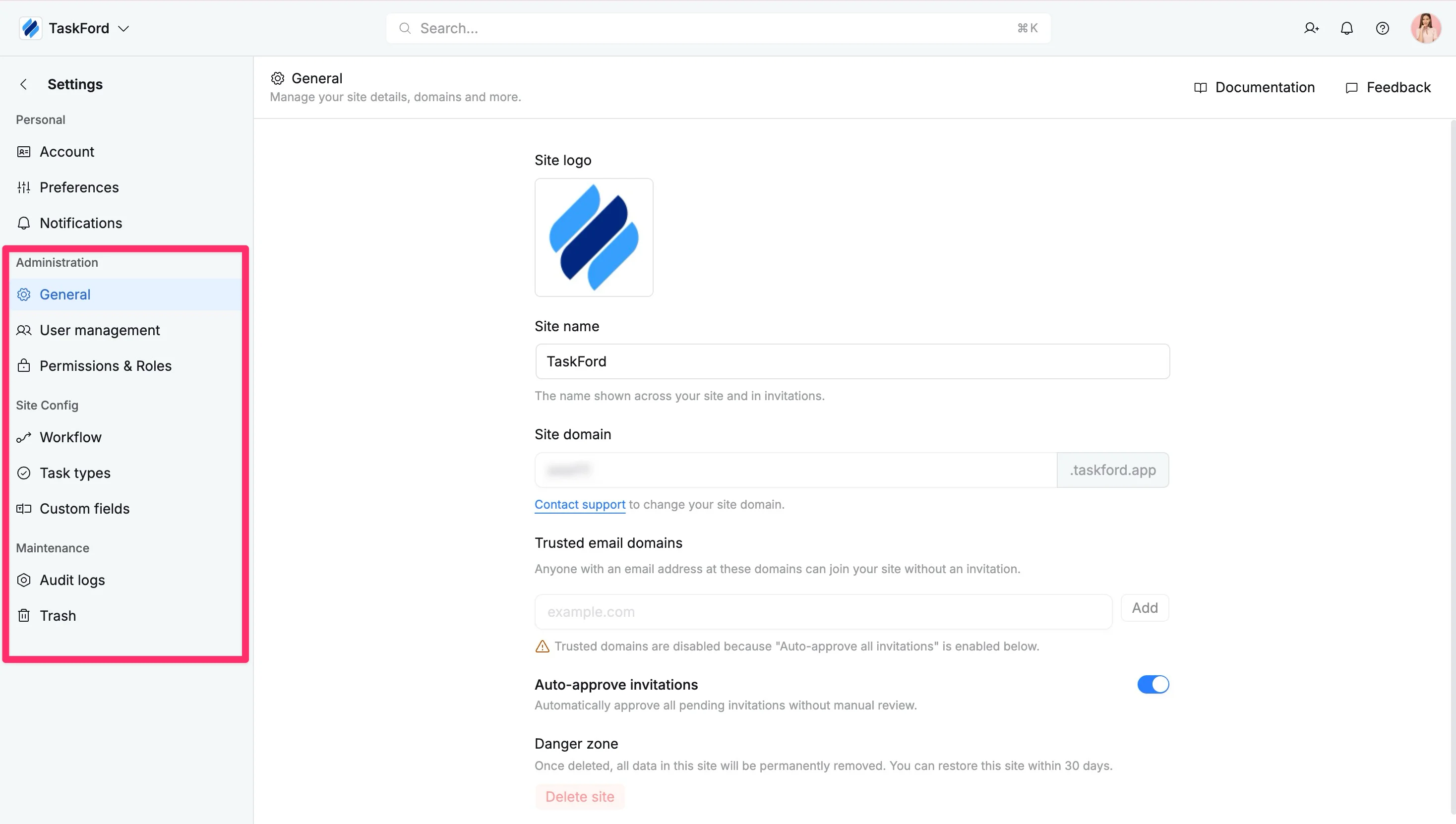
Access Site settings
Site settings allow administrators to manage and configure global settings, user access, roles, permissions, workflows, and system preferences in TaskFord.
Who can use this feature?
- App Admins: Can access and configure global app settings.
- Site Admins: Can access and manage site-level settings, including general configuration and user management.
Site settings allow administrators to configure and manage how your TaskFord app operates. From user access and permissions to workflows and system configurations, this section gives you full control over how your organization plans, collaborates, and delivers work.
These settings are typically managed by admins to ensure consistency, security, and alignment across all teams and boards.
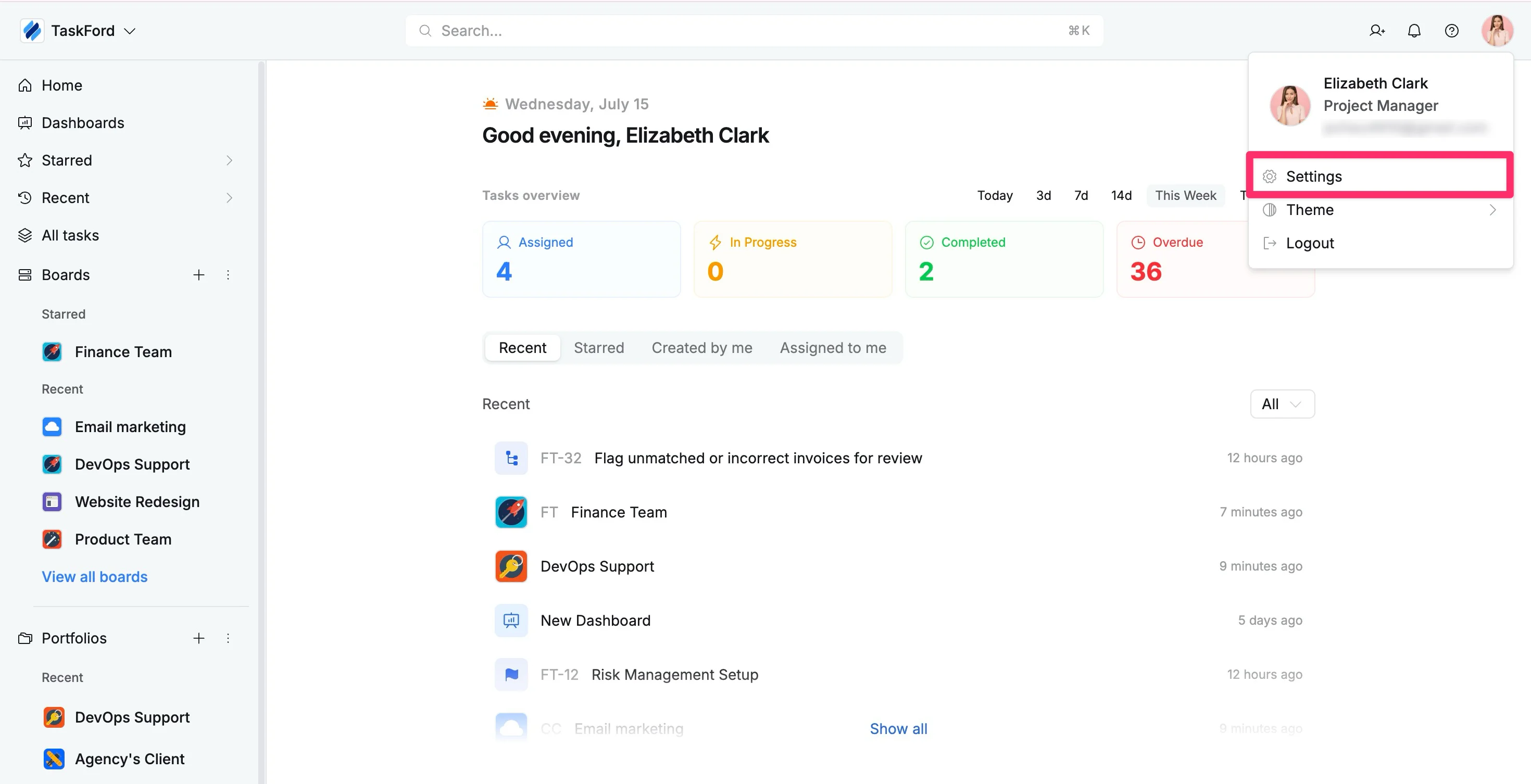
To access Site settings:
- Click your profile picture in the top-right corner
- Select Settings from the dropdown menu
You will be directed to the Site Settings panel. From here, use the left-hand menu to navigate between different configuration sections.