Board general settings
Manage your board's basic information by editing the board's name, key, description, and icon to align with your team’s needs.
Only Board Admins can access and modify General settings.
The General settings allows you to manage your board’s basic information. Here, you can edit the board’s name, key, description, and icon. These settings help personalize and identify your board, ensuring it aligns with your team’s needs and goals.
Access General settings
To access general settings:
- Navigate to the Board settings page
- Select the General tab from the left-hand menu.
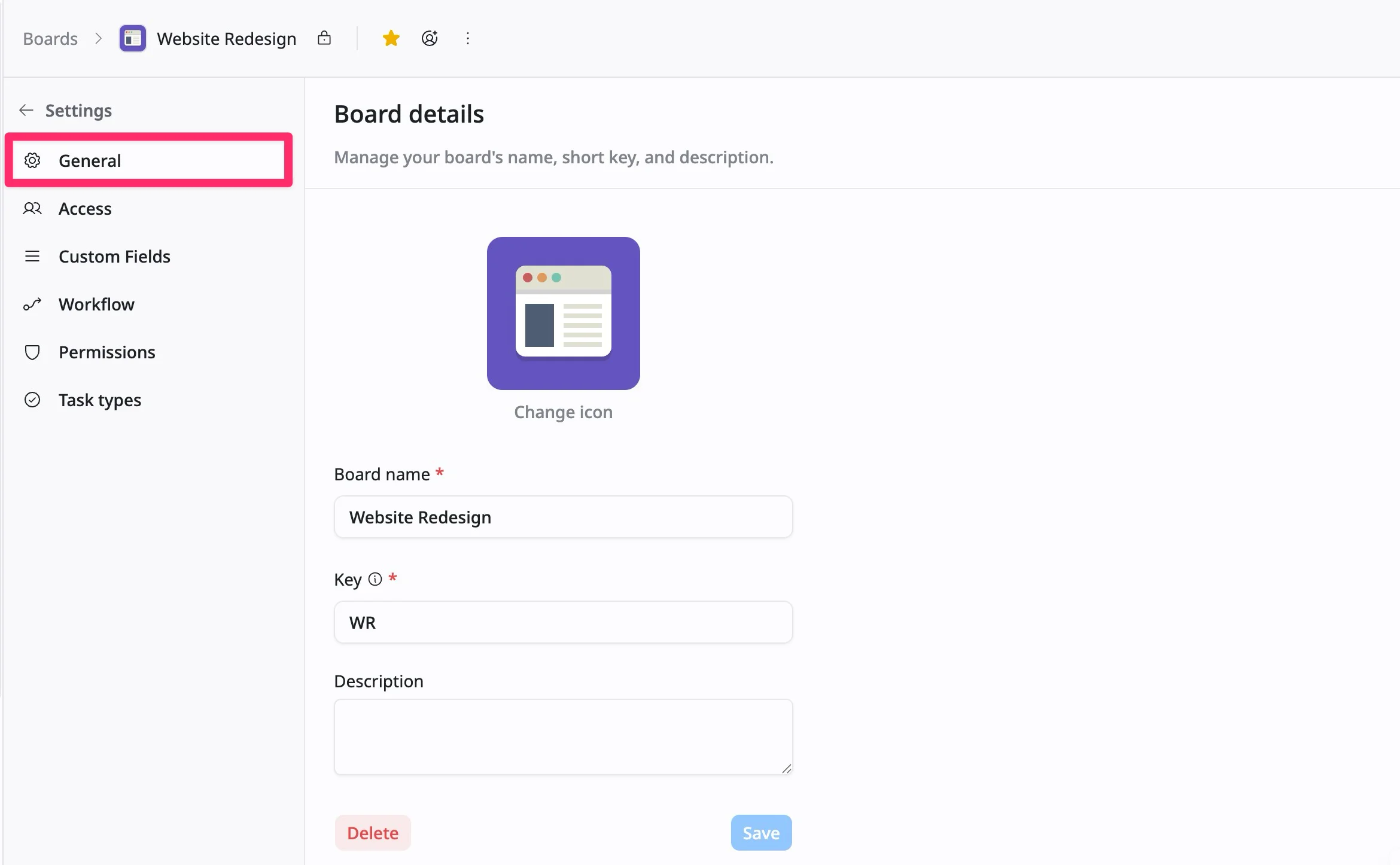
From here, you can manage your board’s basic details, including its name, icon, and deletion settings.
Change the board’s icon
To change the board’s icon:
- Click the Change icon button below the current icon.
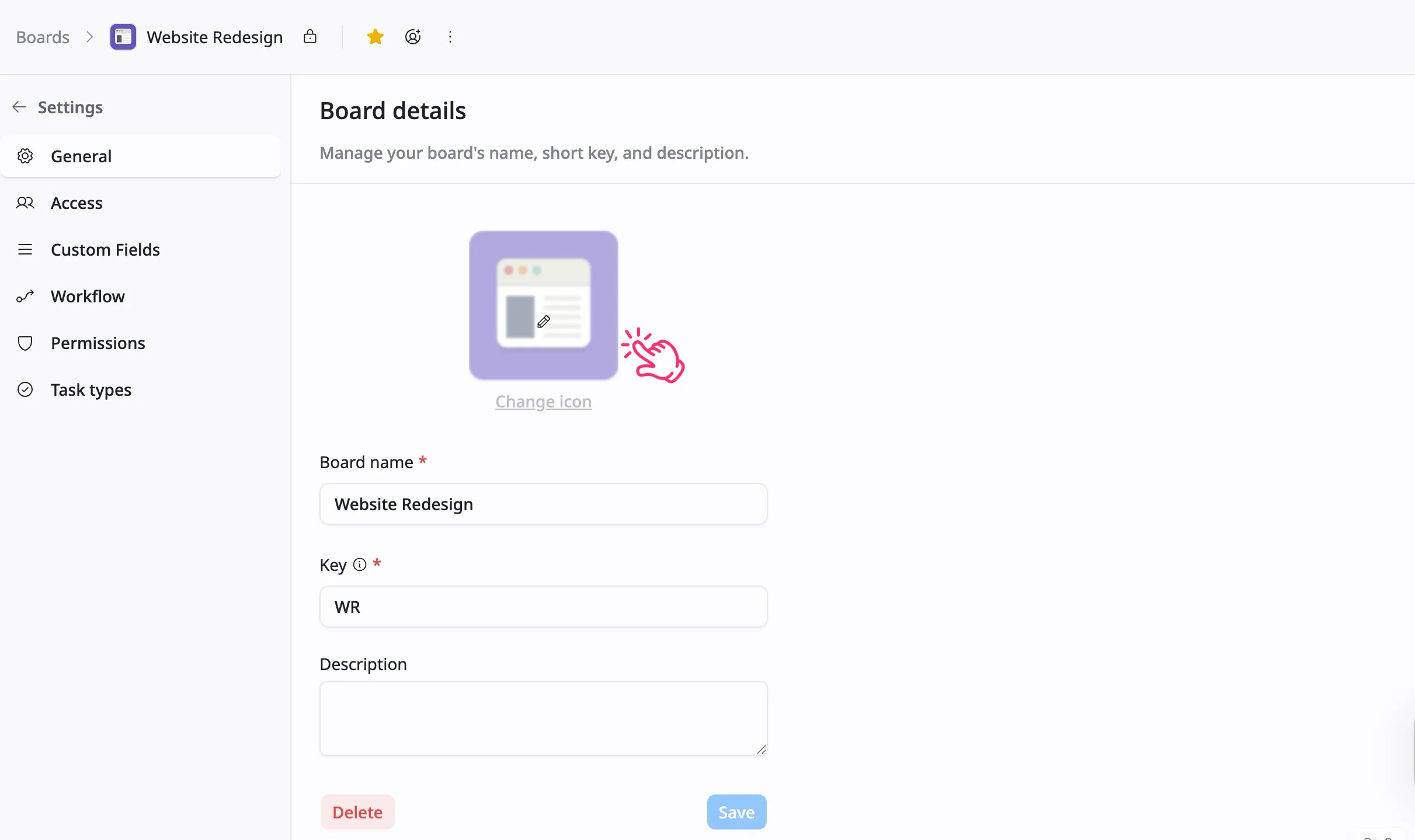
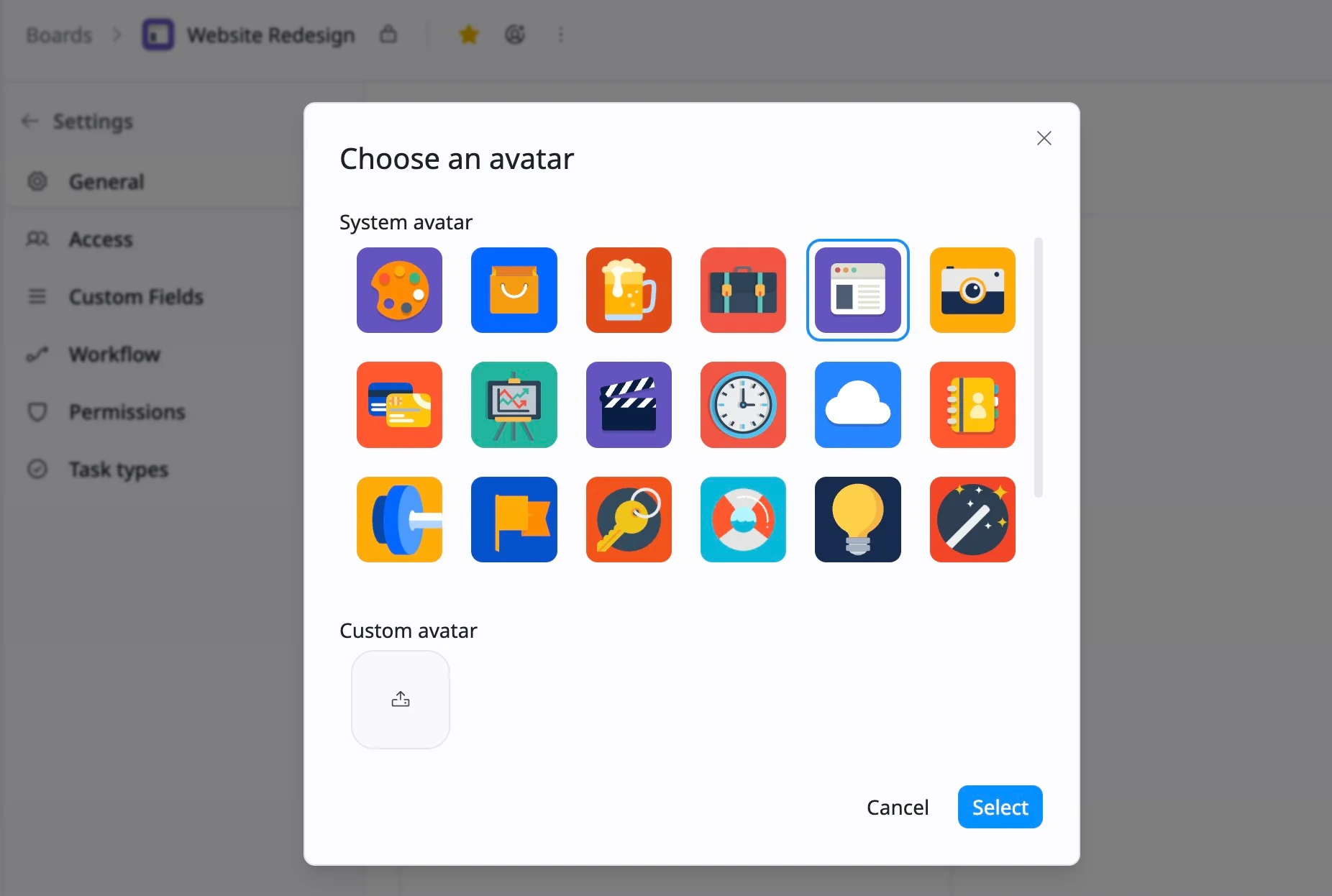
- A selection window will appear. You can:
- Choose from the system avatars available in the list.
- Upload a custom avatar by clicking the upload icon.
- After selecting or uploading the image, click Select to update the board’s icon.
Your board’s new icon will be visible across the interface.
To remove a custom avatar, hover over the uploaded image and click the ✕ (remove) icon in the top-right corner.
Update board information
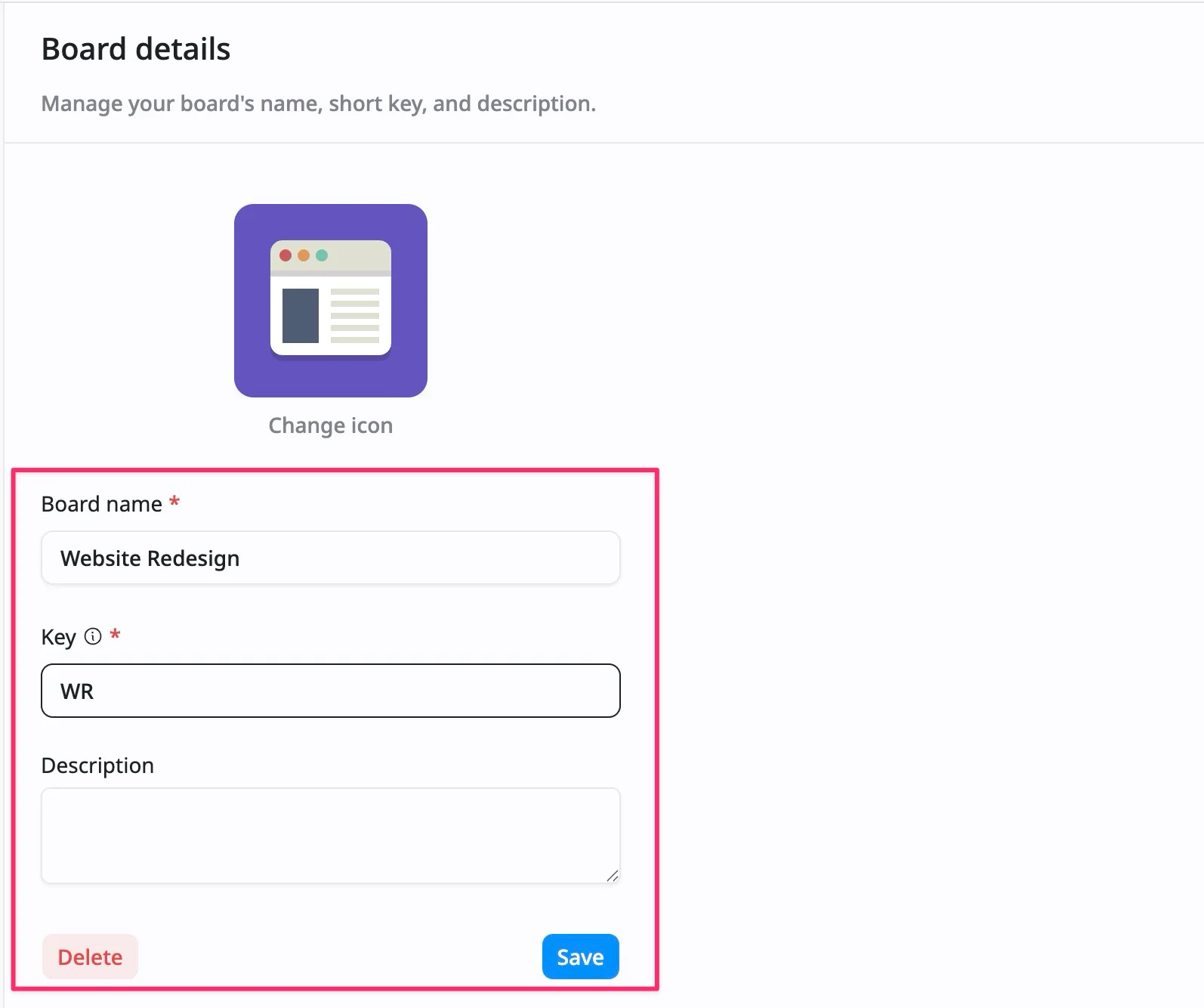
In the General settings section, you can update the following fields:
- Board name: Edit the primary title of your project to better reflect its purpose.
- Key: Change the short identifier (e.g., “MA”) that is used for task IDs and linking.
- Description: Add or update a brief summary of the board’s purpose, helping your team understand its focus and goals.
Once you’ve made the necessary changes, click Save to update your board’s details.
Delete a board
In the General settings section, you can also delete a board. To delete a board:
- Click the Delete button at the bottom.
- A confirmation dialog will appear. Click Delete again to confirm the action.
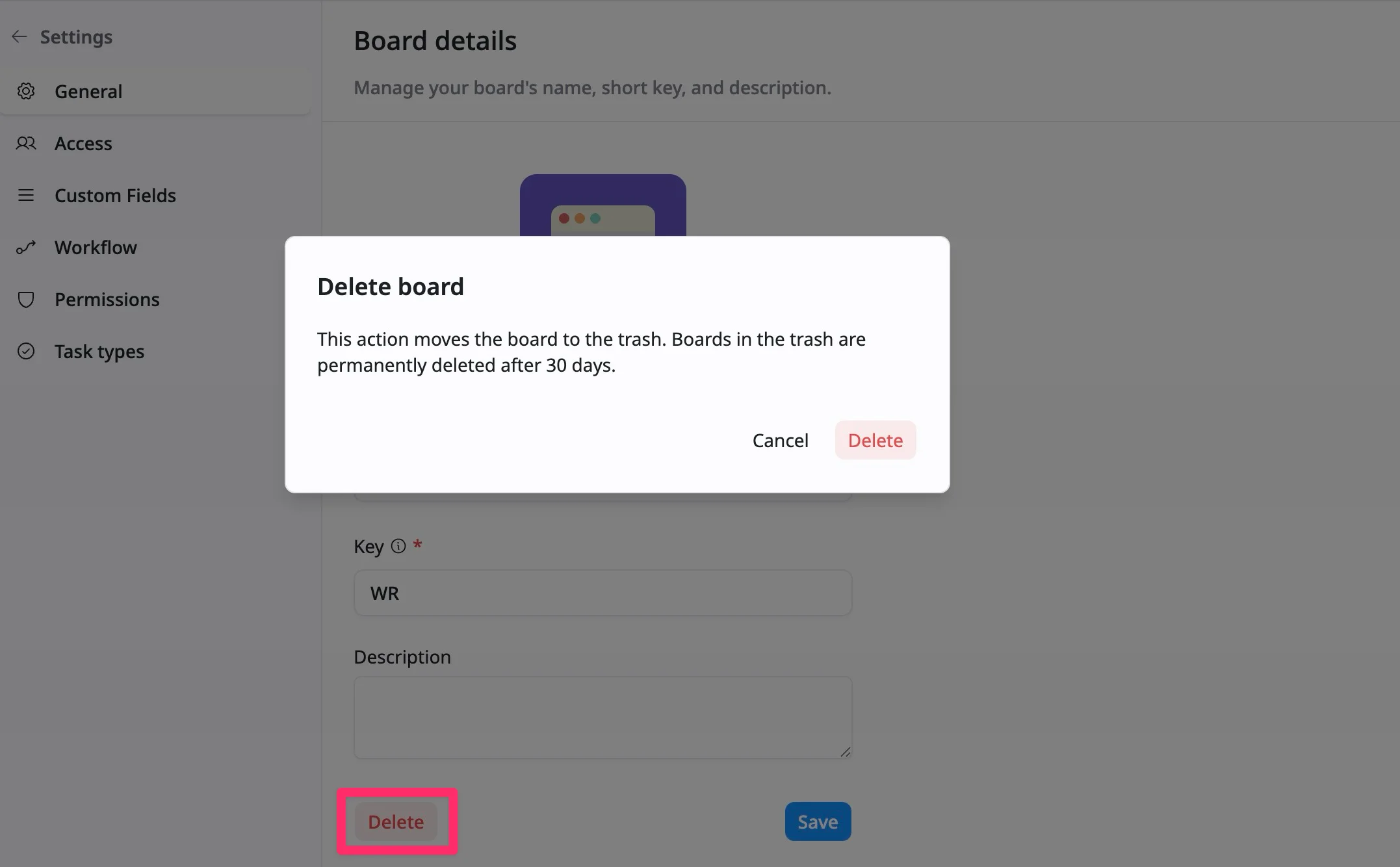
To cancel the deletion, you can click the Cancel button or click anywhere outside the dialog.
Be cautious when deleting boards, as this action is irreversible after 30 days.