Compact mode
Use Compact mode in TaskFord’s Schedule view to display more tasks at once with a space-efficient timeline layout.
Compact mode
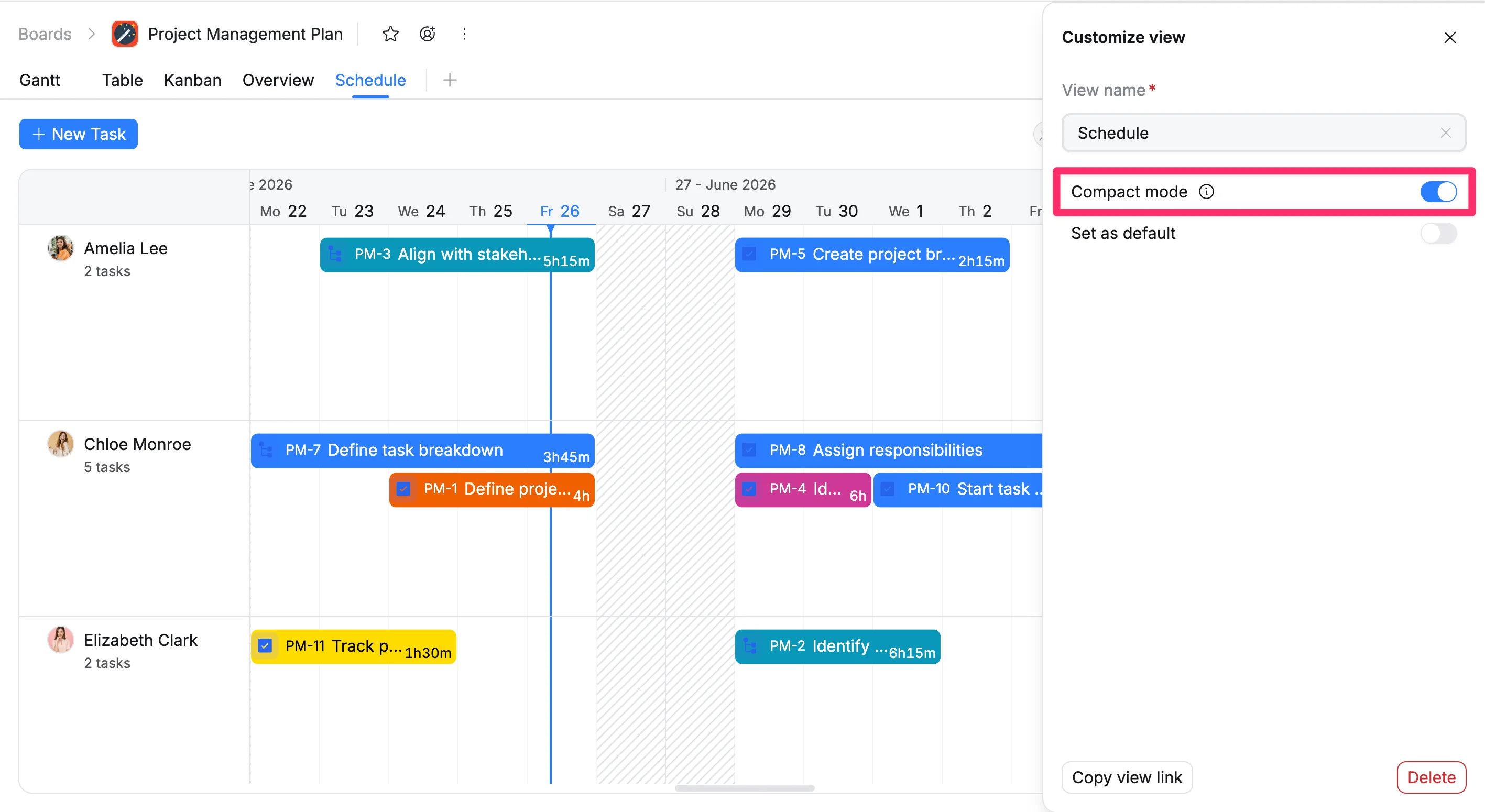
Compact mode in the Schedule View displays all task bars with a fixed height, regardless of their duration. This reduces unused space in the timeline and allows you to view more tasks at once. It is useful when working with complex schedules that contain many tasks, helping you review and manage them without excessive scrolling.
Turn on Compact mode
To activate Compact mode:
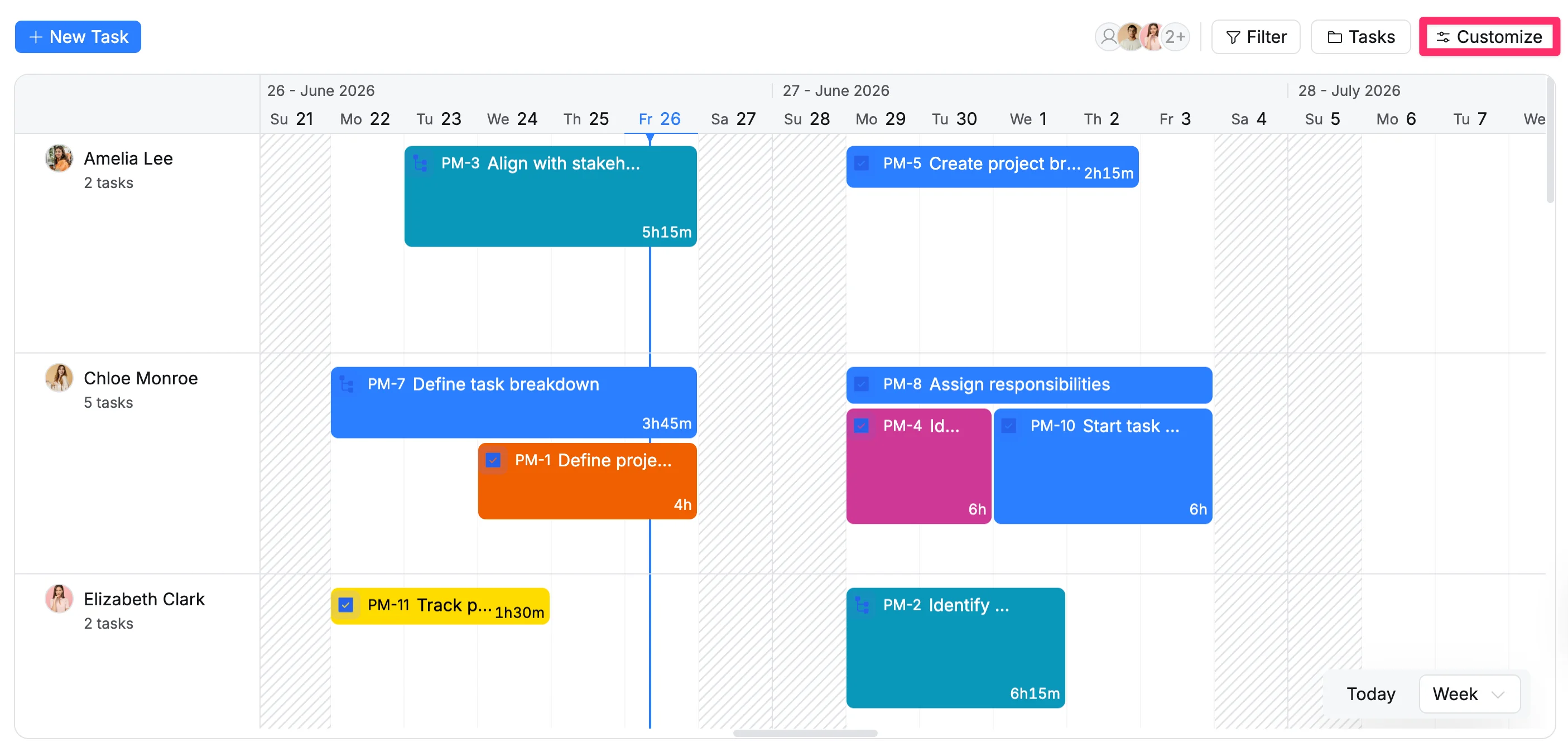
- Click Customize in the top-right corner of the Schedule View.
- Enable Compact mode to display all tasks with the same fixed height.