Dashboards in TaskFord
Explore dashboards in TaskFord to monitor project data in real time with customizable widgets, charts, and centralized insights across boards.
Overview
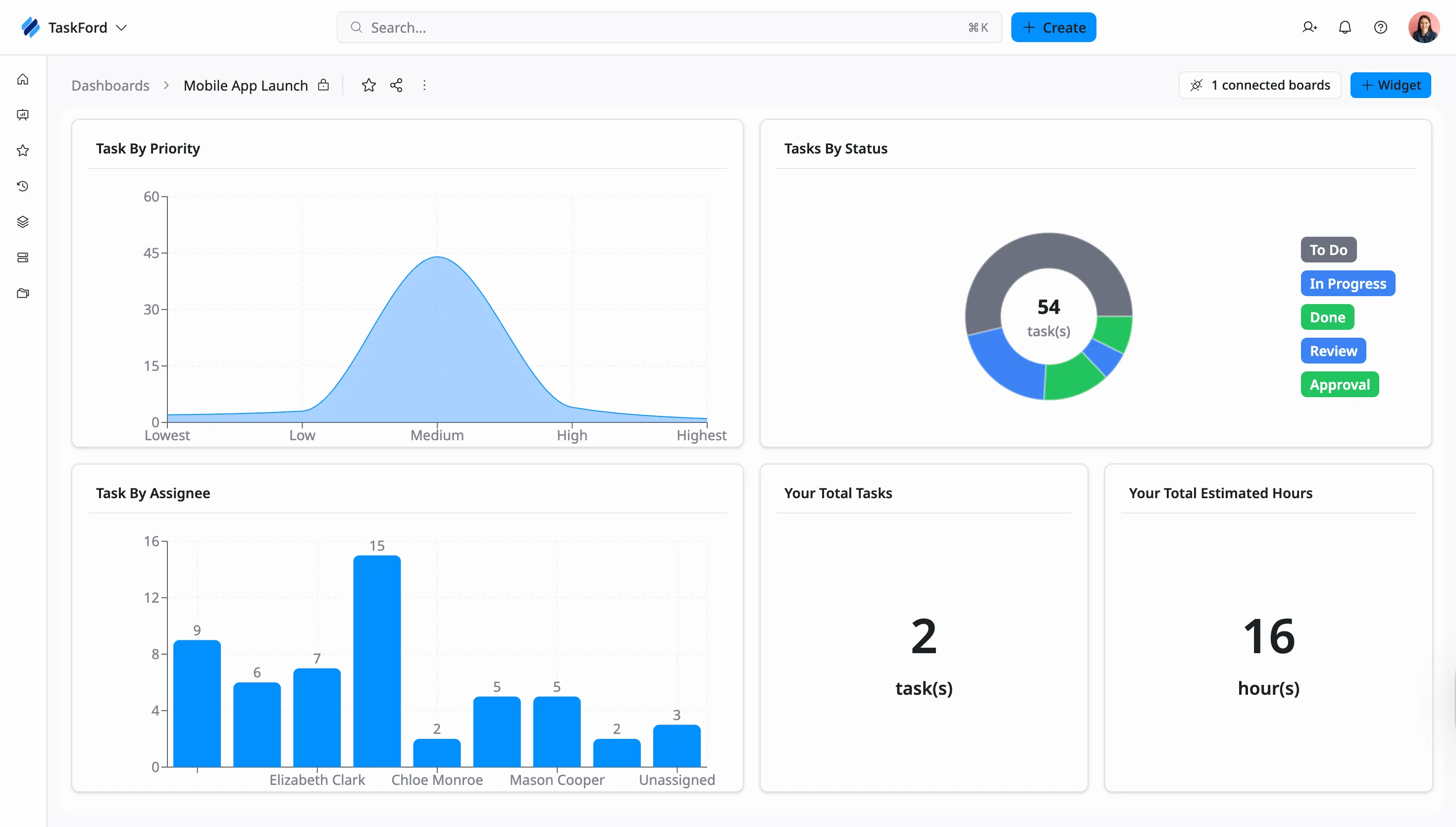
Dashboards in TaskFord provide a centralized, real-time view of your board data through visual elements such as charts, metrics, and widgets. They help you quickly understand task progress, monitor key indicators, and track overall project status without navigating across multiple pages.
You can customize dashboards by adding and arranging widgets to display the information most relevant to your work - such as task status, priority, or workload distribution. This helps you review progress, identify issues, and stay informed when managing projects.
Key features
- Visual data representation: Use widgets (charts, graphs, task lists, tables) to visualize data.
- Customization: Drag-and-drop widgets to resize, rearrange, and configure them according to your needs.
- Real-time monitoring: Track progress, workload, and project performance live.
- Centralized information: Pull data from multiple boards in your Workspace into one view.