Kanban view in TaskFord
Use Kanban view in TaskFord to visualize tasks, track workflow stages, and manage progress in a clear, visual format.
Overview
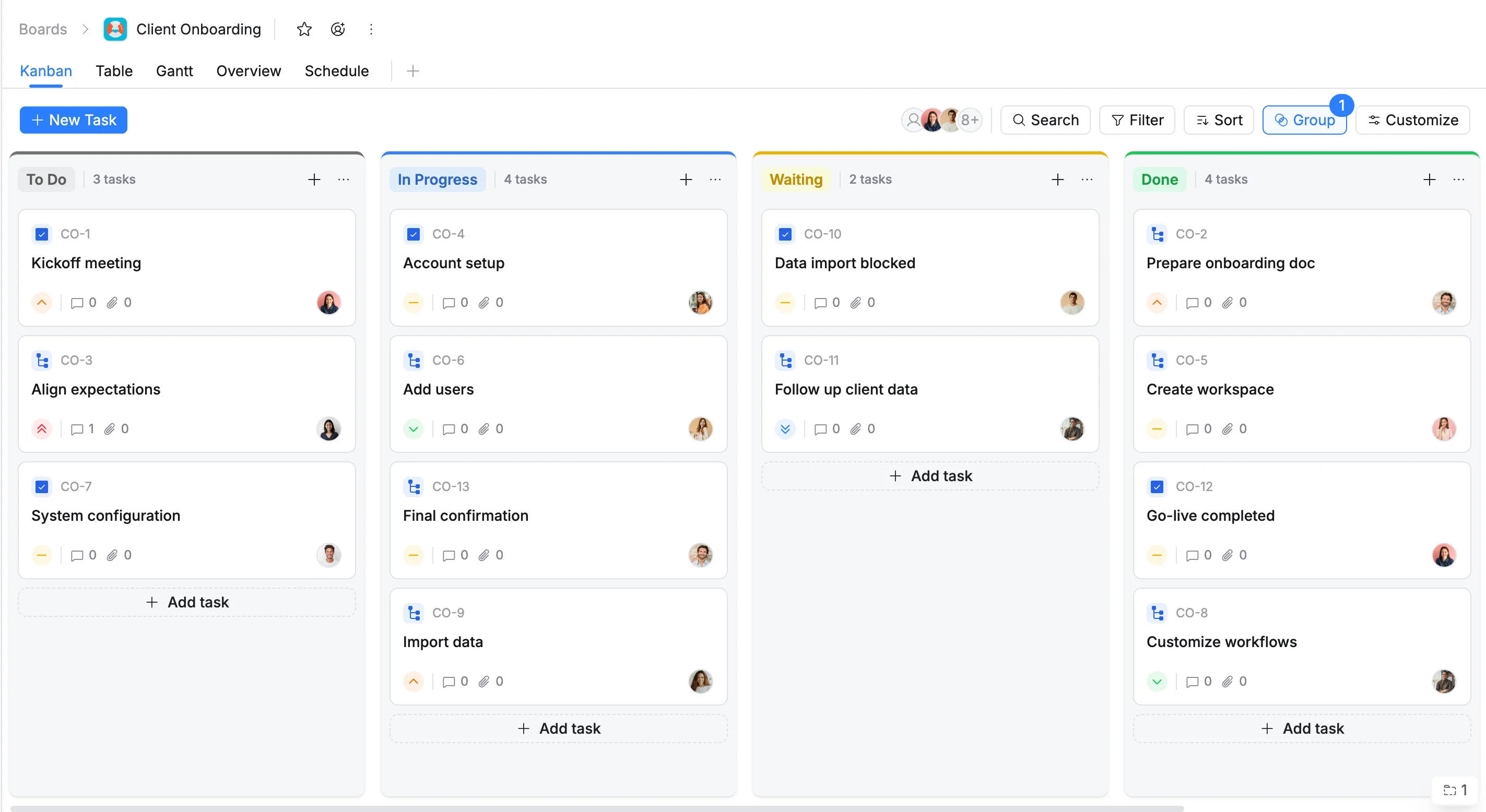
Kanban view in TaskFord provides a visual way to track tasks and workflow progress across different stages of your project. Each column represents a status (e.g, To Do, In Progress, or Done), and each task appears as a card that can be moved between columns to reflect its current state.
This view helps teams visualize workloads, manage priorities, and keep tasks flowing smoothly from start to finish.
Create a Kanban view
Who can use this feature?
- Board Admins / Board Editors can create board views.
- App Admins / App Editors can create board views only on Open boards.
- Go to the specific board where you want to add a new view.
- Click the plus (+) icon in the view bar to open the Board views menu.
- Select Kanban from the available view options.
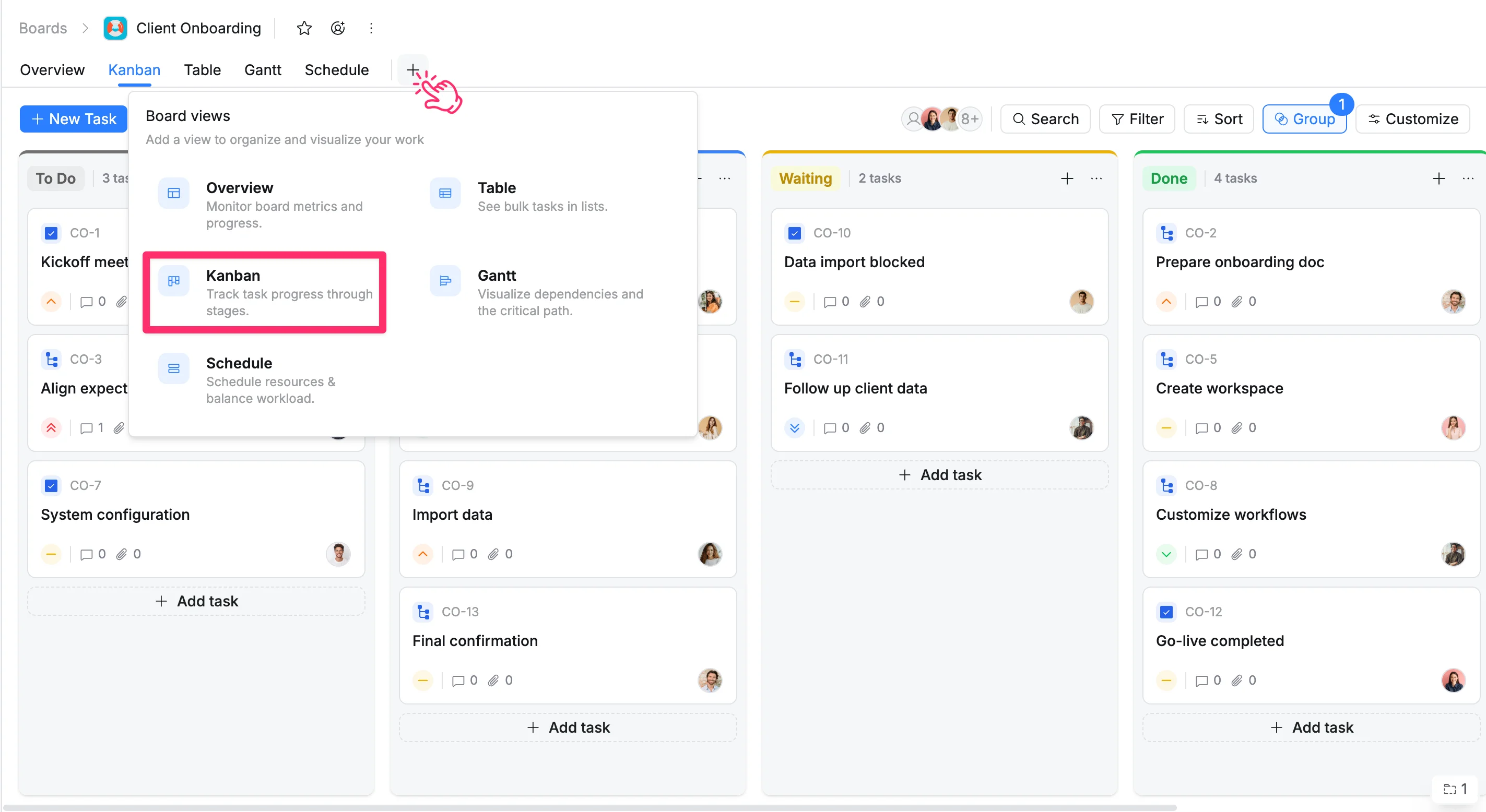
The system will create a new Kanban View that you can rename, customize, and save for your workspace.