Manage swimlanes
Use swimlanes in Kanban view to organize tasks into horizontal sections, helping you categorize work and improve visibility across teams, priorities, or groups.
Who can use this feature?
- Board Admins / Board Editors can manage swimlanes in the Kanban view.
- App Admins / App Editors can manage swimlanes in the Kanban view only on Open boards.
Swimlanes divide your Kanban board into horizontal sections based on a selected field. This allows you to further categorize tasks within each column and gain better visibility across teams, priorities, or groups.
Create swimlanes
To create swimlanes:
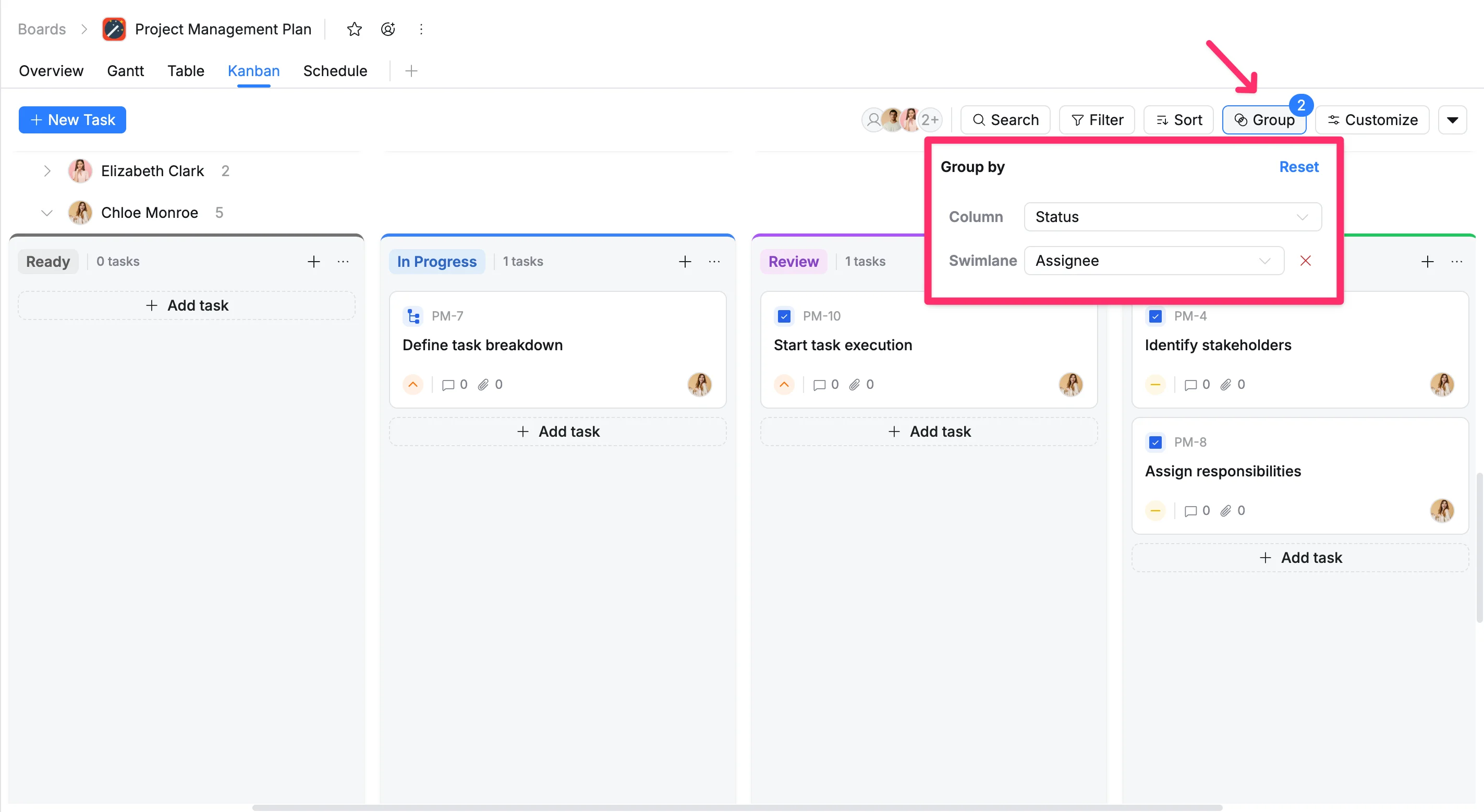
- Click Group in the toolbar.
- Select a field for the Column (e.g., Status) to define your vertical columns.
- Select a field for the Swimlane (e.g., Assignee) to create horizontal lanes.
Reorder swimlanes
You can rearrange swimlanes to change how categories appear on your Kanban board. This helps you prioritize or organize lanes in a way that best fits your workflow.
To reorder swimlanes
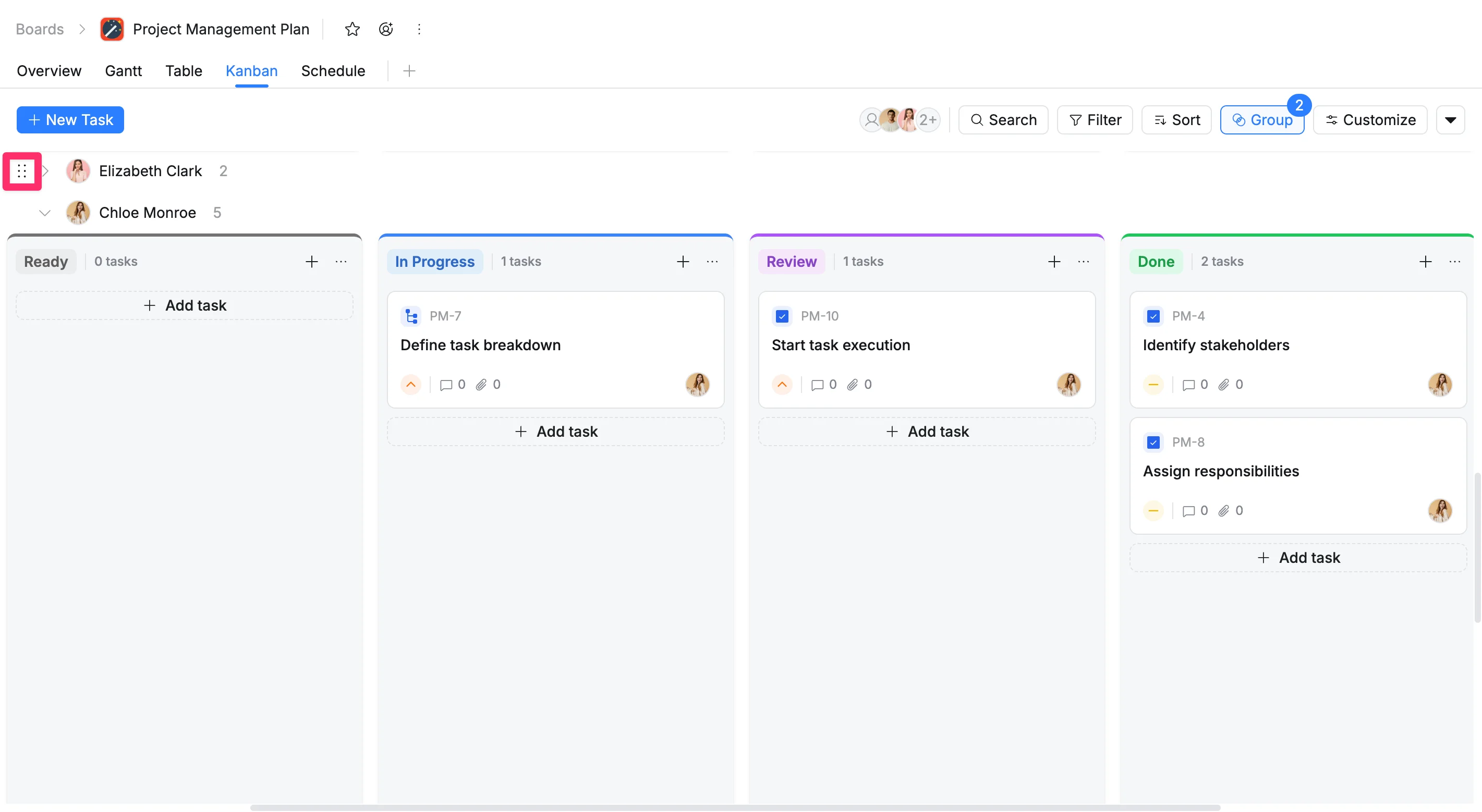
- Hover over the swimlane header (the lane title on the left).
- Click and hold the drag handle.
- Drag the swimlane up or down to the desired position.
- Release to drop it into place.
Remove swimlanes
To remove swimlanes:
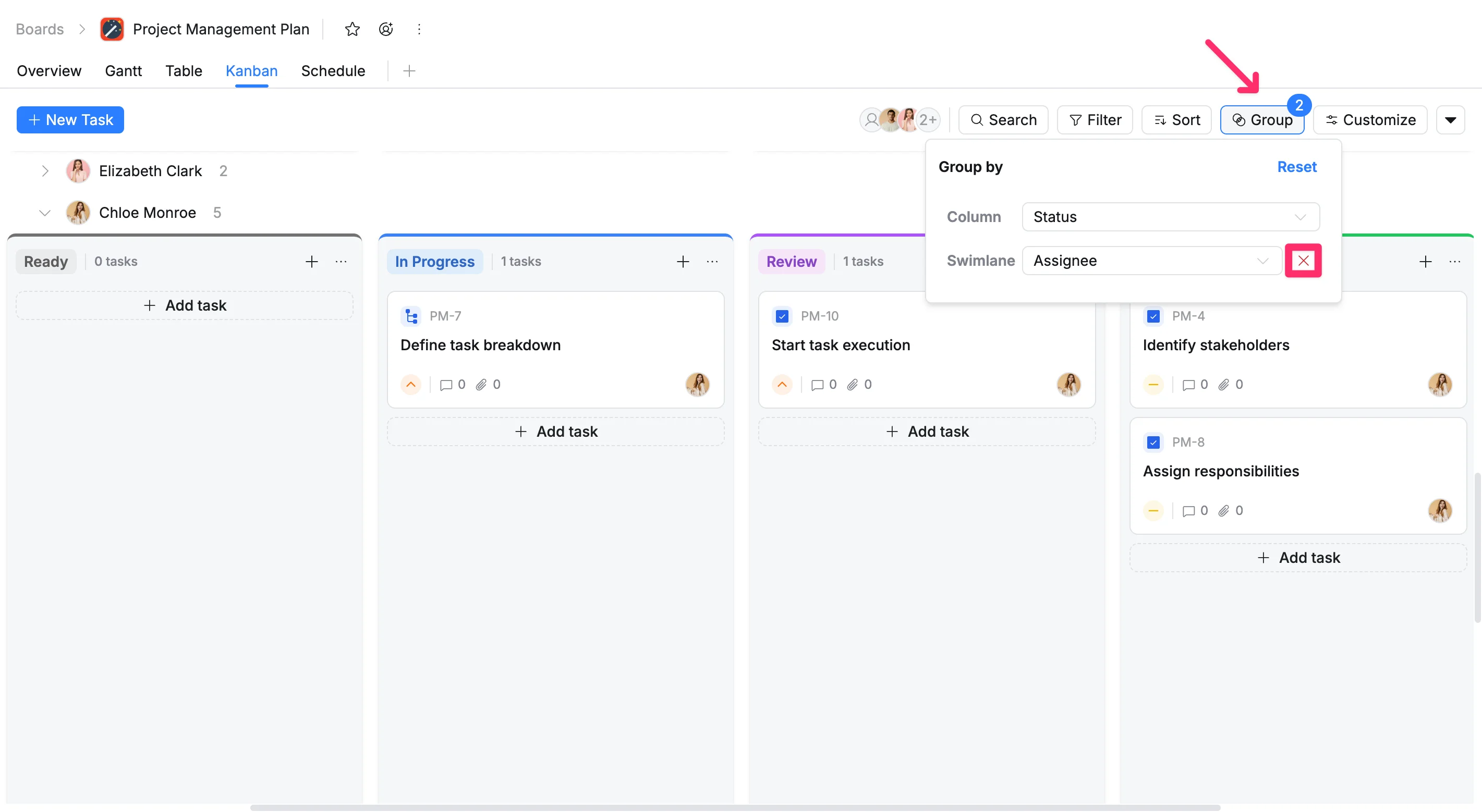
- Click Group in the toolbar.
- Click the Remove icon next to the field you want to remove.