TaskFord v2.1.0: Formula Fields & Table View Improvements
Discover TaskFord v2.1.0 with Formula custom fields, improved Table view customization, and fixes for timesheets, custom fields, and attachments.
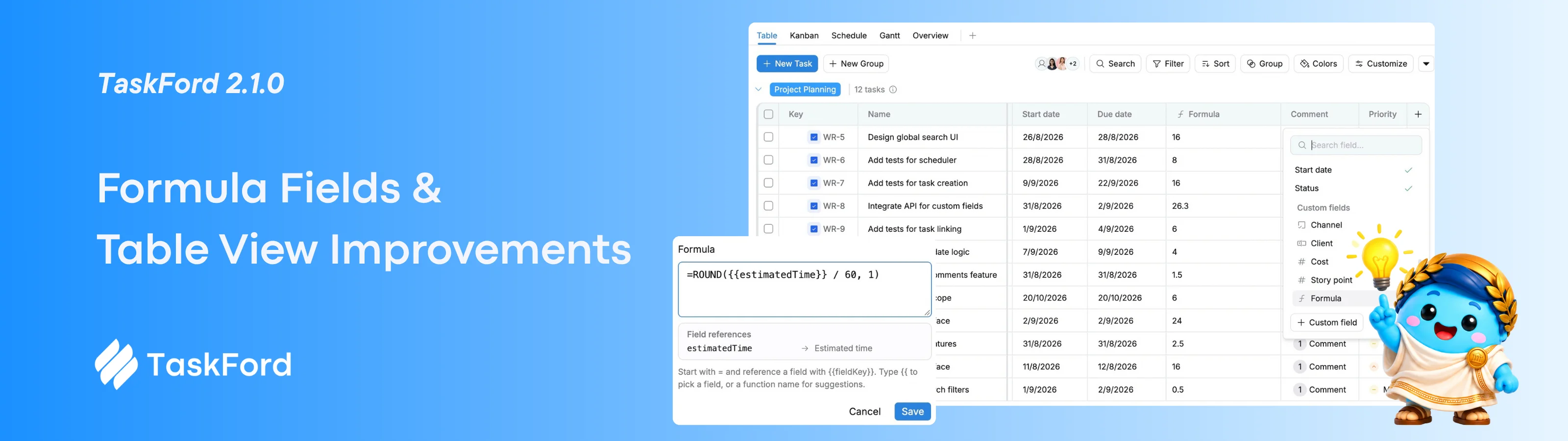
This release introduces Formula custom fields, giving you a new way to automatically calculate and display task data.
It also brings more flexibility to the Table view, along with fixes for timesheets, custom fields, and attachments.
🆕 What’s New
Formula Custom Fields
You can now create Formula custom fields to automatically calculate values from other task data.
Set up a formula once, and TaskFord applies it across every task on the board. This helps reduce manual updates and turn existing task data into useful information automatically.
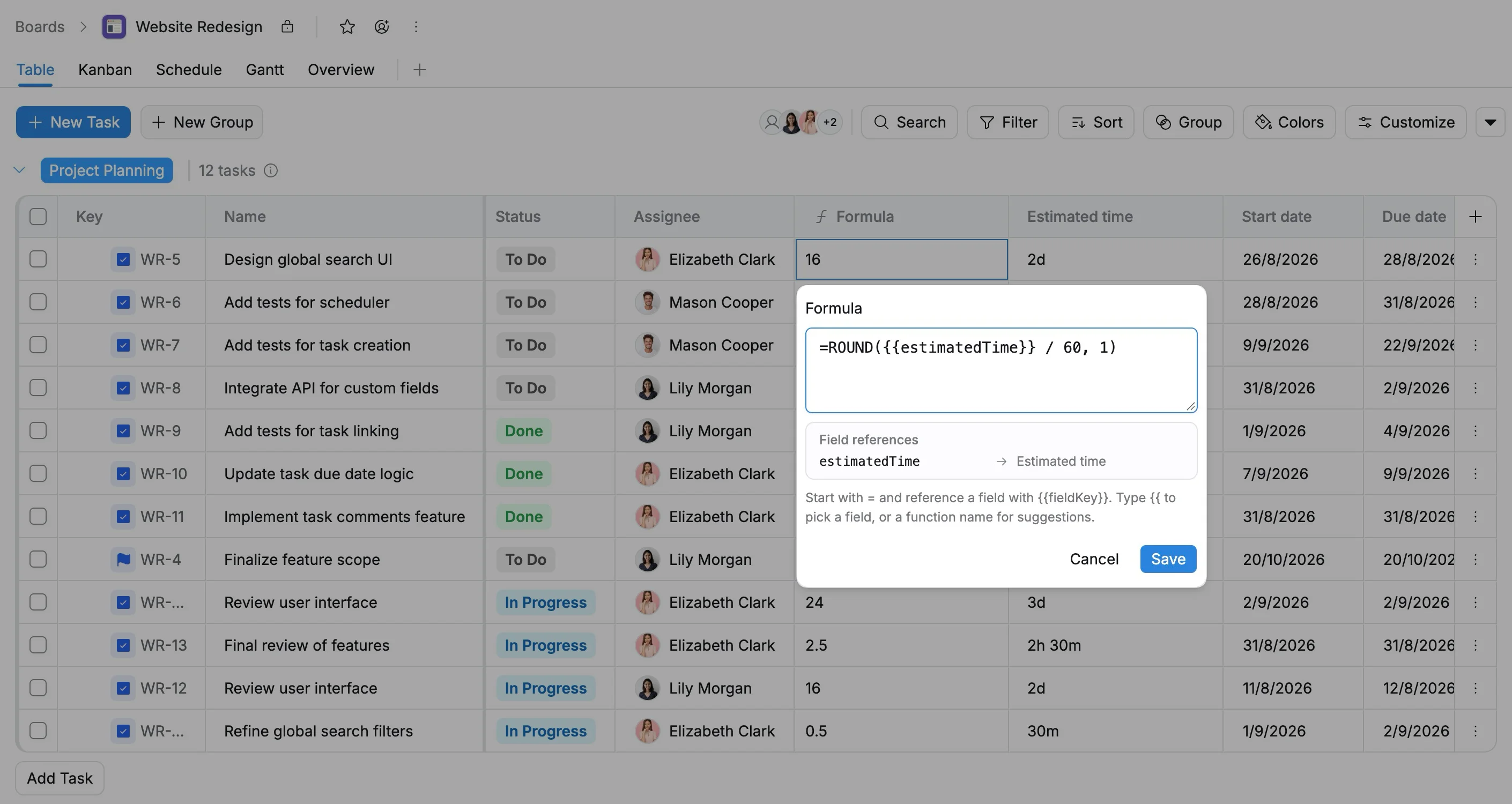
For example:
=ROUND({{estimatedTime}} / 60, 1)This converts each task’s Estimated Time into hours automatically.
Formula fields support 170 spreadsheet functions and can reference other fields using {{fieldKey}}.
Use them to calculate time, effort, schedules, progress, budgets, or custom indicators, making your boards more flexible and better suited to your team’s workflow.
✨ Improvements
We’ve added several improvements to make the Table view easier to customize and use:
- Row height: Choose Compact, Medium, or Comfortable.
- Auto-fit columns: Double-click a column border to resize it based on its content.
- Smarter Quick Create: New tasks automatically follow the active filters in your current view.
- Personal defaults: Set your own default values for newly created tasks, including status, priority, assignee, dates, and custom fields.
- Custom field icons: Custom field columns now show their field-type icons.
- Number formatting: Number fields now follow their configured decimal settings consistently.
🛠️ Bug Fixes
- Fixed timesheet entries being recorded on the wrong day around midnight.
- Fixed the timesheet toolbar dropdown appearing behind the table header.
- Updates to custom fields and task types now appear immediately.
- Improved cleanup for missing draft attachments.
We’re always looking for ways to make TaskFord more useful for your team. Have questions or feedback? Contact us — we’d love to hear from you.