TaskFord v1.1.0: Integrations & UX Overhaul
TaskFord v1.1.0 adds Google Drive and Jira integrations, UI/UX improvements, stronger task types, better dashboards, bug fixes, and security updates.
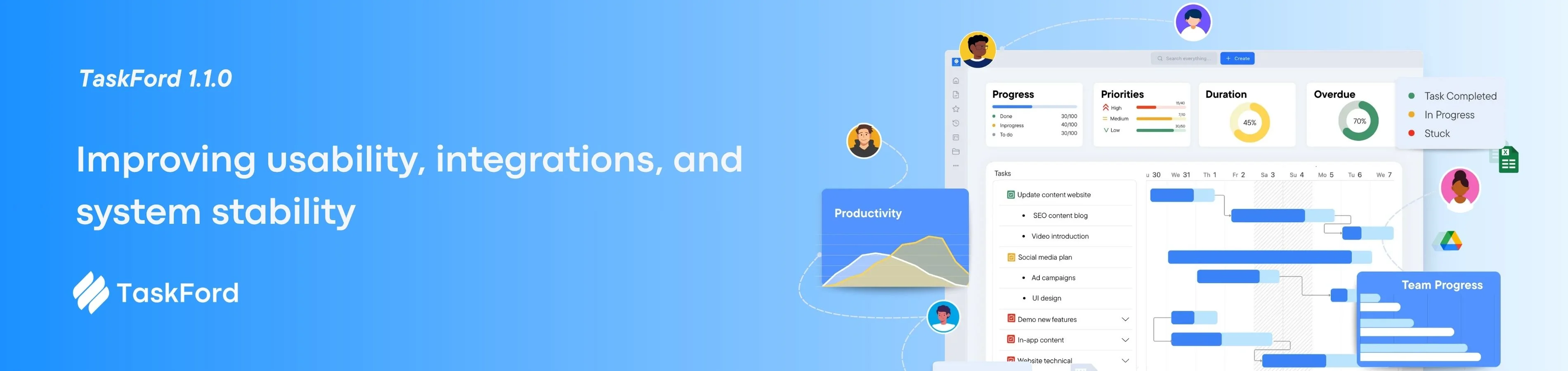
Our biggest update since launch. v1.1.0 brings Google Drive and Jira OAuth integrations, a sweeping UI/UX refresh across settings, dashboards, and onboarding, plus a round of fixes and security hardening based on early user feedback.
+ NEW
IMPROVE
INTEGRATIONS
⭐ Release Highlights
Four big themes drive this release — external integrations, a polished UI, stronger task structure, and a better first-run experience.
| 🔌 Integrations | 🎨 UI/UX Overhaul | 🏷️ Task Types | 📊 Dashboards |
|---|---|---|---|
| Google Drive & Jira OAuth Connect Drive files and Jira issues directly in TaskFord. |
Settings, dashboards & onboarding Redesigned onboarding, dashboards, settings, and dark mode improvements. |
Structured task type support Better Task Type structure with field validation for Bugs, Features, Stories, and more. |
Enhanced dashboard experience Faster dashboard creation, improved widgets, and better sharing controls. |
🧩 New Features
8 ADDITIONS
🔹 Google Drive integration
Attach files directly from Google Drive to any task. Files stay linked to their source — changes in Drive are reflected instantly, no re-uploading needed.
🔹 Jira OAuth integration
Connect your Jira workspace via OAuth. Link TaskFord tasks to Jira issues and surface their status without switching tabs. Designed for teams migrating from or running alongside Jira.
🔹 Task Type support with validation
Task Types now carry improved structure — each type can enforce required fields and validation rules. A Bug must have a severity. A Feature must have an acceptance criterion. You define the rules.
🔹 Internal link & task link preview
Paste a TaskFord task URL anywhere in a rich-text field or comment and it unfurls into an inline preview — title, status, assignee, and priority at a glance.
🔹 React to comments with emoji
Quick reactions let teammates acknowledge or respond to comments without cluttering threads. Available on any task comment.
🔹 “Assign to me” in the assignee picker
A single click in the assignee dropdown now assigns the task to yourself — no more searching for your own name in a long list.
🔹 Time & date format settings
Choose your preferred date format (MM/DD/YYYY, DD/MM/YYYY, ISO) and 12 or 24-hour time display — set once at account level and applied everywhere.
🔹 Improved user profile & account management
Redesigned account pages with clearer sections for profile info, security settings, connected apps, and notification preferences.
🎨 Improvements
UI/UX
🔸 Settings & profile redesign Cleaner settings hierarchy, improved responsiveness, and better organization across profile pages.
🔸 Improved onboarding experience New guided setup flow with a simplified product tour and clearer feature introduction.
🔸 Invitation & notification enhancements Cleaner invitation emails, faster delivery, and more consistent in-app notifications.
🔸 Dashboard creation improvements Redesigned dashboard setup flow with templates, improved widget selection, and simpler configuration.
🔸 Dark mode & UI consistency fixes Improved spacing, contrast, and component consistency across modals, dropdowns, and date pickers.
🔸 Performance & UX optimizations Reduced layout shifts, faster task panel loading, and smoother transitions across views.
🛠️ Bug Fixes
| Bug Fix | Category | Severity |
|---|---|---|
| Fixed display and interaction issues in task details, comment threads, and attachment handling | UI / Collaboration | High |
| Resolved permission and access control edge cases with incorrect role overrides | Security / Permissions | Critical |
| Fixed onboarding flow issues, broken step transitions, and incorrect workspace setup states | Onboarding / UX | High |
| Corrected invitation delivery and status tracking after acceptance | User Management | Medium |
| Fixed site switcher not persisting the active workspace after page reload | Workspace / Navigation | Medium |
| Resolved scheduler date validation errors when tasks spanned month boundaries | Scheduling / Validation | High |
| Fixed UI glitches in dropdowns, date pickers, and modal overlays across breakpoints | UI / Responsive Design | Medium |
| Improved rendering stability across dashboard widgets and integration connection states | Dashboard / Integrations | Medium |
🔐 Security & Permissions
🔸 Strengthened permission handling and validation
Server-side permission checks have been tightened across several resource types to close gaps where client-side state could get out of sync with actual access rights.
🔸 Feature gating by pricing tier
Features available on Pro and above are now correctly restricted for Free tier users — both in the UI and at the API level. Free tier users see a clear upgrade prompt rather than a silent failure.
🔸 Improved API access control for Free tier
API endpoints that correspond to Pro-only features now return appropriate error responses for Free tier tokens, with documentation on what’s available at each tier.
This release focuses on improving usability, integrations, and system stability, while laying the groundwork for future enhancements. As always, your feedback shapes our roadmap — let us know what you’d like to see next.