Unable to Access a Site, Portfolio, or Board
Troubleshoot issues accessing a TaskFord Site, Portfolio, or Board, including account sign-in, invitations, permissions, missing items, shared links, and browser-related problems.
You’re unable to access a Site, open a Portfolio or Board, or perform certain actions in TaskFord. This may be caused by account access, role permissions, or browser-related issues.
Signed In With the Wrong Account
If you have multiple email accounts, you may be signed in with a different account than the one you were invited to the Site.
To resolve this issue:
- Sign out of TaskFord.
- Sign back in using the email address associated with the Site invitation or access permissions.
Access Removed From the Site, Portfolio, or Board
Your access may have been removed by an App admin, Portfolio admin, or Board admin.
To verify access:
- Contact your admin to confirm that you still have access to the Site, Portfolio, or Board.
- Request a new invitation if needed.
Invitation Email Not Received
If you were invited to a Site, Portfolio, or Board but did not receive the invitation email:
- Check your Spam, Junk, or Promotions folder.
- Confirm that the invitation was sent to the correct email address.
- Ask the admin to resend the invitation.
Role or Permission Restrictions
Your ability to create, update, delete, or manage content depends on the permissions assigned to your role.
For example:
- Site permissions control access across the workspace.
- Portfolio permissions control access to portfolios and related actions.
- Board permissions control actions such as creating tasks, editing tasks, managing groups, or updating board views.
If you cannot perform a specific action:
- Confirm your current role with your admin.
- Ask the admin to review whether your role includes the required permission.
Portfolio Access Depends on Board Permissions
Access to a Portfolio does not automatically grant access to all connected Boards.
For example:
- You may be able to open a Portfolio but still be unable to view or manage tasks from a connected Board if you do not have permission on that Board.
- A Portfolio admin may still need approval from the Board admin for certain Board-level actions.
If content is missing inside a Portfolio:
- Ask the Board admin to grant access to the connected Board.
- Confirm that you are added to the correct Board.
Portfolio or Board Missing
If a Portfolio or Board no longer appears, it may have been deleted, or you may no longer have access to it.
To verify:
- Ask the admin or Board owner whether the item was deleted.
- Confirm that you still have permission to access the Portfolio or Board.
- Make sure you are signed in with the correct account associated with the Board access.
Browser or Loading Issues
Sometimes access issues are caused by browser-related problems instead of permissions.
Try the following:
- Refresh the page or restart your browser.
- Clear your browser cache and cookies.
- Try accessing TaskFord using a different browser or device.
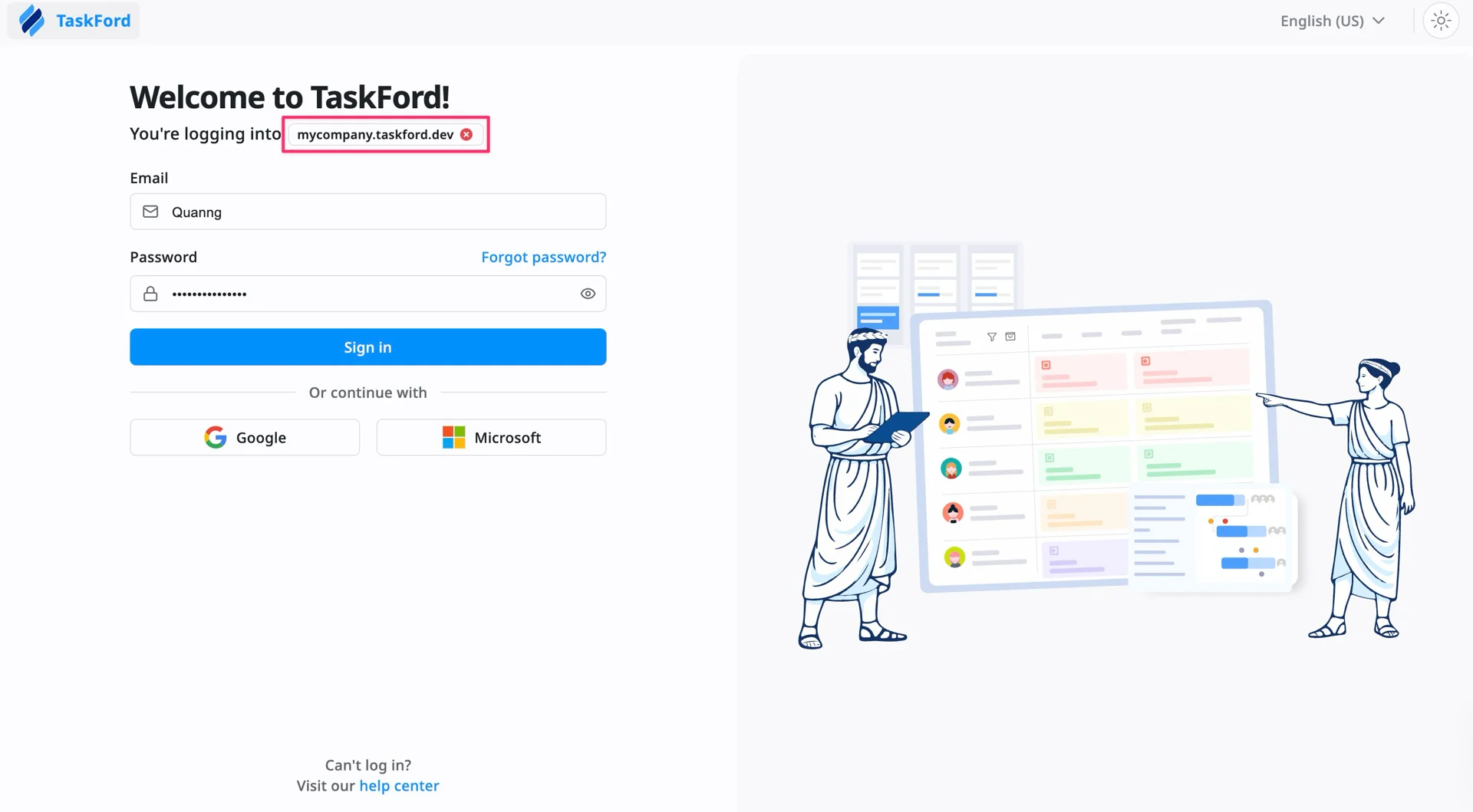
Unable to Access a Shared Site Link
If someone shared a Site link with you, but you cannot access it when signing in, check the following:
- Confirm that the member shared the correct Site link and that you’ve been added to the Site.
- Make sure you’re signing in to the correct Site.
- Ensure you’re signed in with the same email account that has access to the Site.
If you still cannot access the Site, ask the Site admin to verify your membership and permissions.
If you still cannot access your Site, Portfolio, or Board, please contact us with details about the issue, including the affected item, any error message, and the email address associated with your account.