View mode
Adjust the Schedule view timeline in TaskFord using different view modes to review tasks by week or month and plan work effectively.
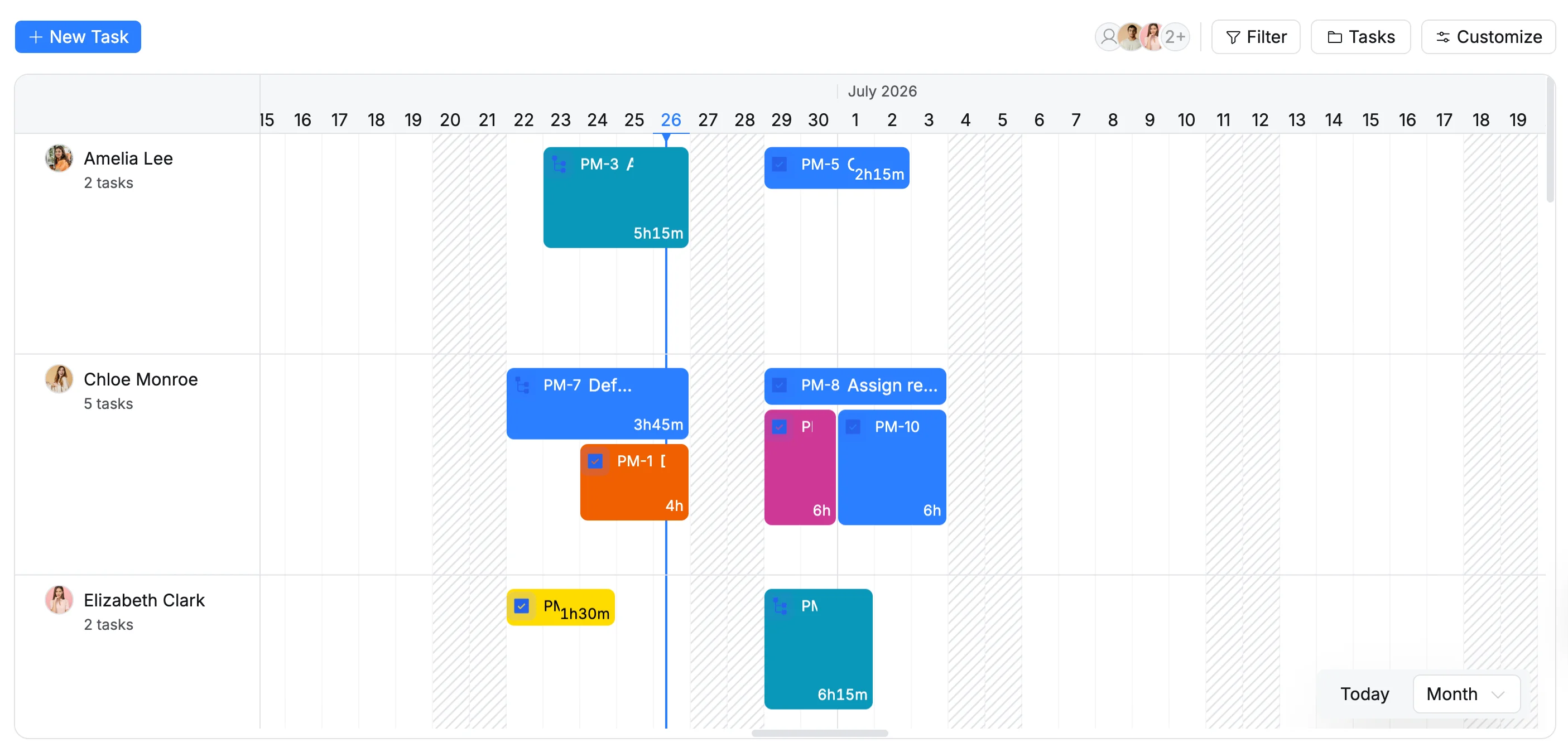
View mode controls how the project timeline is displayed in the Schedule view. It allows you to switch between different time scales - such as week or month - so you can review tasks at different levels of detail and plan work more effectively.
Adjust the View mode
To adjust the timeline view:
- Locate the View mode controls in the bottom-right corner of the Schedule view.
- Click Today to jump to the current date on the timeline.
- Click the View mode dropdown and select Week or Month to change the timeline scale.
View mode
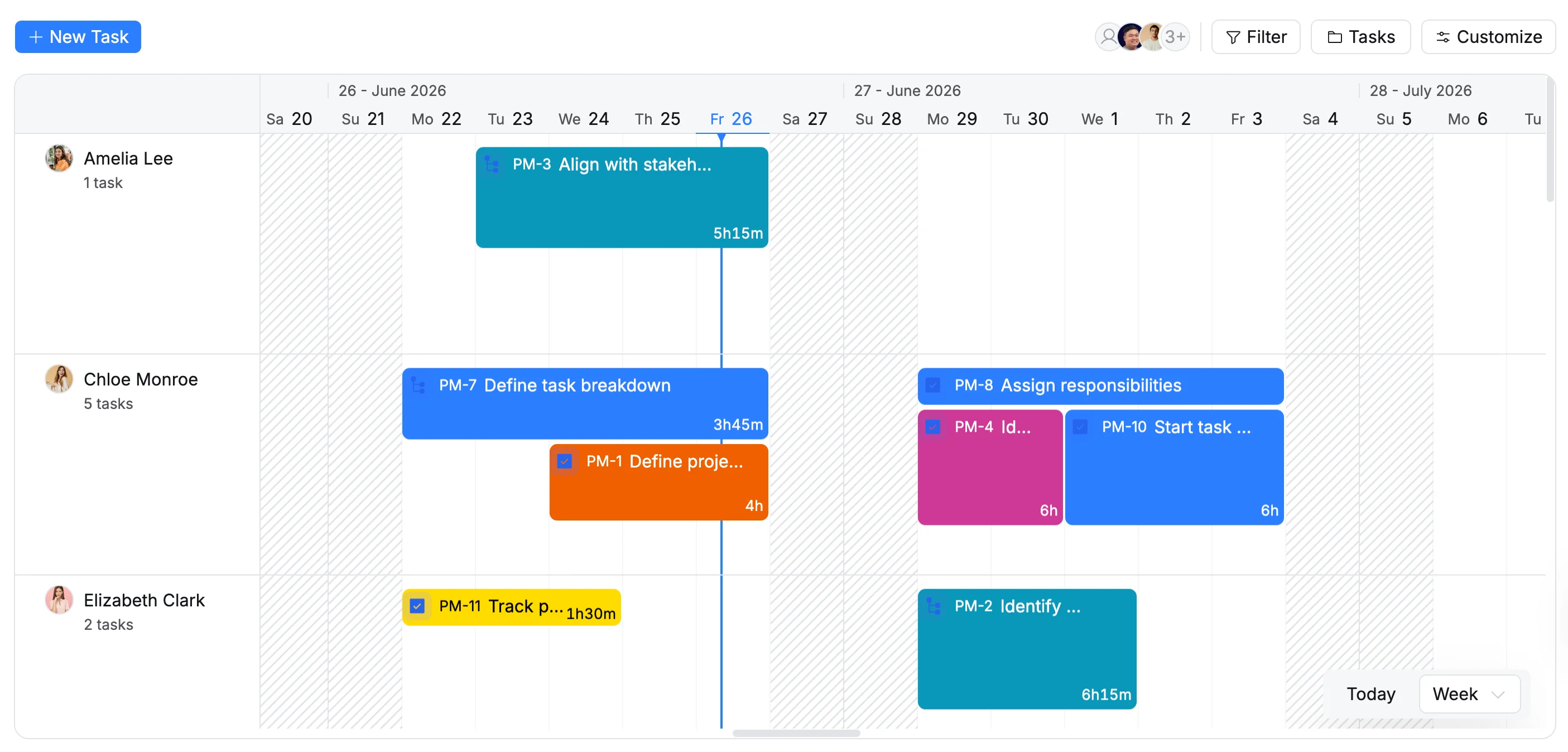
Week view
Shows tasks across a seven-day timeline to review daily workloads and short-term schedules. → Ideal for monitoring weekly tasks and coordinating short-term work.
Month view
Displays tasks across a monthly timeline to review schedules over a longer period. → Best for tracking upcoming work and planning ahead.