View, search & filter dashboards
View, search, and filter dashboards in TaskFord to quickly find, access, and manage the dashboards most relevant to you.
Remove filters for creator
Anyone with access to dashboards can view, search, and filter dashboards.
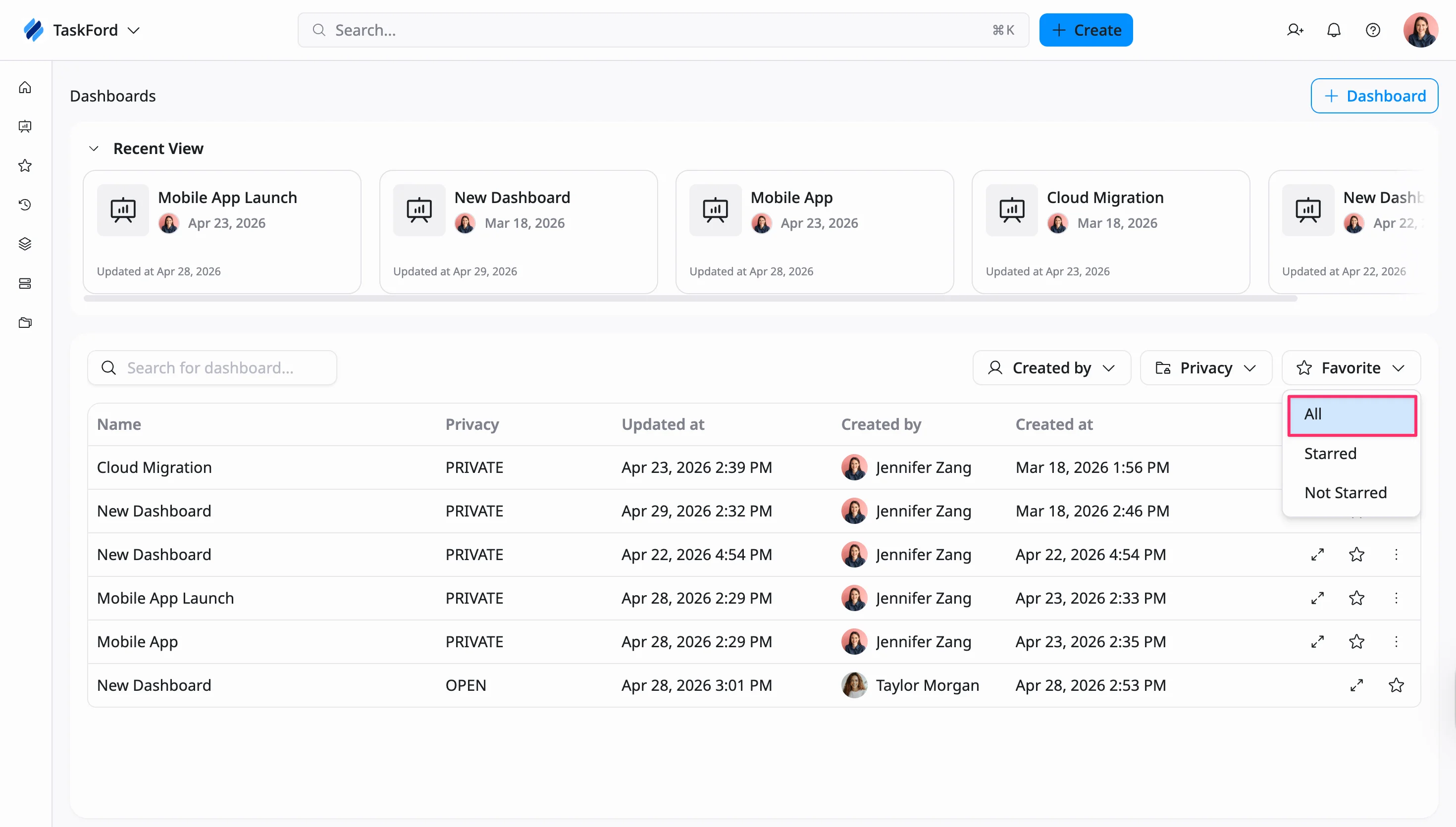
The Dashboards page provides a centralized place to view and manage all your dashboards. It allows you to quickly access recent dashboards, browse the full list, and perform common actions such as opening, searching, filtering, sharing, or deleting dashboards.
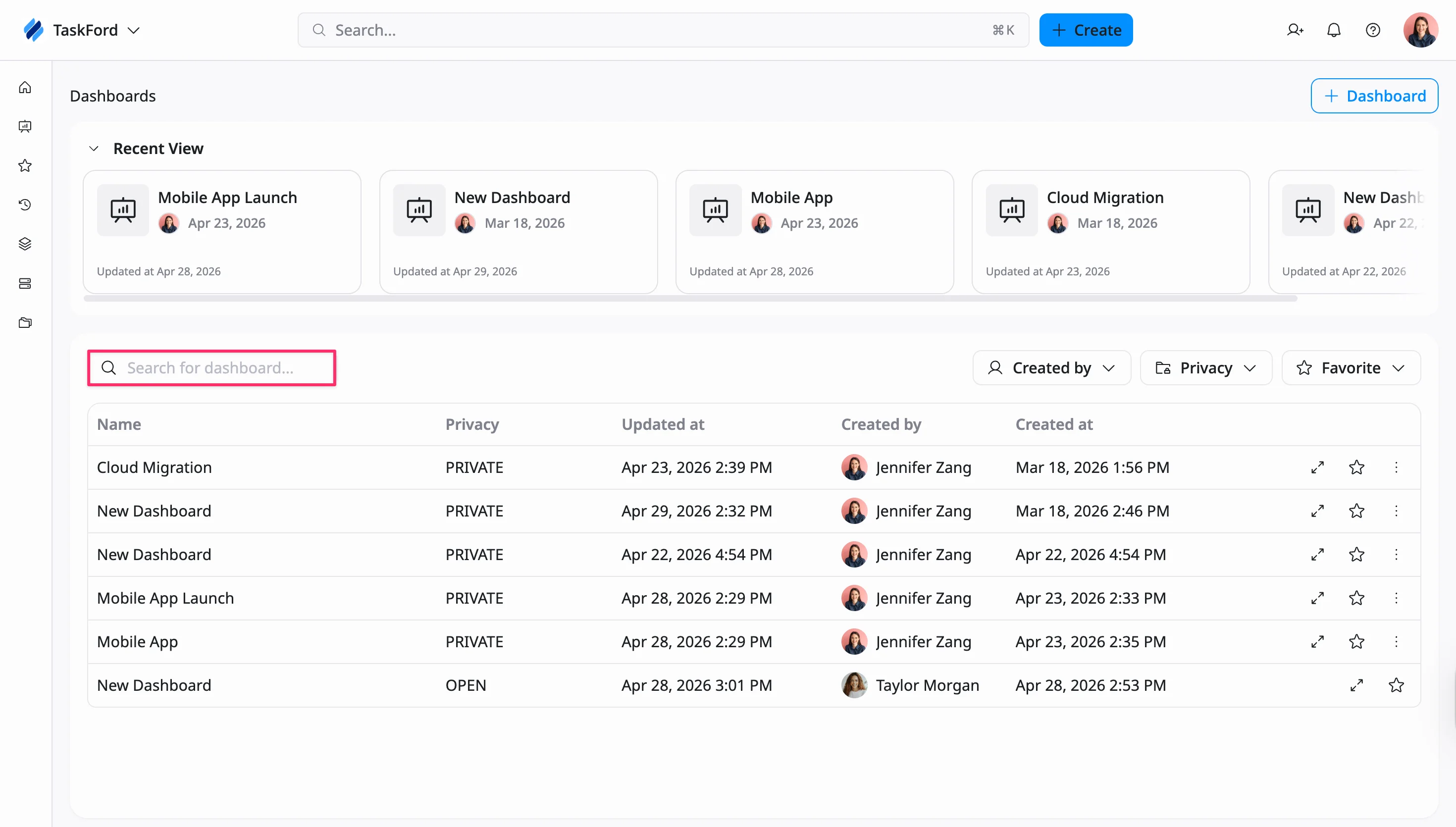
Search Dashboards
Use the search bar above the list of dashboards to quickly find a dashboard by name, so you can access the one you need without scrolling through the list.
Filter Dashboards
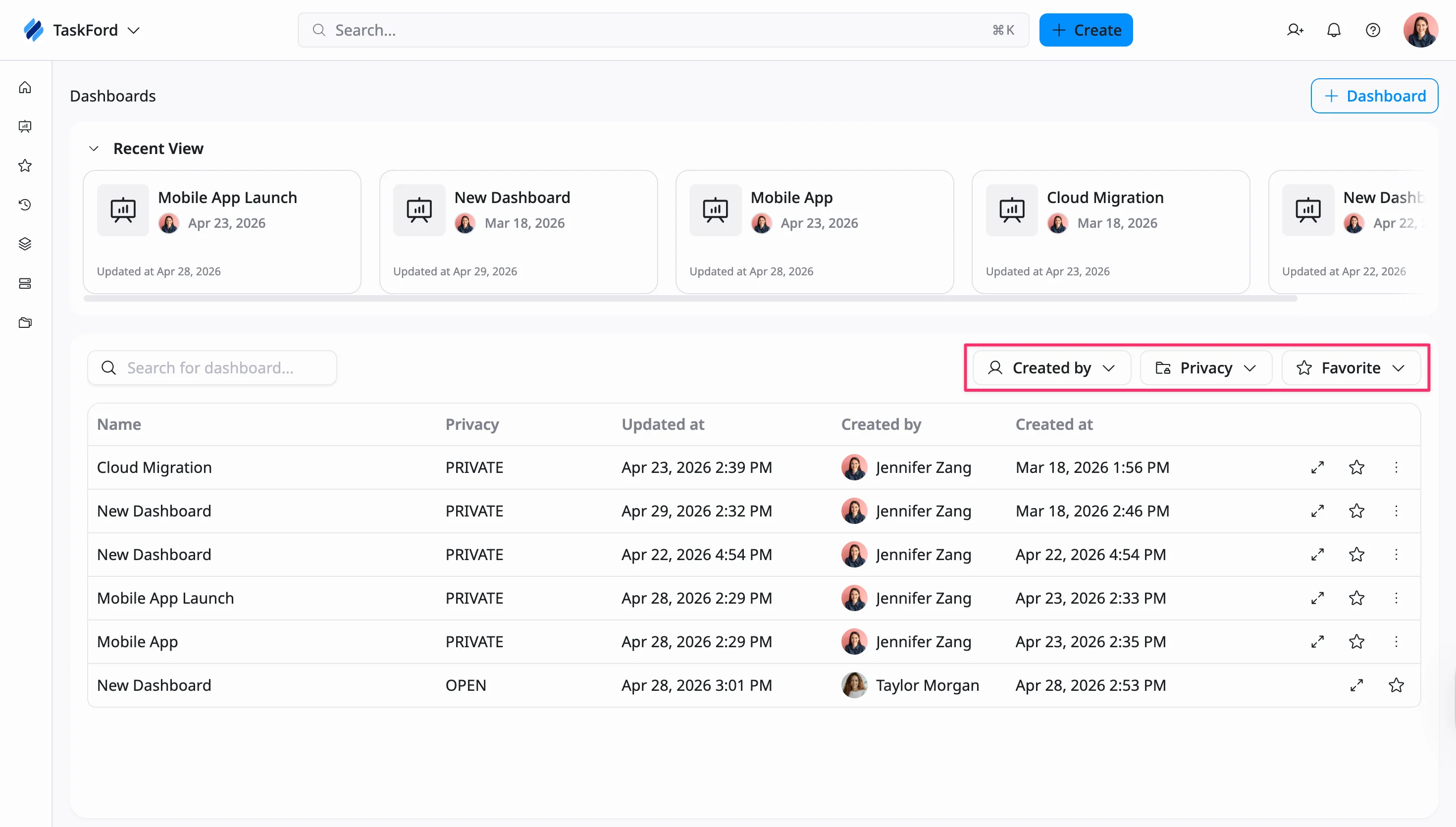
Use the filter options above the list of dashboards to narrow down the results and focus on the dashboards most relevant to you.
How to filter dashboards
You can filter dashboards by:
- Created By – Show dashboards created by specific users
- Privacy – Filter dashboards by visibility (All, Open, or Private)
- Favorite – View all dashboards, only starred dashboards, or those not starred
You can combine these filters to refine the list further and find dashboards more efficiently.
Remove filters
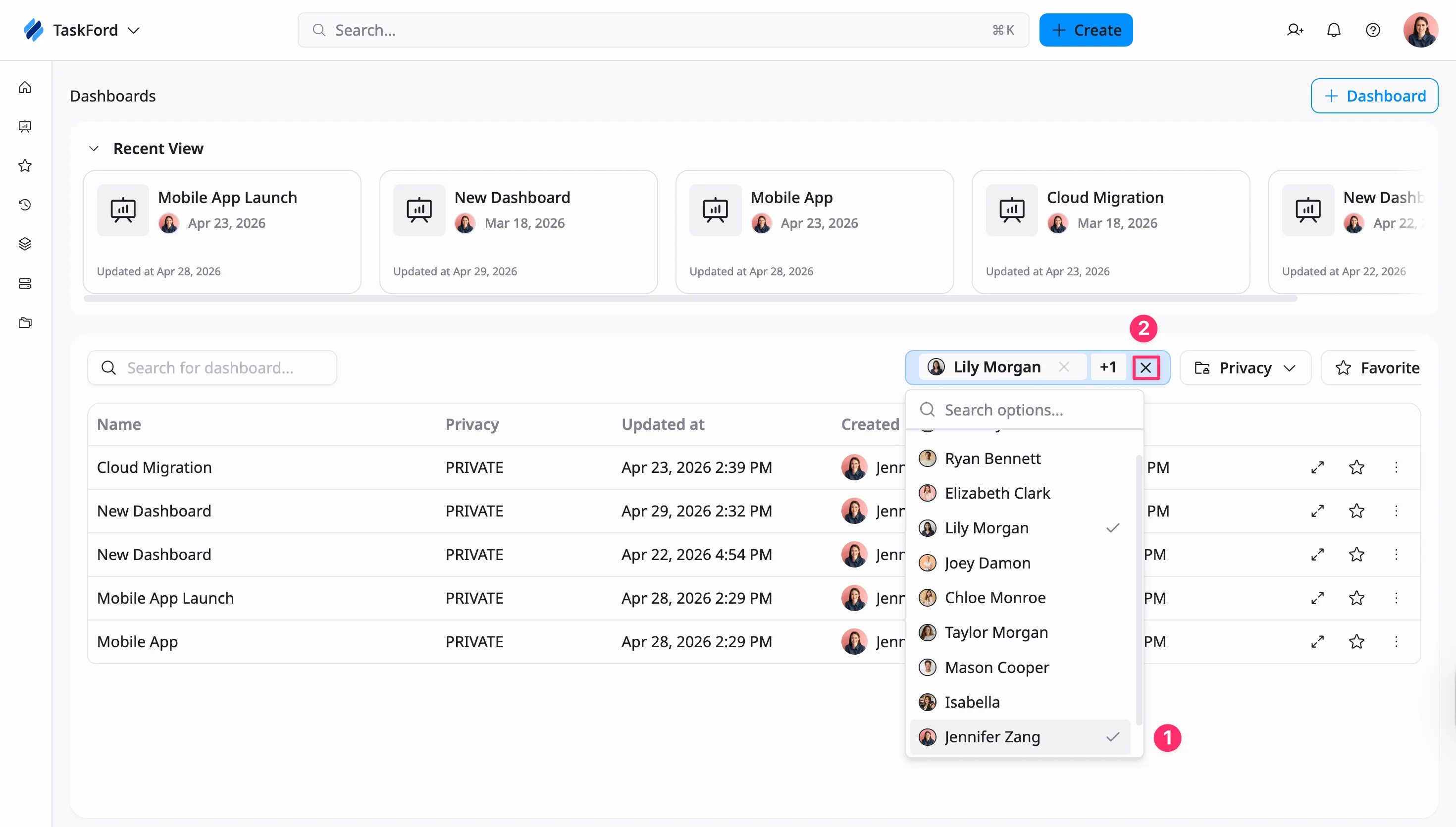
You can remove filters in different ways depending on the filter type.
For ‘Created By’:
- Remove a specific value (1): Uncheck a selected member to remove that filter
- Clear all values (2): Click the × icon to remove all selected members
For ‘Privacy’ and ‘Favorite’:
- Select All to reset the filter and show all dashboards