The Hidden Cost of Context Switching in Client-Facing Teams
Context switching quietly drains client-facing teams. Learn its true cost, and how better scheduling helps teams protect focus and deliver on time.
At 9:00 a.m., an account strategist begins developing a campaign plan for Client A. 25 minutes later, Client B requests an urgent revision. At 10:00, the strategist joins an internal status meeting, followed by a discovery call with Client C at 11:00.
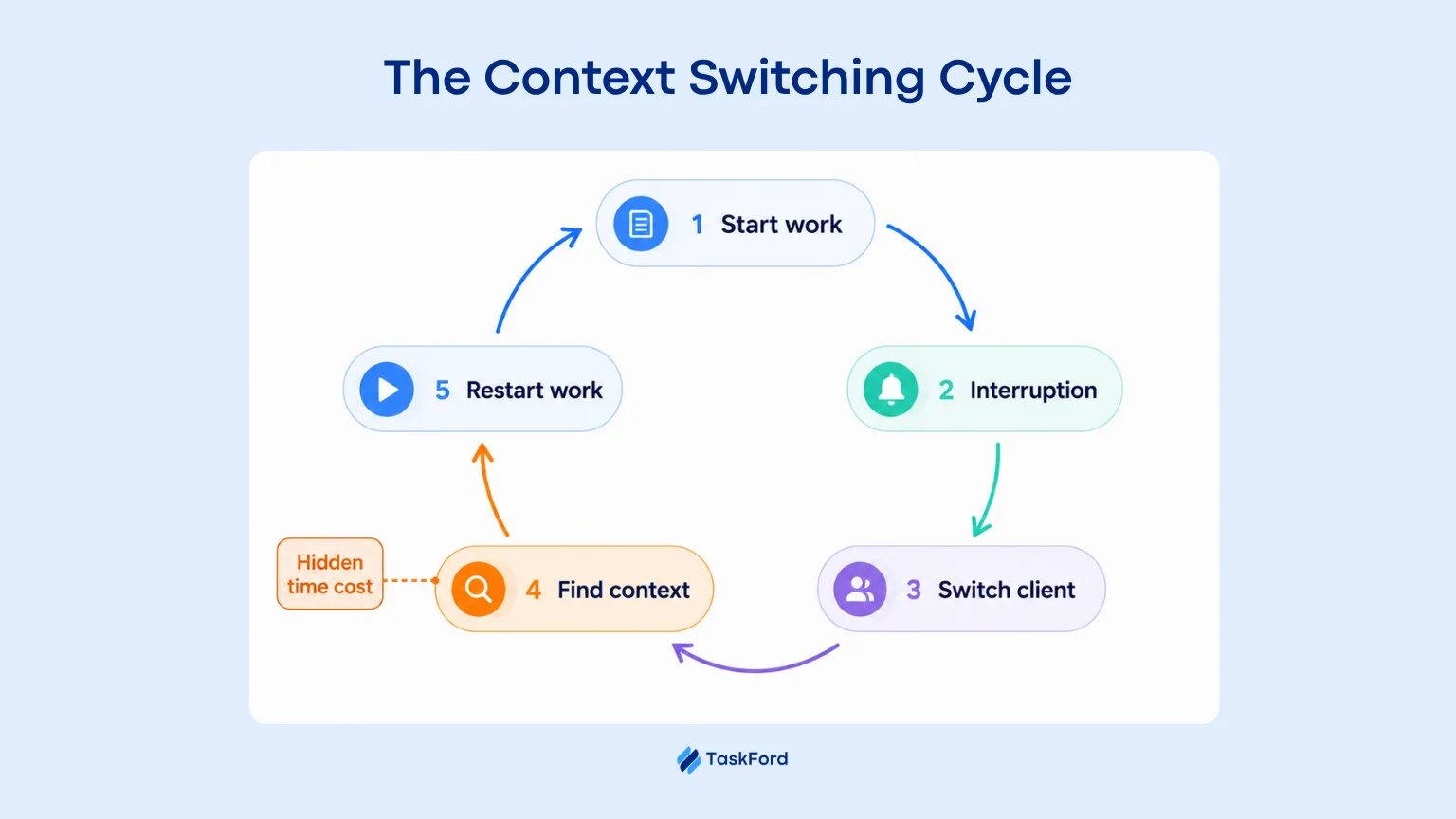
After lunch, they finally return to the campaign plan. But they cannot simply continue where they stopped. First, they must reread the brief, review previous decisions, and reconstruct their train of thought.
They have been busy all morning. Yet much of that activity has not moved a single deliverable closer to completion. This is the hidden cost of context switching: time and attention are lost not only to the tasks themselves, but also to the repeated effort of moving between them.
In this article, we’ll look at exactly where that time goes, and how better scheduling can help teams get it back.
What is Context Switching?
Context switching happens when someone moves from one task, client, or project to another before finishing the first one.
For client facing teams, this could mean moving from a client proposal to an email, then to a meeting, and later back to the proposal.
The challenge is that people cannot always continue exactly where they stopped. They may need to reread notes, reopen files, review earlier decisions, and remember the next step.
One switch may not seem like much. But when it happens many times during the day, it can slow down work, reduce focus, and make people feel mentally tired.
Why Client-Facing Teams Are Especially Vulnerable
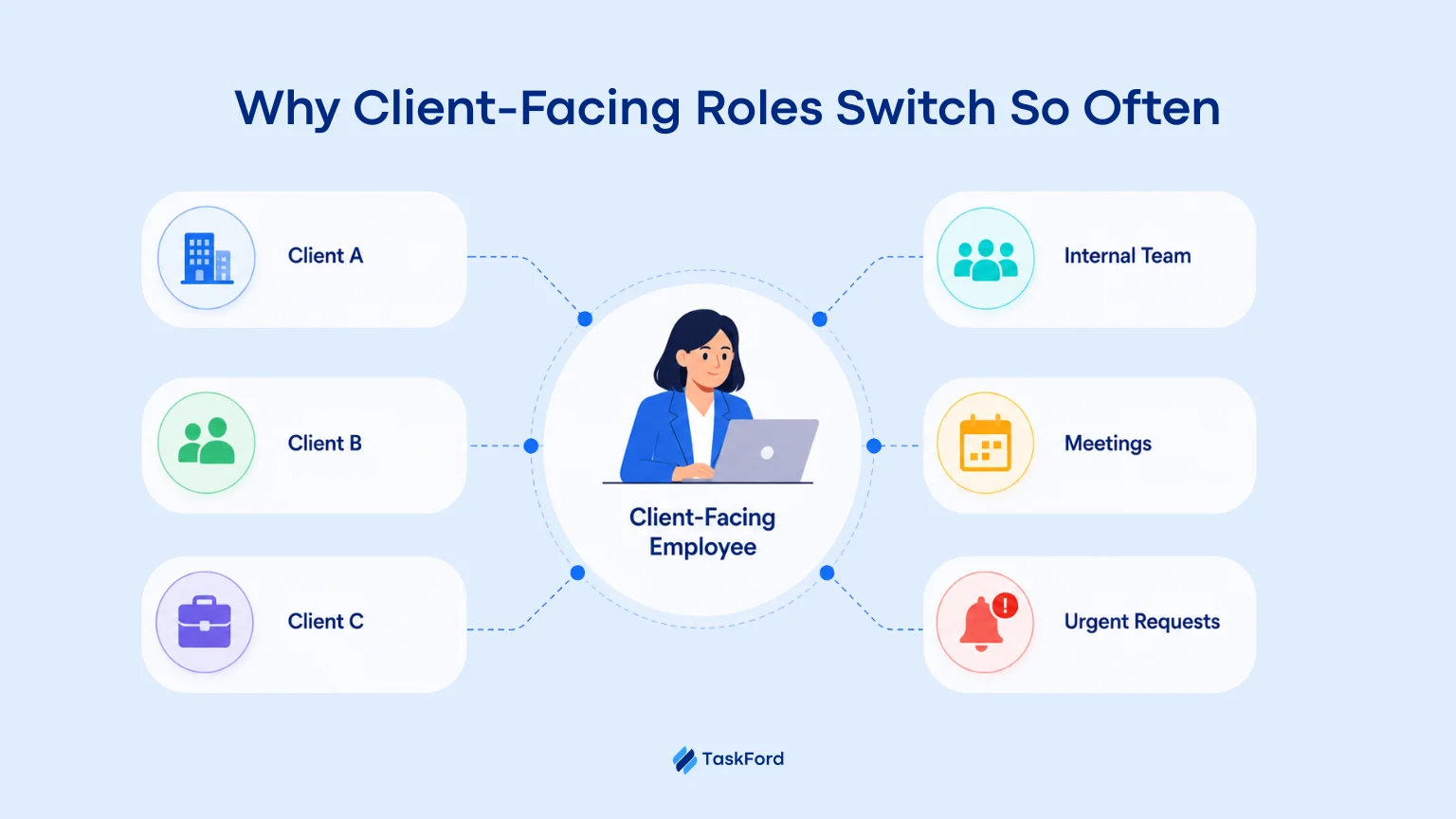
Client-facing teams often work across several clients at the same time. Each client has different goals, deadlines, tools, and ways of working.
A team member may spend the morning on one project, join a call for another, and then handle an urgent request from a third client. Shared specialists, such as designers, developers, or consultants, may be pulled into even more projects.
Client work also comes with frequent meetings, messages, updates, and last-minute changes. These demands can make it hard to protect enough time for focused work.
As a result, client-facing teams are more likely to move between different tasks and priorities throughout the day. The more projects they support, the harder it becomes to stay focused and finish work on time.
How Context Switching Reduces Productivity
Every time someone switches tasks, the brain must adjust to a new goal and new information. This takes time and mental energy, and can lead to slower work and more mistakes.
The loss can add up quickly. The American Psychological Association reports that frequent task switching may take away as much as 40% of productive time in heavy multitasking situations.
Getting back to a task can also take longer than expected. Research from UC Irvine found that it takes an average of 23 minutes to return to an interrupted task. They often worked on other tasks before coming back to the original one.
This is especially harmful for work that needs deep focus. The result is a team that stays busy but completes less because attention is pulled away before real progress can happen.
Where the Time Actually Goes
The cost of context switching is easy to miss because it does not appear as a separate task. Instead, it is spread across the day through repeated meetings, project changes, messages, and unfinished work.
For client-facing teams, most of this lost time comes from these areas.
#1. Multi-project Assignments Create a Capacity Illusion
A resource plan may show that an employee is fully allocated across several clients. For example:
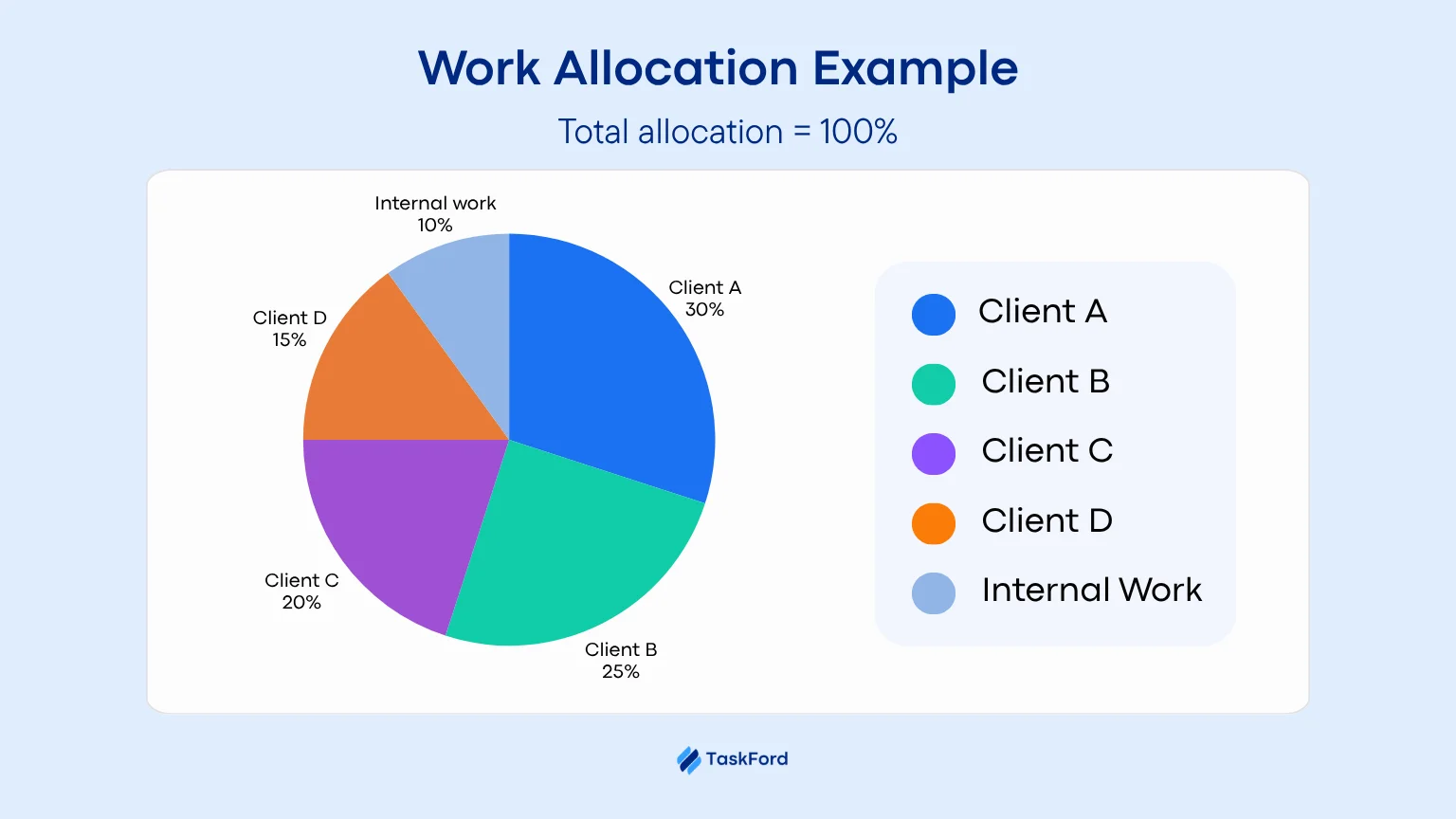
On paper, the employee is fully allocated. In practice, it does not show how often the person must switch between clients or how much time is needed to rebuild each context.
Read also: How to Create a Resource Plan for Any Project (Even with Limited Resources)
Every client has different goals, files, stakeholders, and deadlines. Switching between them means more than opening a new task, it means recalling what’s already been decided and what still needs to happen.
As active projects increase, more time goes into managing transitions than finishing deliverables. The employee may be fully allocated, but too fragmented to be fully productive.
#2. Meeting Overload Fragments the Workday
Meetings take more than the time shown on the calendar. They also require preparation, follow-up, and time to refocus afterward.
The timing matters too. Three meetings grouped together may still leave a long block for focused work. The same meetings spread across the day can break the schedule into short gaps that are hard to use.
For client-facing teams, back-to-back calls, repeated status meetings, and meetings placed in the middle of focus time can make the whole day feel full without leaving enough time to finish important work.
#3. Task Fragmentation Puts Client Delivery at Risk
Context switching breaks important work into short periods, making it harder to build momentum and finish tasks.
This can lead to more work in progress, slower reviews, missed handoffs, and delayed deliverables.
A team may stay busy with messages, meetings, and task updates while completing fewer client outcomes.
When everything moves a little, nothing important finishes quickly.
The Business Cost of Context Switching
Context switching does more than slow down individual work. It also affects the wider business.
For client-facing teams, it can lead to:
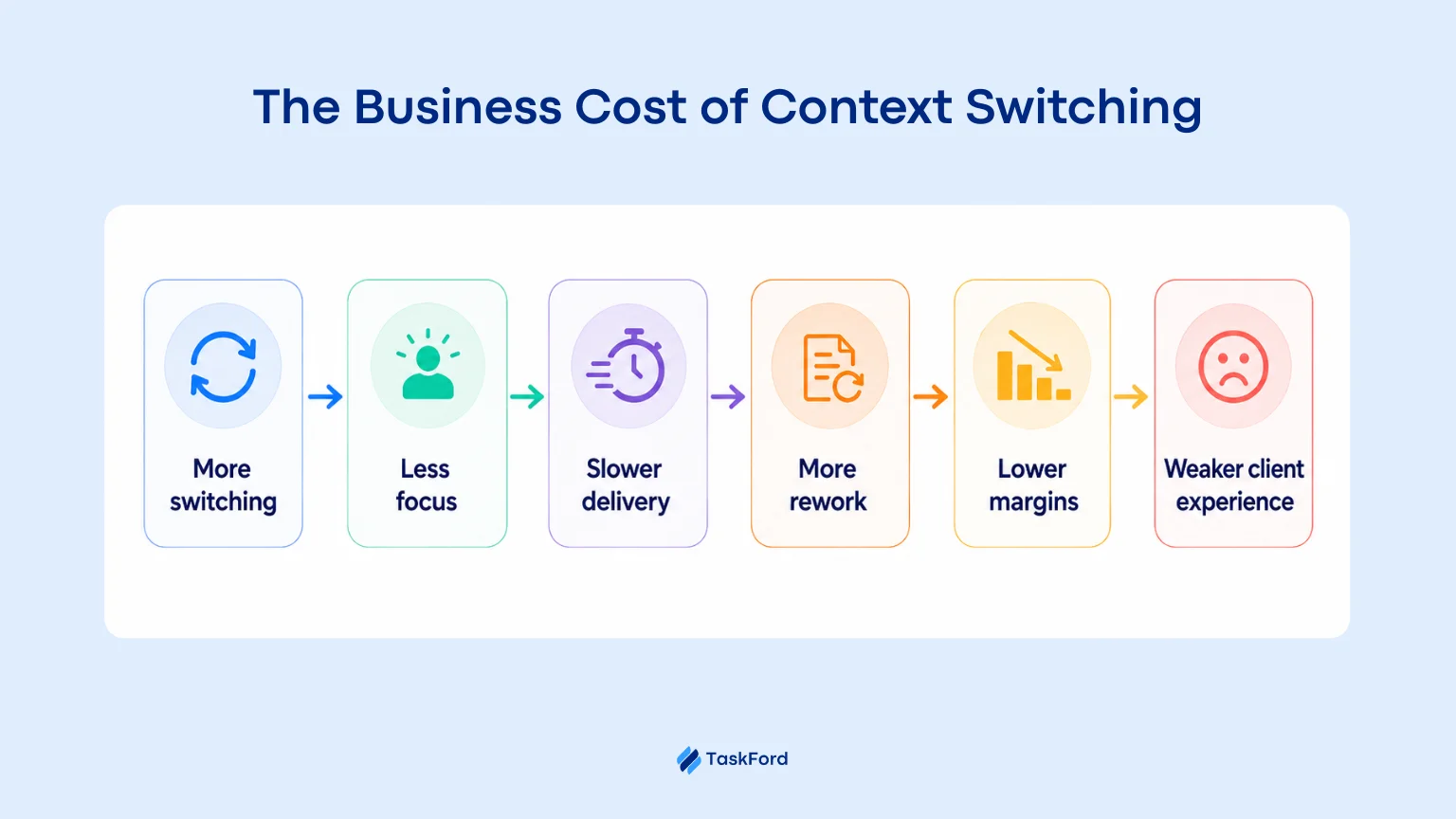
- Lower billable efficiency as more time is spent rebuilding context
- Slower delivery because work is completed in small, broken periods
- More mistakes and rework when details are missed between projects
- Lower project margins as the same deliverable takes longer to finish
- A weaker client experience through delays, inconsistent updates, and missed commitments
The cost may not appear clearly in a timesheet or project plan, but it shows up in longer timelines, higher delivery costs, and less predictable results.
How Proper Scheduling Reduces Context Switching
Context switching cannot be removed completely, but better scheduling can reduce unnecessary switches and protect more time for client work.
#1. Limit Active Client Work
The more clients someone supports at once, the more details they need to keep in mind.
Each new project adds more meetings, messages, deadlines, and decisions. Limiting active work helps people finish current tasks before taking on more.
Set a clear limit on how many major client projects one person can handle at the same time. When possible, finish or stabilize one piece of work before adding another.
The goal is simple: start less and finish more.
#2. Implement Work Blocks
Instead of letting tasks and messages interrupt the day at random, give each client or type of work its own block of time on the calendar. This helps protect focus without requiring people to be unavailable for hours.
Roles that need to stay responsive can use shorter blocks of 20 to 30 minutes. There should also be a clear way for real emergencies to reach them right away.
The work block protects focus. The escalation path protects urgent client needs.
#3. Batch Similar Work
Group similar tasks together instead of spreading them across the day.
For example, answer emails at set times, complete reviews in one session, or finish Client A’s tasks before moving to Client B.
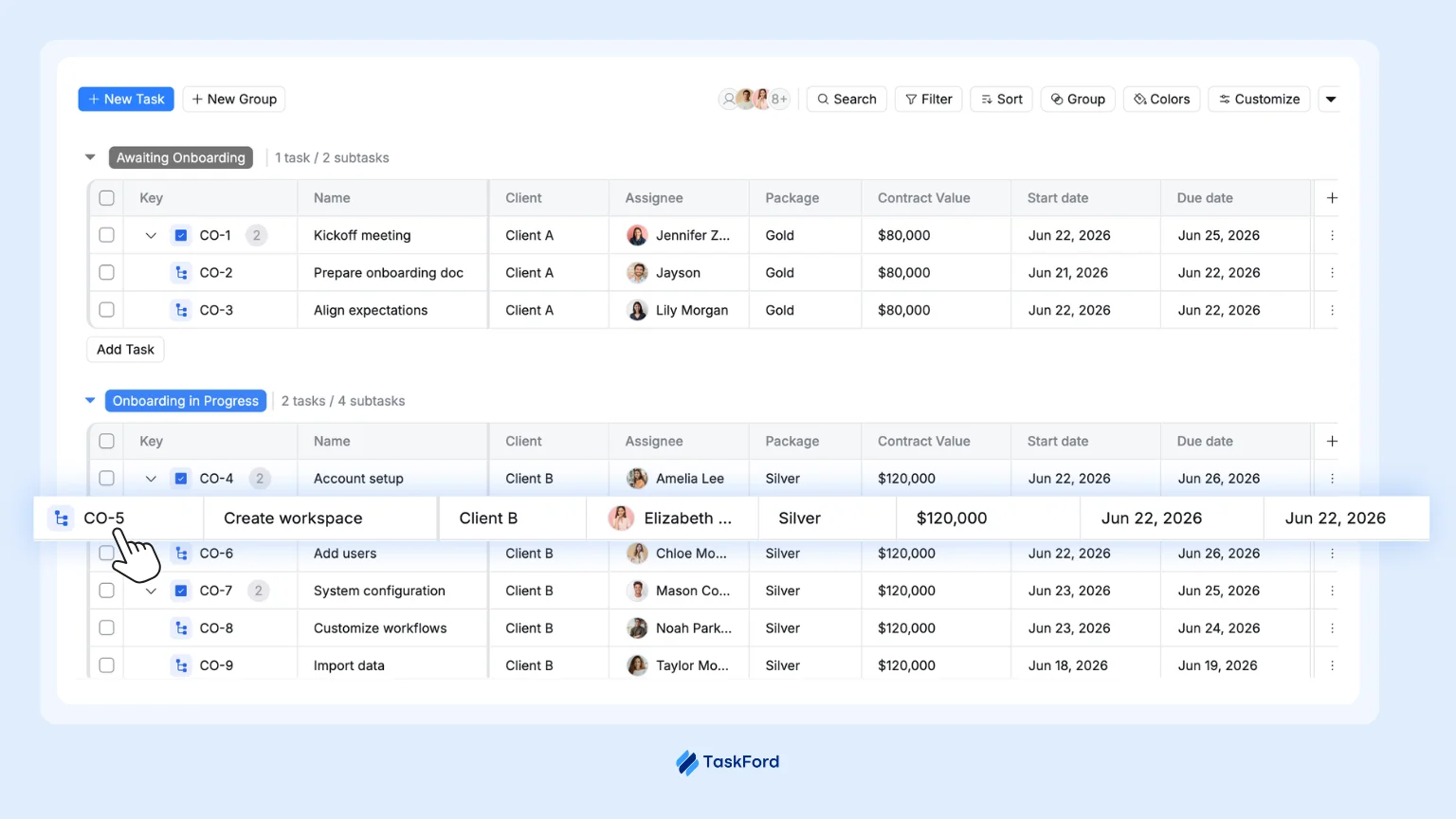
This reduces the number of times people need to switch tools, goals, and client details. It helps them stay focused longer and spend less time rebuilding context.
#4. Make Capacity Visible
Earlier, we showed that a person can be listed as “100% allocated” and still be badly fragmented.
A simple percentage does not show how many active clients someone is juggling, how broken up their time is, or how much unfinished work is sitting in progress.
Tracking these things gives a much more honest picture of real capacity, not just assigned hours.
Read also: Why Capacity Planning Is the Most Underrated Competitive Advantage
#5. Group Meetings and Add Buffers
Avoid spreading meetings across the whole day. Group them where possible, such as client calls in the morning and internal meetings in the afternoon.
This leaves larger blocks of time for focused work.
Add short buffers between meetings too. These gaps give people time to finish notes, reset, and prepare for the next conversation.
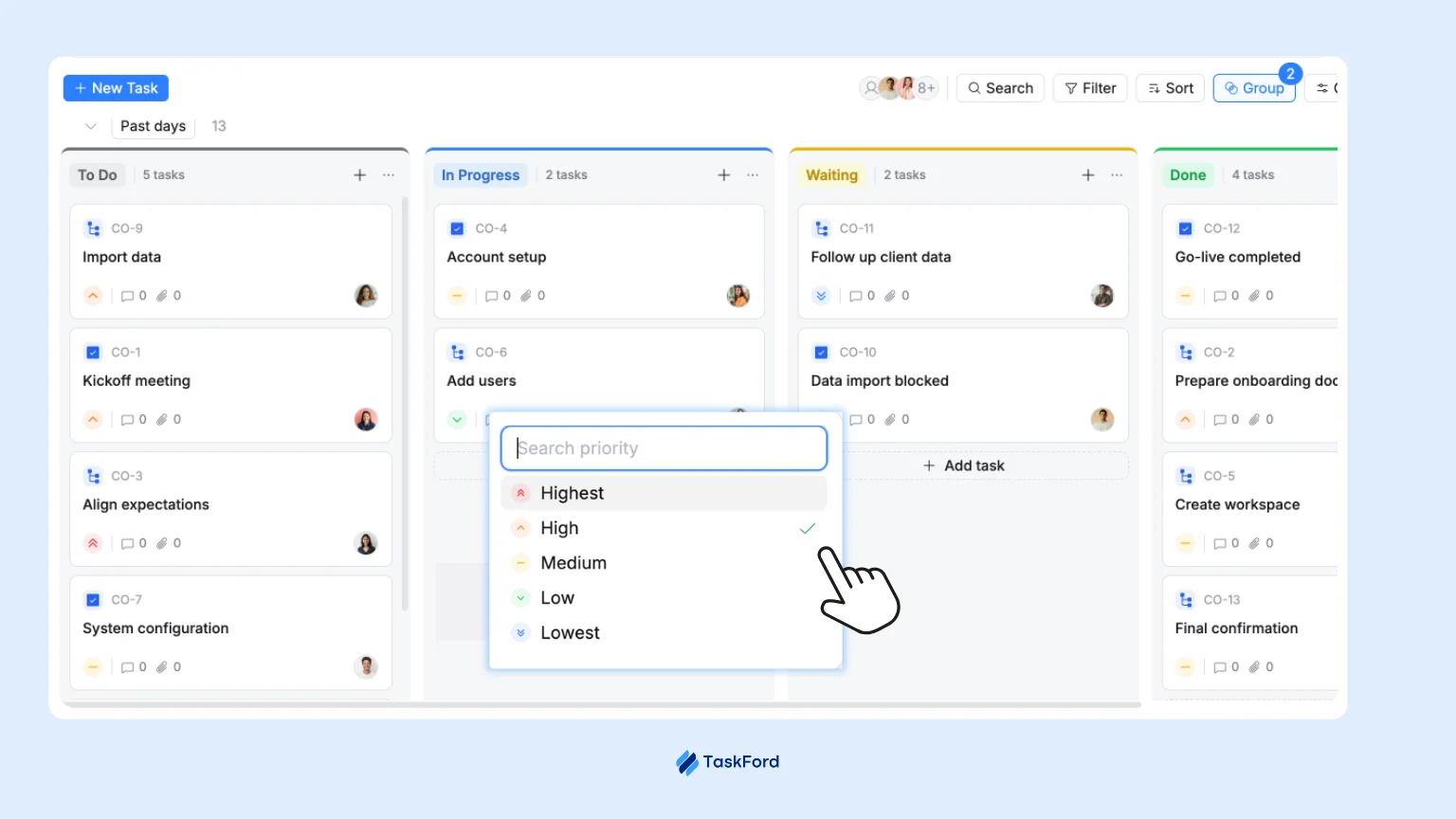
#6. Practice Honest Prioritization
Unclear priorities push people to react to whatever feels urgent, instead of working on what actually matters.
When priorities are clear at the start of the day, people spend less time deciding what to do next, and less time getting pulled into low value work simply because it showed up first.
Read also: The Art of Task Prioritization - How Leaders Guide Teams with Purpose
#7. Leave Room for Unplanned Work
A schedule booked at 100% has no room for urgent client requests or unexpected changes.
Keep part of each person’s capacity open for unplanned work. The right amount will depend on how often the team handles urgent requests, reviews, and changing priorities.
This is not wasted capacity. It is what makes the schedule realistic.
How TaskFord Helps Protect Usable Capacity
Knowing what needs to change is one thing. Making it work across a client-facing team is harder.
Each person may be handling different clients, deadlines, meetings, and priorities. Without a clear view of all that work, even good scheduling plans can quickly fall apart.
TaskFord brings the information behind these scheduling decisions into one place. Managers can see how work is spread across clients, where schedules are becoming fragmented, and whether someone has real room for another assignment.
Here is how TaskFord supports the changes above.
- See real workload across clients and projects, not just assigned hours
- Plan work in clear blocks using the Schedule Board
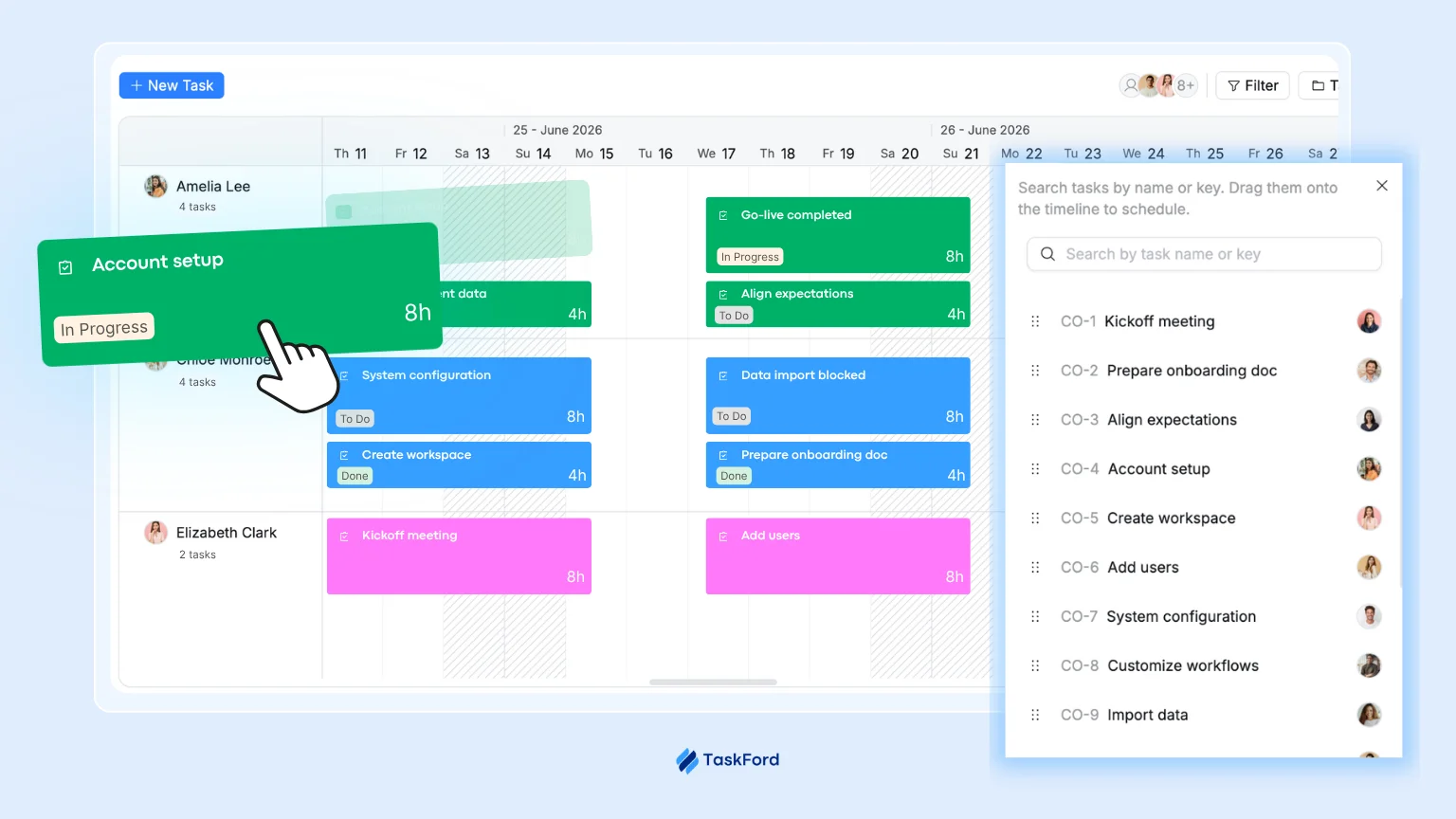
- Reduce status meetings with real-time progress tracking
- Keep tasks, updates, and decisions together so people spend less time searching for context
- Give leaders a complete view of overload, delays, and fragmented work
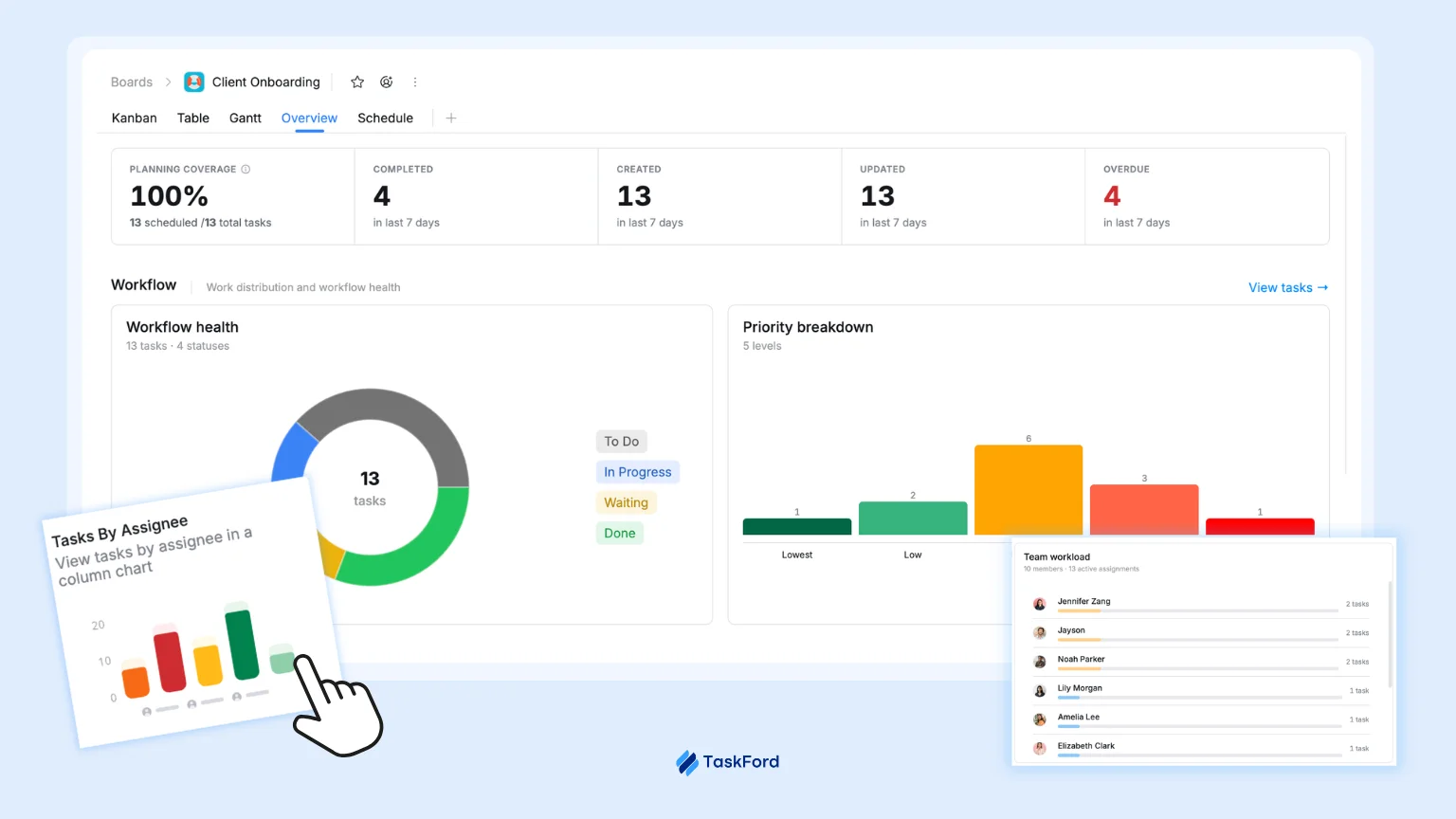
TaskFord helps teams reduce unnecessary switching and protect enough usable capacity to finish client work on time.
Final Thoughts
Context switching feels small at the moment, a quick reply, a status meeting, one more client added in. None of it feels like a real cost.
But add it up, and it’s the difference between a team that looks busy and one that actually delivers. The strategist from our opening example wasn’t unfocused. They were working inside a schedule that never gave them a real chance to focus.
You don’t have a focus problem. You have a visibility problem.
The fix isn’t working harder. It’s seeing workload clearly, planning around real capacity, and giving teams room to do one thing at a time.
Related Articles











Subscribe for Expert Tips
Unlock expert insights and stay ahead with TaskFord. Sign up now to receive valuable tips, strategies, and updates directly in your inbox.