Templates
Budget Tracker
Budget Tracker Template
Get Free Template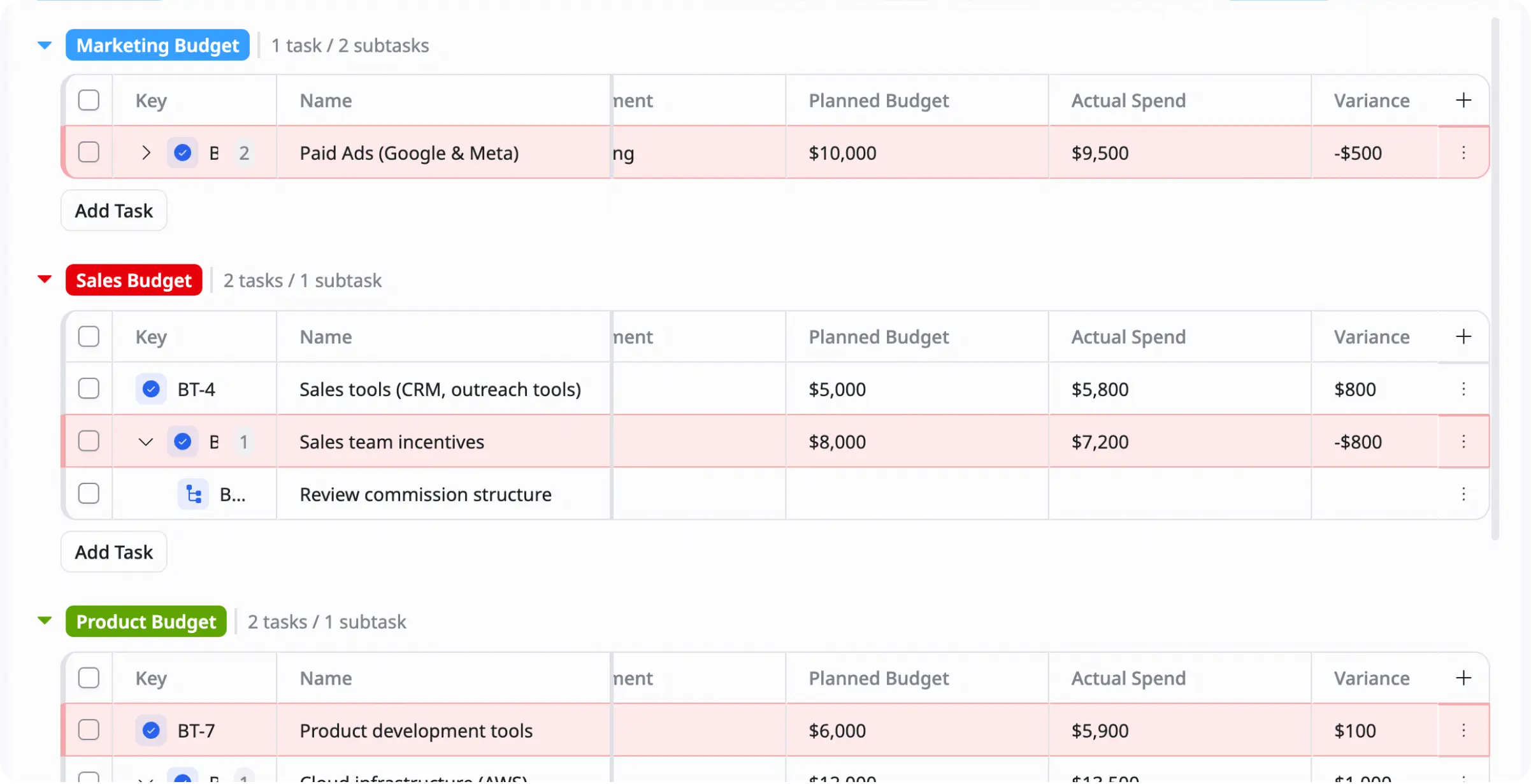
Description
This Budget Tracker Template helps you track income, expenses, and budgets in one place so you can manage spending and stay financially organized.
Best for
Expense tracking
Personal budgeting
Managing operational costs
Key Features
Budget planning
Expense List
Budget overview
Income tracking
What is a Budget Tracker Template
A Budget Tracker Template is a ready-to-use tool that helps you track income, expenses, and budgets in one place.
It allows you to organize financial data, monitor spending, compare planned vs actual costs, and get a clear overview of your financial situation so you can manage money more effectively.
What's included in this Budget Tracker Template
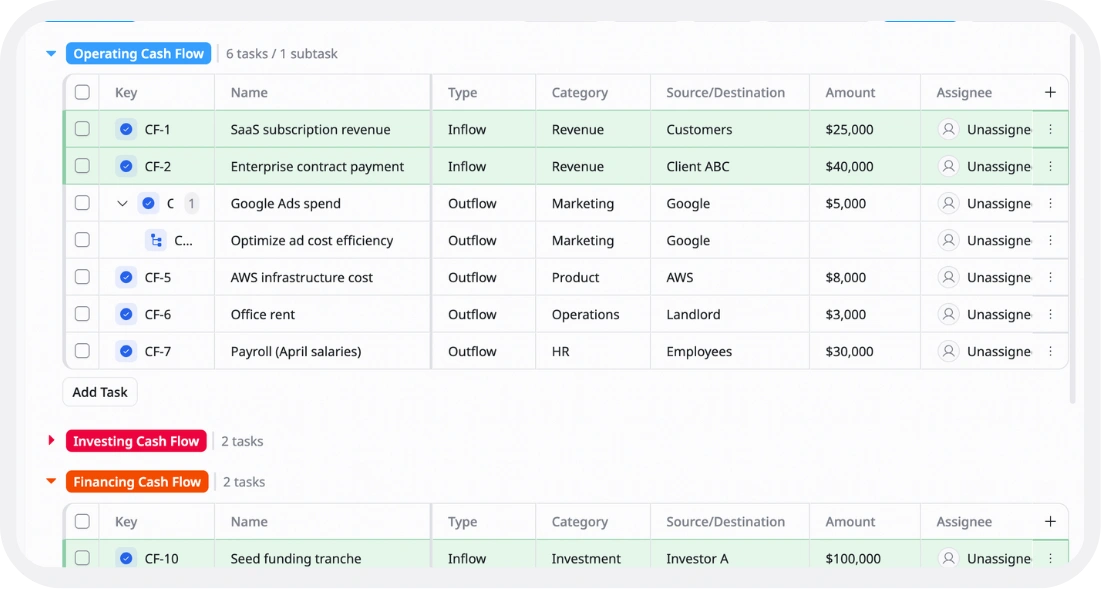
Income & expense tracker
Record all transactions and financial activities
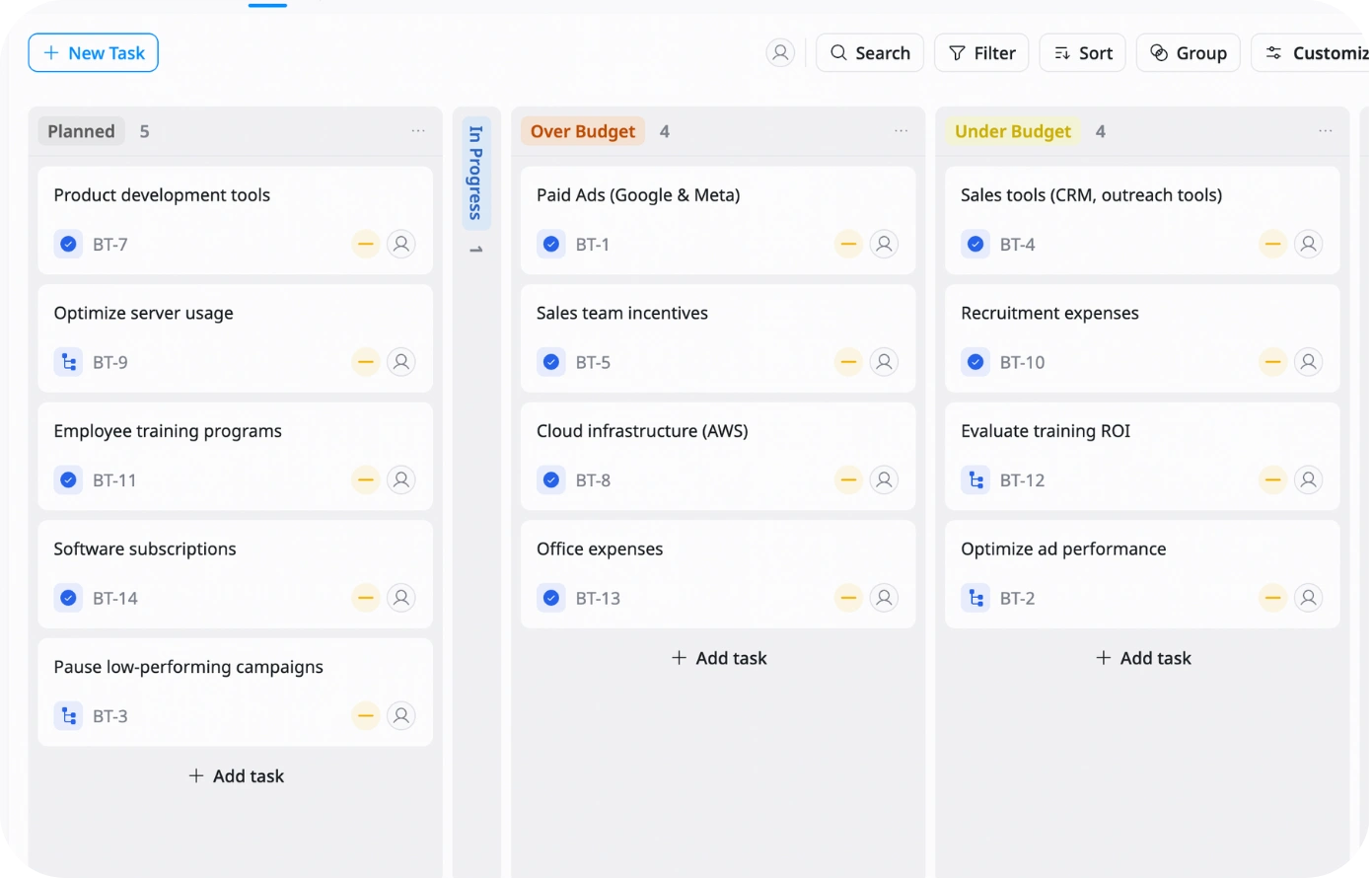
Budget categories
Organize spending by groups like Marketing, Operations, Salary, or Personal
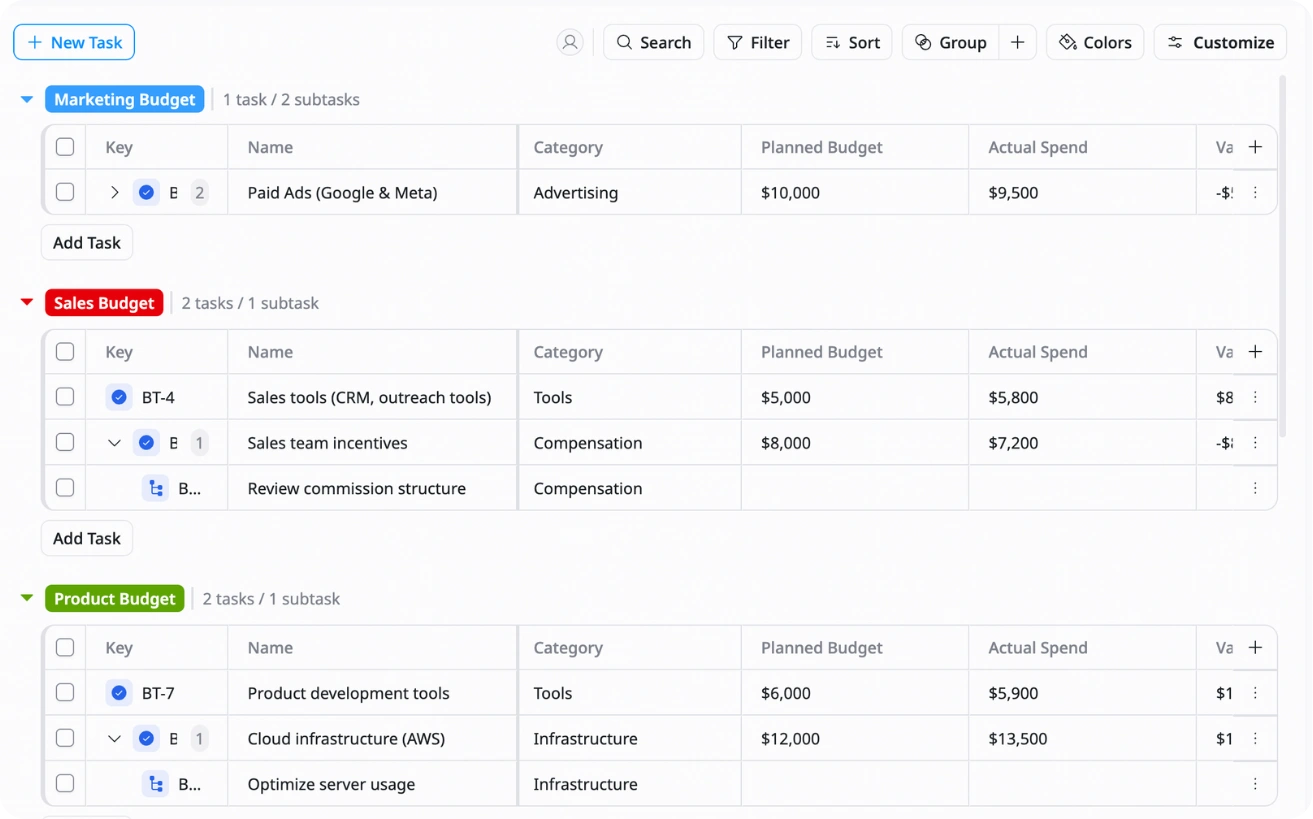
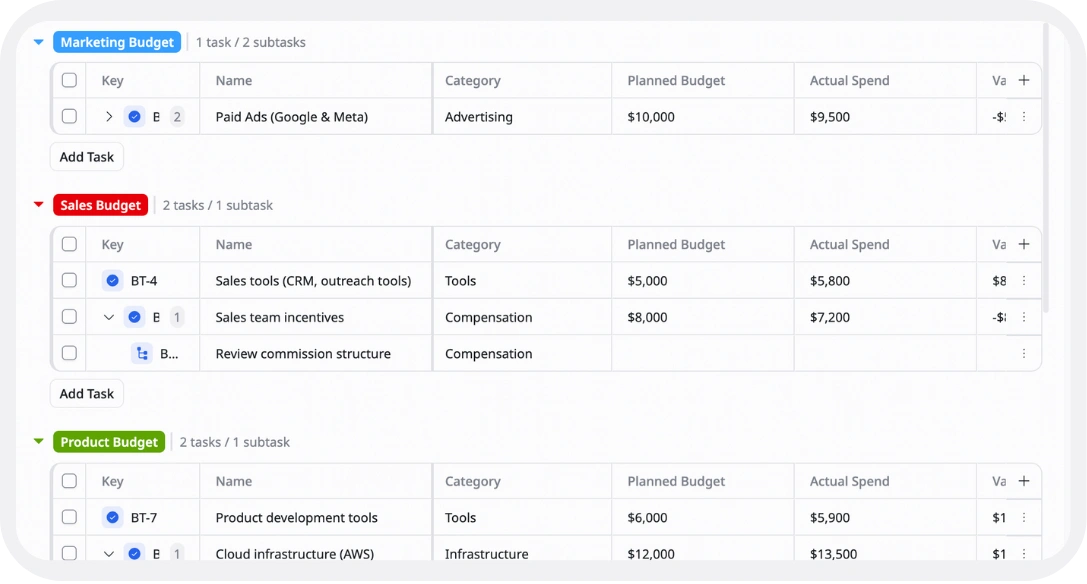
Planned vs actual spending
Compare your budget plan with real expenses
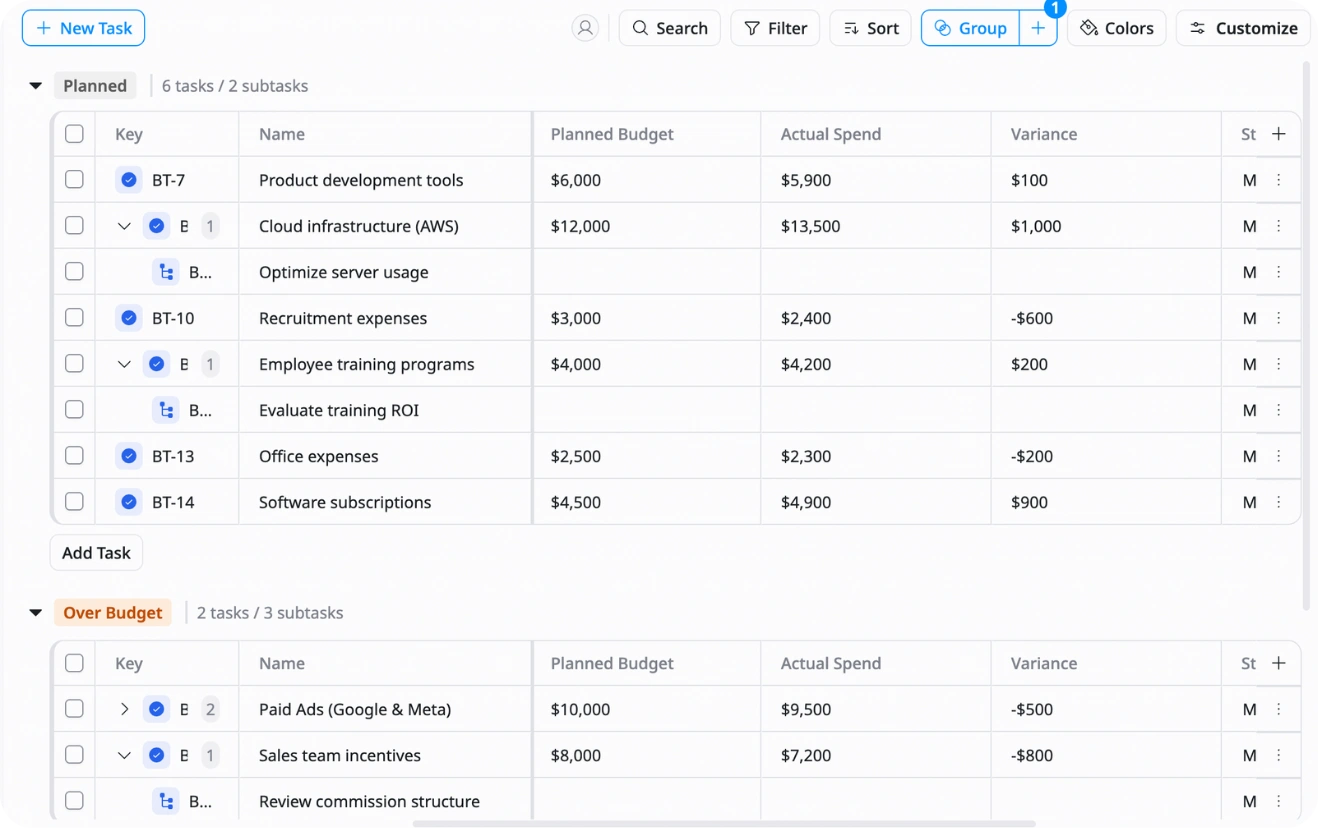
Monthly overview
See total income, expenses, and remaining budget for each month
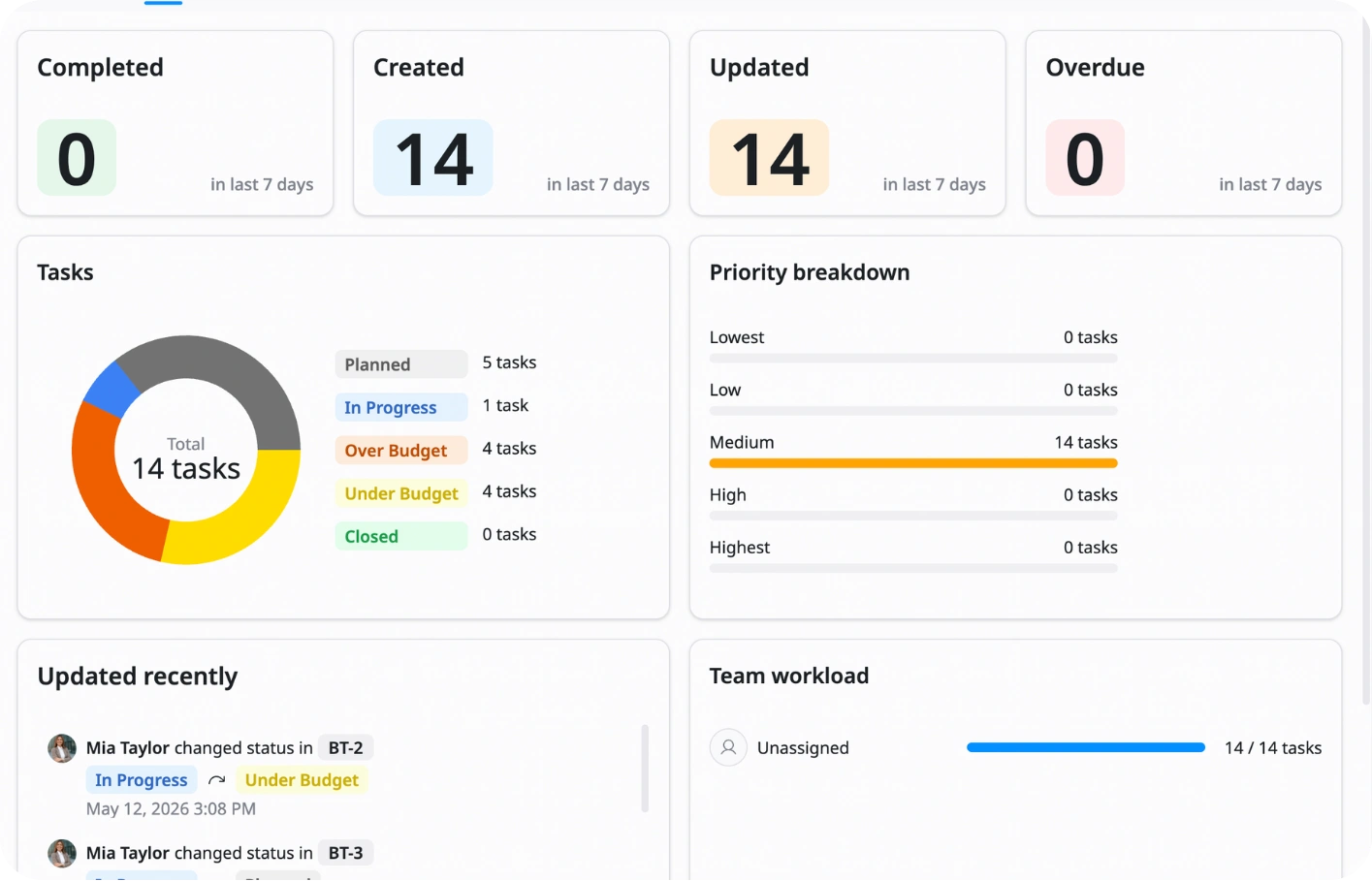
Why use this Budget Tracker Template?
Managing money without a clear system can lead to overspending and poor financial decisions. This template helps you organize everything in one place so you can see exactly how your money is being used.
With this template, you can:
- Track all income and expenses: Know where your money comes from and where it goes
- Stay within budget: Avoid overspending by monitoring category limits
- Make better financial decisions: Use real data to plan and adjust spending
- Understand spending patterns: See trends through reports and charts
This helps you stay financially organized, control your budget, and plan ahead with confidence.
How to use this Budget Tracker Template?
1
Set up income and budget goals
Start by entering your total income and defining your budget limits for each category
2
Set budgeted amounts
Fill in planned spending for each category before you start spending
3
Track actual expenses
Log every expense as it happens to keep your data up to date
4
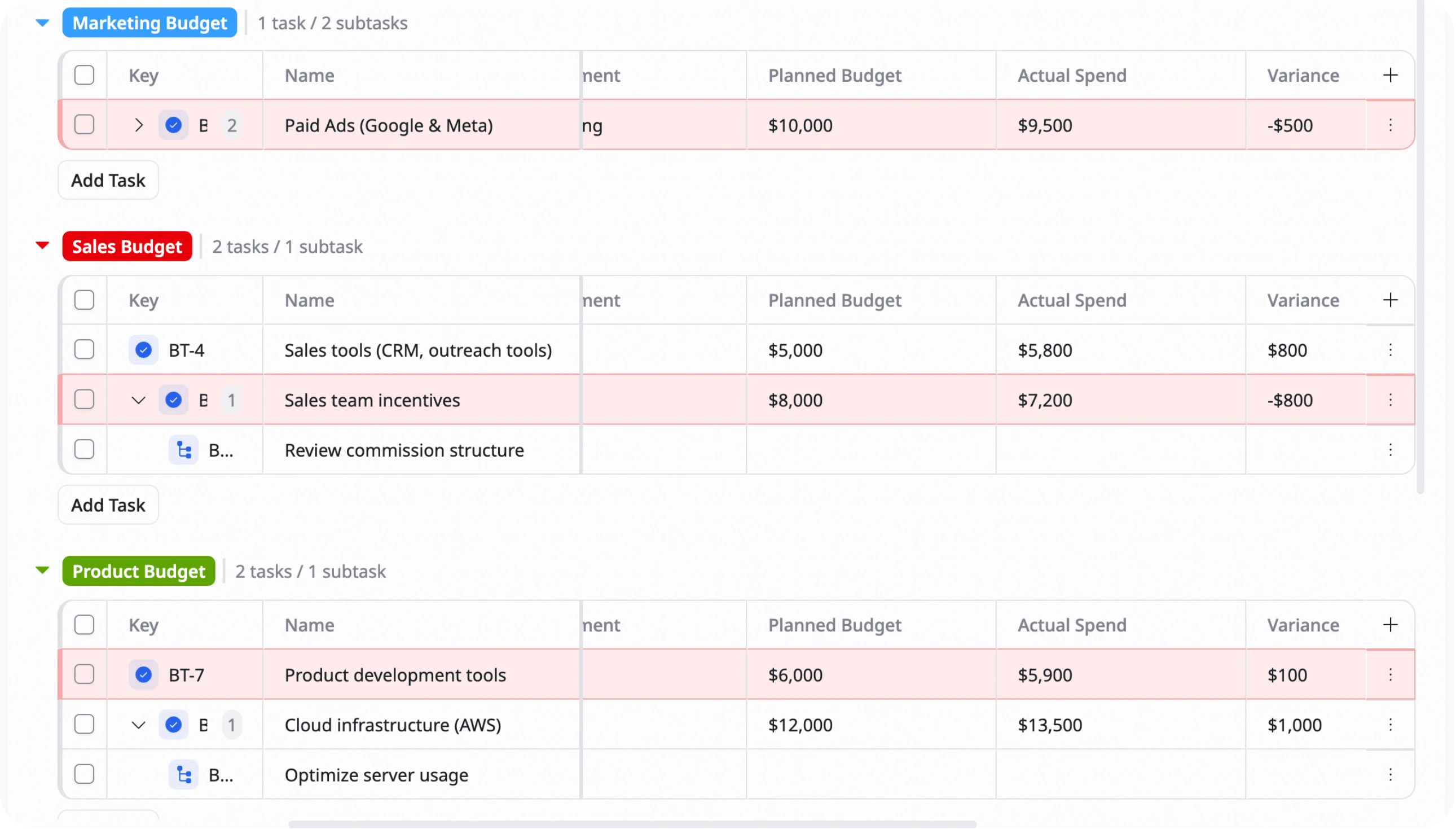
Compare planned vs actual spending
Check where you are over or under budget
5
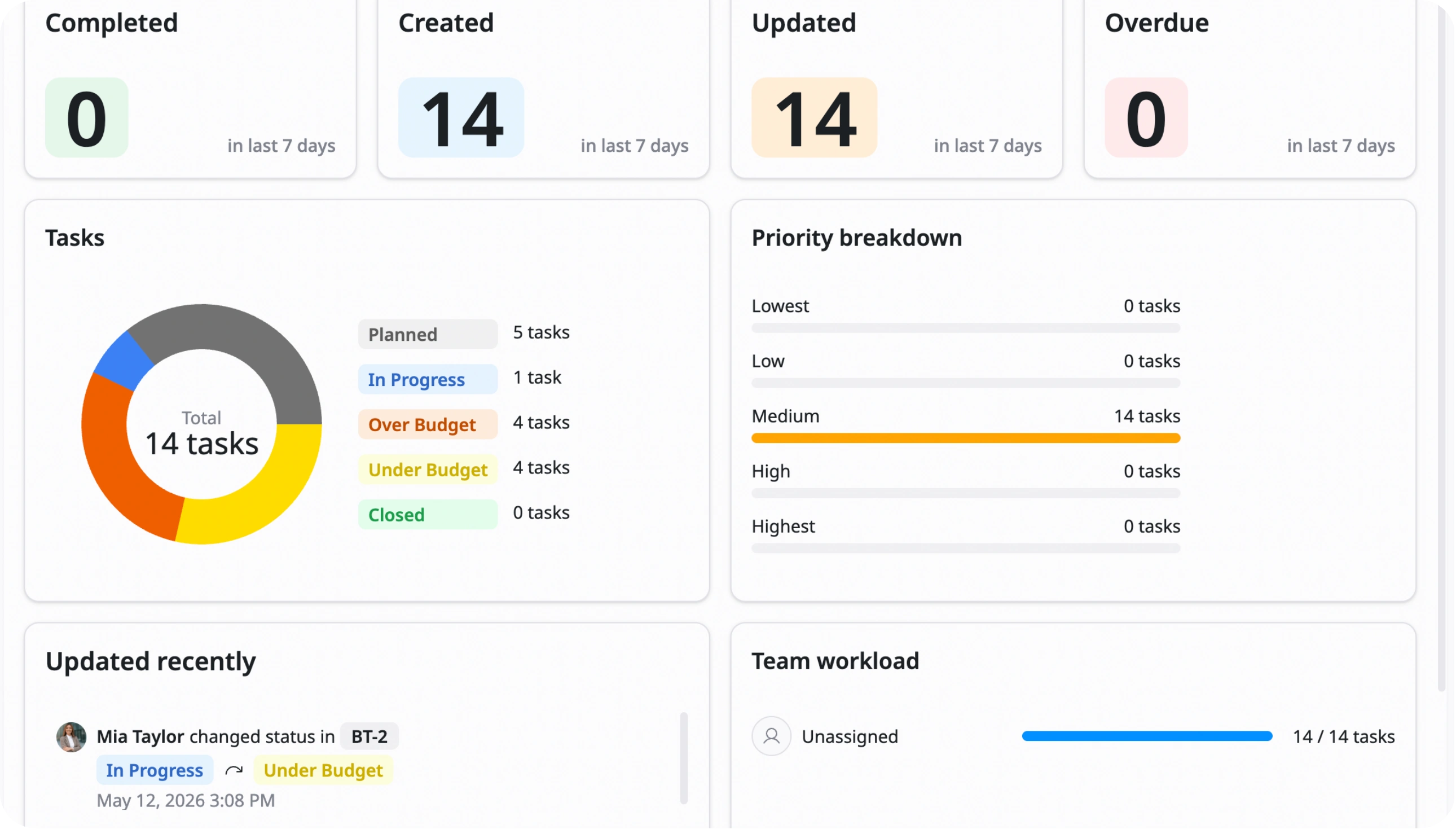
Review and adjust monthly
At the end of the month, analyze your spending and update your budget for the next month
Advanced tips

Use dropdown menus for categories
Use data validation to create dropdown lists for expense categories so all entries stay consistent
Example:
Food, Transport, Rent, Marketing
This helps avoid messy or duplicate category names

Use conditional formatting for overspending
Highlight cells automatically when actual spending is higher than the budget
Example:
Actual > Budget → Cell turns red
This helps you instantly spot problem areas

Apply zero-based budgeting
Assign every dollar of income to a category so nothing is left unplanned
Example:
Income $3,000 → Rent $1,500, Food $500, Savings $1,000
This helps you control every dollar and avoid wasteful spending