Templates
Contract Management Template
Contract Management Template
Get Free Template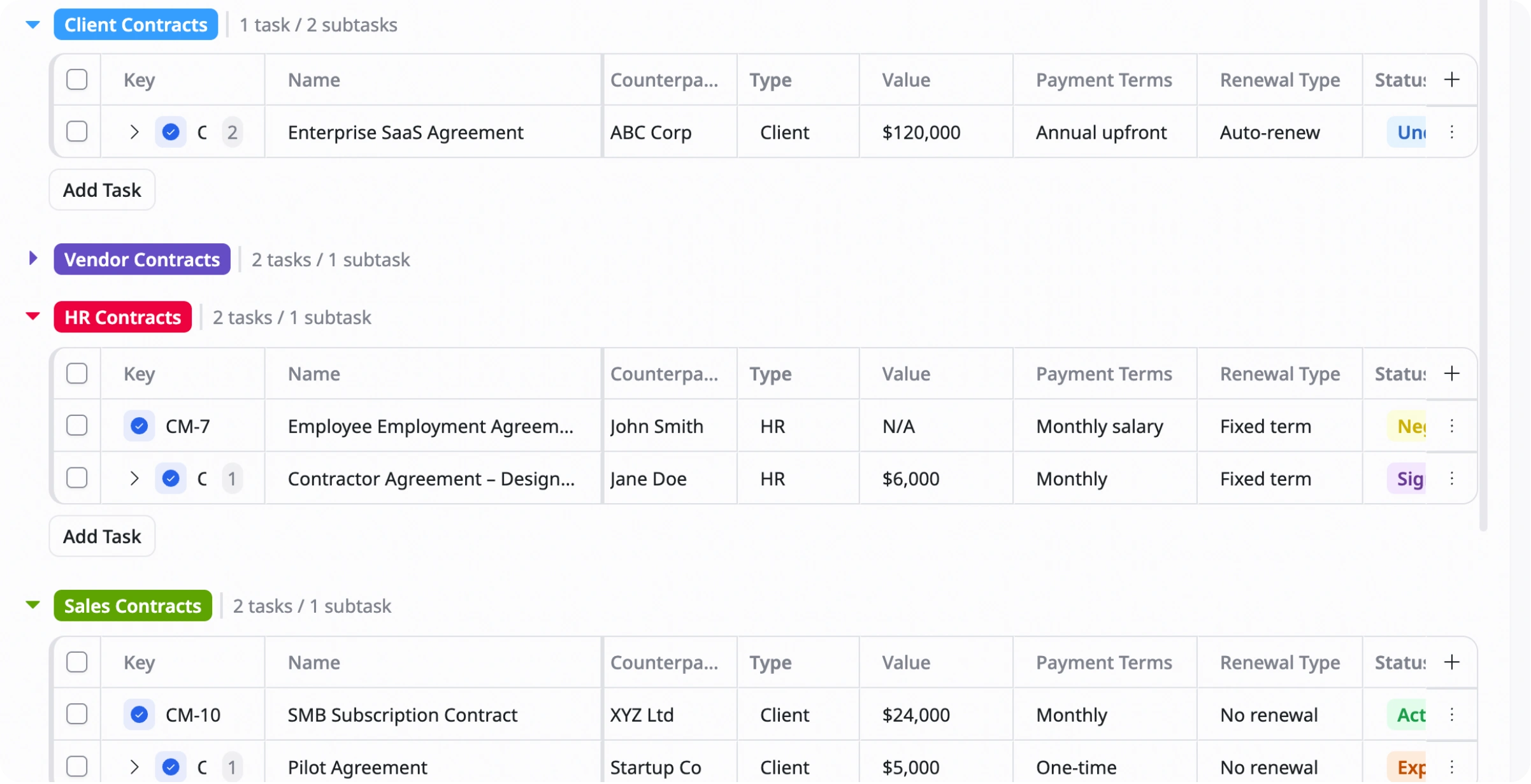
Description
This helps you organize, track, and manage contracts in one place so you can monitor deadlines, renewals, and important contract details more efficiently.
Best for
Legal teams
Procurement teams
HR and operations teams
Key Features
Contract tracking
Renewal management
Status tracking
Reports & overview
What is a Contract Management Template?
A Contract Management Template is a ready-to-use tool that helps teams manage contracts throughout their lifecycle, from creation and approval to renewal or expiration.
It keeps important contract details, deadlines, statuses, and documents organized in one place so you can reduce risks and improve contract visibility.
What's included in this Contract Management Template?
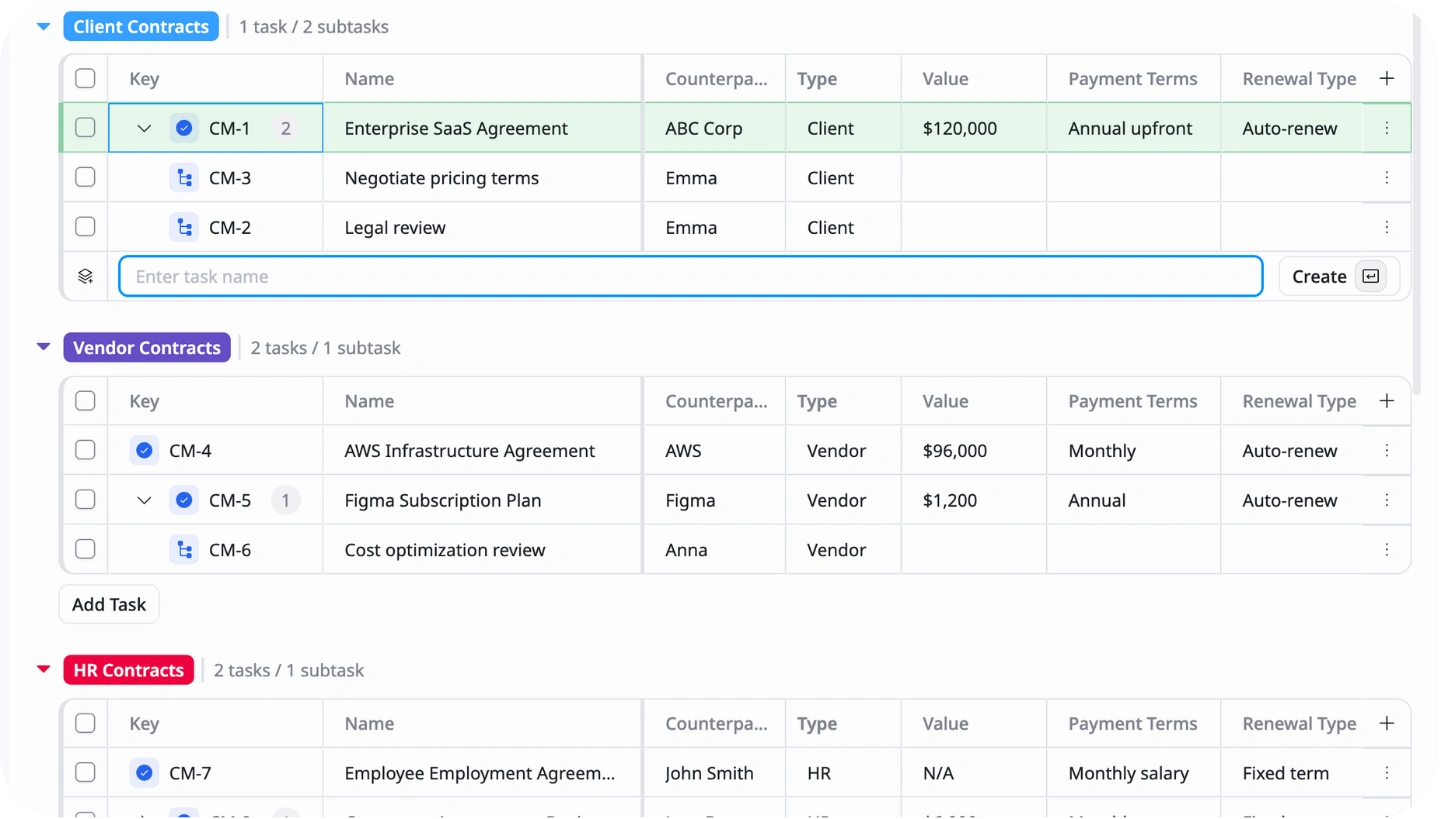
Contract database
Store contract details, parties, and important information
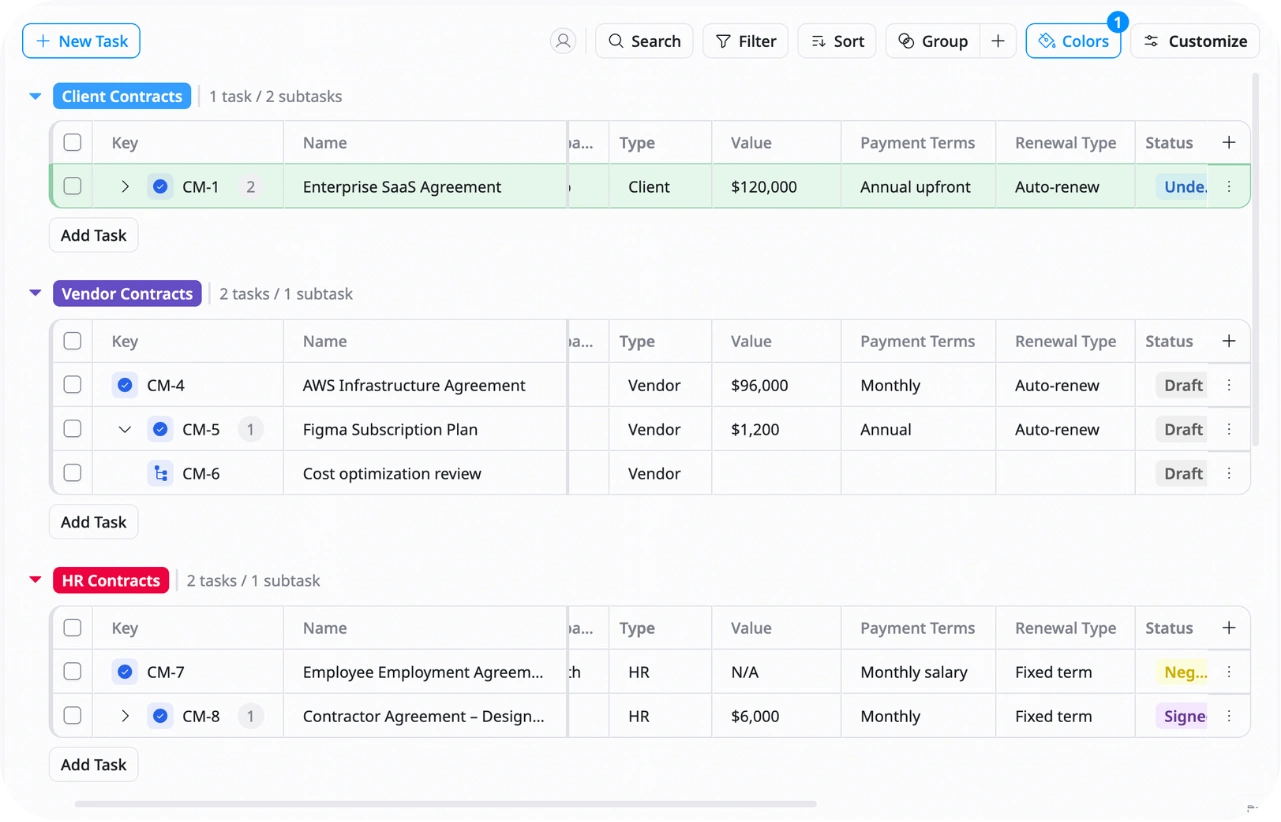
Renewal tracking
Monitor renewal dates and expiration timelines
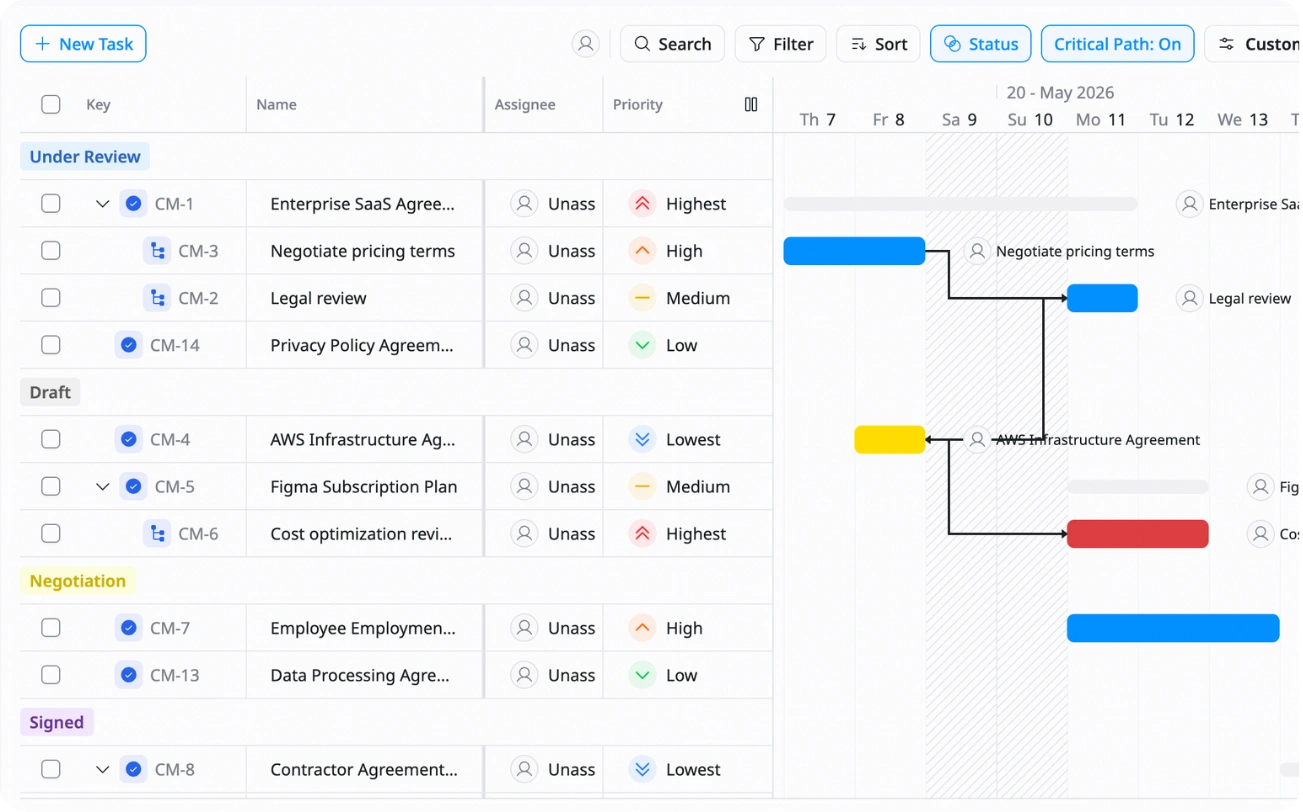
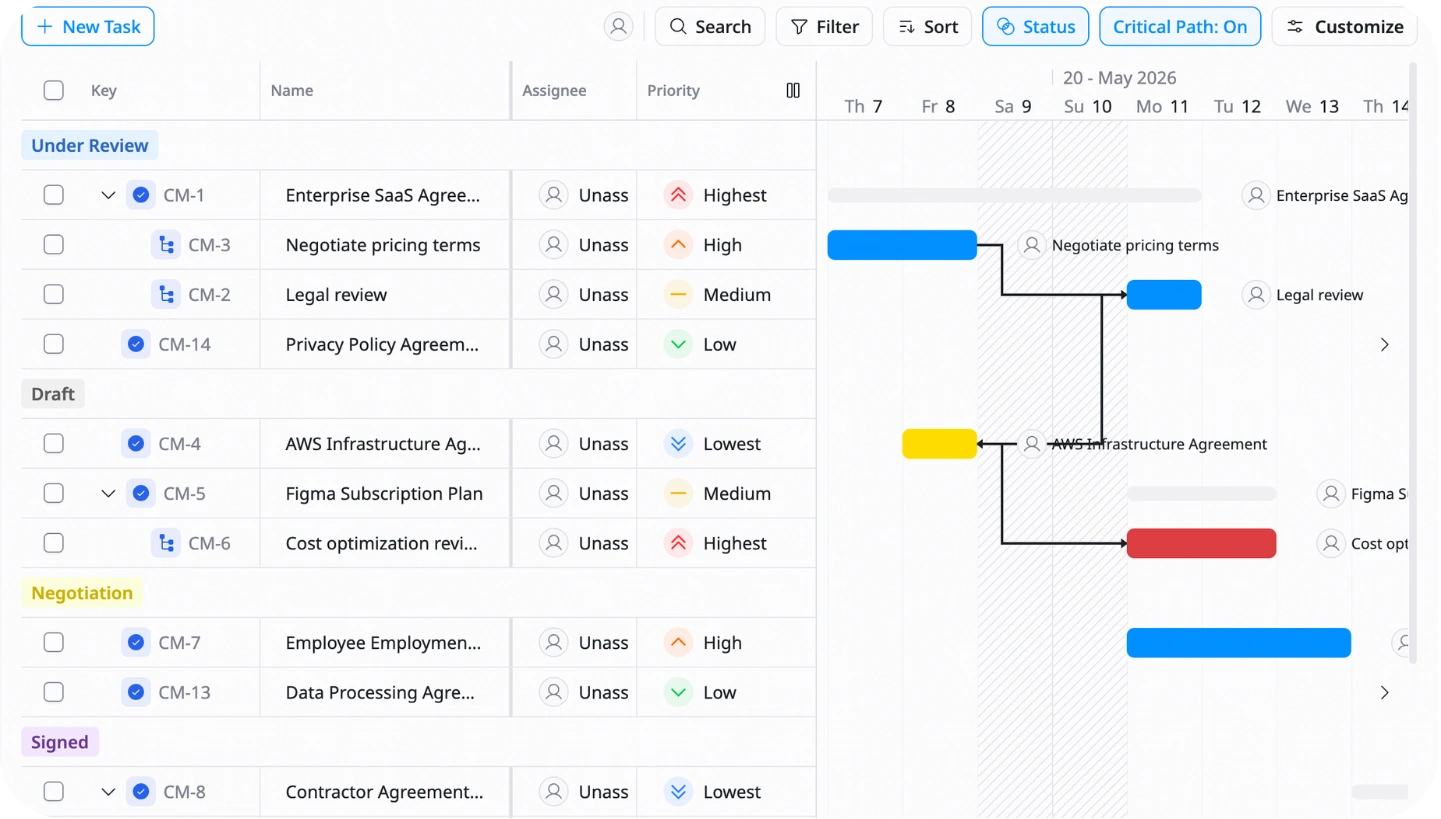
Status management
Track contract stages like Draft, Active, Renewed, or Expired
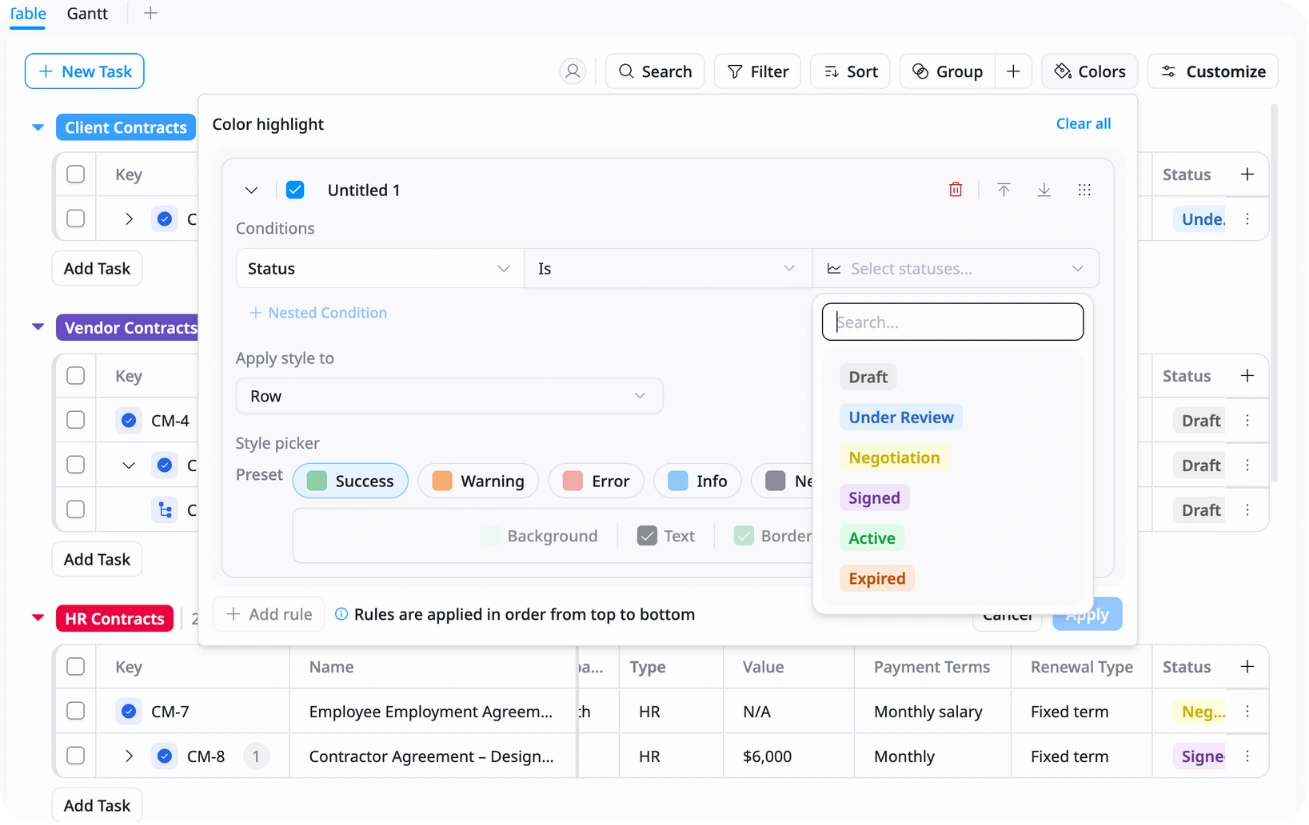
Reports & overview
Get a clear view of contract status and upcoming deadlines
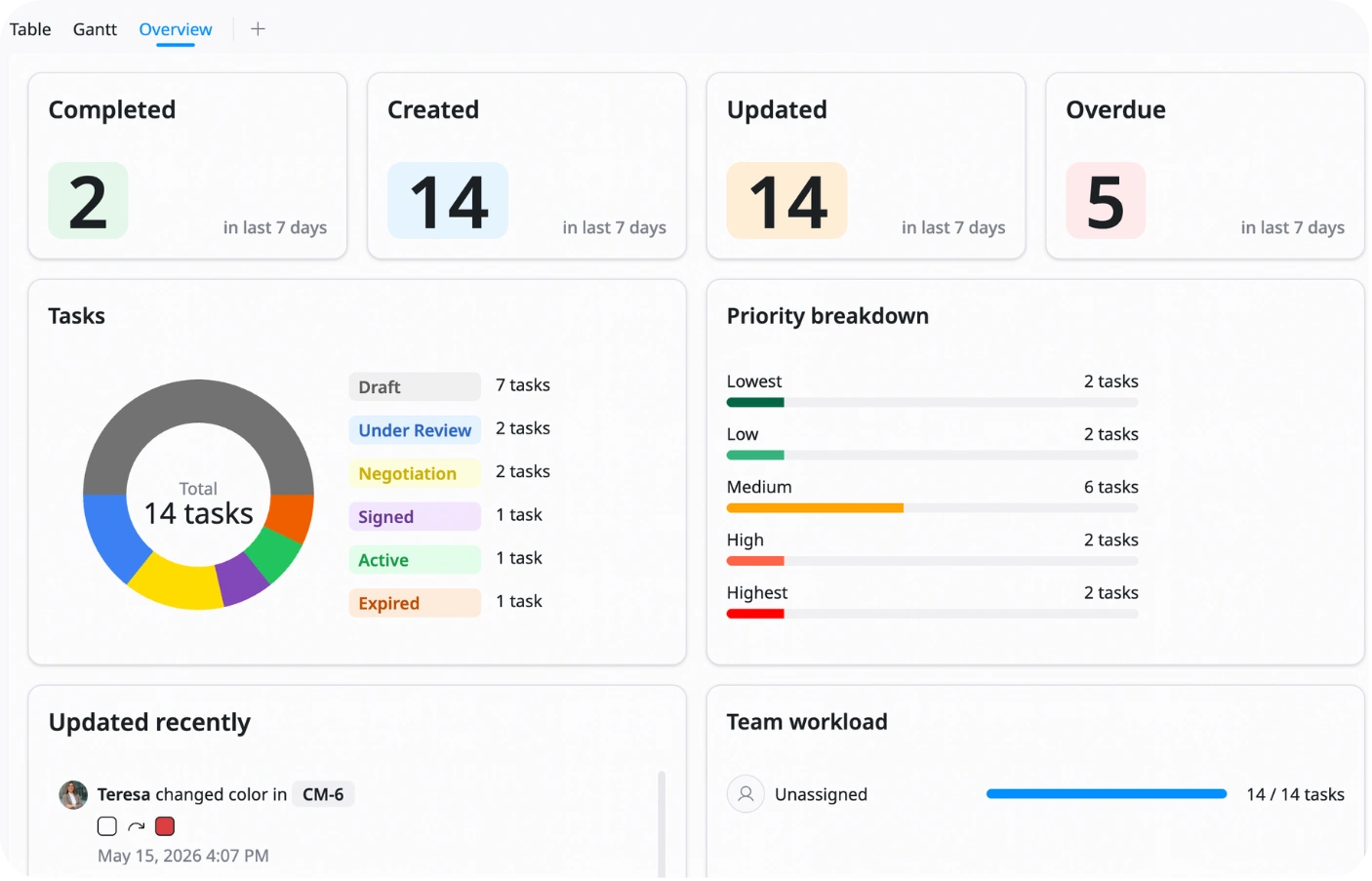
Why use this Contract Management Template?
Managing contracts manually can lead to missed renewals, lost documents, and compliance risks. This template helps you keep everything organized and easy to track in one place.
With this template, you can:
- Track all contracts clearly: Keep contract information centralized
- Avoid missed deadlines: Monitor renewals and expiration dates easily
- Improve visibility: Understand contract status at any time
- Reduce risks: Keep documents and key details organized
This helps your team manage contracts more efficiently and stay compliant.
How to use this Contract Management Template?
1
Add contract records
Enter contract details like contract name, owner, vendor, and dates
2
Upload and organize documents
Store signed contracts and related files in one place
3
Track contract status
Update stages regularly
4
Monitor renewal and expiration dates
Set reminders for important deadlines and renewals
5
Review contracts regularly
Check dashboards and reports to manage risks and upcoming actions
Advanced tips

Use conditional formatting for renewals
Highlight contracts automatically as renewal dates get closer
Example:
60 days left → Yellow
30 days left → Orange
15 days left → Red
This helps you quickly identify urgent contracts

Track total contract value (TCV)
Calculate the total value of each contract automatically
Example:
MRR x Contract term = Total Contract Value
This helps you understand contract impact and revenue more clearly

Use category tagging
Tag contracts by department, vendor type, or revenue source
Example:
Marketing Vendor, Software License, Client Retainer
This helps you filter contracts and analyze spending or revenue faster
Related Templates
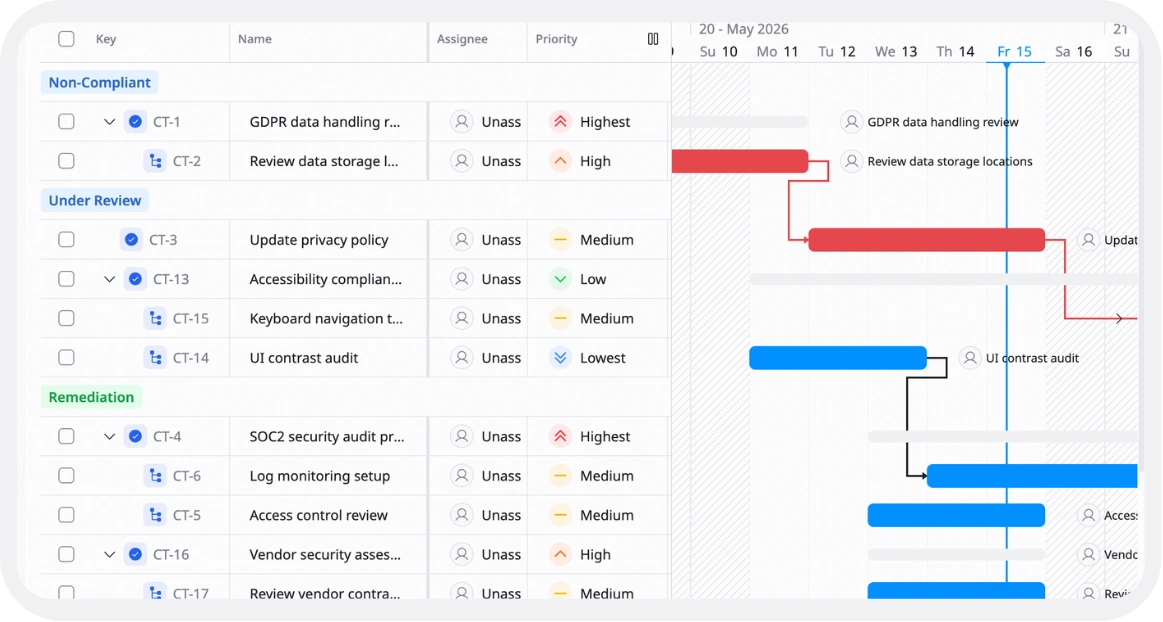
Compliance Tracking
by TaskFord
Monitor compliance requirements, deadlines, and tasks
Contract Management
by TaskFord
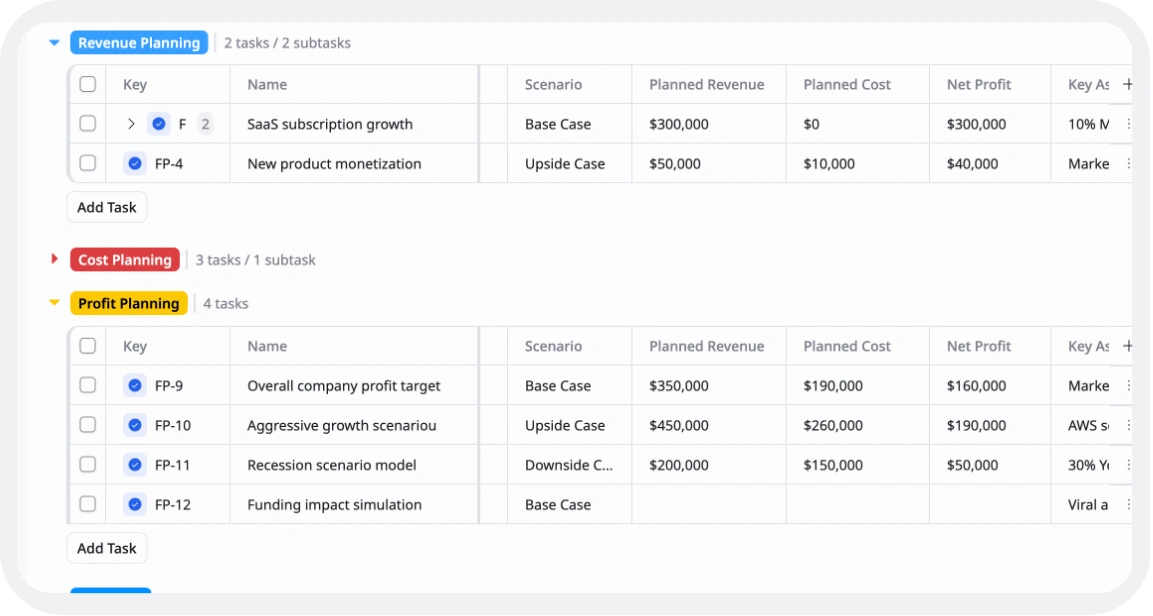
Set financial goals, plan budgets, and track income and expenses.
Cash Flow Management
by TaskFord
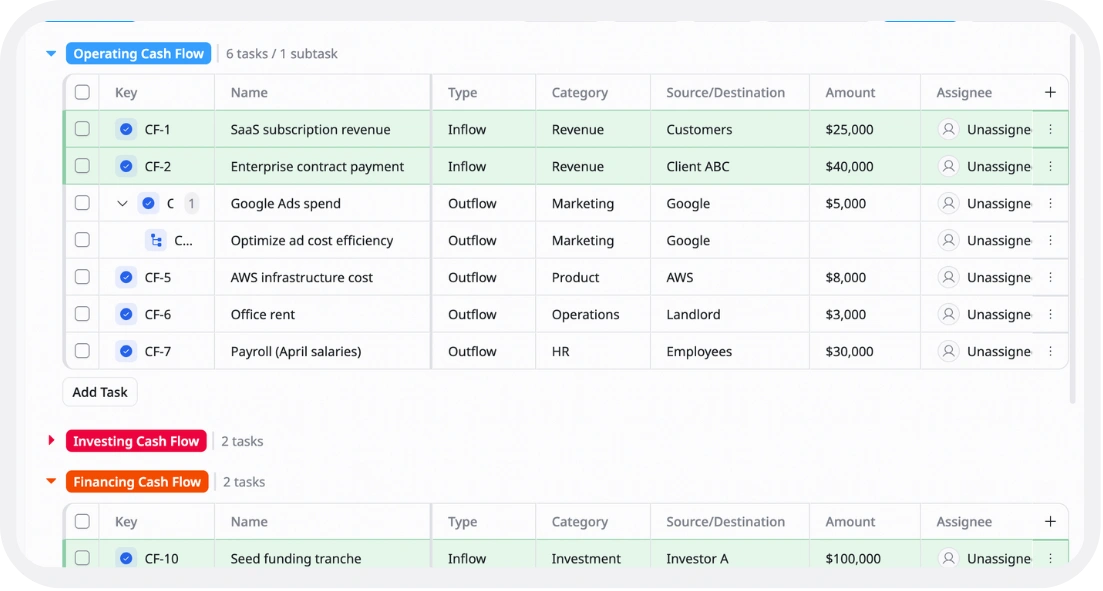
Track money coming in and going out so you can understand your cash flow and maintain healthy finances.