Templates
Feature Prioritization Matrix Template
Feature Prioritization Matrix Template
Get Free Template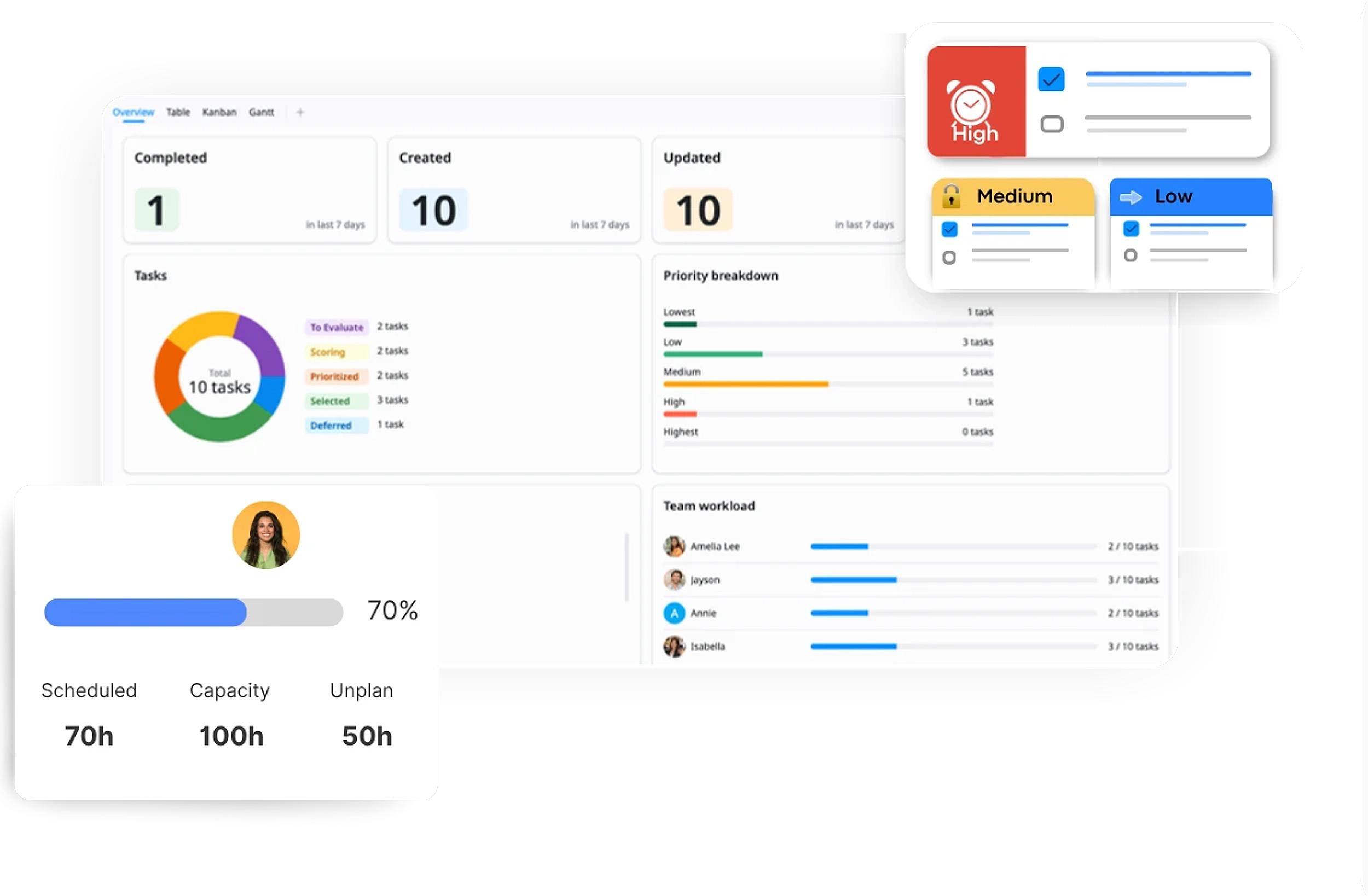
Description
A Feature Prioritization Matrix Template helps you evaluate and prioritize features based on impact and effort to focus on high-value initiatives.
Best for
Product managers
Product teams
UX / design teams
Engineering teams
Startups / SaaS teams
Key Features
Feature Prioritization
Team Collaboration
Impact vs Effort Matrix
Multiple Views
What is a Feature Prioritization Matrix Template?
A Feature Prioritization Matrix Template is a structured workspace that helps you evaluate and prioritize features based on key factors like impact and effort.
It provides a clear visual framework to organize tasks, identify what to work on first, and keep teams aligned on priorities and workflow.
What's included in this Feature Prioritization Matrix Template?
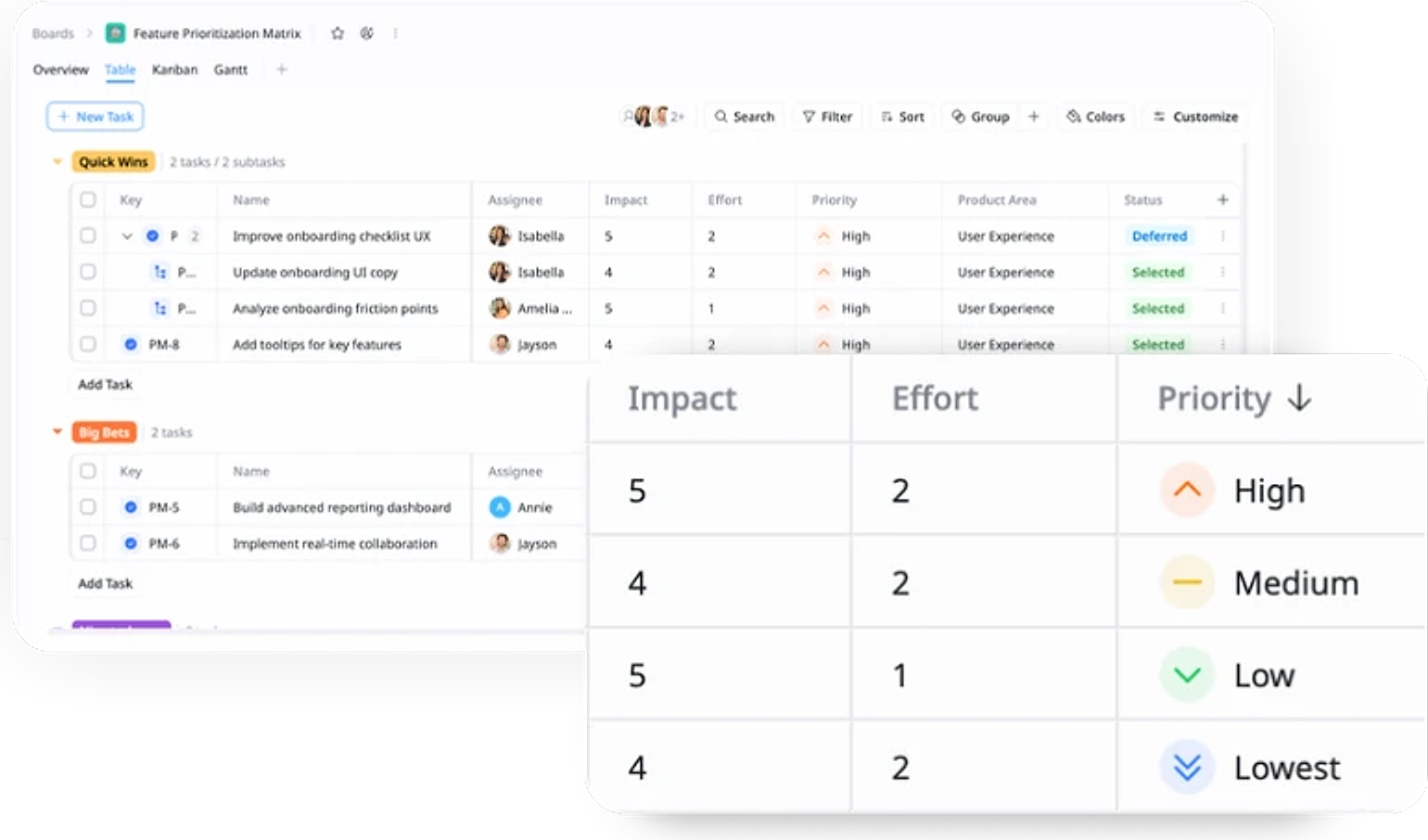
Feature Prioritization
Rank features based on impact and effort to focus on the most valuable work.
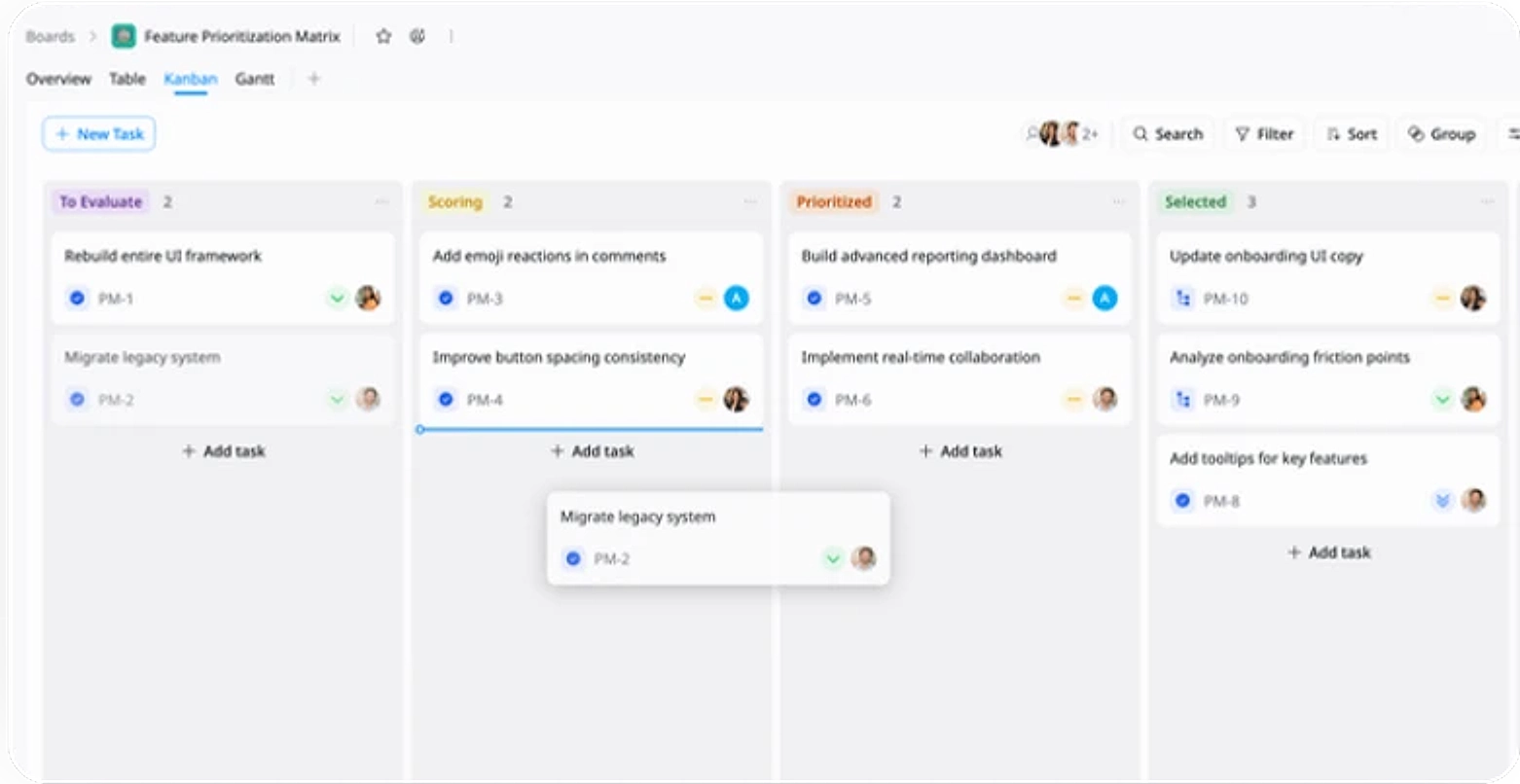
Workflow Tracking
Track features across stages from evaluation to prioritization to manage progress clearly.
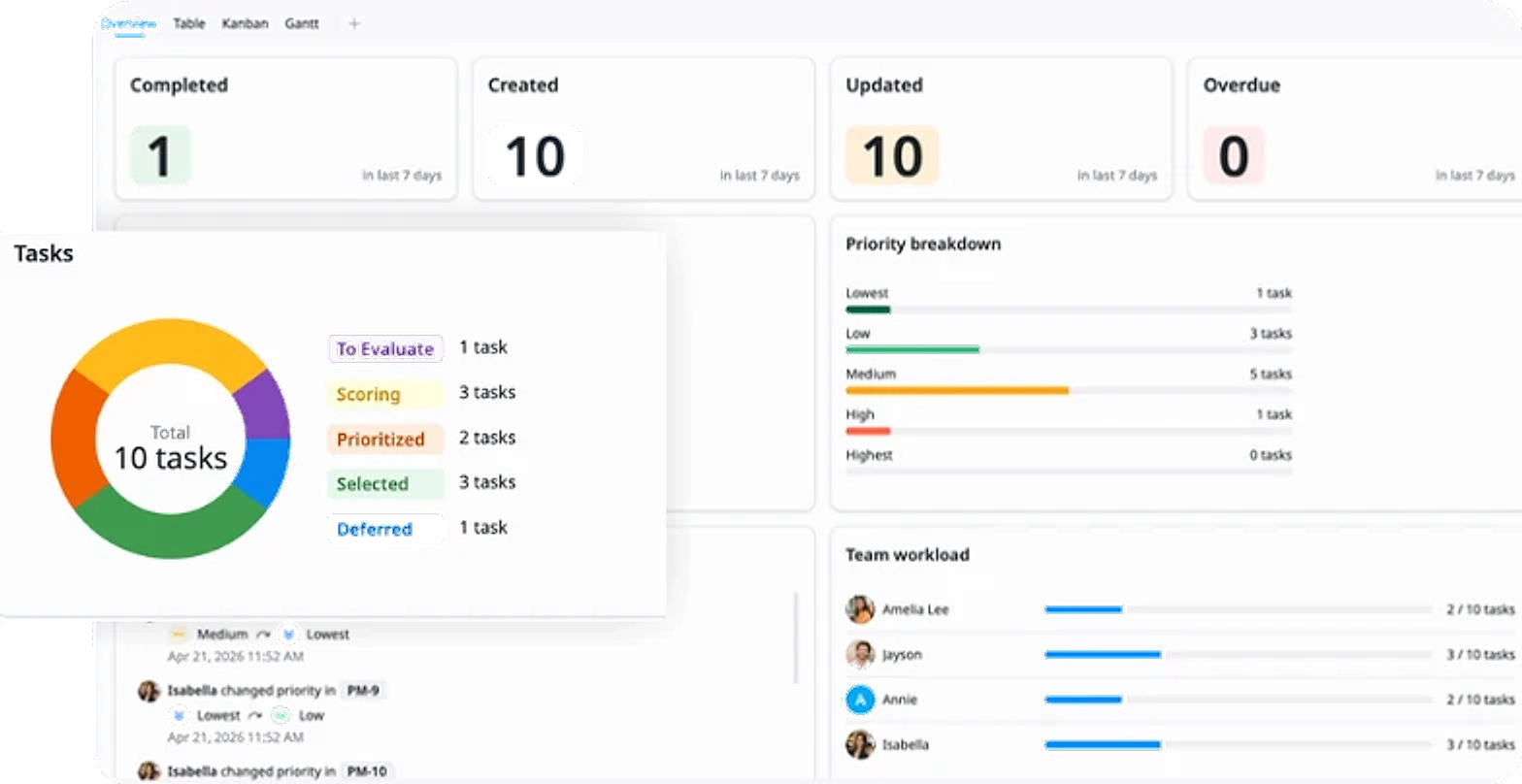
Insights
Get a high-level view of feature priorities and overall prioritization status.
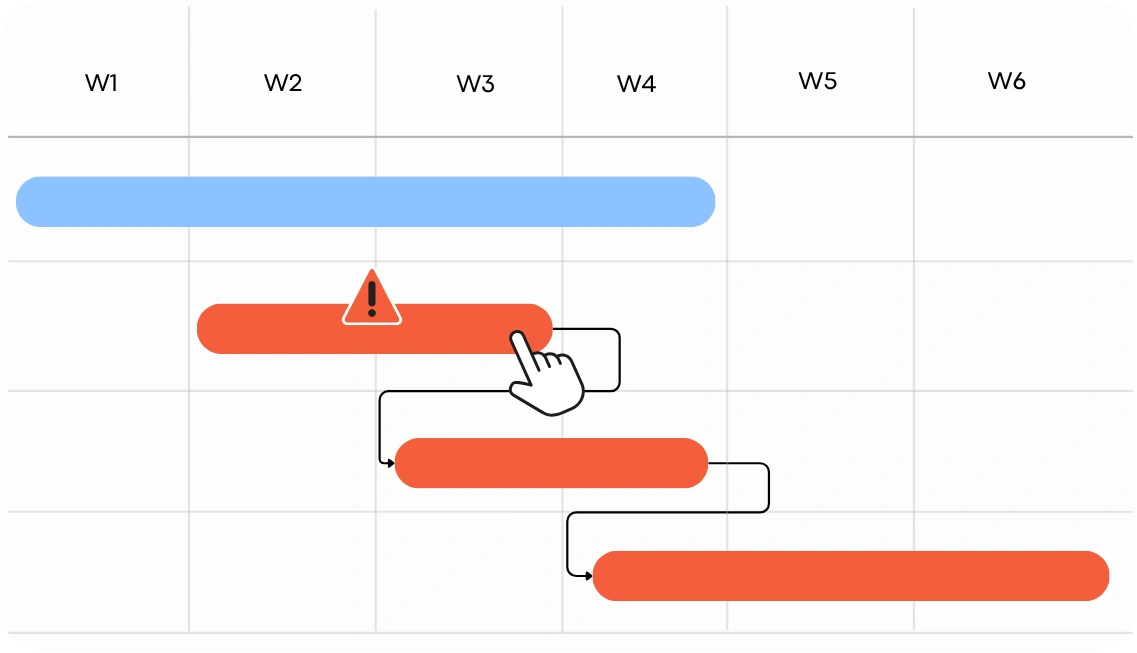
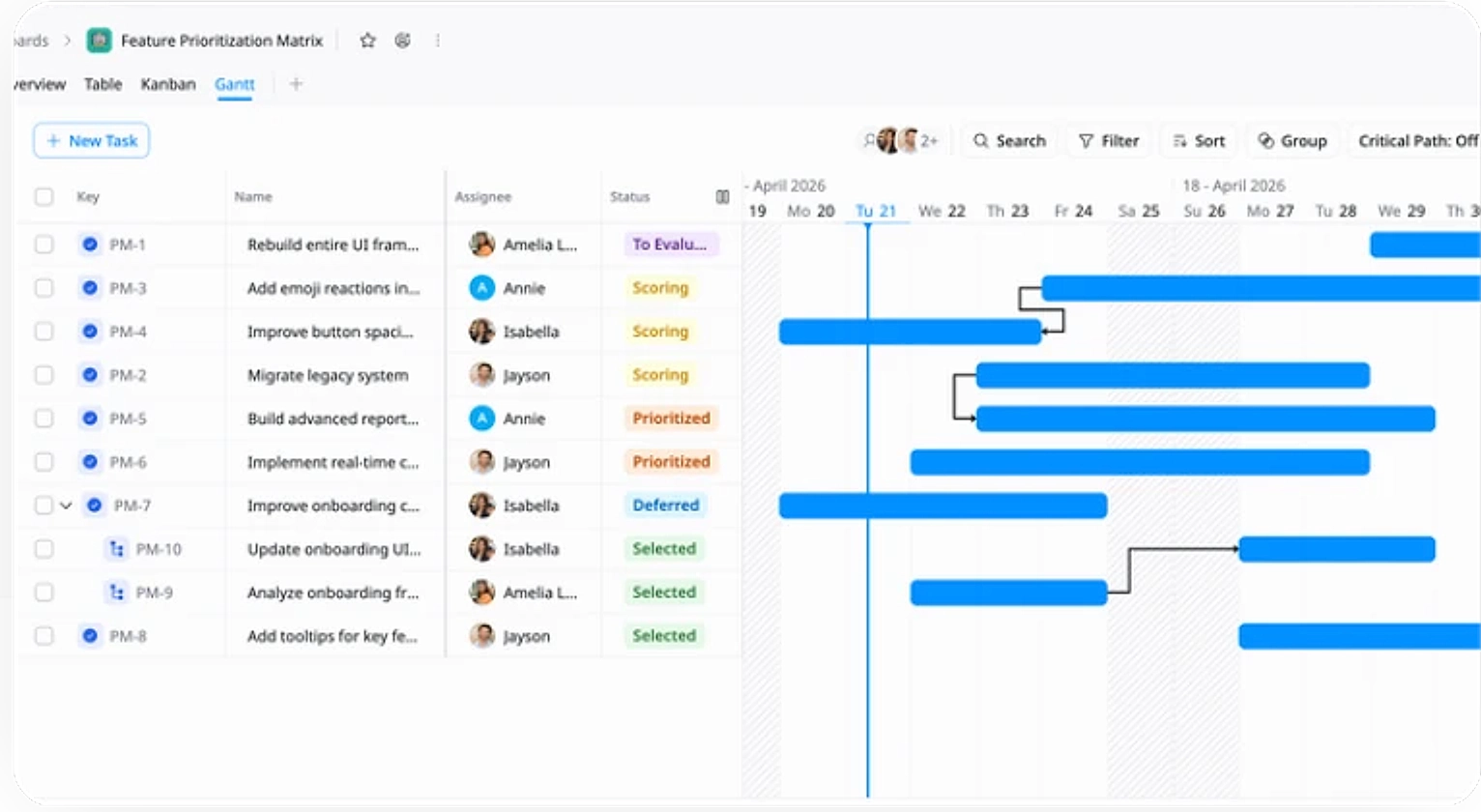
Timeline Planning
Map features across a timeline to plan execution and understand dependencies.
Why use this Feature Prioritization Matrix Template?
Evaluating and prioritizing features can quickly become complex when balancing impact, effort, and limited resources. This template provides a clear, visual framework to compare options and make informed decisions.
- Focus on high-value work: Identify features with the best impact-to-effort ratio
- Make better decisions: Compare ideas objectively using a structured matrix
- Align your team: Ensure everyone agrees on priorities and next steps
- Reduce guesswork: Base decisions on clear criteria instead of assumptions
How to use this Feature Prioritization Matrix Template
1
List Your Features
Capture all feature ideas, improvements, or requests as tasks. Include clear descriptions so each item is easy to understand and evaluate.
2
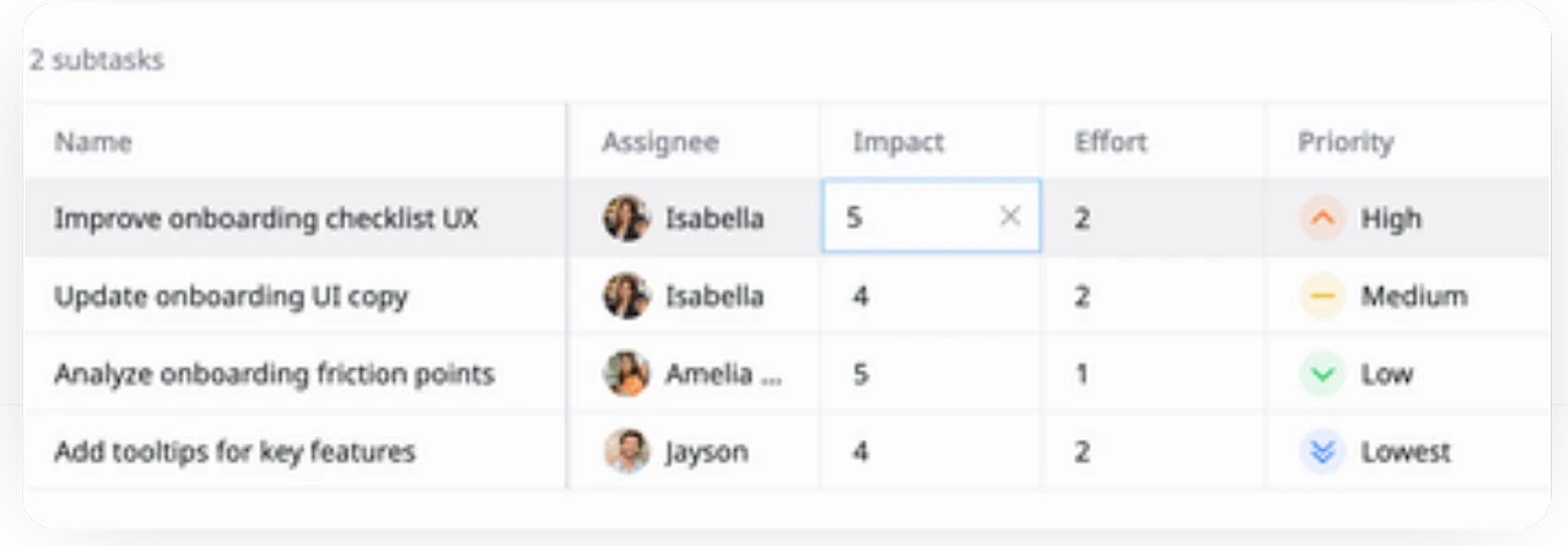
Define impact and effort
Use custom fields to assign scores for impact and effort to each feature based on your criteria (usually on a scale of 1–5 or 1–10)
3
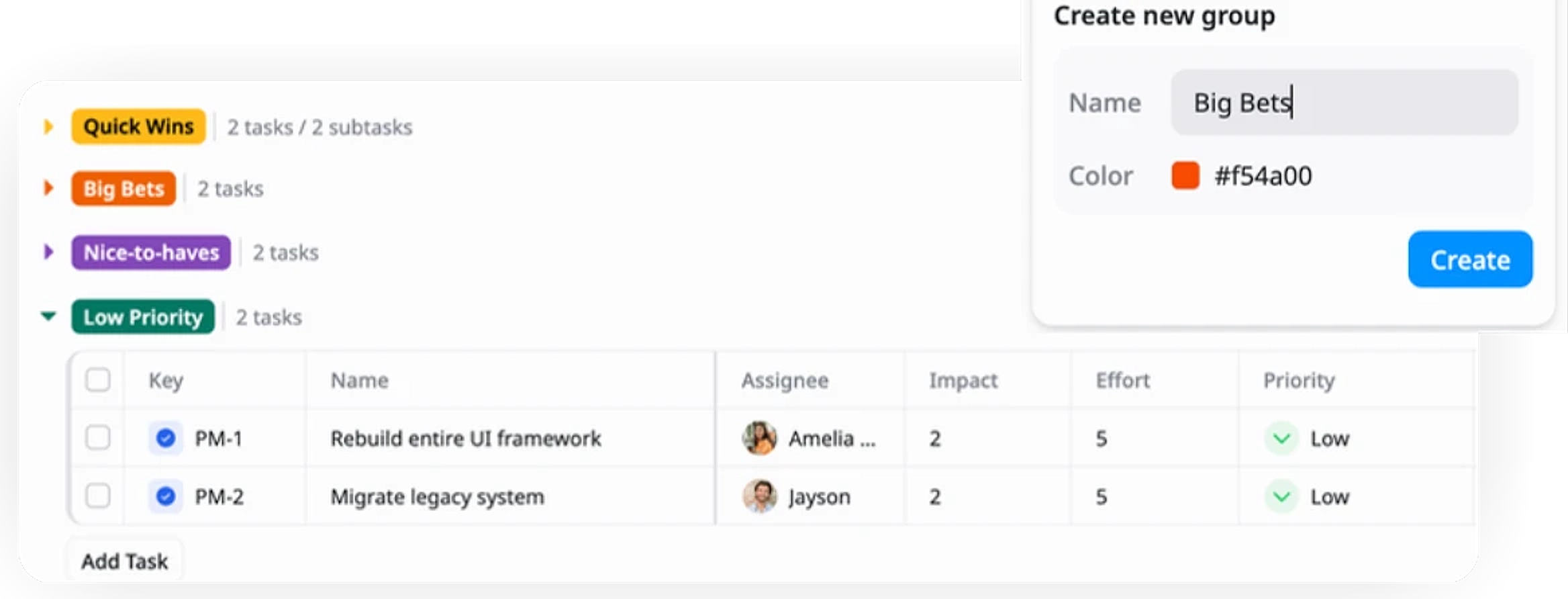
Categorize priorities
Group features into categories (e.g., Quick Wins, Big Bets, Low Priority) to organize them based on their impact and effort.
4
Prioritize features
Review and compare impact and effort scores to determine which features should be prioritized and moved forward.
5
Update status
Track each feature's progress by updating its status (e.g., To Evaluate, Scoring, Prioritized, Selected, Deferred).
Advanced tips

Define clear scoring criteria
Standardize how you evaluate impact and effort (e.g., 1–5 scale) to ensure consistent and objective scoring across all features.
Define what each score means (e.g., Impact 5 = high user/business value)
Align the team on scoring guidelines before evaluation
Avoid subjective or inconsistent scoring across members
Use Sort and Filter features
Leverage sorting and filtering to quickly focus on the most important features.
Sort by impact, effort, or priority to identify top items
Filter by product area, status, or category for targeted views
Reduce noise and focus on decision-making faster
Align scoring with product goals
Base impact scores on measurable goals such as user growth, retention, or revenue to ensure prioritization supports strategy.
Link features to specific product or business objectives
Prioritize work that drives the highest outcomes
Avoid focusing on low-impact or "nice-to-have" features