Templates
QA Testing Workflow Template
QA Testing Workflow Template
Get Free Template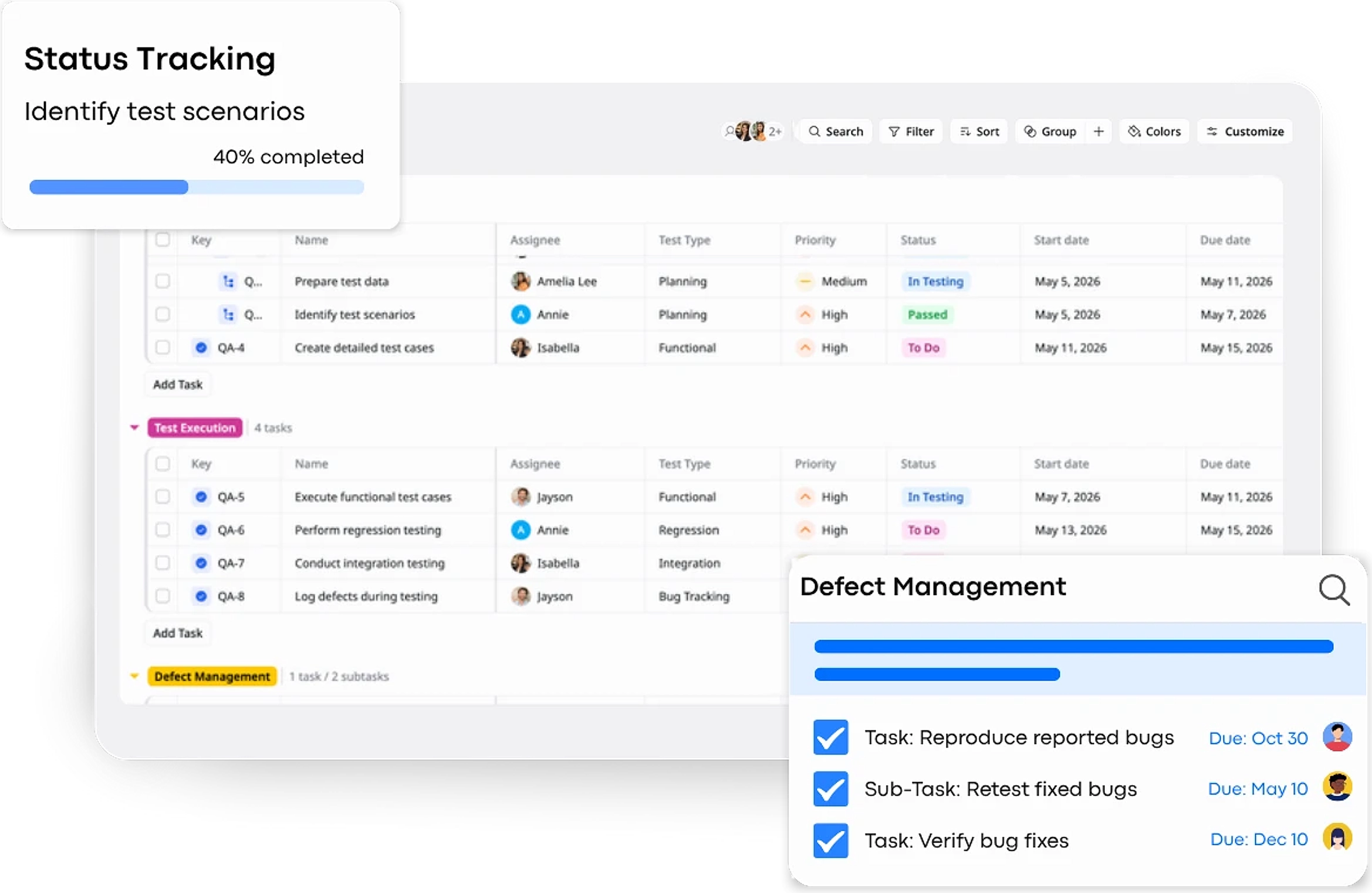
Description
A QA Testing Workflow Template helps you plan, execute, and track testing activities to ensure product quality before release.
Best for
QA engineers & testers
Product & engineering teams
QA managers
Software development teams
Key Features
QA Status Workflow
Defect Management
Task Hierarchy
Multiple Views
What is a QA Testing Workflow Template?
A QA Testing Workflow Template is a structured framework used to plan, execute, and track software testing activities throughout the development process. It helps teams organize test tasks, manage defects, and ensure product quality before release by guiding work through defined stages such as testing, bug tracking, retesting, and validation.
This template provides a clear workflow, improves visibility across teams, and ensures that all testing steps are completed systematically before a product goes live.
What's included in this QA Testing Workflow Template?
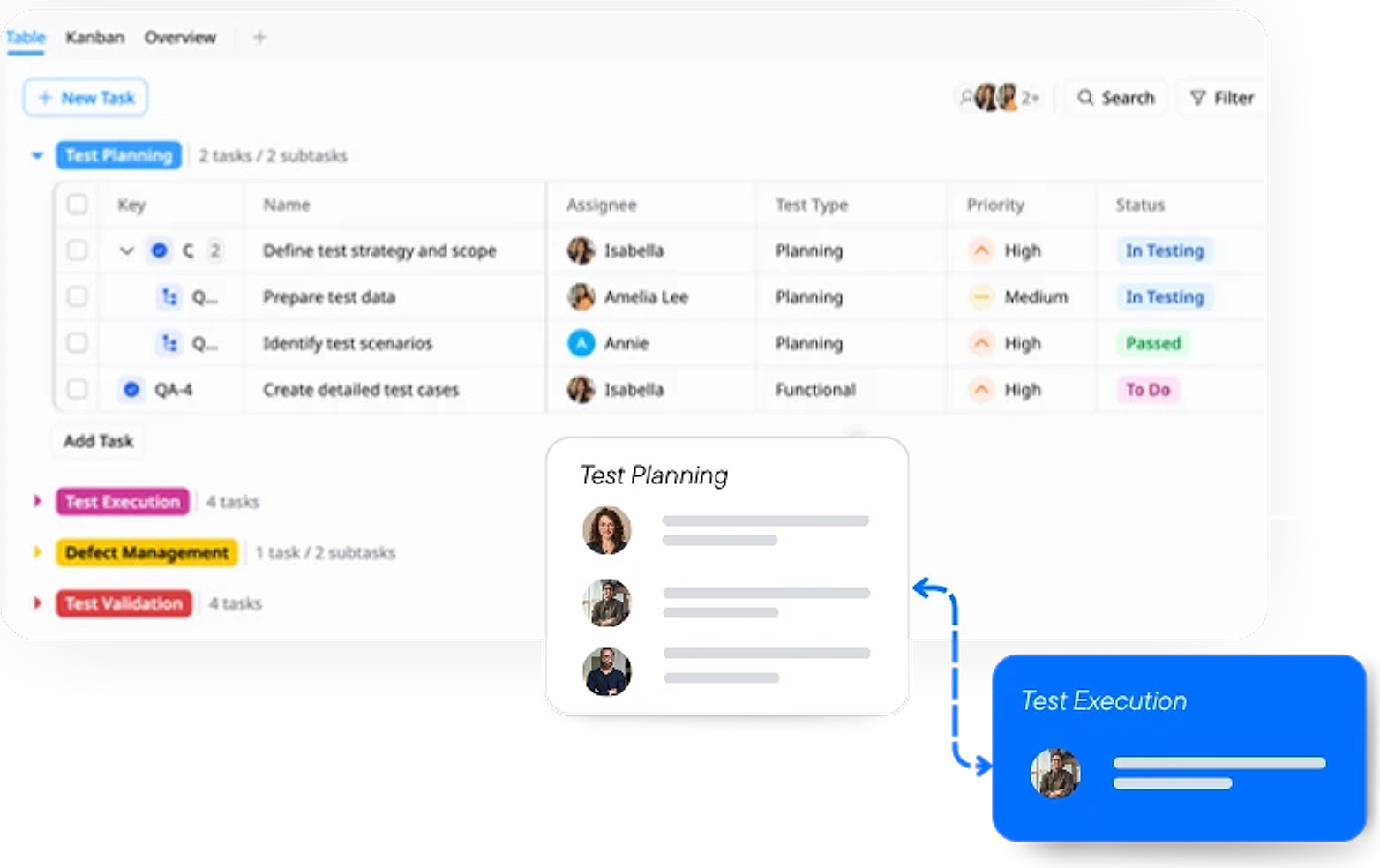
Phased Categorization
Organize testing tasks into clear phases (e.g., Planning, Execution, Defects, Validation) to maintain a structured workflow.
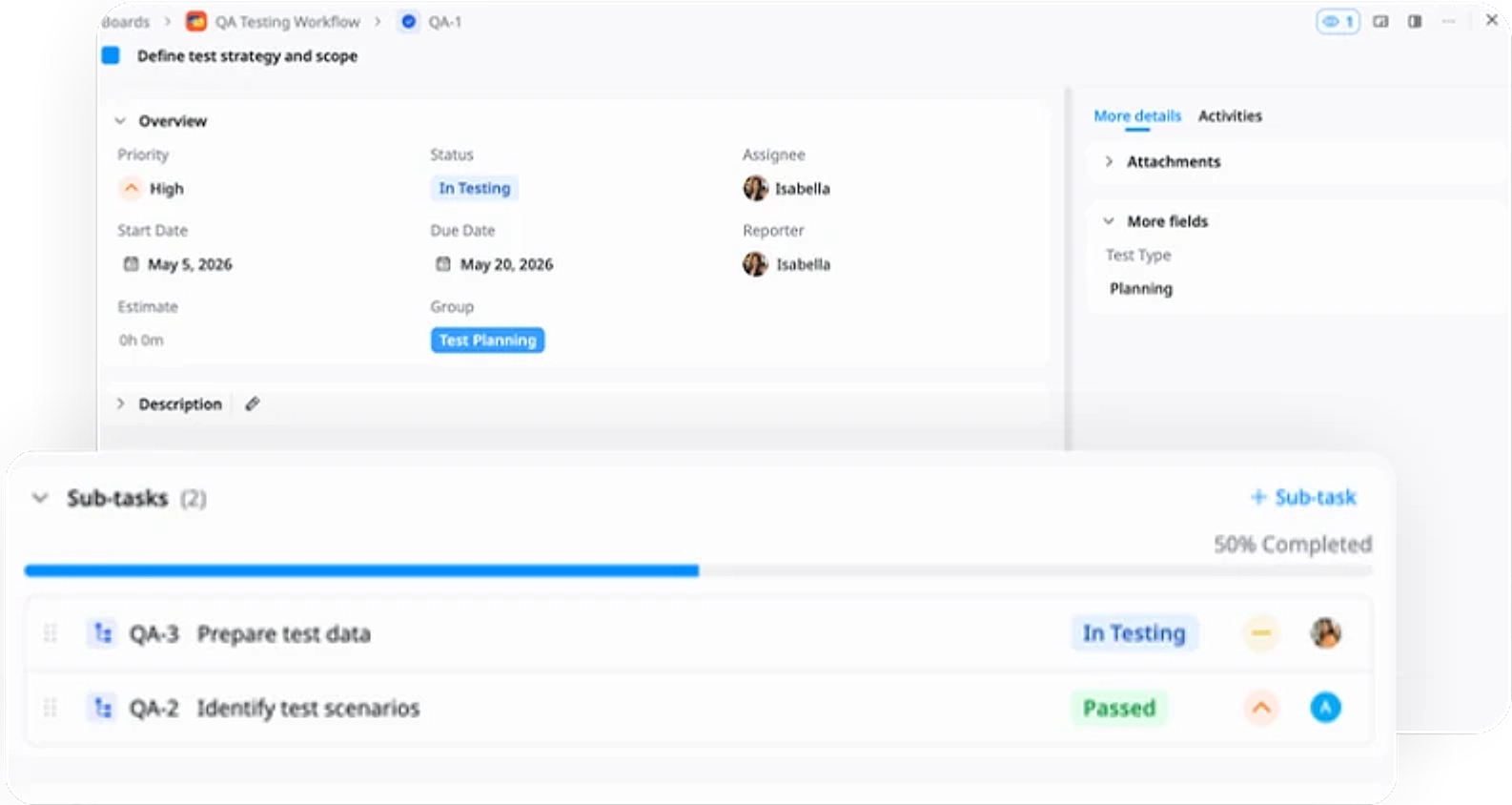
Structured Task Hierarchy
Break down testing work into tasks and sub-tasks to manage detailed steps and improve execution clarity.
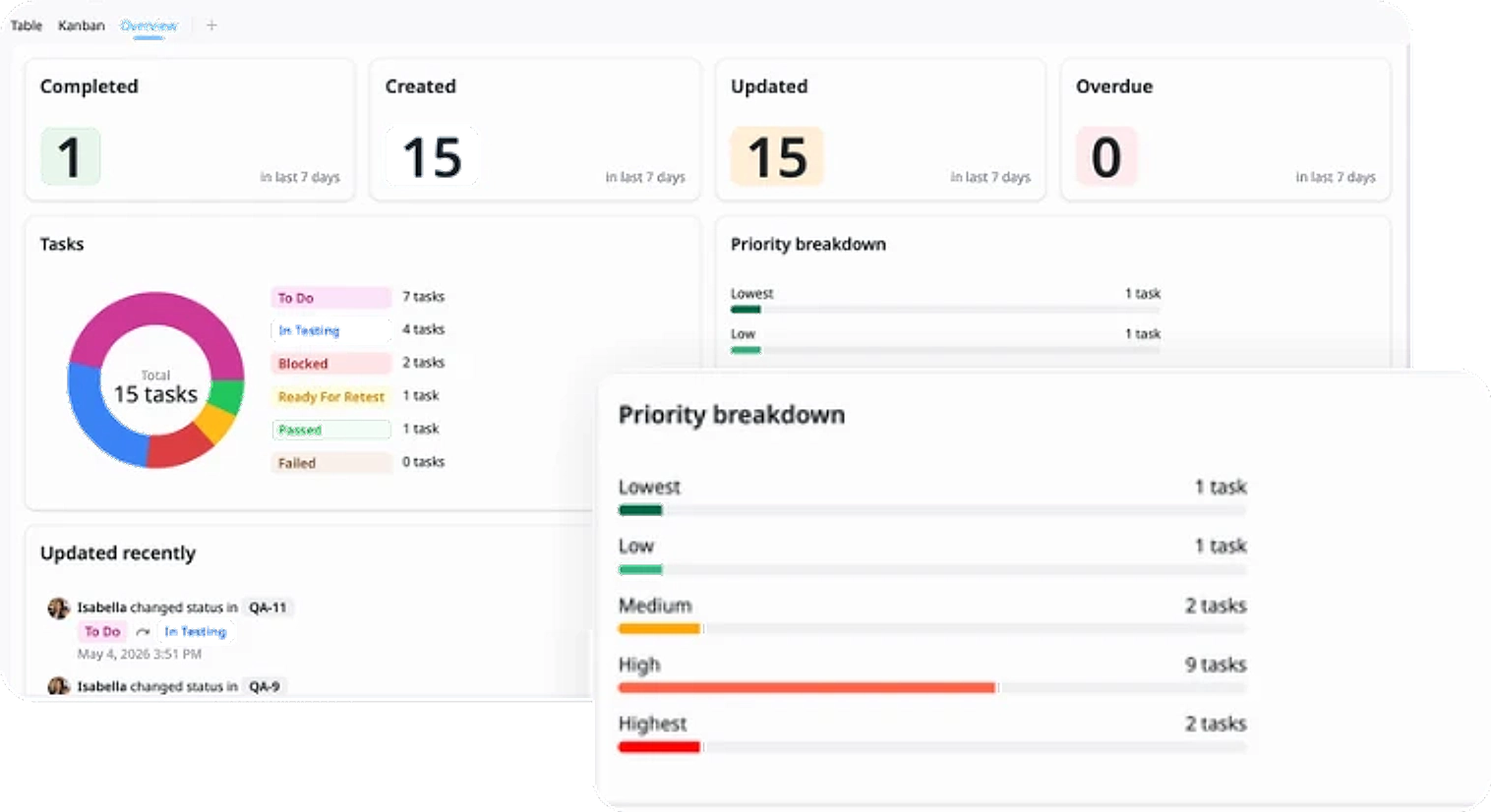
Defect Tracking
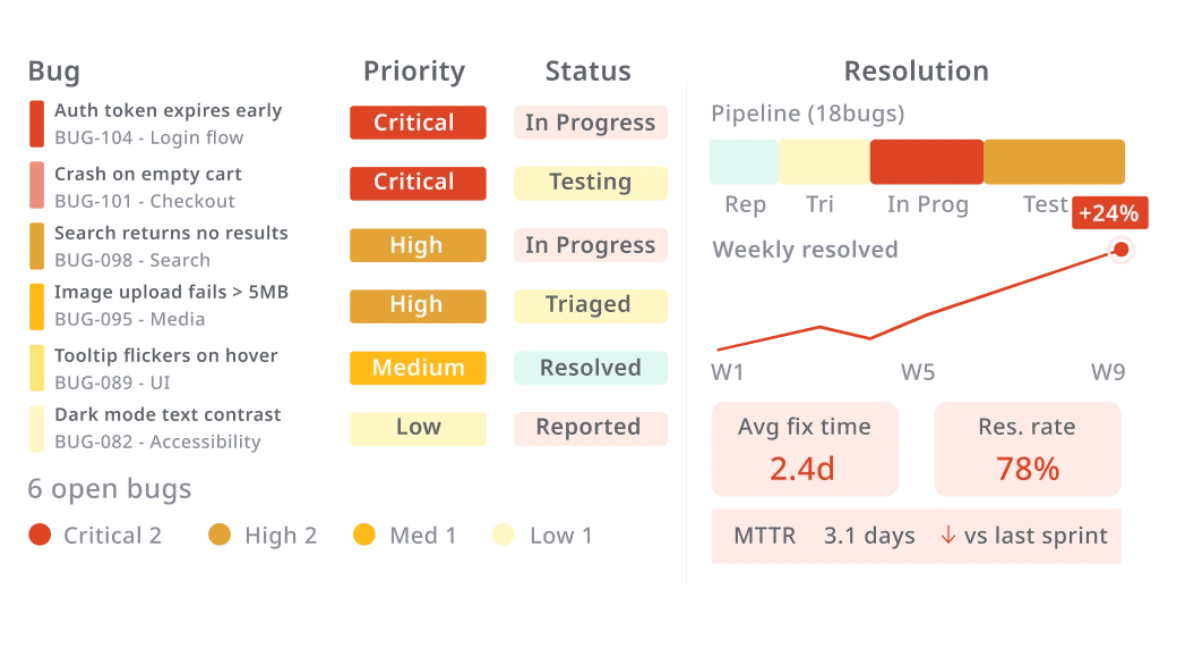
Monitor and analyze defects by status and severity to understand overall bug distribution and resolution progress.
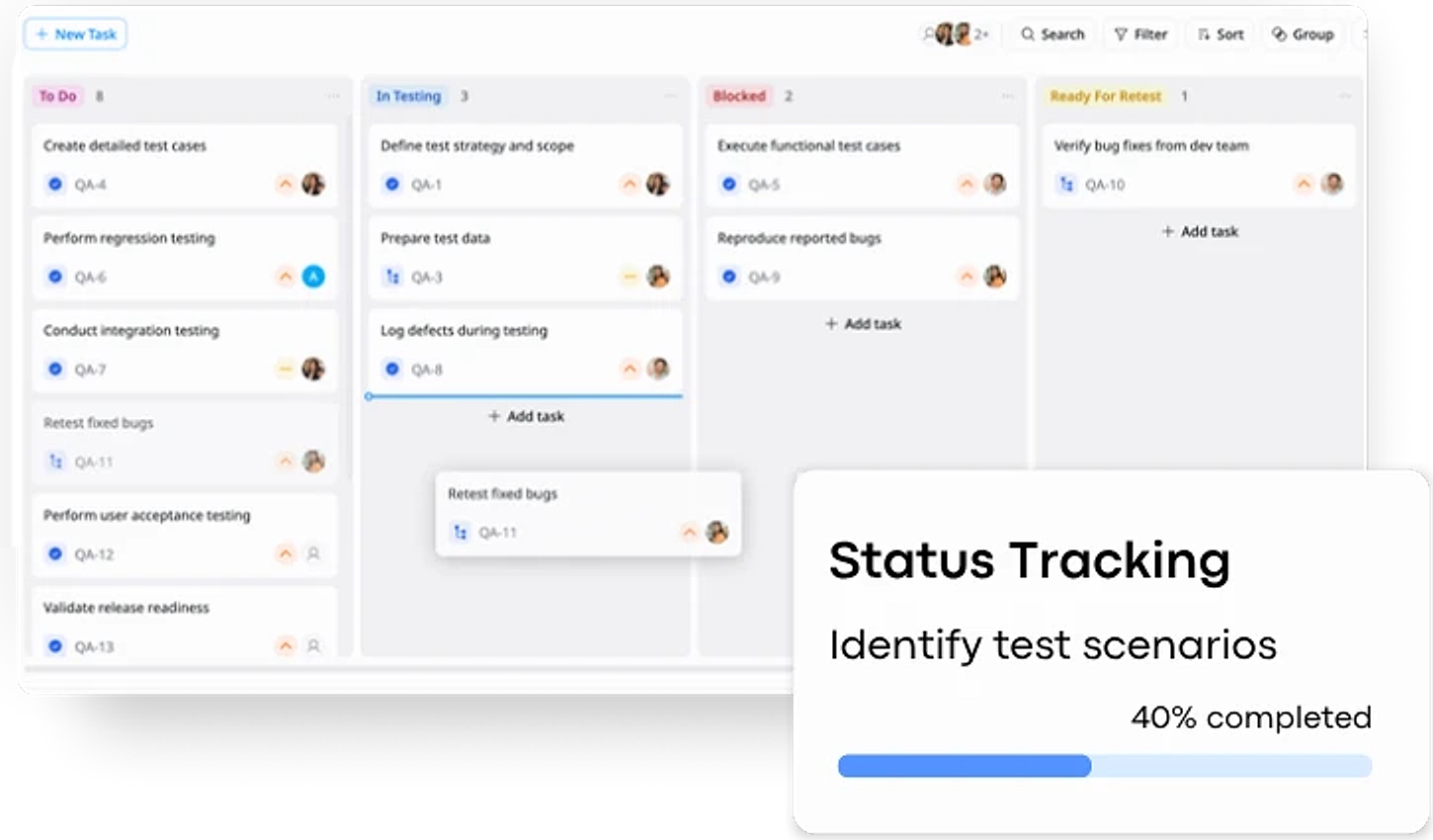
Dynamic Status Tracking
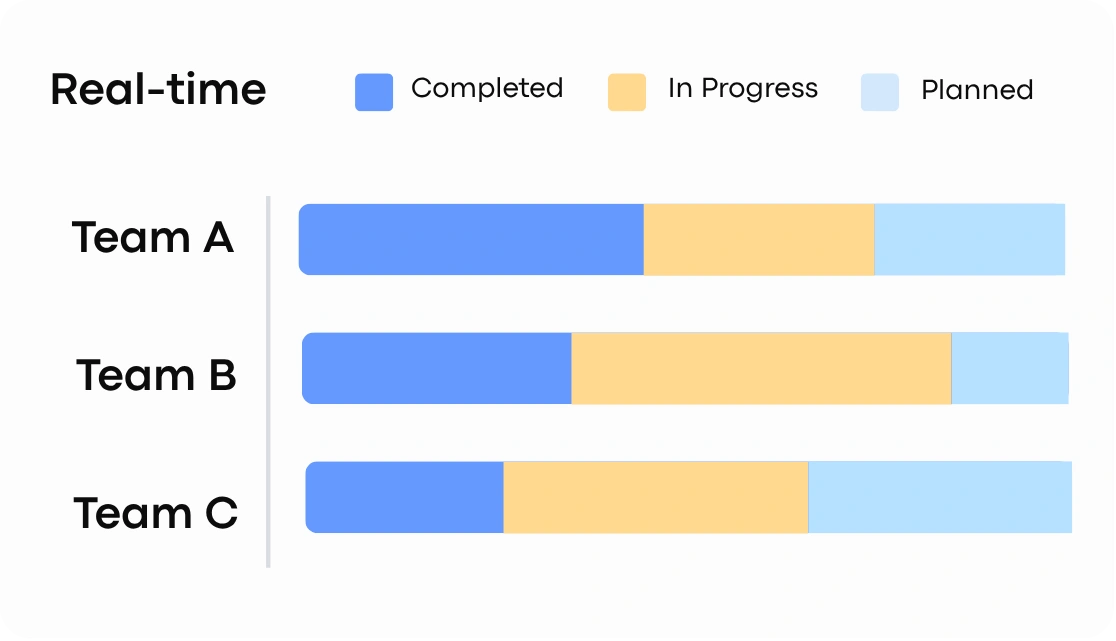
Track tasks through defined testing stages (e.g., To Do, In Testing, Blocked, Passed, Failed) for real-time visibility.
Why use this QA Testing Workflow Template?
This template helps standardize and streamline your testing process, ensuring all testing activities are organized and tracked effectively.
- Improve visibility: Track testing progress across clear stages
- Ensure quality: Catch and resolve issues before release
- Stay organized: Structure testing into phases and tasks
- Align teams: Keep QA, dev, and product teams in sync
It provides a clear workflow to manage testing efficiently and deliver higher-quality releases.
How to use this QA Testing Workflow Template
1
Define Test Plan
Outline the testing scope, objectives, and key features to be tested. Create detailed test cases and prepare the necessary test data to ensure full coverage.
2
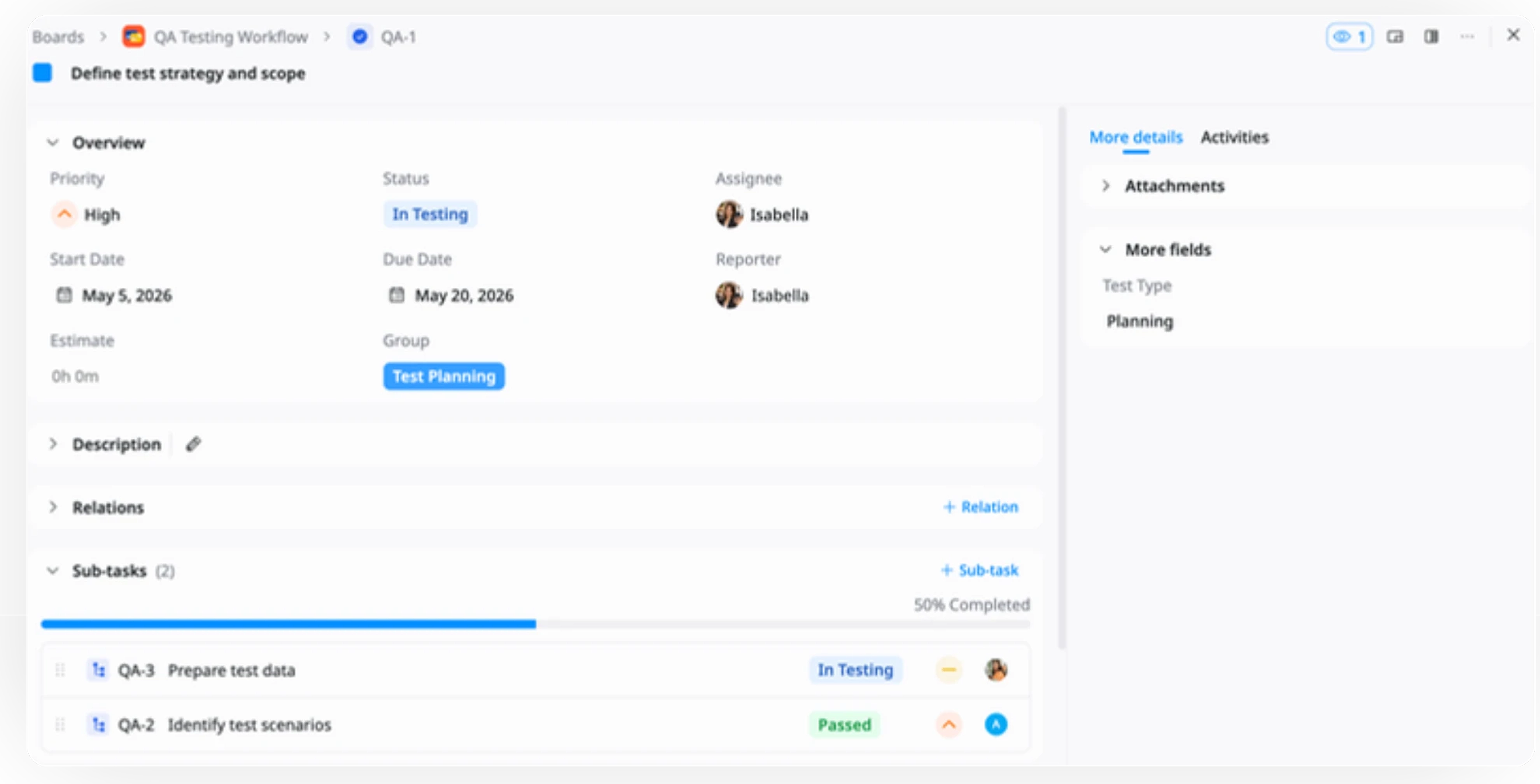
Organize Testing Tasks
Group tasks into phases (e.g., Planning, Execution, Defects, Validation) and break them into smaller subtasks for better clarity and manageability.
3
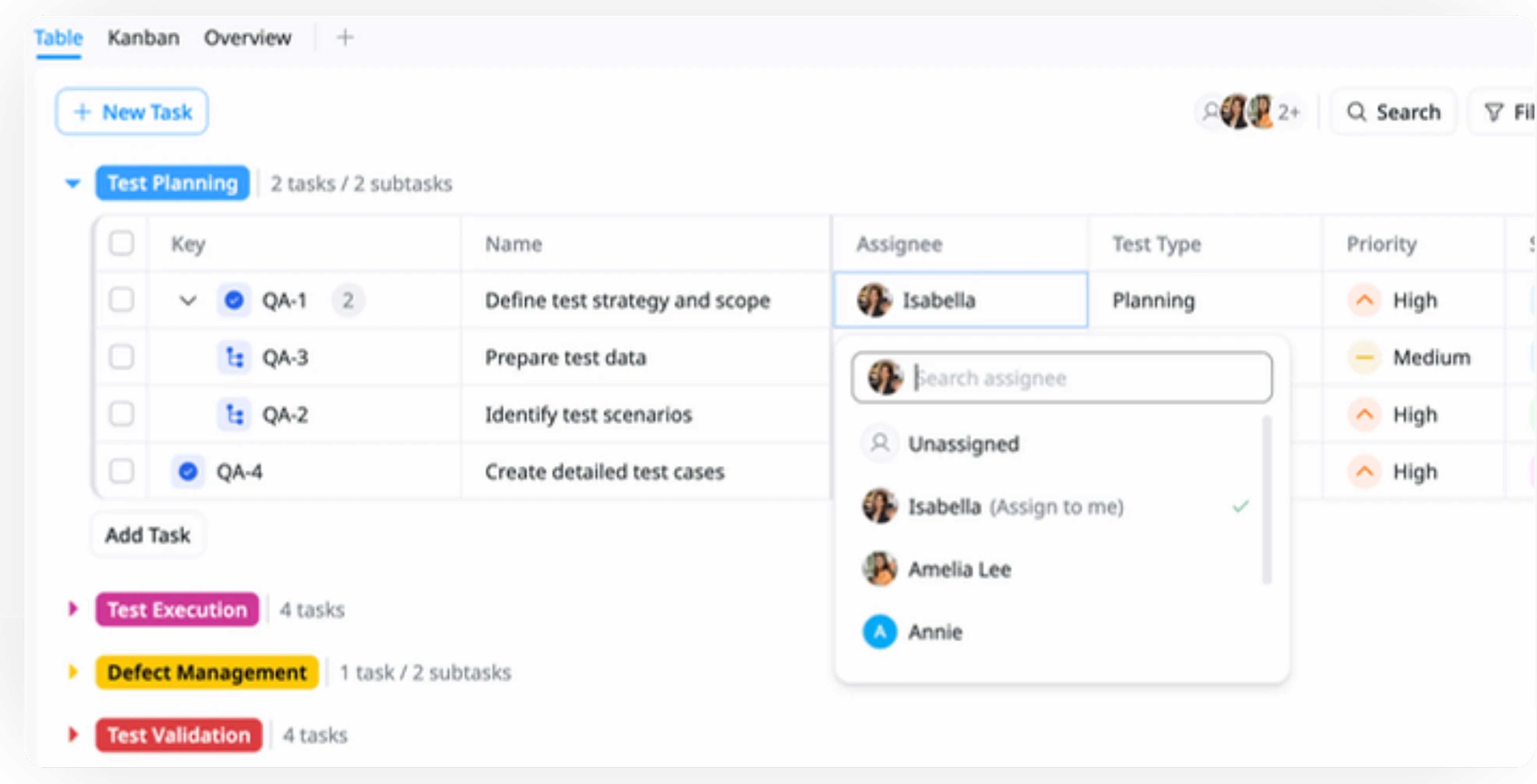
Assign & Schedule
Assign tasks to team members, set priorities, and define clear start and due dates to ensure accountability and smooth execution.
4
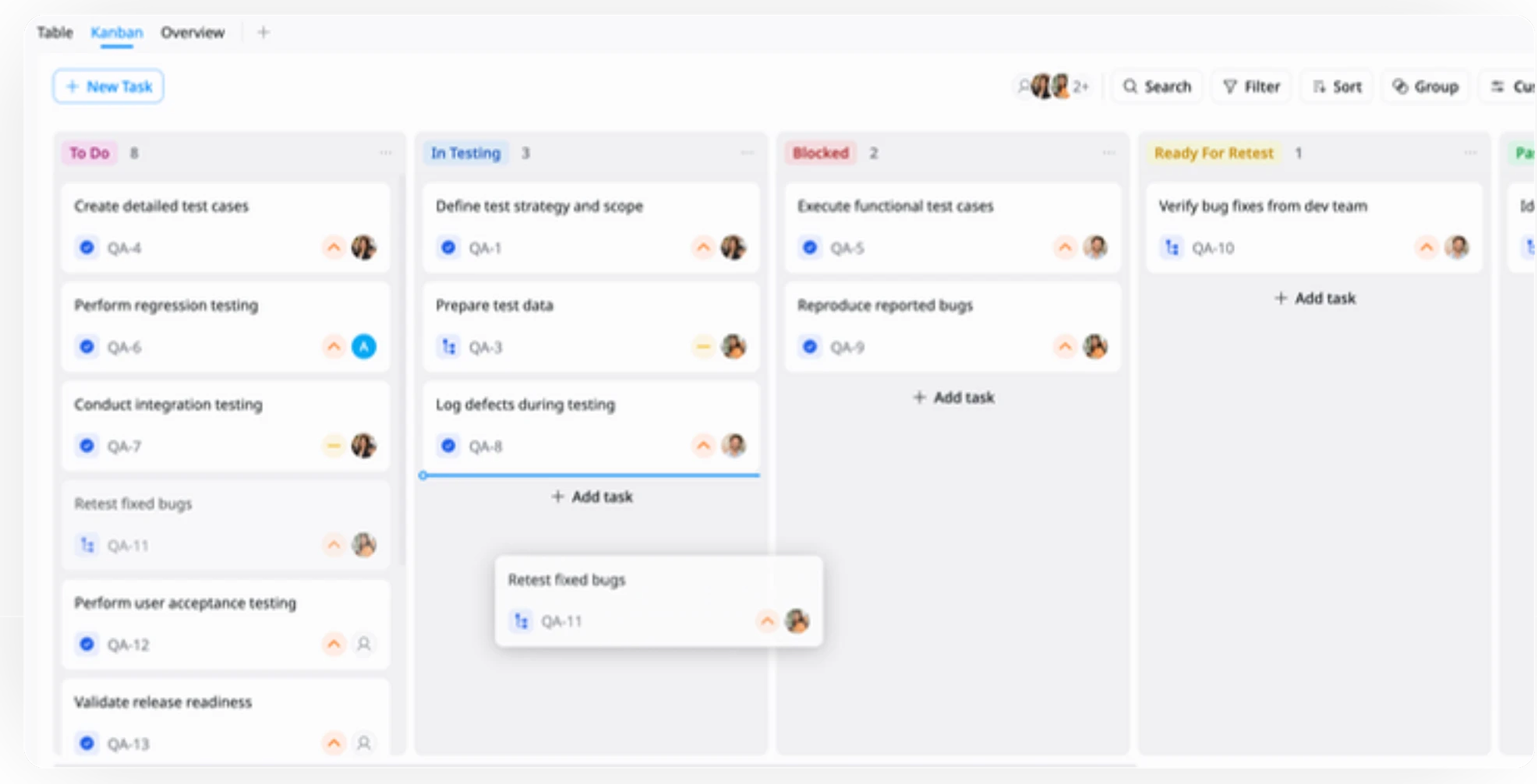
Execute & Track
Run tests and move tasks through workflow stages (e.g., To Do, In Testing, Blocked, Passed, Failed) to track progress in real time.
5
Manage Defects
Log bugs as they are identified, track their status, and retest fixes to ensure all issues are properly resolved.
6
Validate & Close
Perform final validation (e.g., UAT), confirm all critical issues are resolved, and ensure the product is ready for release.
Advanced tips

Prioritize Critical Test Cases
Focus on high-impact features and critical test cases first to reduce release risk.
This helps your team:
Identify high-risk areas early
Prioritize tests based on severity and impact
Ensure core functionalities are validated first
Break Down Complex Tests
Split large test cases into smaller, manageable subtasks.
This helps your team:
Improve clarity and execution speed
Make it easier to assign and track work
Reduce the risk of missing test scenarios

Keep Teams Aligned
Ensure clear communication between QA, development, and product teams.
This helps your team:
Assign clear ownership for tasks and defects
Share updates regularly
Align on release readiness before final validation