Templates
GTM Plan for Product Launch Template
GTM Plan for Product Launch Template
Get Free Template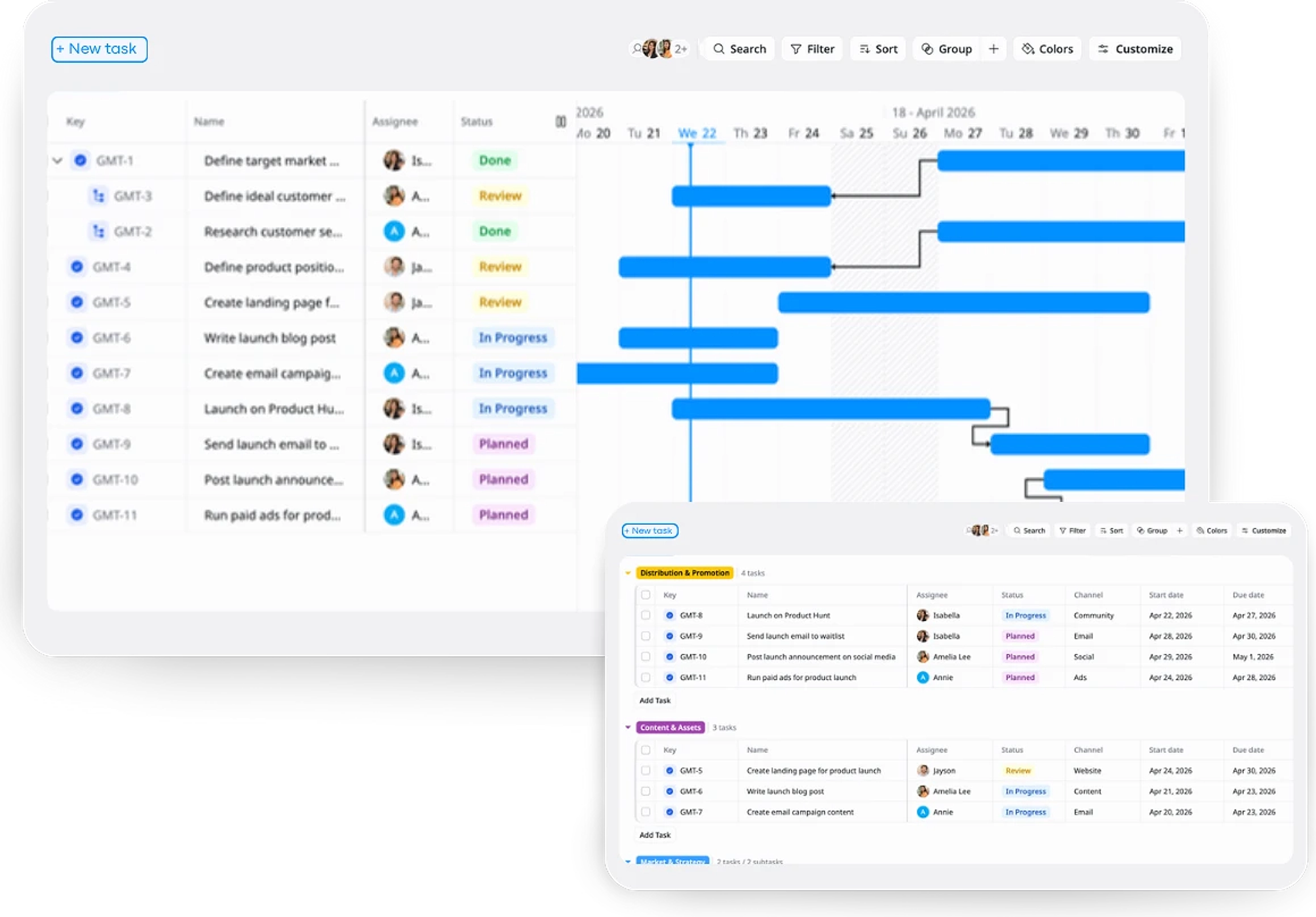
Description
A GTM Plan for Product Launch Template helps you plan and execute go-to-market strategies to successfully launch your product and drive user adoption.
Best for
Product managers
Marketing teams
SaaS/Tech growth teams
Startups and entrepreneurs
Key Features
Task Management
Team Collaboration
Multiple Project Views
Timeline Tracking
What is a GTM Plan for Product Launch Template?
A GTM Plan for Product Launch Template is a structured framework that helps businesses plan and execute strategies to successfully introduce a new product to the market.
This template outlines the necessary steps, tasks, and strategies for achieving a smooth product launch, ensuring alignment across teams, and driving user adoption.
What's included in this GTM Plan for Product Launch Template?
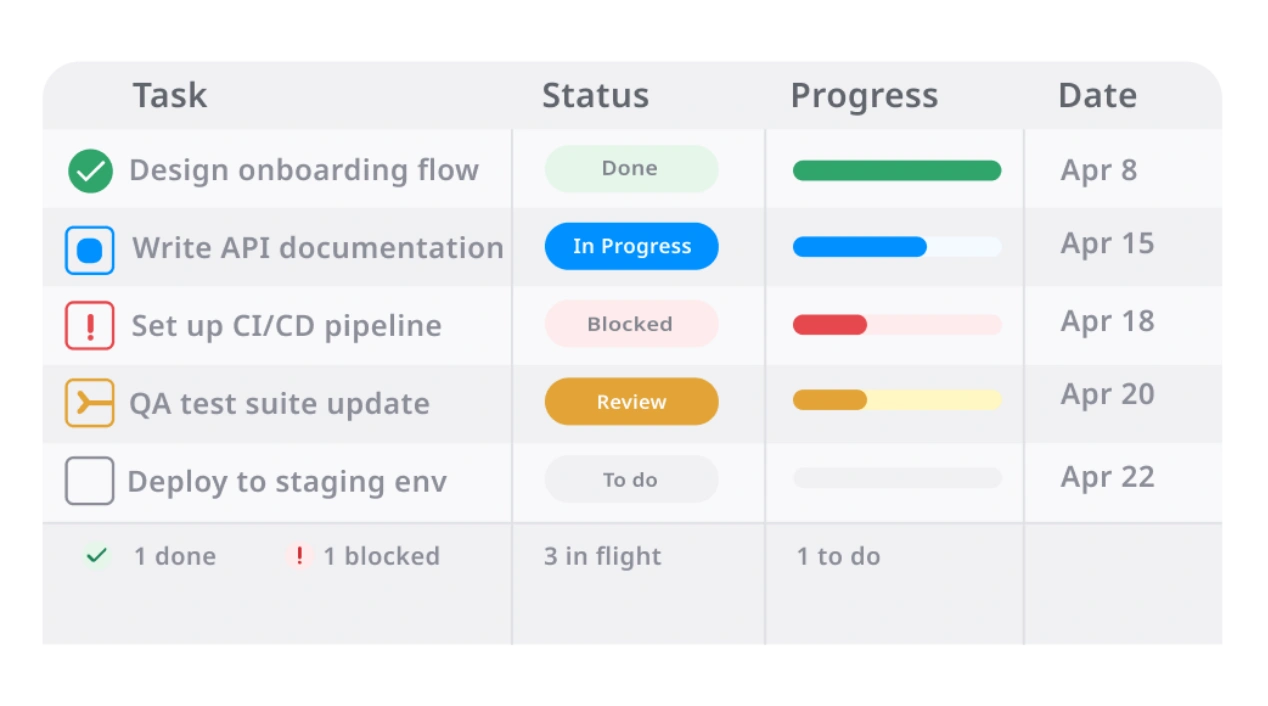
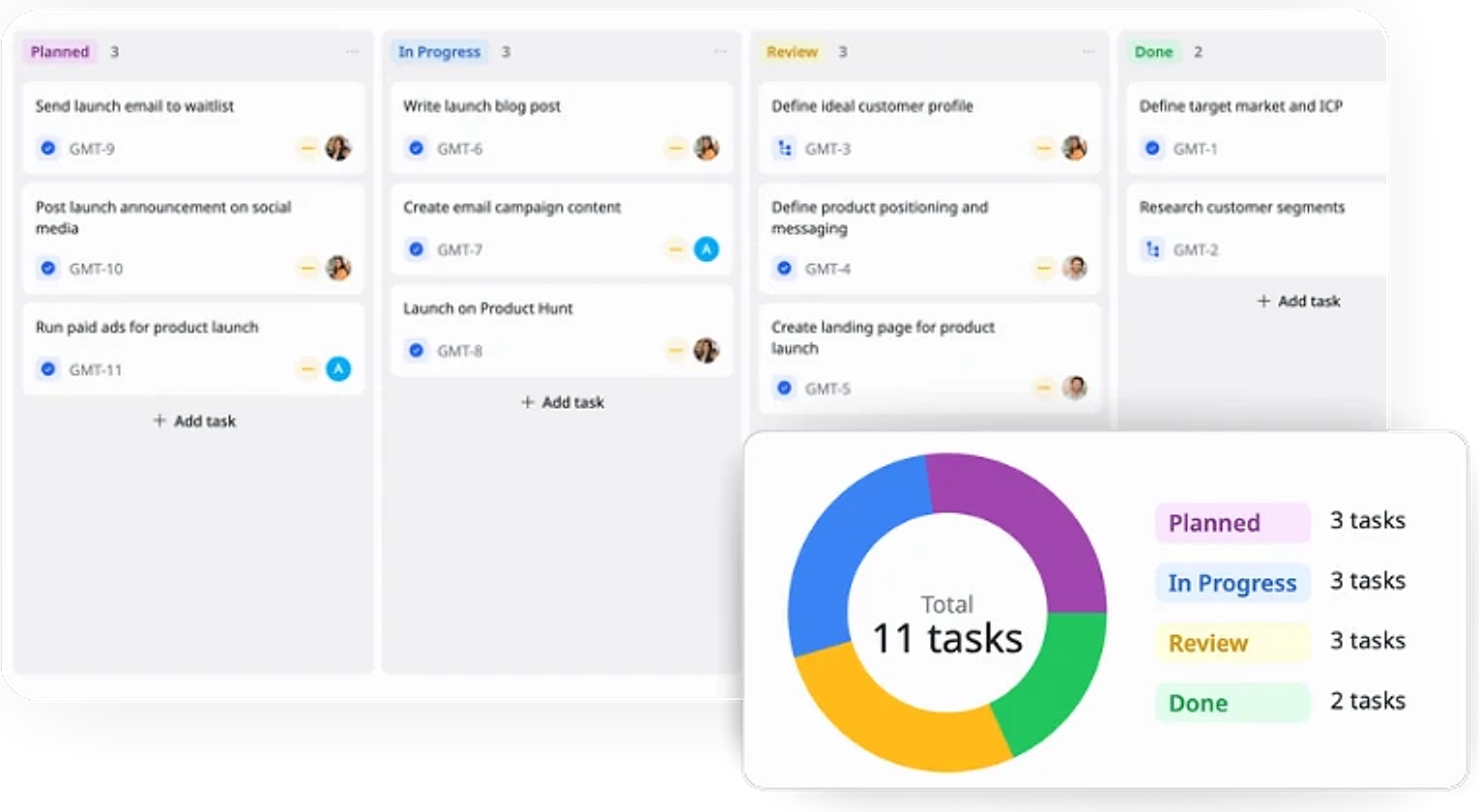
Task Management
Organize and track tasks through a Kanban board, ensuring clear progress from Planned to Done.
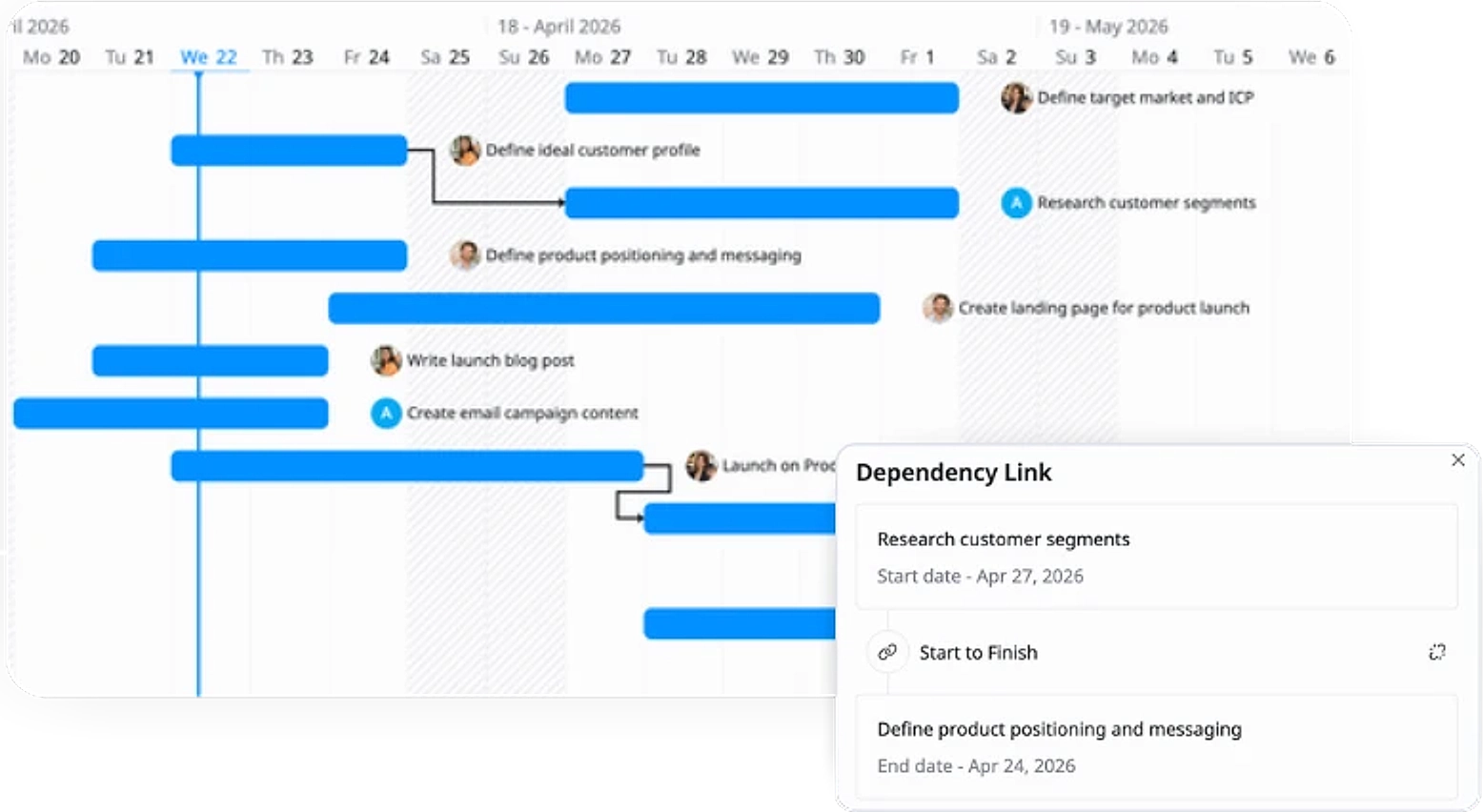
Aligned Launch Timelines
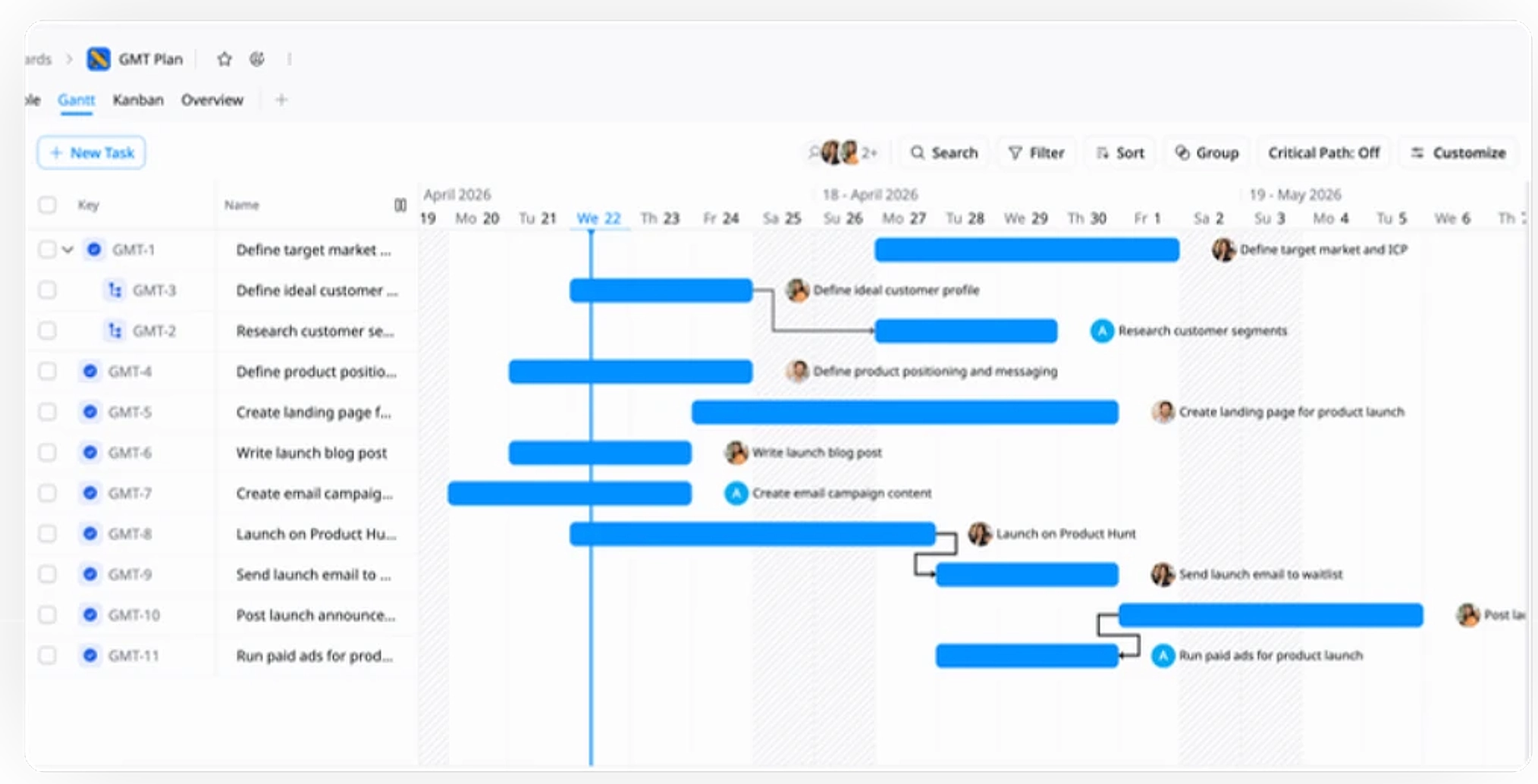
Track tasks and milestones with clear start and end dates to ensure smooth coordination across teams.
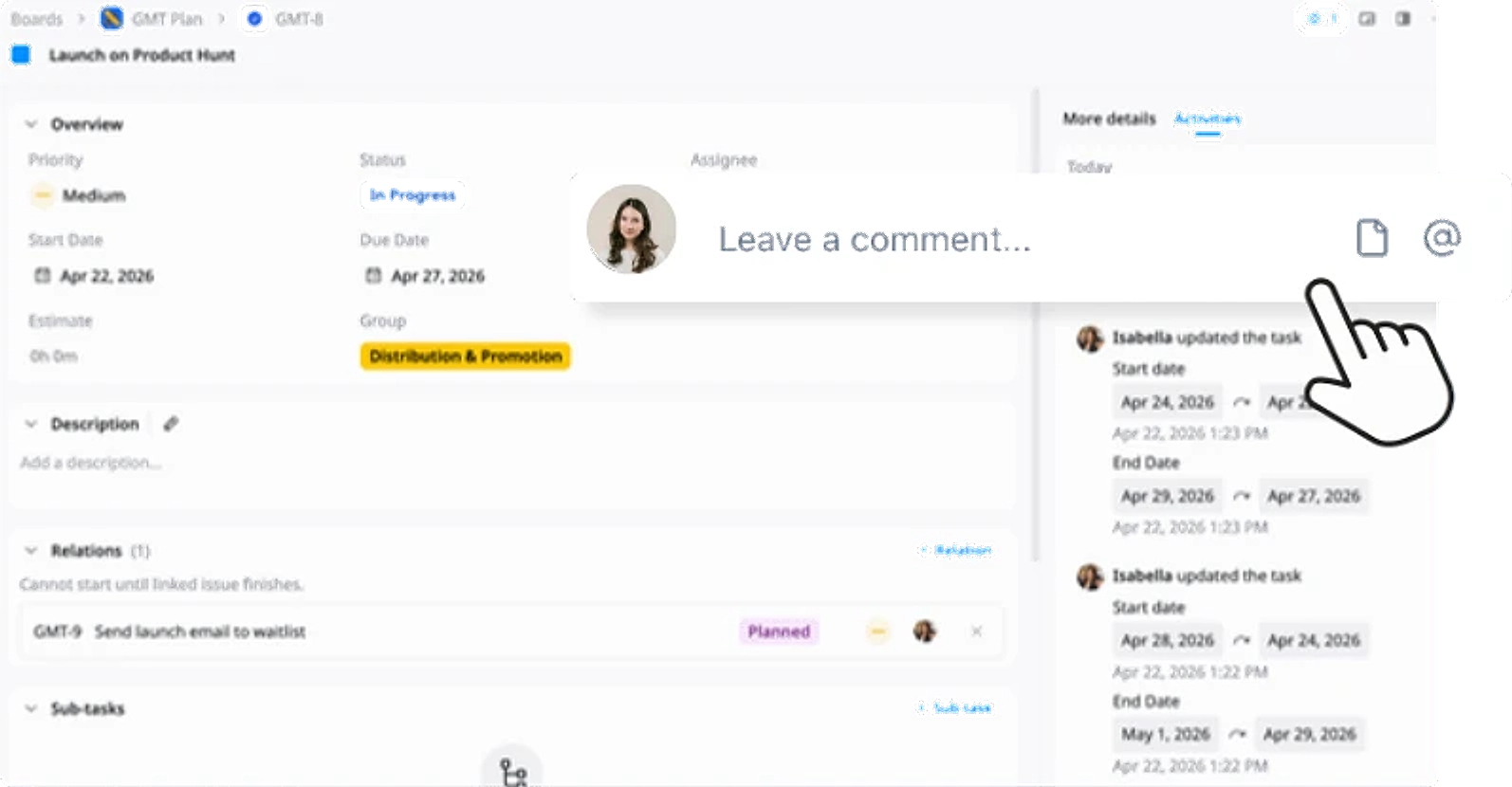
Team Collaboration
Enable teamwork by assigning tasks, tracking progress, and ensuring team alignment for a smooth product launch.
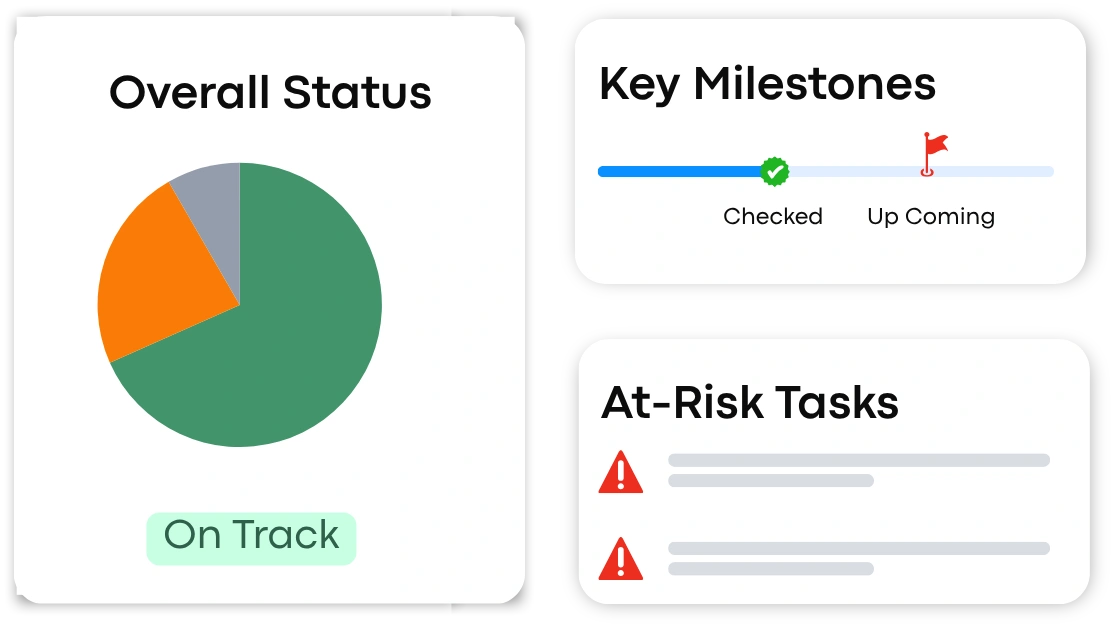
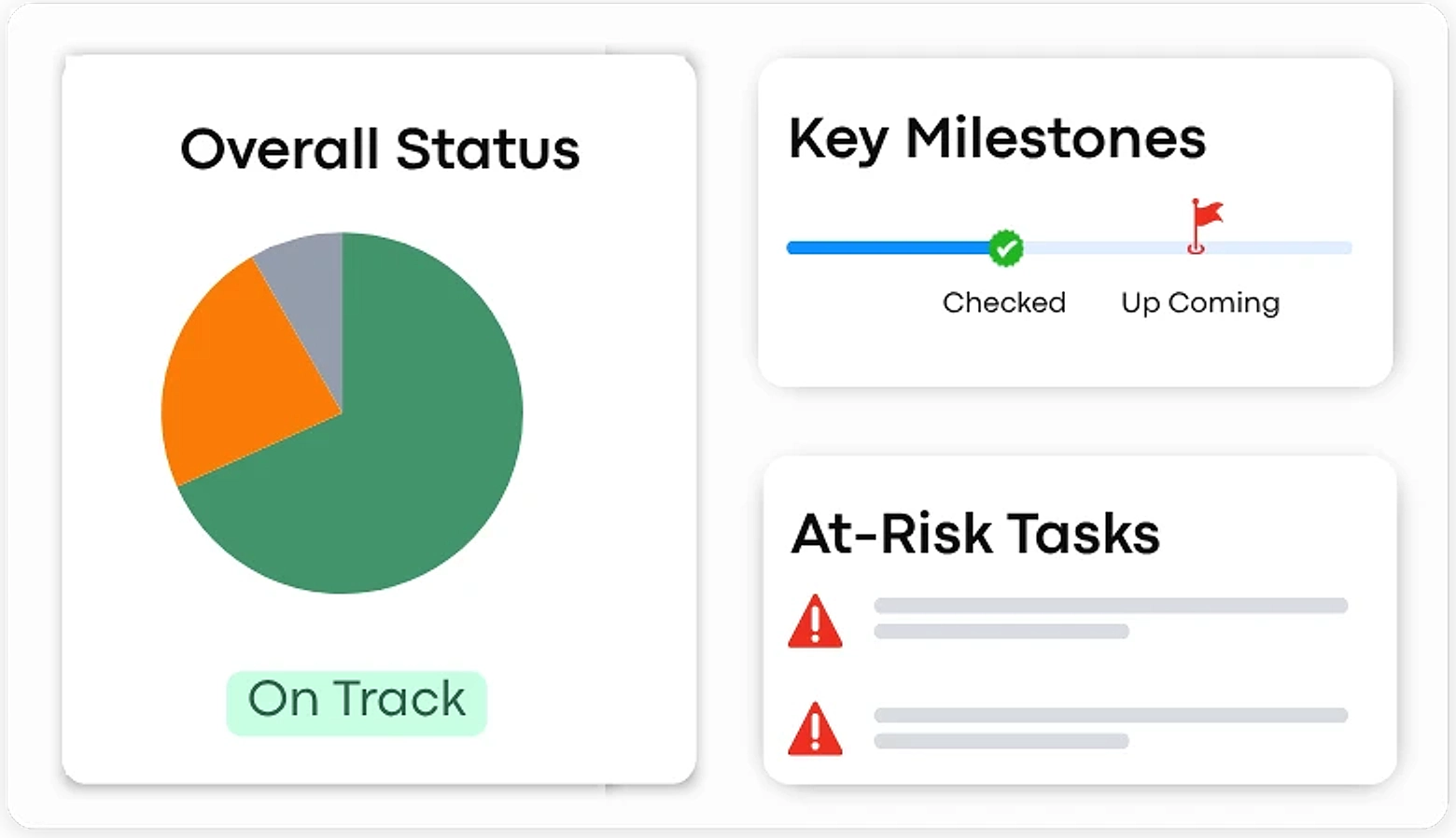
Launch Overview
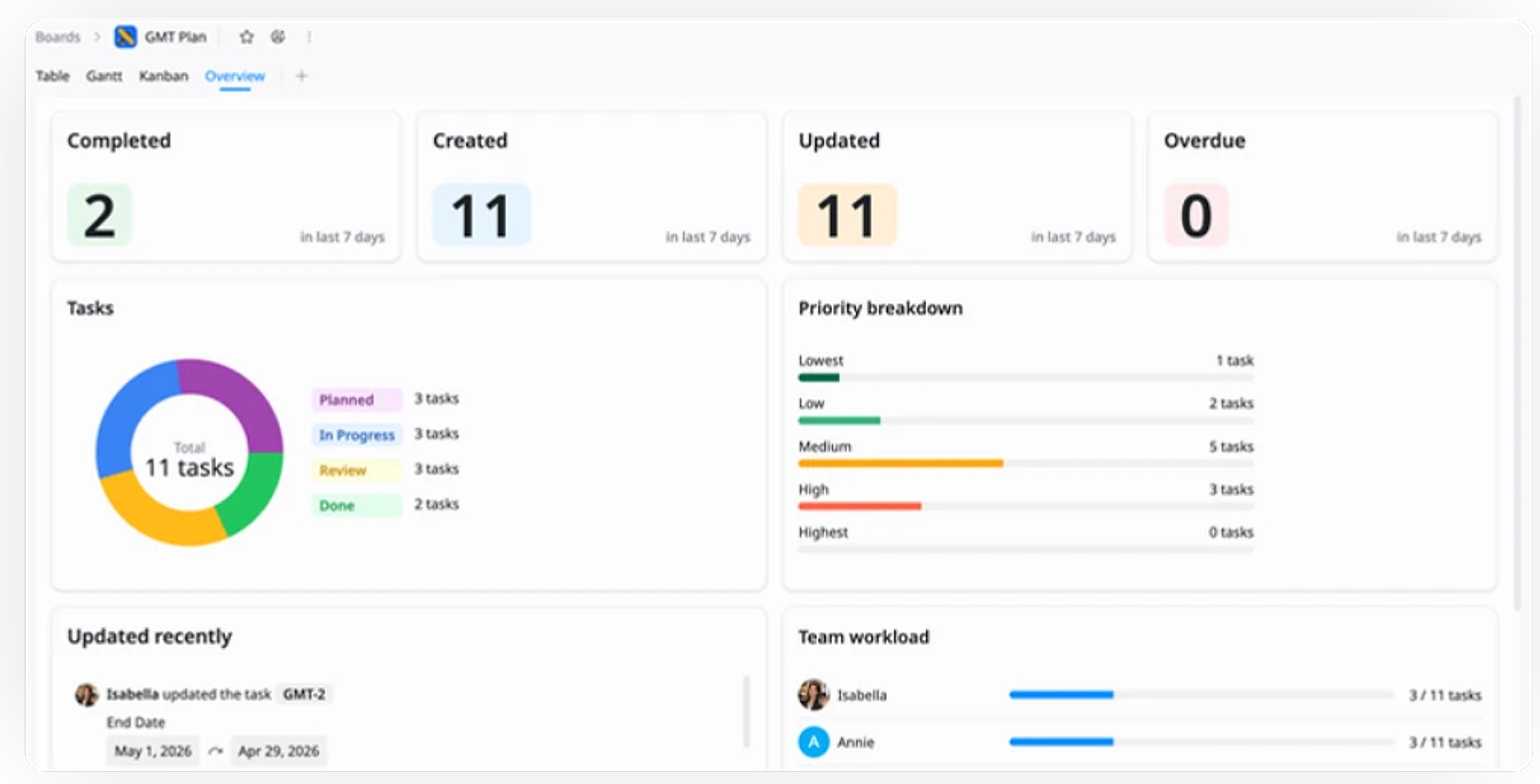
View overall launch status, key milestones, and at-risk tasks in one place.
Why use this GTM Plan for Product Launch Template?
This template provides a structured approach to launching your product, helping you manage tasks, timelines, and team collaboration effectively. It ensures every step of the launch is aligned, from market strategy to post-launch feedback.
- Streamline planning: Manage tasks, deadlines, and milestones effectively.
- Enhance collaboration: Align marketing, sales, and product teams for smooth execution.
- Track progress: Visualize timelines to stay on top of key activities.
- Optimize results: Collect post-launch insights to refine strategies for future releases.
How to use this GTM Plan for Product Launch Template
1
Define Market & Strategy
Outline your target audience, conduct market research, and define your product positioning. Identify key messaging and competitive advantages.
2
Organize Tasks
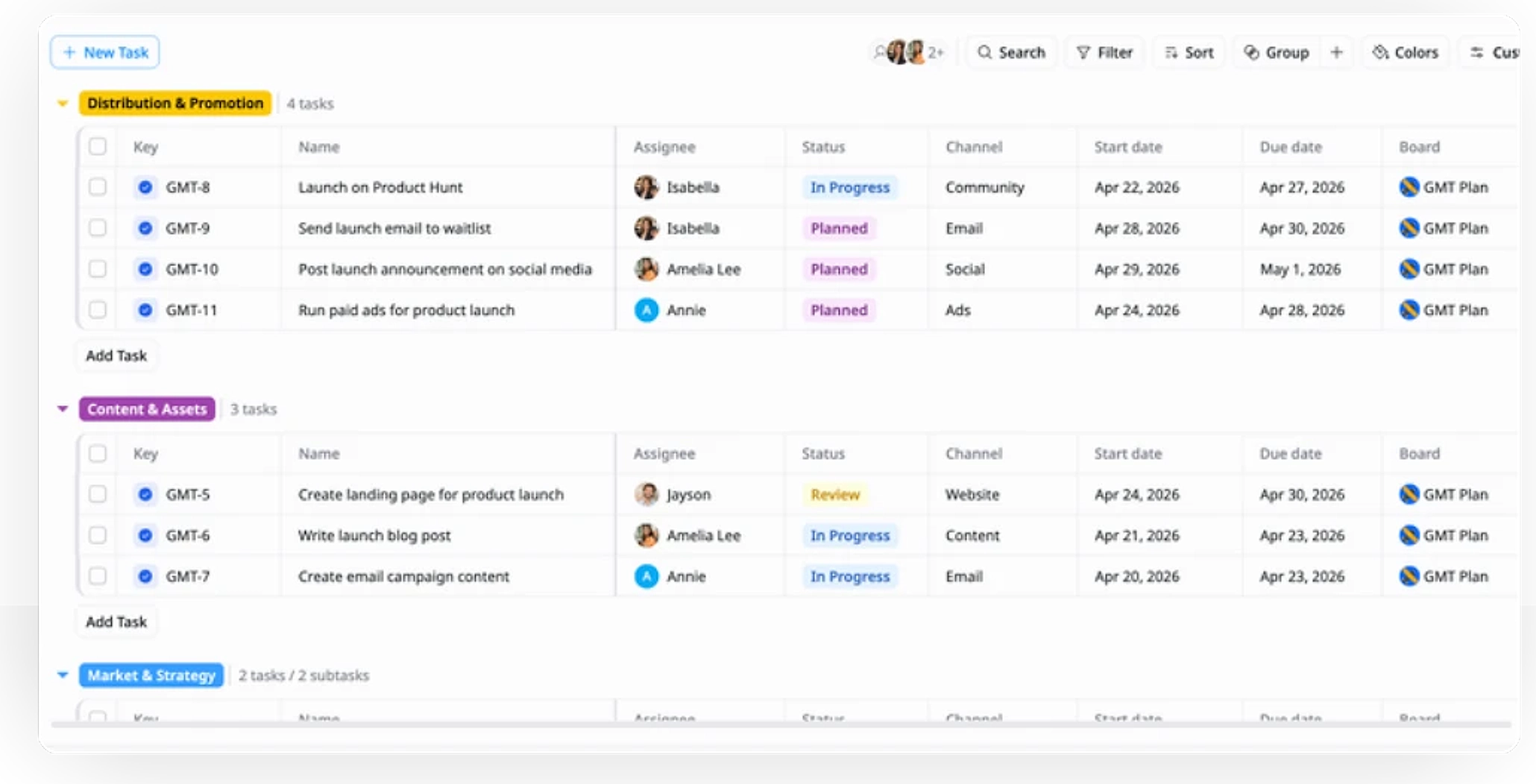
Use the Group feature to organize tasks into relevant categories, such as Market & Strategy, Content & Assets, and Distribution & Promotion.
3
Assign Roles & Set Deadlines
Assign tasks to team members, set clear start and end dates, and track progress using status updates (e.g., Planned, In Progress, Review, Done).
4
Track Progress & Monitor Dependencies
Use Gantt view to visualize timelines, track milestones, and manage task dependencies. Switch to Kanban or Table views for real-time task status tracking.
5
Review & Adjust
Regularly review task progress and adjust timelines, resources, or priorities as needed to ensure a smooth and successful launch.
Advanced tips

Customize Task Groupings
Organize your tasks into meaningful categories to streamline workflows and ensure clarity across teams.
Group tasks by relevant channels (e.g., Marketing, Sales, Development)
Prioritize work based on strategic focus areas (e.g., High Priority, Quick Wins)
Use custom fields to tailor task tracking to your team's needs

Use Dependencies for Efficient Workflow
Leverage task dependencies to ensure a smooth flow and avoid bottlenecks in your product launch.
Map task relationships to identify which tasks must be completed before others
Ensure tasks follow a logical order for timely execution
Prevent delays by tracking dependencies and addressing roadblocks early

Enable Cross-Functional Collaboration
Keep teams aligned by improving visibility, communication, and coordination across the launch process.
Assign tasks clearly across departments and owners
Share updates to keep everyone informed on progress
Improve teamwork between product, marketing, sales, and other teams