Templates
Product Backlog Template
Product Backlog Template
Get Free Template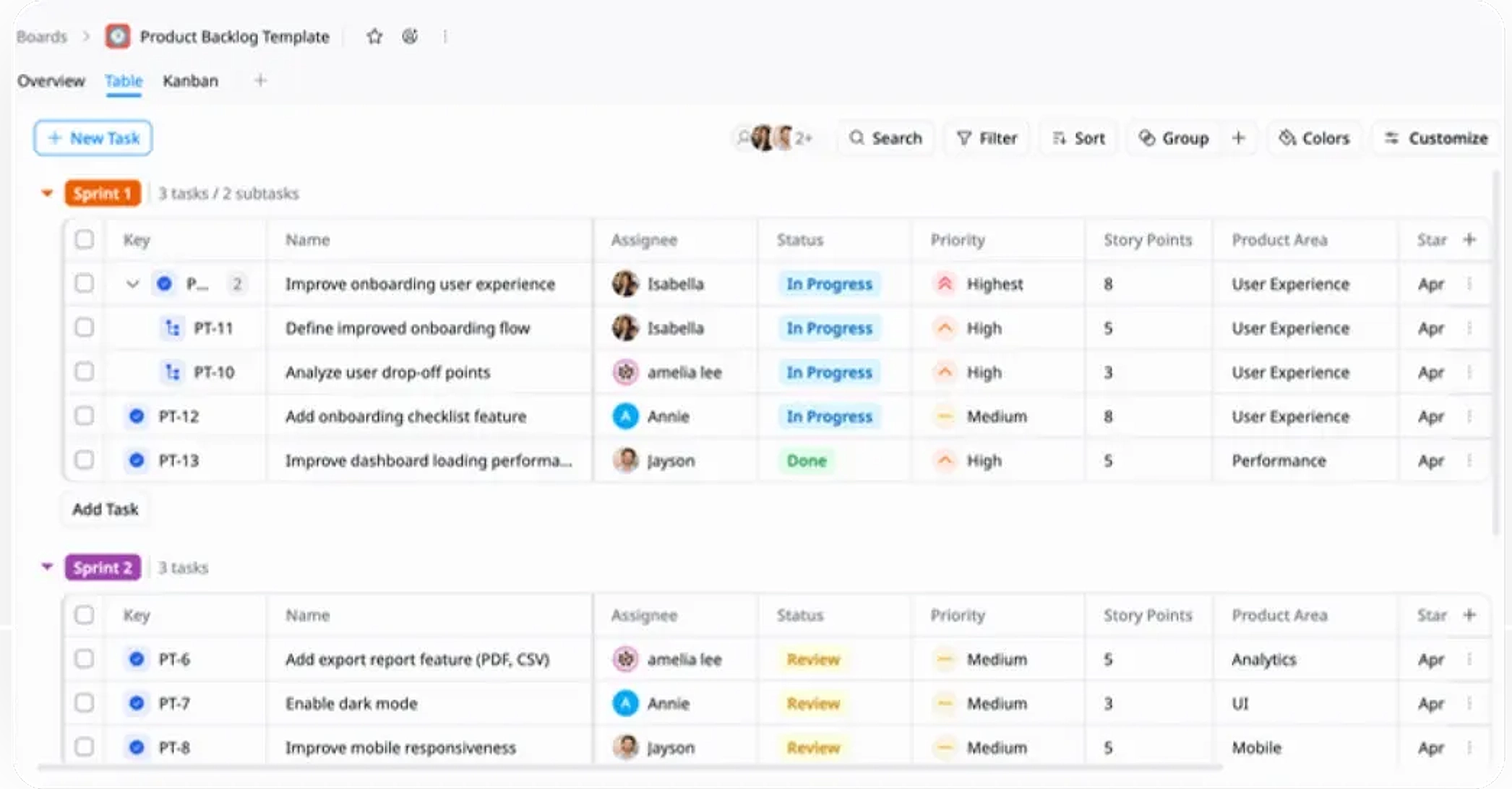
Description
A Product Backlog Template helps you capture, prioritize, and manage product ideas and tasks to ensure the team always works on the most valuable items.
Best for
Product managers
Product development teams
Agile teams
Scrum teams
Startups / SaaS teams
Key Features
Task Planning
Sprint Planning
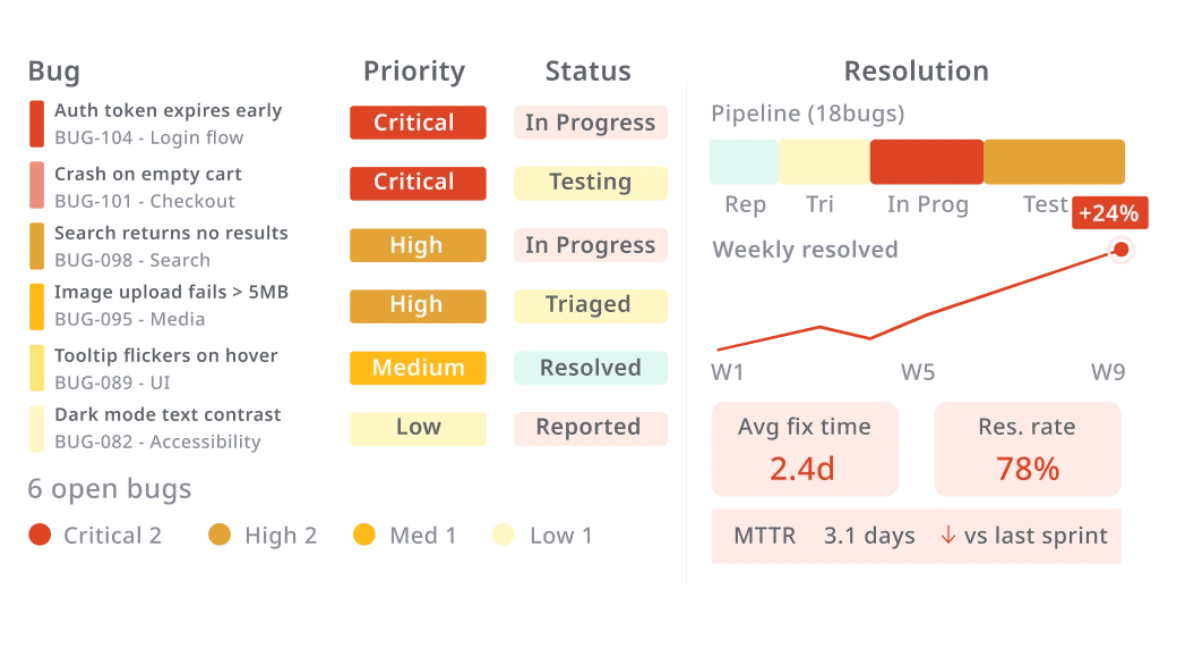
Pipeline Management
Prioritization
What is a Product Backlog Template?
A Product Backlog Template is a structured tool used to capture, prioritize, and manage product ideas, features, and tasks throughout the development process.
It helps teams organize their work, plan sprints, and ensure they focus on delivering the most valuable features. With clear categorization, priority management, and timeline tracking, this template provides a centralized system to guide the product development lifecycle effectively.
What's included in this Product Backlog Template?
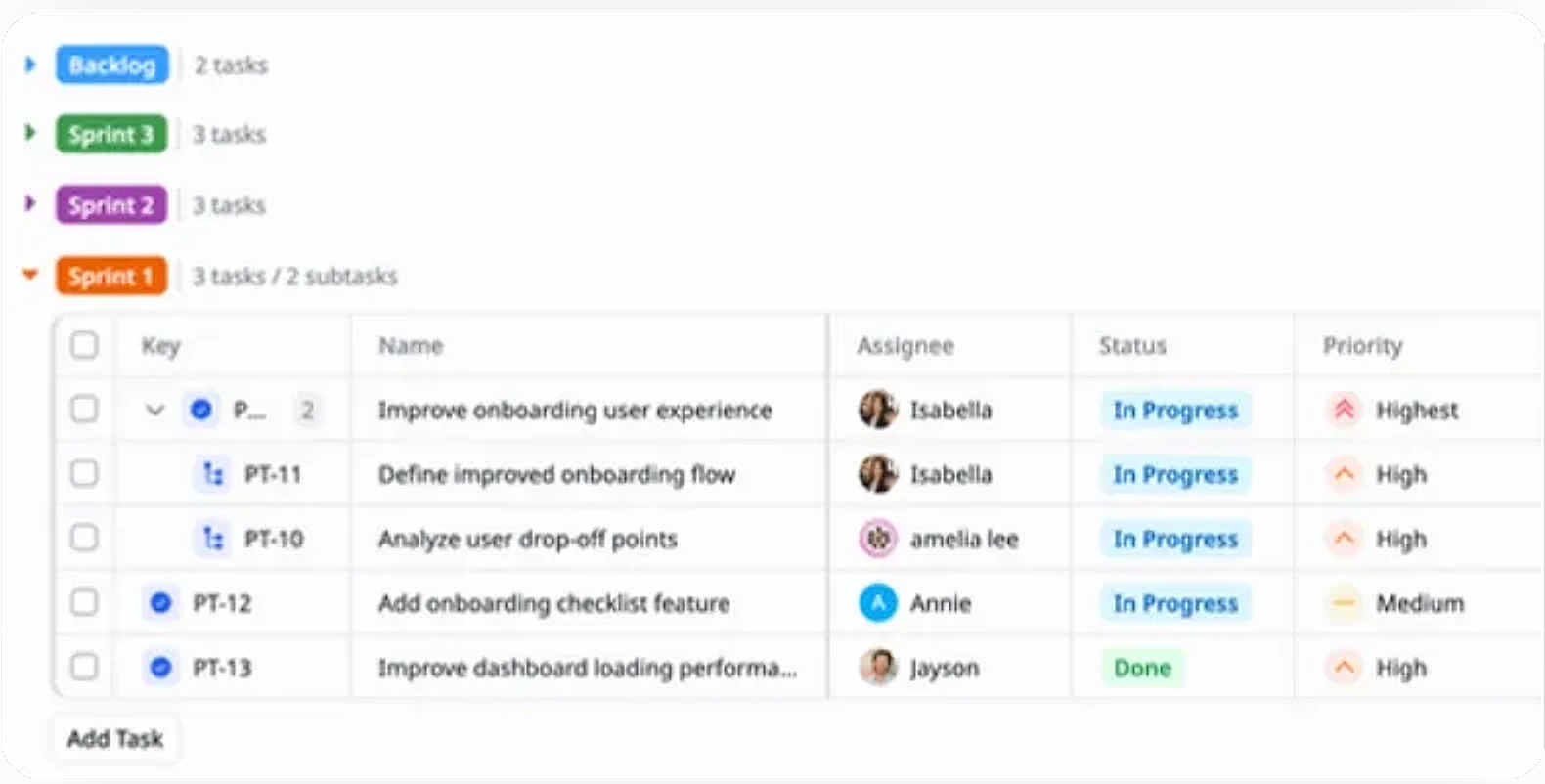
Sprint Backlogs
Organize tasks and features into specific sprints for focused development.
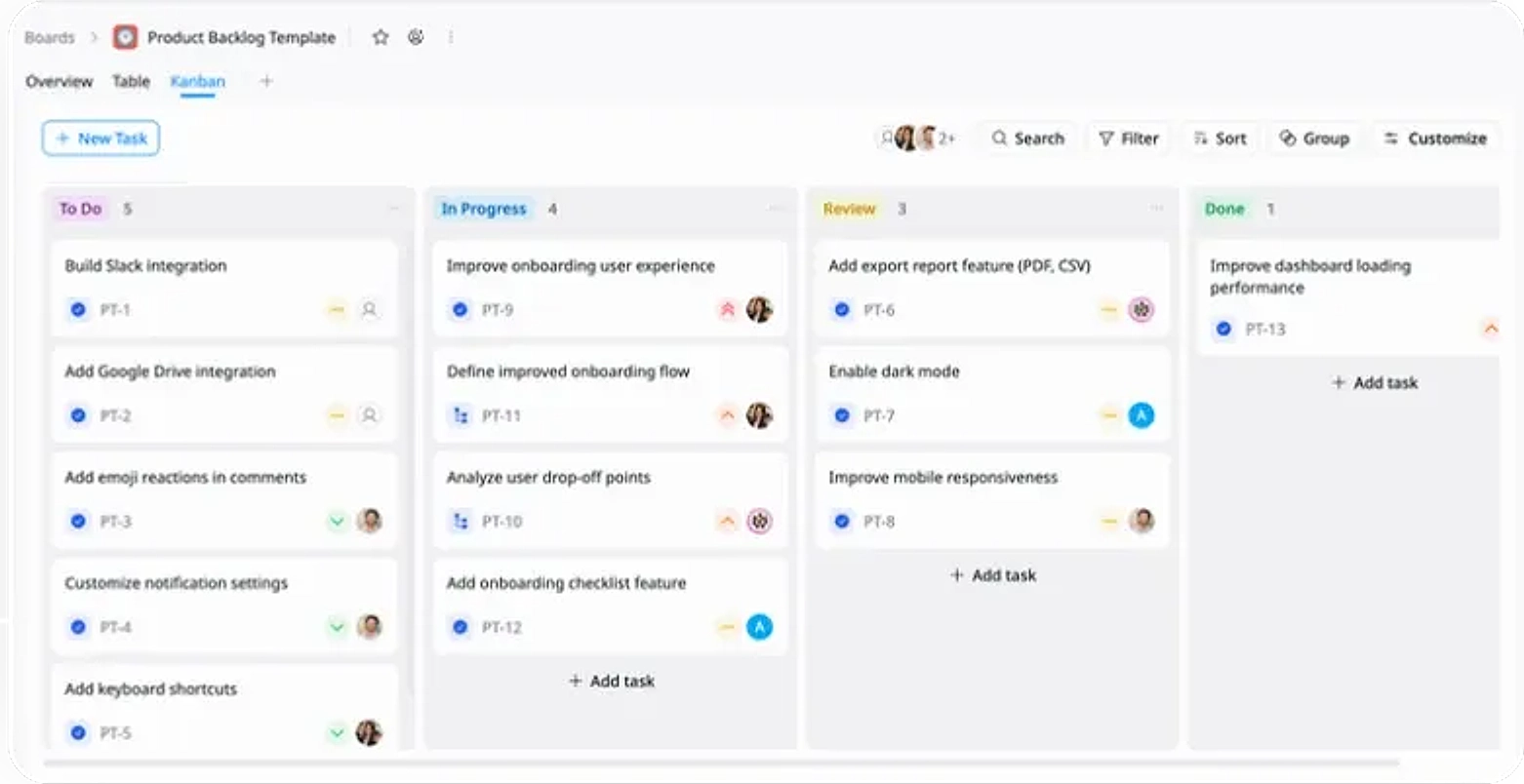
Kanban Boards
Visualize task progress across stages (To-Do, In Progress, Review and Done) for efficient workflow management.
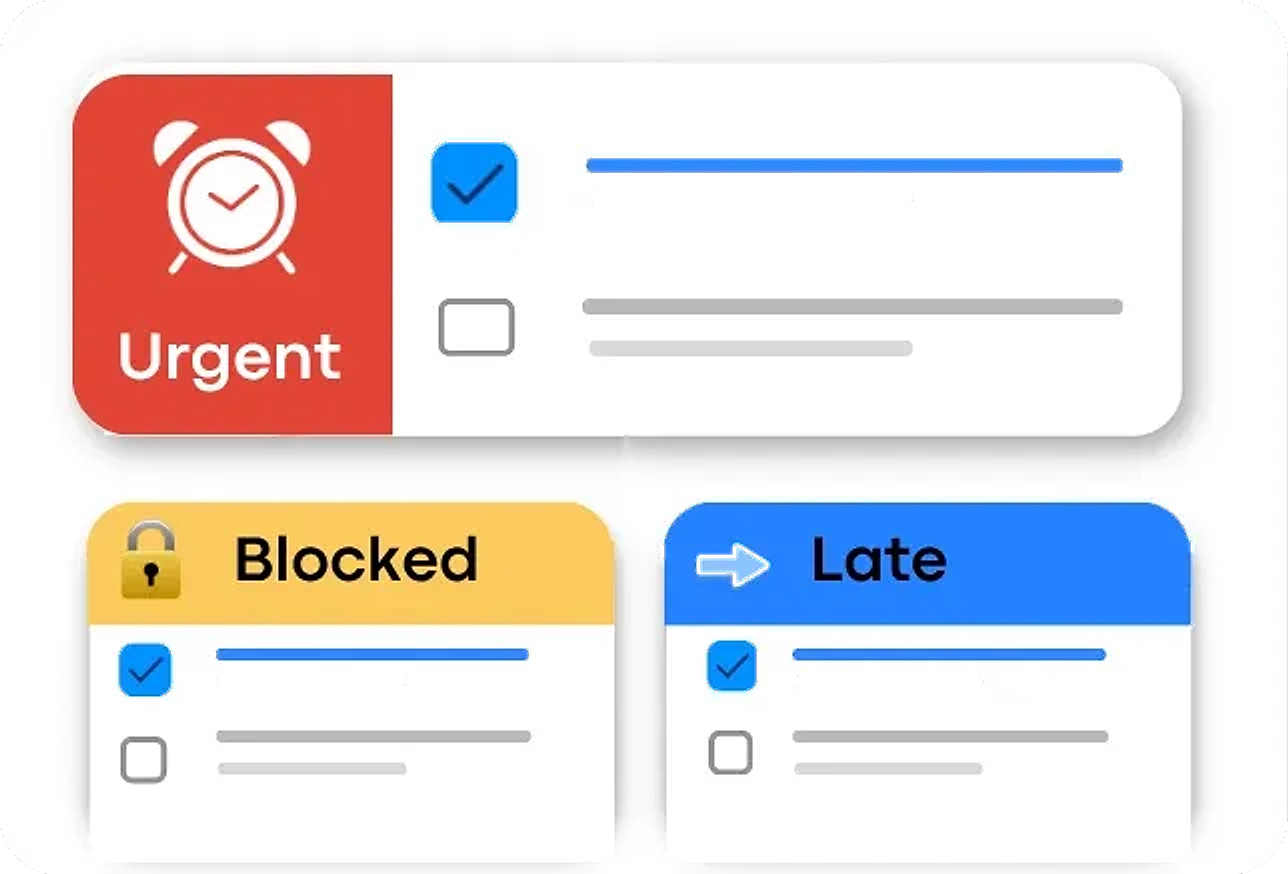
Priority Tracking
Set and manage priorities to focus on the most valuable tasks.
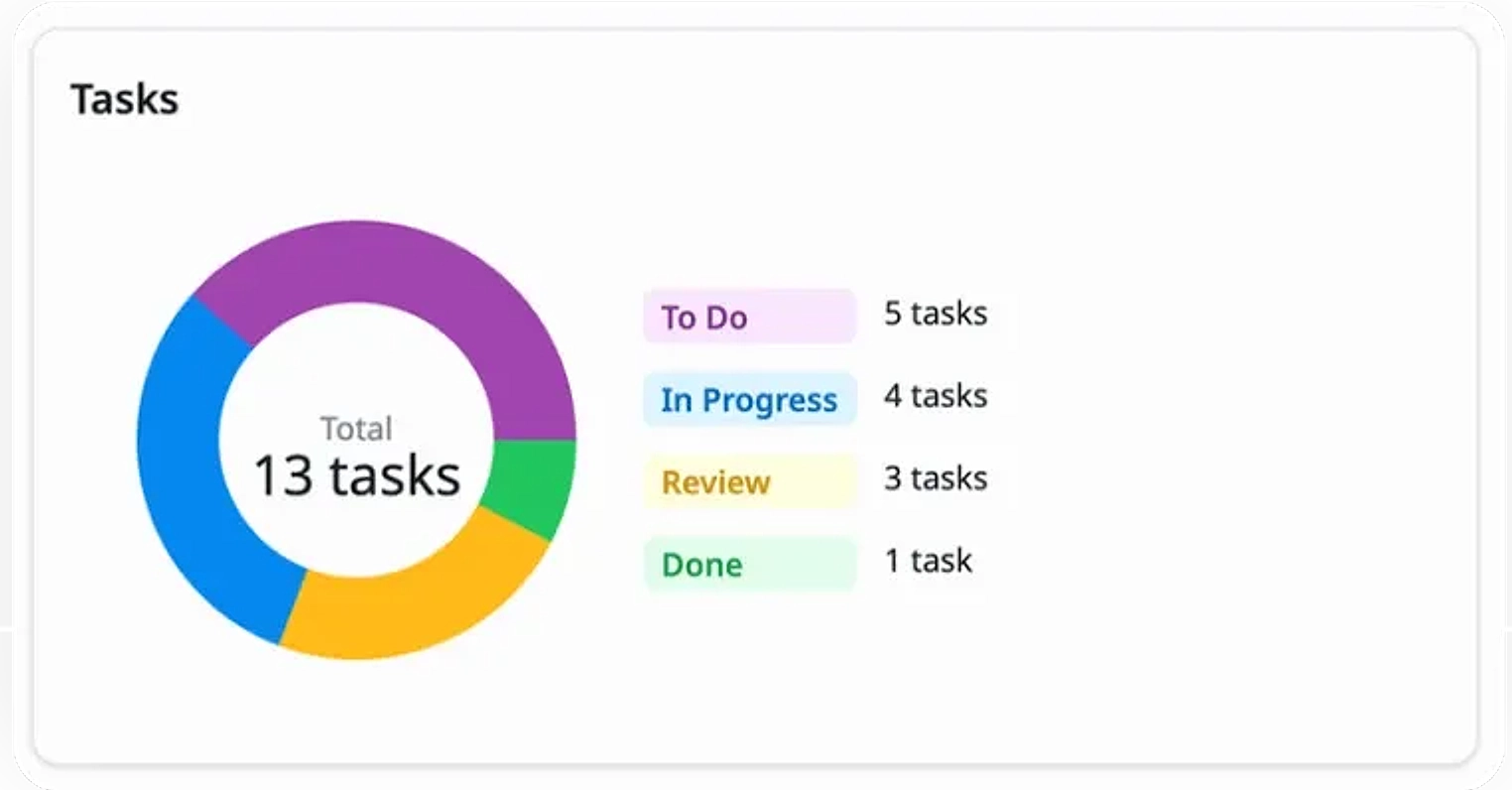
Insights
Get a high-level view of task progress, priorities, and upcoming work to keep the team aligned.
Why use this Product Backlog Template?
This template helps you organize, prioritize, and track product tasks, ensuring your team always focuses on the most important work. It streamlines the process from idea capture to task completion, helping deliver features on time and with the highest value.
- Stay organized: Keep all tasks in one place and manage them efficiently.
- Focus on what matters: Prioritize tasks based on impact and value.
- Improve collaboration: Align the team with clear workflows and sprint plans.
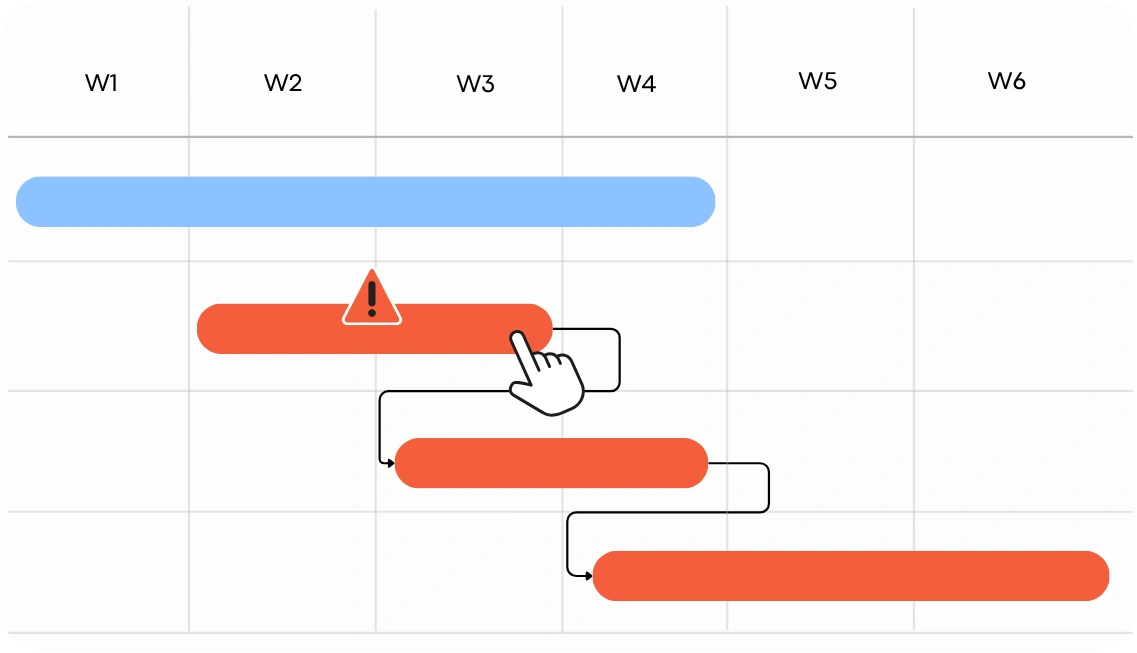
- Ensure timely delivery: Track task timelines and dependencies to keep projects on track.
How to use this Product Backlog Template
1
Add product tasks
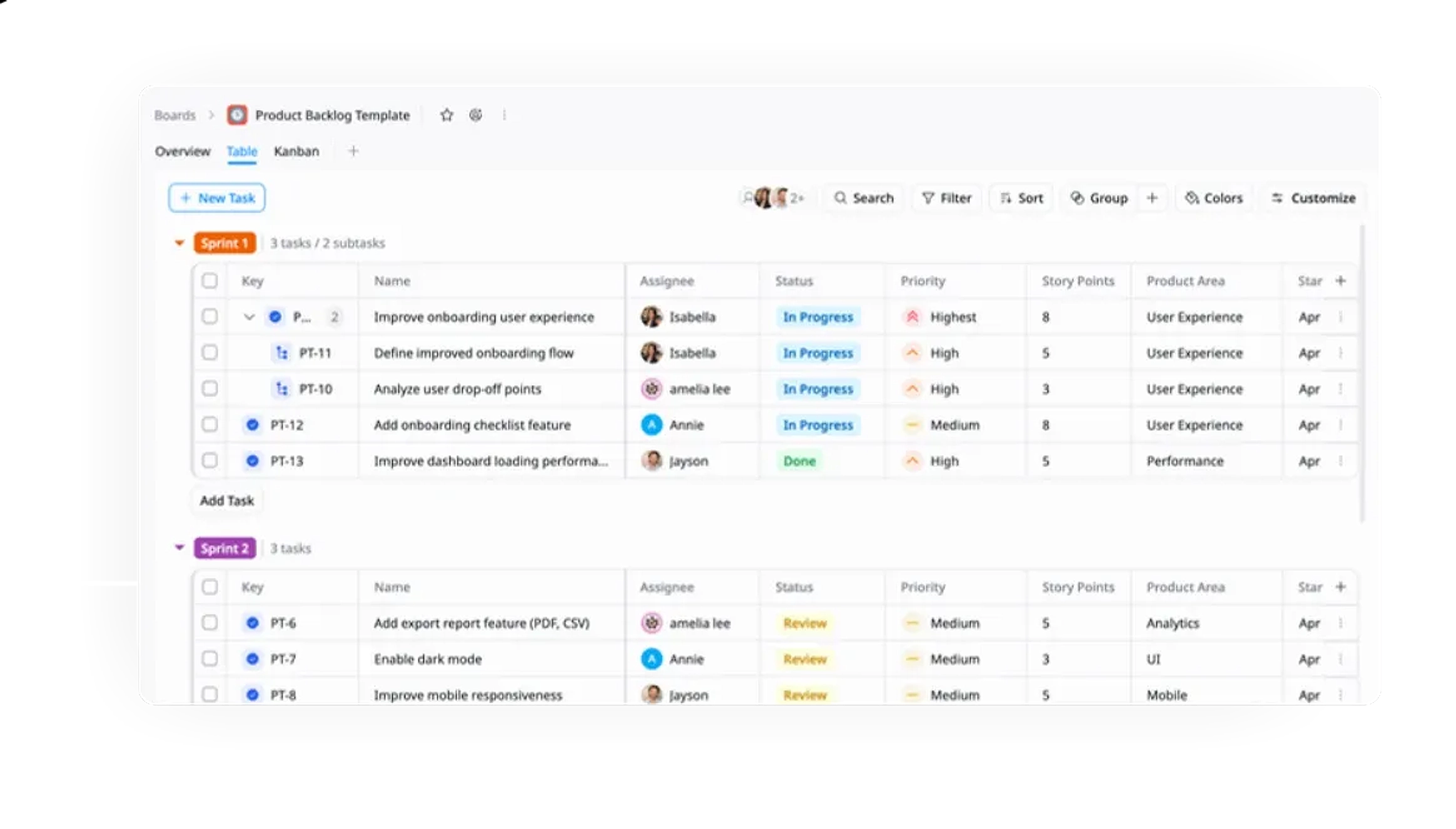
Capture product ideas, features, and improvements as tasks in the backlog.
2
Organize by categories
Group tasks into categories by relevant product areas (e.g., UI, Backend) for better structure and easier management.
3
Set start and due dates & designate roles
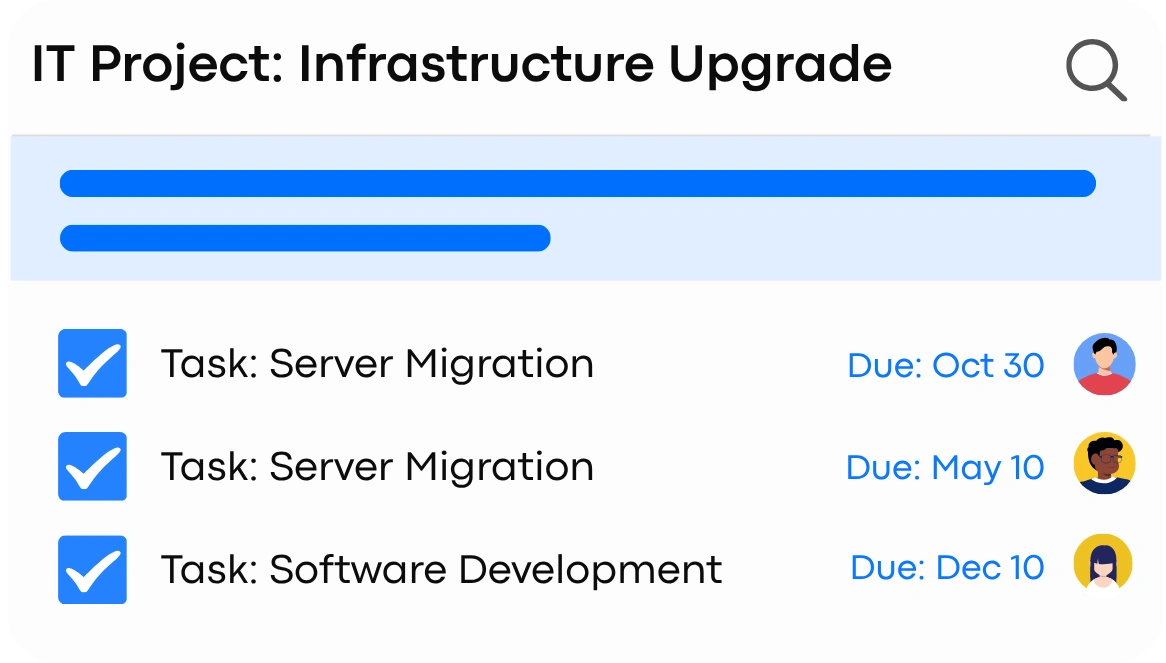
Assign start and due dates for each task, and designate team members to ensure clear ownership.
4
Set priorities & add user stories
Assign priority levels (High, Medium, Low) and write user stories to align tasks with user needs.
5
Plan sprints
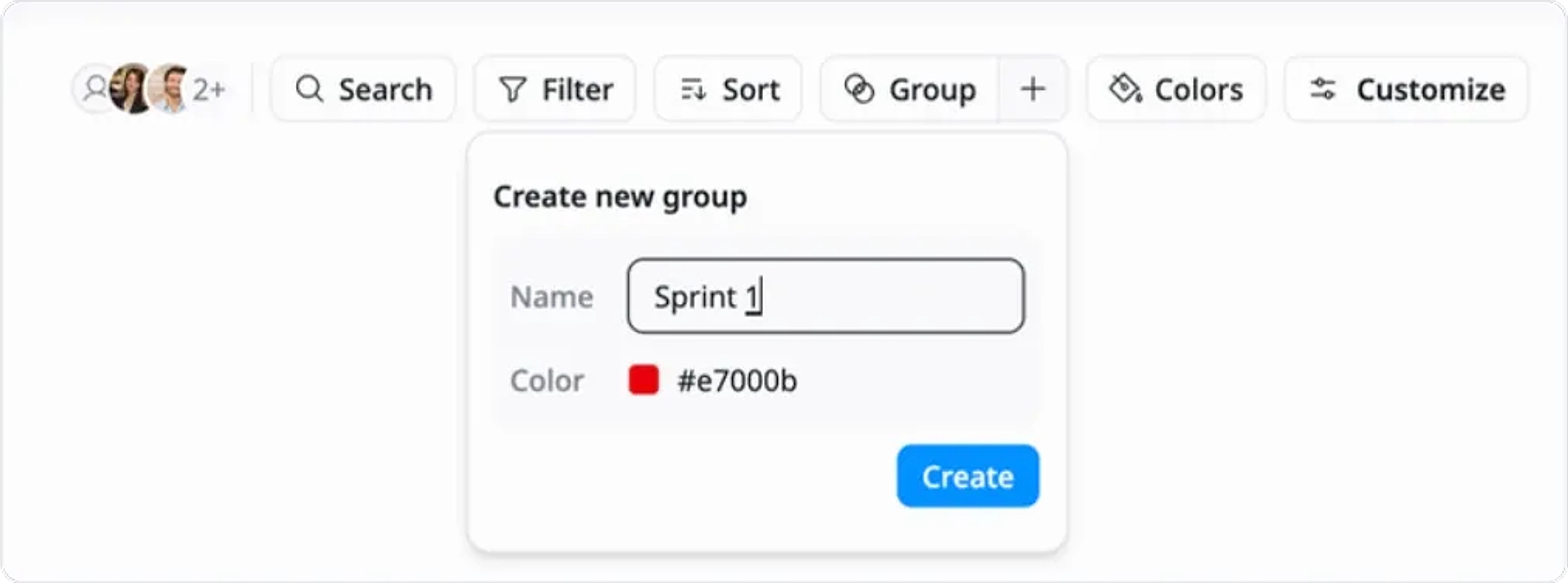
Use the Group feature to organize tasks into sprints (e.g., Sprint 1, Sprint 2, or Backlog) and break down work into manageable phases.
6
Track progress
Monitor task progress using Kanban or Table views to ensure timely completion and smooth workflow.
Advanced tips
Use filters and views
Apply the Sort feature to organize tasks by priority, due date, or assignee. Use the Filter feature to view specific tasks based on categories, status, or other custom fields to quickly find what you need.
This helps your team:
Easily locate and prioritize tasks
Manage the backlog efficiently
Focus on the most relevant tasks without distractions
Regularly review and adjust priorities
Set regular intervals to review and re-prioritize the backlog based on new insights, feedback, and market changes.
This helps your team:
Stay aligned with evolving goals
Respond quickly to changing priorities
Focus on high-impact tasks
Customize workflows
Tailor status stages (e.g., New → In Progress → Resolved) to match your team's support process.
Improve task visibility
Streamline task management
Adapt workflows to your unique needs