Templates
Release Planning Template
Release Planning Template
Get Free Template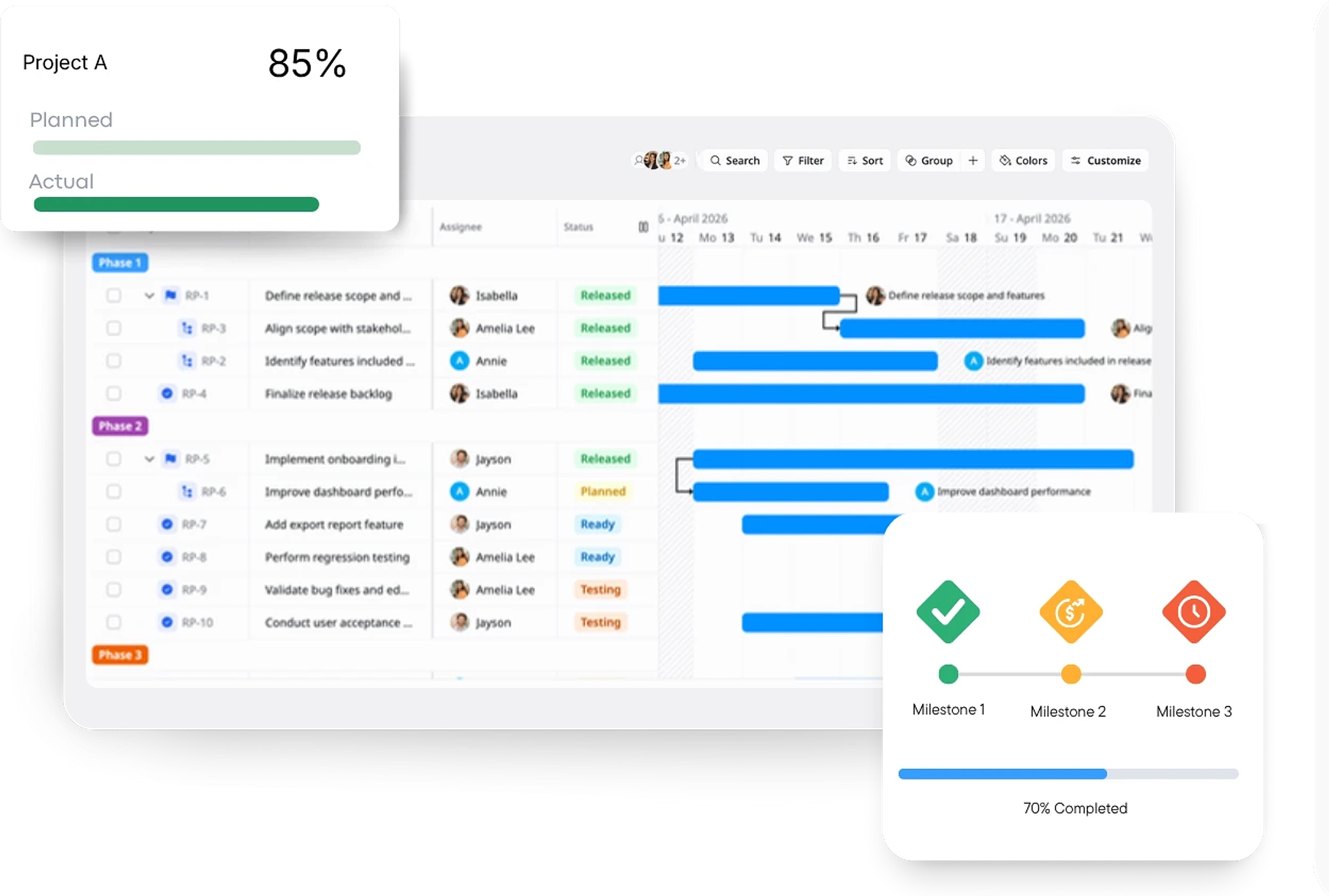
Description
A Release Planning Template helps you plan, coordinate, and track product releases to ensure smooth deployment and successful delivery.
Best for
Product managers
Project managers
Software development teams
QA & testing teams
Key Features
Release Goals
Timeline & Milestones
Resource Allocation
Task Dependencies
What is a Release Planning Template?
A Release Planning Template is a structured tool used to organize and manage the release process of a product or feature. It outlines key activities, timelines, responsibilities, and resources required to successfully launch a product update or new feature.
The template ensures that every phase of the release – from planning and development to testing and post-launch monitoring – is carefully tracked and executed.
What's included in this Release Planning Template?
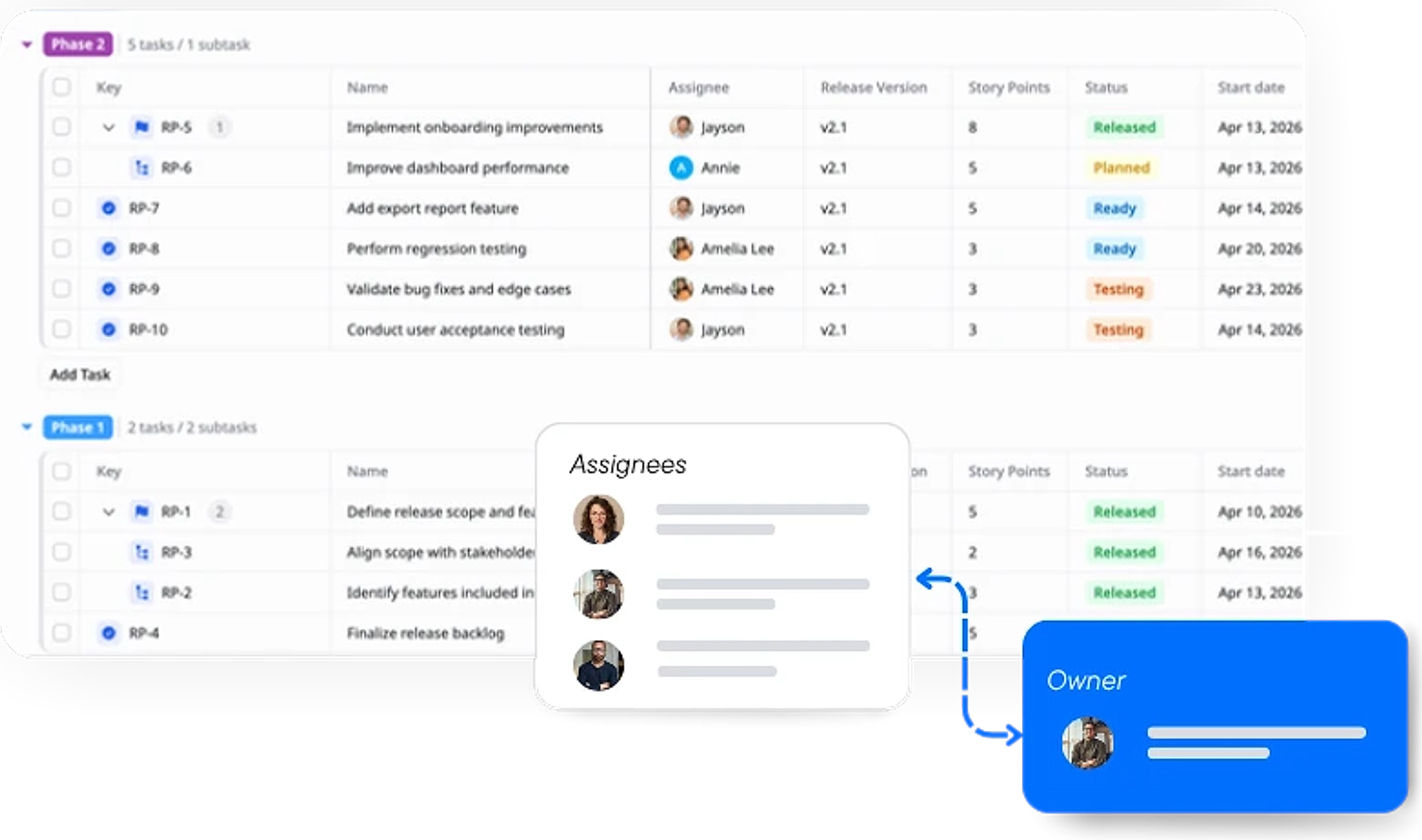
Task Breakdown & Responsibilities
Organize the release into phases, break tasks into sub-tasks, assign responsibilities, and track progress with deadlines.
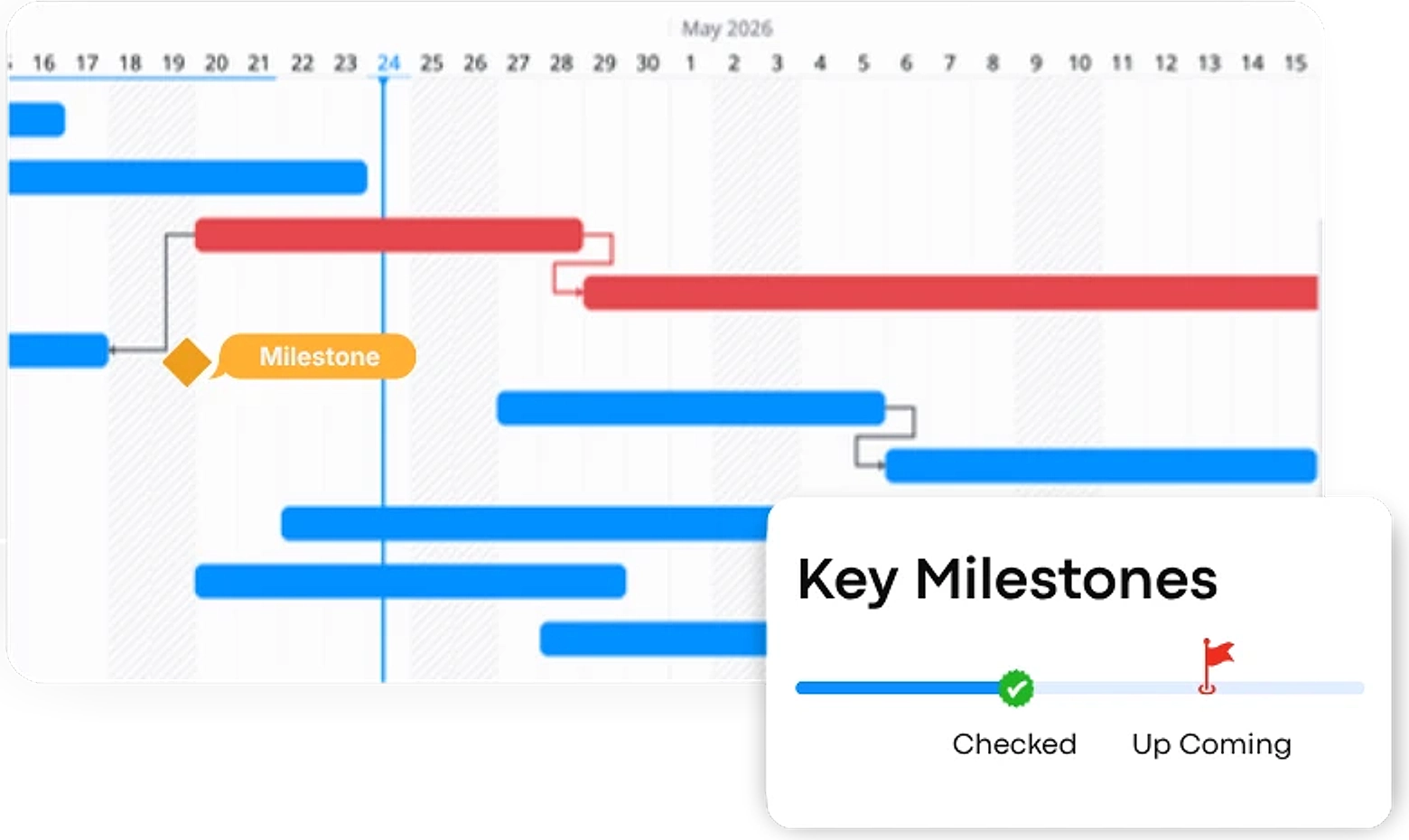
Timeline and Milestones
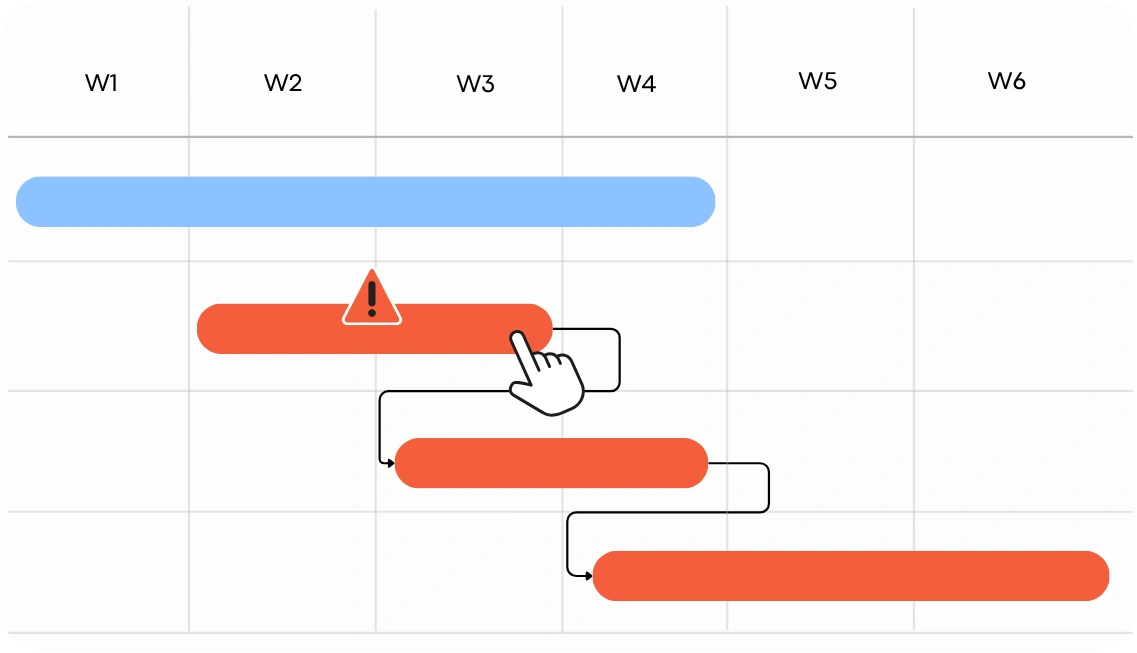
A clear visual representation of key release dates, milestones, and deadlines to ensure the release stays on track.
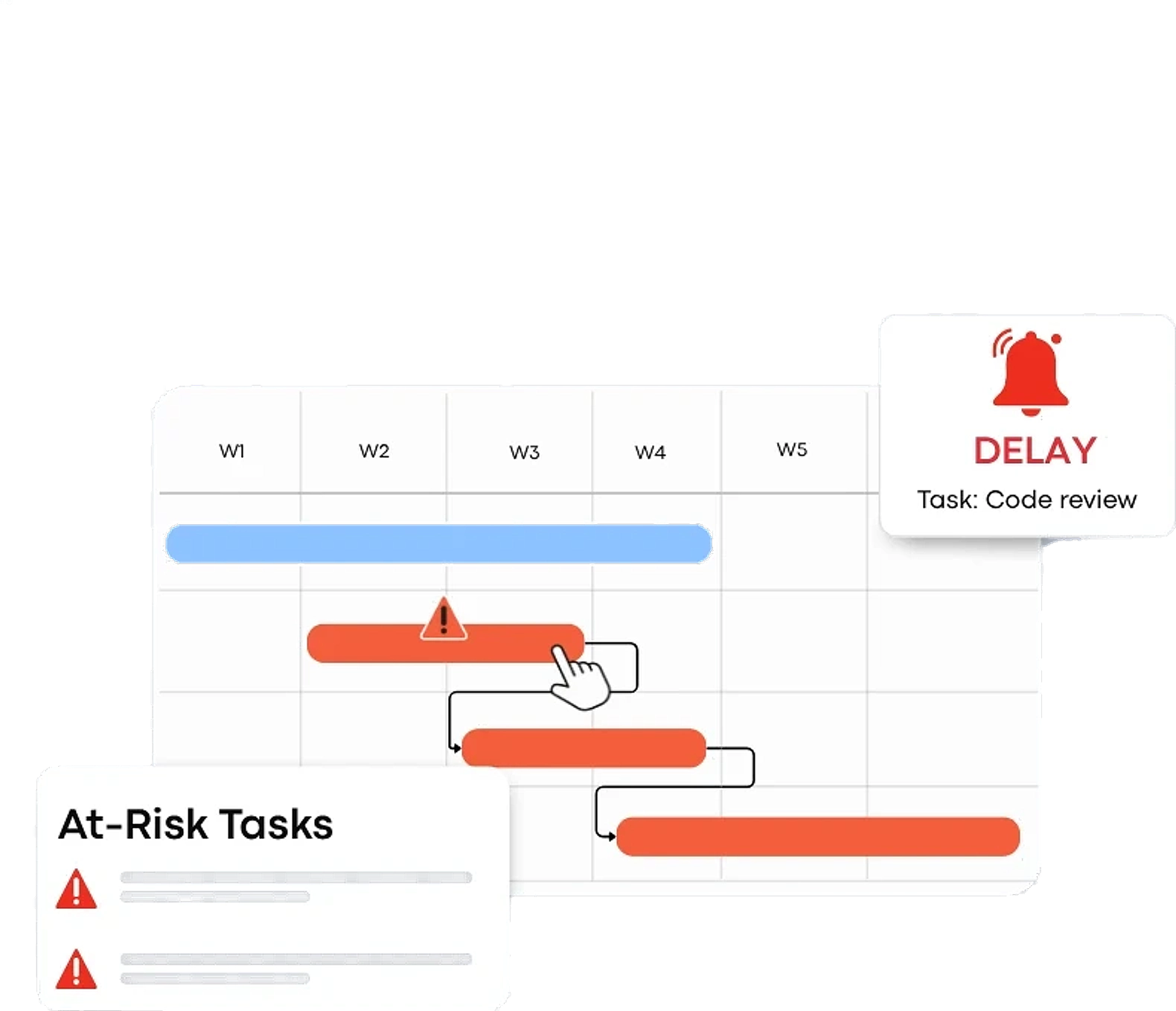
Risk Management
Identifies potential risks that could impact the release and outlines mitigation plans.
Post-Release Insight
Track the performance of the release make improvements based on insights gained after launch.
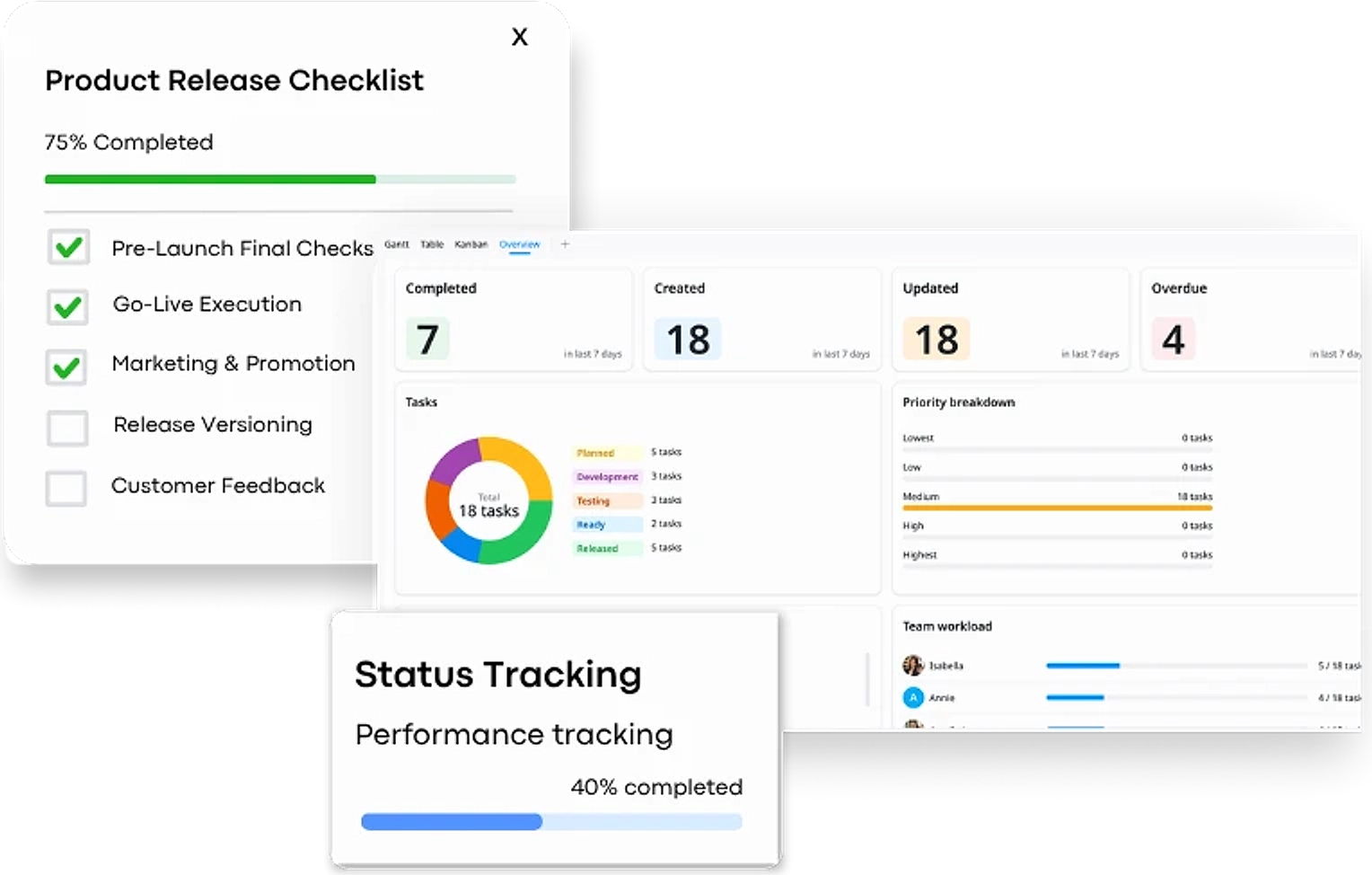
Why use this Release Planning Template?
This template provides a structured approach to ensure that all aspects of a product release are well-organized, on schedule, and aligned across teams.
- Ensure timely delivery: Track timelines and milestones to keep the release on schedule.
- Clarify roles: Assign tasks and responsibilities to team members with clear deadlines.
- Manage risks: Identify and mitigate potential risks before they impact the release.
- Monitor post-release: Collect feedback and track performance for future improvements.
It helps coordinate teams and ensures a smooth, successful product launch.
How to use this Release Planning Template
1
Define Release Goals
Set clear objectives for the release, outlining what needs to be achieved. Define the release phases to ensure all teams are aligned and focused on specific milestones.
2
Organize Tasks & Assign Responsibilities
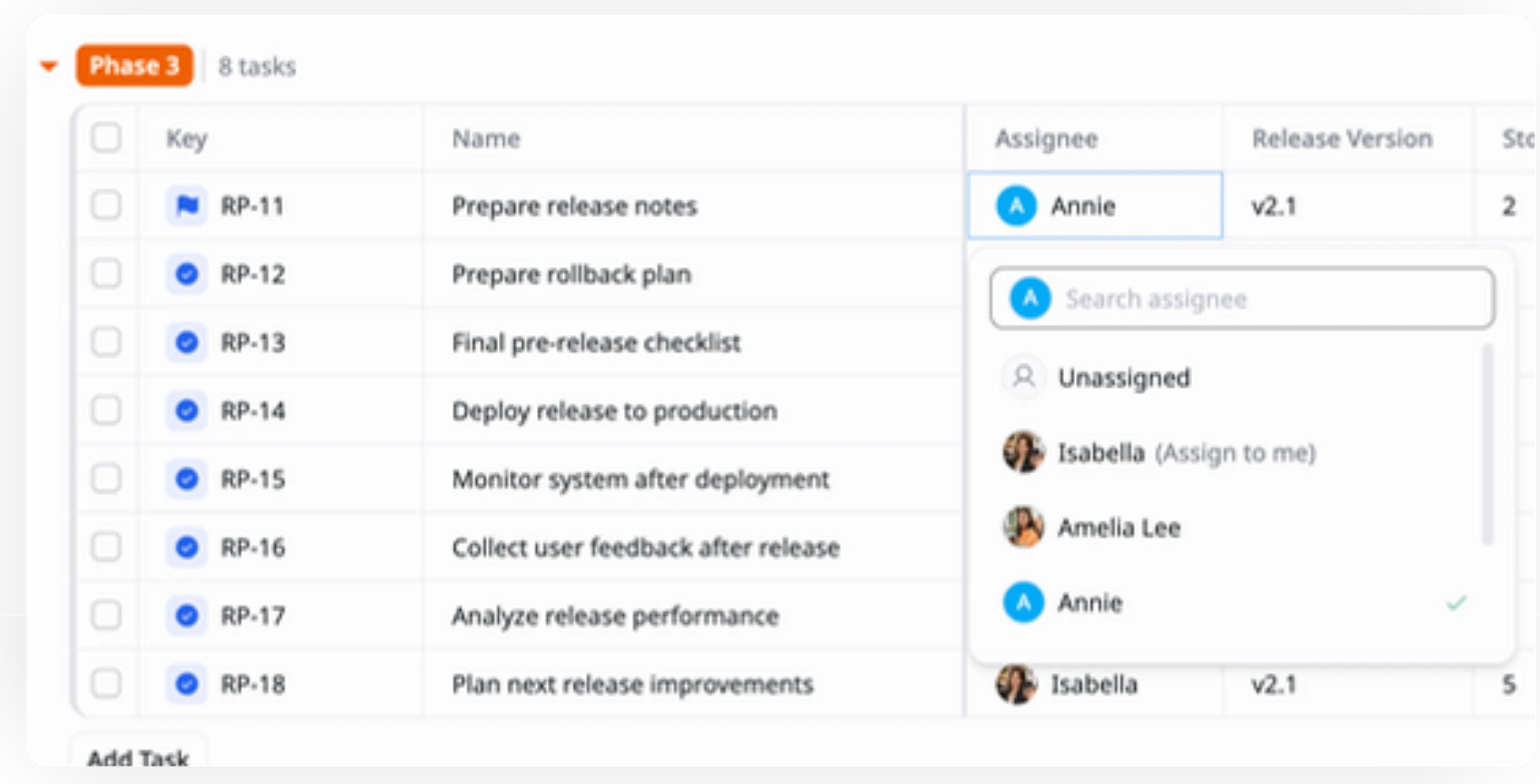
Use Table view to break down the release into phases (e.g., Phase 1, Phase 2, Phase 3) and assign tasks with deadlines to the appropriate team members, ensuring clear responsibility for each phase.
3
Add Custom Fields for Story Points & Release Version
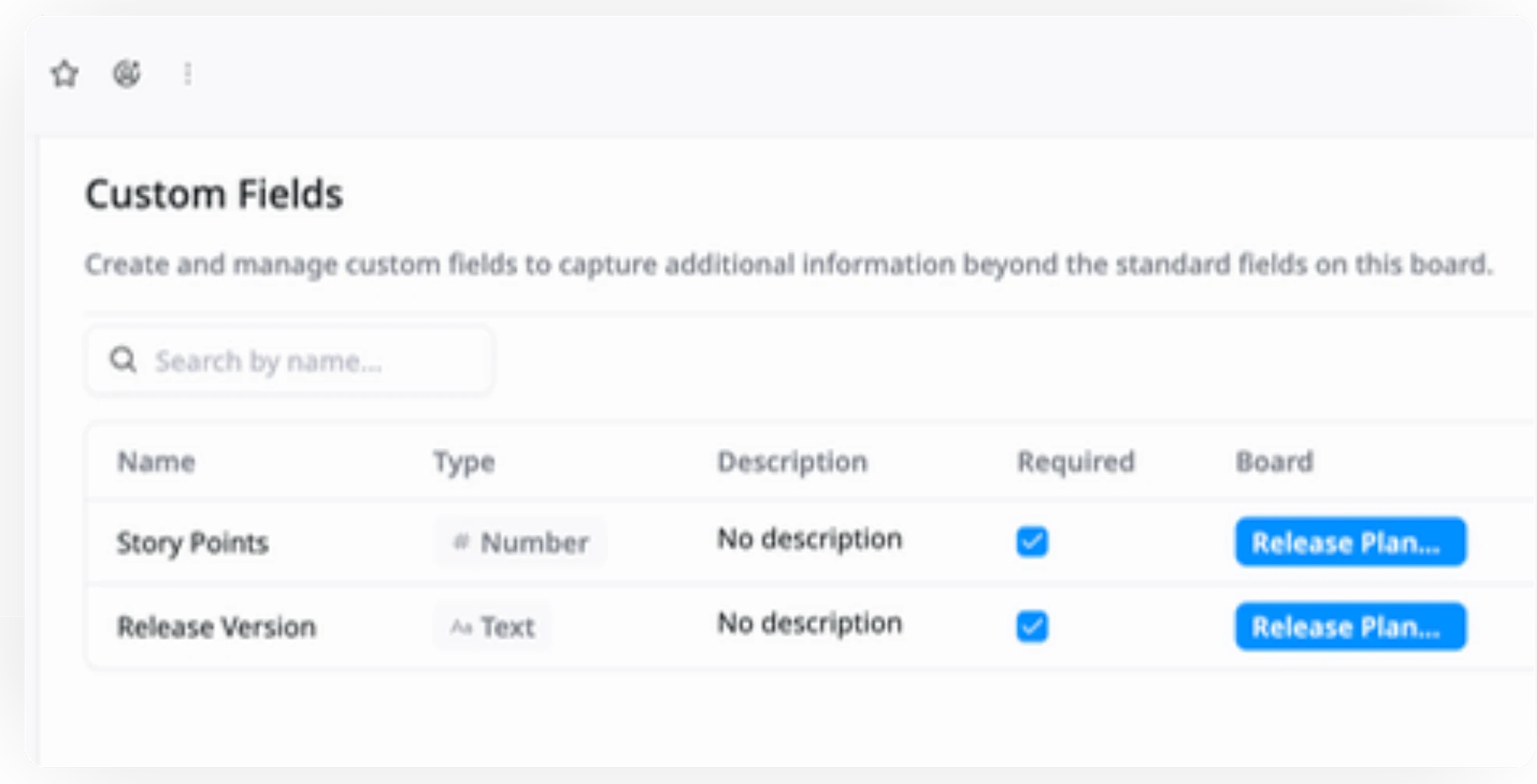
Add custom fields like Story Points to estimate effort and Release Version to specify which version each task or feature belongs to.
4
Set Milestones & Deadlines
Create key milestones for each phase of the release (e.g., Prepare release notes, Define release scope and features). Map out deadlines for each task to ensure timely completion.
5
Track Progress & Monitor Dependencies
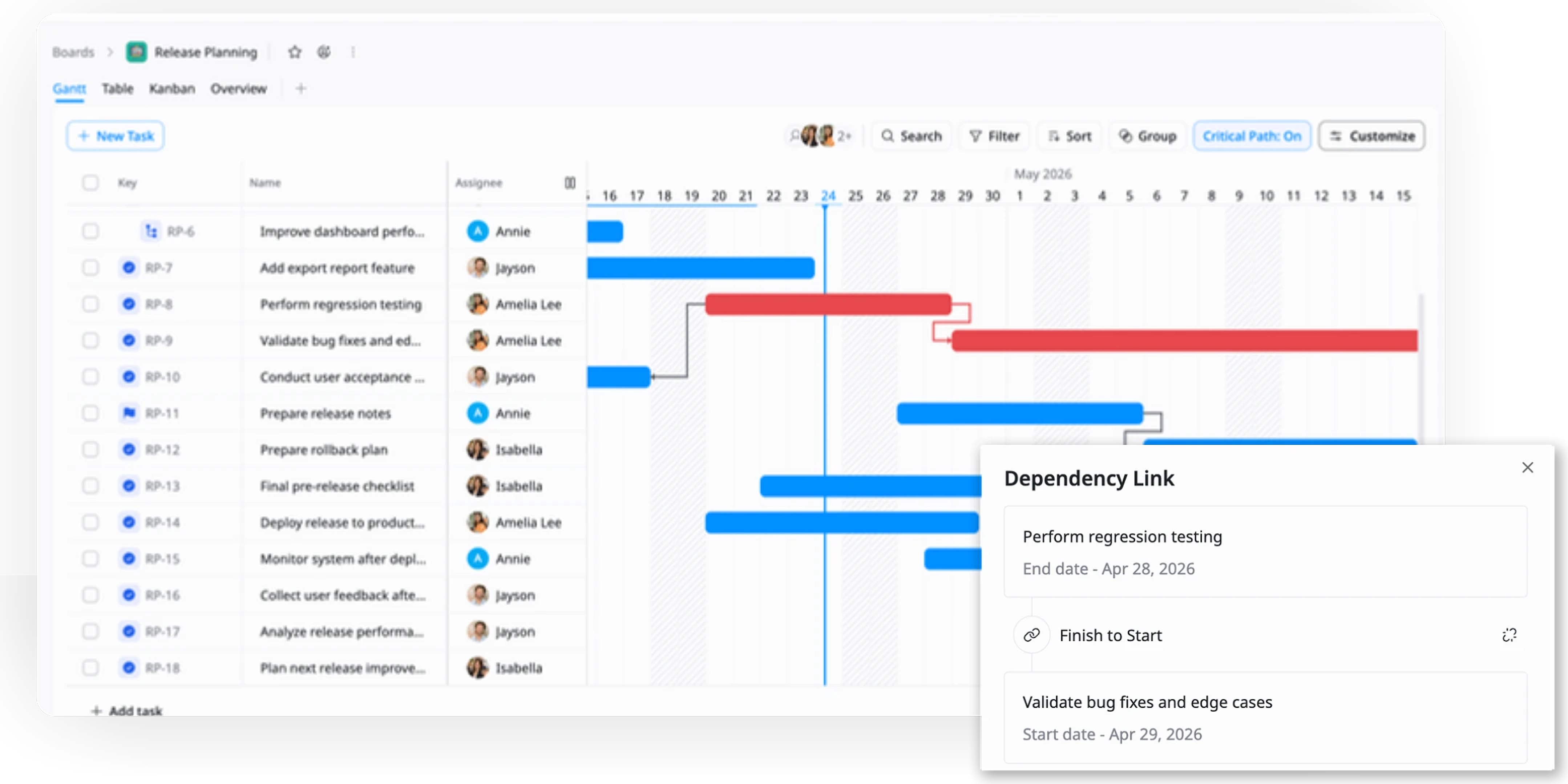
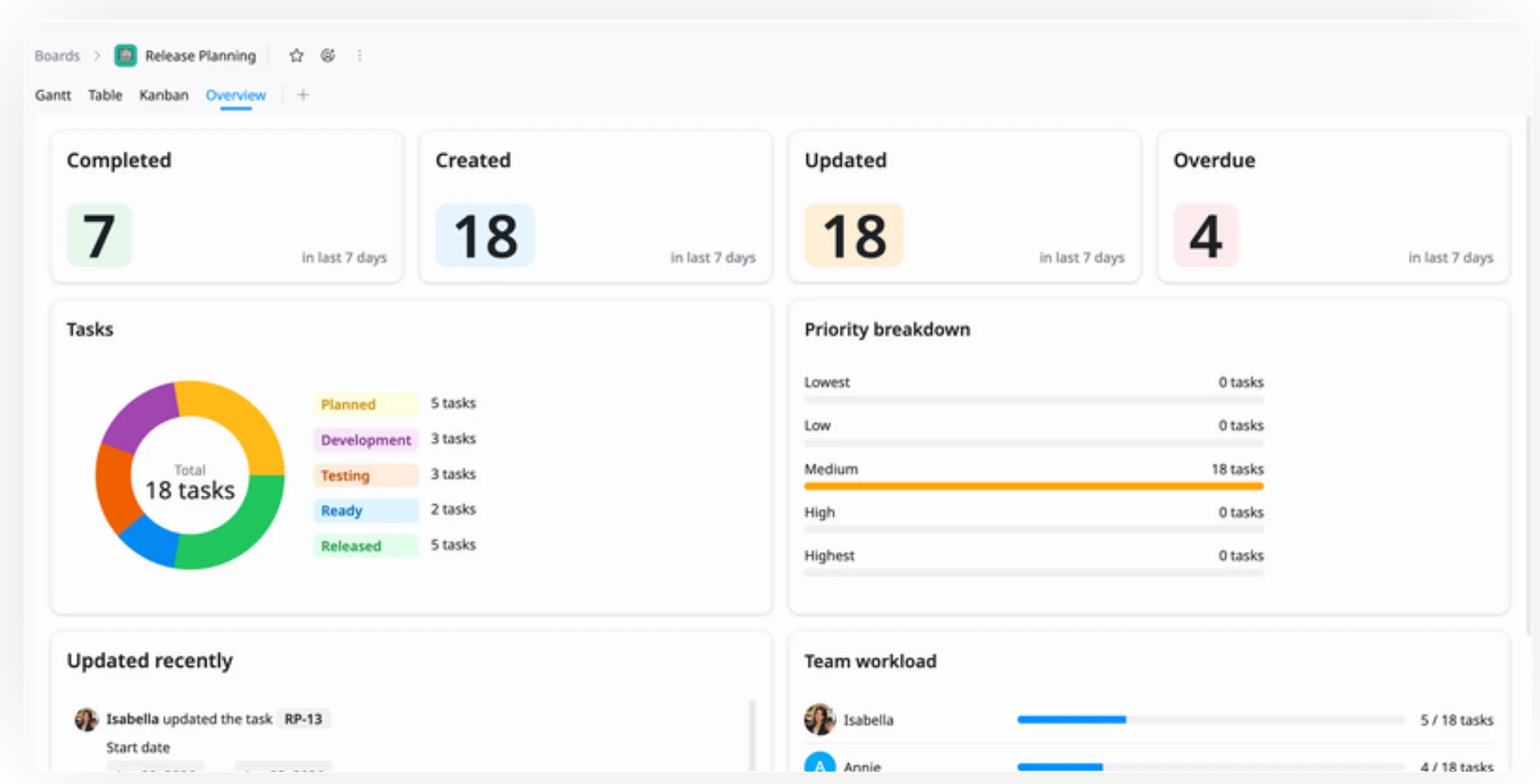
Use Gantt view to visualize timelines, track milestones, and manage task dependencies. Then switch to Kanban or Table views for real-time task status tracking.
6
Review & Adjust
Regularly review task progress and overall release performance. Adjust timelines, resources, or priorities as needed to address any issues, ensure smooth execution, and keep the release on track for success.
Advanced tips

Adjust Timelines Based on Task Complexity
Adapt your release timeline to accommodate tasks with varying levels of complexity.
Use Story Points to assess the difficulty or effort required for each task
Adjust milestone deadlines accordingly to ensure the release schedule is realistic
Factor in high-complexity tasks when planning buffer time for the release

Prioritize Tasks Using Story Points
Leverage task dependencies to ensure a smooth flow and avoid bottlenecks in your product launch.
Estimate effort and complexity for each task using Story Points (e.g., 1-5 scale)
Prioritize tasks with the highest impact and complexity to ensure timely delivery
Align team resources with high-priority tasks based on Story Points

Collaborate Across Teams Using Custom Views
Keep teams aligned by improving visibility, communication, and coordination across the launch process.
Create views based on teams (e.g., Marketing, Development, QA)
Use filters to display tasks relevant to each department, ensuring clarity and reducing overlap
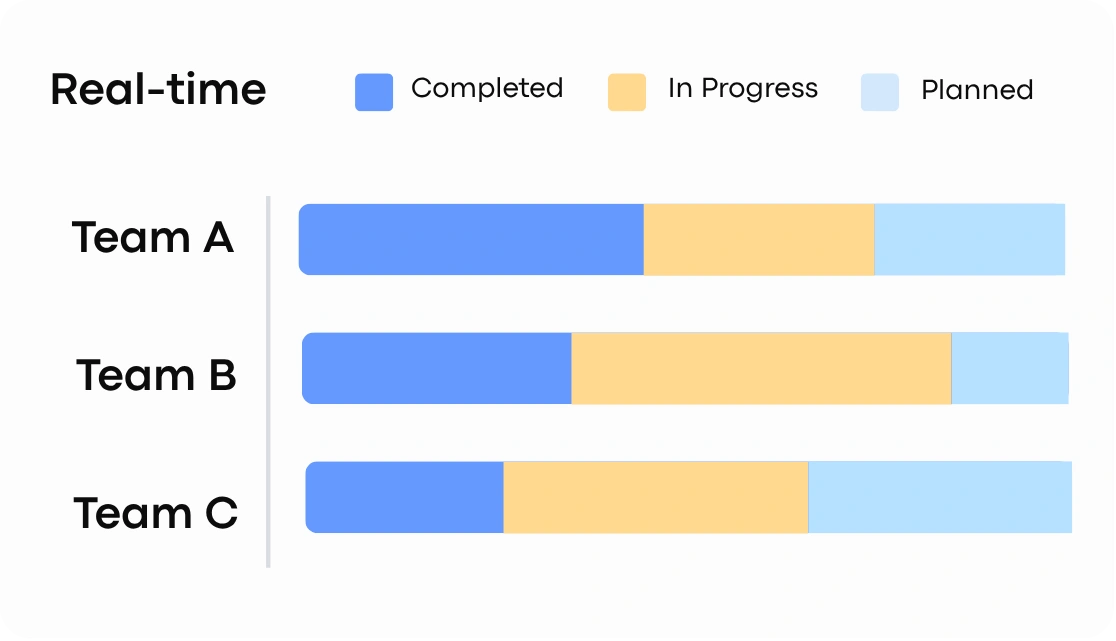
Ensure real-time updates on task status across teams for efficient collaboration
Related Templates
Product Roadmap
by TaskFord
Plan and track initiatives, features, and releases to deliver value.
GTM Plan for Product Launch
by TaskFord
Plan and execute GTM strategies to drive product launch and adoption.
Incident / Postmortem
by TaskFord
Track incidents, resolve issues fast, and document lessons to prevent recurrence.