Templates
Order Fulfillment Tracker Template
Order Fulfillment Tracker Template
Get Free Template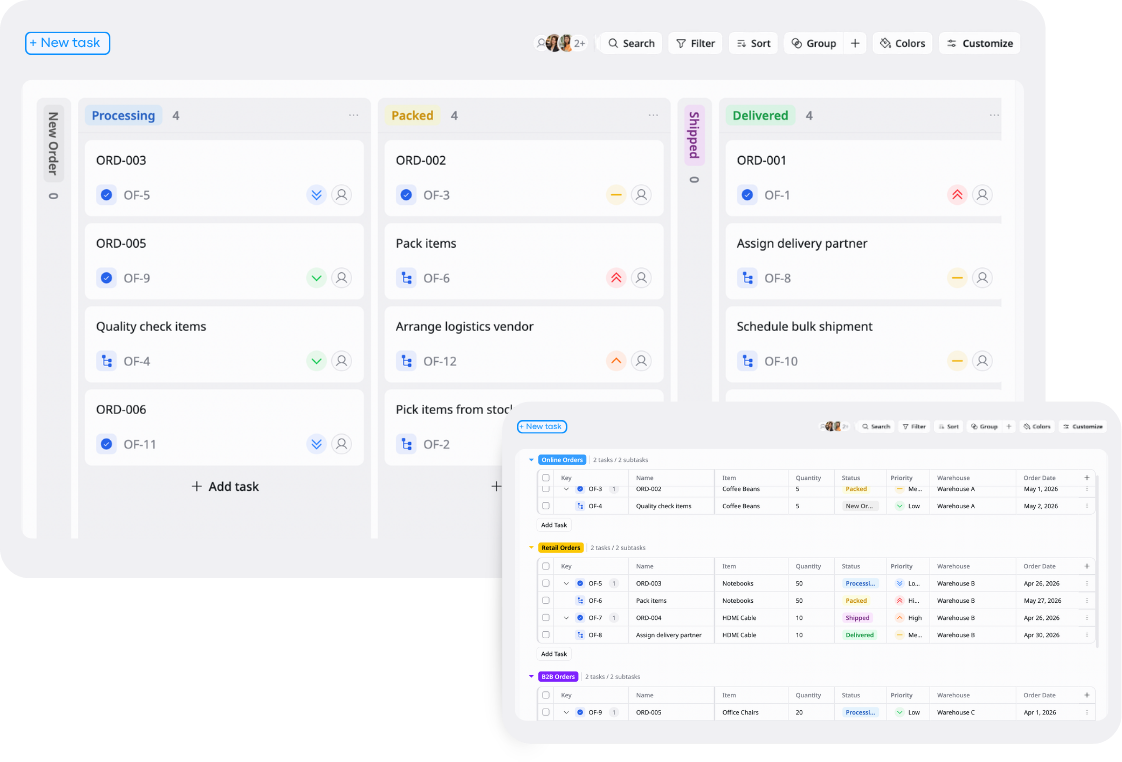
Description
This Order Fulfillment Tracker Template helps you manage orders, track fulfillment progress, and monitor shipping status in one place.
Best for
Ecommerce businesses
Operations teams
Warehouses
Logistics teams
Key Features
Order tracking
Fulfillment workflow
Shipping status
Reports & overview
What is an Order Fulfillment Tracker Template
An Order / Fulfillment Tracker Template is a ready-to-use tool that helps businesses track customer orders, fulfillment progress, and shipping operations in one centralized workspace.
It keeps order statuses, customer information, shipping details, tracking numbers, and fulfillment workflows organized so teams can reduce shipping mistakes, avoid missed orders, and manage operations more efficiently.
What's included in this Order Fulfillment Tracker Template
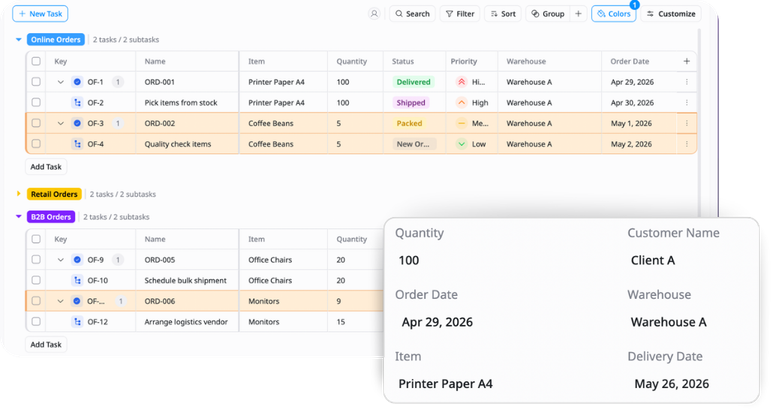
Order database
Store customer orders, products, quantities, payment details, and customer information in one place.
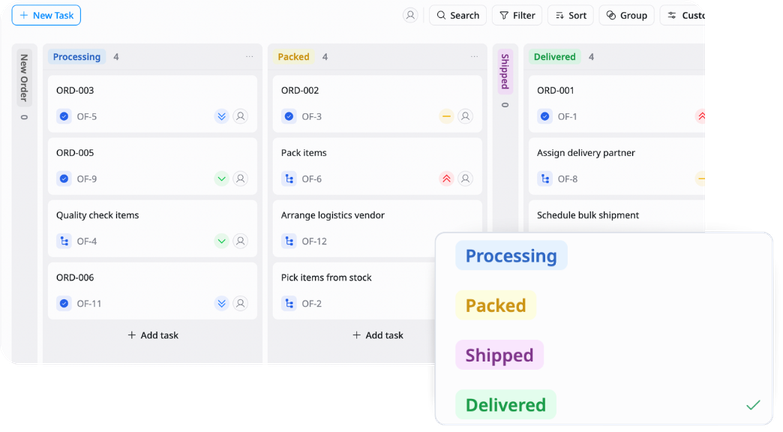
Fulfillment tracking
Track order progress through stages like Paid, Packed, Shipped, and Delivered.
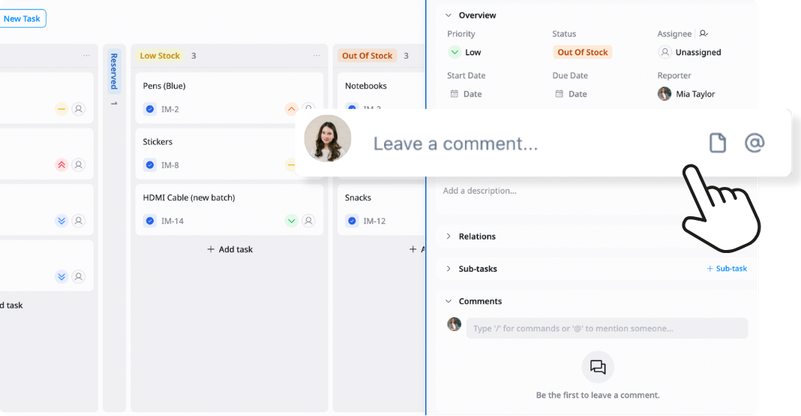
Shipping & tracking details
Manage tracking numbers, shipping status, delivery dates, and fulfillment notes.
Reports & overview
View pending orders, overdue shipments, fulfillment performance, and delivery trends through dashboards and reports.
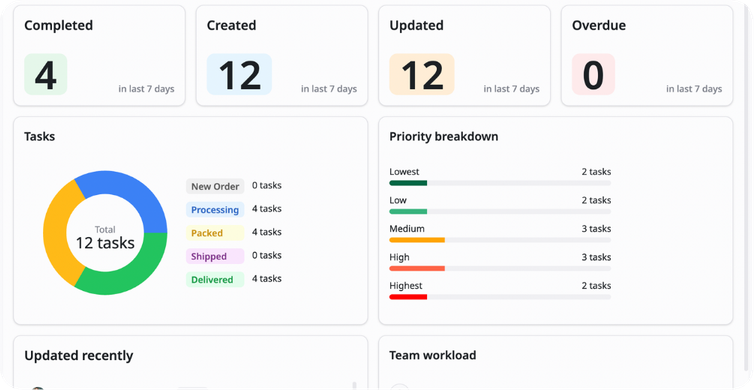
Why use this Order Fulfillment Tracker Template?
Managing orders manually can lead to shipping delays, fulfillment errors, and poor customer experiences. This template helps you organize order workflows and track fulfillment status clearly.
With this template, you can:
- Track orders clearly: Know the status of every order in real time
- Improve fulfillment accuracy: Reduce missed or incorrect shipments
- Monitor shipping progress: Keep deliveries organized and visible
- Optimize operations: Identify delays and improve fulfillment workflows
This helps your business deliver orders faster and improve customer satisfaction.
How to use this Order Fulfillment Tracker Template?
1
Add and organize customer orders
Enter order details like customer information, products, quantities, payment status, and shipping details so everything stays centralized and easy to manage.
2
Track fulfillment progress
Move orders through fulfillment stages as work is completed. This helps teams clearly see what still needs action
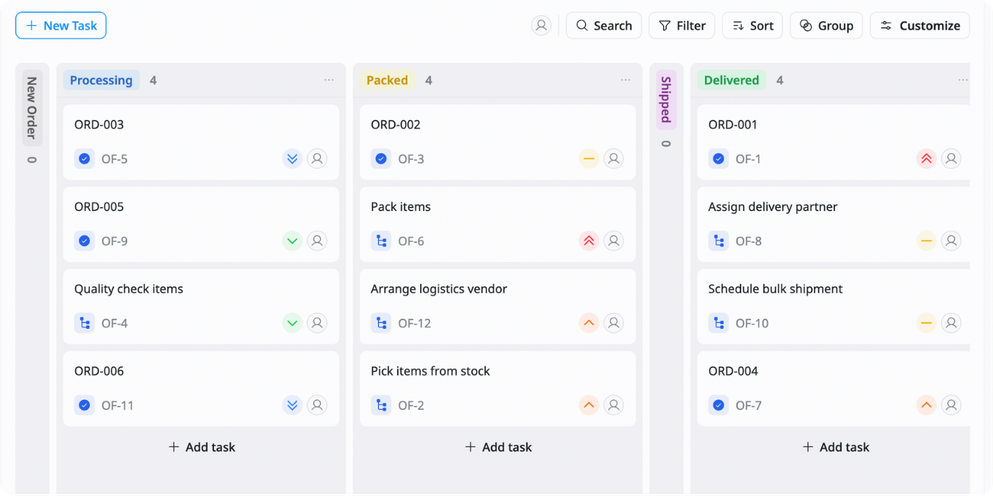
3
Update shipping and tracking information
Add tracking numbers, delivery dates, and shipping notes so customers and teams can monitor progress easily.
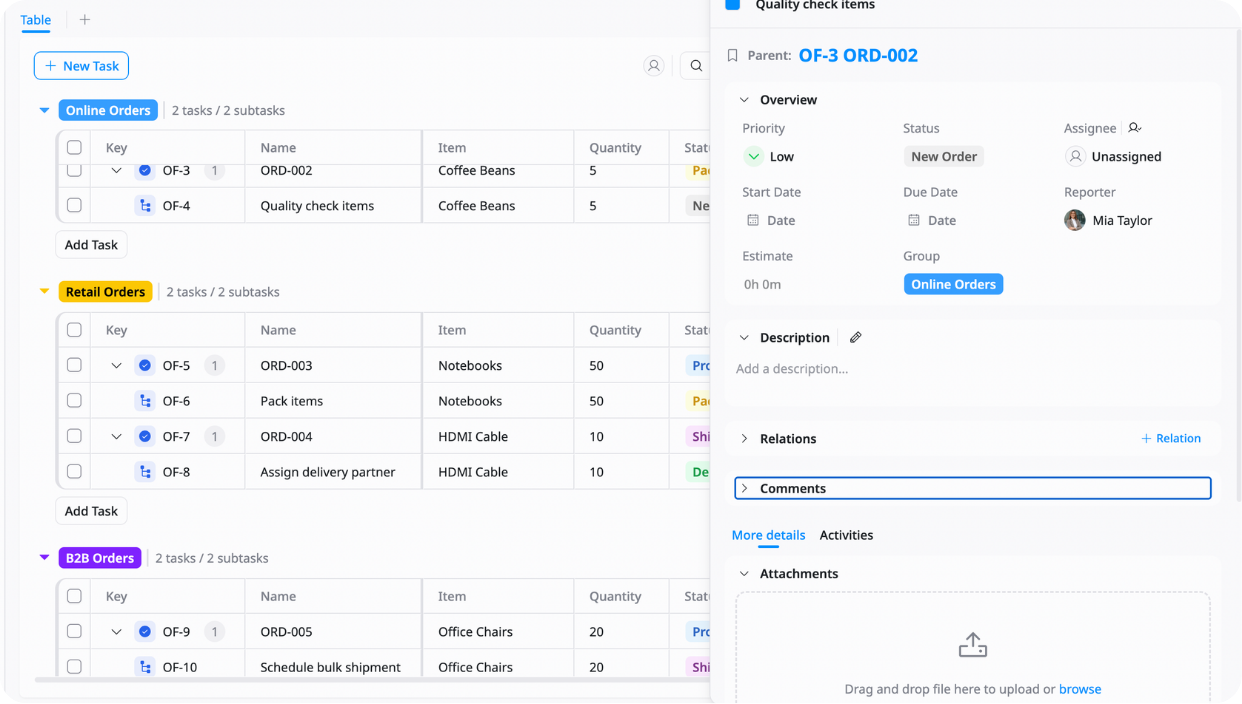
4
Monitor pending and overdue orders
Review dashboards regularly to identify delayed shipments or orders that still need packing and processing.
5
Analyze fulfillment performance
Use reports to track delivery times, fulfillment bottlenecks, and shipping trends so you can improve operational efficiency over time.
Advanced tips

Track fulfillment lead time
Measure how long it takes for orders to move from purchase to delivery
Example:
Order placed → Delivered in 3 days
This helps identify delays and improve delivery speed

Use priority tags for urgent orders
Highlight express shipping or high-priority orders so teams can process them faster
Example:
Express Delivery → High Priority
This helps reduce missed deadlines and complaints

Monitor overdue and stuck orders
Use filters or conditional formatting to identify orders delayed in specific stages
Example:
Packed for more than 2 days → Highlight as overdue
This helps teams quickly resolve fulfillment bottlenecks
Related Templates
Vendor Management
by TaskFord
Organize, track, and manage all supplier information, contracts, and performance.

Daily / Weekly Operations
by TaskFord
Organize tasks, plan workloads, and manage daily and weekly operations in a structured way.
Inventory Management
by TaskFord
Track stock levels, manage inventory movement, and organize products in one place.