Templates
Product Feedback Survey Template
Product Feedback Survey Template
Get Free Template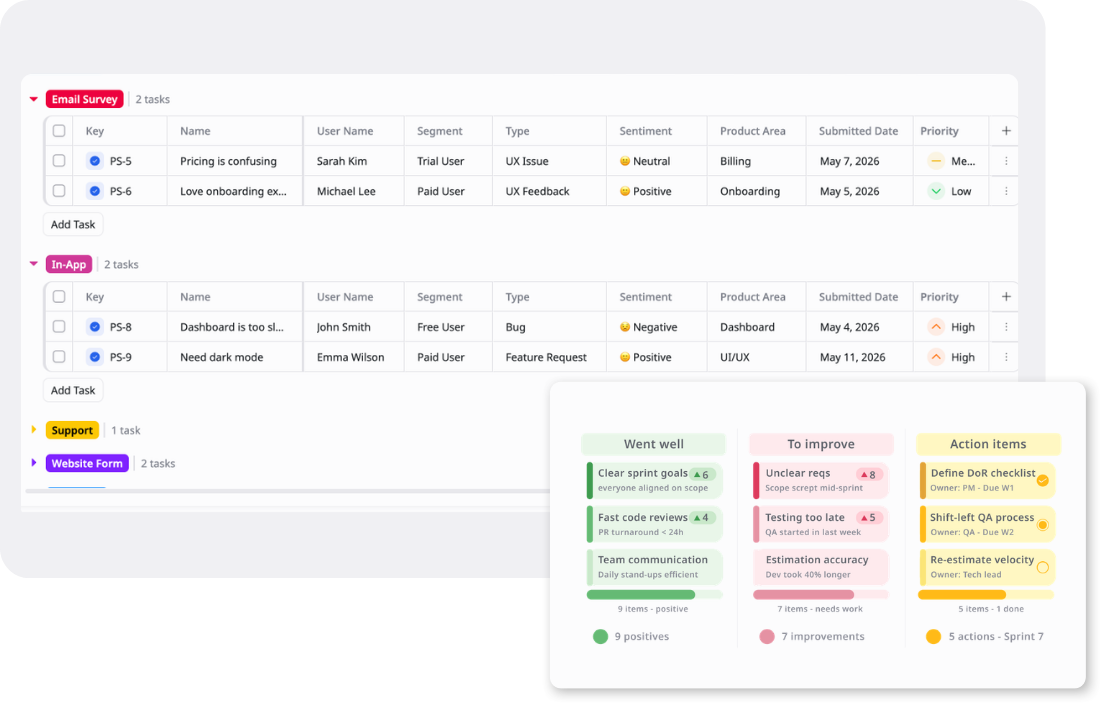
Description
A Product Feedback Survey Template centralizes user feedback across channels — with categorization, sentiment, and priority tracking to drive product decisions.
Best for
Product managers
Product operations teams
UX researchers
Customer success teams
Support teams
Key Features
Feedback Collection
Sentiment Tracking
Source Grouping
Multi-View Flexibility
What is a Product Feedback Survey Template
A Product Feedback Survey Template is a structured workspace for collecting, organizing, and reviewing user feedback from multiple sources.
It helps product teams track feedback by source, user segment, feedback type, sentiment, product area, submitted date, priority, and status. Teams can use Table view to review feedback details, Kanban view to manage review progress, and Overview view to monitor feedback trends and priorities.
What's included in this Product Feedback Survey Template
Feedback Record Tracker
Centralized feedback records with user name, segment, source, type, sentiment, product area, submitted date, priority, and status.
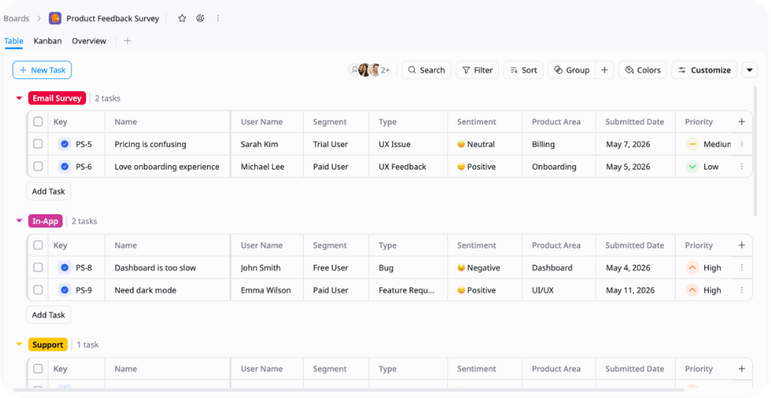
Kanban Workflow
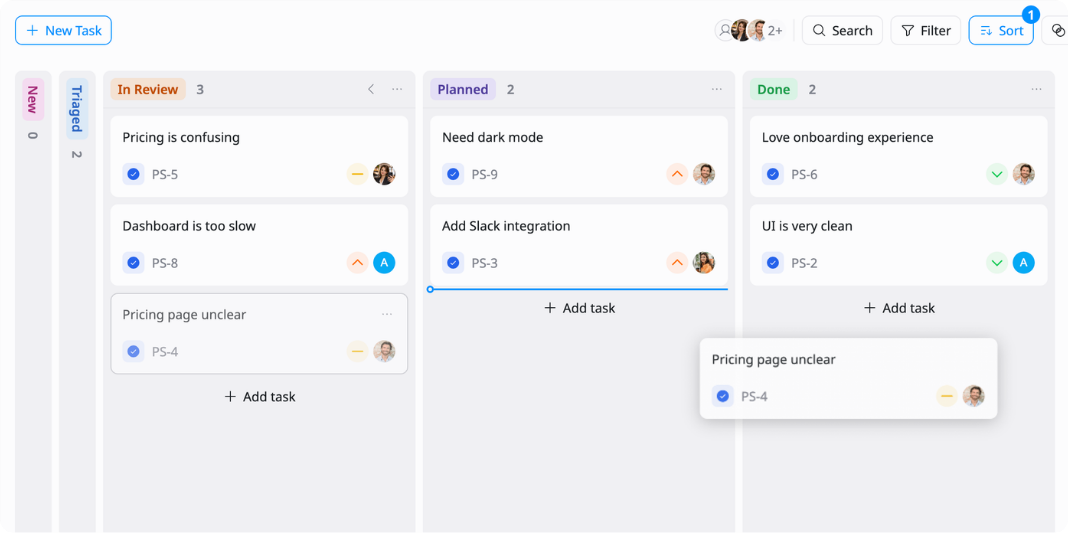
A clear workflow for moving feedback through New, Triaged, In Review, Planned, and Done.
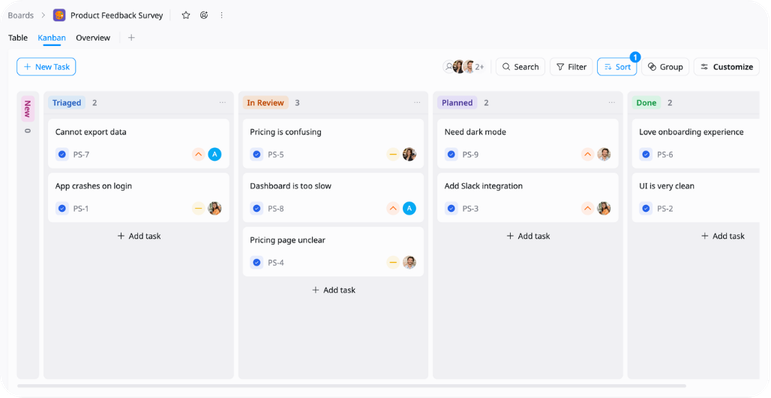
Sentiment & Product Area Tracking
Fields for categorizing feedback by sentiment, product area, feedback type, and priority.
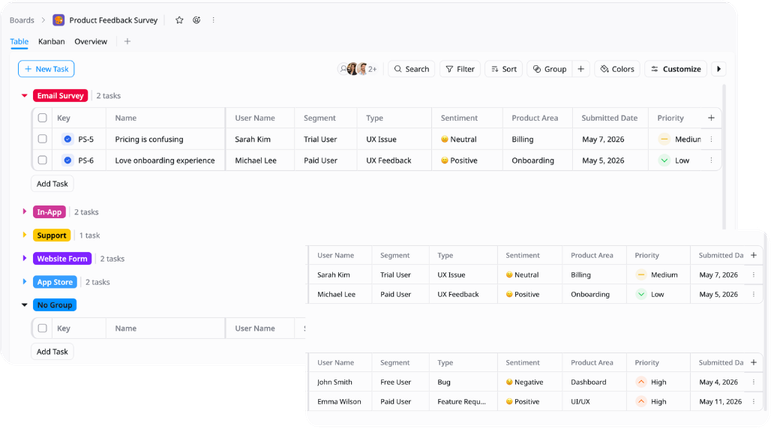
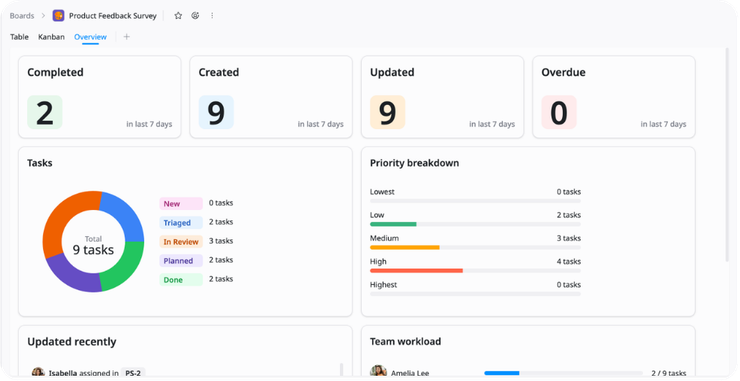
Monitor the Overview
Check feedback volume, priority items, sentiment trends, and product areas that need attention.
Why use this Product Feedback Survey Template?
User feedback scattered across support tickets, surveys, and app stores creates gaps in visibility and prioritization. This Product Feedback Survey Template keeps all feedback organized with consistent structure, sentiment tracking, and clear ownership in one place.
- Track feedback by source, segment, type, and product area
- Manage work through New, Triaged, In Review, Planned, and Done
- Identify high-priority bugs and feature requests faster
- Prioritize critical and negative feedback for immediate review
- Review feedback trends and product area coverage in Overview
How to use this Product Feedback Survey Template
1
Add feedback records
Create a task for each feature request, bug report, UX issue, complaint, or product improvement idea.
2
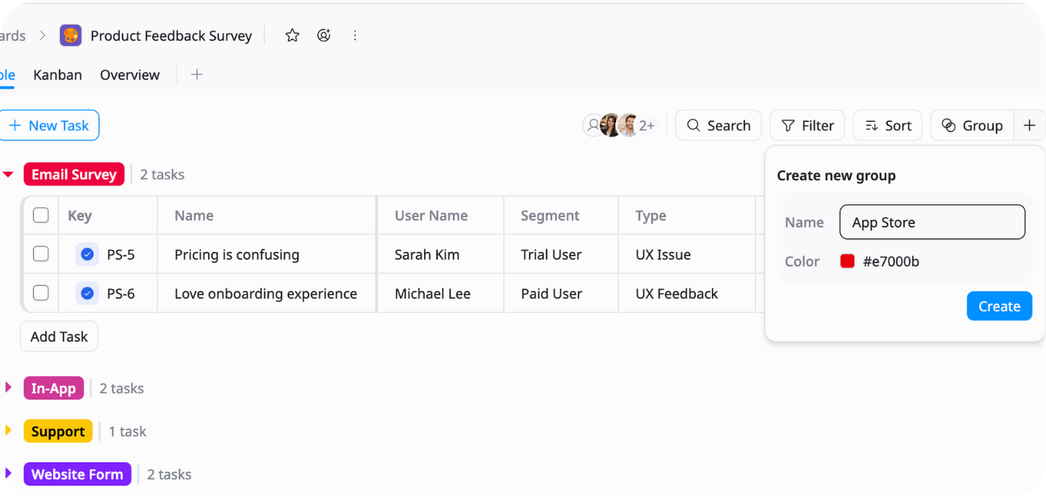
Group feedback by source
Organize records into In-App, Support, Email Survey, Website Form, and App Store groups to keep feedback sources clear.
3
Fill in feedback details
Add the user name, segment, feedback type, sentiment, product area, submitted date, priority, and current status.
4
Review feedback in Table view
Use Table view to sort and filter feedback by source, segment, sentiment, product area, priority, or submitted date.
5
Track review progress in Kanban
Move feedback through New, Triaged, In Review, Planned, and Done as items are reviewed, prioritized, or added to the product plan.
6
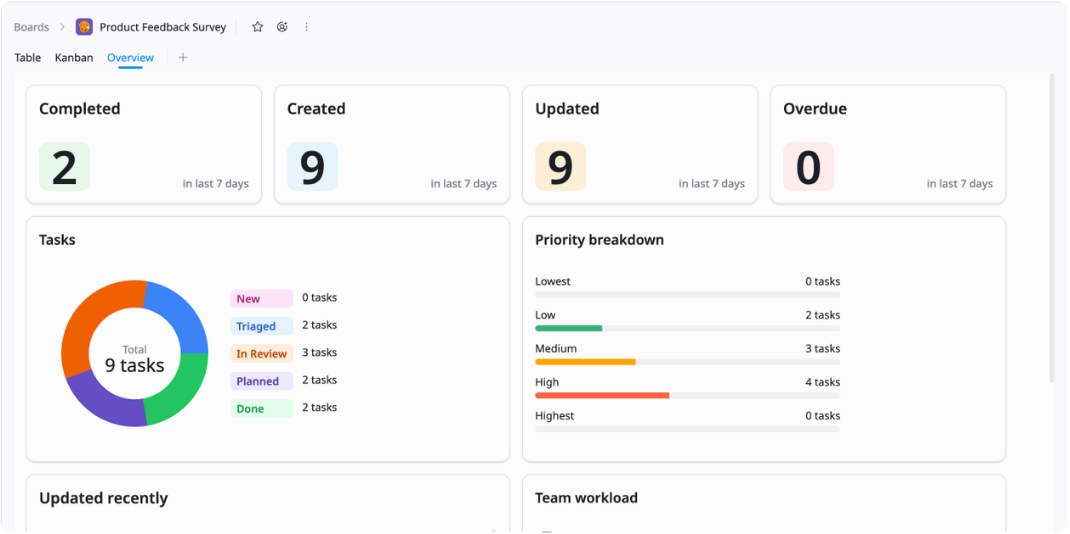
Monitor insights in Overview
Use Overview view to check feedback volume, priority items, sentiment patterns, and product areas that need attention.
Advanced tips

Group by Feedback Source
Organize feedback by channel to identify where the most critical issues are coming from.
Group by In-App, Support, Email Survey, Website Form, or App Store
Sort by priority to surface high-impact feedback first
Filter by sentiment to compare trends across channels

Prioritize Critical Feedback
Use priority, sentiment, and type fields to ensure high-impact feedback reaches the right team quickly.
Flag Critical and High priority negative feedback for immediate triage
Filter by Type: Bug to isolate product issues requiring urgent fixes
Sort by submitted date within each priority level to sequence review

Align Feedback with Product Planning
Use product area and status fields to connect feedback directly to roadmap decisions.
Filter by Product Area to review all feedback tied to a specific feature
Move actionable feedback to Planned status once added to the roadmap
Use Overview to monitor sentiment distribution and feedback volume across all product areas
Related Templates
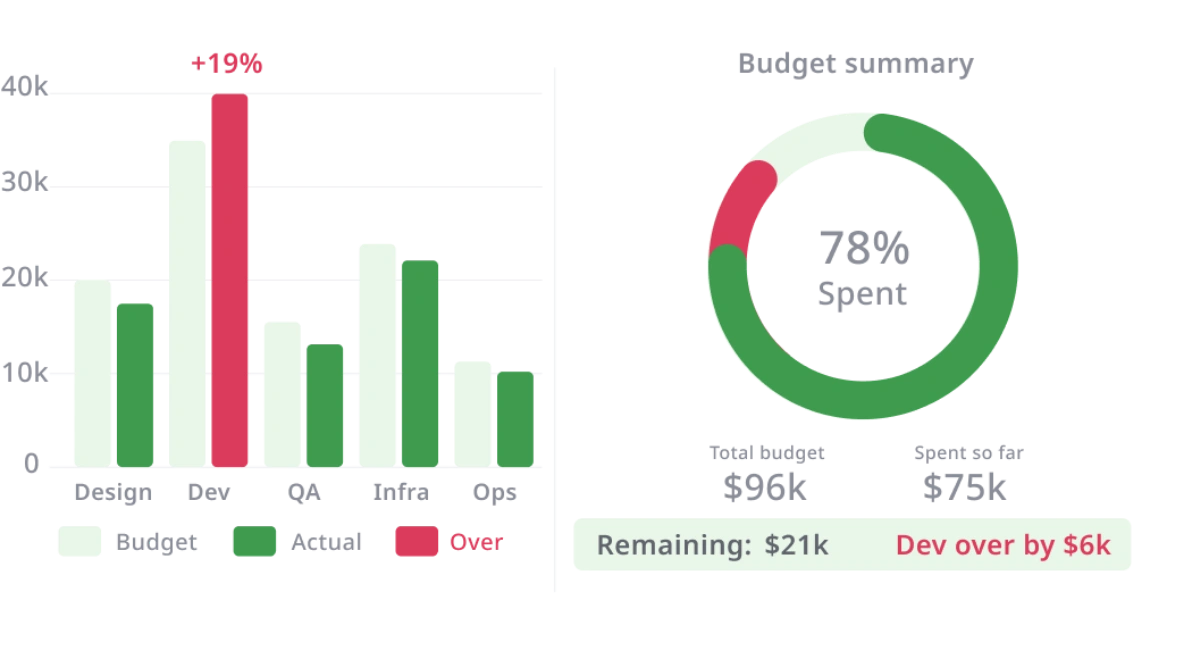
Client Success
by TaskFord
Track client health, engagement, lifecycle, retention risk, and expansion opportunities.
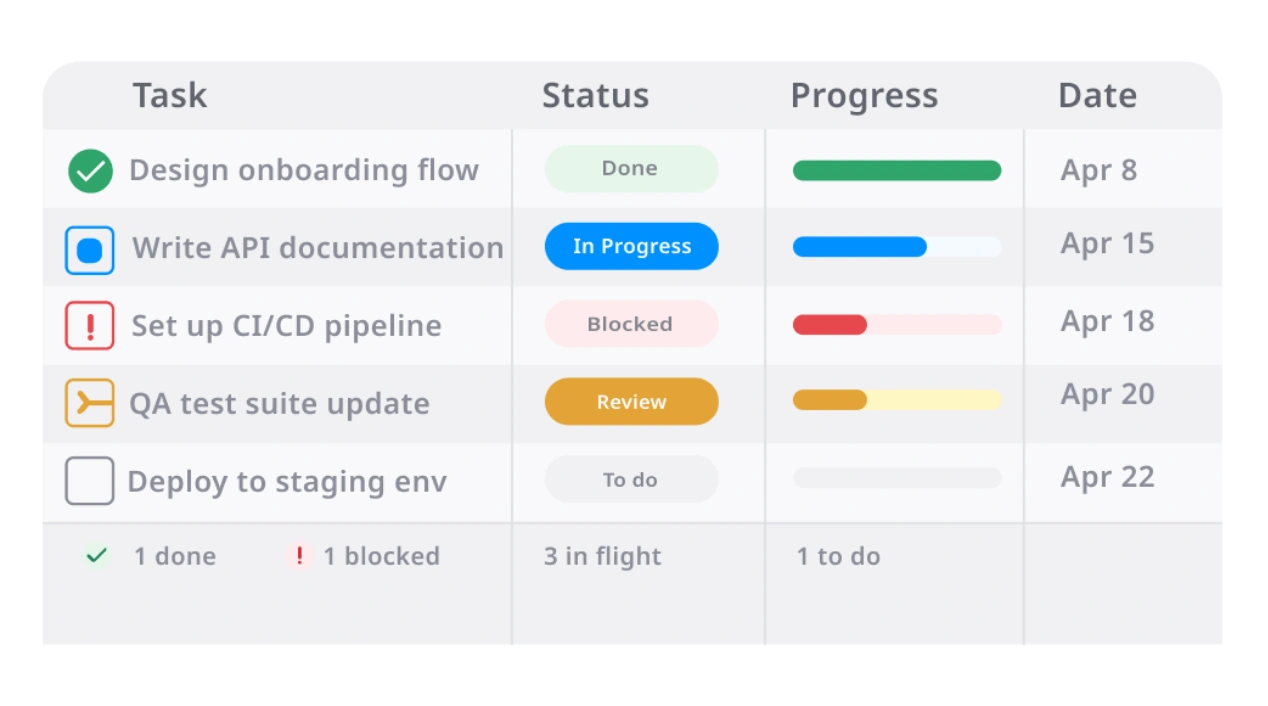
Ticket Management System Template
by TaskFord
Track and resolve incoming tickets with clear ownership.
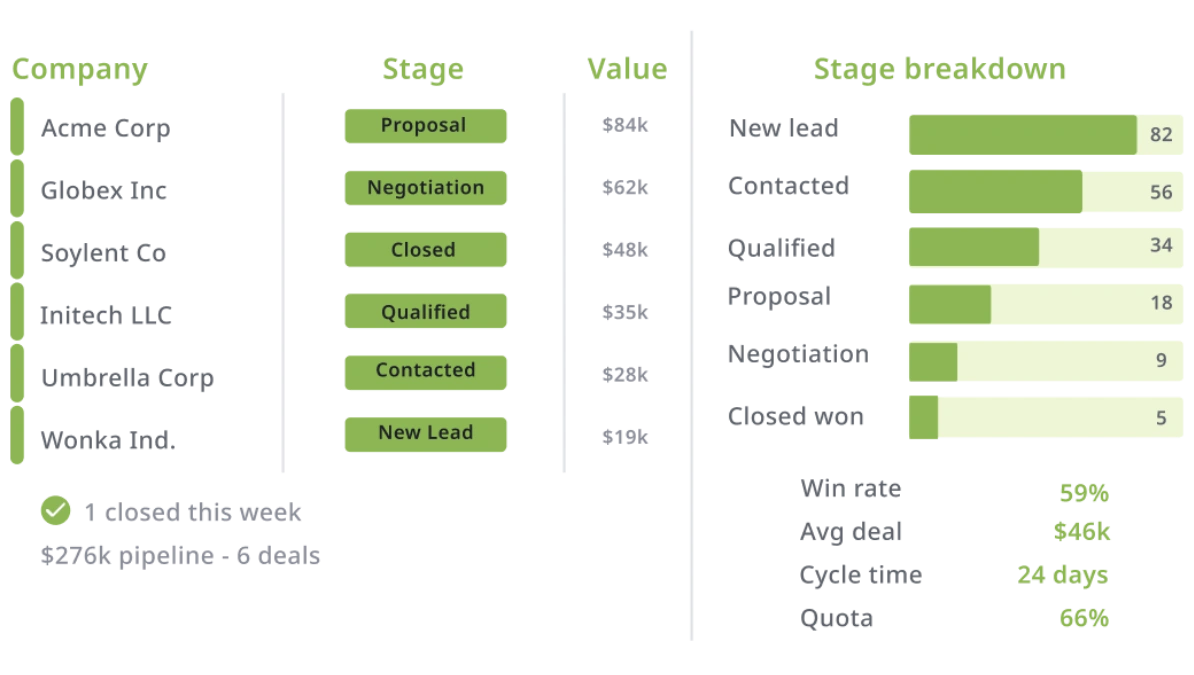
Customer Support Queue
by TaskFord
Manage inquiries and resolution across support channels.