Templates
Task & Operations Tracker Template
Task & Operations Tracker Template
Get Free Template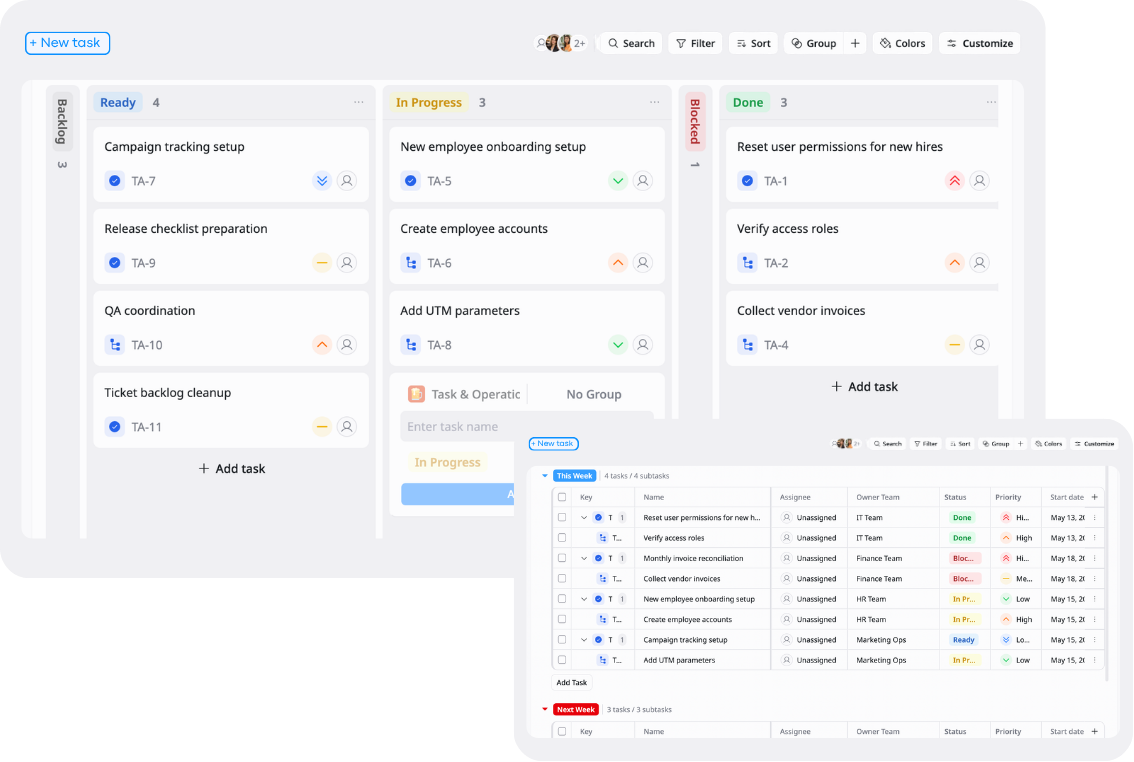
Description
This Task & Operations Tracker Template helps you organize tasks, manage workflows, and track operational activities in one place.
Best for
Operations teams
Project teams
Startups and small businesses
Key Features
Task tracking
Workflow management
Status tracking
Timeline tracking
What is a Task & Operations Tracker Template
A Task & Operations Tracker Template is a ready-to-use tool that helps teams organize, prioritize, and track daily tasks and operational workflows in a centralized workspace.
It provides visibility into responsibilities, deadlines, statuses, and progress so teams can manage operations more efficiently and keep work running smoothly.
What's included in this Task & Operations Tracker Template
Task database
Store tasks, owners, priorities, and due dates.
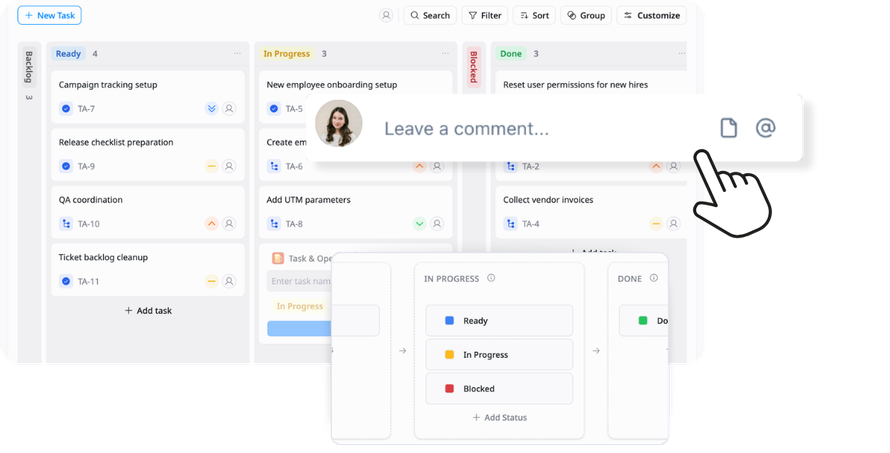
Workflow management
Track tasks through different operational stages.
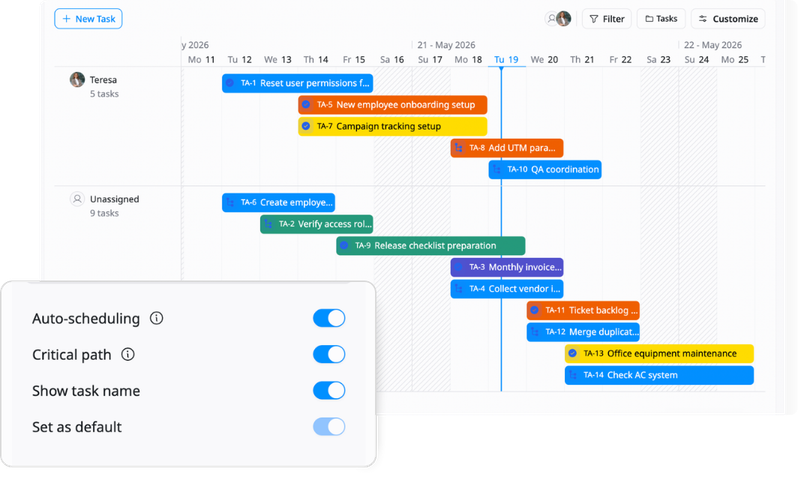
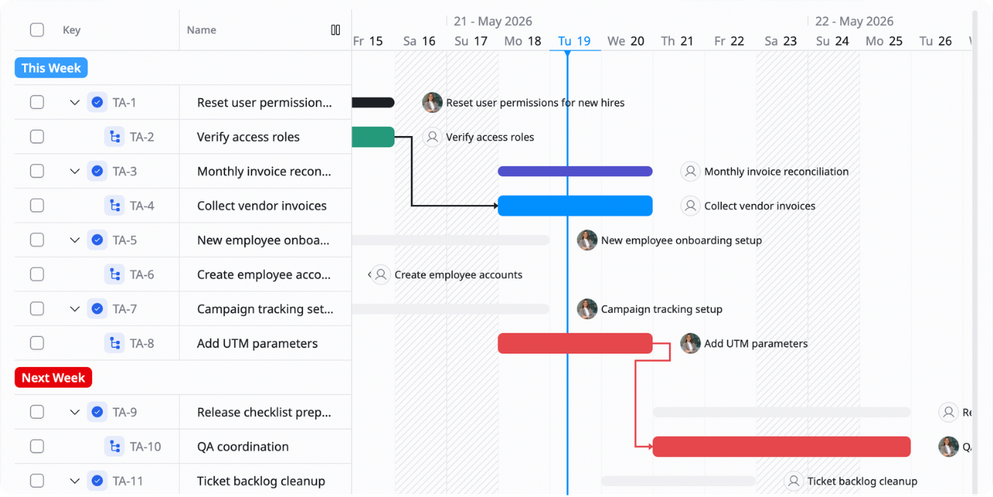
Timeline & deadline tracking
Monitor schedules and upcoming deadlines.
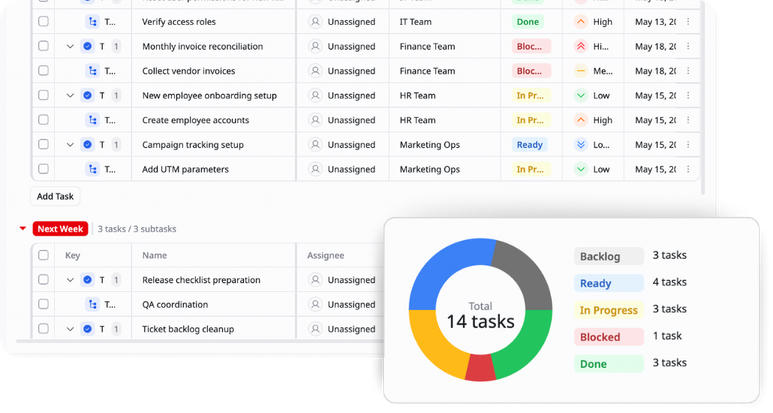
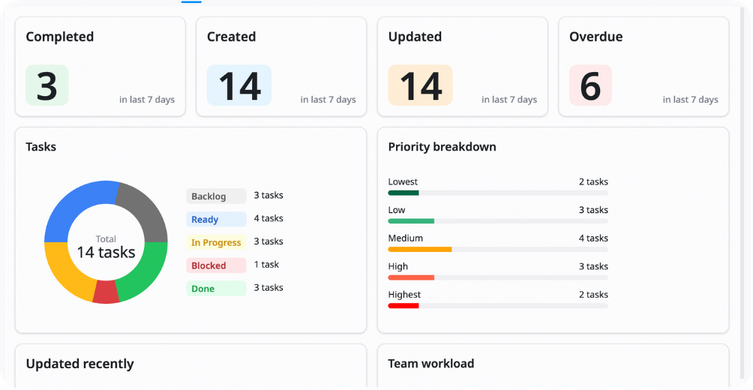
Reports & overview
Get a clear view of team progress and operational status.
Why use this Task & Operations Tracker Template?
Managing operations manually can lead to missed tasks, unclear responsibilities, and inefficient workflows. This template helps teams stay organized and keep daily operations running smoothly.
With this template, you can:
- Track tasks clearly: Know what needs to be done and by whom
- Improve team coordination: Keep everyone aligned on operational work
- Manage deadlines better: Reduce delays and missed tasks
- Standardize workflows: Create more consistent operational processes
This helps your team stay productive, organized, and efficient.
How to use this Task & Operations Tracker Template?
1
Create and organize tasks
Add all operational tasks into the tracker with details like task name, owner, priority, and due date so your team has clear visibility of ongoing work.
2
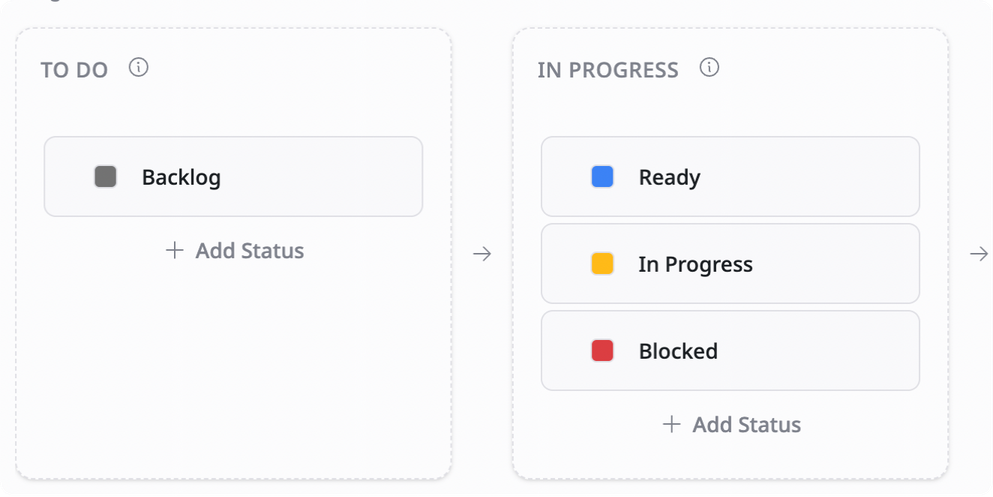
Customize your workflow
Set up workflow stages that match your operational process. This helps teams standardize how work moves through different stages.
3
Track task progress regularly
Update task statuses, priorities, and deadlines frequently to keep the tracker accurate and up to date.
4
Monitor workload and deadlines
Use schedule views, workload tracking, or dashboards to identify bottlenecks and balance team responsibilities more effectively.
5
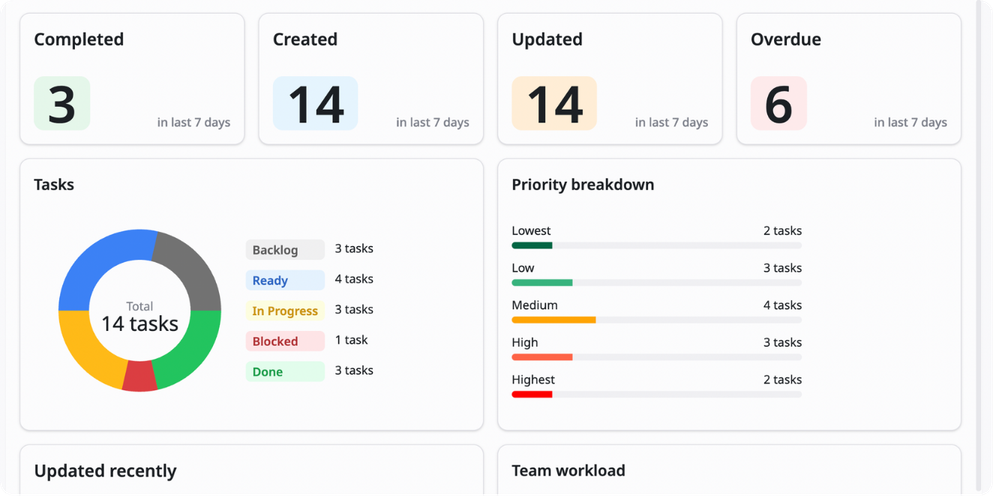
Review and optimize operations
Analyze completed tasks, delays, and workflow performance regularly to improve operational efficiency over time.
Advanced tips

Use workload capacity balancing
Track how tasks are distributed across team members to avoid overload
Example:
John: 15 tasks → Sarah: 5 tasks
This helps teams balance workloads and improve team efficiency
Add in-cell progress bars
Use visual progress bars inside cells to quickly track task completion
Example:
75% completed → Progress bar fills automatically
This helps teams understand progress at a glance

Use slicers instead of filters
Add slicers for status, owner, or priority to filter data faster and more visually
Example:
Filter only "High Priority" or "In Progress" tasks with one click
This helps teams navigate large task databases more efficiently
Related Templates
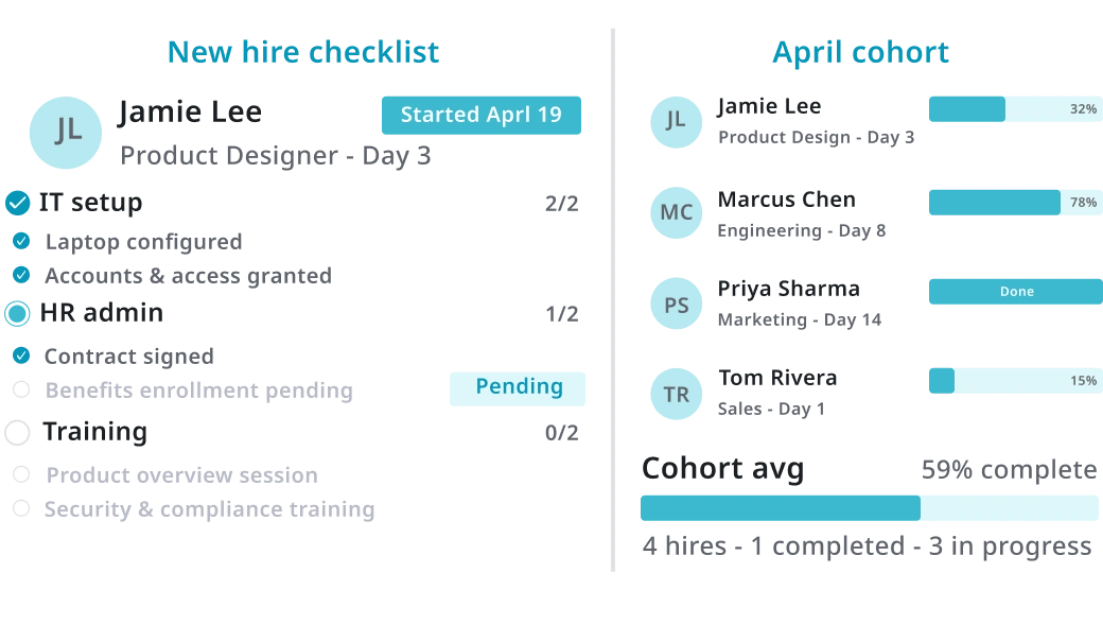
Vendor Management
by TaskFord
Organize, track, and manage all supplier information, contracts, and performance.
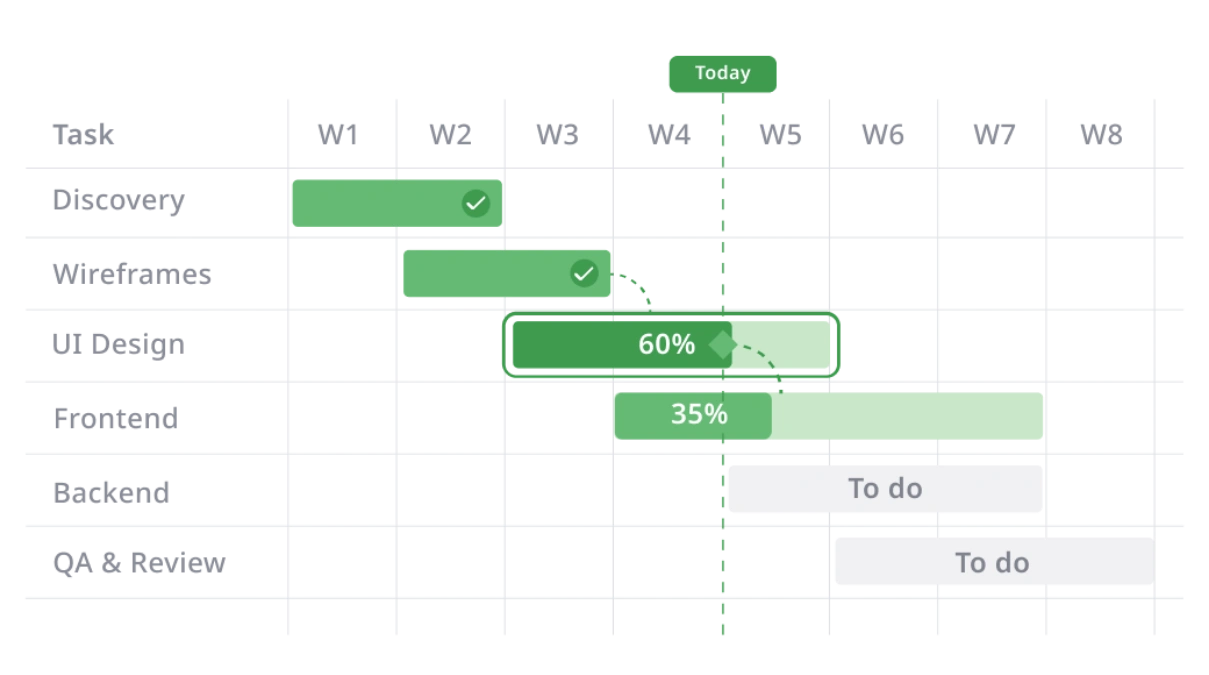
Order Fulfillment
by TaskFord
Manage orders, track fulfillment progress, and monitor delivery status in one place.
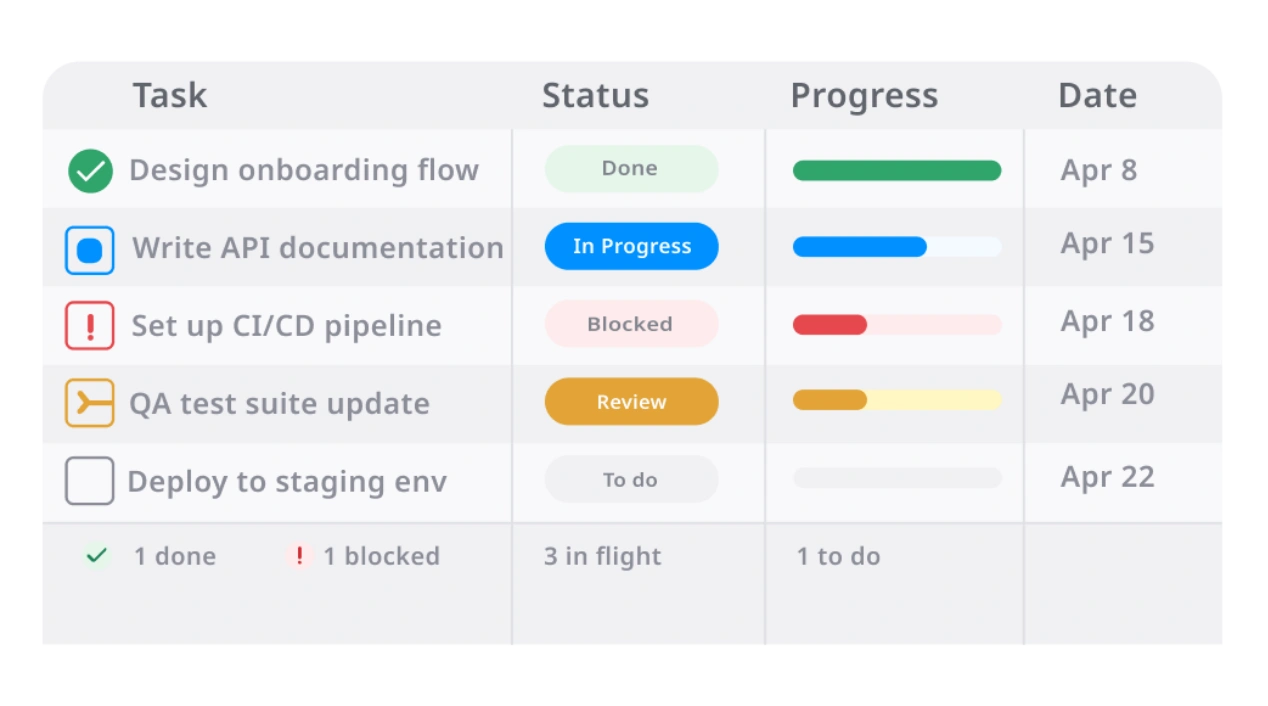
Inventory Management
by TaskFord
Track stock levels, manage inventory movement, and organize products in one place.