The Complete Guide to Employee Time Tracking
Unlock the full potential of your team’s productivity with this comprehensive guide to employee time tracking, packed with methods, tools, and best practices for effective time management.
Managing time at work isn’t just about clocking in and out anymore. As teams become more distributed and projects more complex, businesses need a clear understanding of how work hours are actually spent. Without it, payroll mistakes, budget issues, and workload imbalances can quickly arise.
Employee time tracking provides that visibility. It helps organizations record work hours, understand where time goes, and ensure projects and payroll stay on track. Whether you’re running a small team or managing multiple departments, having accurate time data makes planning, budgeting, and decision-making much easier.
In this article, we’ll break down what employee time tracking is, why companies use it, and how to implement it effectively.
What is Employee Time Tracking?
Employee time tracking is the process of recording and monitoring the amount of time employees spend working. It helps organizations measure work hours, track attendance, manage productivity, and ensure accurate payroll processing.
Time tracking can include:
- Clock-in and clock-out times
- Total hours worked per day or week
- Time spent on specific tasks or projects
- Overtime hours
- Break times
In modern workplaces, employee time tracking is typically done through digital tools or time tracking software rather than manual timesheets. These systems allow employees to log hours easily while giving managers real-time visibility into workforce activity.
Why Employee Time Tracking Matters
Time is a finite resource, and managing it effectively can transform how a business operates. Here are some key reasons why employee time tracking is essential:
1. Boosts Productivity and Accountability
Tracking time encourages employees to focus on their tasks and take ownership of their responsibilities. When team members know their hours are being monitored, they are more likely to stay on task and avoid distractions. This increased accountability leads to higher productivity levels and better use of work hours.
2. Improves Project Management
For project-based teams, time tracking provides valuable data on how long tasks take to complete. This information helps managers create realistic timelines, efficient resource allocation, and avoid overcommitting to tight deadlines. By understanding time allocation, businesses can deliver projects on time and within budget.
3. Enhances Payroll Accuracy
Accurate time tracking ensures employees are paid fairly for the hours they work. This is particularly important for hourly workers, freelancers, and contractors. By using reliable time tracking tools, businesses can avoid payroll errors, reduce disputes, and maintain trust with their workforce.
4. Supports Remote and Hybrid Teams
With the rise of remote work, managing distributed teams has become a challenge. Remote employee time tracking software offers a solution by providing visibility into how remote workers spend their time. These tools help managers ensure that tasks are completed on schedule, regardless of where employees are located.
5. Informs Data-Driven Decisions
Time tracking data provides actionable insights that can guide business decisions. For example, if a particular task consistently takes longer than expected, managers can investigate the cause and address inefficiencies. This data-driven approach helps businesses optimize operations and allocate resources more effectively.
Methods of Employee Time Tracking
There are several ways to track employee time, each with its own advantages and challenges. Choosing the right method depends on your business needs, team size, and work environment. Below are the most common approaches:
Manual Time Tracking
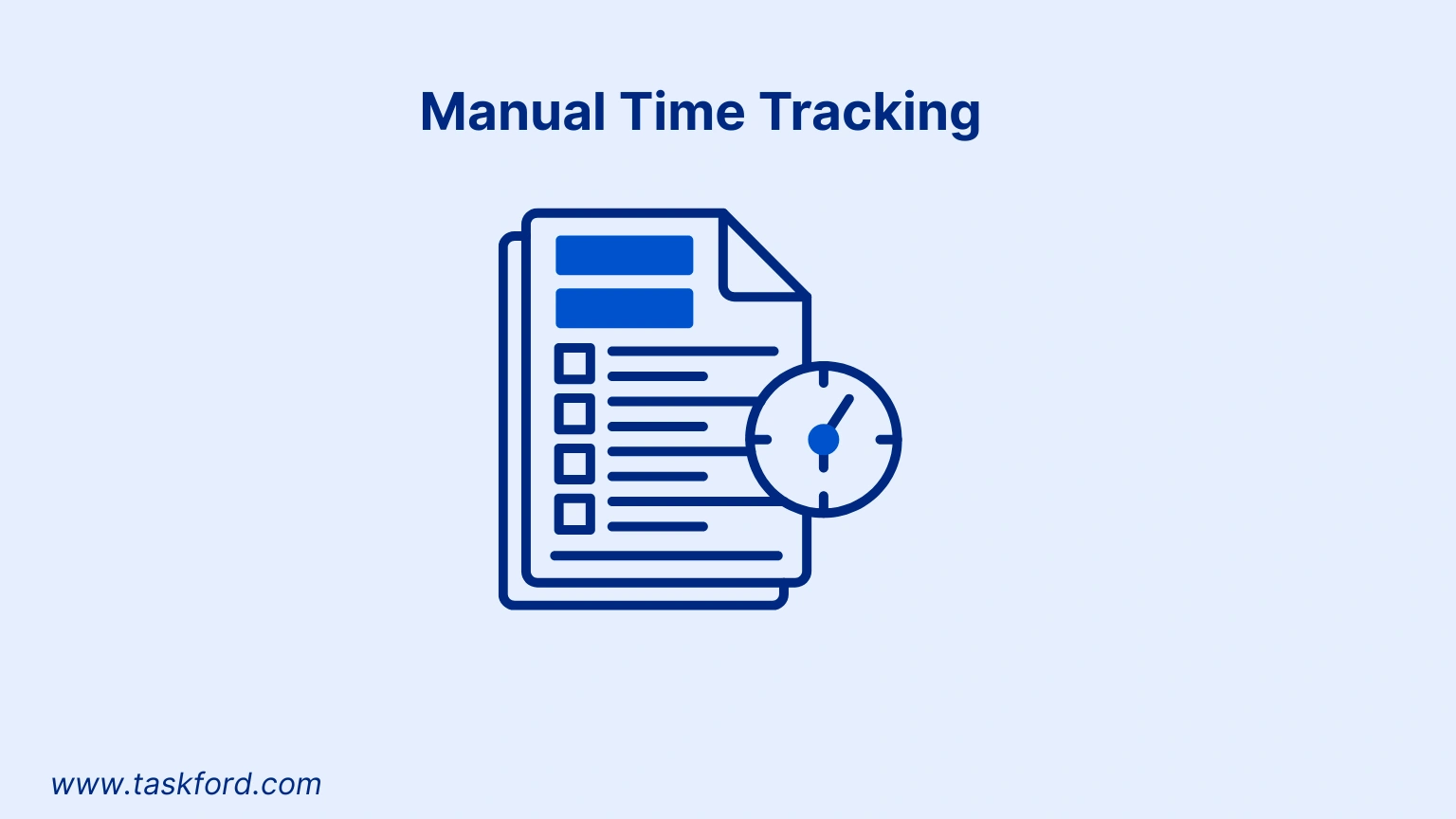
Manual time tracking involves employees recording their hours on paper timesheets, spreadsheets, or simple apps. This method is straightforward and low-cost, making it suitable for small businesses or teams with minimal tracking needs.
Advantages:
- Easy to implement for small teams
- Requires minimal setup
- Cost-effective for businesses with limited budgets
Challenges:
- Prone to errors and inaccuracies
- Time-consuming for employees to log hours
- Lacks real-time insights
Punch Card Systems
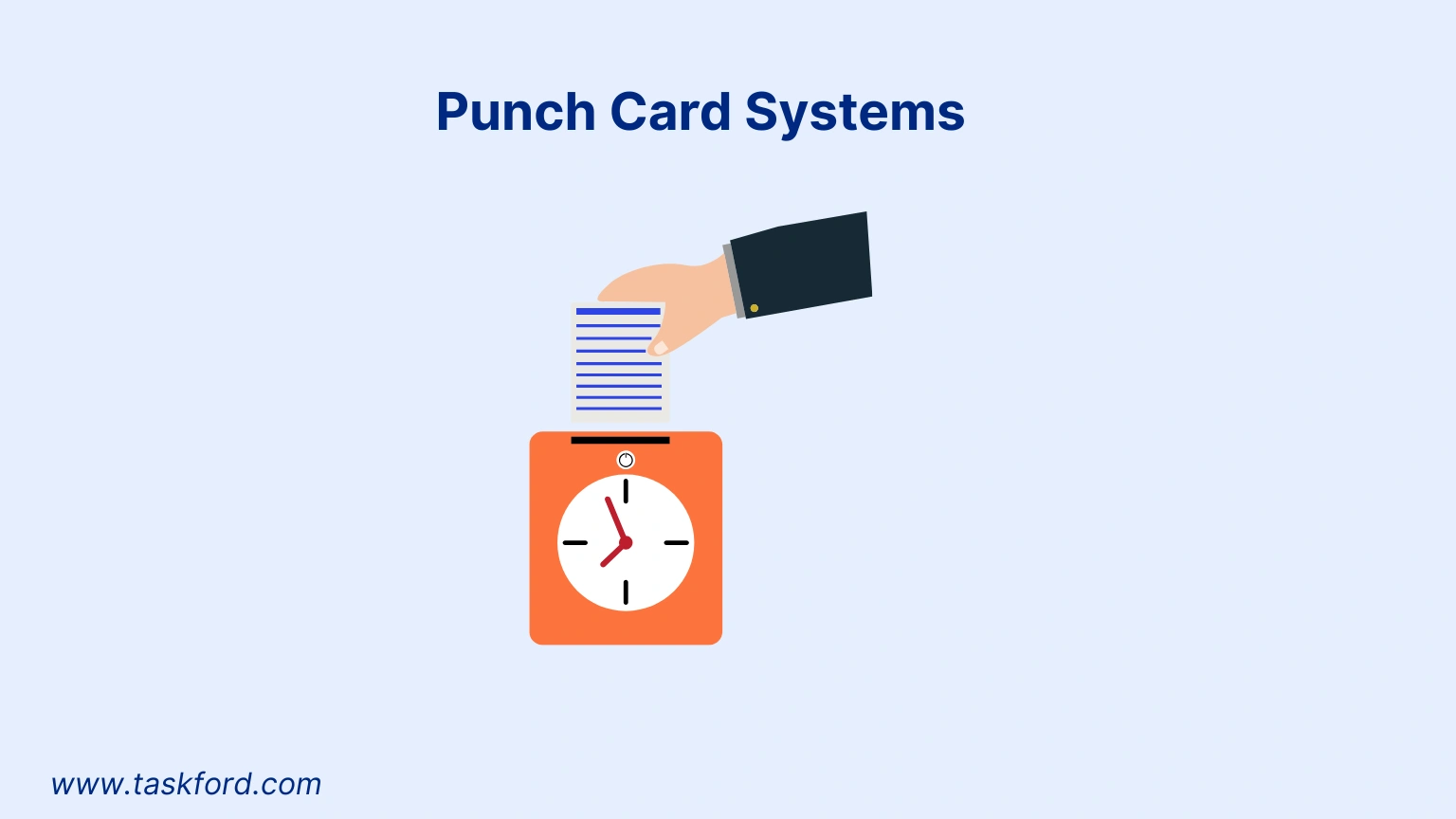
Punch card systems use physical or digital clocks to record when employees start and end their shifts. These systems are common in industries like retail, manufacturing, and hospitality.
Advantages:
- Simple and widely understood
- Provides a clear record of attendance
- Reduces manual data entry
Challenges:
- Limited to tracking start and end times
- Not ideal for task-based or remote work
- Can be susceptible to time theft (e.g., buddy punching)
Biometric Time Tracking
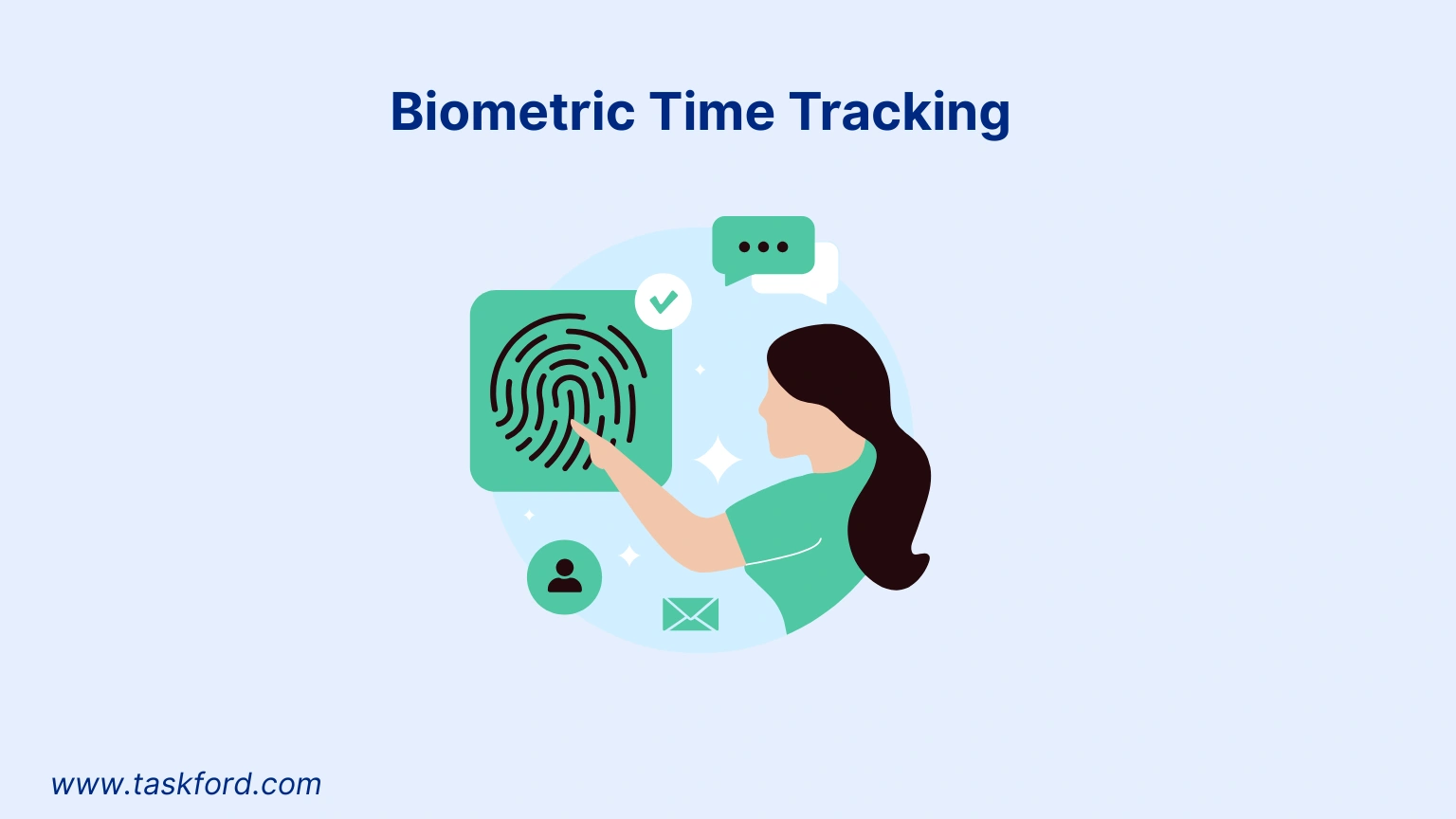
Biometric systems use fingerprint, facial recognition, or iris scans to record employee attendance. These systems are highly accurate and eliminate issues like buddy punching.
Advantages:
- Highly secure and accurate
- Prevents time theft
- Tracks real-time attendance
Challenges:
- Higher upfront costs
- May raise privacy concerns among employees
- Requires hardware installation
Using Employee Time Tracking Software
Employee time tracking software makes it easier to record, manage, and analyze work hours without relying on manual processes. Instead of spreadsheets or paper timesheets, employees log their hours digitally — often through a web platform or mobile app.
How It Works
Most time tracking software allows employees to:
- Clock in and clock out
- Log hours manually
- Track time against specific tasks or projects
- Submit timesheets for approval
Managers can then review entries, generate reports, and monitor overall workload in real time.
Pros:
- Perfect for remote and field workers
- Features like stopwatch notifications, and analytics
- Syncs with payroll and project management systems
- Supports data-driven insights for productivity and efficiency
Cons:
- Requires reliable internet access
- May need employee training
- Can be distracting if misused
Best Practices for Using Time Tracking Software
- Keep tracking simple and consistent
- Clearly communicate why time tracking is implemented
- Focus on productivity insights rather than micromanagement
- Regularly review reports to improve planning
When used correctly, employee time tracking software becomes more than just a payroll tool — it provides data that helps organizations improve efficiency, manage costs, and make better operational decisions.
If you’re evaluating tools, explore our guide to the best employee time tracking apps to compare top solutions, key features, and how to choose the right platform for your team’s needs.
Best Practices for Implementing Employee Time Tracking
To ensure successful adoption of time tracking, businesses should follow these best practices:
1. Educate Your Team
Explain the purpose of time tracking and how it benefits both employees and the organization. Emphasize that it’s about improving productivity and fairness, not micromanaging. Provide training to help employees understand how to use the chosen tools effectively.
2. Set Clear Goals and Policies
Define what you aim to achieve with time tracking, such as improving project delivery or ensuring accurate payroll. Establish clear policies on how time should be logged and reviewed to maintain consistency across the team.
3. Choose the Right Tools
Select a solution that fits your team size, workflow, and operational needs. Avoid overly complex systems if your requirements are simple.
4. Monitor and Review Data Regularly
Regularly analyze time tracking data to identify trends, bottlenecks, or inefficiencies. Schedule weekly or monthly reviews to assess progress and make adjustments to schedules or resource allocation as needed.
5. Foster Transparency and Trust
Ensure employees have access to their time logs and can resolve discrepancies. Transparent systems build trust and encourage buy-in from the team.
6. Focus on Outcomes, Not Hours
Avoid micromanaging by focusing on results rather than hours worked. For example, a content creation team that switched to outcome-based tracking saw a 30% increase in employee satisfaction by prioritizing deliverables over strict hour monitoring.
Time Management Techniques to Complement Time Tracking
Employee time tracking works best when paired with effective time management strategies. Here are some proven techniques to enhance productivity:
1. Time Blocking
Allocate specific time slots for tasks to maintain focus and avoid multitasking. For example, dedicate mornings to high-priority tasks like content creation and afternoons to meetings or administrative work.
2. Pomodoro Technique
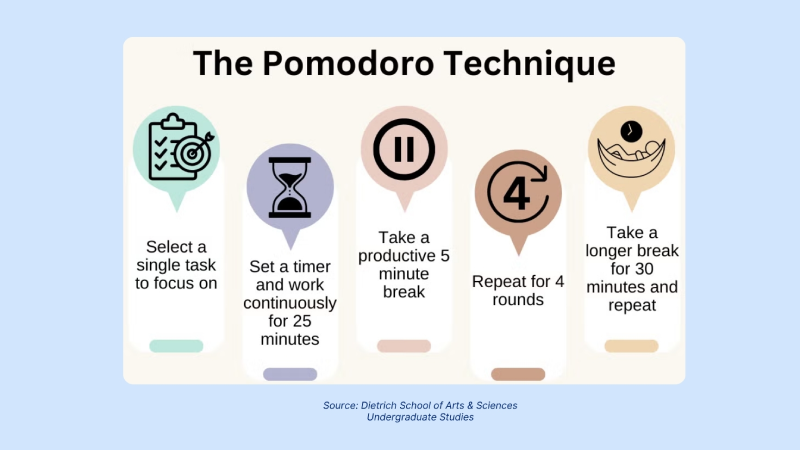
Work in 25-minute intervals followed by 5-minute breaks to boost focus and reduce fatigue.
3. SMART Goal Setting
Set Specific, Measurable, Achievable, Relevant, and Time-bound goals to align tasks with business objectives. This approach ensures employees stay focused on meaningful work.
4. Task Batching
Group similar tasks, such as responding to emails or conducting research, to minimize context switching and improve efficiency.
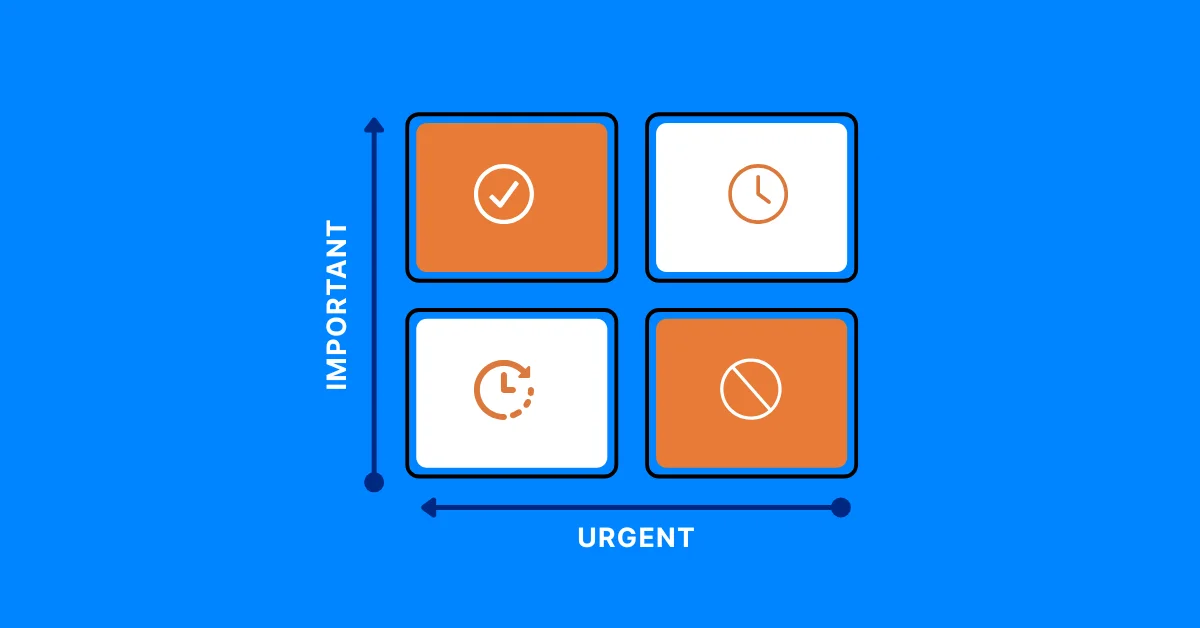
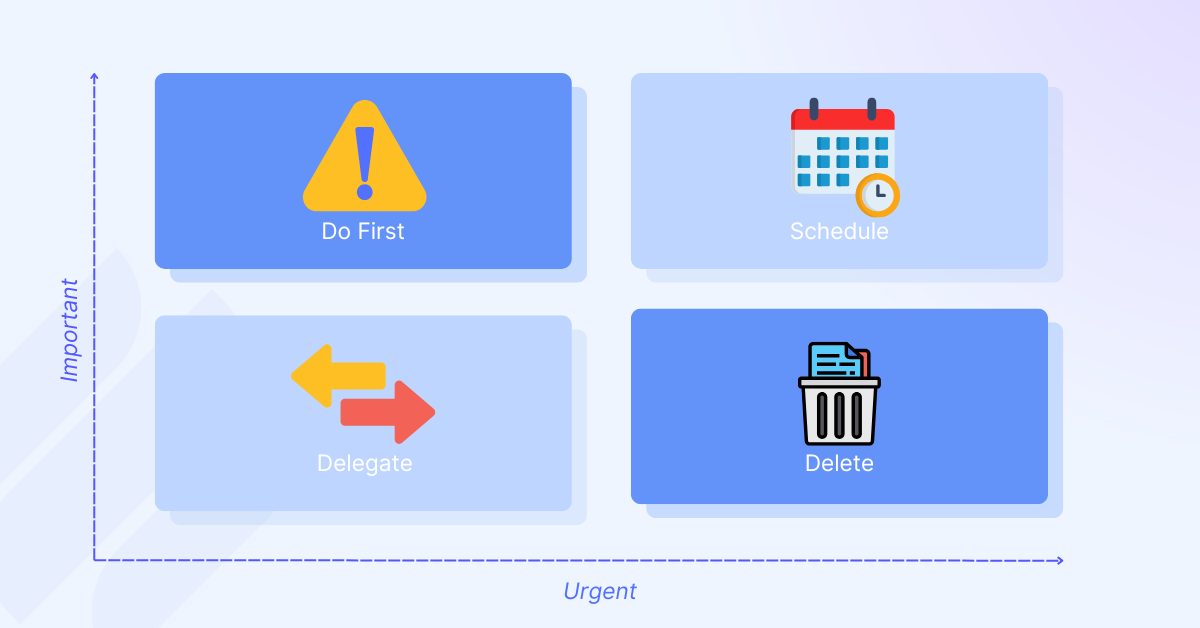
5. Eisenhower Matrix
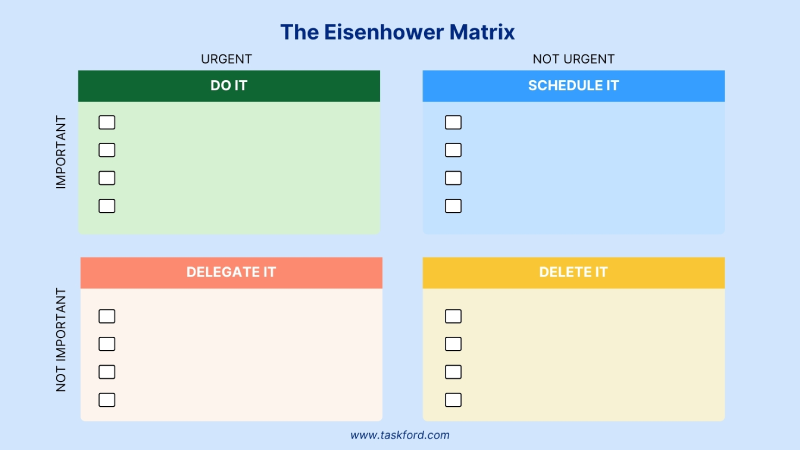
Prioritize tasks based on urgency and importance to focus on what matters most. Eisenhower Matrix helps employees avoid wasting time on low-value activities.
Connect Time Tracking to Real Execution with TaskFord
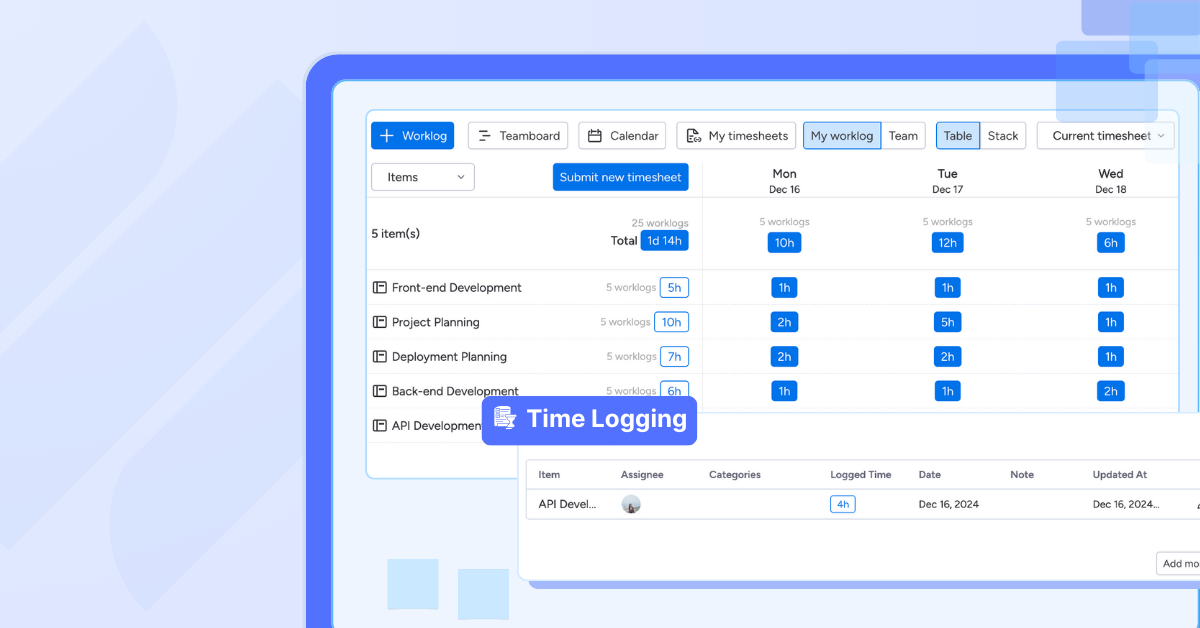
Tracking employee time shouldn’t feel disconnected from the work itself. With TaskFord, time tracking is fully integrated into your project and task management environment — so hours aren’t just recorded, they’re directly tied to execution.
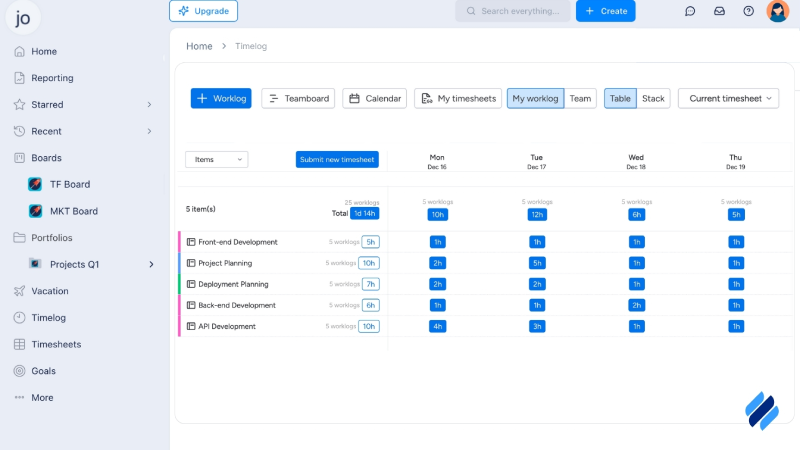
TaskFord allows employees to log time against specific tasks and projects, giving managers clear visibility into where effort is being spent. Instead of juggling separate systems for time tracking, project planning, and resource management, everything lives in one unified platform.
With TaskFord time tracking, organizations can:
- Log work hours in real time so records are always accurate
- Use a simple stopwatch to track time while working on tasks
- See team workload clearly to avoid overload and balance work fairly
- Submit and approve timesheets easily with a structured workflow
- Improve forecasting using historical time data
- Connect daily work hours to strategic goals
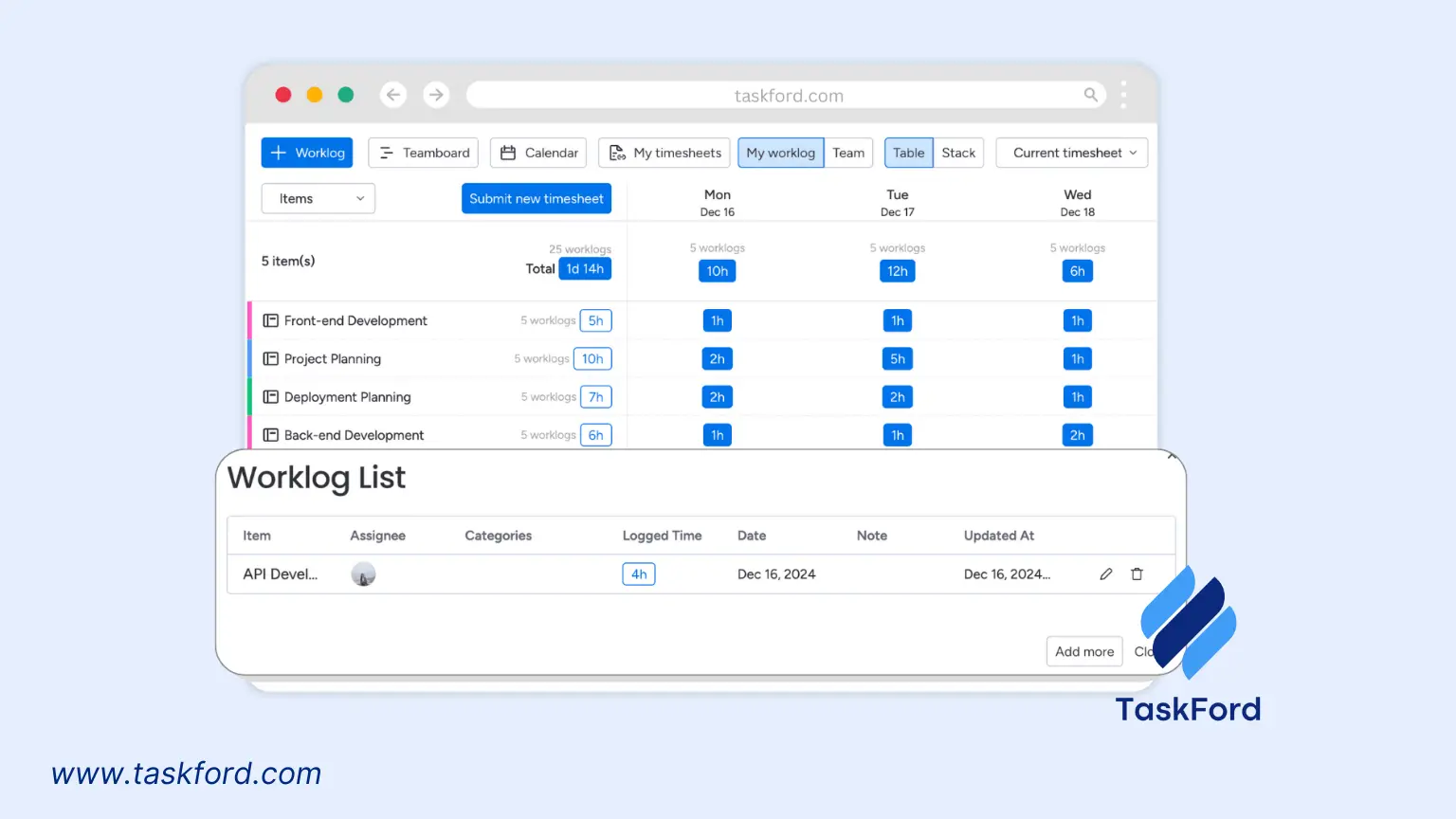
Because TaskFord is an Integrated Work Delivery Platform, time tracking isn’t isolated — it supports better planning, resource allocation, and delivery predictability across all critical projects.
When time data is connected to actual execution, organizations gain more than visibility — they gain control.
Challenges of Employee Time Tracking and How to Overcome Them
While time tracking offers numerous benefits, it can also present challenges. Here’s how to address common issues:
- Employee Resistance: Some employees may view time tracking as micromanagement. Overcome this by clearly communicating the benefits, such as fair compensation and improved project planning. Involve employees in the tool selection process to increase buy-in.
- Data Overload: Too much data can overwhelm managers. Use tools with advanced reporting features to filter and analyze data effectively.
- Privacy Concerns: Biometric or productivity monitoring tools may raise privacy concerns. Address this by choosing tools with customizable settings to disable screenshot tracking, and being transparent about data usage.
- Inaccurate Data: Manual tracking or inconsistent logging can lead to inaccuracies. Automate time tracking to ensure accurate and consistent data collection.
The Future of Employee Time Tracking
As technology advances, employee time tracking is becoming more sophisticated. Artificial intelligence (AI) and automation are transforming how businesses monitor time and productivity. AI-powered tools can analyze time data to predict project timelines, identify inefficiencies, and suggest optimizations.
Right now, TaskFord is all about giving you the core tools you need to manage projects effectively. But we’re also working on bringing in smart, AI-powered features to keep up with how teams are evolving. Whether you try out the tools we’ve listed or keep an eye on what’s coming next from TaskFord, using AI in project management is a smart way to stay ahead in 2026 and beyond.
Conclusion
Employee time tracking is more than just a tool for monitoring hours; it’s a strategic asset that drives productivity, accountability, and efficiency. By choosing the right methods and tools, such as the best employee time tracking software or a free time tracking app for freelancers, businesses can gain valuable insights into how time is spent and make data-driven decisions to improve performance.
Whether you’re managing a remote team, overseeing contractors, or running a small business, implementing time tracking with effective time management techniques can transform how your organization operates.
Learn more
- 10 Practical Time Management Tools & Techniques That Actually Work
- What’s Next for Time Tracking Software Trends? Key Innovation to Watch in 2026
- Manual vs. Automated Time Tracking: Which Method Saves You More Time?






































![How to Fill Out a Weekly Timesheet [+ Free Template Download]](/marketing/blog/weekly-timesheet-thumbnails.webp)





Subscribe for Expert Tips
Unlock expert insights and stay ahead with TaskFord. Sign up now to receive valuable tips, strategies, and updates directly in your inbox.