Manage Multiple Employee Timesheets Without Spreadsheets: 5 Tools to Consider
Explore 5 top tools to manage multiple employee timesheets, streamline payroll, and boost productivity. Learn expert tips to choose the best solution.
Managing multiple employee timesheets becomes difficult once teams outgrow spreadsheets. Late entries, broken formulas, and unclear approvals quickly lead to errors in payroll, billing, and reporting.
Spreadsheets weren’t built to handle time tracking at scale. They lack consistency, visibility, and reliable workflows—making it hard for managers to trust the data.
In this article, we’ll cover what an employee timesheet is, what managing multiple employee timesheets really requires, and five time tracking tools that help teams move beyond spreadsheets.
What is an Employee Timesheet?
An employee timesheet is a record used to track the time an employee spends working during a specific period, such as daily, weekly, or monthly. It typically captures hours worked, tasks or activities completed, and the projects or clients those hours are assigned to.
Read Also: The Ultimate Guide to Timesheets
Employee timesheets are used to ensure accurate payroll, track project costs, and understand how work time is distributed across teams. For managers, timesheets provide visibility into workload, productivity, and capacity, helping them plan resources and timelines more effectively. When managed consistently, employee timesheets also support compliance, reporting, and informed decision-making across the organization.
What Managing Multiple Employee Timesheets Really Requires
Managing multiple employee timesheets requires more than collecting hours at the end of the week. As teams grow, consistency, visibility, and control become just as important as accuracy.
To work effectively, teams need a centralized system where all employee timesheets live in one place, using standardized formats so data is consistent across roles and departments. Clear review and approval workflows are essential to catch errors early and avoid last-minute payroll or billing issues.
Managers also need real-time visibility into time logged across employees, projects, and time periods. This makes it easier to monitor workload, plan capacity, and spot issues before they affect delivery. Without these fundamentals, managing multiple employee timesheets quickly turns into a manual, error-prone process.
Key Features to Look for in Tools for Multiple TimeSheet Employees
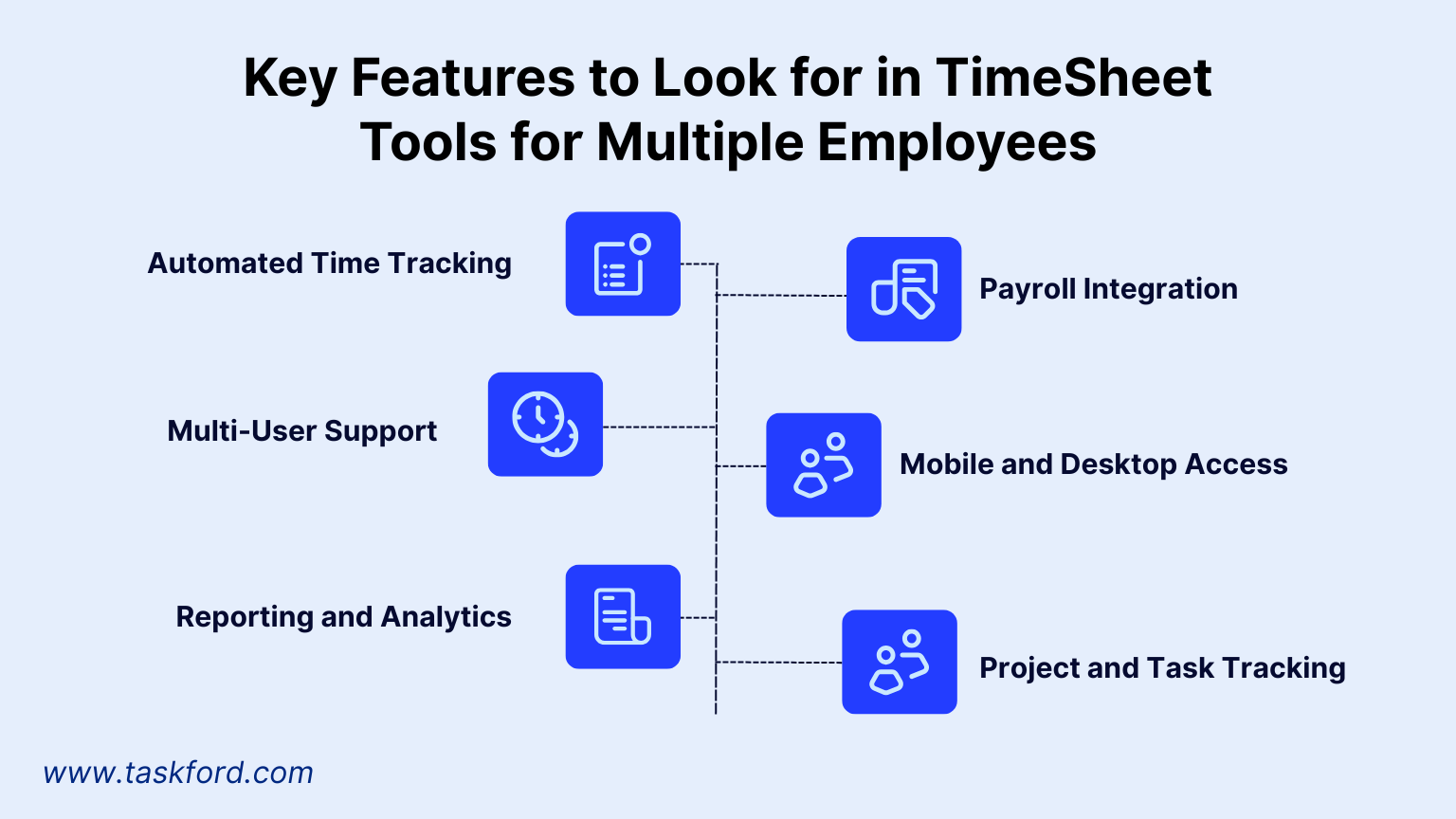
Before diving into the top tools, it’s worth understanding what makes a time management solution effective for managing multiple employee timesheets. Here are the essential features to prioritize:
- Automated Time Tracking: Reduces manual entry errors by logging hours automatically.
- Multi-User Support: Allows tracking for multiple employees with customizable permissions.
- Reporting and Analytics: Provides insights into time allocation, productivity, and project progress.
- Payroll Integration: Simplifies wage calculations and compliance with labor laws.
- Mobile and Desktop Access: Ensures employees can log time from any device, especially for remote or field teams.
- Project and Task Tracking: Enables time allocation to specific projects or clients for accurate billing.
With these features in mind, let’s explore five time tracking tools that excel in managing timesheets for multiple employees.
Top 5 Time Tracking Tools for Managing Multiple Employee Timesheets
Not all time tracking tools are built to handle multiple employee timesheets at scale. The tools below are selected based on how well they centralize timesheets, support approvals, and give managers visibility across teams and projects—without relying on spreadsheets.
1. TaskFord
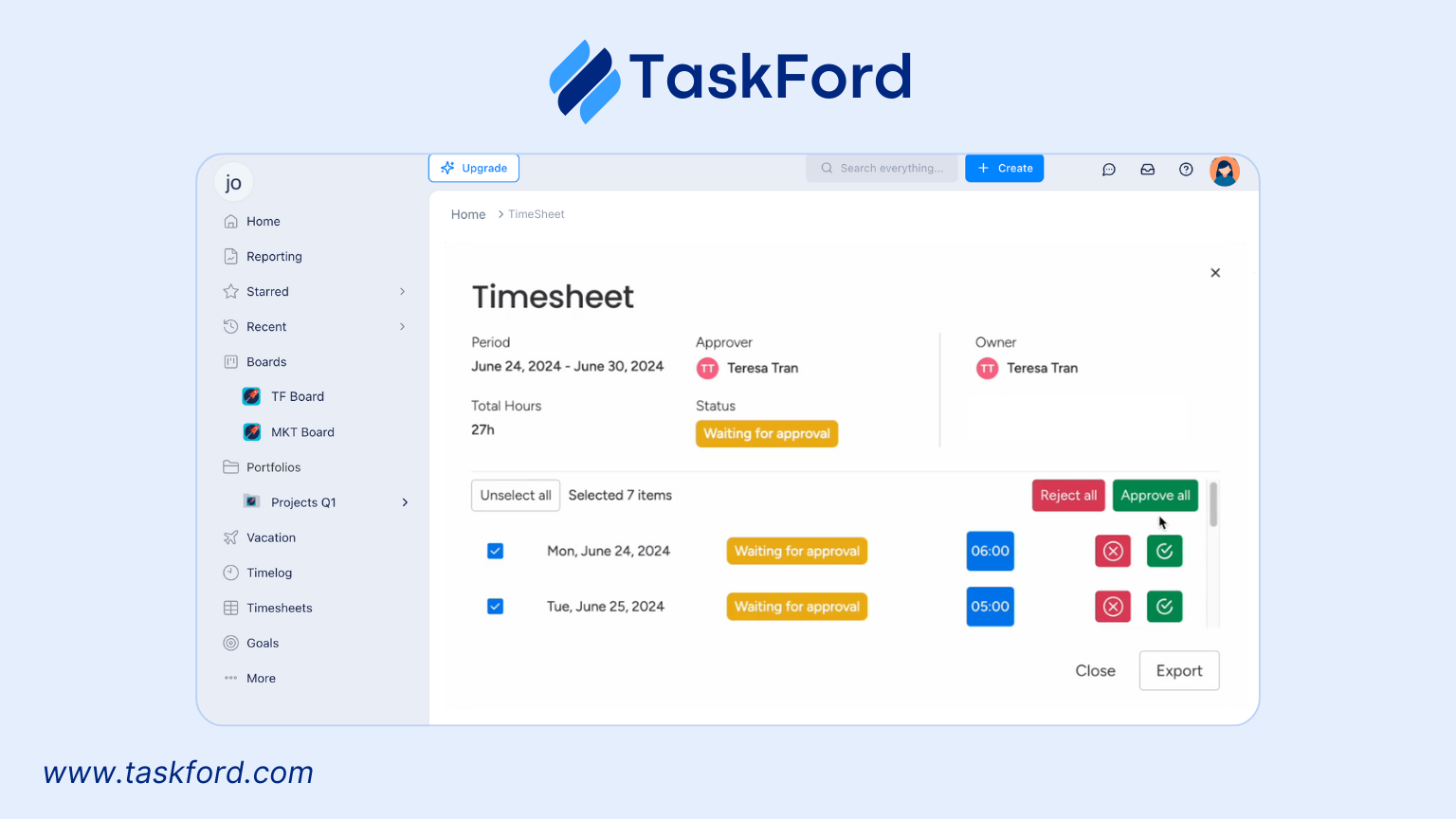
TaskFord is an integrated work delivery platform that goes beyond basic time tracking. It helps organizations manage multiple employee timesheets while keeping time data connected to strategic goals, project plans, and daily execution.
Employees can log hours manually or using a timer, while managers review, approve, and report on timesheets from a centralized view. TaskFord is well suited for teams with complex roles and multiple projects, where time tracking needs to support visibility, coordination, and predictable delivery, not just record hours.
- Time Log: Employees can easily record hours worked, with options to categorize time by task, project, or client.
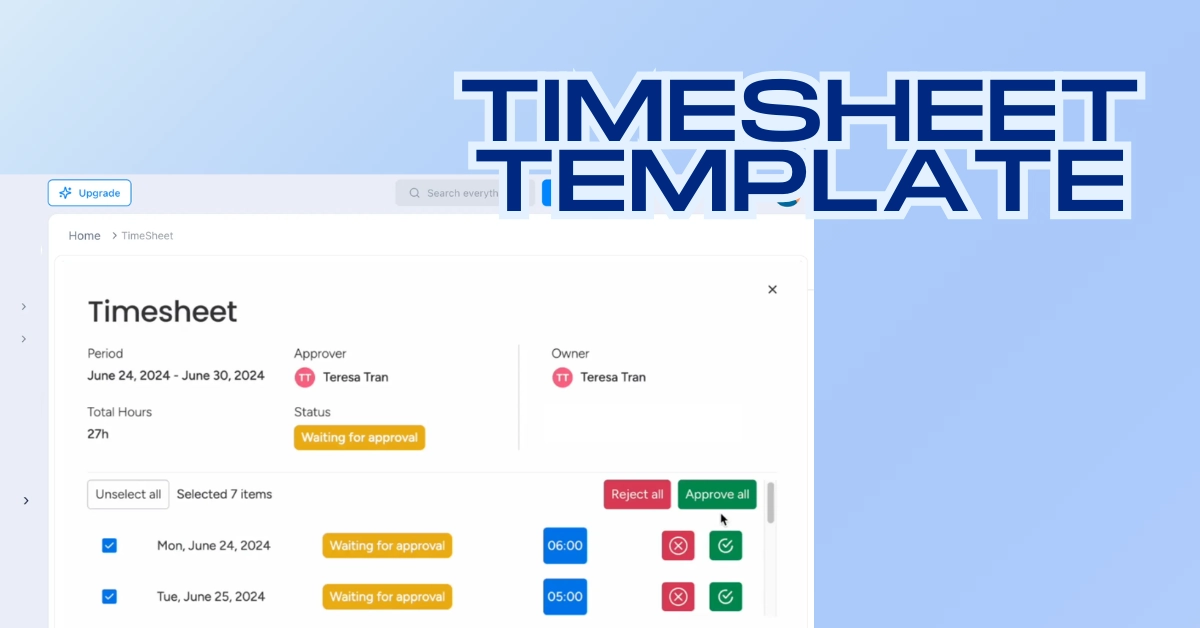
- Timesheet Approval: Managers can review and approve employee timesheets while customizable access levels can control who can view, edit, or approve timesheets.
- Approval History: Tracks all timesheet approvals and rejections, providing an audit trail for accountability.
- Individual and Team Timesheet Views: Offers flexible views to monitor individual employee hours or team timesheets.
- Dashboard: Centralized interface for managers to track team productivity, project hours, and timesheet status at a glance.
- Leave Management: Tracks vacation and leave requests, integrating them into timesheets and schedules for accurate capacity planning.
Why It’s Great for Multiple Employees: TaskFord’s multi-user dashboard and customizable views enable managers to monitor timesheets for multiple employees effortlessly, with filters for teams, projects, or individuals. Its approval history and granular permissions provide transparency and control, minimizing administrative tasks and ensuring compliance.
Pricing: TaskFord offers three plans
- Free trial: Available (no credit card required) – For small teams getting started, with core project planning features and limited users, boards, and storage.
- Pro ($5/user/month) – For growing teams, with higher limits and improved collaboration.
- Premium ($10/user/month) – For larger teams, adding time tracking, docs, forms, and increased capacity. (TaskFord Pricing Plans)
2. TimePlanner
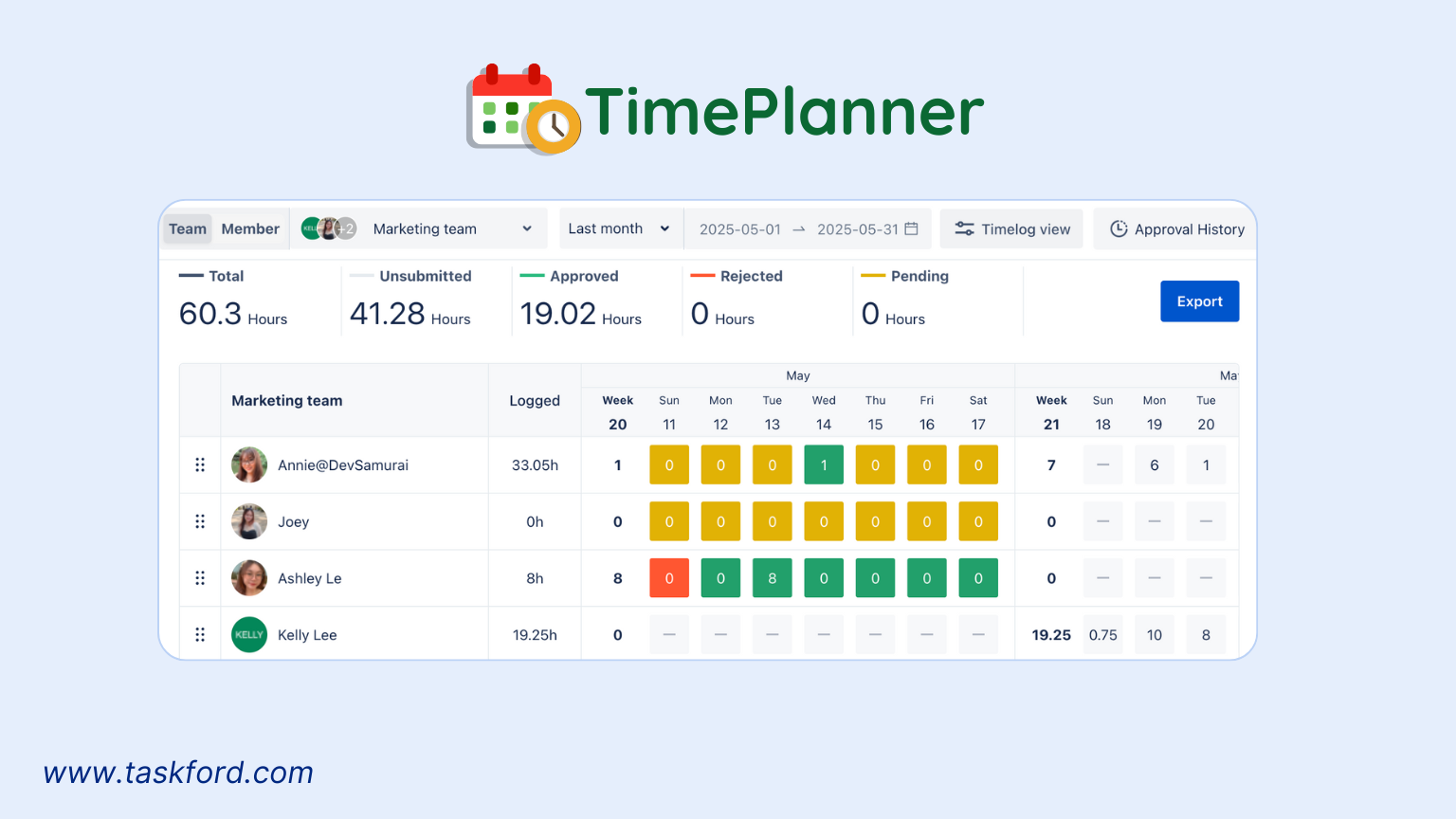
TeamBoard TimePlanner is a plugin for Jira, designed to enhance resource planning and timesheet tracking for teams using Jira for resource management. It offers a modern visual interface for managing employee schedules and timesheets, making it ideal for software development and project-driven teams.
Key Features:
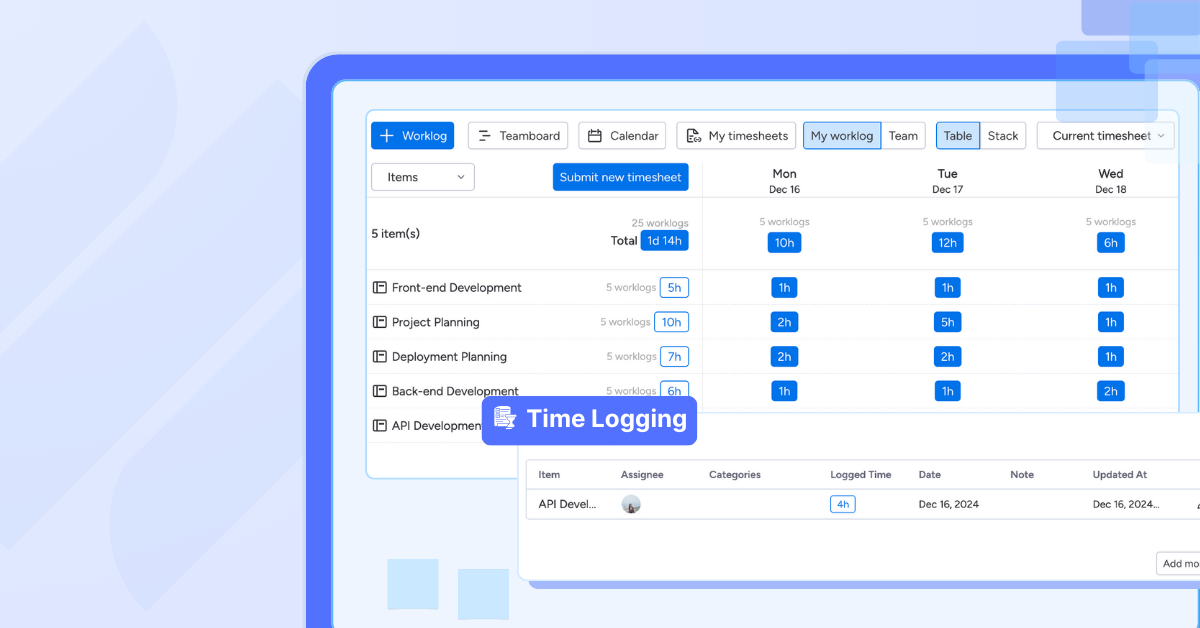
- Time Tracking and Timesheets: Employees can log hours directly within Jira issues using a real-time timer or manual entry, with timesheets submitted for approval.
- Resource Planning: Managers can allocate tasks and visualize team capacity on a dynamic schedule board or calendar view, accounting for holidays and leave.
- Approval Workflow: Structured process for timesheet submissions and approvals, ensuring accuracy and accountability.
- Comprehensive Reporting: Generates detailed reports on time logs, project costs, and resource utilization, exportable to Excel.
Why It’s Great for Multiple Employees: TeamBoard TimePlanner for Jira allows managers to oversee timesheets and resource allocation for multiple employees within a single platform. Its visual board and approval workflow streamline timesheet management, while resource planning features ensure balanced workloads, especially for teams with complex projects.
Pricing: Free up to 10 users (for team on Jira), for teams with more than 10 users, it offers a 30-day free trial available on the Atlassian Marketplace.
3. Clockify
Clockify is a popular time tracking software for small businesses looking for a cost-effective solution. Its free plan supports unlimited users, making it accessible for growing teams with tight budgets.
Key Features:
- Manual and Timer-Based Tracking: Employees can log hours manually or use a timer for real-time tracking.
- Team Management: Managers can view and approve timesheets for multiple employees in a single interface.
- Reporting Tools: Generates reports on time allocation, billable hours, and project progress.
Why It’s Great for Multiple Employees: Clockify’s free plan is a major draw, allowing businesses to track timesheets for multiple employees without upfront costs. Its simple interface ensures quick adoption, even for non-tech-savvy teams.
Pricing: Free for unlimited users, premium plans start at $3.99/user/month.
4. QuickBooks Time
Formerly known as TSheets, QuickBooks Time is tailored for businesses that prioritize payroll and client billing. Its robust features make it a go-to for industries like construction and healthcare.
Key Features:
- Geofencing: Ensures employees clock in/out from designated locations, ideal for field teams.
- Timesheet Approvals: Managers can review and approve timesheets from any device.
- Project Tracking: Tracks time against specific jobs or clients for accurate invoicing.
Why It’s Great for Multiple Employees: QuickBooks Time simplifies payroll by automatically syncing timesheet data, reducing errors for teams with multiple employees. Its geofencing feature is a standout for businesses with on-site workers.
Pricing: Starts at $20/month for one user, plus $8/user/month.
5. Time Doctor
Time Doctor is a powerful tool for businesses with remote or distributed teams. It combines time tracking with productivity analytics, making it a favorite for managers who need detailed insights into how employees spend their time.
Key Features:
- Automated Tracking: Captures time spent on tasks, apps, and websites, with optional screenshots for accountability.
- Multi-Employee Dashboards: Managers can monitor timesheets for entire teams, with breakdowns by project or task.
- Attendance Monitoring: Tracks late arrivals and absences to ensure compliance with work schedules.
Why It’s Great for Multiple Employees: Time Doctor’s ability to track time across multiple employees and projects makes it easy to manage complex workflows. Its reporting tools help identify productivity bottlenecks, which is especially useful for remote teams.
Pricing: Starts at $7/user/month, with a 14-day free trial.
Learn more: The Best Employee Time Tracking Apps in 2026 for Project Managers and Team Leads
How to Transition Away From Spreadsheets Smoothly
Moving away from spreadsheets doesn’t have to disrupt your team—if it’s done with the right preparation. The key is to treat the transition as a process change, not just a tool change.
- Start by standardizing how time is tracked. Define what employees should log, how often timesheets are submitted, and how approvals work. This consistency makes it easier to migrate data and avoid confusion.
- Next, introduce the new tool gradually. Run it alongside spreadsheets for a short period, give employees clear guidance, and address questions early. Managers should reinforce expectations and review timesheets regularly to build good habits.
- Finally, use the tool’s reporting and visibility features to replace manual checks. When teams see that time data is accurate, accessible, and actually useful, adoption improves and spreadsheets quickly become unnecessary.
Conclusion
Managing multiple employee timesheets with spreadsheets quickly becomes inefficient as teams grow. Manual entry, inconsistent formats, and limited visibility make it difficult to maintain accuracy and control.
Moving to a dedicated time tracking tool helps centralize timesheets, standardize processes, and provide managers with reliable insight across employees, projects, and time periods. With the right system in place, timesheet management becomes easier, more accurate, and better aligned with payroll, planning, and delivery needs.
By choosing a tool that fits your team’s structure and transitioning thoughtfully, organizations can move beyond spreadsheets and manage multiple employee timesheets with confidence.
You May Also Like:
- 10 Timesheet Template Tricks to Simplify Time Logging for Your Team.
- How to Fill Out a Weekly Timesheet [+ Free Template Download].





























![How to Fill Out a Weekly Timesheet [+ Free Template Download]](/marketing/blog/weekly-timesheet-thumbnails.webp)





Subscribe for Expert Tips
Unlock expert insights and stay ahead with TaskFord. Sign up now to receive valuable tips, strategies, and updates directly in your inbox.