Resource Utilization Explained: How to Measure and Improve Team Efficiency
Learn and optimize resource utilization to boost team efficiency and project success using practical strategies and tools like TaskFord. Learn how to get started
Resource utilization is a cornerstone of effective project management and team performance. It’s about making the most of your team’s time, skills, and tools to achieve goals without wasting effort or resources. For businesses aiming to boost efficiency, understanding how to measure and improve resource utilization is critical.
This blog dives deep into what resource utilization means, why it matters, and how you can optimize it to enhance team productivity. We’ll explore practical strategies, metrics, and tools to help you master resource management and resource planning.
What is Resource Utilization?
Resource utilization measures how well you use your team’s resources. These resources include people, time, tools, and budget. It shows if you’re maximizing your team’s capacity, resource planning or leaving potential untapped.
Think of it like packing a suitcase. You want to fit everything you need without overstuffing or leaving empty space. High utilization means your team is productive but not overwhelmed. Low utilization signals wasted time or misallocated skills.
Poor utilization creates two main issues:
- Overutilization: Team members are stretched too thin, leading to stress or missed deadlines.
- Underutilization: Resources sit idle, costing money and slowing progress.
Good resource management finds the balance where your team performs at its best.
Why Resource Utilization Matters
Effective resource utilization directly impacts a company’s bottom line. When resources are used wisely, projects are completed on time, budgets are respected, and team morale stays high. Here’s why prioritizing resource utilization is a game-changer:
- Cost Efficiency: Maximizing resource use reduces waste, whether it’s time, money, or materials. Efficient resource planning ensures you’re not overspending on underused tools or hiring more staff than needed.
- Team Productivity: When tasks are assigned based on skills and availability, teams work more effectively. Proper resource utilization prevents bottlenecks and keeps projects moving.
- Client Satisfaction: Efficient teams deliver projects on time and within scope, leading to happier clients and stronger relationships.
- Employee Well-Being: Balanced resource utilization prevents overwork, reducing stress and turnover while fostering a positive work environment.
For example, a marketing agency that tracks resource utilization might notice that one designer is overloaded with tasks while another has spare capacity. By redistributing work, they can improve efficiency and prevent burnout. This kind of insight is only possible with proper resource management practices.
Metrics to Measure Resource Utilization
To improve resource utilization, you first need to measure it. Tracking utilization rates helps you identify inefficiencies and make data-driven decisions. Here are the key metrics and methods to measure resource utilization:
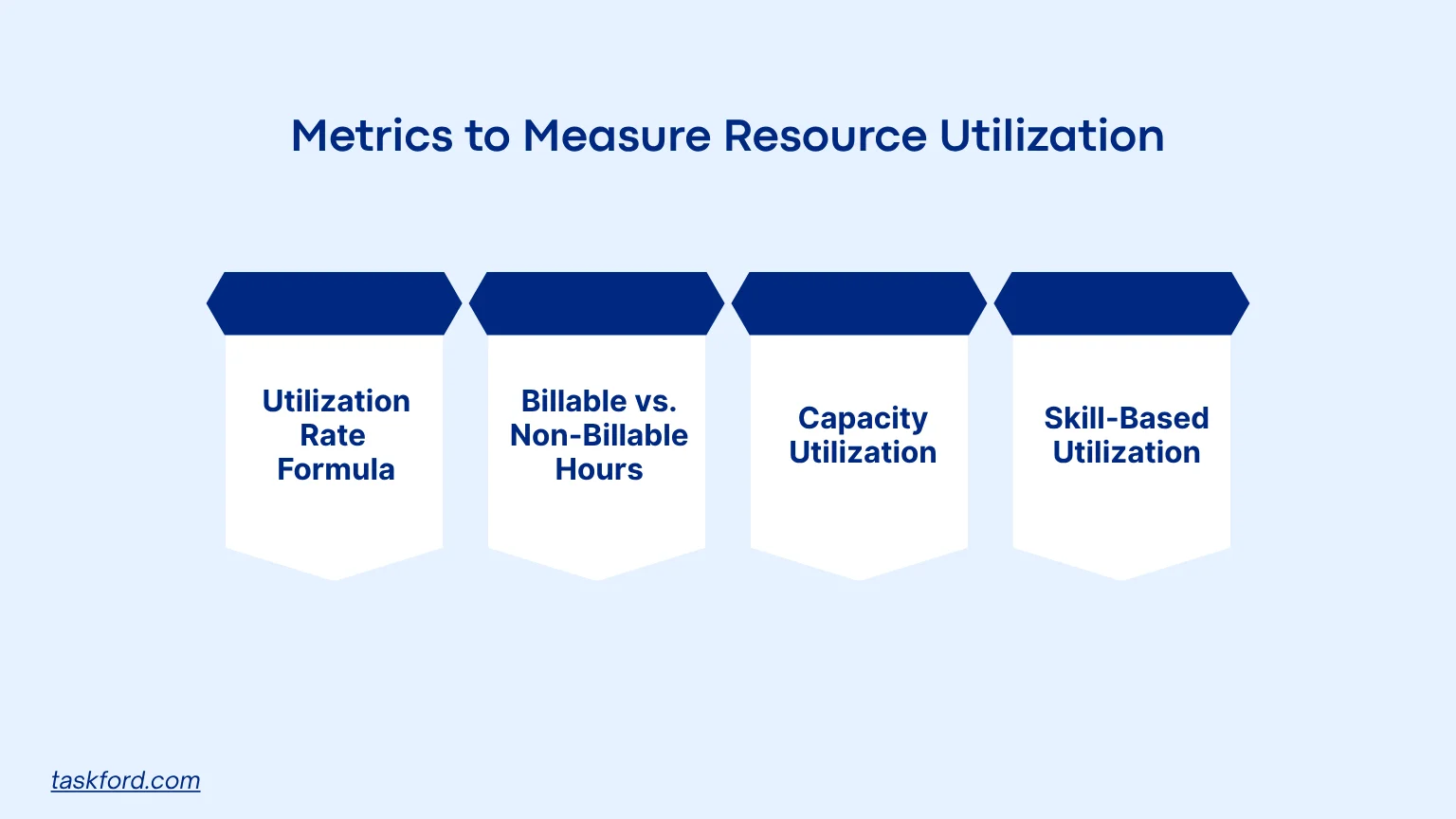
1. Utilization Rate Formula
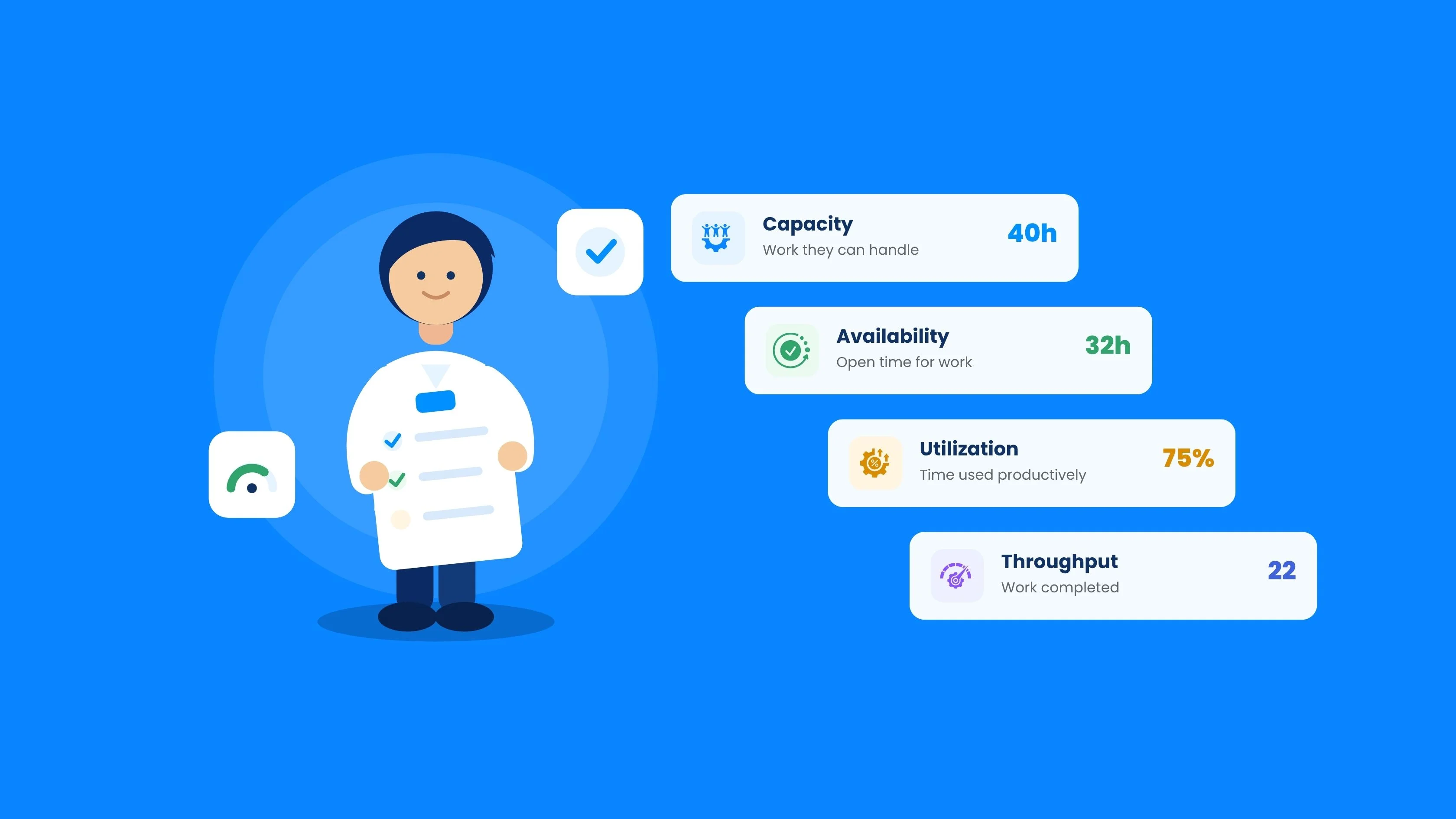
The utilization rate is the most common metric for assessing resource efficiency. It measures the percentage of time a resource is actively working on productive tasks compared to their total available time. The formula is:
Utilization Rate (%) = (Billable Hours / Total Available Hours) × 100
For example, if a developer has 40 hours available in a week and spends 32 hours on client projects, their utilization rate is: (32 / 40) × 100 = 80%
A utilization rate of 80% is generally considered healthy, as it leaves room for non-billable tasks like training or administrative work. Rates above 90% may indicate overutilization, while rates below 70% suggest underutilization.
2. Billable vs. Non-Billable Hours
Breaking down hours into billable (client-facing work) and non-billable (meetings, training, or downtime) provides deeper insight into resource utilization. A team member spending too much time on non-billable tasks may indicate poor resource planning or inefficient processes.
3. Capacity Utilization
Capacity utilization measures how much of a team’s total capacity is being used. For instance, if a team of 10 employees has a collective capacity of 400 hours per week but only 300 hours are used for productive tasks, the capacity utilization rate is 75%. This metric helps identify whether you’re underusing your team’s potential.
4. Skill-Based Utilization
This metric focuses on whether team members are working on tasks that match their skills. For example, assigning a senior developer to basic tasks is a poor use of their expertise. Tracking skill-based utilization ensures resources are allocated to the right tasks, boosting efficiency and job satisfaction.
8 Strategies to Improve Resource Utilization
Optimizing resource utilization boosts efficiency and keeps projects on track. Here are eight practical strategies to improve how your team uses resources:
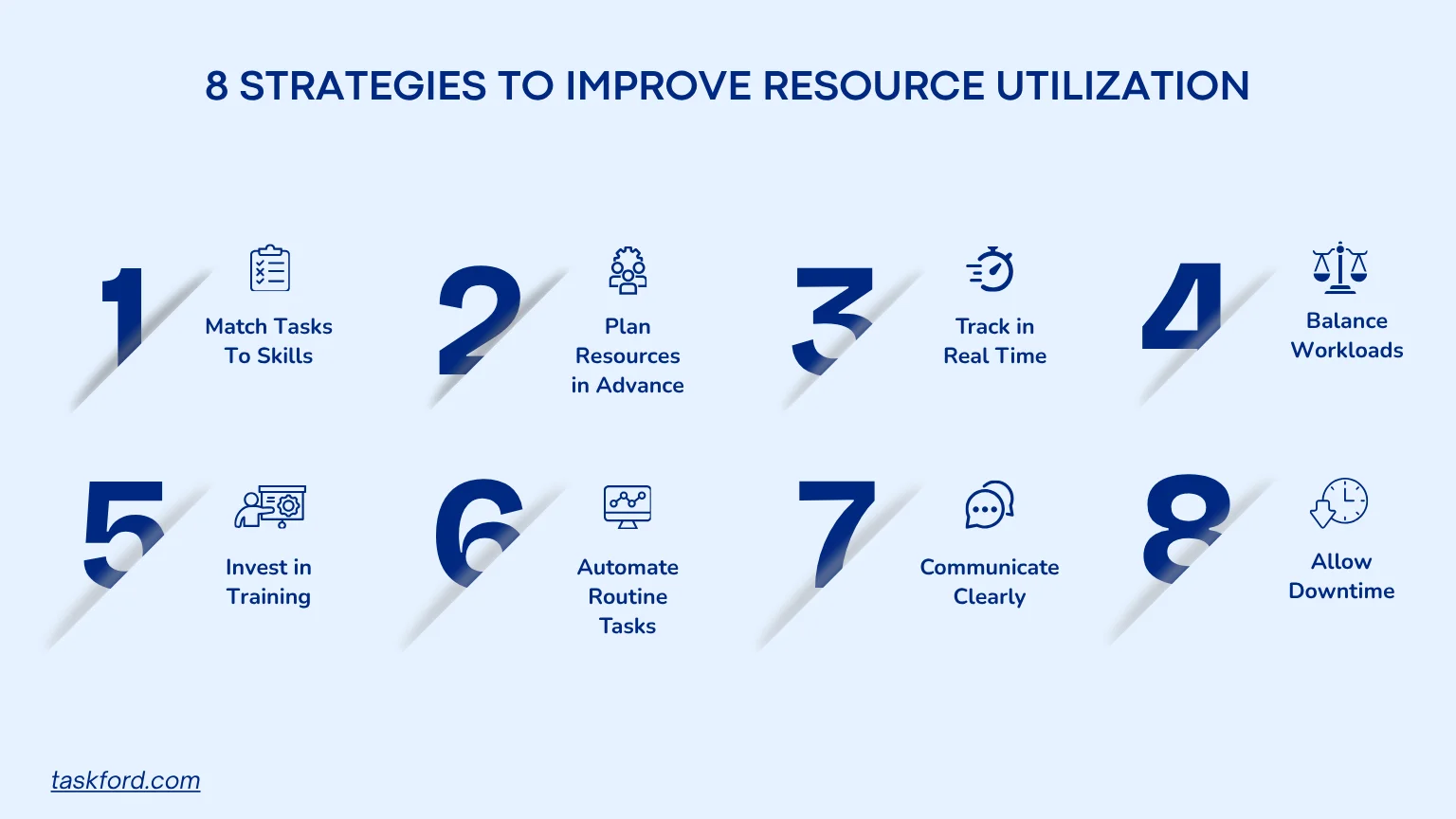
1. Match Tasks to Skills
Assigning work based on employee strengths helps teams complete tasks faster and produce better results. When people work in areas where they have expertise, productivity increases while frustration decreases.
- Maintain a skills matrix for your team.
- Assign specialized work to employees with relevant experience.
- Review skill alignment regularly as projects evolve.
2. Plan Resources in Advance
Resource planning should start before project execution. Forecasting workload and identifying future capacity needs helps prevent last-minute staffing issues and scheduling conflicts. A well-structured resource plan also makes it easier to anticipate bottlenecks and allocate resources effectively throughout the project lifecycle.
3. Track Utilization in Real Time
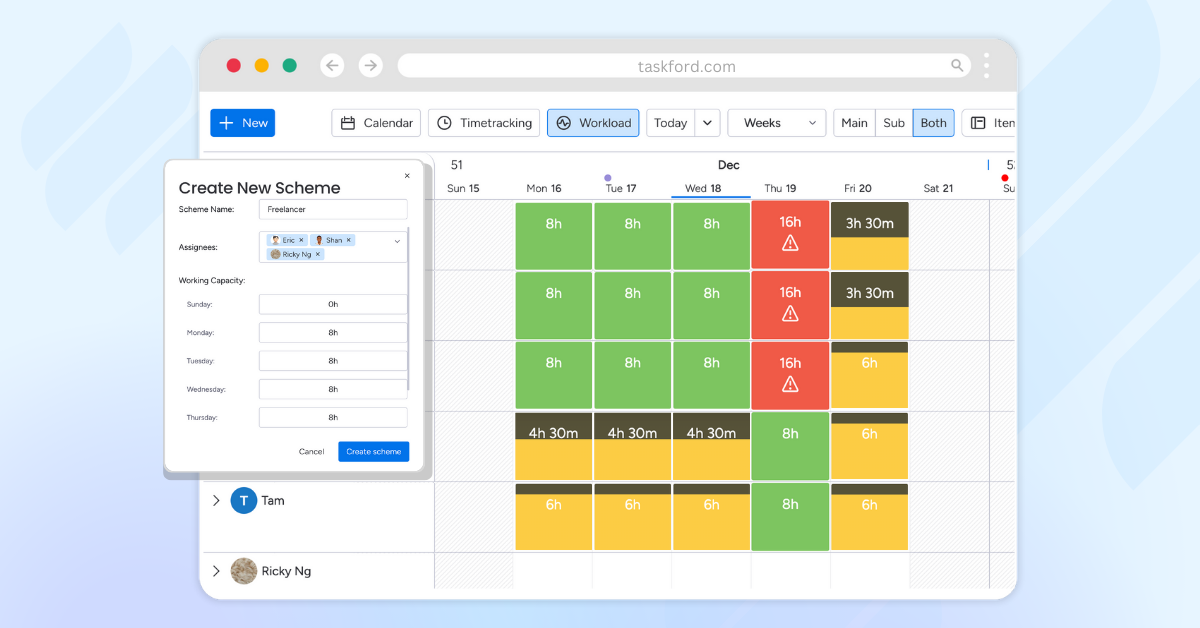
Monitoring resource utilization as work progresses allows managers to spot imbalances early. Real-time visibility helps identify overloaded employees, underutilized resources, and projects that may be falling behind schedule.
Tools like TaskFord provide insights into time spent, workload distribution, and project progress, making it easier to adjust assignments before productivity is impacted.
4. Balance Workloads
Uneven workloads can lead to burnout for some employees while others remain underutilized. Regular workload reviews help managers distribute work more fairly and maintain consistent productivity across the team.
Signs that workload balancing may be needed include:
- Frequent overtime from specific team members.
- Delayed task completion.
- Employees with significant idle time.
- Reduced team morale or engagement.
5. Automate Routine Tasks
Repetitive administrative work can consume valuable time that could be spent on higher-value activities. Automating processes such as reporting, notifications, and status updates helps teams focus on strategic work while reducing manual effort and errors.
6. Communicate Clearly
Clear communication helps eliminate misunderstandings, duplicated work, and unnecessary delays. Establishing consistent communication channels ensures team members understand priorities, responsibilities, and deadlines.
Regular check-ins, project updates, and collaborative workspaces can help keep everyone aligned and working efficiently.
7. Invest in Training
Employees with broader skill sets can contribute to a wider range of projects, improving overall resource flexibility. Ongoing training also helps teams adapt to changing project requirements and industry trends.
Consider investing in:
- Technical certifications.
- Cross-functional training.
- Leadership development programs.
- Software and tool proficiency training.
8. Allow Downtime
Keeping employees busy 100% of the time is rarely sustainable. Strategic downtime allows team members to participate in training, innovation initiatives, process improvements, and knowledge sharing activities.
Most organizations aim for a utilization rate that balances productivity with flexibility, helping prevent burnout while supporting long-term performance.
Common Challenges in Resource Utilization
Even with the best intentions, improving resource utilization comes with challenges. Here’s how to address common roadblocks:
- Lack of Visibility: Without clear data on team availability or project demands, resource planning becomes guesswork. Solution: Use resource management software to gain real-time insights into capacity and utilization.
- Scope Creep: Expanding project scopes can strain resources. Solution: Define clear project boundaries and use change management processes to handle scope changes.
- Employee Resistance: Team members may resist changes to their workload or tasks. Solution: Involve employees in resource planning and explain how optimization benefits both the team and the organization.
- Inaccurate Forecasting: Poor demand forecasting can lead to over- or underutilization and increase the risks of resources, such as skill gaps, availability issues, and unexpected workload changes. Solution: Use historical data and predictive analytics to improve resource planning accuracy.
- Recurring Issues: Persistent inefficiencies or workload imbalances can signal deeper problems in team processes. Solution: Conduct an RCA (Root Cause Analysis) to identify underlying causes and implement targeted corrective actions.
Real-World Example: Resource Utilization in Action
Consider a mid-sized IT consulting firm struggling with project delays and uneven workloads. By implementing resource management software, they discovered that 20% of their team was consistently overutilized, leading to burnout, while 30% was underutilized due to mismatched skills. They took the following steps:
- Assessed Utilization Rates: Used TaskFord to track billable hours and identify imbalances.
- Redistributed Tasks: Reassigned tasks to align with employee skills, reducing overutilization.
- Invested in Training: Provided training to underutilized staff, enabling them to take on more complex tasks.
- Improved Planning: Created a resource plan to forecast demand and allocate resources proactively.
Within three months, the firm increased its average utilization rate from 65% to 82%, reduced project delays by 40%, and improved employee satisfaction. This example shows how data-driven resource management can transform team efficiency.
The Role of Technology in Resource Utilization
Technology plays a pivotal role in optimizing resource utilization. Modern resource management tools provide visibility, automation, and analytics to make informed decisions. Here’s how these tools can help:
- Real-Time Tracking: Monitor utilization rates and adjust assignments on the fly.
- Capacity Planning: Forecast resource needs based on project pipelines and team availability.
- Analytics and Reporting: Generate reports to identify trends, such as recurring underutilization or overworked team members.
- Collaboration Features: Enable teams to communicate and share updates, reducing miscommunication.
By leveraging technology, businesses can move from reactive resource management to proactive resource planning, ensuring every project runs smoothly.
How TaskFord Improves Resource Utilization
Improving resource utilization requires visibility into team capacity, workloads, project schedules, and actual time spent on work. TaskFord brings these elements together in a single platform, helping managers allocate resources effectively, balance workloads, and make data-driven planning decisions.
Resource Scheduler
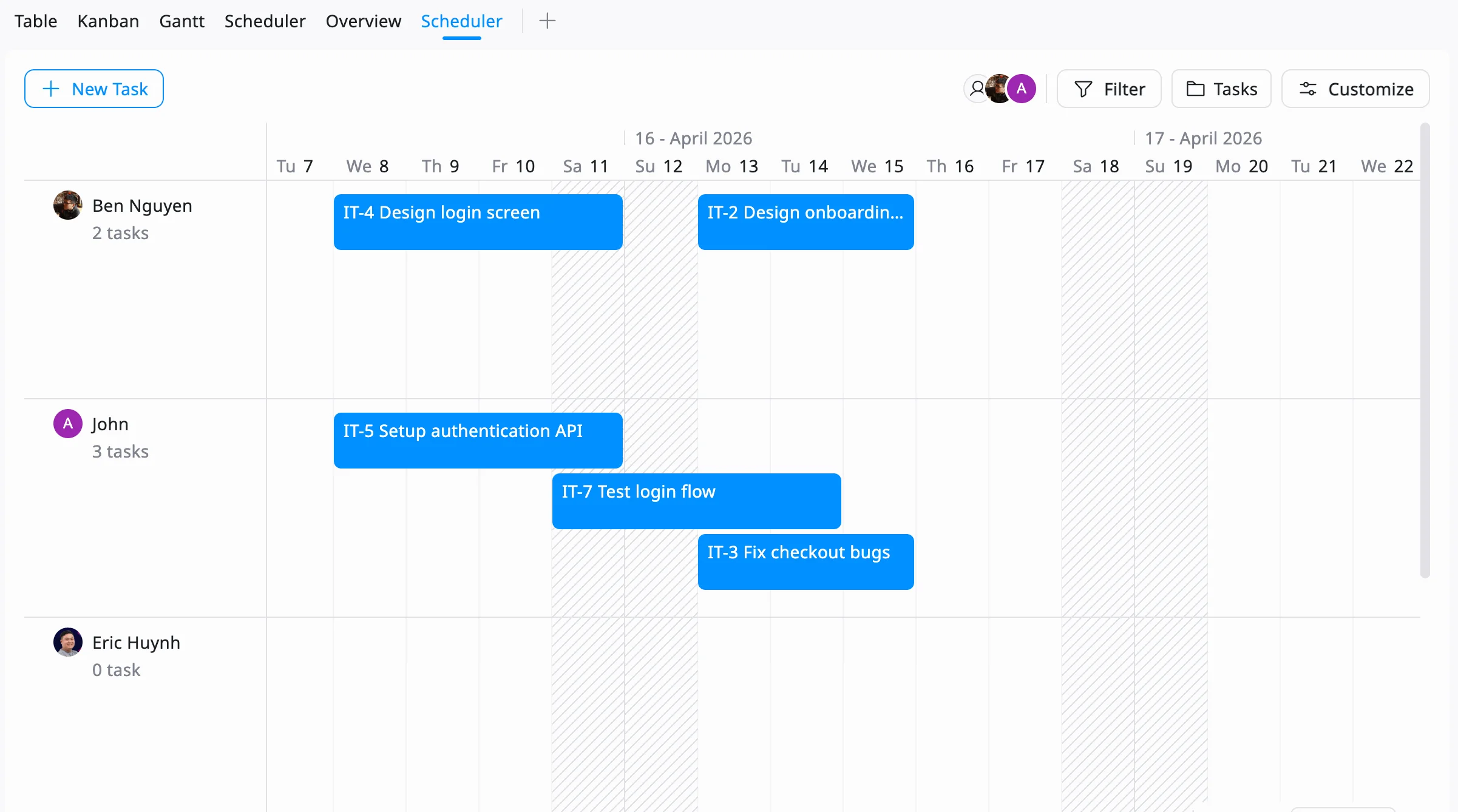
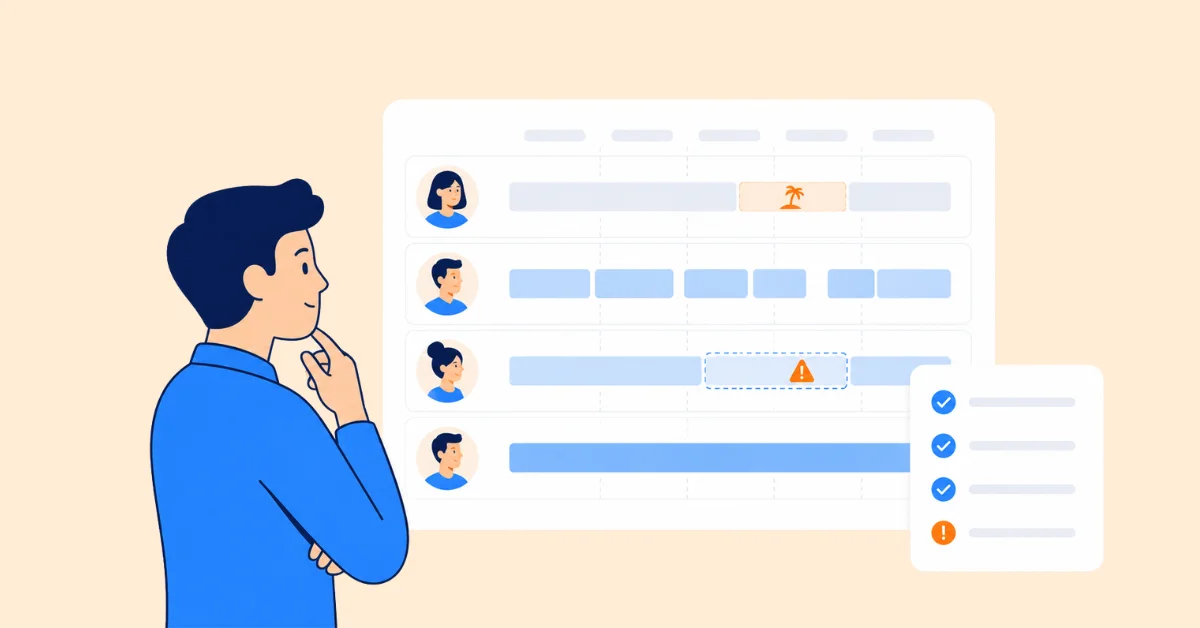
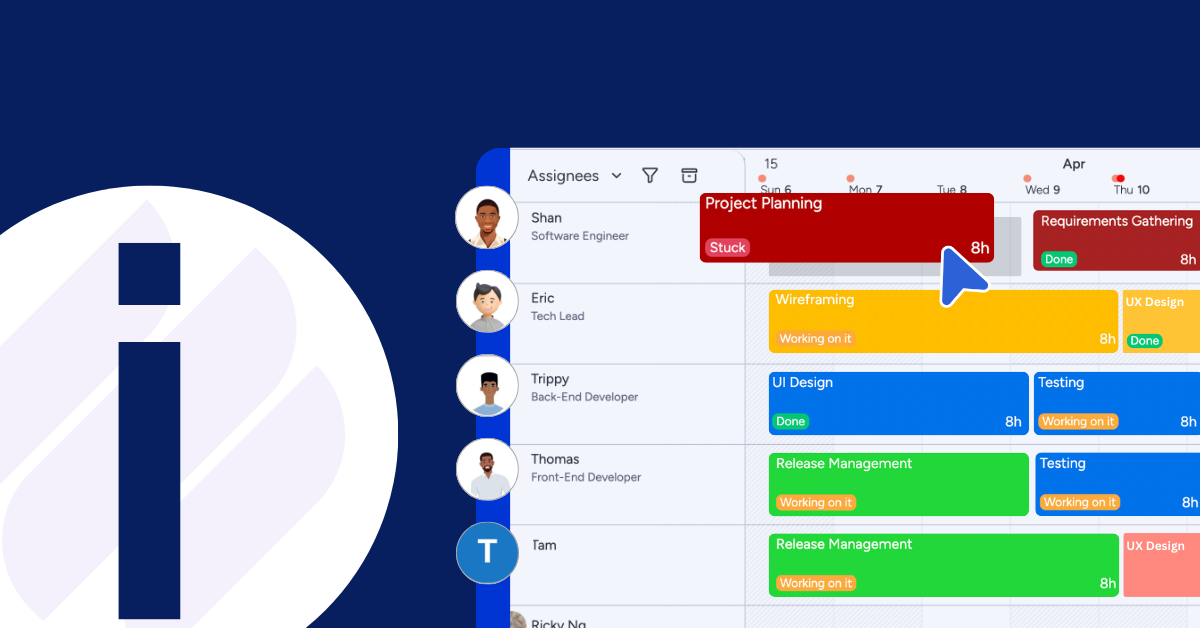
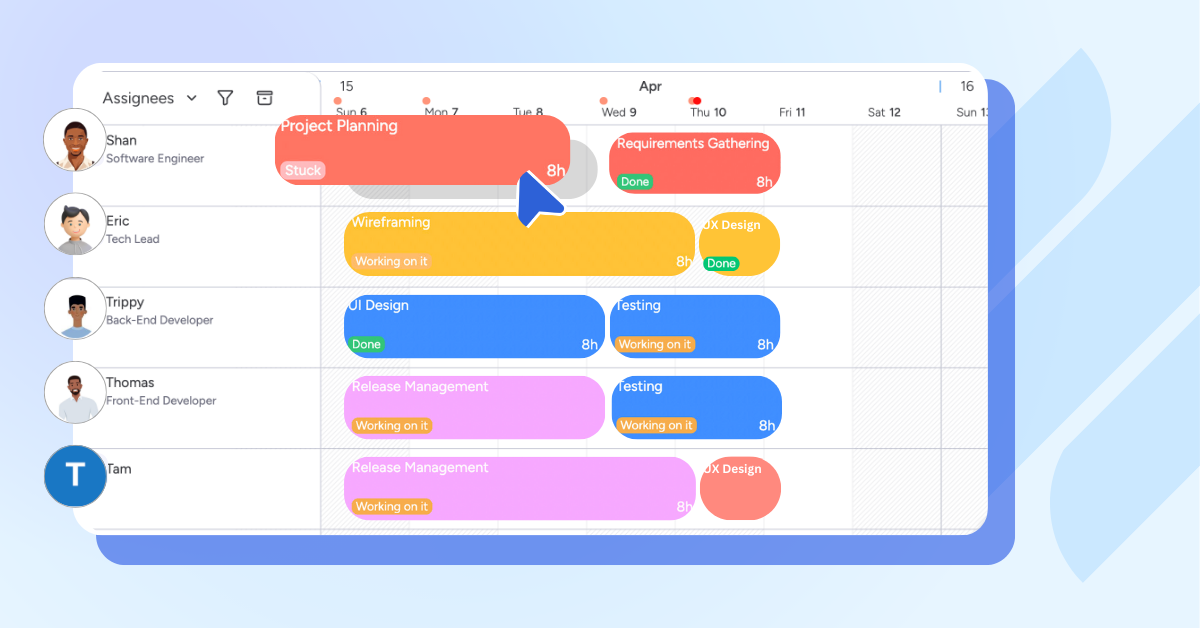
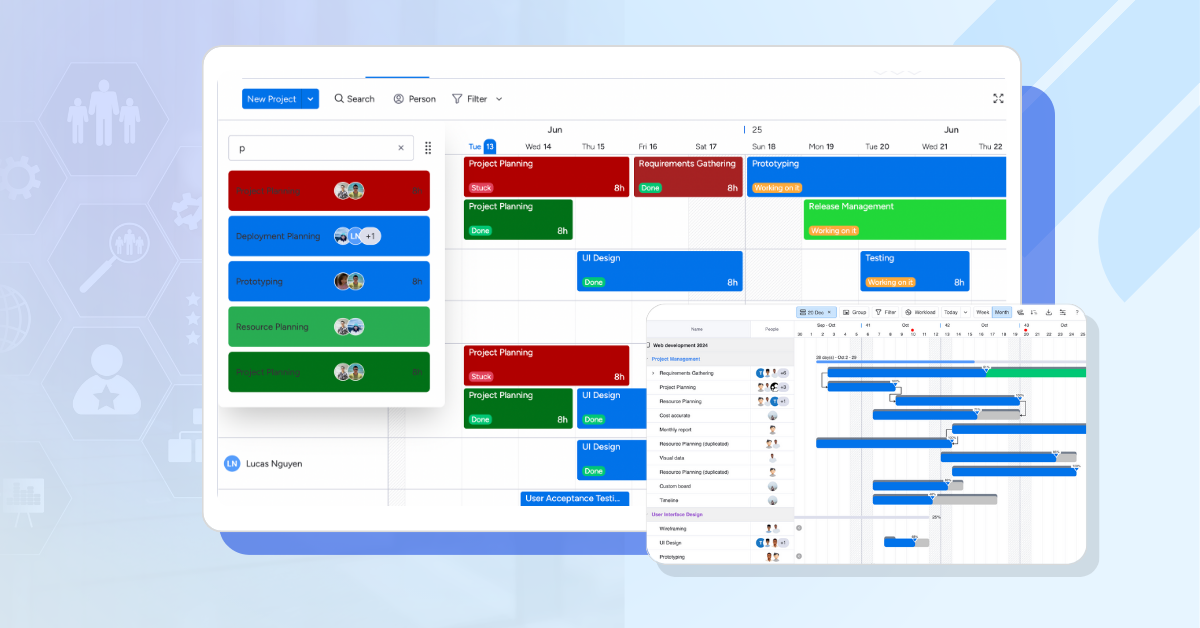
TaskFord’s Resource Scheduler allows managers to assign tasks directly on a visual timeline, making it easy to see who is available and when. By scheduling work based on team capacity and project deadlines, managers can prevent resource conflicts, avoid overbooking employees, and ensure resources are allocated efficiently across multiple projects.
Gantt Charts
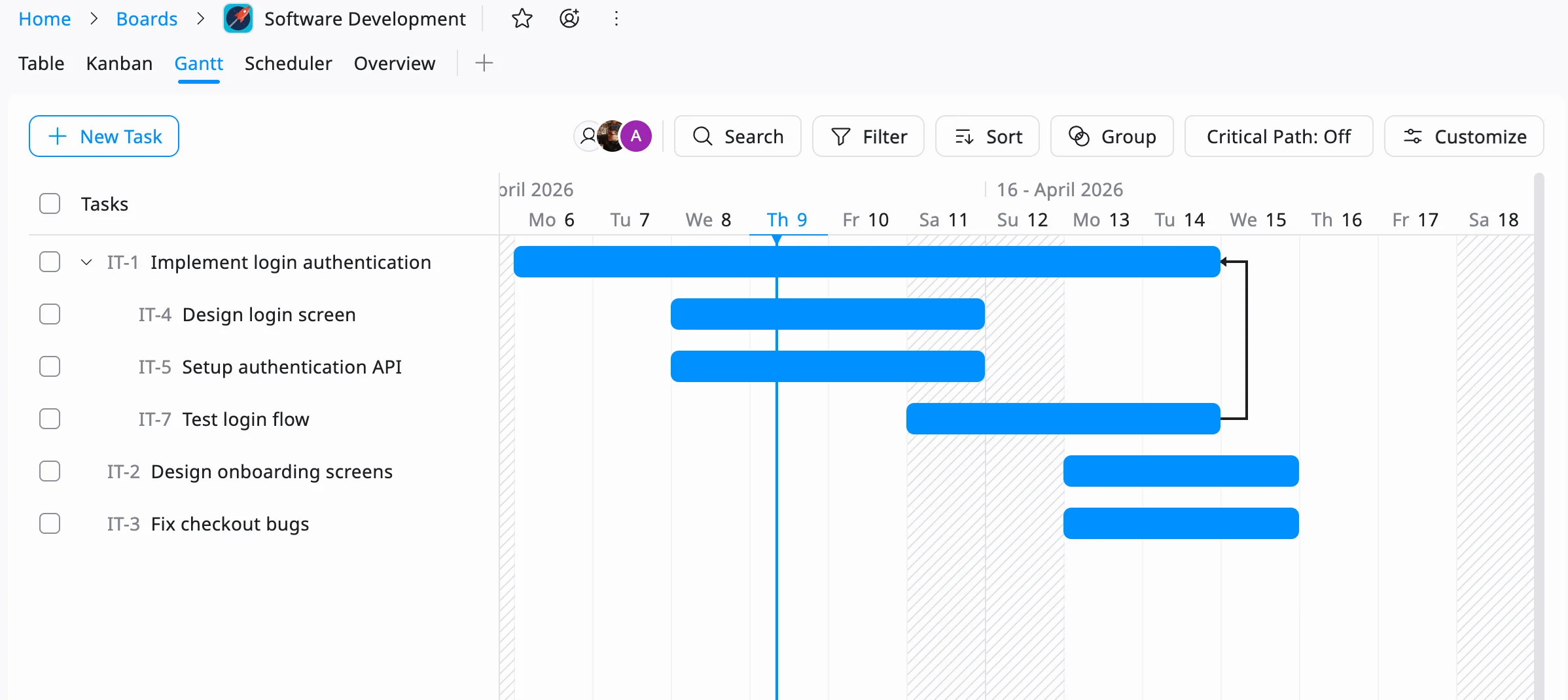
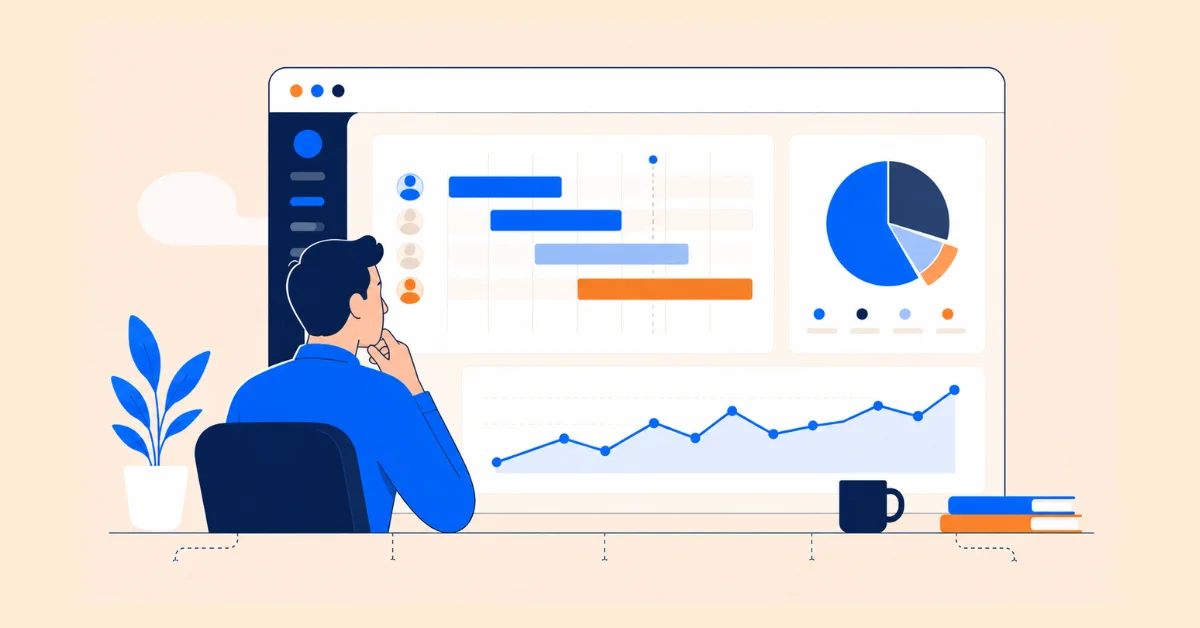
TaskFord’s Gantt Chart provides a clear view of project timelines, milestones, and task dependencies. This helps teams plan resource requirements in advance, identify potential bottlenecks, and adjust schedules before they impact delivery. With better visibility into upcoming work, managers can make more informed resource planning decisions and improve overall utilization.
Reporting Dashboard and Workload Management
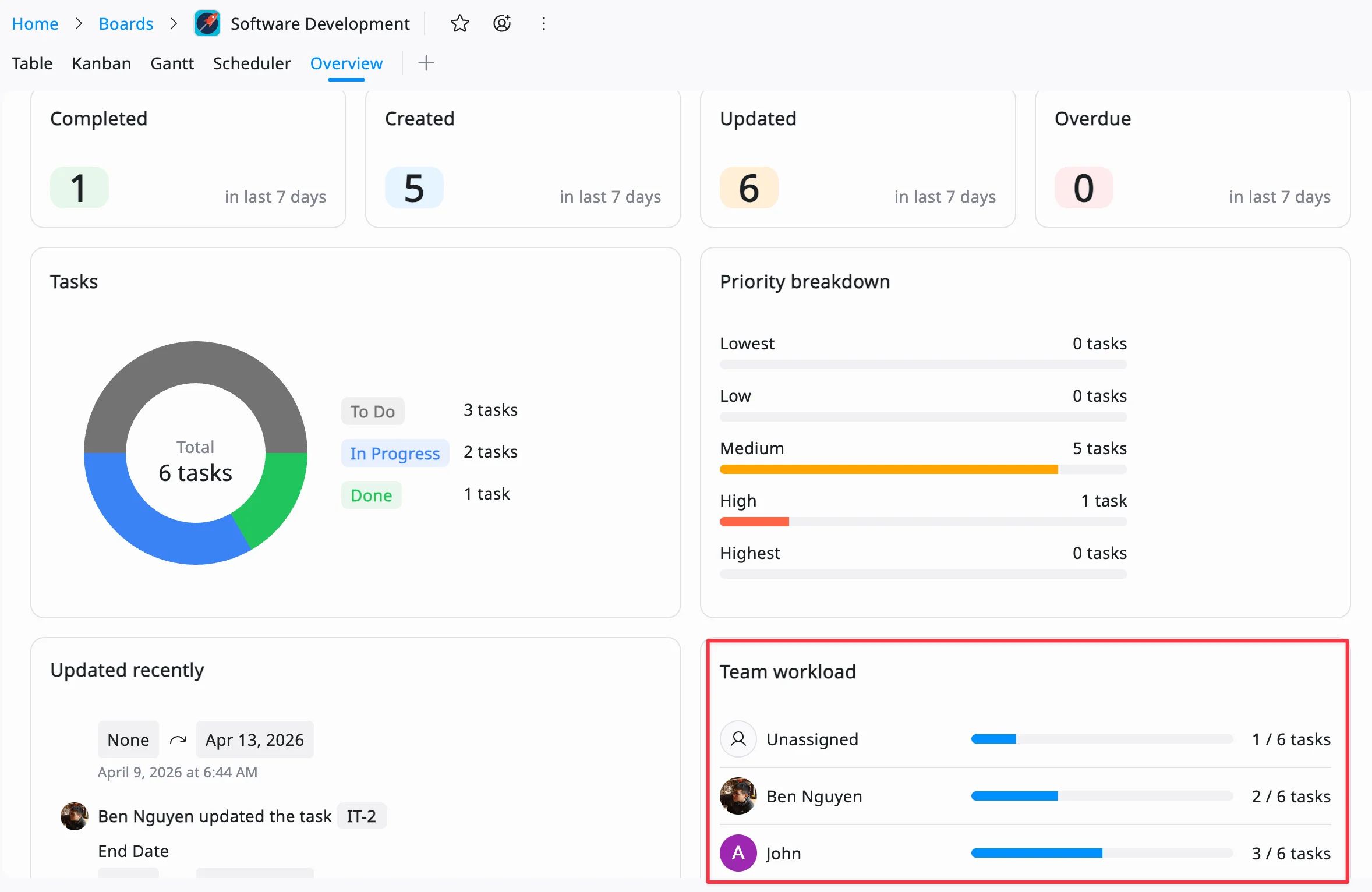
TaskFord’s Reporting Dashboard gives managers a real-time view of workload distribution across the team. By monitoring workloads, project progress, and resource allocation, managers can quickly identify overloaded employees or available capacity and make adjustments as needed. This visibility helps maintain a balanced utilization rate while reducing the risk of burnout and project delays.
Conclusion
Resource utilization is more than a buzzword, it’s a practical approach to maximizing your team’s potential. By measuring utilization rates, aligning tasks with skills, and using tools like TaskFord for resource management, you can boost efficiency, reduce costs, and keep your team engaged. Effective resource planning ensures that every hour, skill and tool is used to its fullest, driving better outcomes for your projects and business.
Start by assessing your current utilization rates and identifying areas for improvement. With the right strategies and tools, you can transform how your team works, delivering projects on time and within budget while fostering a productive, balanced work environment.
Related Articles





























































![What is an Effective Resource Management Plan Template [Free Download]](/marketing/blog/resource-management-plan-template.webp)



Subscribe for Expert Tips
Unlock expert insights and stay ahead with TaskFord. Sign up now to receive valuable tips, strategies, and updates directly in your inbox.