The Capacity Planning Metrics Every Team Should Track
Discover key team capacity planning metrics to improve resource management, forecast demand accurately, and ensure your projects stay on track for success.
Effective team capacity planning is the backbone of successful project delivery. It ensures your team has the right resources, skills, and time to meet demands without overworking or underutilizing anyone. By tracking the right capacity planning metrics, you gain clear insights into resource management, helping you avoid burnout, missed deadlines, or wasted potential.
This blog explores the essential metrics every team should monitor to optimize their capacity planning and achieve consistent results. Let’s dive into why these metrics matter and how to use them effectively.
What Is Capacity Planning?
Capacity planning is the process of assessing and aligning your team’s resources like people, skills, and time with project demands. It involves forecasting workloads, evaluating team availability, and ensuring you have the right capabilities to meet goals. Done well, it balances demand and supply, keeping projects on track while maintaining team morale.
For a deeper dive into the fundamentals, check out our detailed guide on What Is Capacity Planning.
Why Team Capacity Planning Metrics Are Critical
Metrics provide measurable insights into your team’s performance and resource allocation. They help you:
- Spot bottlenecks early to keep projects on track.
- Allocate resources efficiently for maximum productivity.
- Forecast future needs with greater accuracy.
- Boost team morale by preventing overwork.
- Align efforts with broader business objectives.
Without metrics, you’re guessing. Tracking the right data empowers you to make informed choices and optimize team capacity planning. Below are the key metrics to focus on.
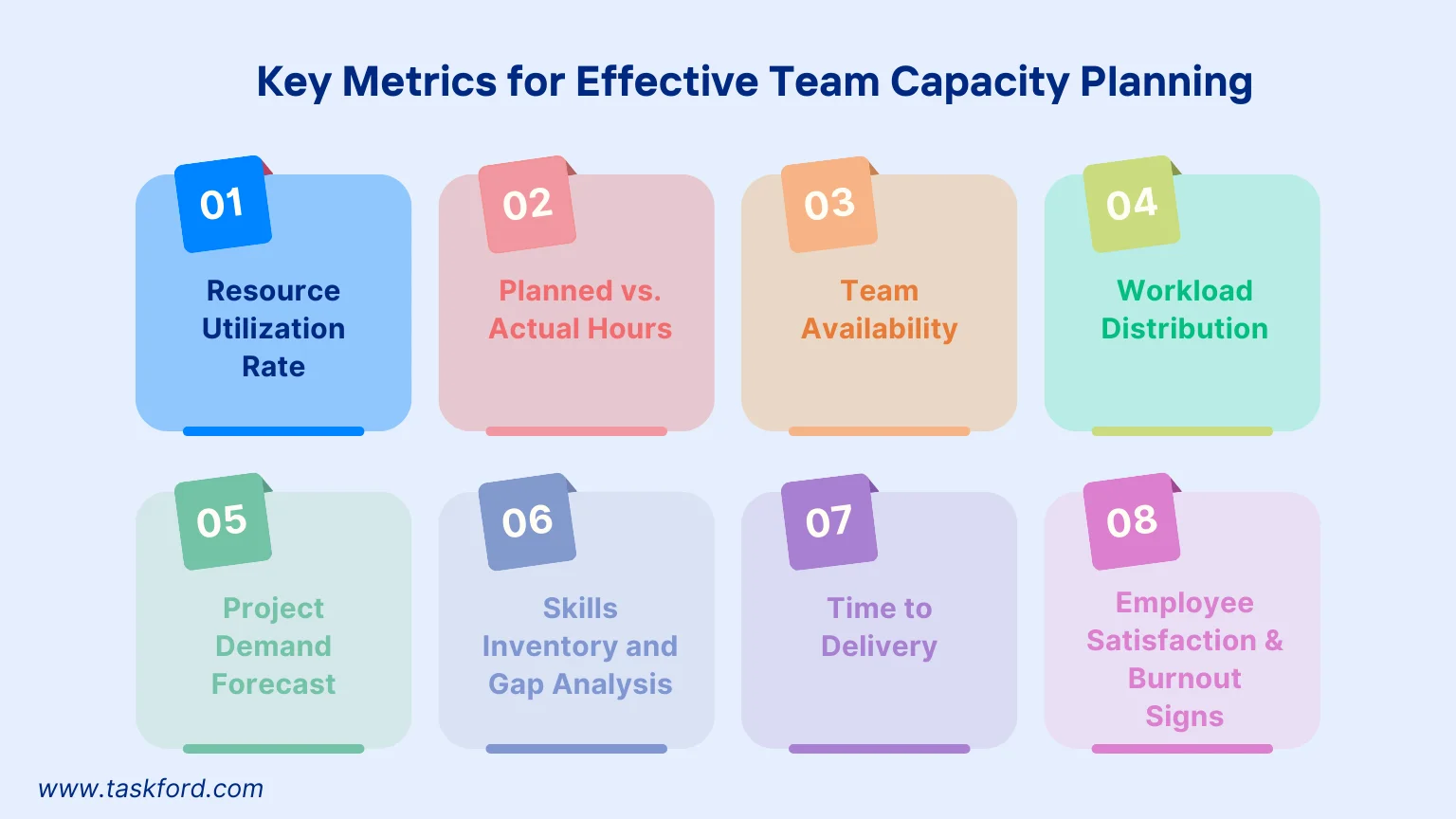
Key Metrics for Effective Team Capacity Planning
1. Resource Utilization Rate
What It Measures
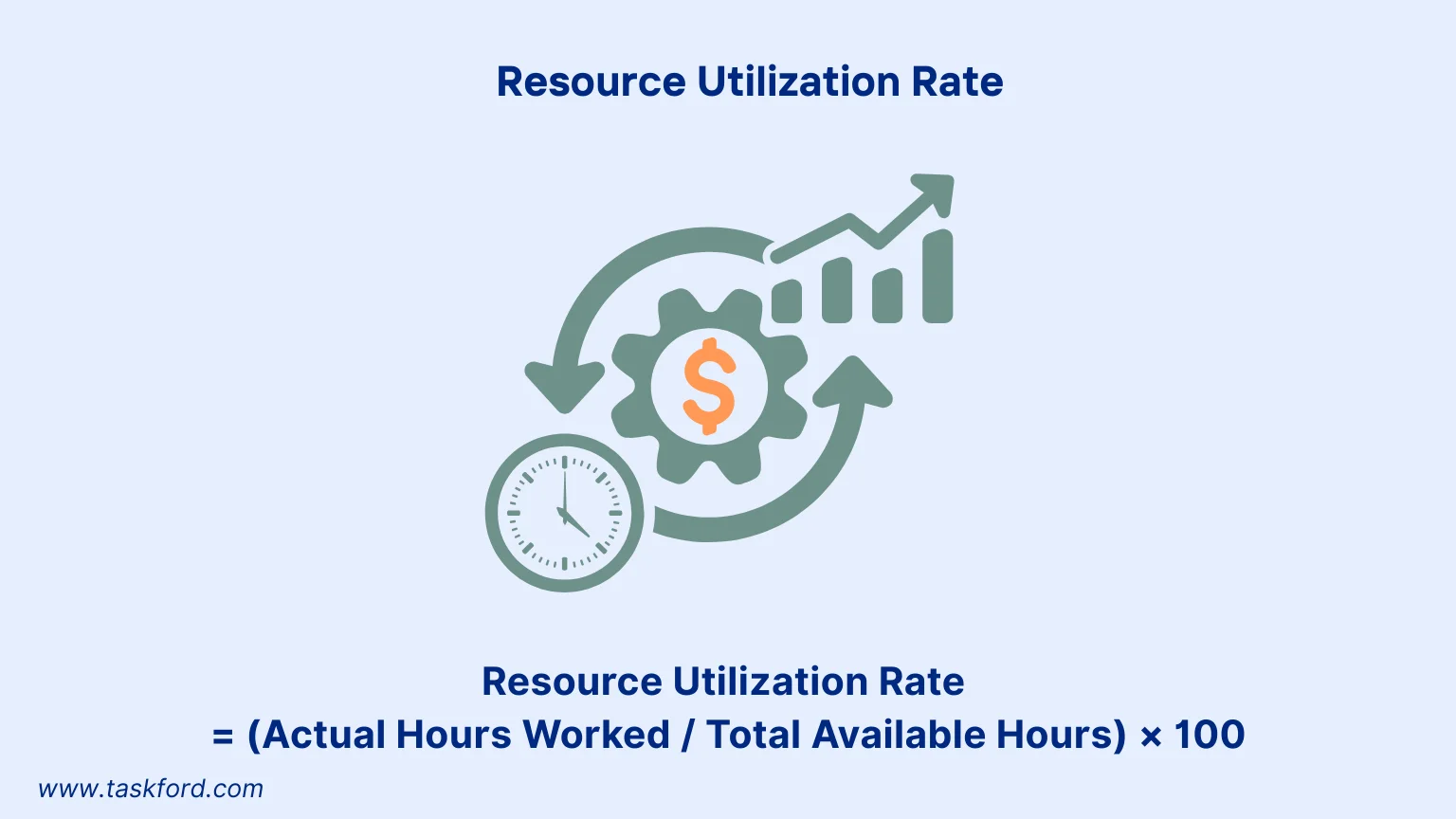
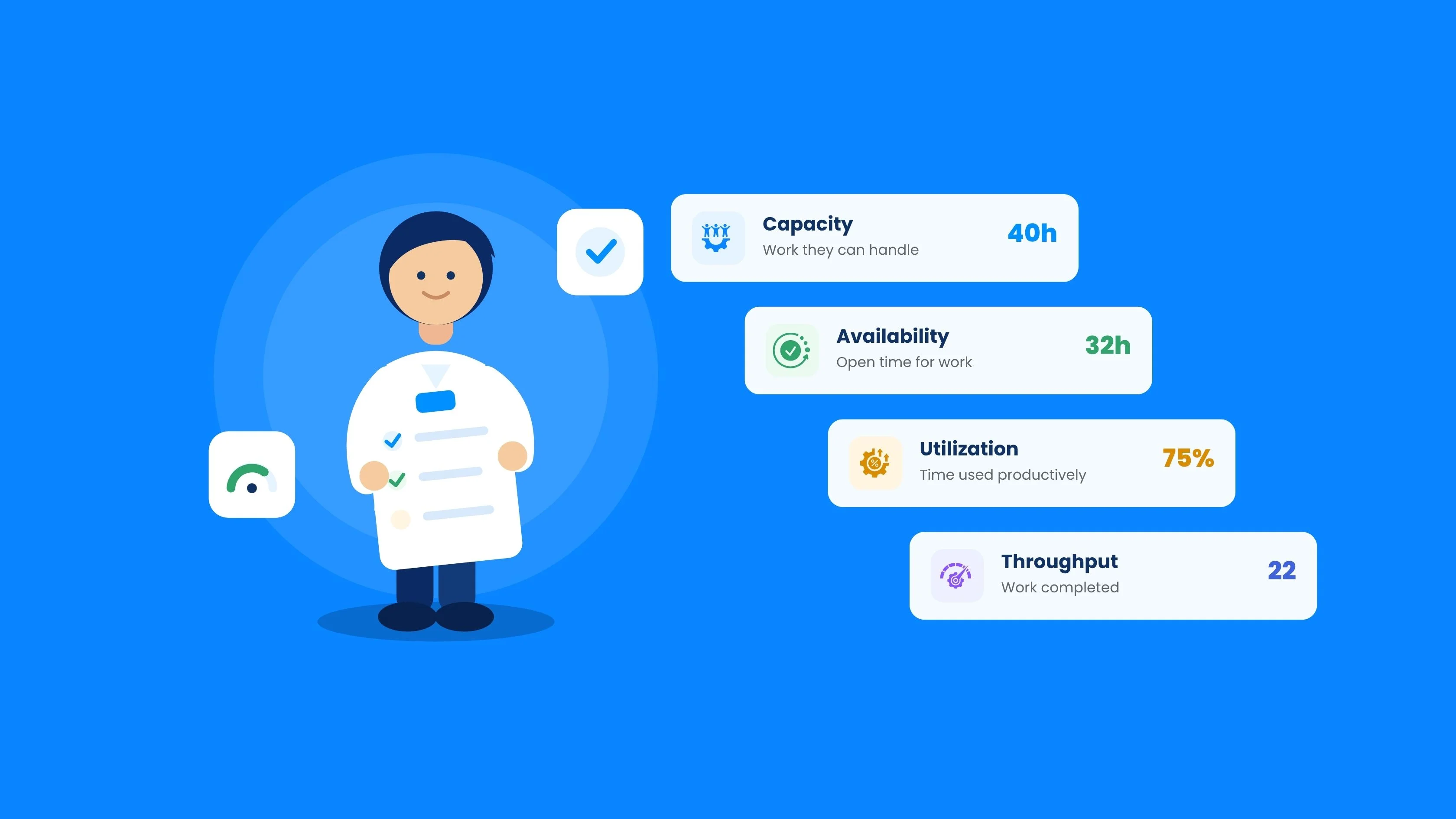
The resource utilization rate shows how effectively your team uses their available time for productive tasks. It’s calculated as a percentage by dividing actual hours worked on projects by total available hours.
Formula:
Resource Utilization Rate = (Actual Hours Worked / Total Available Hours) × 100
For example, if a team member has 40 hours available weekly but spends 32 hours on project tasks, their utilization rate is 80%.
Why It Matters
A high rate (near 100%) may signal overwork, risking burnout. A low rate suggests underutilization, meaning resources could be better allocated. This metric helps you balance workloads and optimize resource management.
How to Use It
Track utilization weekly using resource planning tools. With these tools, you can track the time that employees have worked and then calculate the rates. If rates are consistently high or low, adjust task assignments or reallocate resources to ensure efficiency without overloading anyone.
2. Planned vs. Actual Hours
What It Measures
This metric compares the estimated hours for a task or project (planned hours) with the actual time spent. The difference highlights planning accuracy and potential inefficiencies.
How to Track It
Use project management tools to log planned hours during the planning phase and track actual hours upon completion. Calculate the variance: Actual Hours - Planned Hours.
Why It Matters
If actual hours regularly exceed planned hours, you may be underestimating task complexity or facing scope creep. If actual hours are lower, you might be overestimating, leaving capacity unused. This metric refines future estimates and strengthens capacity planning.
Example
A project planned for 100 hours takes 120 hours, indicating a 20-hour overrun. Use this data to improve estimates or allocate more resources for similar projects.
3. Team Availability
What It Measures
Team availability tracks the total time your team has for project work, factoring in non-project activities like vacations, training, or meetings.
How to Track It
Start with total working hours per employee (typically 40 per week) and deduct non-project time. For instance, if each member spends 10 hours in meetings, their project availability becomes 30 hours. For a five-person team, that’s 150 total available hours.
Why It Matters
Accurate availability data helps you commit to realistic deadlines and prevents over-allocation. It also supports strategic decisions such as when to hire, outsource, or pause new projects. Without accounting for availability, your plans will consistently overestimate capacity, leading to late deliveries and stressed teams.
Tip: Regularly update availability data to account for holidays or unexpected absences, ensuring accurate capacity forecasts.
4. Workload Distribution
What It Measures
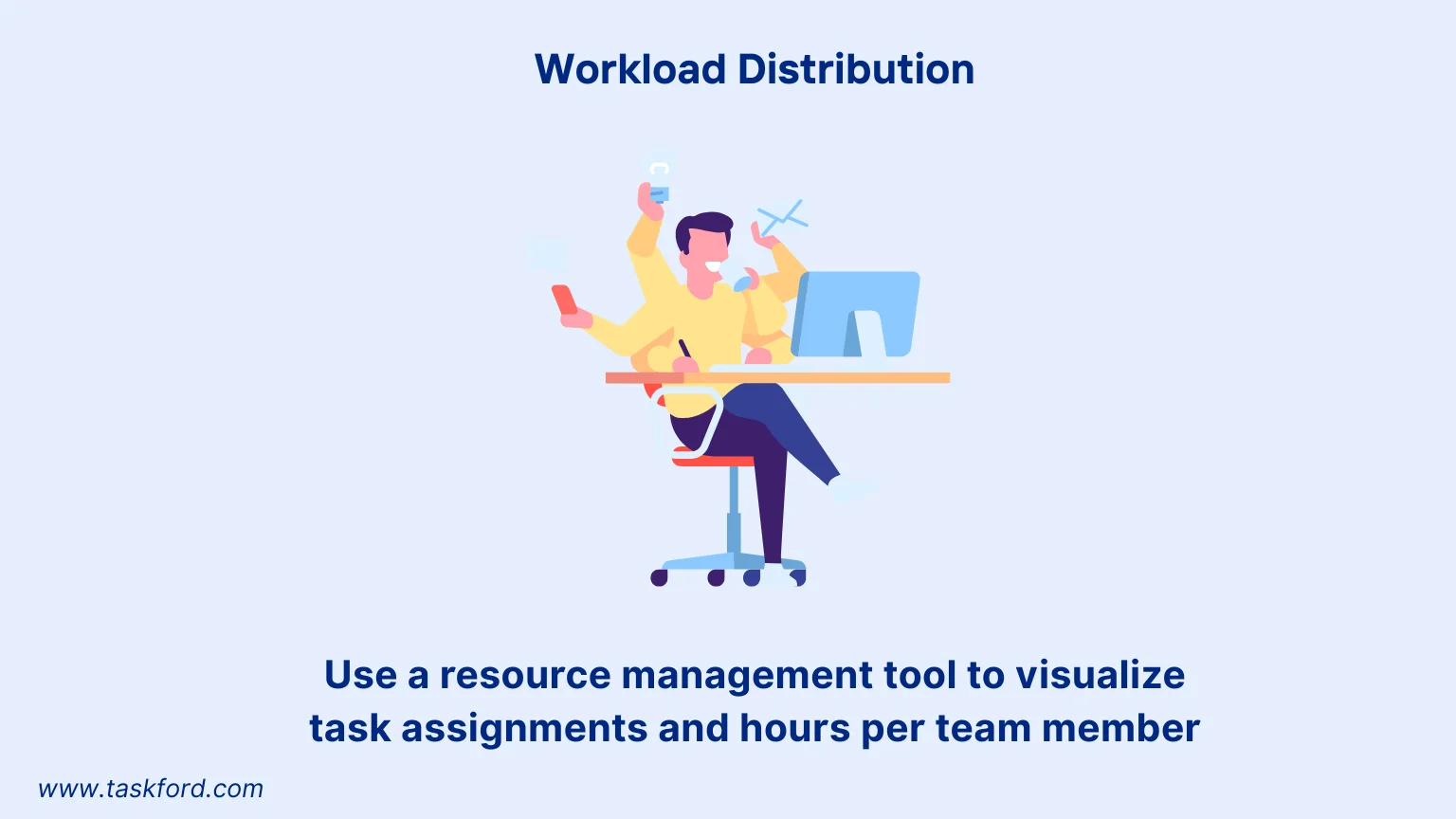
Workload distribution examines how tasks are assigned across team members, revealing imbalances in workload allocation.
How to Track It
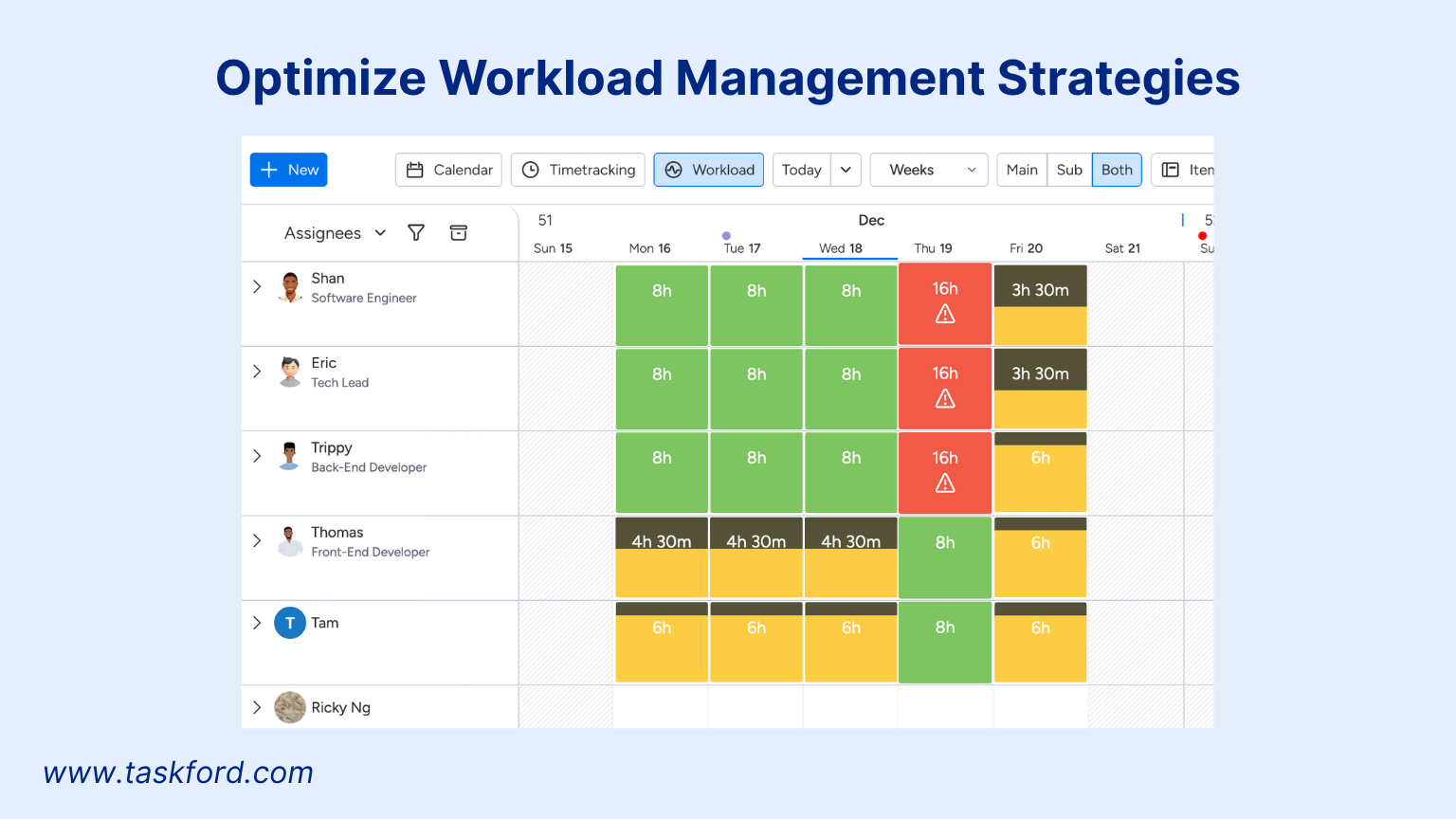
Use resource planning tools to visualize task assignments and hours per team member. Look for signs of uneven distribution, like one person handling 60% of a project’s tasks.
Why It Matters
Uneven workloads can lead to burnout, disengagement, and project delays. Balanced distribution fosters collaboration, boosts morale, and ensures that all team members contribute effectively. Moreover, balanced teams tend to produce higher-quality outcomes because no one is rushing to compensate for gaps.
Best Practice
Combine workload tracking with skills inventory (below) to match the right person to the right task. Fairness in workload assignment improves efficiency and helps with retention, making employees feel more valued and less overburdened.
5. Project Demand Forecast
What It Measures
Project demand forecasting predicts the resources and time needed for future projects based on historical data and current trends.
How to Track It
Analyze past project data to identify patterns, such as a marketing campaign requiring 200 design hours. Combine with input from sales or client teams to anticipate demand spikes.
Why It Matters
Forecasting demand prevents reactive planning. You can anticipate capacity shortages before they occur, ensuring you have enough people, skills, and tools ready. Accurate forecasting also helps budget planning, staff training, and prioritization of incoming work.
Pro Tips
- Run scenario planning for multiple cases such as best-case (full project load), worst-case (reduced demand), and expected-case (average). This agility allows you to adjust quickly if client needs or project priorities shift.
- Time-series forecasting techniques allows you to analyze recurring patterns like seasonal workload fluctuations or quarterly project spikes to make predictions with higher accuracy.
6. Skills Inventory and Gap Analysis
What It Measures
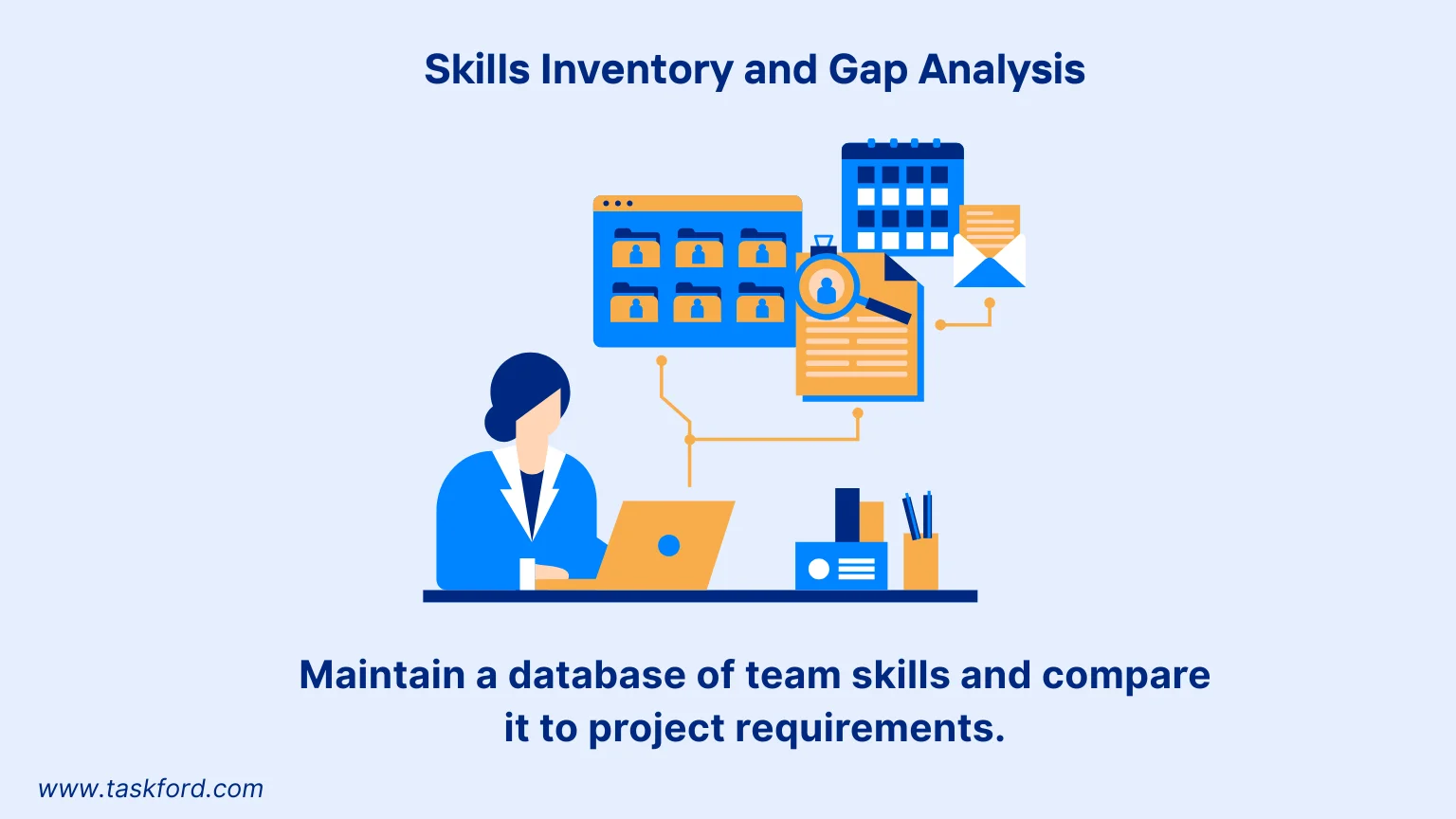
A skills inventory catalogs your team’s expertise, certifications, and experience. Gap analysis identifies missing skills needed for upcoming projects.
How to Track It
Maintain an updated skills database within your HR or resource management system. When new projects arise, cross-reference required skills (e.g., data visualization, API development) with your team’s current abilities. Any mismatch identifies a training or hiring gap..
Why It Matters
Projects succeed when skills match tasks. Without visibility into your team’s capabilities, you risk misallocation, assigning tasks to people without the necessary expertise. This metric also guides strategic workforce development, helping you decide whether to train existing staff or bring in external talent.
Example
Your software team is assigned an AI-based analytics project, but no one has machine learning experience. A quick skills gap analysis reveals the need for either external consultants or targeted upskilling programs
7. Time to Delivery
What It Measures
Time to delivery compares actual project completion time to the planned timeline, reflecting efficiency and deadline adherence.
How to Track It
Record project start and end dates, then compare them to the planned schedule. Calculate delays or early completions as a percentage of the planned timeline.
Why It Matters
This metric reveals the health of your planning and execution processes. Frequent delays may point to inadequate capacity, unclear task dependencies, or bottlenecks in specific roles. Conversely, projects consistently finishing early could suggest conservative estimates or opportunities to take on more work.
Example
A project planned for 30 days finishes in 35, indicating a need to adjust resource allocation or timelines for similar projects.
8. Employee Satisfaction and Burnout Indicators
What It Measures
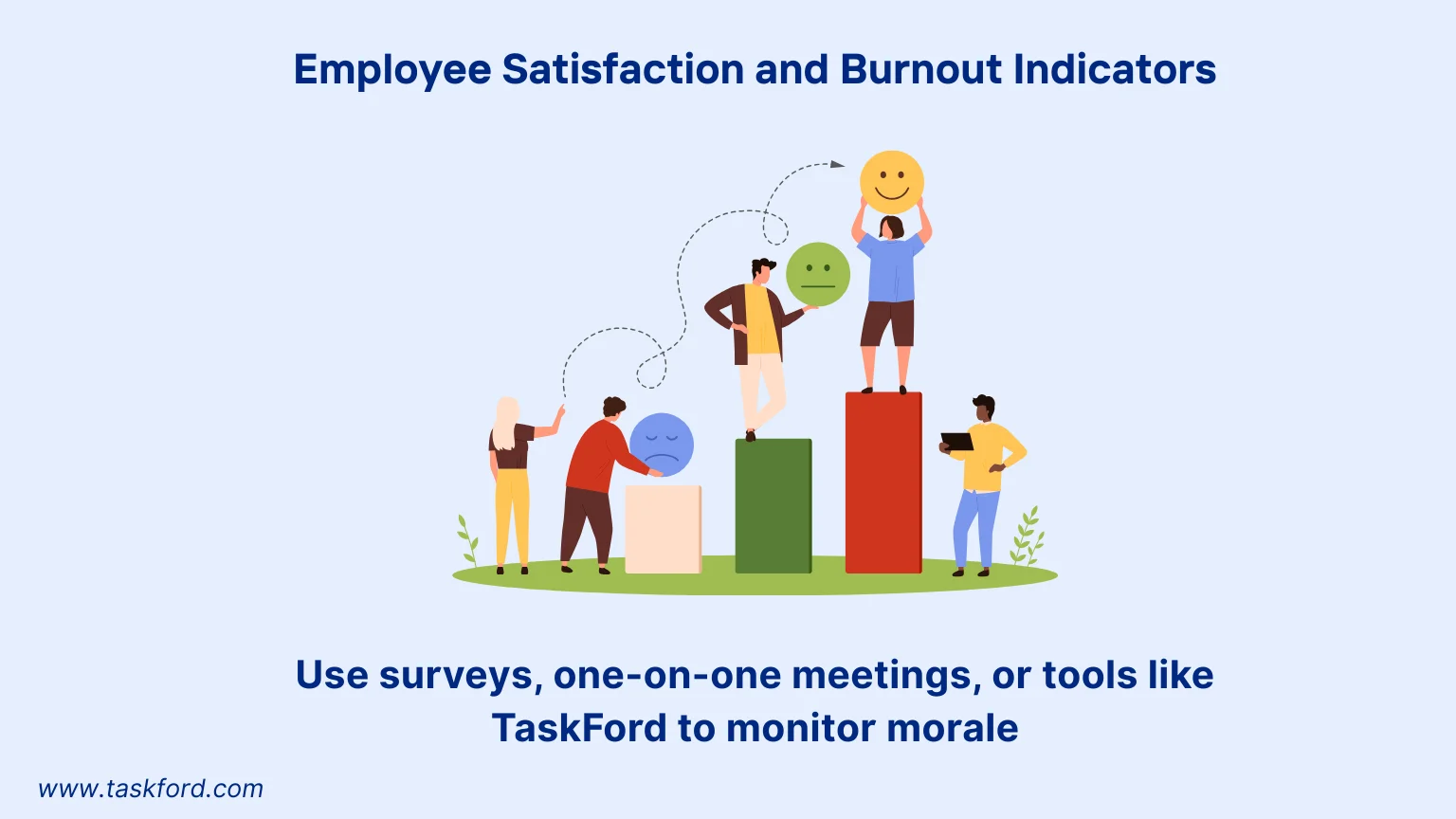
Employee satisfaction tracks team morale and workload sustainability, using indicators like overtime hours, absenteeism, or survey feedback.
How to Track It
Monitor overtime hours, track attendance trends, and conduct regular satisfaction surveys. Tools like TaskFord can combine timesheet data with employee feedback to reveal early signs of burnout or disengagement.
Why It Matters
People are the foundation of capacity. A burnt-out or disengaged team quickly erodes productivity, accuracy, and creativity. By tracking satisfaction metrics, you can detect stress before it becomes a turnover problem and adjust workloads accordingly.
Best Practice
Make feedback actionable. Employees must see that their input leads to change, whether it’s improved communication, fairer workload sharing, or adjusted deadlines. This fosters trust and long-term engagement.
(Learn more: How To Reduce Burnout On A Project)
Steps to Make Team Capacity Planning Metrics Actionable
Tracking metrics is just the start. Here’s how to use them effectively:
-
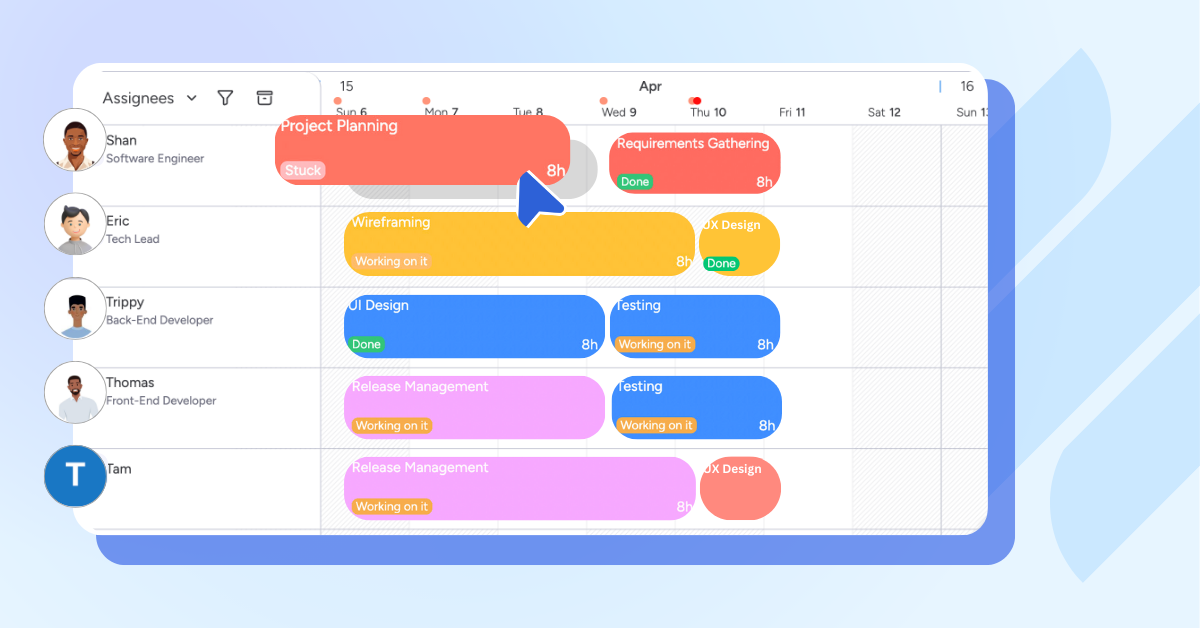
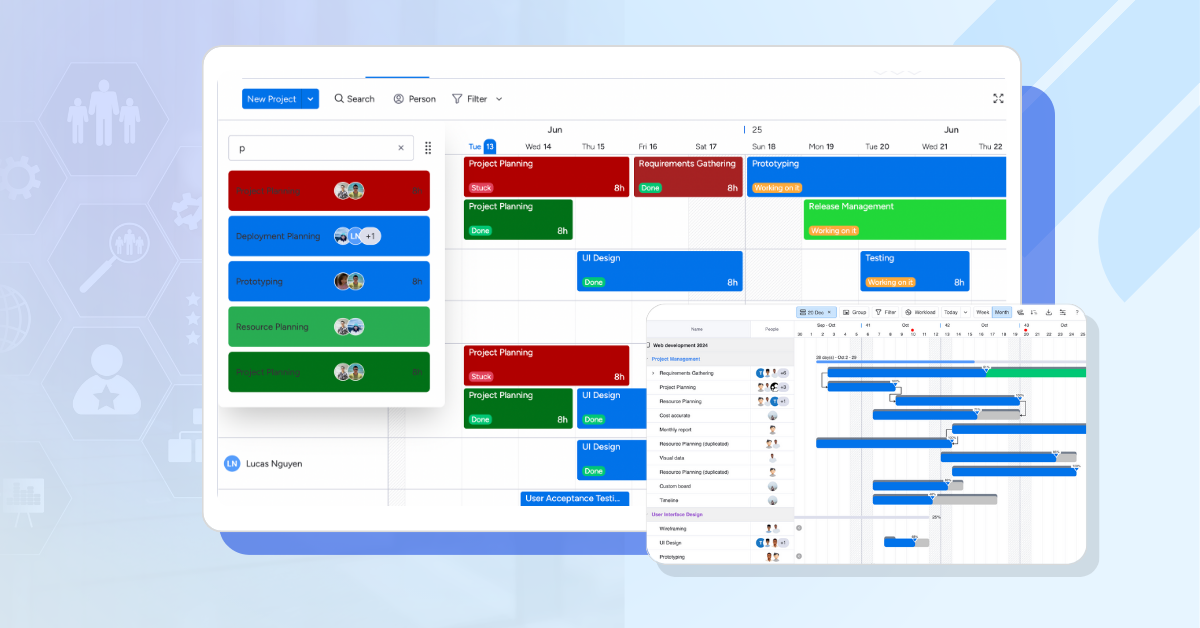
Leverage Tools: TaskFord, a comprehensive project management and resource planning platform, can be used to track and view time data, availability, and workloads, enhancing capacity planning experience.
-
Set Benchmarks: Establish baselines from past performance to measure progress.
-
Review Regularly: Check metrics weekly or monthly to catch issues early.
-
Engage the Team: Share insights to foster transparency and collaboration.
-
Adapt Dynamically: Reallocate resources or adjust timelines based on metric trends.
Overcoming Common Challenges in Team Capacity Planning
Team capacity planning can face hurdles that disrupt efficiency. Below are three common challenges, data accuracy, team resistance, and unpredictable demand, with practical solutions to ensure effective resource management.
1. Inaccurate Data
The Challenge:
Inconsistent data, such as unreliable time tracking or outdated skills records, can distort metrics. For example, incorrect hour logs may inflate resource utilization rates, leading to misinformed task assignments.
The Solution:
Standardize data collection using tools like TaskFord for consistent time tracking. Update skills inventories every quarter to reflect current expertise. Train teams to prioritize accurate data entry.
Practical Steps:
- Set automated reminders for time logging.
- Audit data monthly to ensure accuracy.
- Use dashboards to quickly identify errors.
Reliable data is the backbone of effective capacity planning.
2. Team Resistance
The Challenge:
New tools or processes may face pushback from team members who see them as extra work. For instance, a developer might resist a new resource management platform, slowing adoption.
The Solution:
Highlight benefits like balanced workloads and reduced stress. Involve the team in selecting tools and provide short training sessions. For example, show how TaskFord simplifies task tracking to gain buy-in.
Practical Steps:
- Share the purpose in a quick team meeting.
- Offer 15-minute training on new tools.
- Recognize early adopters to boost engagement.
Team involvement minimizes resistance and supports collaboration.
3. Unpredictable Demand
The Challenge:
Sudden project changes, like a client’s urgent deadline, can strain resources. A 10% demand spike could overwork your team if not anticipated.
The Solution:
Use forecasting and scenario planning for flexibility. Review past projects for demand trends and maintain a freelancer list for surges. Tools like TaskFord can help you track past data so you can assess capacity needs.
Practical Steps:
- Update forecasts monthly with client insights.
- Reserve a 10% time buffer for unexpected tasks.
- Define clear task prioritization guidelines.
Planning for uncertainty keeps your team prepared and agile.
Conclusion
Mastering team capacity planning requires tracking the right metrics to optimize resource management and deliver projects successfully. By monitoring resource utilization, team availability, workload distribution and more, you gain the clarity needed to make smart decisions. These metrics help balance workloads, improve efficiency, and keep your team motivated.
With these metrics in your toolkit, your team can achieve better resource management, hit deadlines, and maintain a healthy, productive work environment. Start today with TaskFord and unlock your team’s full potential.
Learn more
- Agile Capacity Planning: How to Match Team Velocity with Real-World Workloads
- How Workforce Capacity Planning Helps You Say “Yes” to the Right Work
- Crafting a Resource Management Plan: A Project Manager’s Handbook
Frequently Asked Questions
What is team capacity planning?
Team capacity planning is the process of comparing available team resources, such as time, skills, and people, with current and future project demands. It helps teams commit to realistic workloads and deadlines while avoiding over-allocation.
What are the most important capacity planning metrics?
Key metrics include resource utilization rate, planned vs. actual hours, team availability, workload distribution, project demand forecasts, skills gaps, time to delivery, and employee satisfaction or burnout indicators. Together, they provide a more complete view of team capacity.
Should we plan at 100% capacity?
No. Planning at 100% capacity leaves no room for meetings, support work, unexpected requests, interruptions, or delays. A practical capacity plan should include a buffer so teams can handle changes without immediately becoming overallocated.
How often should we review team capacity metrics?
Review capacity metrics regularly, such as weekly for active projects and monthly for longer-term planning. More frequent reviews may be useful when workloads, priorities, or team availability change often.
What is the difference between capacity and workload?
Capacity is the amount of work a team can realistically handle based on available time, people, and skills. Workload is the amount of work currently assigned to the team. Comparing the two shows whether a team is underutilized, balanced, or overallocated.
How do planned vs. actual hours improve capacity planning?
Comparing planned and actual hours shows how accurate your estimates are. Consistent overruns may indicate underestimated tasks, scope changes, or resource constraints, helping you make more realistic plans for future projects.
Related Articles













































































![What is an Effective Resource Management Plan Template [Free Download]](/marketing/blog/resource-management-plan-template.webp)




Subscribe for Expert Tips
Unlock expert insights and stay ahead with TaskFord. Sign up now to receive valuable tips, strategies, and updates directly in your inbox.