Critical Path in Gantt Chart: What It Is and How to Identify It
Explore what the Gantt chart critical path is, how to identify it in a project, and how it helps improve project planning, scheduling and management.
In this article, we’ll explore the Gantt chart critical path – a key element that helps project managers identify the most important tasks that directly impact the overall project timeline. You’ll learn what the Critical Path is, how to identify it in project management, and how it can be visualized on a Gantt Chart.
What is the Critical Path?
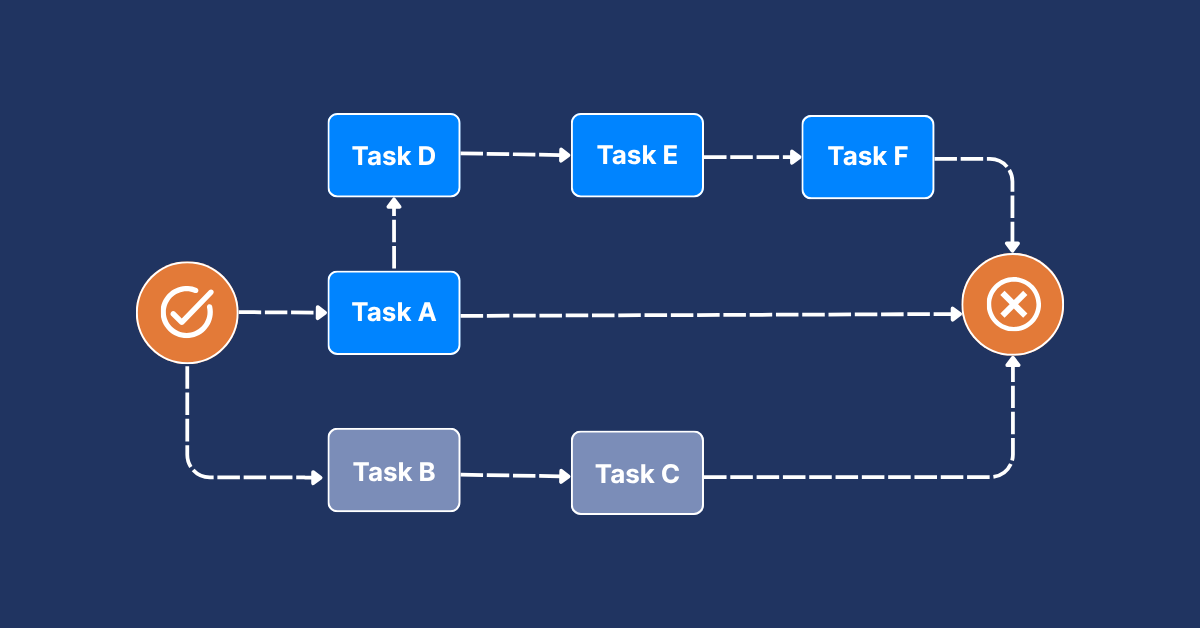
The Critical Path is a method in project management, used to determine the longest sequence of dependent tasks in a project, which directly defines the project’s completion time. In other words, the Critical Path shows the minimum duration required to finish a project. If any task on the Critical Path is delayed, the entire project will also be delayed.
Project managers identify the Critical Path to:
- Understand task dependencies clearly
- Allocate resources more effectively
- Focus attention on the most crucial activities to ensure the project is delivered on time.
A study published in the Journal of Housing and the Built Environment (2025) demonstrated how CPM significantly reduced delays in post-disaster housing projects by improving scheduling and resource allocation. This study emphasizes the effectiveness of CPM in maintaining expected project timelines and ensuring timely outcomes.
What is the Gantt Chart Critical Path?
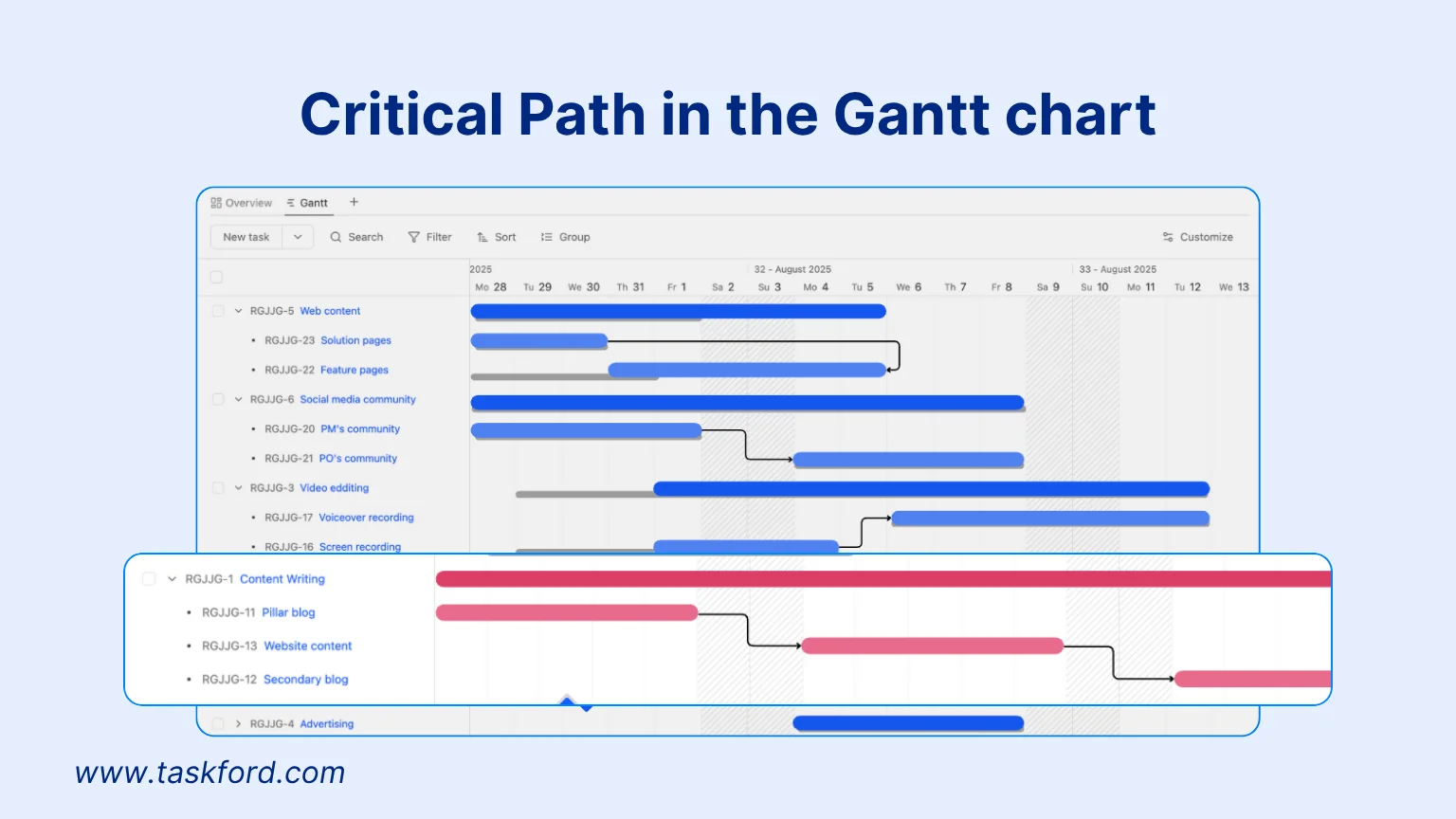
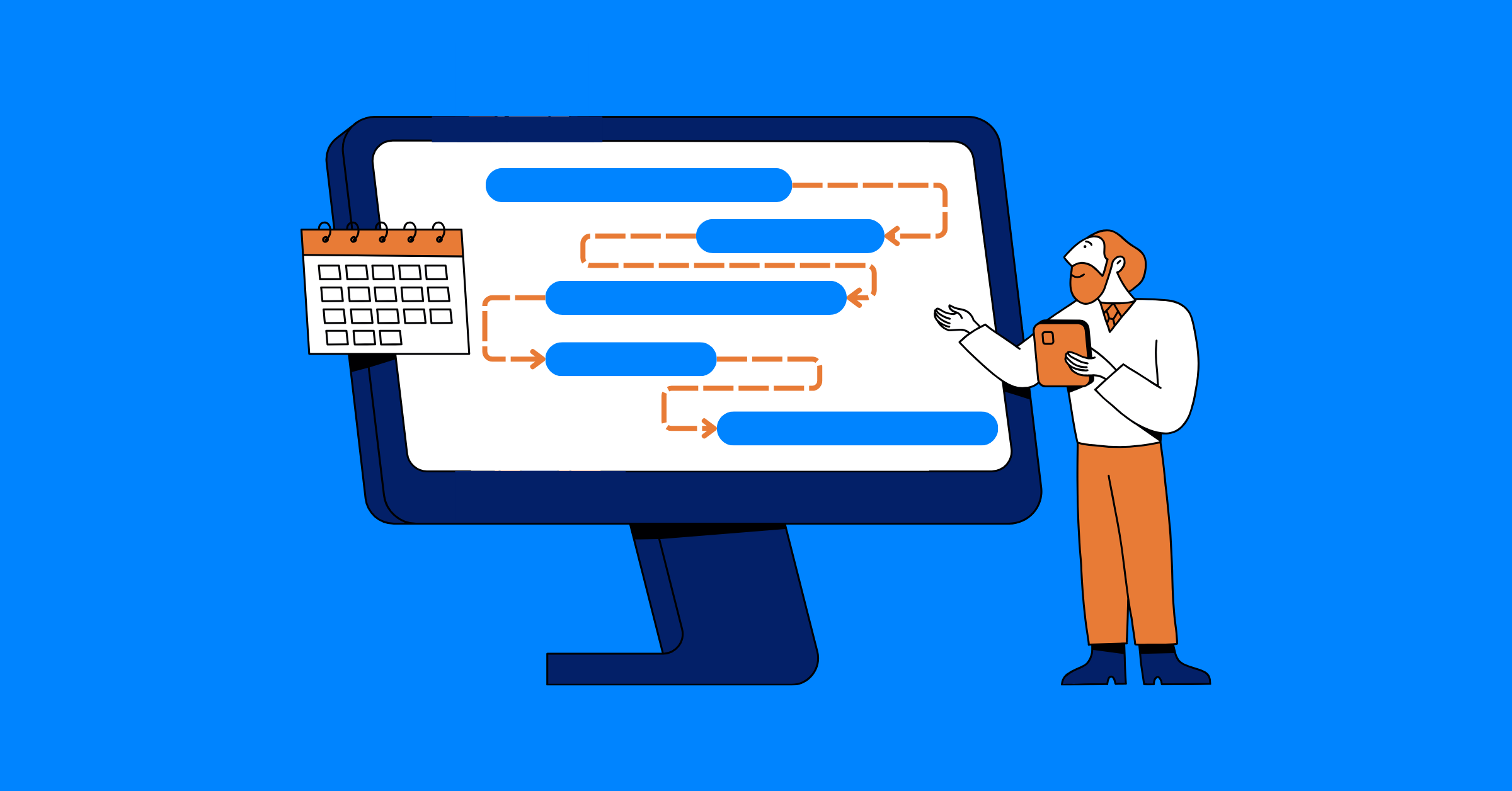
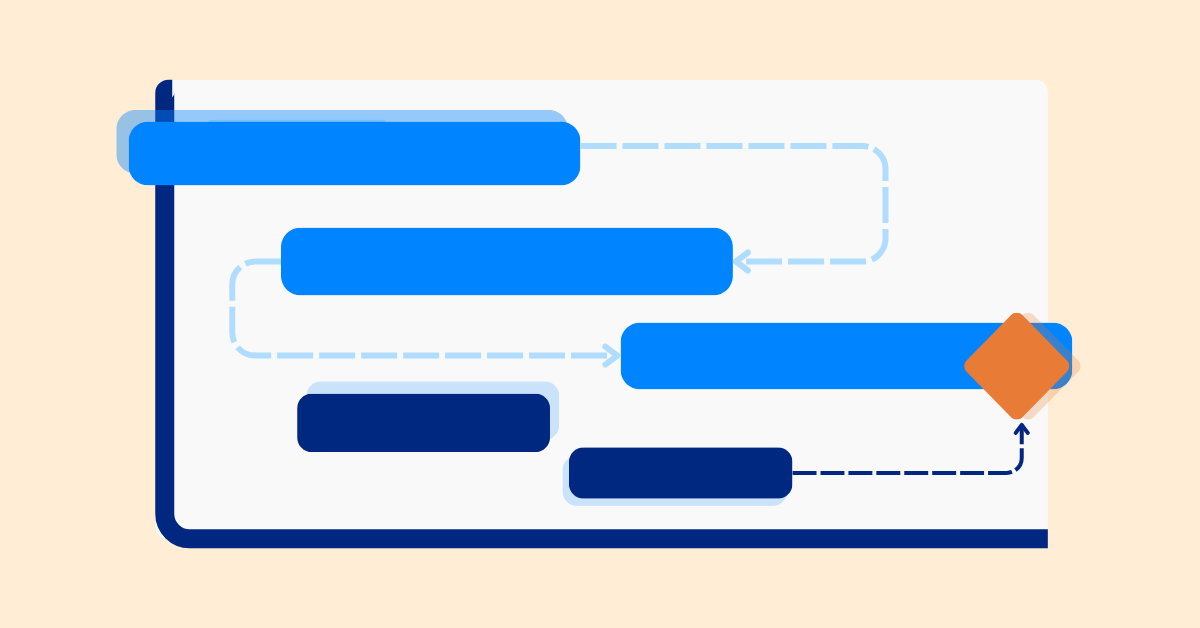
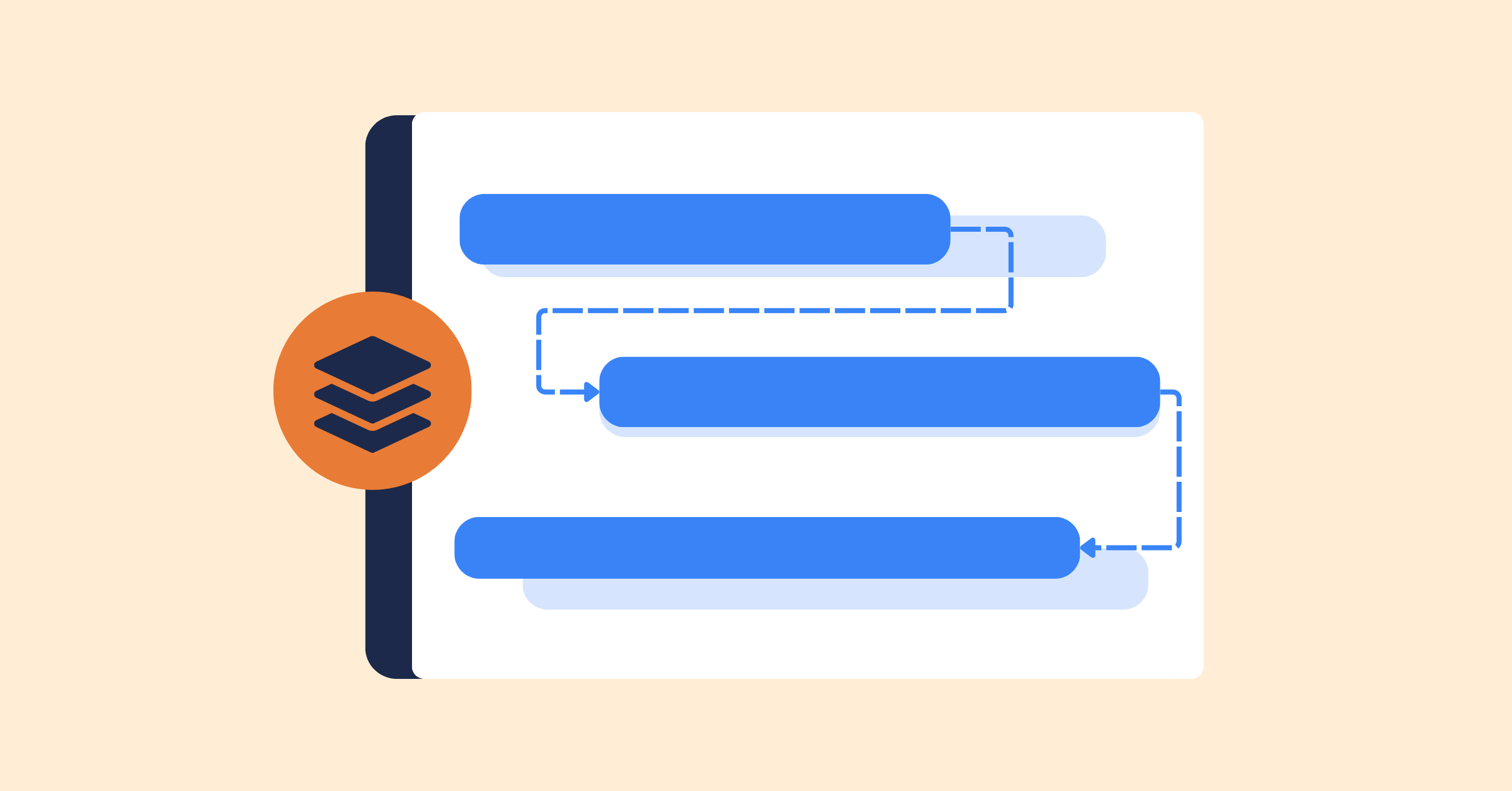
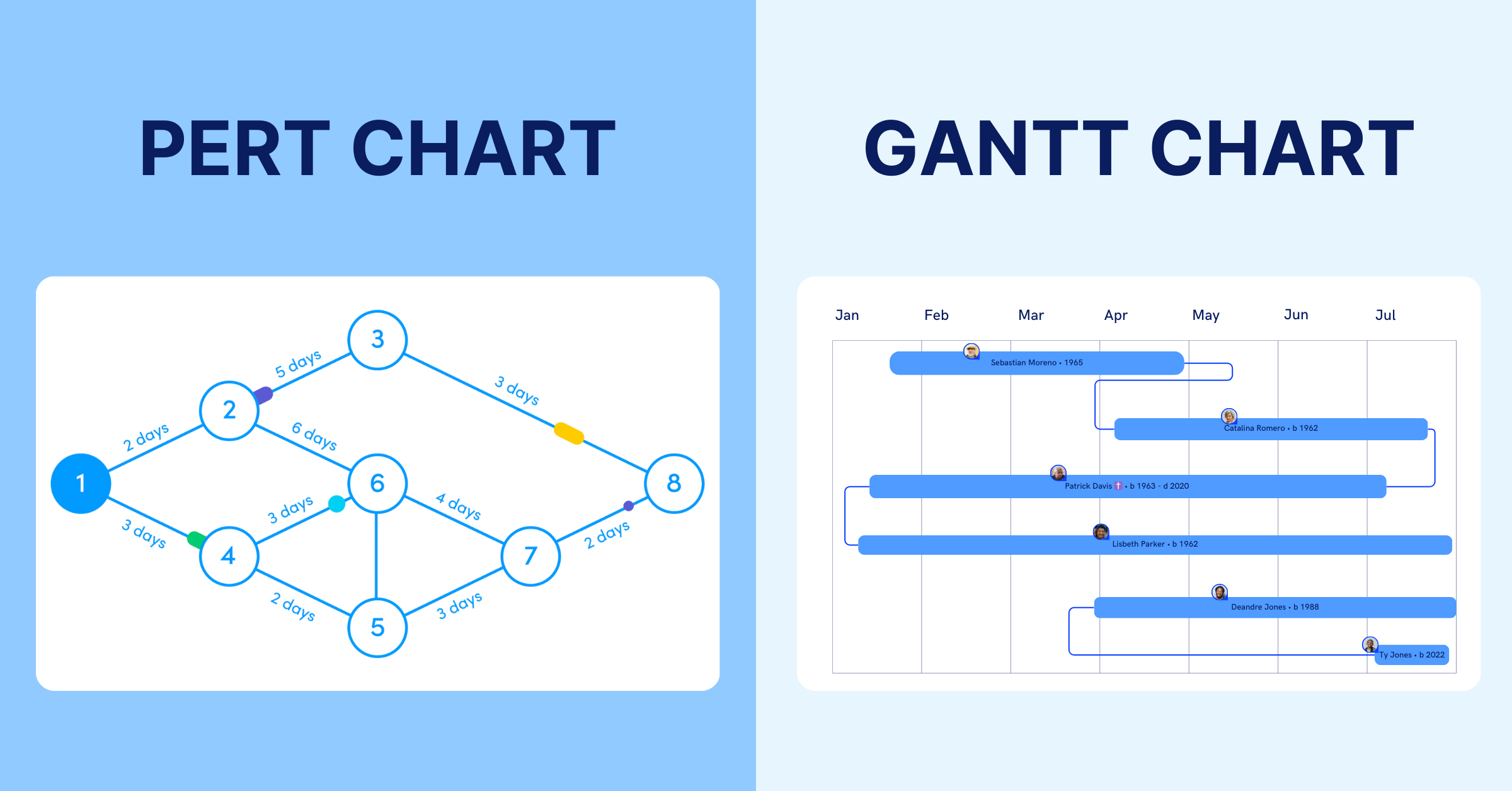
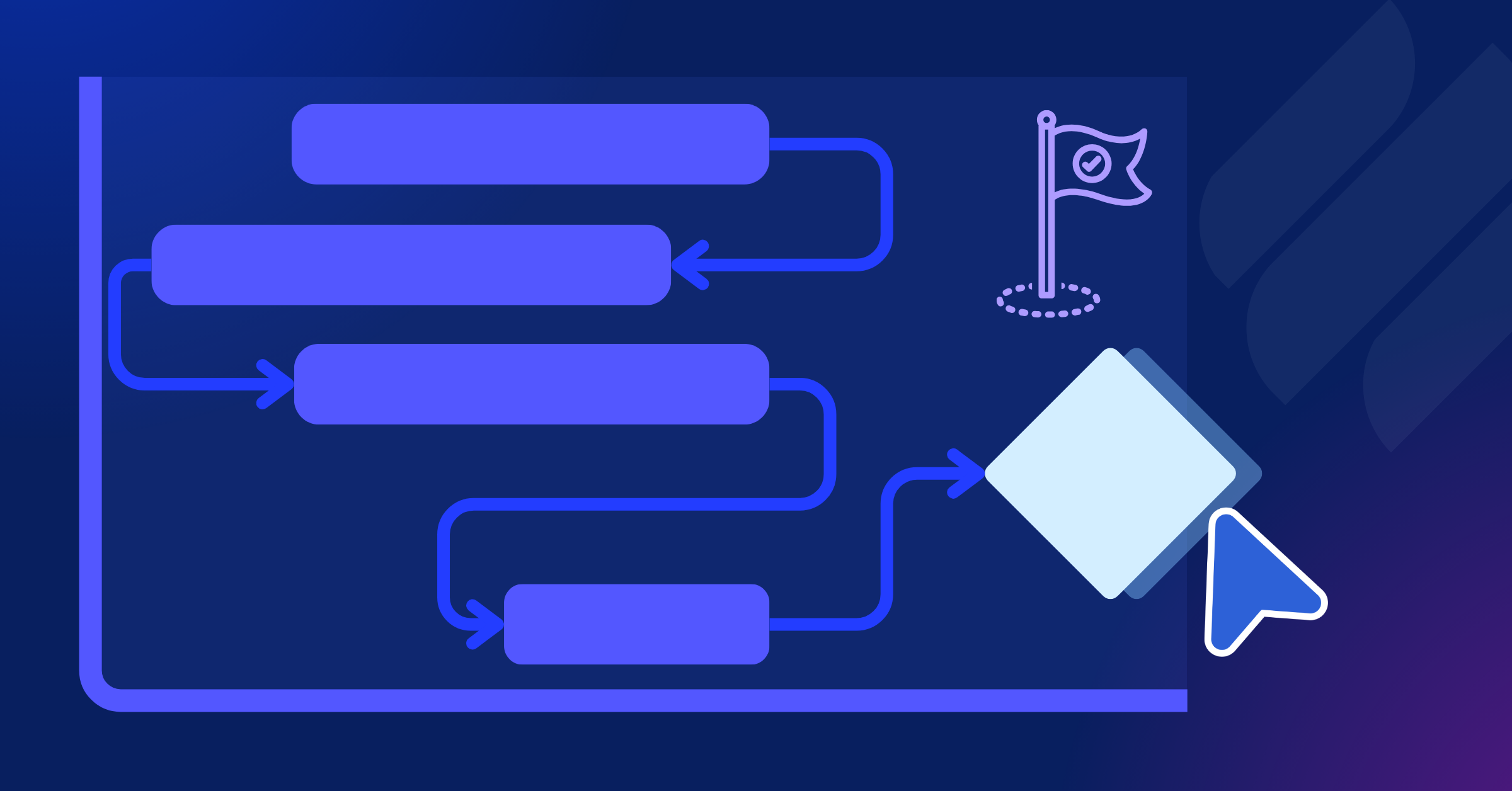
The Gantt Chart Critical Path refers to the integration of the Critical Path Method (CPM) into a Gantt Chart. This approach allows project managers to track the sequence of tasks, visualize dependencies between them, and identify activities that directly impact the final completion date
Why Use the Critical Path in Gantt Charts?
- Prioritize critical tasks: Identify the tasks that directly determine the project’s completion date.
- Visualize dependencies: See how tasks are connected and understand which activities depend on others.
- Spot delays early: Quickly identify tasks where delays could affect the entire project timeline.
- Improve resource allocation: Focus people, time, and other resources on activities that have the greatest impact on the schedule.
- Save time with automation: Many modern Gantt chart tools can automatically calculate and highlight the critical path, eliminating the need to manually analyze task dependencies.
- Manage deadlines more effectively: Use the visual timeline to monitor progress, adjust schedules, and keep the project on track. Some project management tools with Gantt charts even support automatic critical path identification with just one click.
How to Identify the Critical Path in a Project?
Identifying the critical path in a Gantt chart is crucial for ensuring your project stays on schedule. Follow these four essential steps to find the critical path using a Gantt chart.
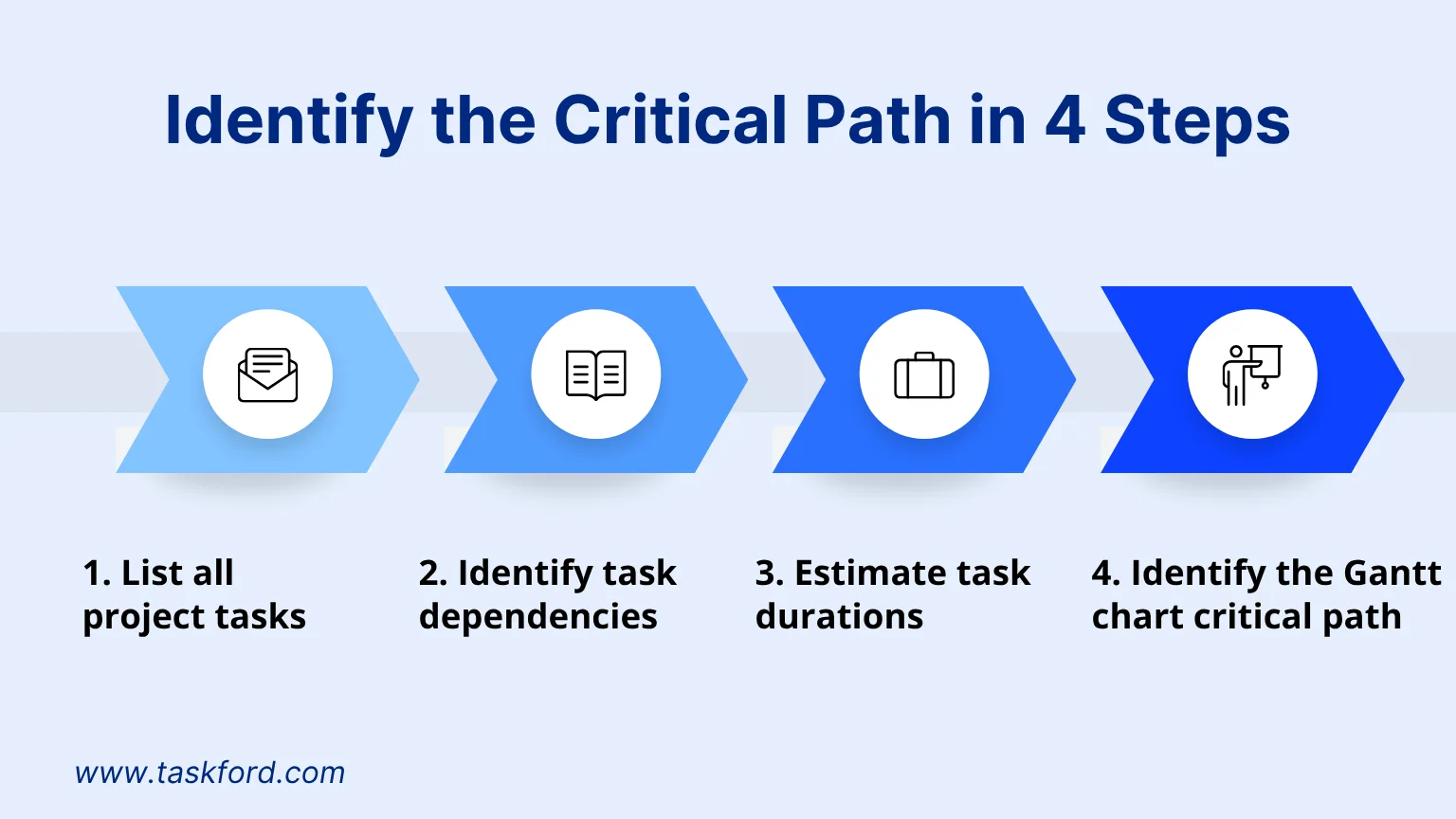
1. List all project tasks
The project should be broken down into tasks and subtasks using a Work Breakdown Structure (WBS) to ensure clear planning and allocation. Each task needs to be described in detail with well-defined scope and objectives to avoid overlap. This helps project managers gain a comprehensive view of the workload and ensures that no task is overlooked.
2. Identify task dependencies
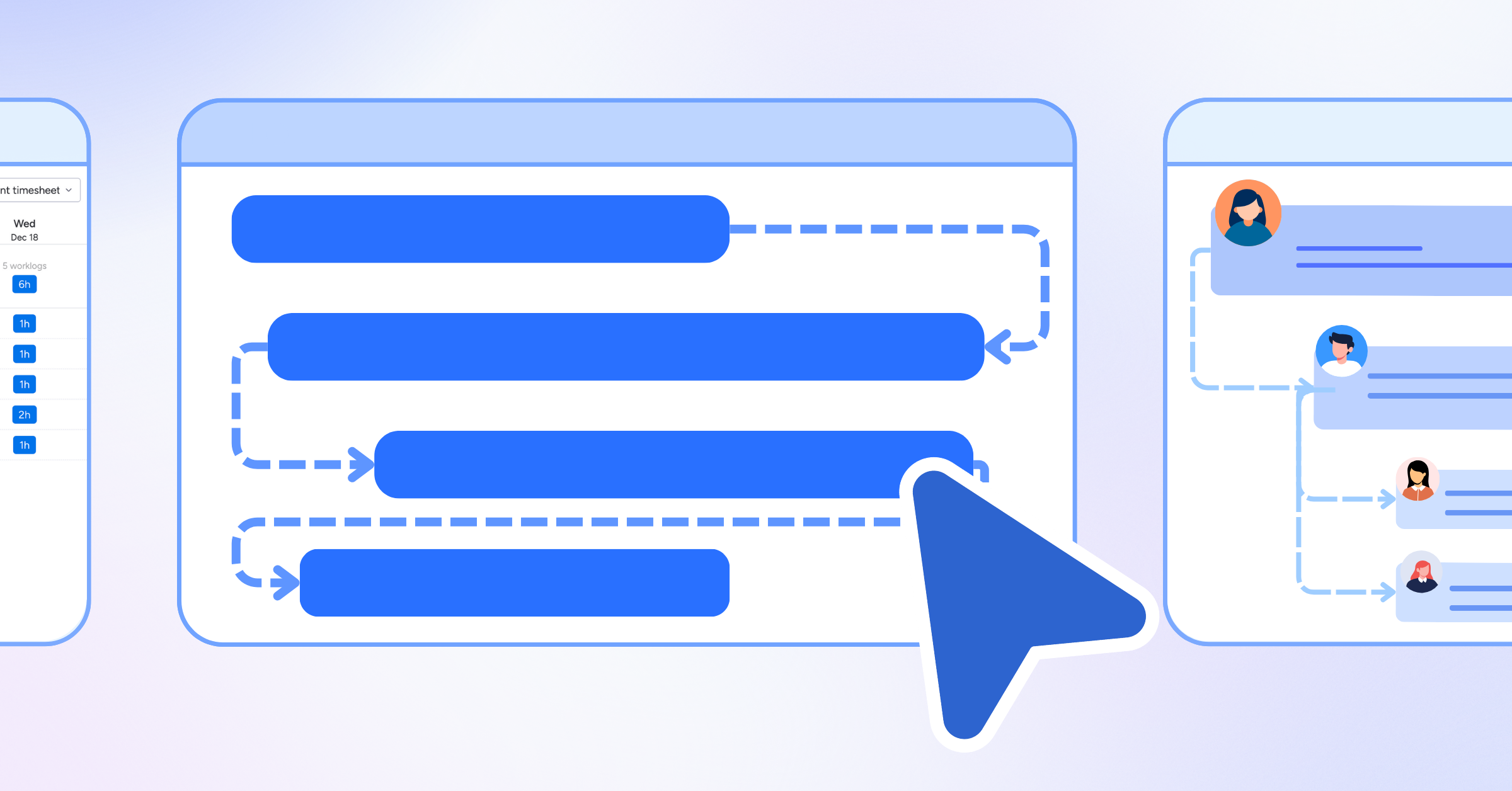
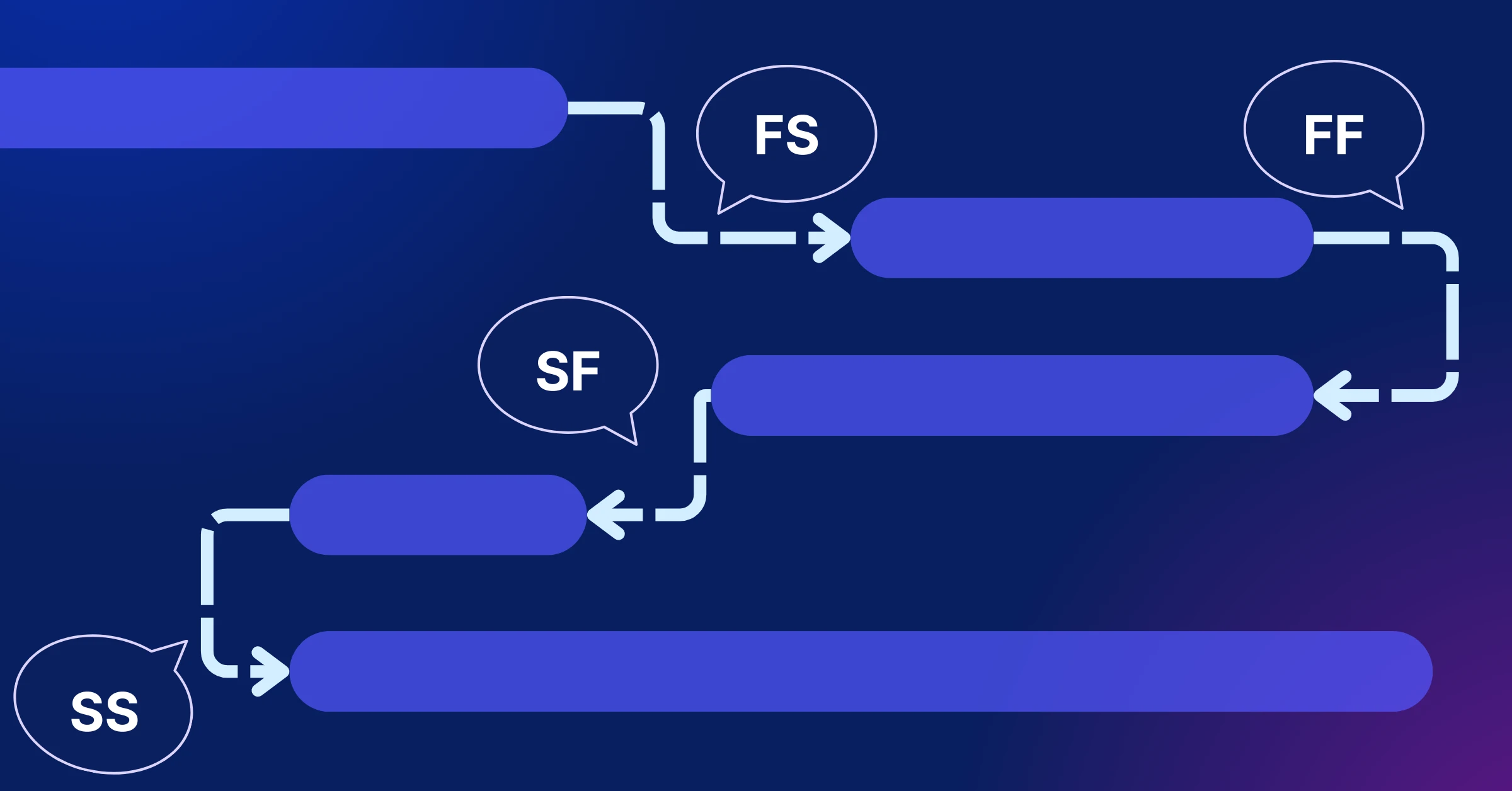
Dependencies define which tasks must be completed before others can begin. Not all tasks follow a single linear sequence; instead, they often form multiple parallel or interwoven paths. By mapping these relationships, you can visualize how tasks are connected and identify possible routes leading to the project’s completion.
If you’re unfamiliar with how dependencies work in Gantt Charts, check out our guide on Gantt Chart Dependencies.
3. Estimate task durations
Each task should be assigned a realistic duration (days, weeks, or hours) for completion. Accurate estimation provides the foundation for calculating the overall project timeline and serves as the basis for determining the critical path.
4. Identify the Gantt chart critical path
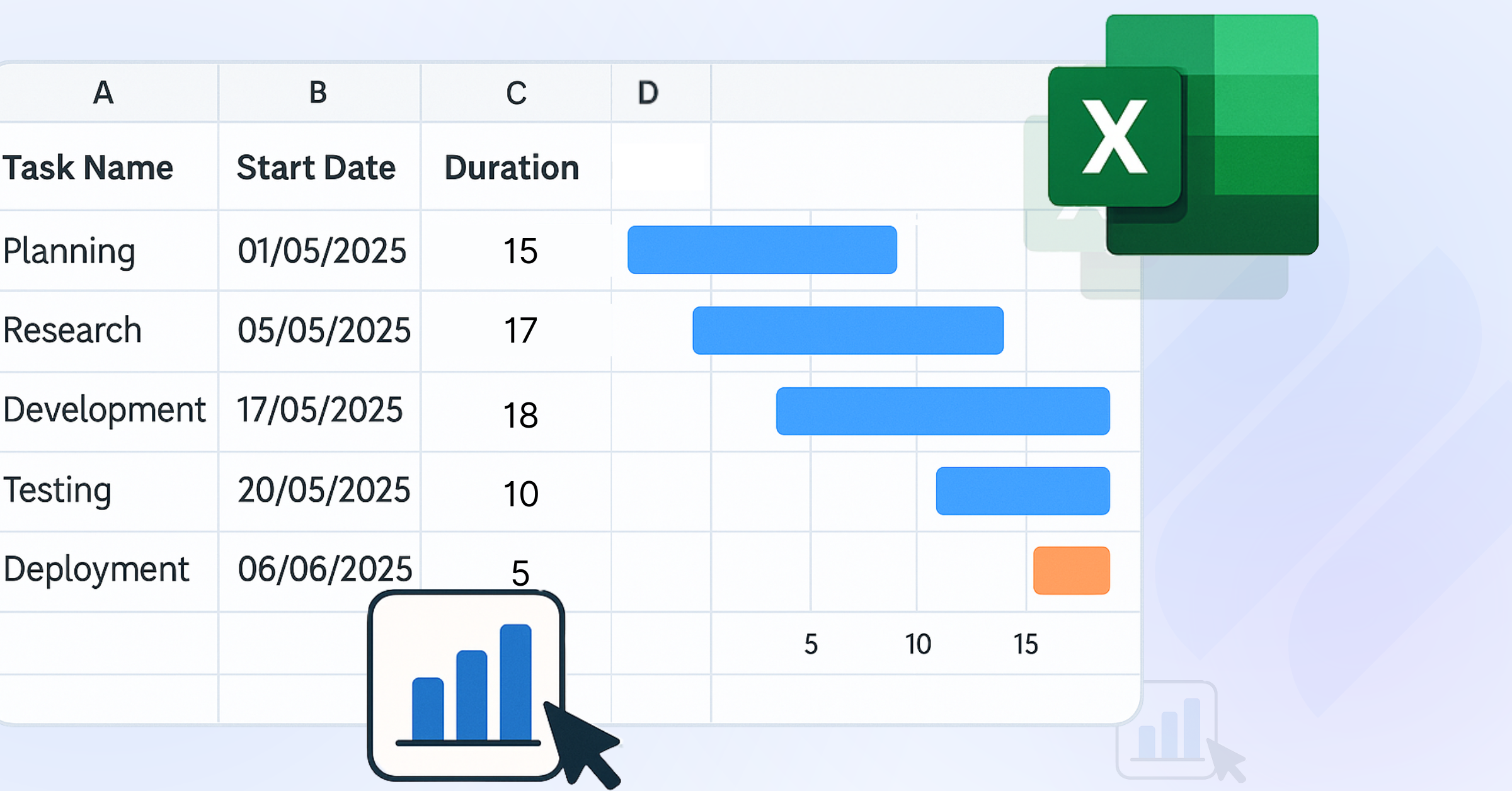
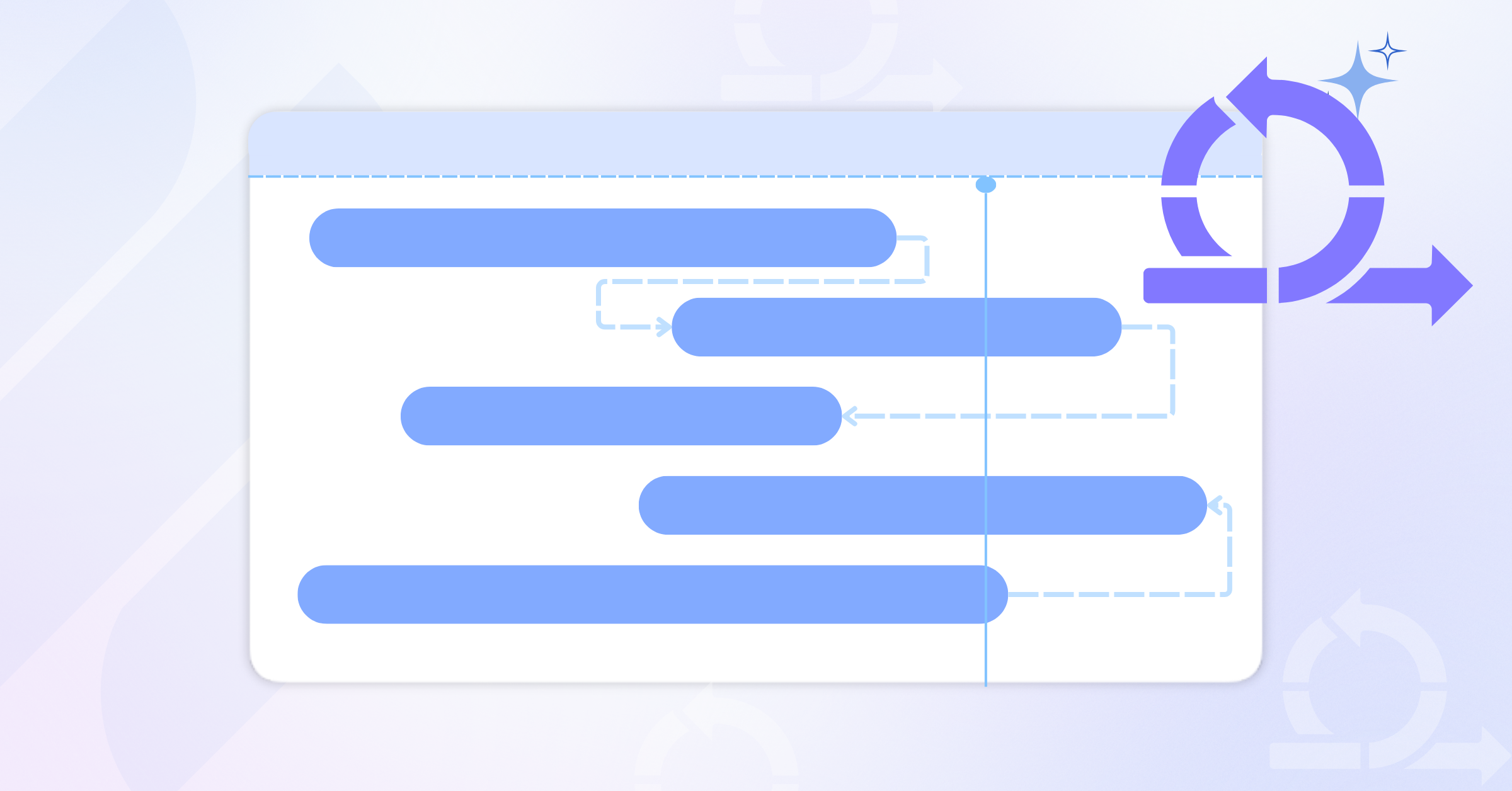
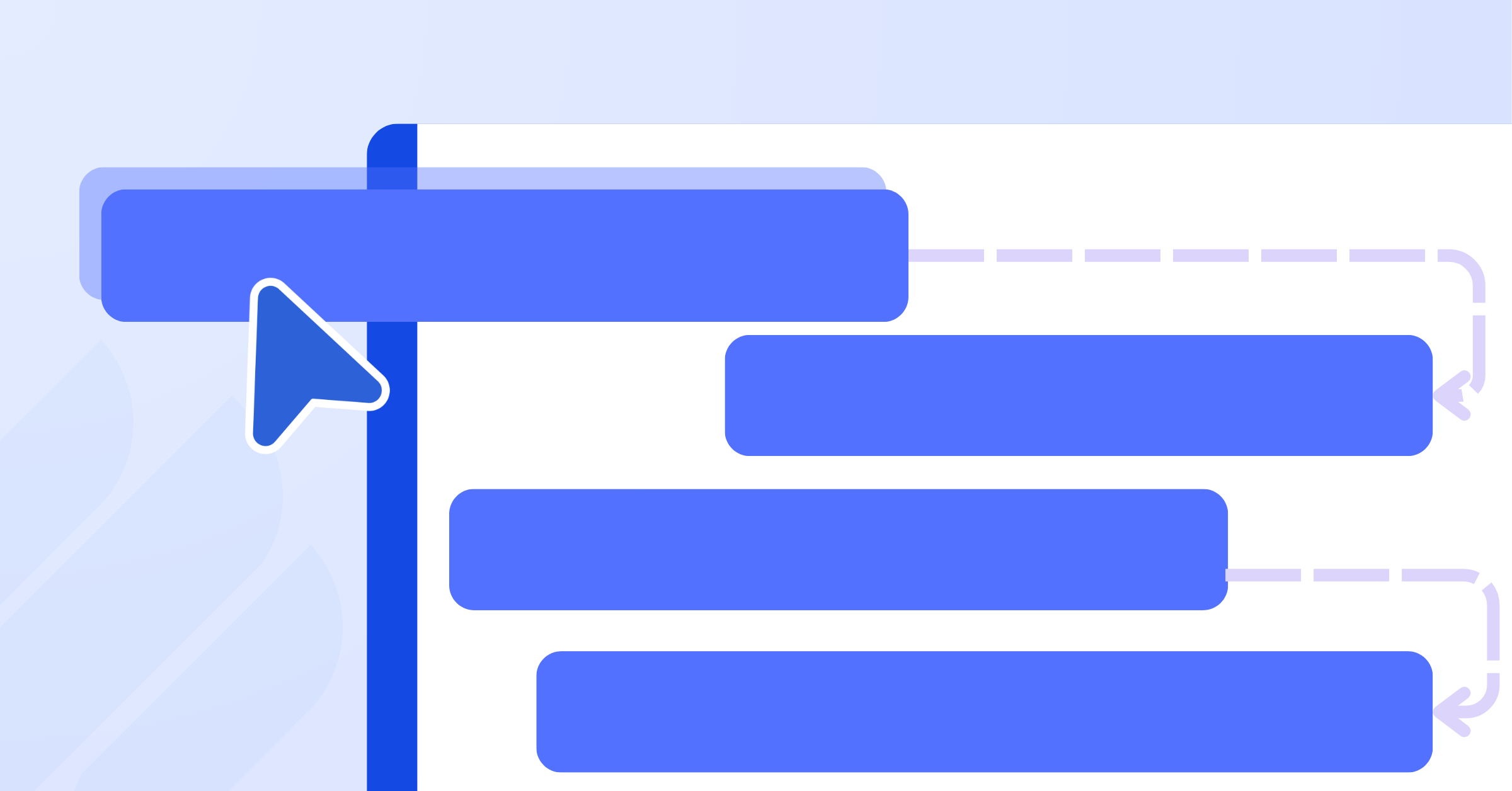
The Gantt chart visually displays all tasks as Gantt bars, making it easy to see the sequence of tasks. The critical path is the longest chain of dependent tasks, which determines the project’s minimum completion time. Tasks on the critical path have zero float (slack), meaning any delay in these tasks will directly delay the entire project.
With most modern Gantt chart tools, the critical path can be identified automatically with just one click. These tools calculate and highlight tasks with the latest finish dates, while also measuring the total duration of dependent chains to pinpoint the longest path that defines the project’s end date.
In short, identifying the critical path not only helps you keep the project on track but also enables better resource allocation, optimized scheduling, and ensures timely project delivery.
When to Use Gantt Charts with Critical Path Methods?
Using Gantt charts in combination with the Critical Path Method (CPM) is highly effective when a project requires detailed planning, close monitoring of task dependencies, and strict schedule control. This approach is especially useful in the following situations:
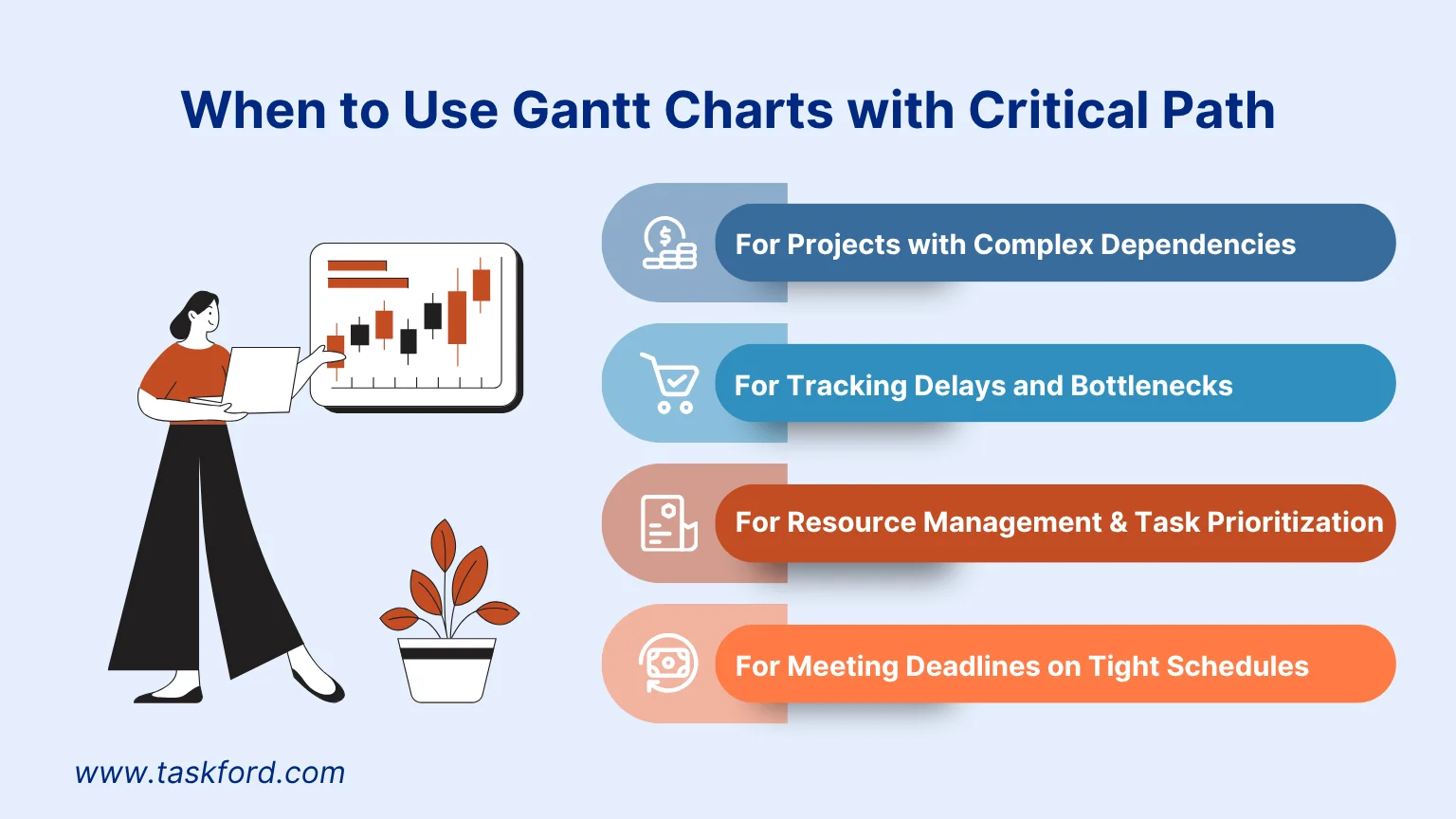
1. For Projects with Complex Dependencies
In projects with many interdependent tasks, it’s crucial to identify which ones directly impact the overall timeline. The combination of Gantt charts and CPM helps you pinpoint the tasks that must be completed on time while also visualizing dependencies clearly, making it easy to distinguish between critical tasks and those with slack.
Example: In a software development project, tasks like coding, integration, and testing often fall on the critical path. These dependencies are clearly displayed in the Gantt chart, allowing you to prioritize them effectively.
2. For Tracking Delays and Bottlenecks
Delays in critical tasks can derail the entire project. A Gantt chart integrated with CPM allows you to identify which tasks will push back deadlines if delayed, while also visually highlighting bottlenecks so managers can react quickly.
Example: In a marketing campaign, if content creation lies on the critical path, any delay could postpone the launch. You can see this instantly on the Gantt chart and reallocate resources to keep the project on schedule.
3. For Resource Management and Task Prioritization
By combining Gantt charts with CPM, you gain the ability to focus on high-priority tasks while also managing workload distribution across the team. This ensures limited resources are directed toward tasks that matter most.
Example: In a construction project, activities like site preparation and foundation work usually fall on the critical path. The Gantt chart helps you allocate more resources to these tasks while optimizing others that are less urgent.
4. For Meeting Deadlines on Tight Schedules
When working with strict deadlines, Gantt charts with CPM help you identify opportunities to shorten timelines, either by fast-tracking tasks (overlapping activities) or crashing (adding extra resources). The visual layout makes it easier to spot where adjustments can be made.
Example: In event planning, securing the venue and booking vendors are often critical tasks. With Gantt chart tools, you can see where tasks can overlap and fast-track certain activities to ensure the event happens on time.
In summary, combining Gantt charts with the Critical Path Method gives you both visual clarity and strategic focus. While the Gantt chart provides a clear timeline overview, CPM ensures you concentrate on the tasks that directly determine the project’s success and timely delivery.
Conclusion
The Gantt chart critical path method is a powerful approach for managing project timelines, identifying task dependencies, and prioritizing critical activities that impact deadlines. By understanding how Gantt charts and Critical Path Method (CPM) work together, project managers can effectively track progress, manage resources, and address potential bottlenecks.
Related Articles














How to Build and Manage a Product Roadmap with TaskFord















How to Build a Connected Project Timeline in TaskFord










What Are the Best Jira Alternatives for Scrum Teams?























How WBS Reveals Delivery Breakdown Before It’s Too Late










![How To Conduct a Profound Stakeholder Analysis [+ Free Template]](/marketing/blog/stakeholder-analysis.webp)















What to Look for in Scrum Tools (Beyond Kanban Boards)


![Project Management Calendar for Teams and Managers [Free Templates]](/marketing/blog/project-management-calendar.webp)





How to Define Project Deliverables: A Step-by-Step Guide








![RACI Chart in Project Management: Rules & Examples [Free Download]](/marketing/blog/raci-chart.webp)
















![7 Must-Have Project Management Documents Every PO Should Know [Free Templates]](/marketing/blog/project-management-documents.webp)











![How to Create a Winning Project Plan for IT Projects [10 Steps Included]](/marketing/blog/how-to-create-a-project-plan.webp)


![Daily Standup Best Practices: Apply AI to Organize Meetings Successfully [2026 Trends]](/marketing/blog/daily-standup.webp)






![How to Create a Project Communication Plan: Step-by-Step Guide [+Free Template]](/marketing/blog/project-communication-plan.png)


![Master Project Procurement Management in 5 Steps [Download a free plan template]](/marketing/blog/project-procurement-management.webp)































Subscribe for Expert Tips
Unlock expert insights and stay ahead with TaskFord. Sign up now to receive valuable tips, strategies, and updates directly in your inbox.