Free Gantt Chart Templates for Project Planning 2026
Discover the best free Gantt chart templates for 2026 project planning, including Excel and software options, to streamline your project management.
If you’re looking for Gantt chart templates, you probably want a quick way to plan your project without starting from scratch.
Templates help organize tasks and timelines, but as projects grow, issues arise. When tasks shift, you must update everything manually. Small delays and resource conflicts often go unnoticed, and soon, you’re spending more time maintaining the chart than managing the project.
The real challenge lies in recognizing when Gantt chart templates no longer serve your needs. In this guide, we’ll help you identify when to stick with templates and when it’s time to upgrade to more powerful project management tools.
What Are Gantt Chart Templates?
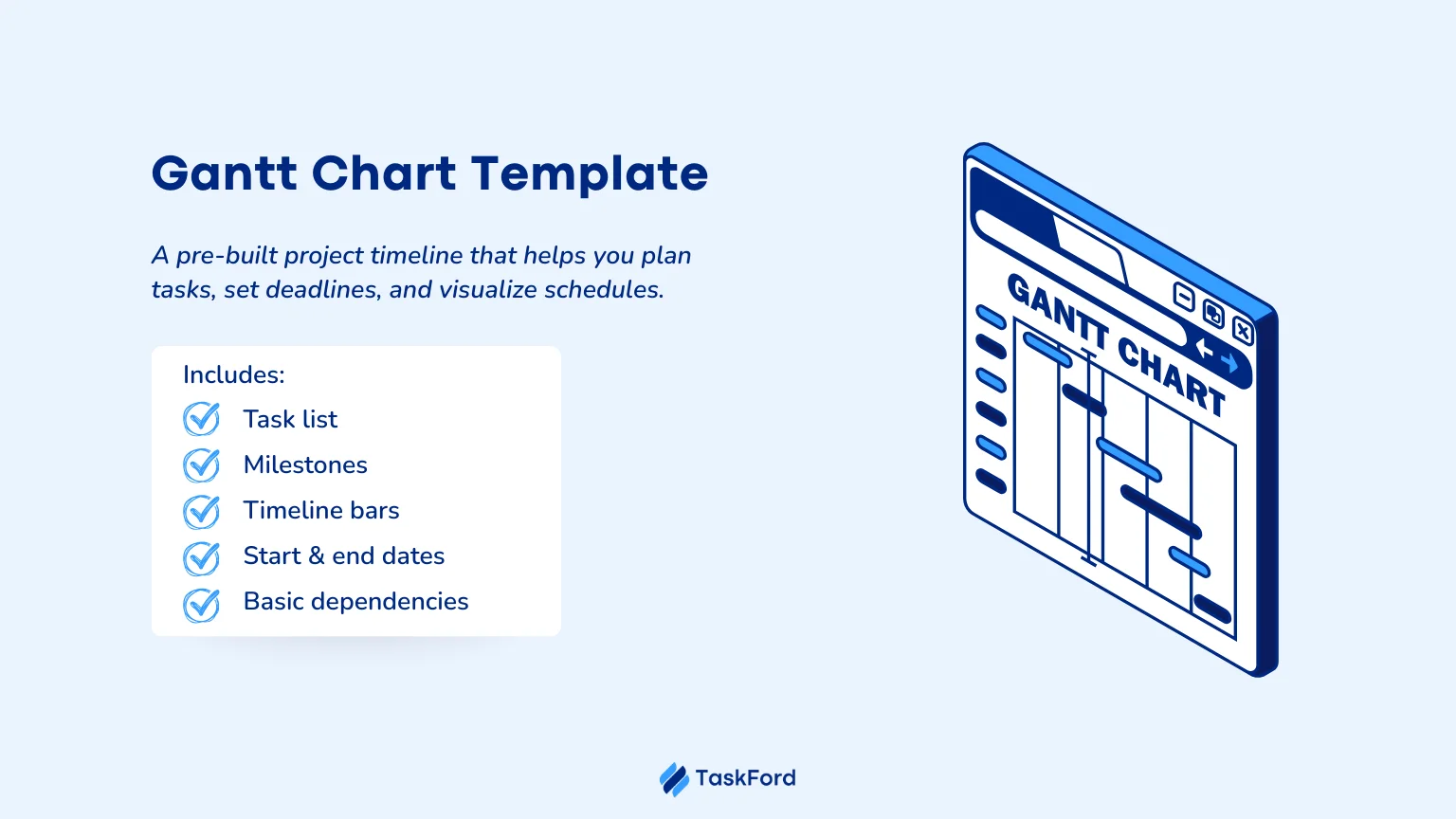
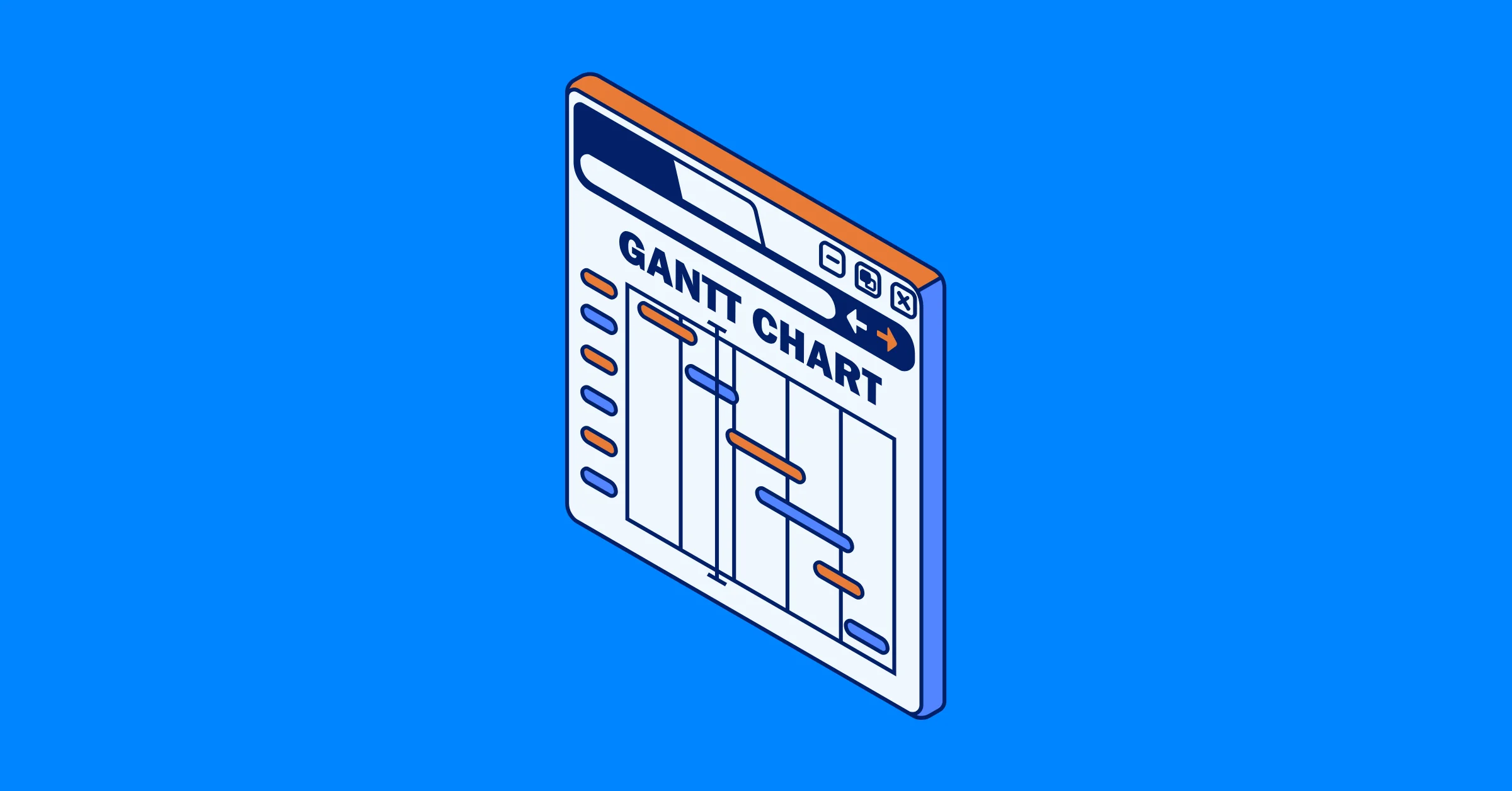
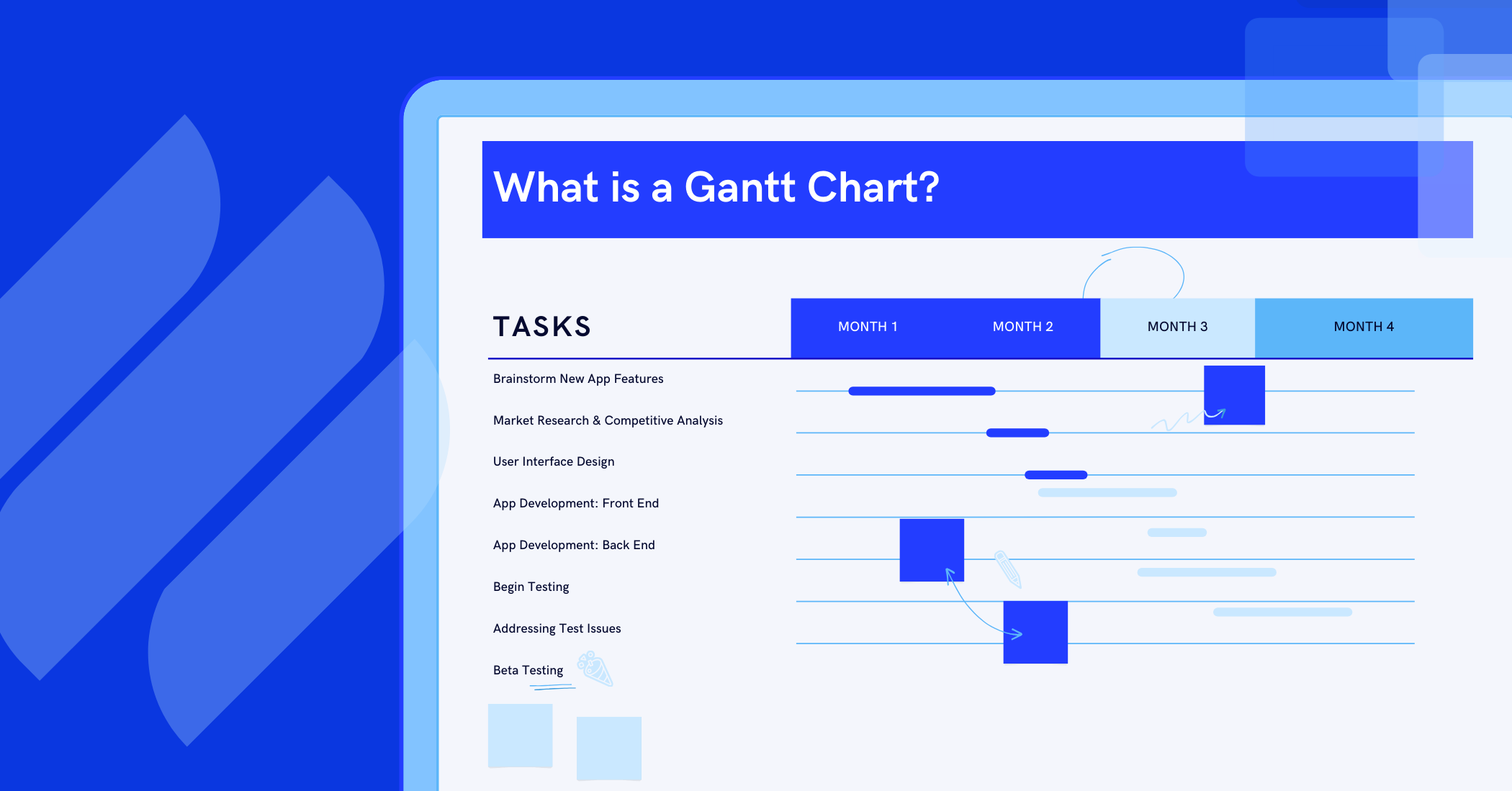
Gantt Chart Templates are pre-built project timeline formats that help you plan tasks, set deadlines, and visualize how work is scheduled over time.
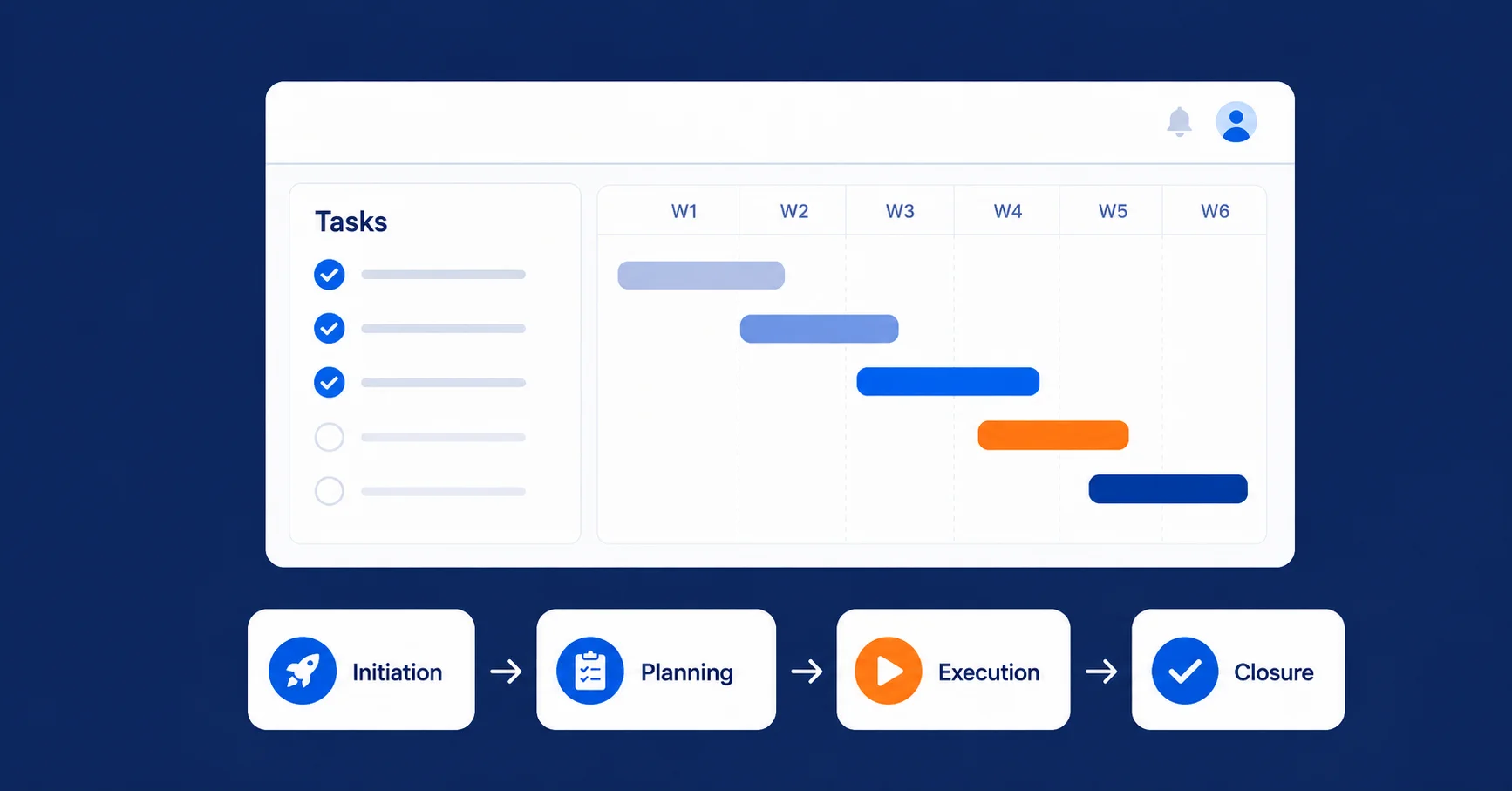
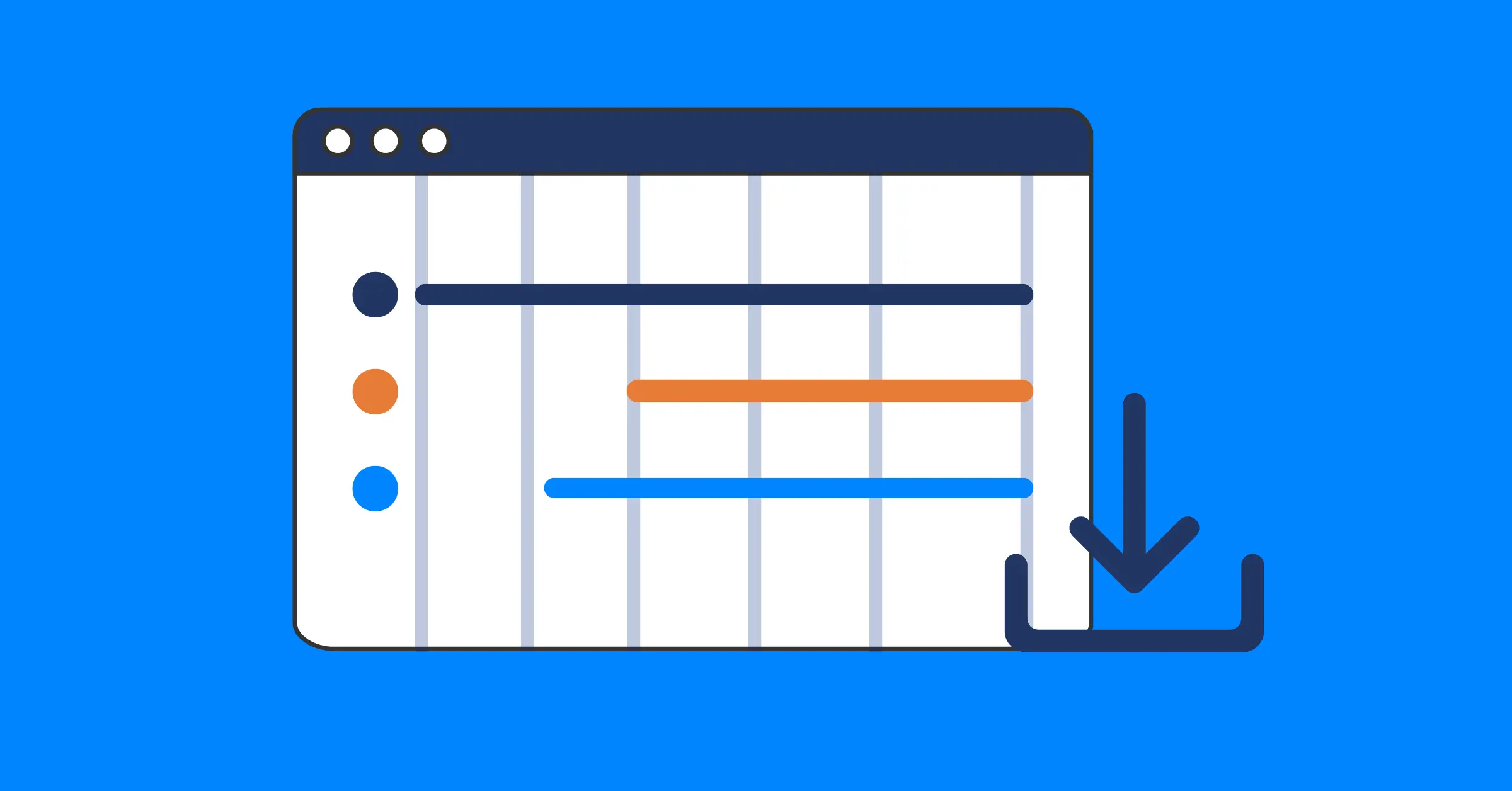
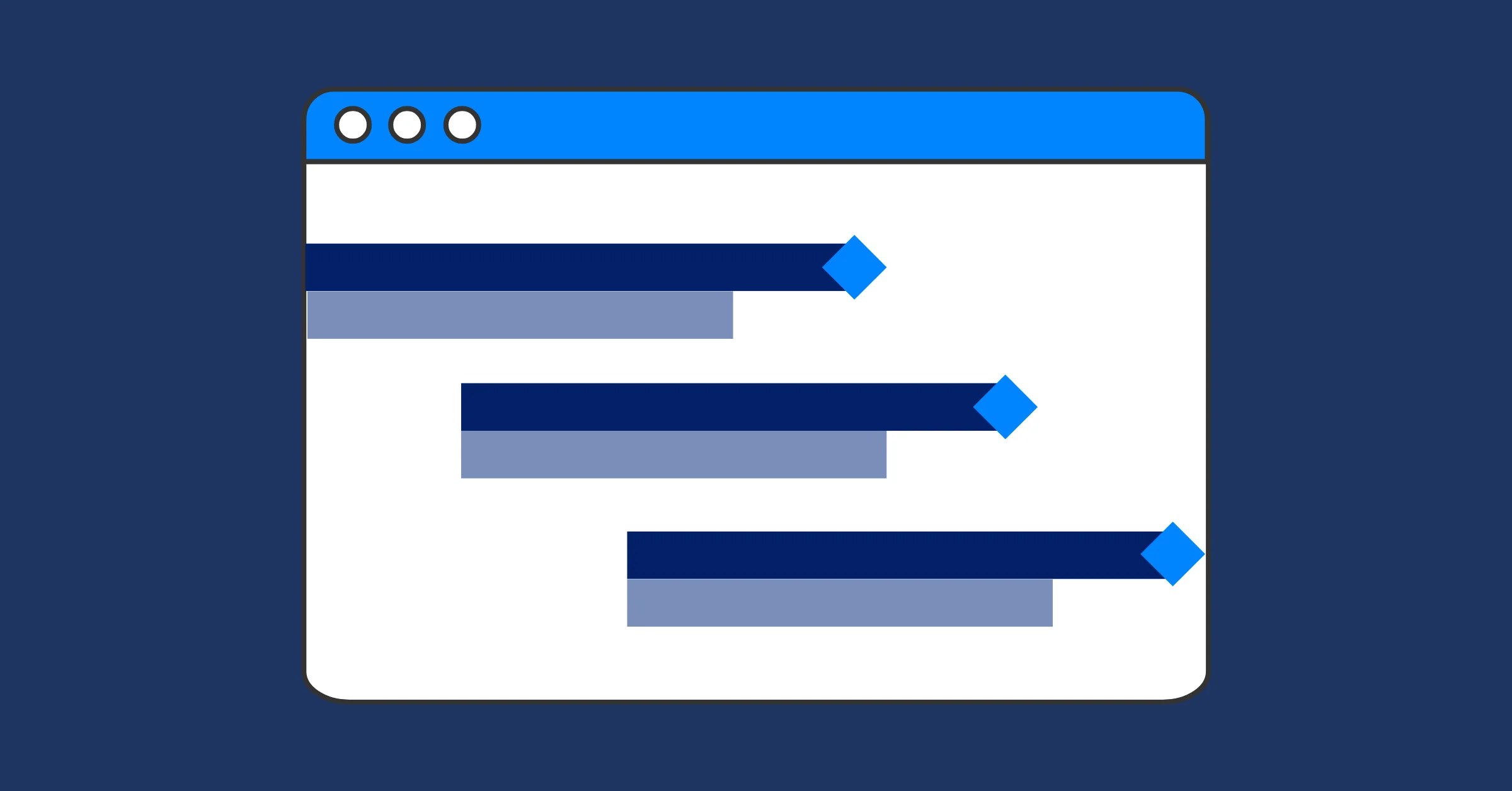
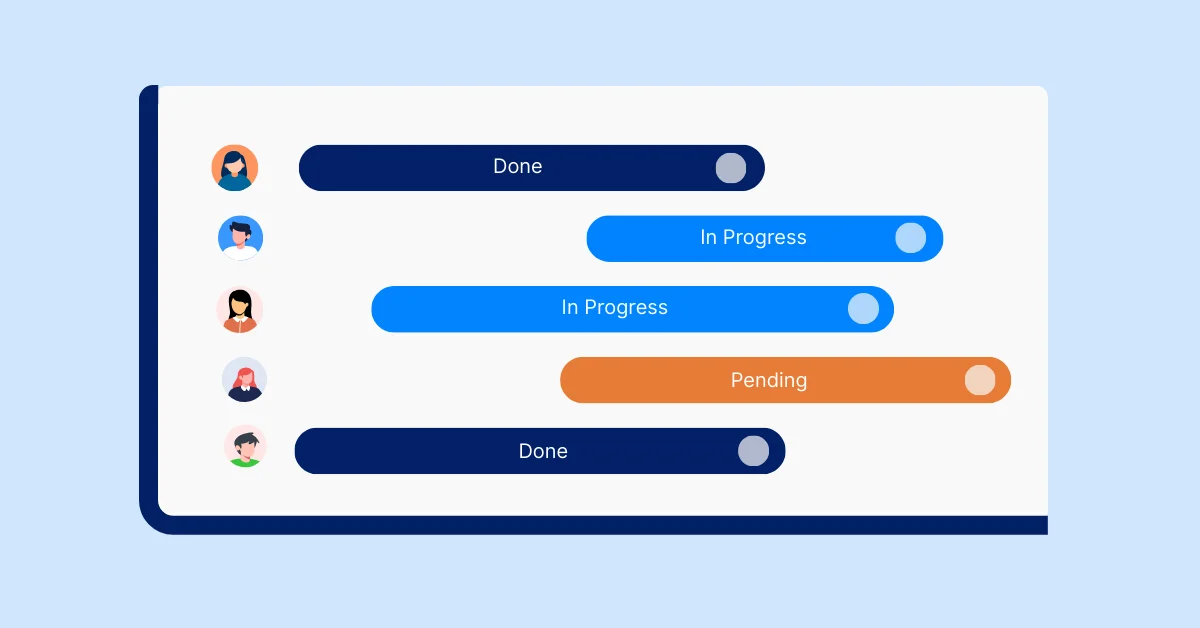
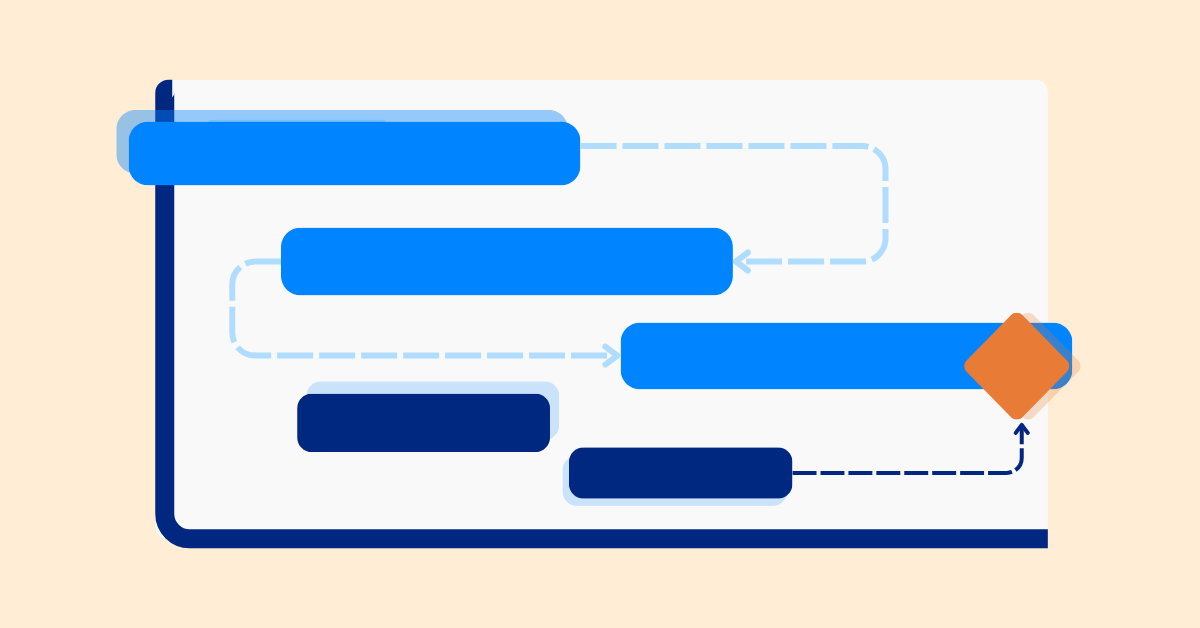
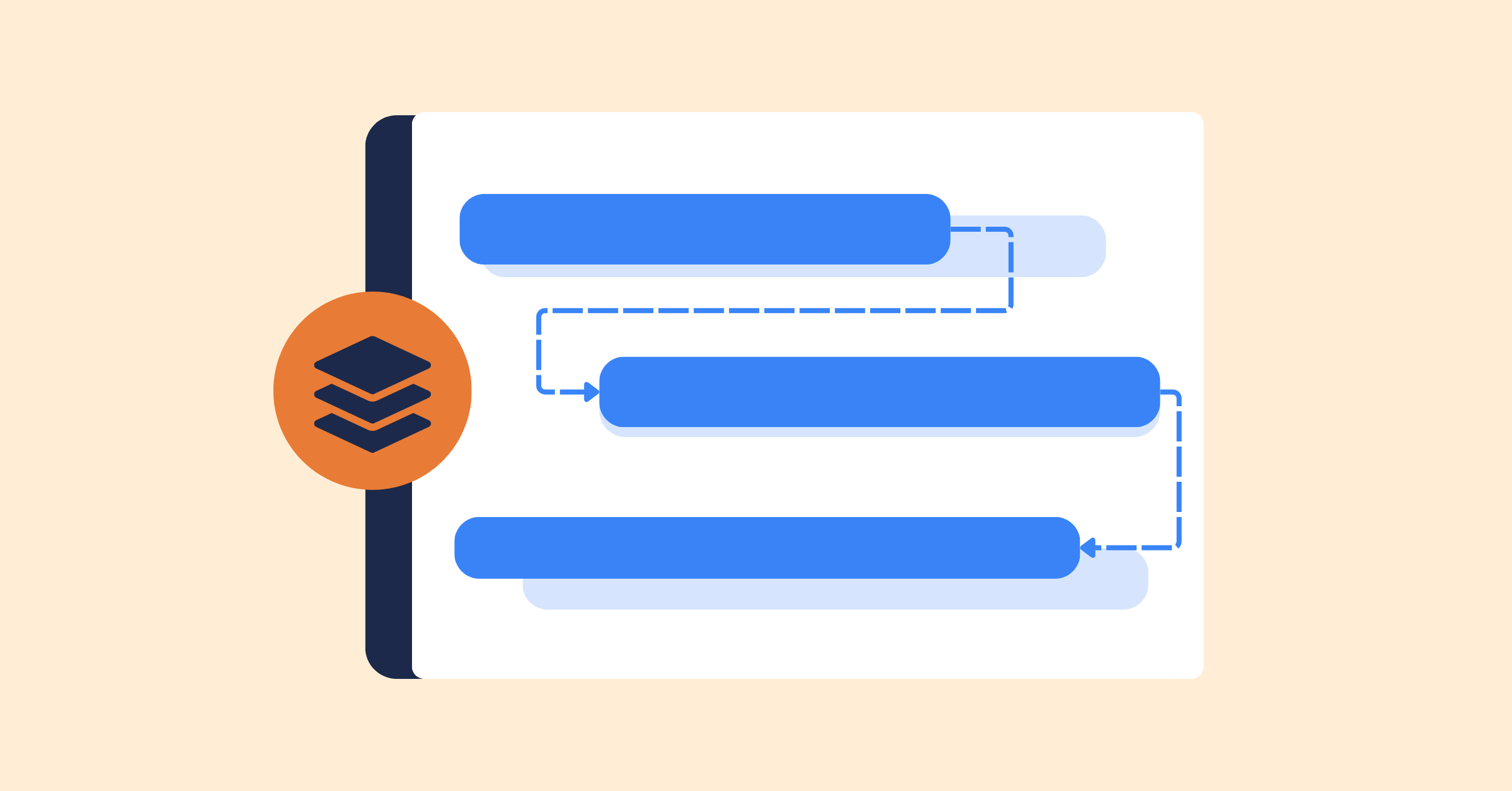
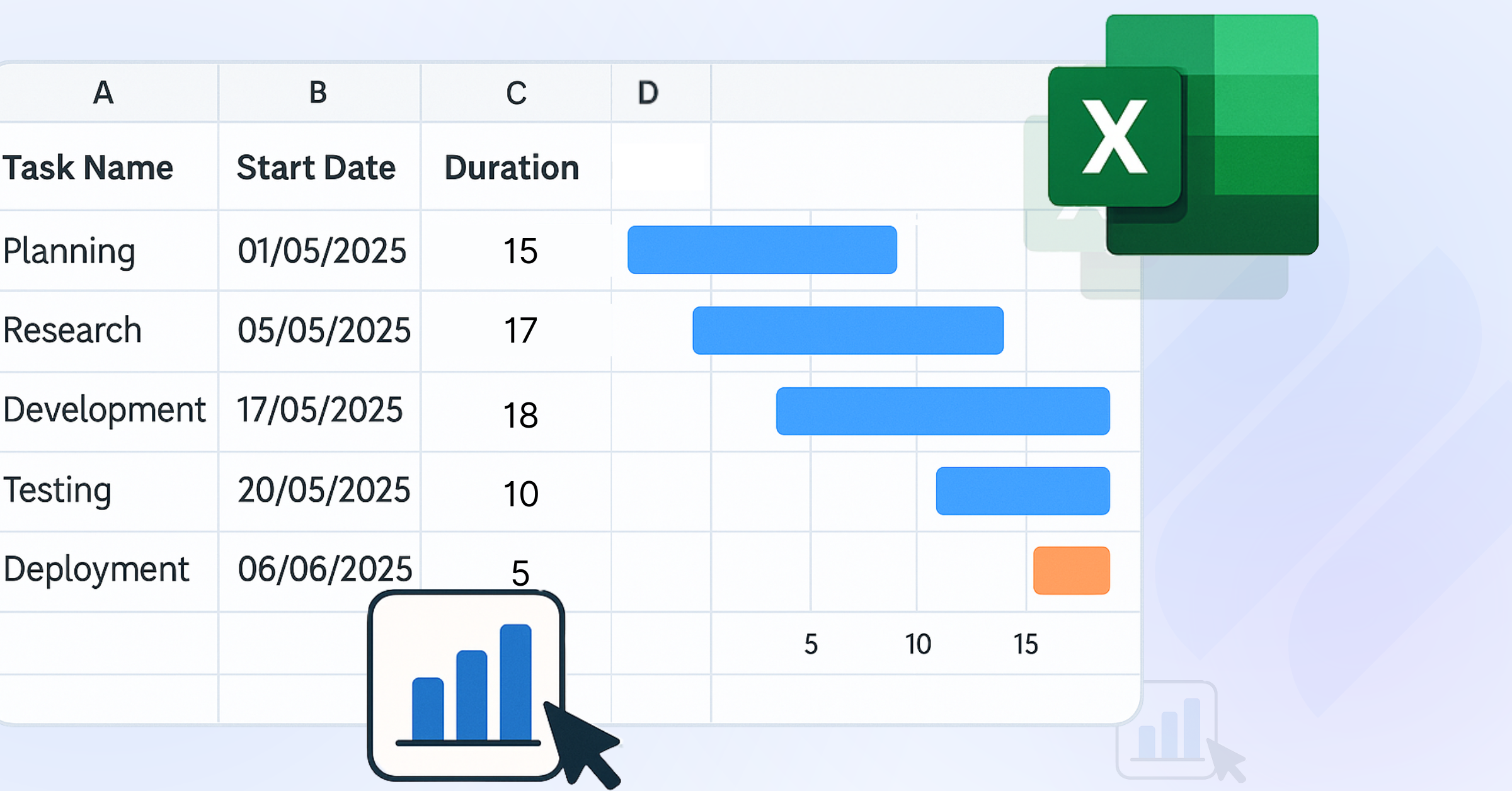
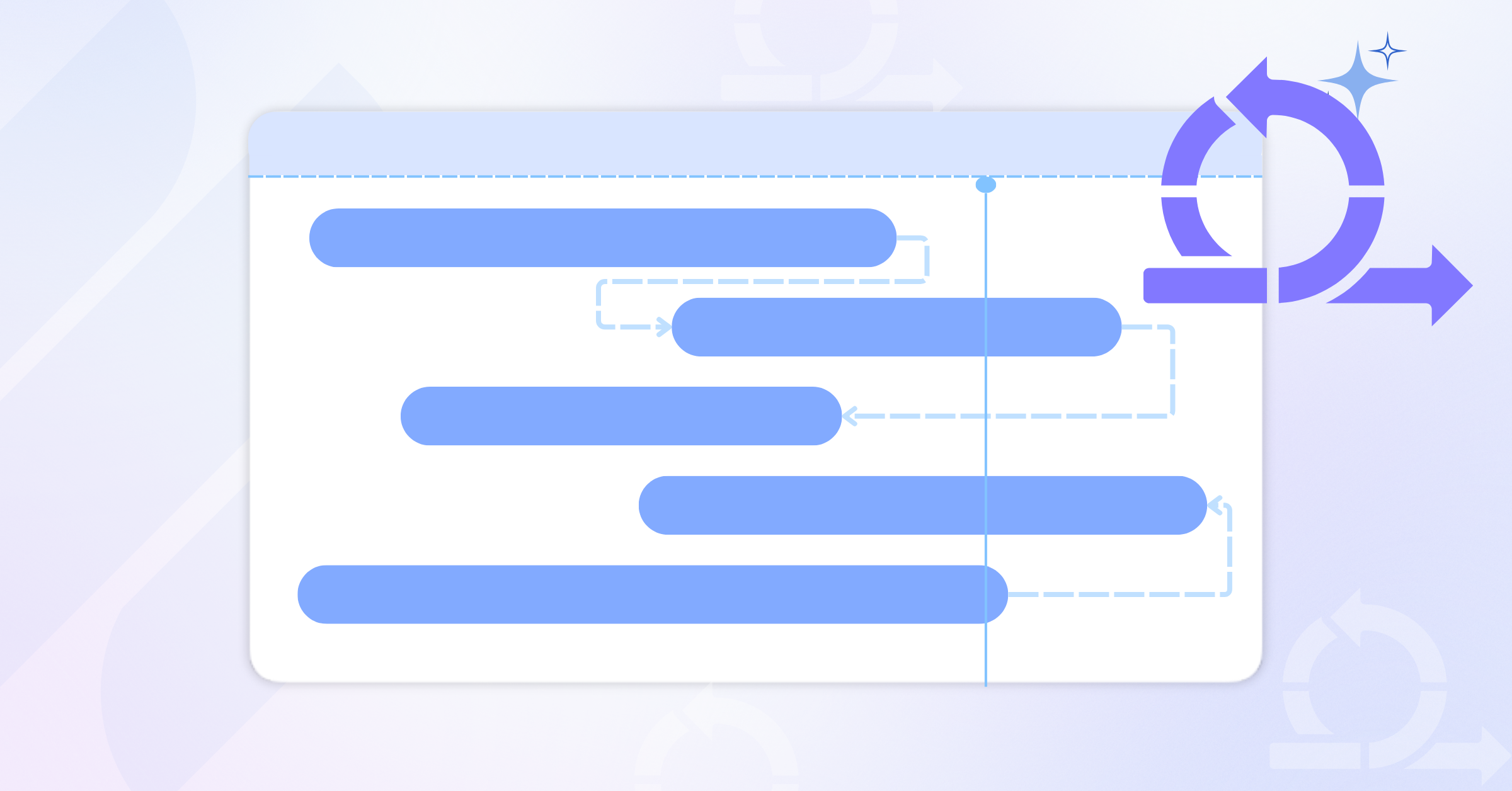
Instead of creating a timeline from scratch, you start with a ready-made structure. Most templates include a list of tasks on the left and a horizontal timeline on the right, where task durations are shown as bars.
You’ll typically find Gantt Chart Templates in tools like Excel, Google Sheets, PowerPoint, or online project management platforms.
A standard template usually includes:
- Predefined task lists
- Start and end dates
- Timeline structure
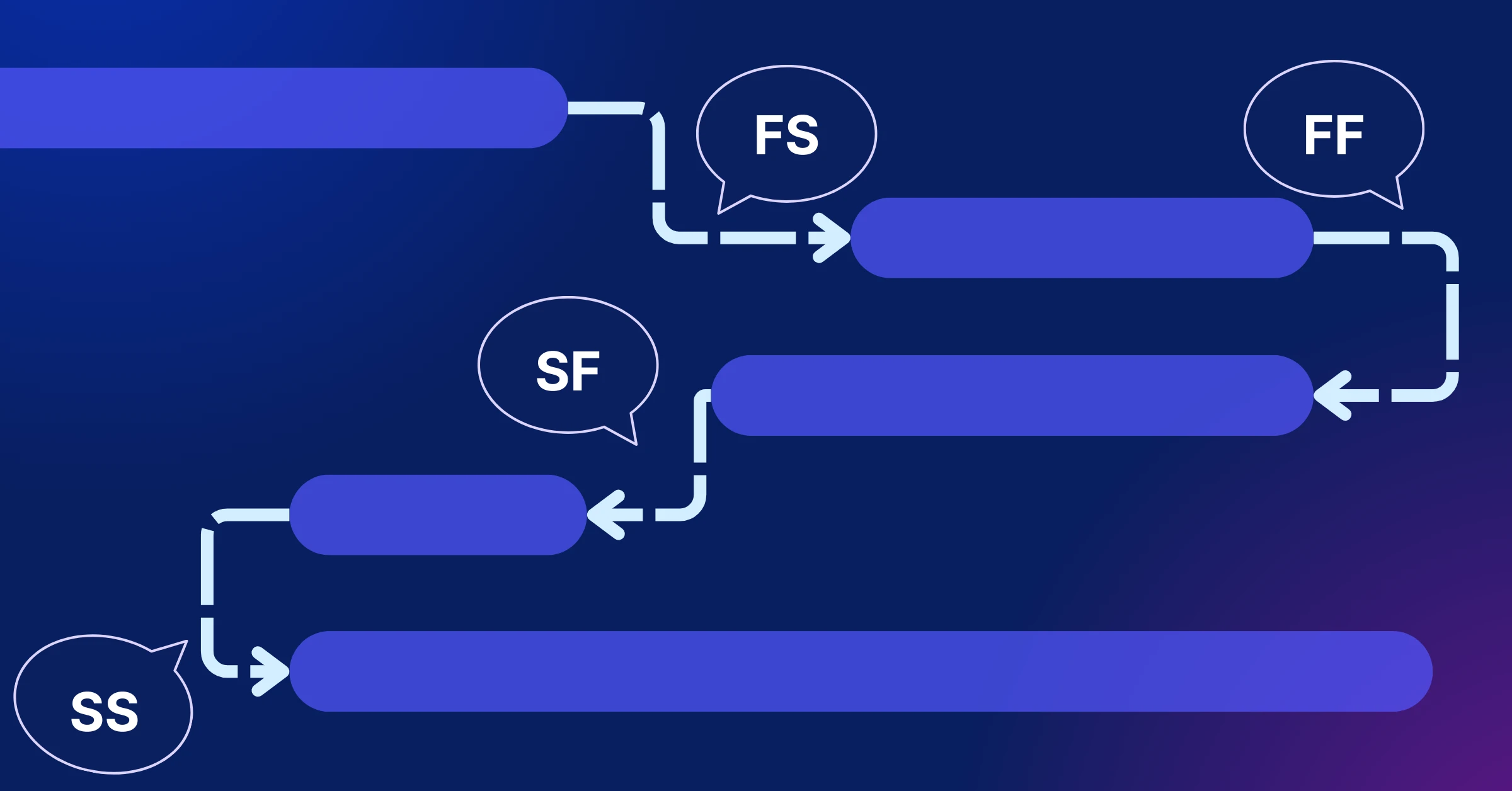
- Basic task dependencies
- Milestones
- Simple formatting for clarity
Templates are designed to save time and provide structure. They give you a starting point so you can focus on planning rather than formatting.
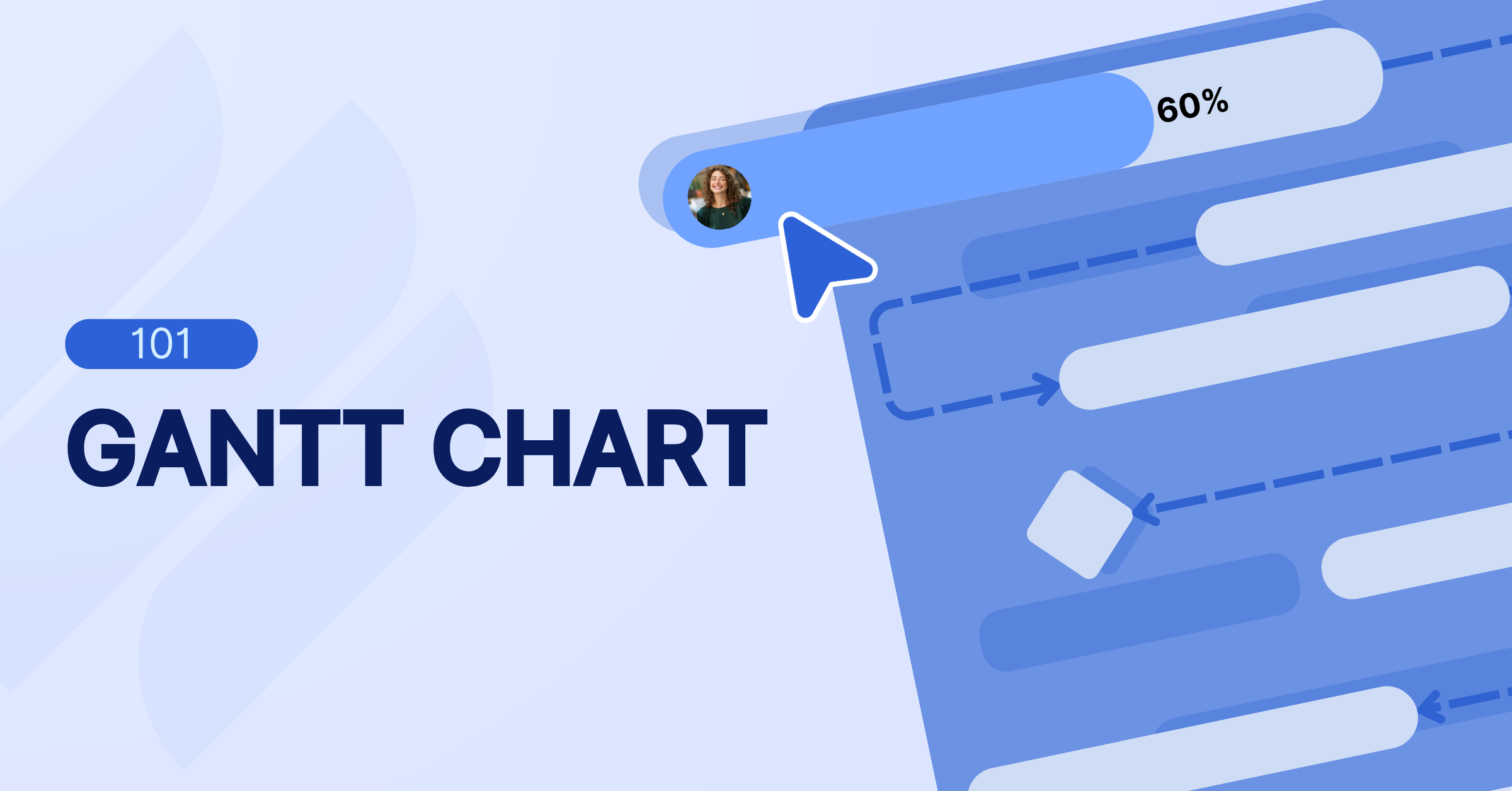
Learn more: Gantt Chart 101: Definition, Key Components, and How to Create It
Free Gantt Chart Template in Excel (Pros & Cons)
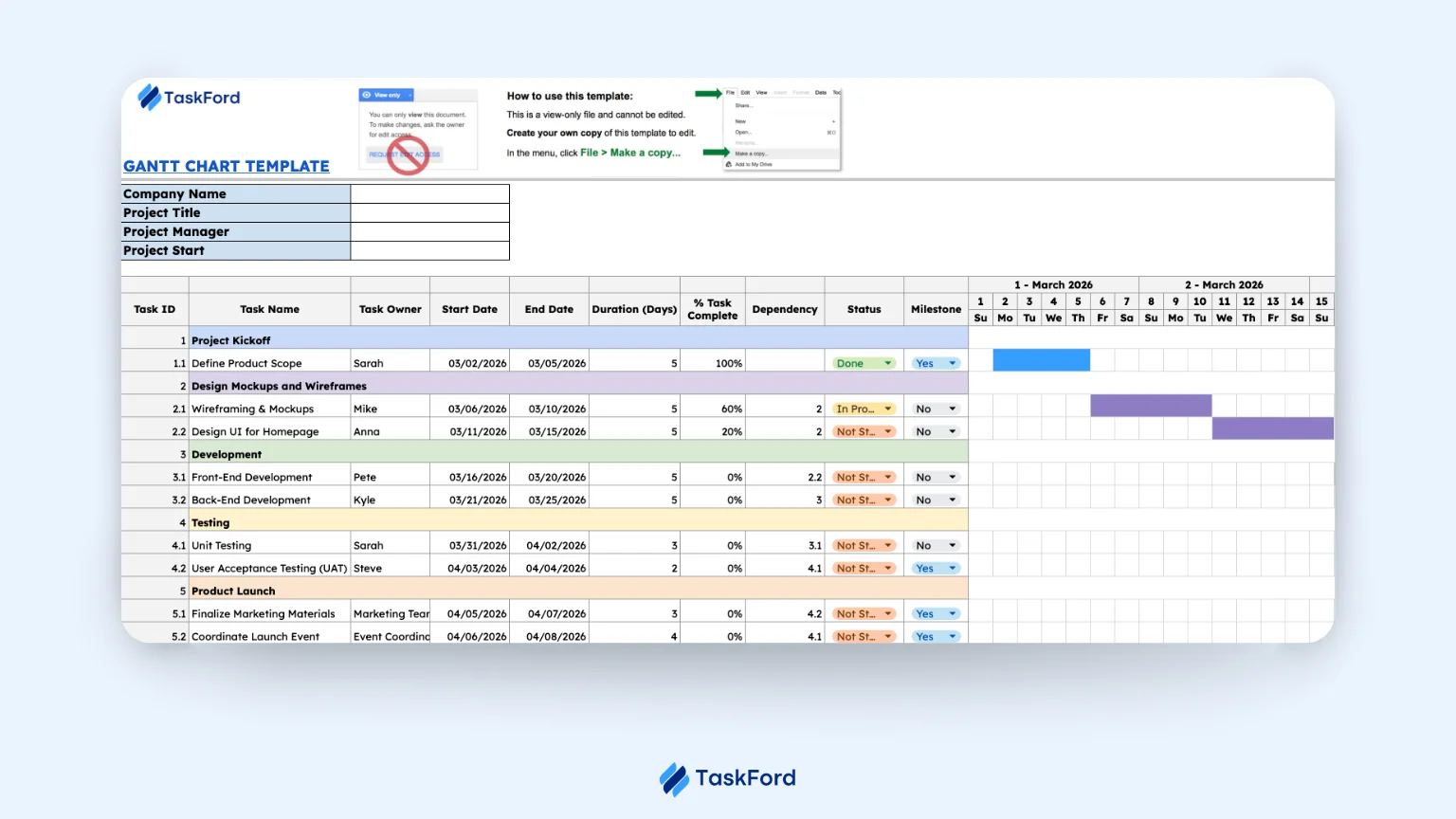
A free Gantt chart template in Excel offers a simple, cost-effective way to visualize and manage project timelines. While it’s an accessible option, there are some pros and cons that come with using it for project management.
Pros:
- Easy Setup & Customization: Gantt chart templates in Excel are quick to set up and can be customized easily to fit your specific project needs, whether you’re tracking deadlines or milestones.
- Cost-Effective: Excel is a low-cost tool that’s already widely available, making it a budget-friendly option for small teams or simple projects without the need for extra software.
- Simple Task Management: You can easily add tasks, start/end dates, and visualize timelines, helping individuals or small teams stay organized and on track with minimal complexity.
- No Need for Additional Software: Since Excel is commonly used, you don’t need to invest in specialized project management software, making it a practical choice for teams that need basic timeline visualization.
Cons:
- Manual Updates & Maintenance: Updating the timeline is a manual process, which means you’ll need to adjust tasks and dependencies by hand. This can be time-consuming and error-prone, especially for larger projects.
- Real-Time Collaboration Challenges: Excel allows real-time collaboration via Microsoft 365 or OneDrive, but without project management features, it can still lead to version control issues and make it harder to stay aligned across teams.
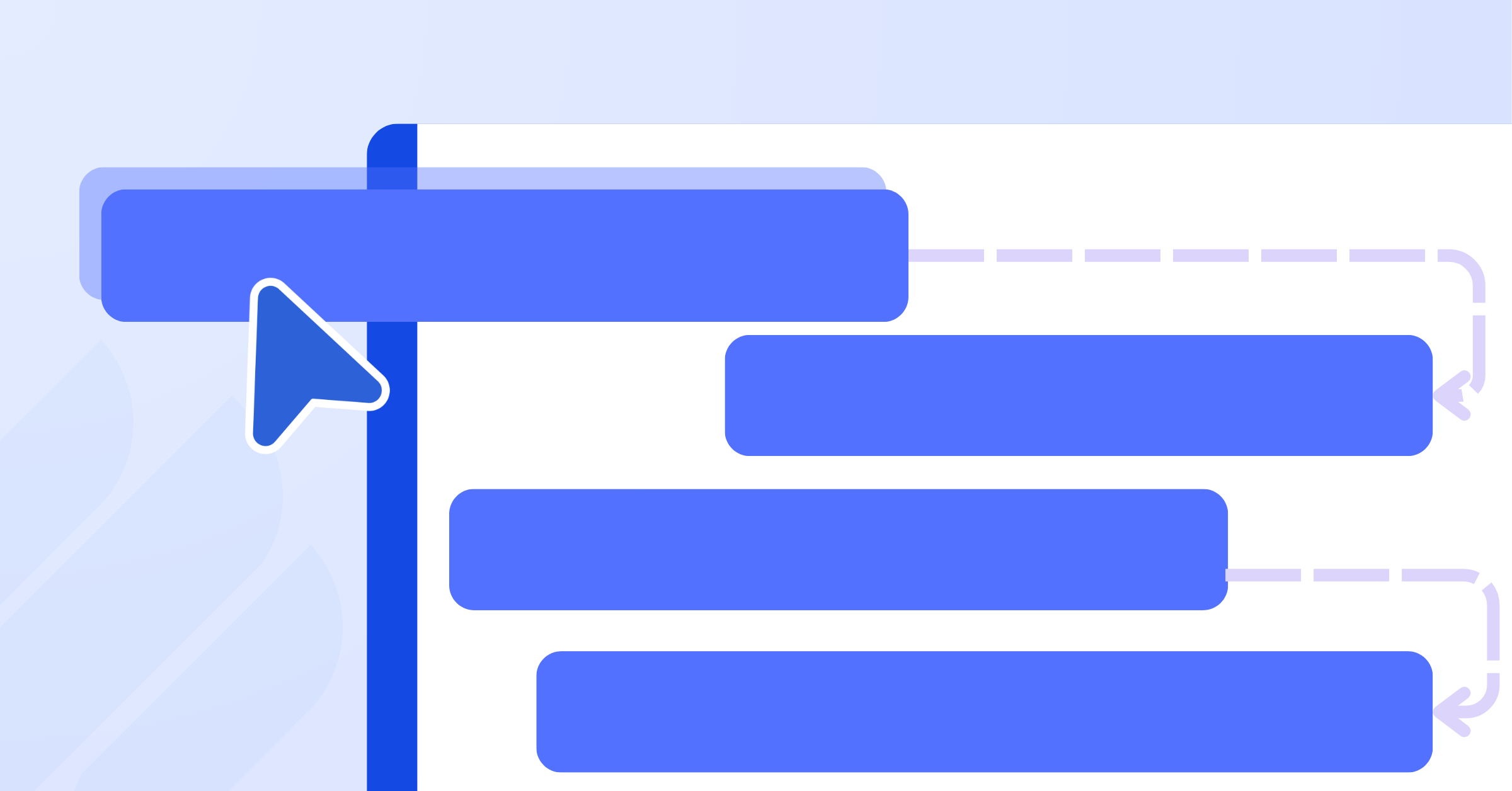
- Limited Dependency Management: Excel lacks the automation needed for dependency tracking. If one task is delayed, there’s no automatic update for dependent tasks, requiring you to adjust everything manually.
- Difficult to Track Progress: While Excel allows you to visualize tasks, tracking progress (e.g., % completed) and adjusting the timeline dynamically becomes cumbersome as the project grows.
- No Built-In Reporting or Forecasting: Excel doesn’t offer built-in features for reporting or forecasting project completion, making it hard to predict delays or assess the project’s overall health at a glance.
Best for:
- Small projects with simple timelines, where the project scope and task dependencies are straightforward.
- Teams that need a low-cost, easy-to-set-up solution for basic project tracking without the need for advanced features.
- Solo project managers or teams that don’t require real-time collaboration or complex reporting.
👉 Download the Free Gantt Chart Template
Free Gantt Chart Software Template (Better Than Spreadsheets)
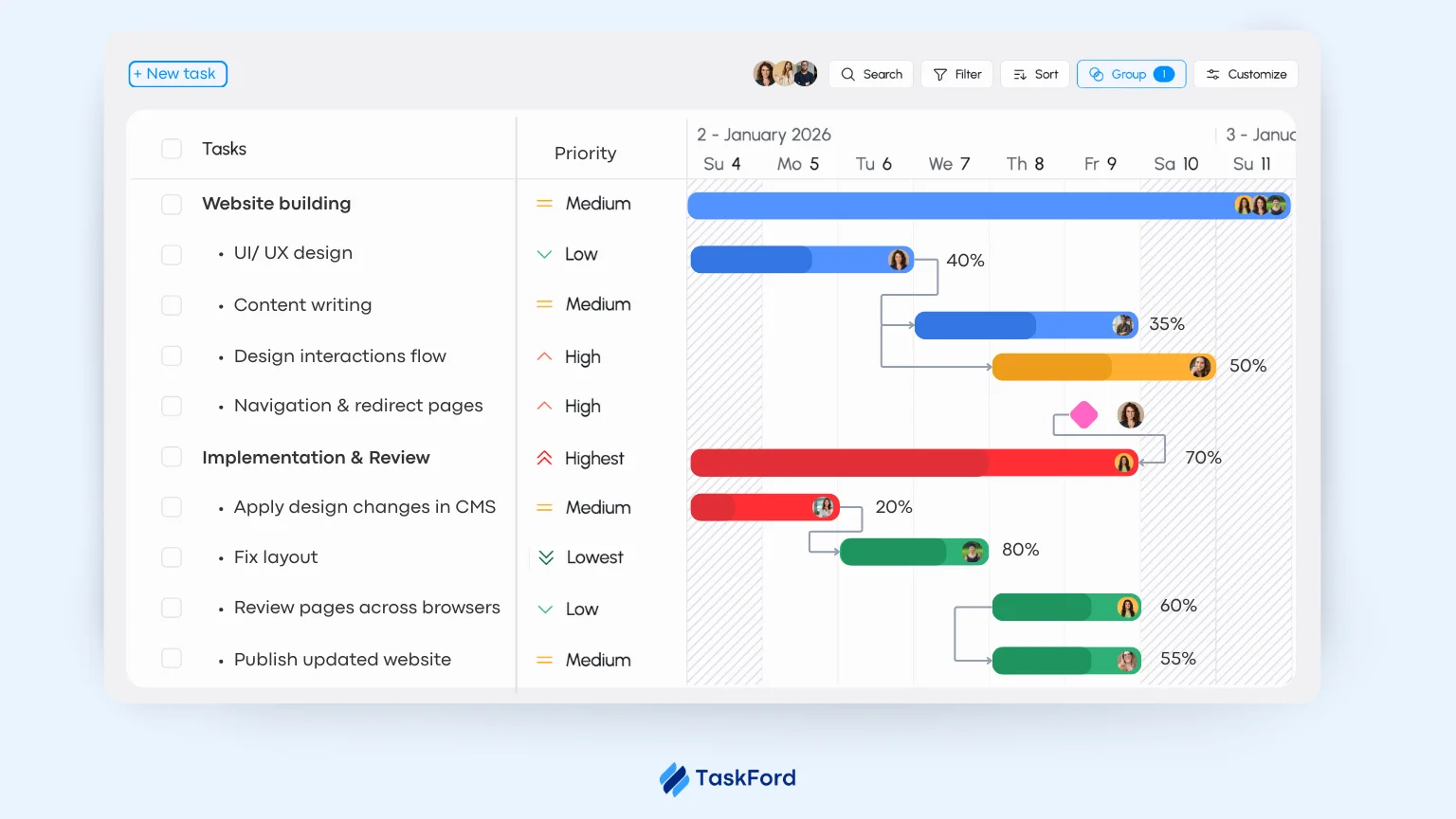
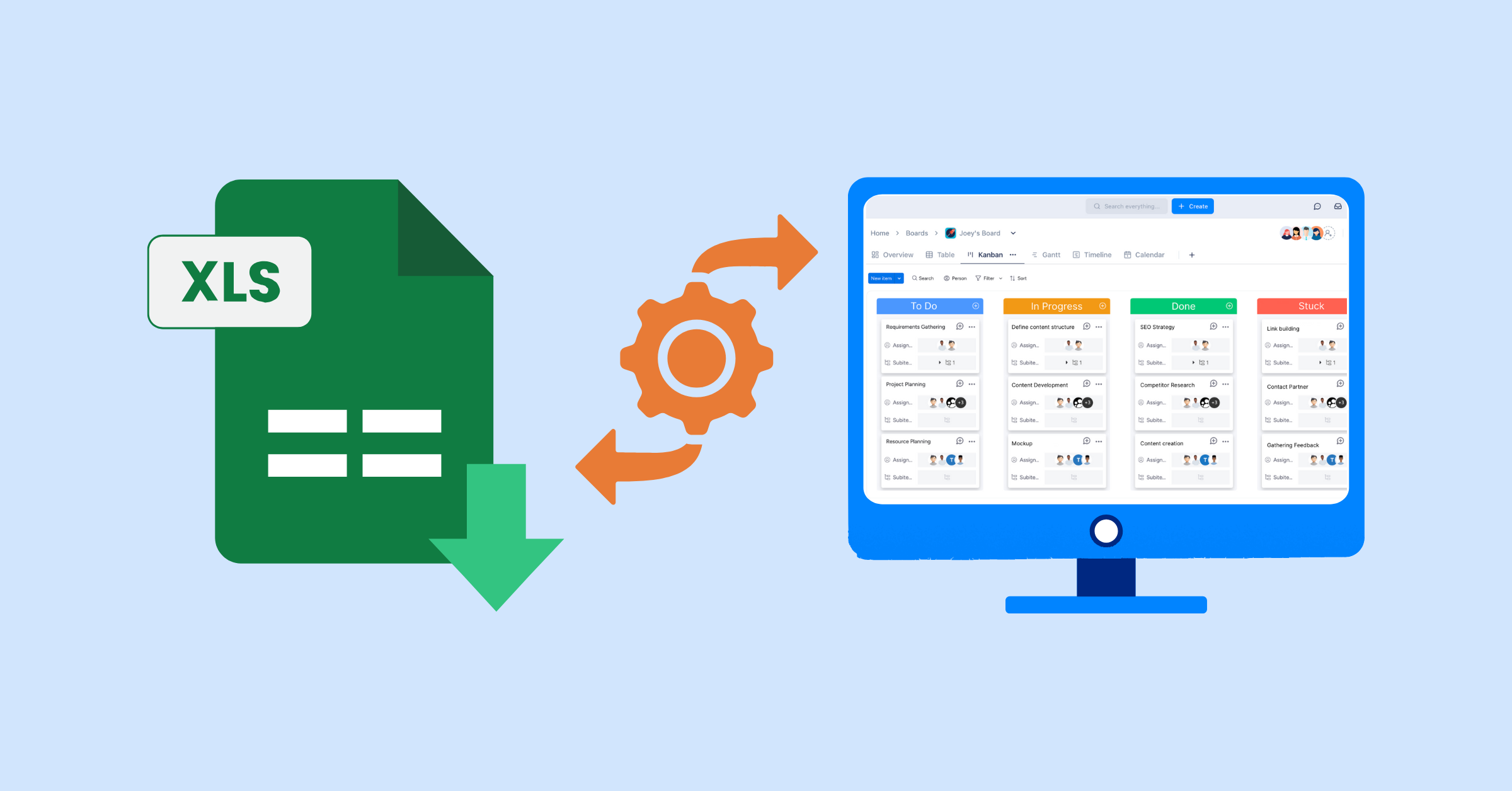
While Excel Gantt chart templates are useful for simple projects, free Gantt chart software offers more advanced features that can optimize your project management. These tools provide benefits like real-time collaboration, automatic task dependencies, and dynamic progress tracking, making it easier to manage larger or more complex projects.
Why Free Gantt Chart Software Is Better Than Spreadsheets:
- Real-Time Collaboration: Unlike Excel, Gantt chart software enables team members to collaborate in real-time, avoiding version control issues and ensuring that everyone is aligned.
- Automatic Dependency Adjustments: If a task is delayed, free Gantt chart software automatically adjusts dependent tasks, saving time and preventing errors.
- Visual Progress Tracking: Gantt chart software visually displays progress with percentage indicators, helping project managers quickly assess how tasks are progressing.
- Task Management: You can assign tasks, set priorities, and track deadlines all in one place, providing a clearer overview of the project.
- More Efficient for Larger Projects: Unlike spreadsheets, Gantt chart software is built to handle larger, more complex projects, providing intuitive views and powerful features like task dependencies and resource management.
How to Choose: Excel Template or Free Software?
Not every project needs a complex system. In many cases, Gantt Chart Templates are enough. The key is understanding when simplicity works and when complexity requires something more structured.
Use the questions below to evaluate your situation.
- Is your project simple and repeatable? If the workflow rarely changes and tasks follow a predictable pattern, a template may work well.
- How often does your scope change? If priorities, deadlines, or requirements shift frequently, manual updates can quickly become overwhelming.
- Are resources shared across multiple projects? If team members are working on several initiatives at once, workload visibility becomes critical.
- Do you need delivery predictability? If leadership expects reliable forecasting and early risk visibility, static timelines may not be enough.
- Is reporting mostly manual? If preparing updates requires extra files, summaries, or reformatting, your planning system may be creating unnecessary work.
In general:
- Templates work best for stable, low-complexity projects with limited dependencies.
- Integrated systems are better suited for cross-functional, resource-constrained, or strategically important initiatives.
Choosing the right approach is not about replacing templates too early. It is about recognizing when your project environment has become more dynamic than your planning tools.
Free Gantt Chart Software: TaskFord
Gantt Chart Templates help you visualize a plan. TaskFord helps you manage delivery in real time.
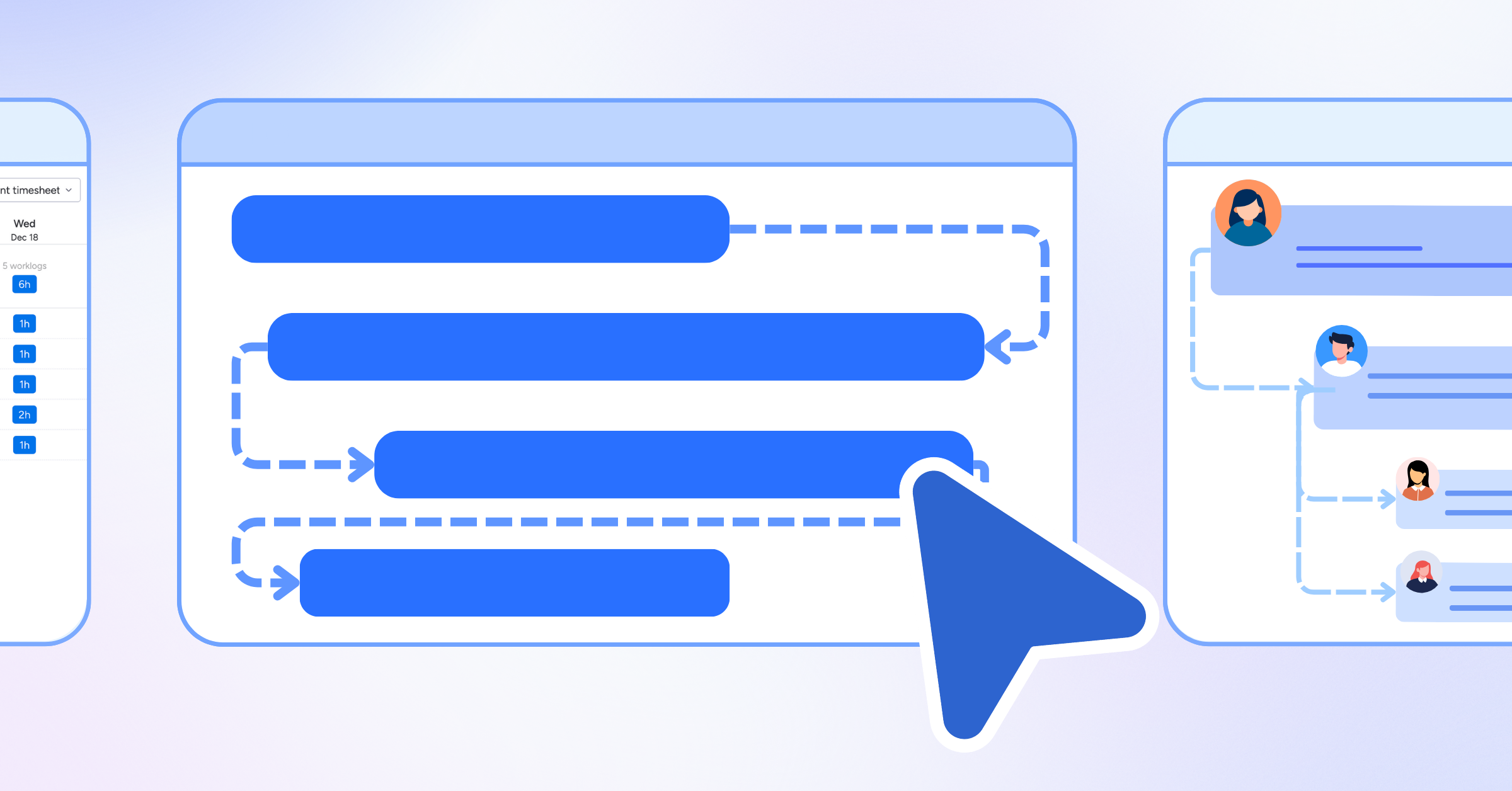
In TaskFord’s Gantt view, the timeline is not a manually maintained file. It is directly connected to live task data, assigned owners, and workflow progress. That difference changes how teams operate.
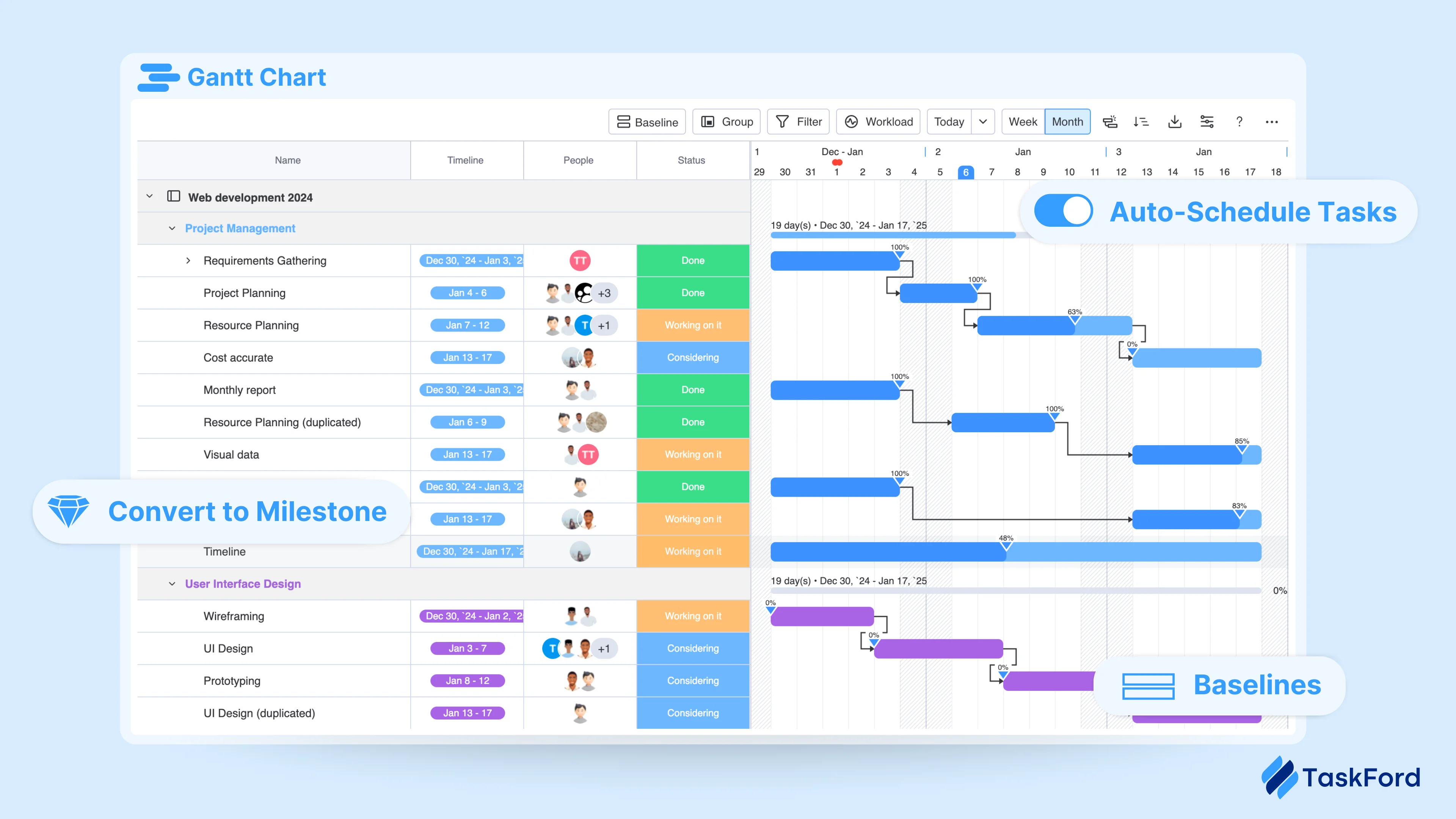
Key capabilities include:
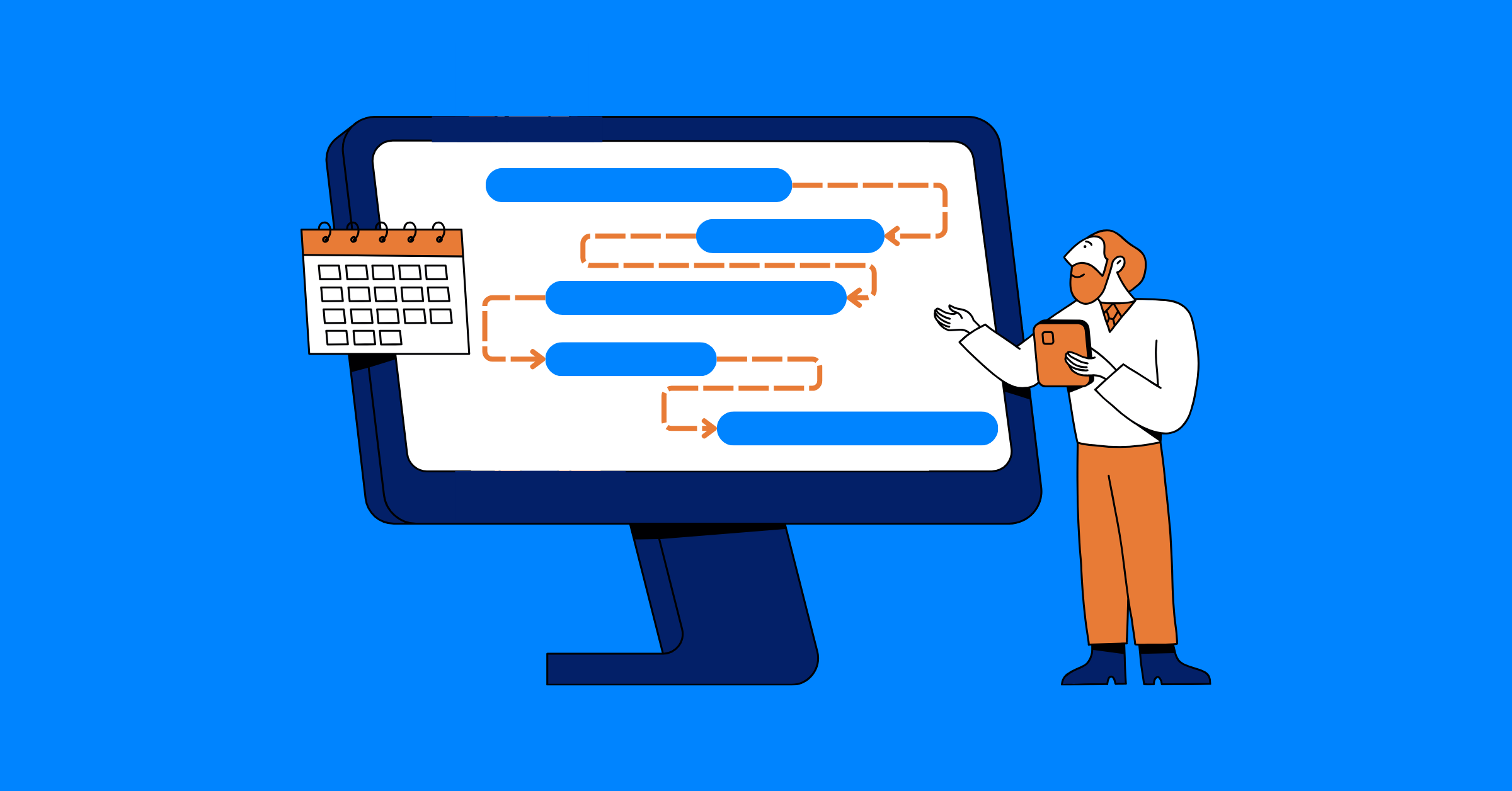
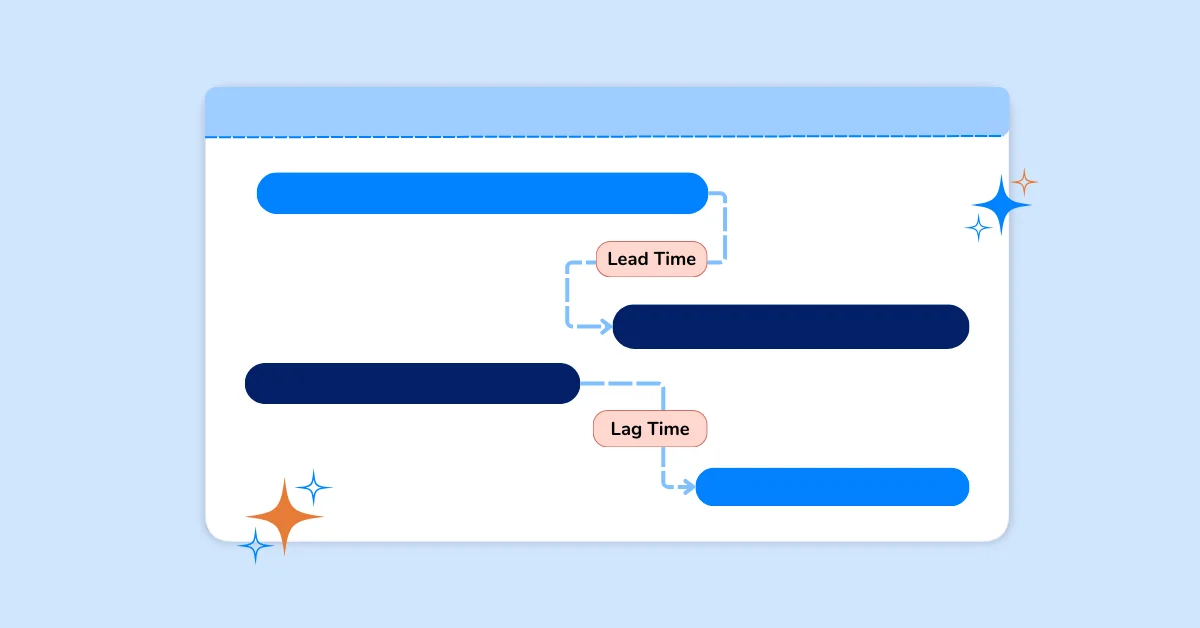
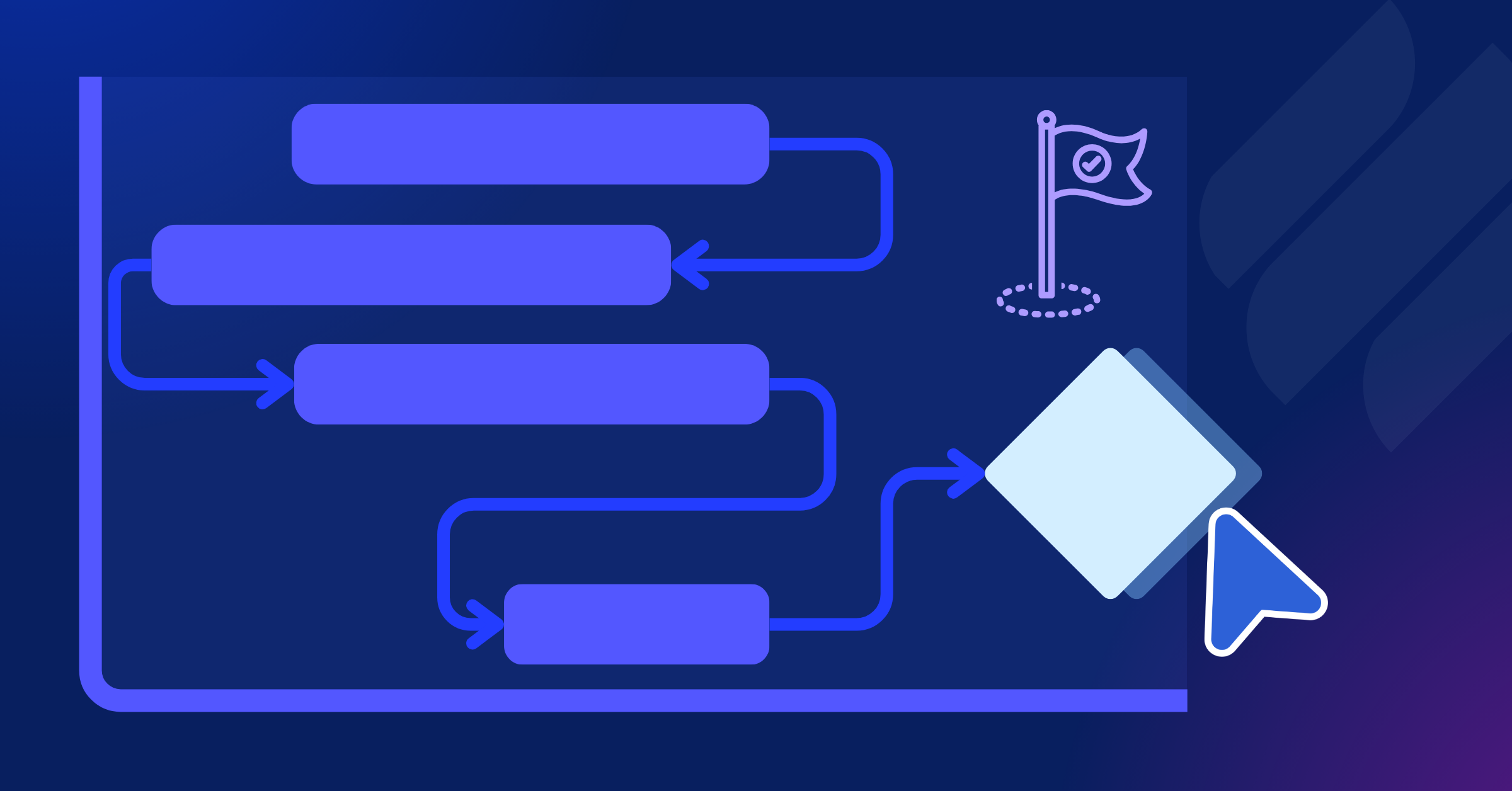
- Dynamic dependencies: Task relationships are visually connected, making it clear how work flows from one activity to the next. Instead of manually recalculating downstream tasks, the system keeps the schedule logically aligned.
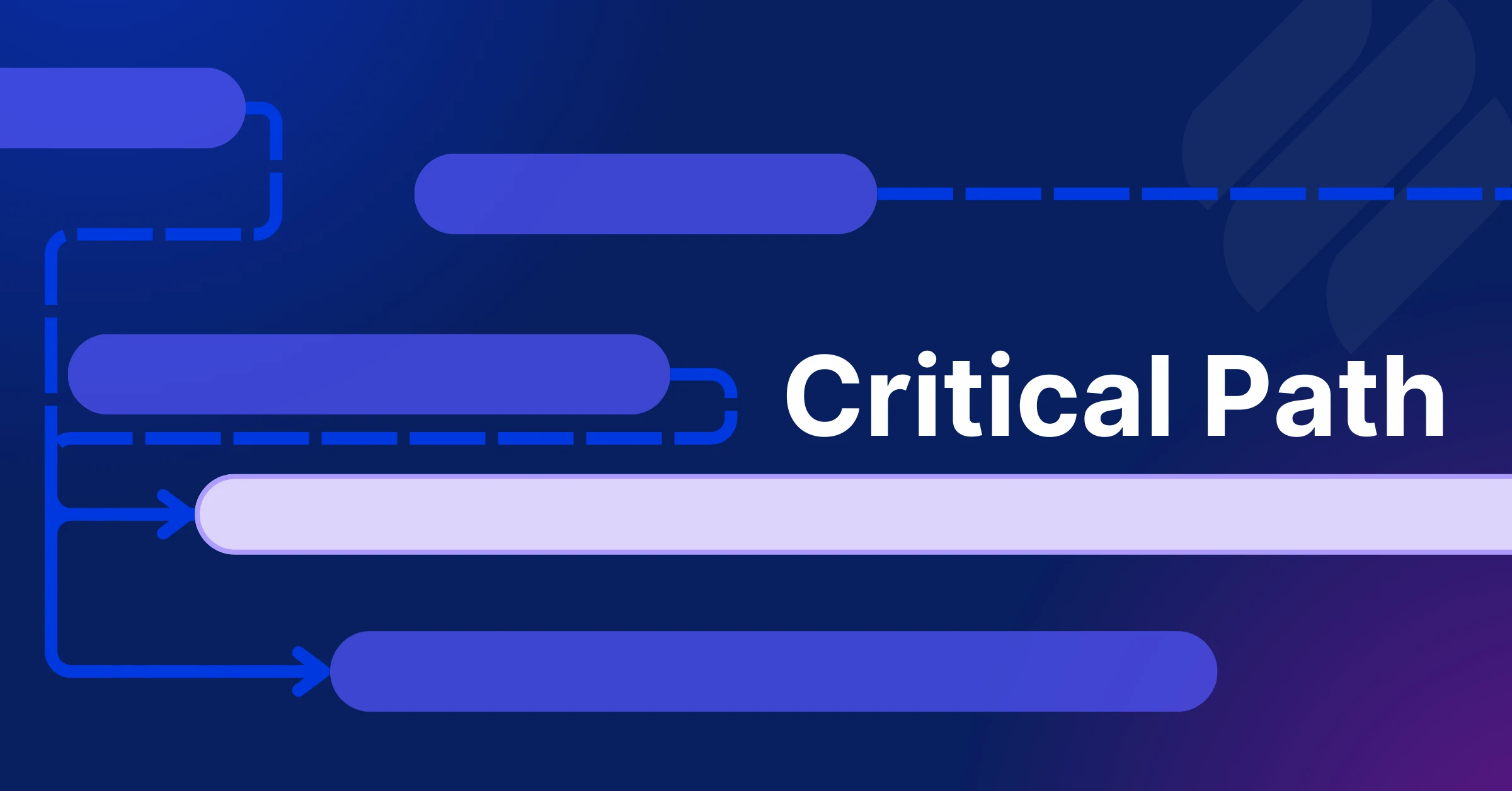
- Critical path visibility: High-impact tasks can be highlighted instantly, allowing teams to focus on what truly determines delivery outcomes.
- Connected task ownership: Each timeline bar is tied to real team members. The schedule is no longer abstract; it reflects who is responsible and how work is progressing.
- Multiple synchronized views: The Gantt chart works alongside Kanban, Table, Schedule, and Overview views. Planning and execution are not separated into different files. They are simply different ways of looking at the same project reality.
- Live filtering and customization: Instead of duplicating spreadsheets for different audiences, teams can adjust how data is displayed without breaking the integrity of the plan.
While templates help structure early planning, TaskFord connects timelines, resources, and execution in one integrated system. That connection is what transforms a static schedule into a predictable delivery engine.
Conclusion
Gantt chart templates are helpful for simple projects with clear tasks and timelines. They work best when there aren’t many changes or dependencies. To make the most of them, customize the template, check dependencies early, track effort alongside deadlines, and review the timeline regularly.
However, if you start spending more time updating the template than managing the project, or if you can’t predict when tasks will be completed, it might be time to upgrade to something more advanced.
Templates are a good starting point, but for consistent and predictable results, you need a system that connects planning with execution.
Frequently Asked Questions: Gantt Chart
When should I upgrade from a Gantt chart template to software?
If you’re spending too much time manually updating your Gantt chart or need features like real-time collaboration, task dependencies, automatic scheduling, and progress tracking, it’s a good time to switch to Gantt chart software. Dedicated tools help reduce manual work and make project management more efficient as your projects grow.
Can Gantt chart software handle more complex projects?
Yes. Gantt chart software is built to manage complex projects with features such as task dependencies, resource management, milestone tracking, workload balancing, and real-time progress updates. These capabilities make it much easier to coordinate large teams and multi-phase projects than using a static template.
How can I keep my team aligned when using a Gantt chart template?
Keep the template updated regularly, share the latest version with your team, and review progress during recurring project meetings. Including task owners, deadlines, and status updates can also improve visibility. As projects become more collaborative, project management software with real-time updates can help keep everyone working from the same information.
Is free Gantt chart software enough for my project?
For many small and medium-sized projects, free Gantt chart software provides all the essential features needed to plan and manage work effectively. Solutions like TaskFord include task scheduling, dependencies, collaboration, and progress tracking, making them a practical alternative to manual templates without requiring an upfront investment.
Related Articles









How to Build and Manage a Product Roadmap with TaskFord






How to Build a Connected Project Timeline in TaskFord






What Are the Best Jira Alternatives for Scrum Teams?














How WBS Reveals Delivery Breakdown Before It’s Too Late






![How To Conduct a Profound Stakeholder Analysis [+ Free Template]](/marketing/blog/stakeholder-analysis.webp)








What to Look for in Scrum Tools (Beyond Kanban Boards)

![Project Management Calendar for Teams and Managers [Free Templates]](/marketing/blog/project-management-calendar.webp)


How to Define Project Deliverables: A Step-by-Step Guide




![RACI Chart in Project Management: Rules & Examples [Free Download]](/marketing/blog/raci-chart.webp)








![7 Must-Have Project Management Documents Every PO Should Know [Free Templates]](/marketing/blog/project-management-documents.webp)




![How to Create a Winning Project Plan for IT Projects [10 Steps Included]](/marketing/blog/how-to-create-a-project-plan.webp)

![Daily Standup Best Practices: Apply AI to Organize Meetings Successfully [2026 Trends]](/marketing/blog/daily-standup.webp)




![How to Create a Project Communication Plan: Step-by-Step Guide [+Free Template]](/marketing/blog/project-communication-plan.png)


![Master Project Procurement Management in 5 Steps [Download a free plan template]](/marketing/blog/project-procurement-management.webp)













Subscribe for Expert Tips
Unlock expert insights and stay ahead with TaskFord. Sign up now to receive valuable tips, strategies, and updates directly in your inbox.