Tools for Organizing Company-Wide Initiatives
Discover top tools to organize company-wide initiatives. Get practical tips to align teams, save time, improve visibility and ensure successful project delivery
Company-wide initiatives are essential for driving strategic change, whether you’re implementing new software, improving internal processes, launching a new product, or introducing organization-wide programs. However, coordinating multiple teams, managing timelines, and keeping everyone aligned can quickly become challenging without the right systems in place.
That’s where initiative tracking tools come in. These platforms help organizations centralize planning, monitor progress, improve collaboration, and ensure projects stay aligned with business objectives. In this guide, we’ll explore the different types of tools for organizing company-wide initiatives, common mistakes to avoid, and best practices for successfully managing initiatives from planning to completion.
What Is Initiative Tracking?
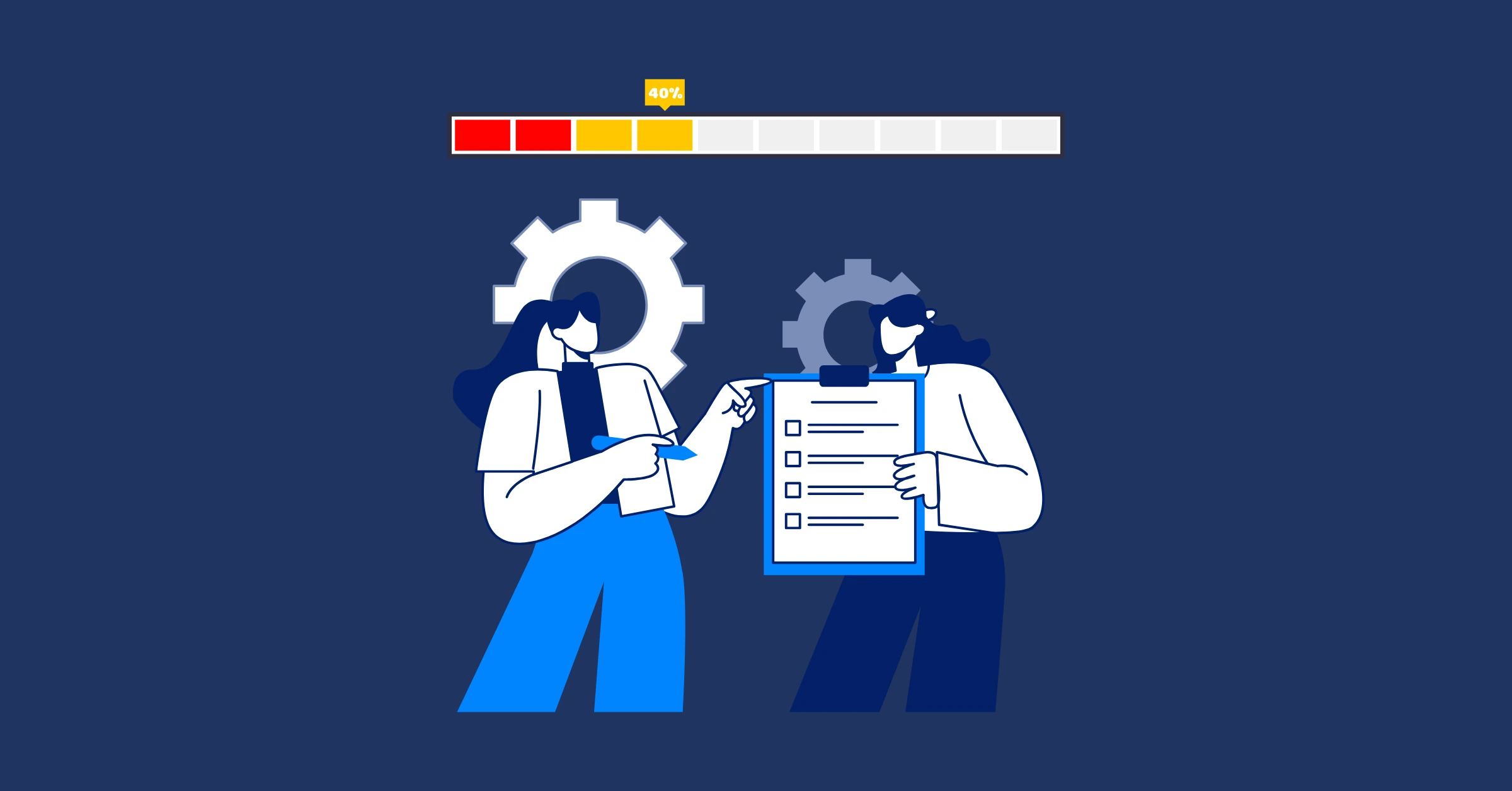
Initiative tracking is the process of monitoring the progress, performance, and outcomes of strategic projects or company-wide initiatives from start to finish. It gives leaders and teams visibility into tasks, milestones, budgets, timelines, and key performance indicators (KPIs), making it easier to identify risks, resolve bottlenecks, and keep projects aligned with business goals.
Rather than relying on scattered spreadsheets or status updates, initiative tracking centralizes project information in one place. Using different types of tools, teams can assign responsibilities, monitor progress in real time, measure results, and ensure everyone stays informed throughout the initiative’s lifecycle.
Why You Need Tools for Company-Wide Initiative Tracking
Picture this: you’re leading a company-wide push to adopt a new customer relationship management (CRM) system. Marketing’s excited, sales is skeptical, and IT is already drowning in tickets. Without a solid way to organize tasks, communicate updates, and track progress, things can spiral into chaos faster than you can say “deadline missed.”
Tools help you:
- Keep everyone aligned: From the CEO to the intern, everyone needs to know what’s going on.
- Stay organized: Big initiatives have a lot of moving parts - tasks, timelines, and resources all need wrangling.
- Save time: Automating repetitive tasks and centralizing communication means less time chasing updates and more time actually getting stuff done.
- Measure progress: You can’t improve what you don’t track, and tools make it easy to see what’s working and what’s not.
So, let’s talk about some tools that can make your life easier!
Types Of Tools for Organizing Company-Wide Initiatives
1. Project Management Tools: Your Command Center
When you’re juggling a company-wide initiative, you need a central hub where tasks, timelines, and responsibilities live. Project management toolss are your go-to for this.
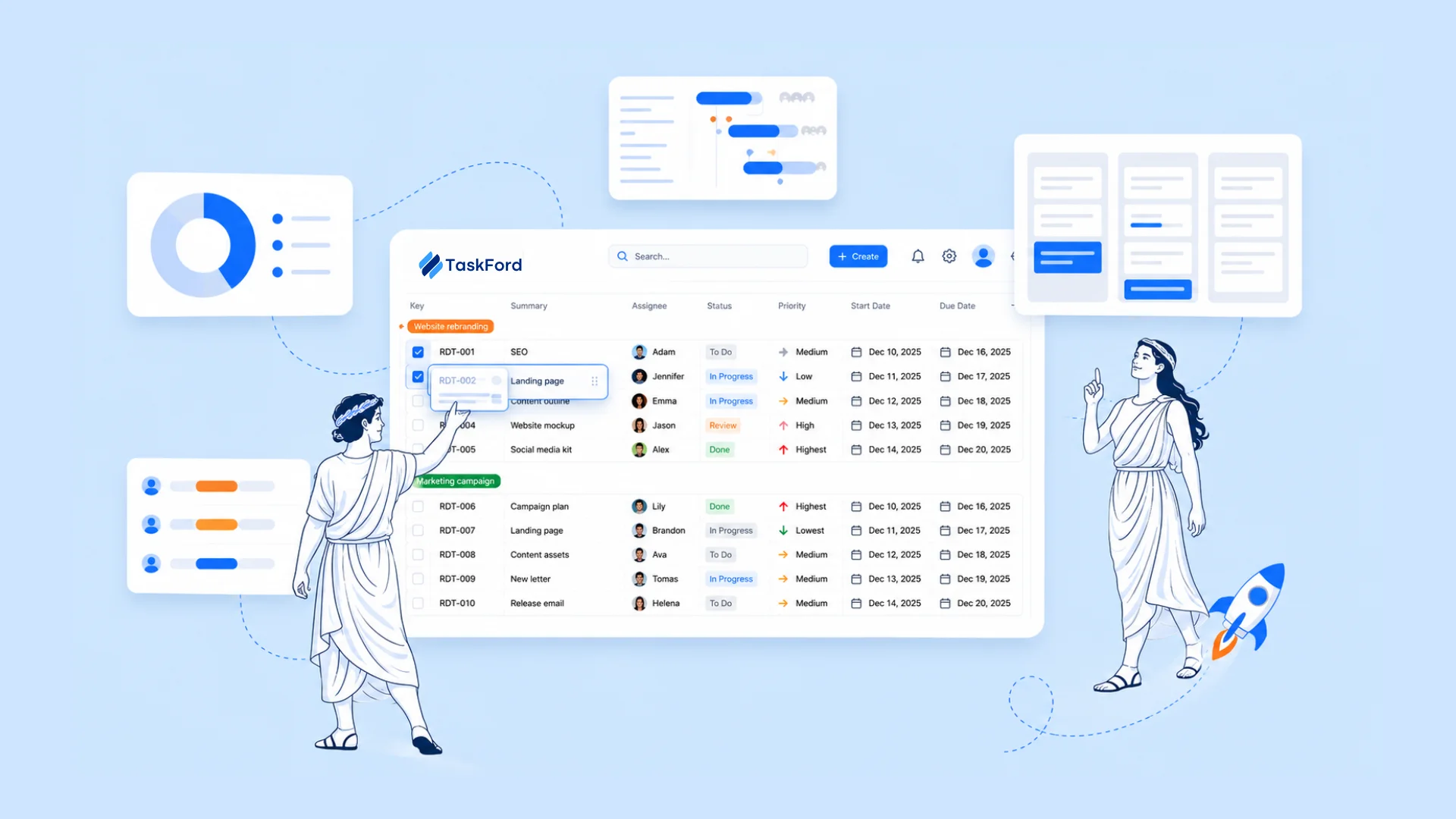
- TaskFord: This tool shines for teams needing a comprehensive platform to manage tasks, projects, and resources. TaskFord offers flexible task tracking with views like Kanban, Gantt, and Calendar, plus features for resource allocation and time tracking. It’s great for initiatives like cost-saving programs, where balancing workloads and budgets is key. Users praise its modern interface and ability to provide insights into workload and time spent, though some have noted limitations, like difficulty canceling approved vacations.
- Asana: This tool has a clean interface and flexibility. You can create tasks, assign them to team members, set deadlines, and even visualize progress with Kanban boards or Gantt charts. For instance, using Asana to manage a company rebranding project and being able to break it down into bite-sized tasks for each department was a game-changer.
- Trello: If you’re a visual person, Trello’s card-based system is super intuitive. For smaller initiatives, like organizing a company-wide training day, where each “card” was a session and we could drag them around to adjust the schedule.
- Monday.com: This one’s great for bigger teams or more complex projects. It’s highly customizable, so you can tailor it to your company’s needs. You can use it to track a product launch across multiple time zones, and the automation features save hours of manual follow-ups.
Pro tip: Choose a tool that fits the team’s style. For less techy folks, Trello’s simplicity is a hit. For detail-oriented teams, Asana or Monday.com might be the way to go. If resource management and time tracking are priorities, TaskFord’s approach is worth a look.
2. Collaboration Tools: Keeping Everyone in the Loop
Company-wide initiatives mean everyone needs to stay connected, from the exec team to the frontline staff. Collaboration tools are like the glue that holds communication together.
- Slack: This is a go-to for quick chats and updates. You can create channels for specific initiatives (e.g., #NewCRMProject) and keep conversations focused. During a company-wide sustainability initiative, Slack was a lifesaver for sharing quick updates and answering questions in real-time.
- Microsoft Teams: If your company is already in the Microsoft ecosystem, Teams is a no-brainer. It combines chat, video calls, and file sharing in one place. Use it for a global training rollout, and the ability to host webinars and share docs seamlessly was clutch.
- Notion: This one’s a bit of a wildcard, but it’s for creating a centralized “wiki” for initiatives. Use Notion to build a one-stop hub for a company-wide DEI (diversity, equity, inclusion) program, where everyone can find FAQs, timelines, and resources.
Pro tip: Don’t let these tools become a distraction. Set clear guidelines (e.g., “Use Slack for quick updates, but put detailed plans in TaskFord”) to avoid communication overload.
3. Strategic Planning Tools: Aligning on Big Goals
Big initiatives often tie back to company goals, like hitting revenue targets or improving employee engagement. Tools that help you set and track objectives are key:
- OKR Software (e.g., Ally.io or Workboard): OKRs (Objectives and Key Results) are a great way to align everyone around what matters most. For instance, in a company-wide digital transformation project, use Ally.io to set clear objectives (e.g., “Migrate 80% of processes to the cloud by Q3”) and track key results. It helped keep the leadership team and departments focused.
Pro tip: Make sure your goals are visible to everyone. Transparency builds trust and keeps teams motivated.
4. File and Document Management: No More “Where’s That File?”
Company-wide initiatives generate tons of documents - plans, reports, presentations, you name it. A good file management system keeps things organized and accessible.
- Google Workspace: Google Docs and Sheets are go-to for collaborative editing. During a company-wide policy overhaul, use Google Docs to draft new guidelines with real-time input from multiple teams.
- Dropbox or OneDrive: These are great for storing and sharing larger files, like training videos or branding assets. For instance, use OneDrive for a global marketing campaign, and it made sharing high-res files across regions a breeze.
Pro tip: Set up clear folder structures and naming conventions early on to avoid a digital mess.
Top Lessons from the Field
Successfully managing a company-wide initiative isn’t just about choosing the right tools, it’s about how you introduce and use them. These best practices can help improve adoption, keep teams engaged, and increase the chances of a successful rollout.
-
Secure stakeholder buy-in early: Involve key stakeholders before implementing new tools or processes. Explaining the benefits and gathering feedback early encourages stronger adoption across the organization.
-
Keep your tool stack simple: Too many platforms can create confusion and duplicate work. Choose a small set of tools that work well together and meet your team’s core needs.
-
Provide proper training: Give employees the knowledge they need through onboarding sessions, documentation, or quick reference guides so they can use the tools effectively from day one.
-
Monitor progress and gather feedback: Regularly review project progress, check in with teams, and collect feedback. Small adjustments throughout the initiative can prevent larger issues and keep everyone aligned.
Mistakes to Avoid When Using Tools for Initiative Tracking
The right tools can streamline planning, communication, and execution, but simply implementing them doesn’t guarantee success. How your team uses these tools matters just as much as the features they offer. Avoiding the following common mistakes will help improve adoption, reduce confusion, and keep your company-wide initiative moving in the right direction.
-
Using too many tools: Introducing several new platforms at once can overwhelm employees. Keep your tool stack simple and define a clear purpose for each tool.
-
Unclear ownership: Every task and milestone should have a designated owner. Clear accountability helps prevent delays and confusion.
-
Poor communication: A single announcement isn’t enough. Share regular updates and encourage open communication throughout the initiative.
-
Skipping training: Even the best tools require proper onboarding. Provide training and resources so employees can adopt new processes confidently.
-
Not tracking progress: Set measurable goals and review progress regularly. Monitoring key metrics helps identify issues early and keeps the initiative on track.
Wrapping It Up
Organizing a company-wide initiative is like herding cats while riding a unicycle - it’s tricky, but the right tools make it doable. Whether you’re managing tasks with TaskFord, keeping everyone in the loop with Slack, or tracking big-picture goals with OKR software, these tools are your secret weapon for staying organized and keeping everyone aligned. Best advice? Start small, pick tools that fit your team’s needs, and don’t be afraid to tweak your approach as you go. You’ve got this!
Got a specific initiative in mind? Let us know, and we can recommend the perfect tool stack to make it a success!
Related Articles















How to Build and Manage a Product Roadmap with TaskFord













How to Build a Connected Project Timeline in TaskFord













What Are the Best Jira Alternatives for Scrum Teams?


























How WBS Reveals Delivery Breakdown Before It’s Too Late









![How To Conduct a Profound Stakeholder Analysis [+ Free Template]](/marketing/blog/stakeholder-analysis.webp)
















What to Look for in Scrum Tools (Beyond Kanban Boards)



![Project Management Calendar for Teams and Managers [Free Templates]](/marketing/blog/project-management-calendar.webp)






How to Define Project Deliverables: A Step-by-Step Guide








![RACI Chart in Project Management: Rules & Examples [Free Download]](/marketing/blog/raci-chart.webp)
















![7 Must-Have Project Management Documents Every PO Should Know [Free Templates]](/marketing/blog/project-management-documents.webp)











![How to Create a Winning Project Plan for IT Projects [10 Steps Included]](/marketing/blog/how-to-create-a-project-plan.webp)




![Daily Standup Best Practices: Apply AI to Organize Meetings Successfully [2026 Trends]](/marketing/blog/daily-standup.webp)





![How to Create a Project Communication Plan: Step-by-Step Guide [+Free Template]](/marketing/blog/project-communication-plan.png)


![Master Project Procurement Management in 5 Steps [Download a free plan template]](/marketing/blog/project-procurement-management.webp)


































Subscribe for Expert Tips
Unlock expert insights and stay ahead with TaskFord. Sign up now to receive valuable tips, strategies, and updates directly in your inbox.