How Marketing Project Management Tools Keep Everything on Track
Learn how marketing project management tools simplify multichannel campaigns with task management, Gantt & Kanban views, and real-time tracking for efficiency.
Running a marketing campaign across multiple channels like social media, email, and ads can quickly become overwhelming. With so many moving parts, it’s easy for things to get out of sync or be missed entirely.
This is where marketing project management tools make all the difference. They help you keep everything organized, so your campaigns stay on track and your teams stay in sync.
In this blog, we’ll explore how these tools can simplify the process and ensure your campaigns run smoothly from start to finish.
Challenges in Managing Multiple Campaigns
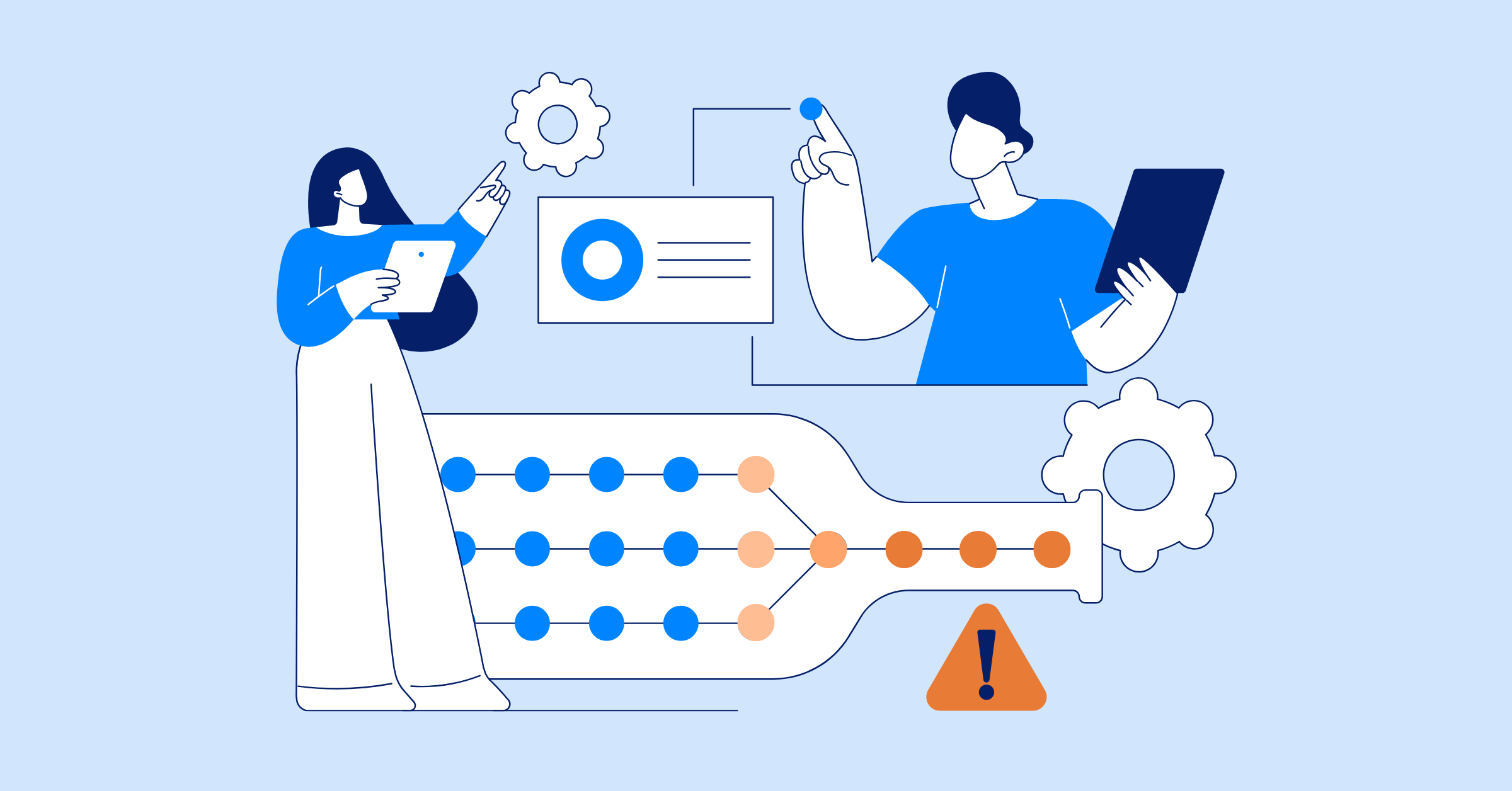
Running multiple marketing campaigns across various channels can quickly become a juggling act. Each platform, whether it’s social media, email marketing, paid ads, or content marketing, comes with its own unique set of requirements. When combined, these elements create a complex web of tasks that need to be managed and aligned.
Here are some of the main challenges marketers face:
- Coordinating Across Multiple Platforms: Each channel has its own strategy, audience, and timing. Ensuring that your messaging is consistent, relevant, and timely across all platforms can be tricky, especially when each team may be working in silos.
- Managing Resources Efficiently: With different campaigns running simultaneously, it can be difficult to allocate resources like time, budget, and personnel effectively. You might find your team stretched thin, leading to burnout or missed deadlines.
- Tracking Campaign Progress: Without a clear overview, it’s easy to lose track of which tasks are on schedule or falling behind. Campaigns require constant monitoring and adjustments, and without a centralized system, keeping up with every detail can be overwhelming.
- Maintaining Consistent Messaging: As your campaign extends across various channels, ensuring the messaging stays consistent while being tailored to each platform can be challenging. This requires close collaboration between teams like design, content, and strategy.
- Meeting Deadlines: Every channel has its own timelines, whether it’s a social media post going live or an email blast being sent. Staying on top of all these deadlines can be stressful, especially when unexpected changes or delays occur.
- Handling Feedback and Revisions: Across multiple campaigns, feedback might come from different teams or clients. Managing revisions and ensuring that every piece of content meets the desired standards across all channels can easily turn into a disorganized process.
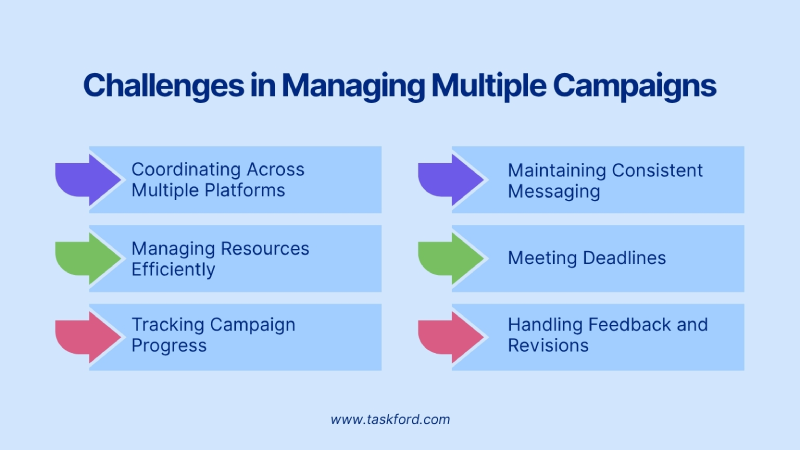
These challenges are just the tip of the iceberg. As campaigns scale up, the difficulty of managing them increases. That’s where marketing project management tools can step in to help streamline the process and keep everything organized.
Why Marketing Project Management Tools are Essential
Managing multiple campaigns across various channels can quickly become overwhelming. Marketing project management tools are designed to simplify the process and make everything more manageable. Here’s why they are essential:
- Centralized Organization: These tools keep all campaign details—tasks, deadlines, files, and communications—in one place, reducing clutter and improving accessibility for everyone involved.
- Improved Collaboration: With real-time updates, comments, and task assignments, project management tools ensure that all team members are aligned, making collaboration seamless even when working remotely or across departments.
- Better Time Managemnet>: Automated reminders, clear timelines, and task dependencies help ensure that deadlines are met, tasks are completed on time, and no crucial steps are missed during the campaign lifecycle.
- Increased Accountability: By assigning specific tasks to team members and tracking progress, these tools create visibility and accountability, ensuring that everyone knows their responsibilities and stays on track.
- Real-Time Tracking: Monitoring campaign performance across channels in real time is crucial for adapting strategies quickly. Project management tools integrate analytics and provide status updates so you can make data-driven decisions on the fly.
- Consistency Across Channels: Maintaining a unified brand message across multiple platforms is challenging, but these tools help coordinate content creation and approvals, ensuring your messaging remains consistent and aligned with the campaign’s goals.
- Scalability and Flexibility: As your campaigns grow or become more complex, these tools scale with you. Whether adding new team members, campaigns, or channels, project management tools can handle your evolving needs without losing control.
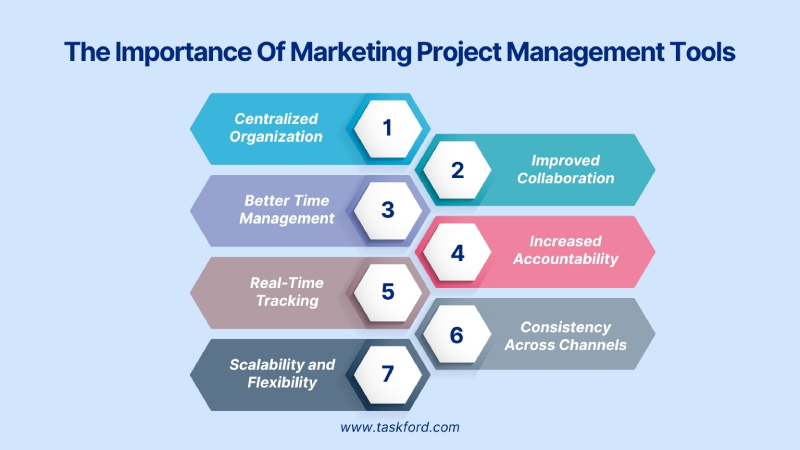
In essence, marketing project management tools are indispensable for simplifying processes, improving communication, and keeping campaigns organized, ensuring smoother execution and greater success.
Key Features to Look for in a Marketing Project Management Tool
When selecting a marketing project management tool, look for features that help streamline workflows, improve team collaboration, and ensure campaign success across multiple channels. Here are the key features to consider:
1. Task and Subtask Management
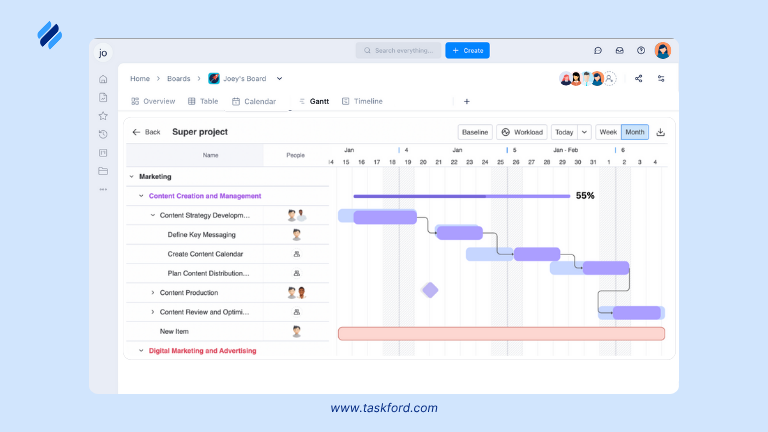
These features help teams stay organized, ensure deadlines are met, and allow progress tracking for every aspect of the campaign.
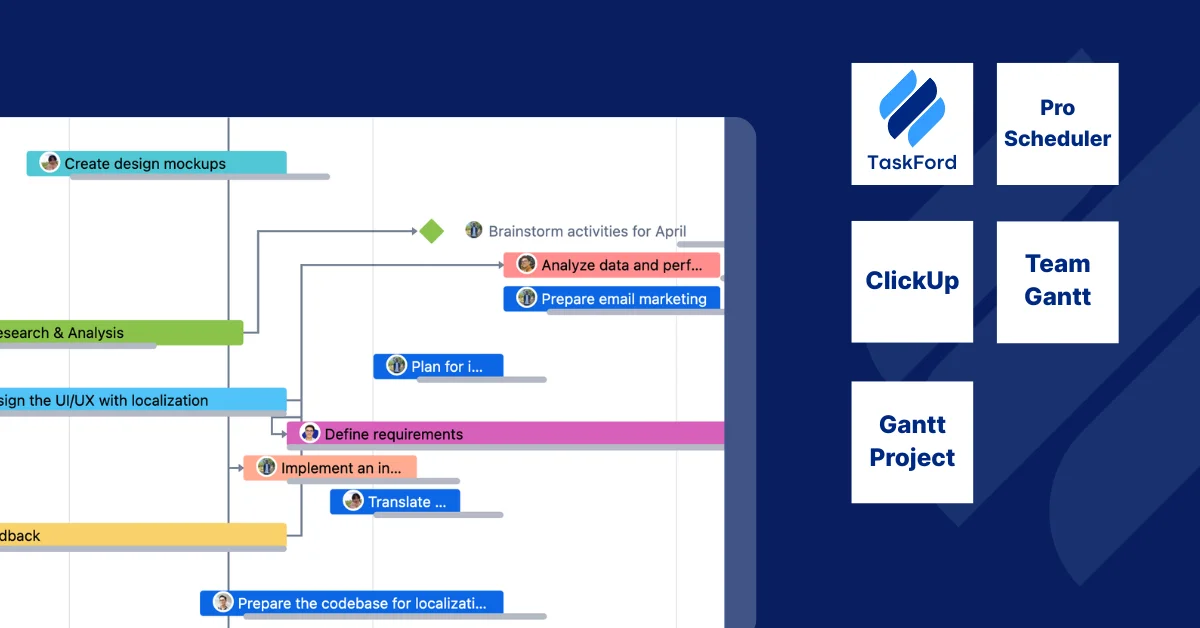
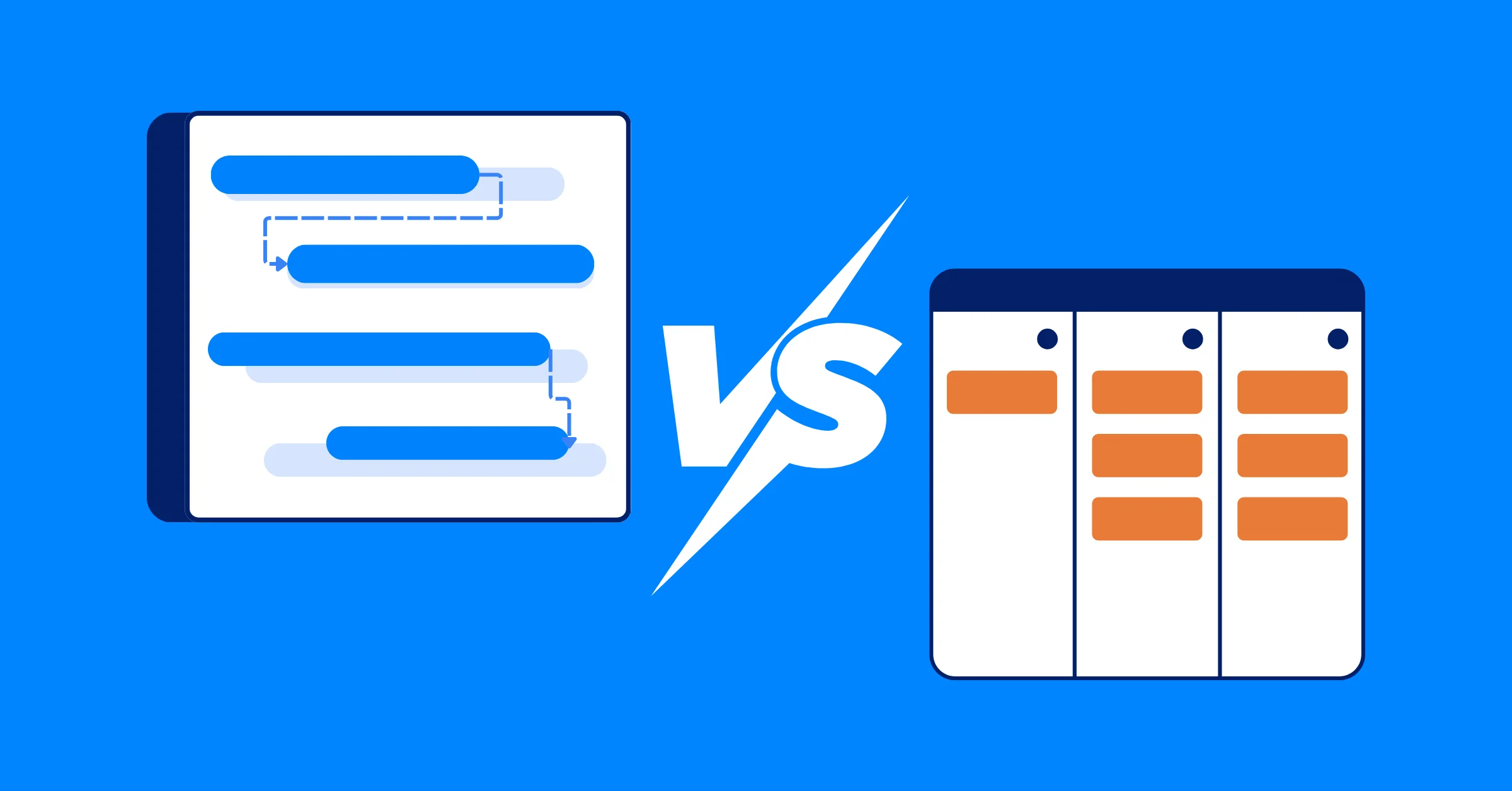
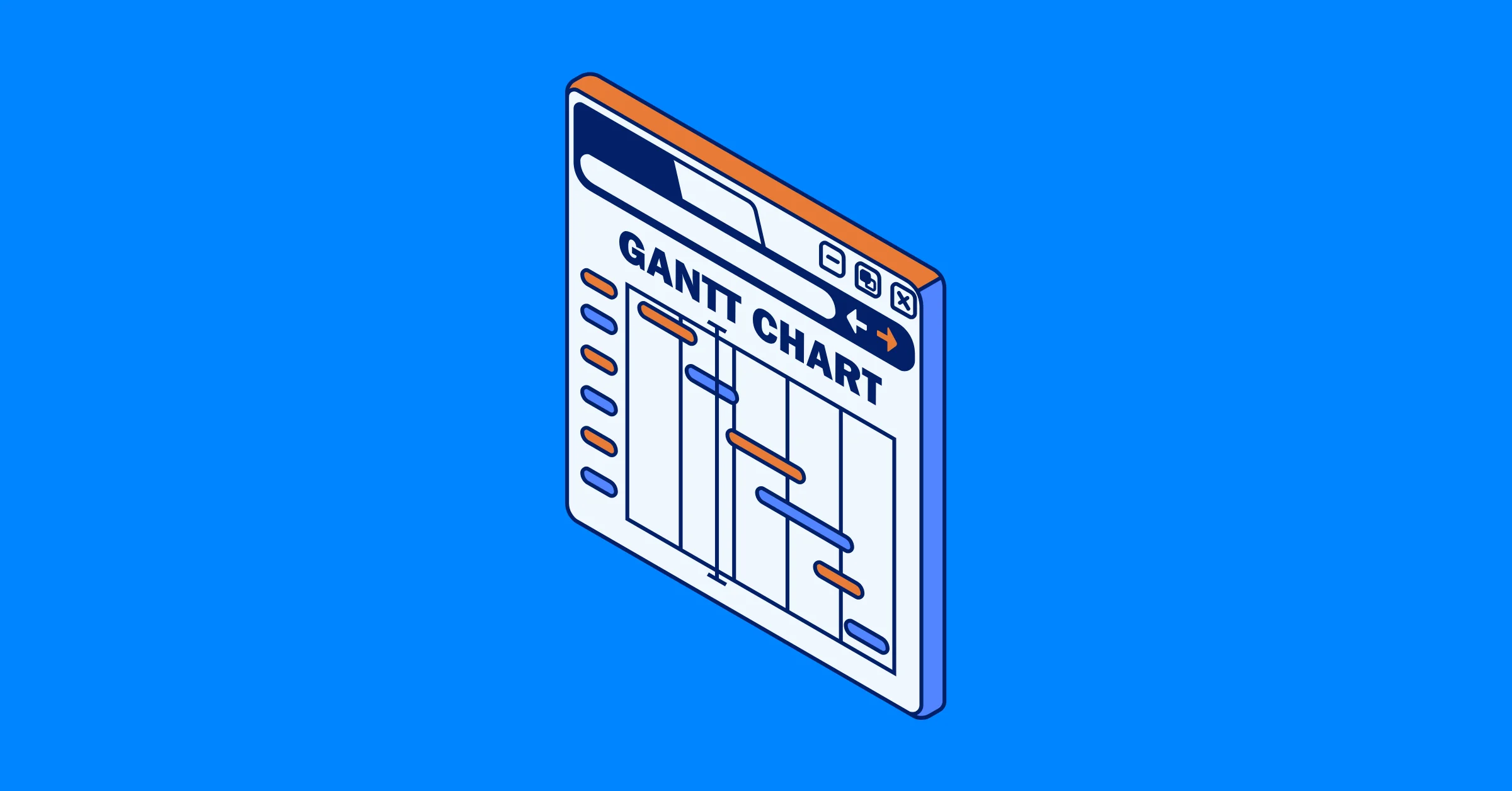
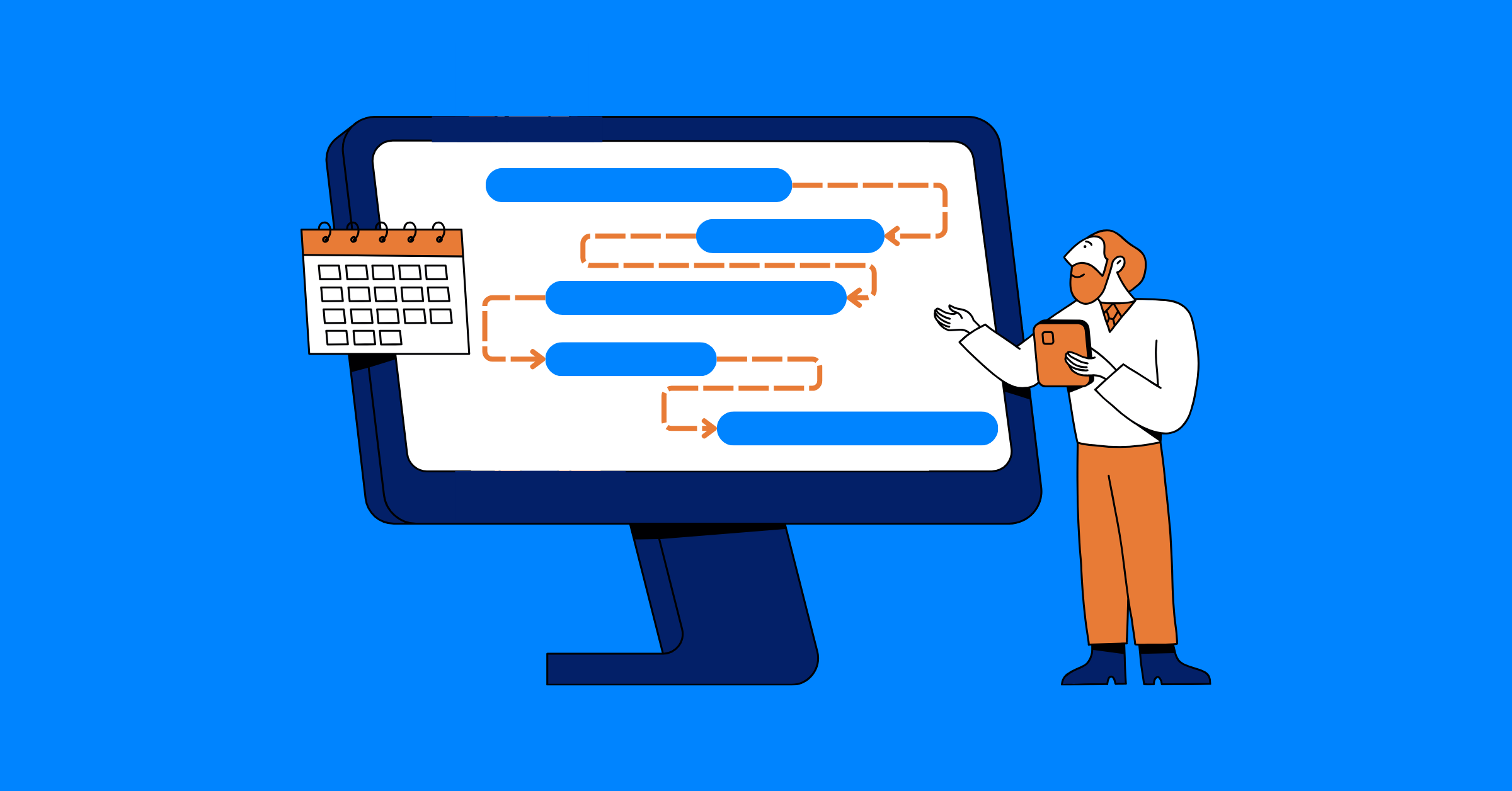
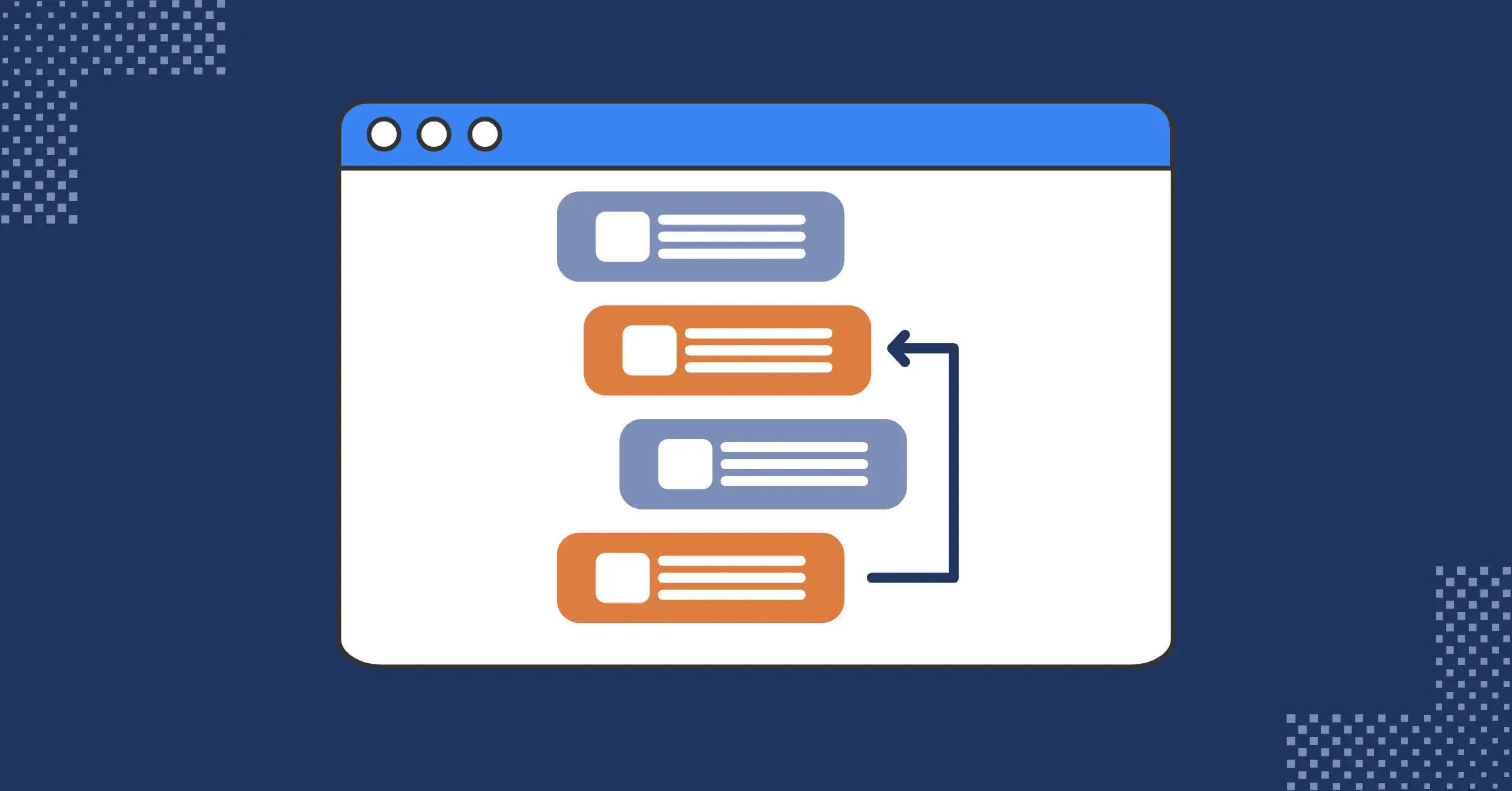
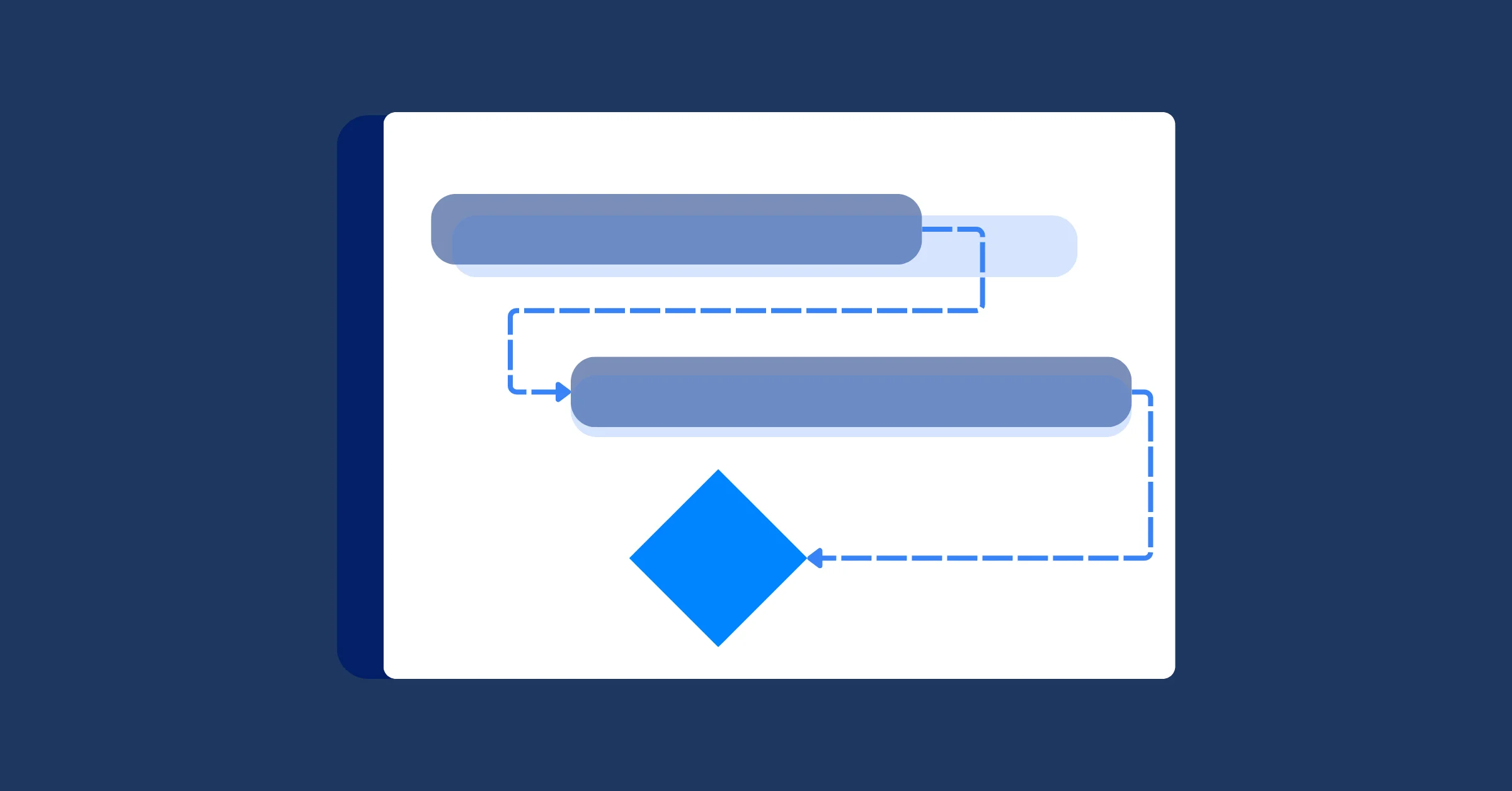
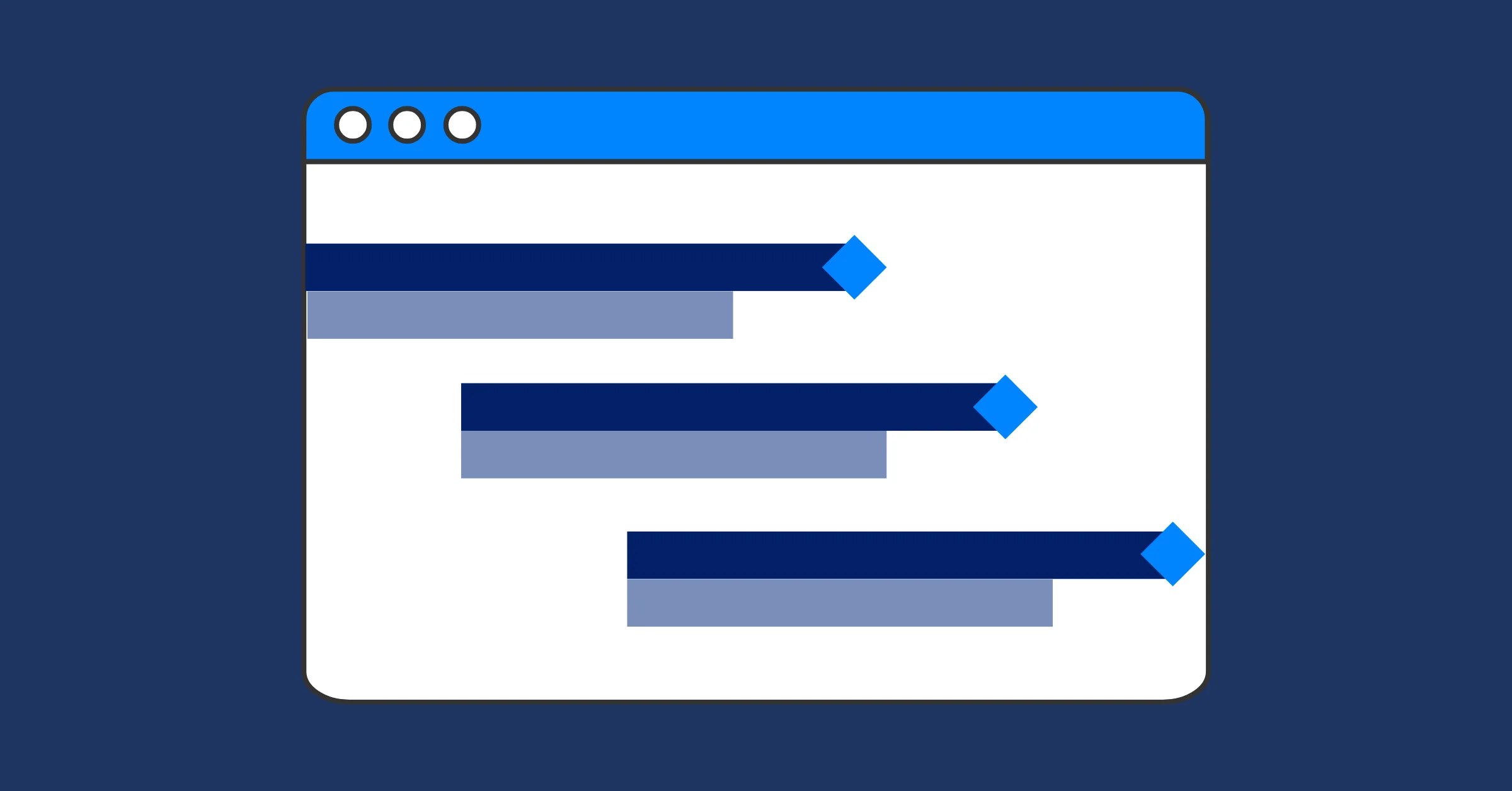
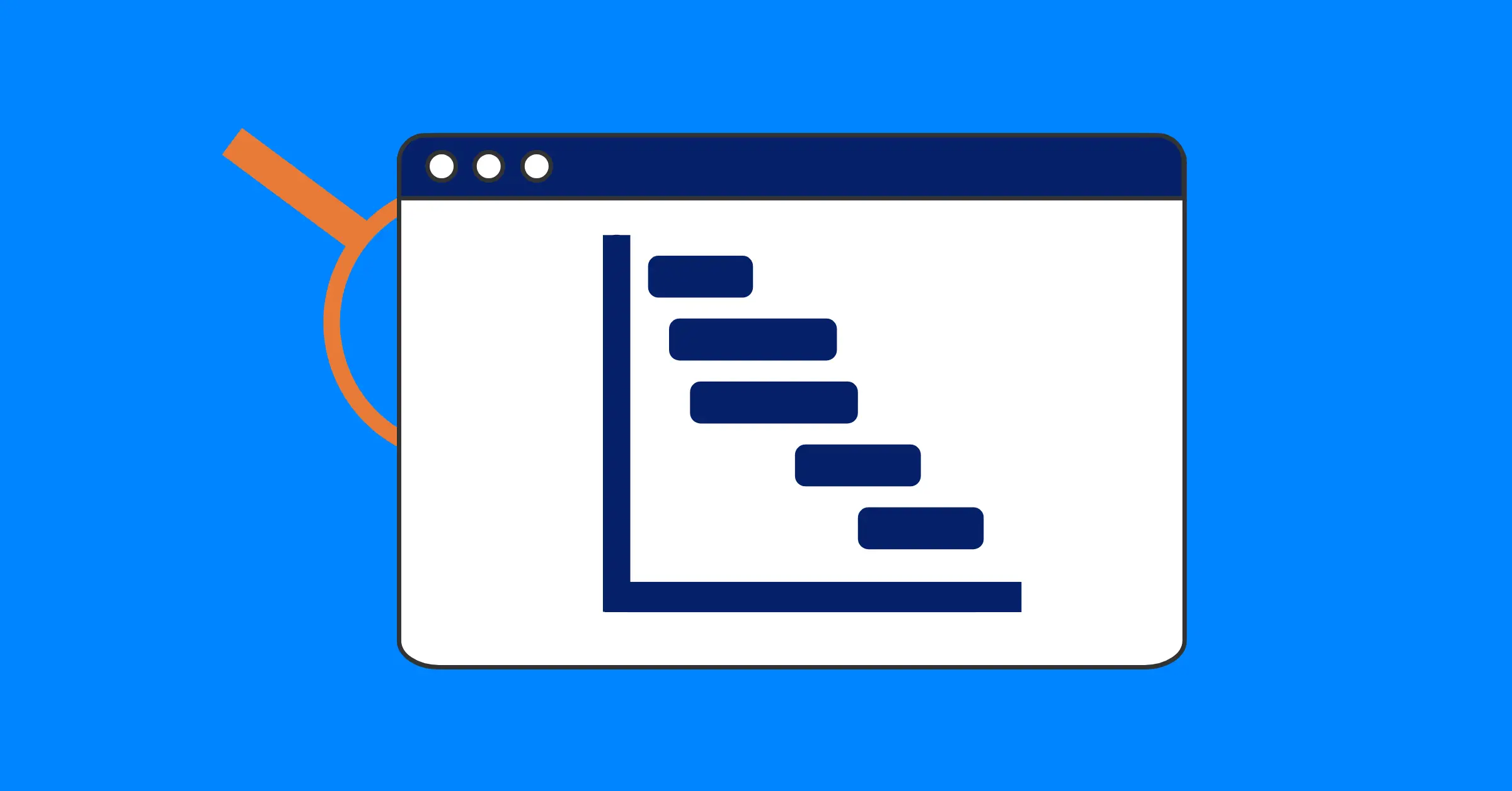
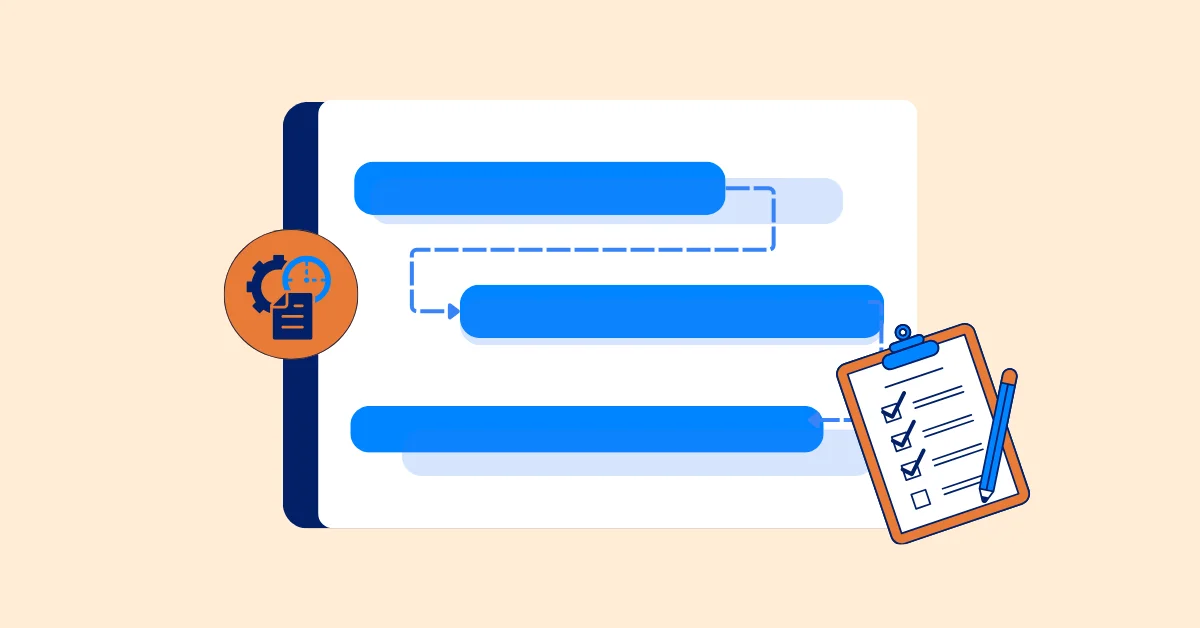
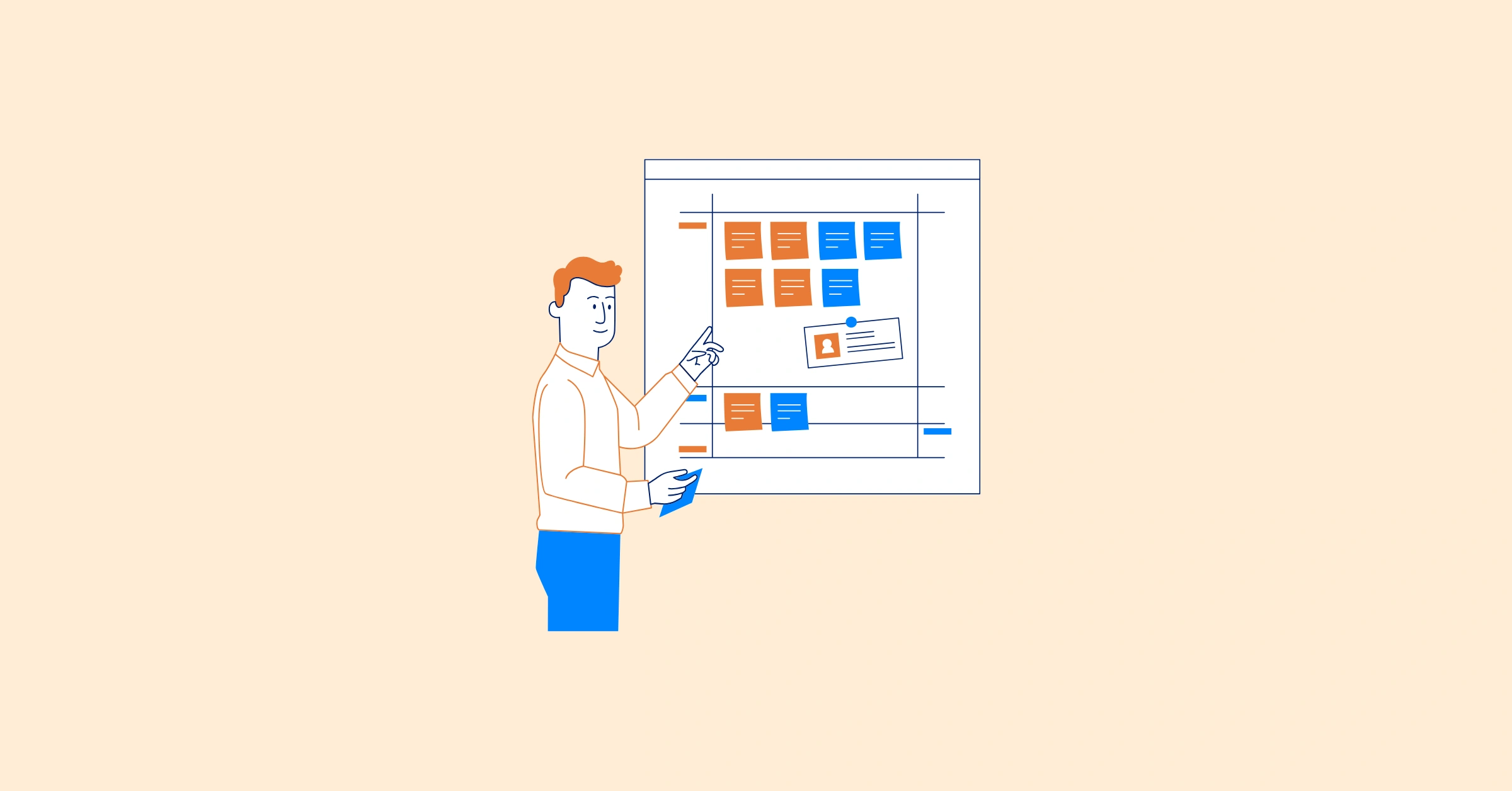
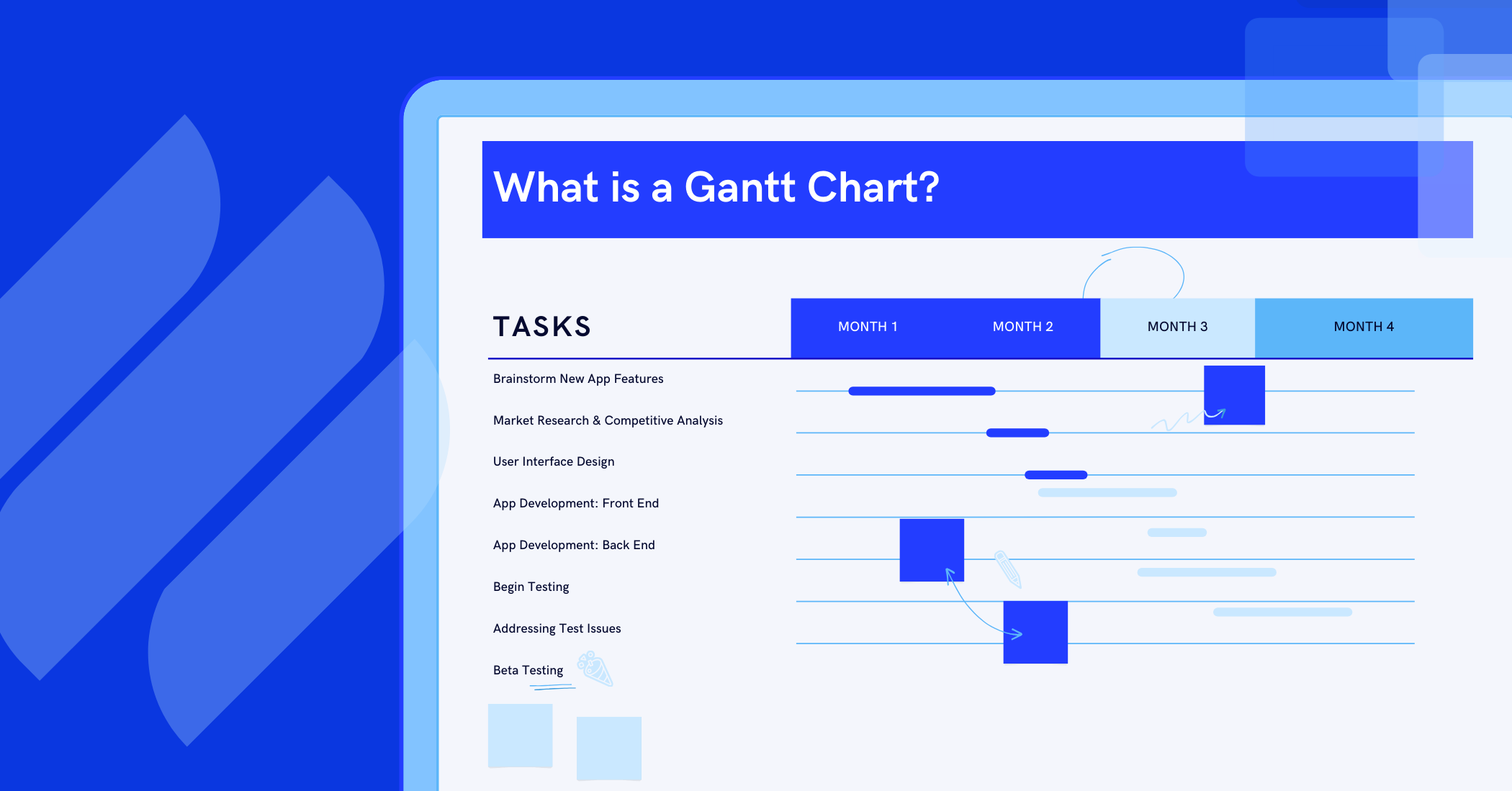
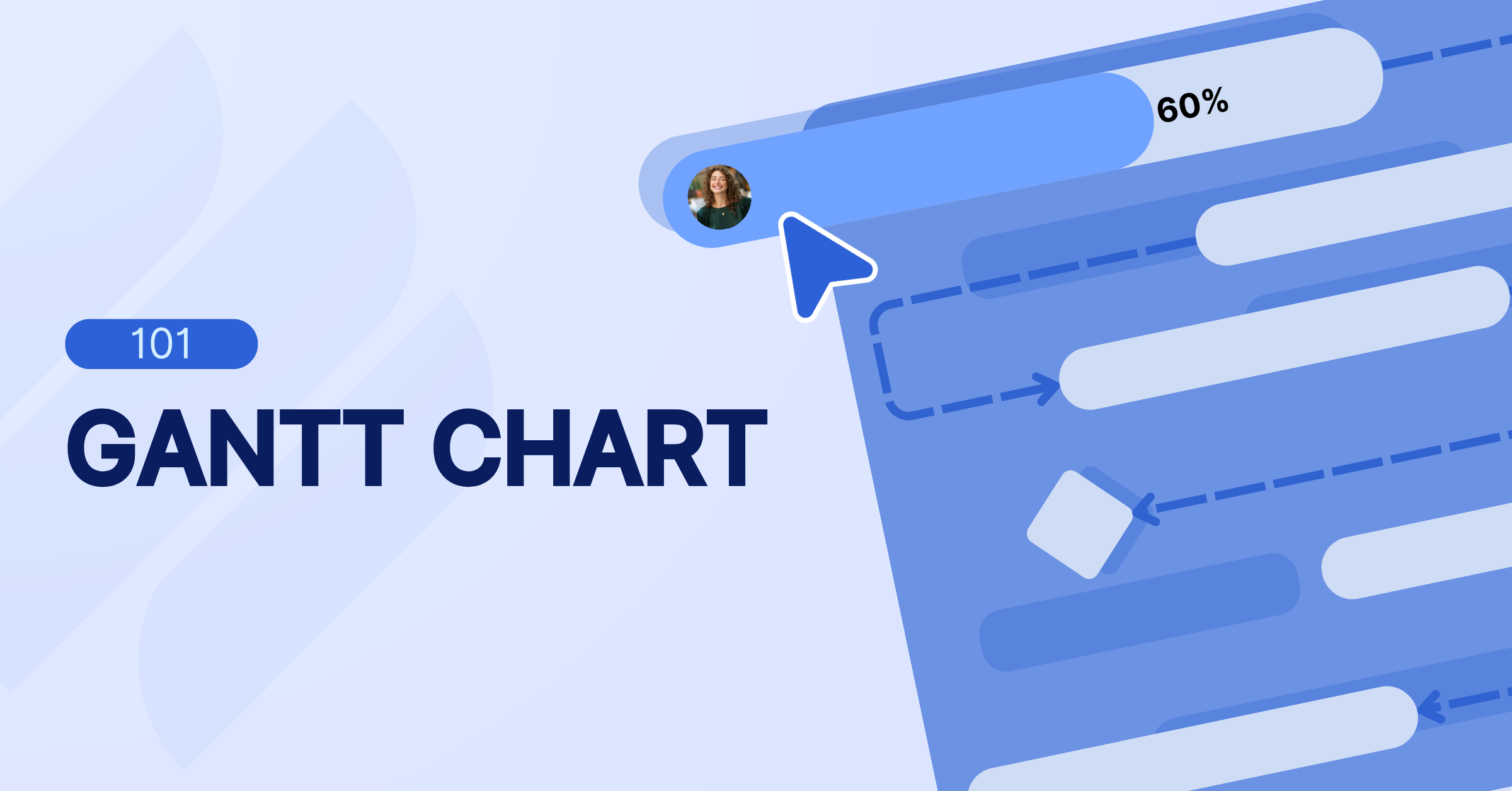
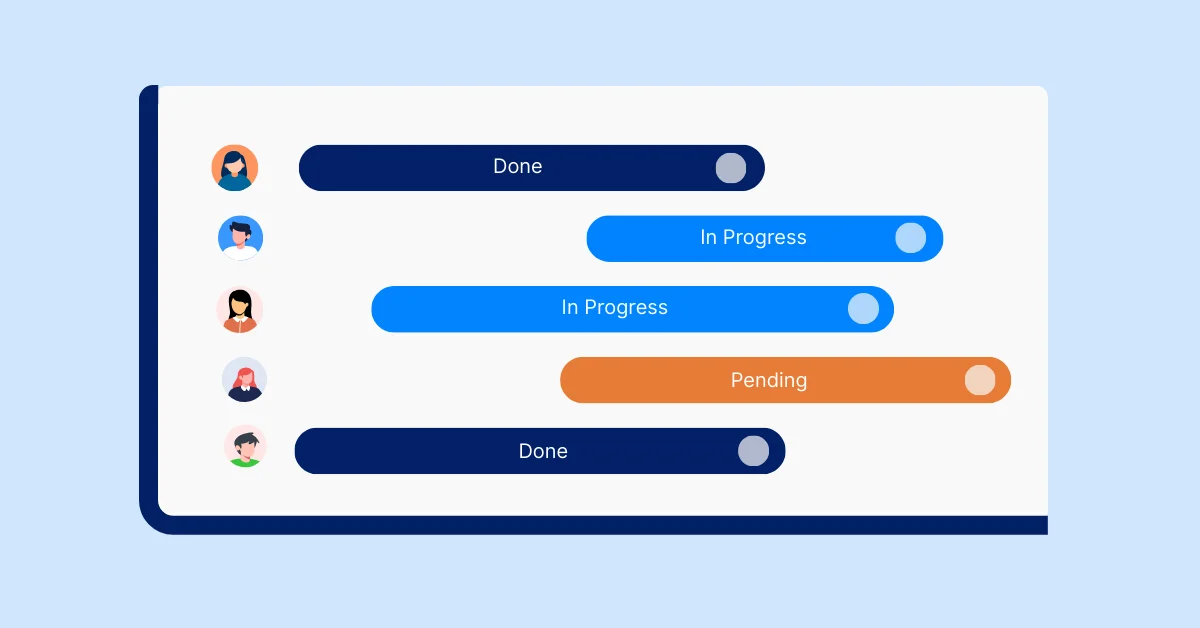
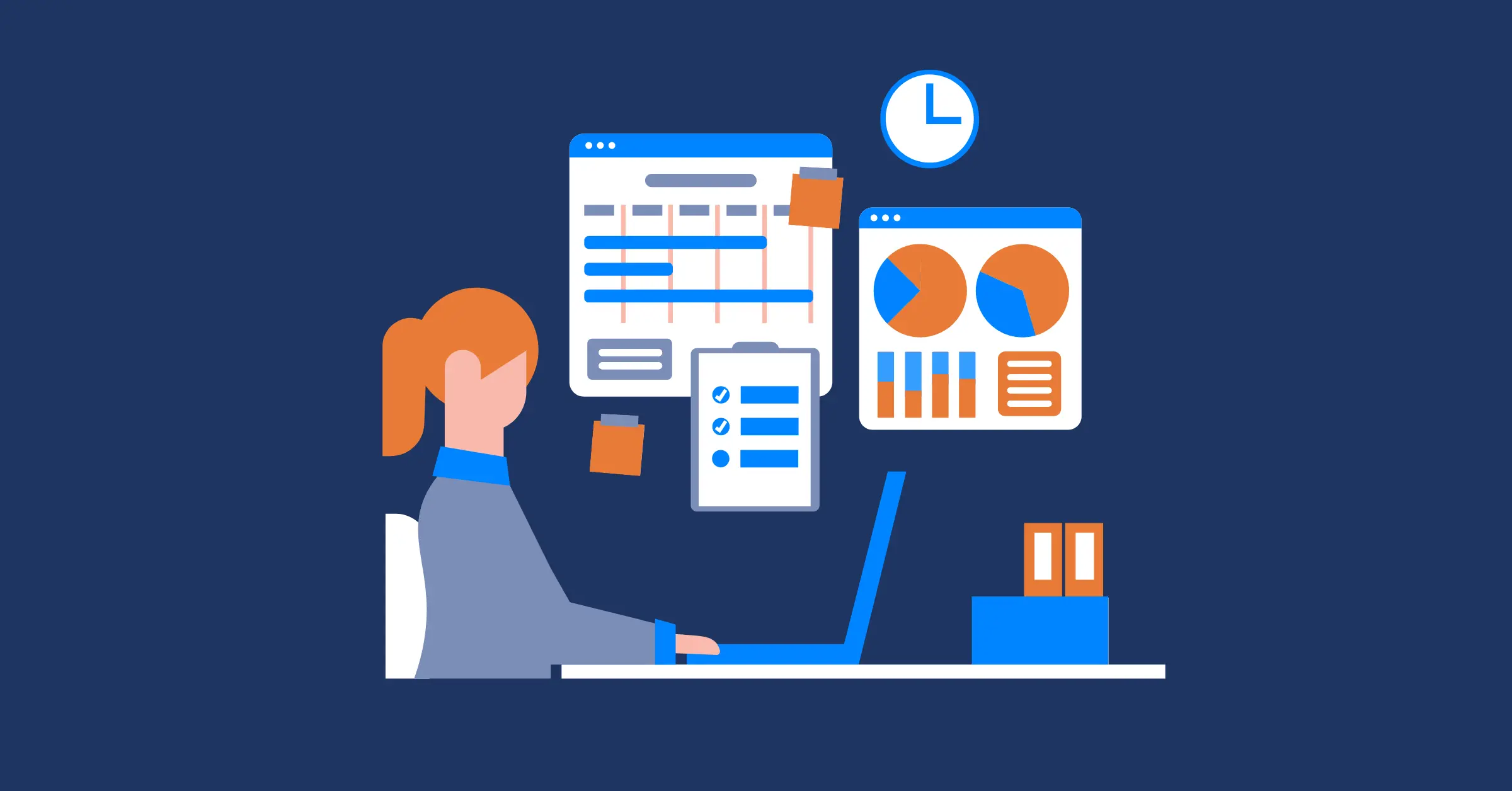
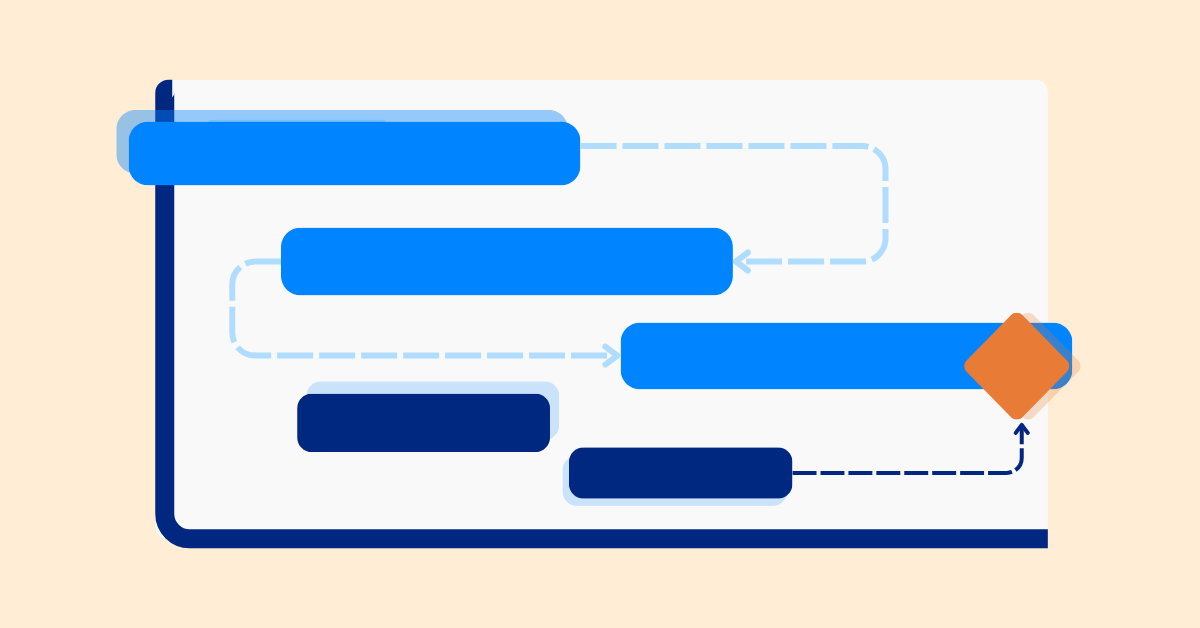
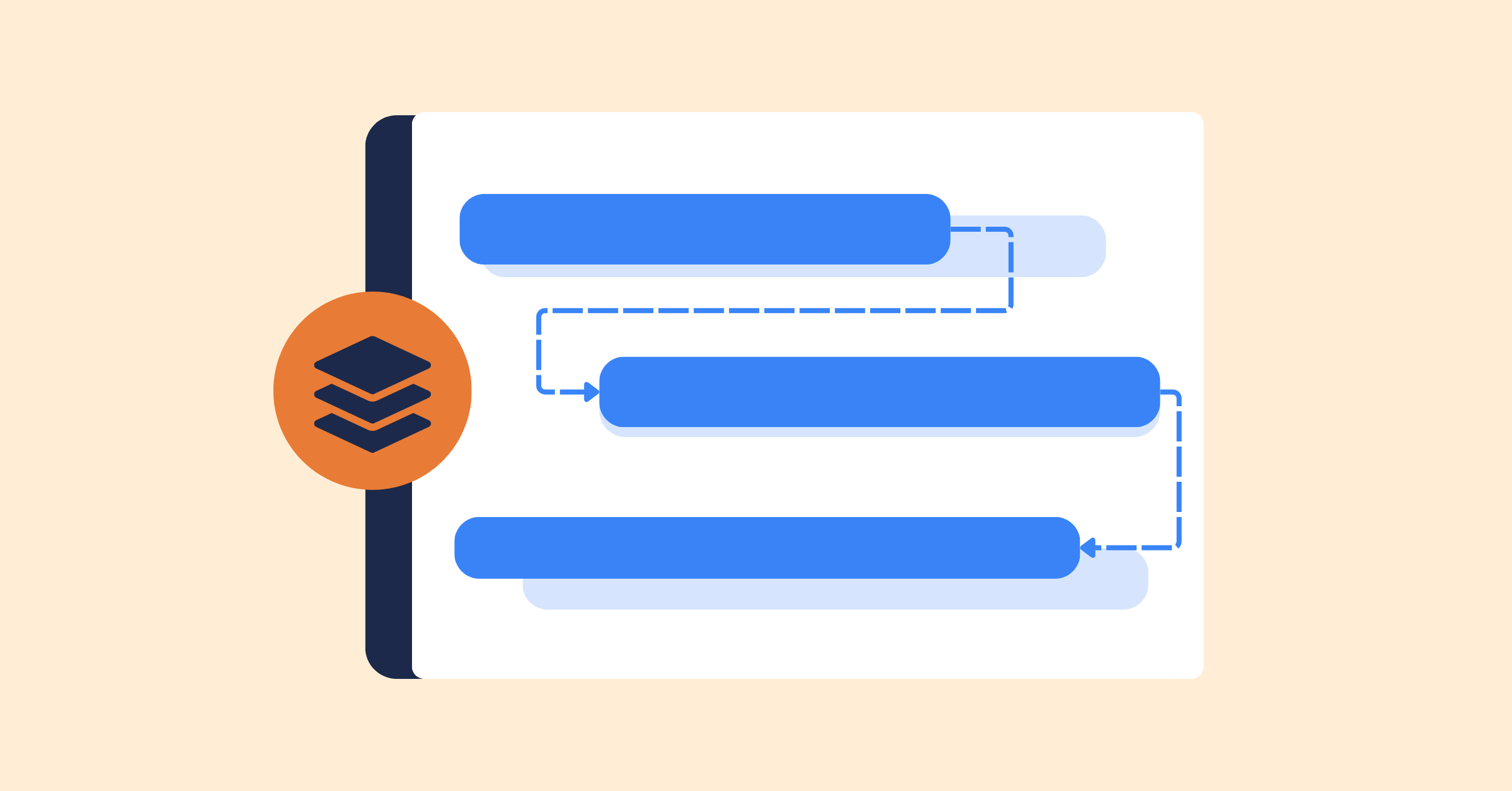
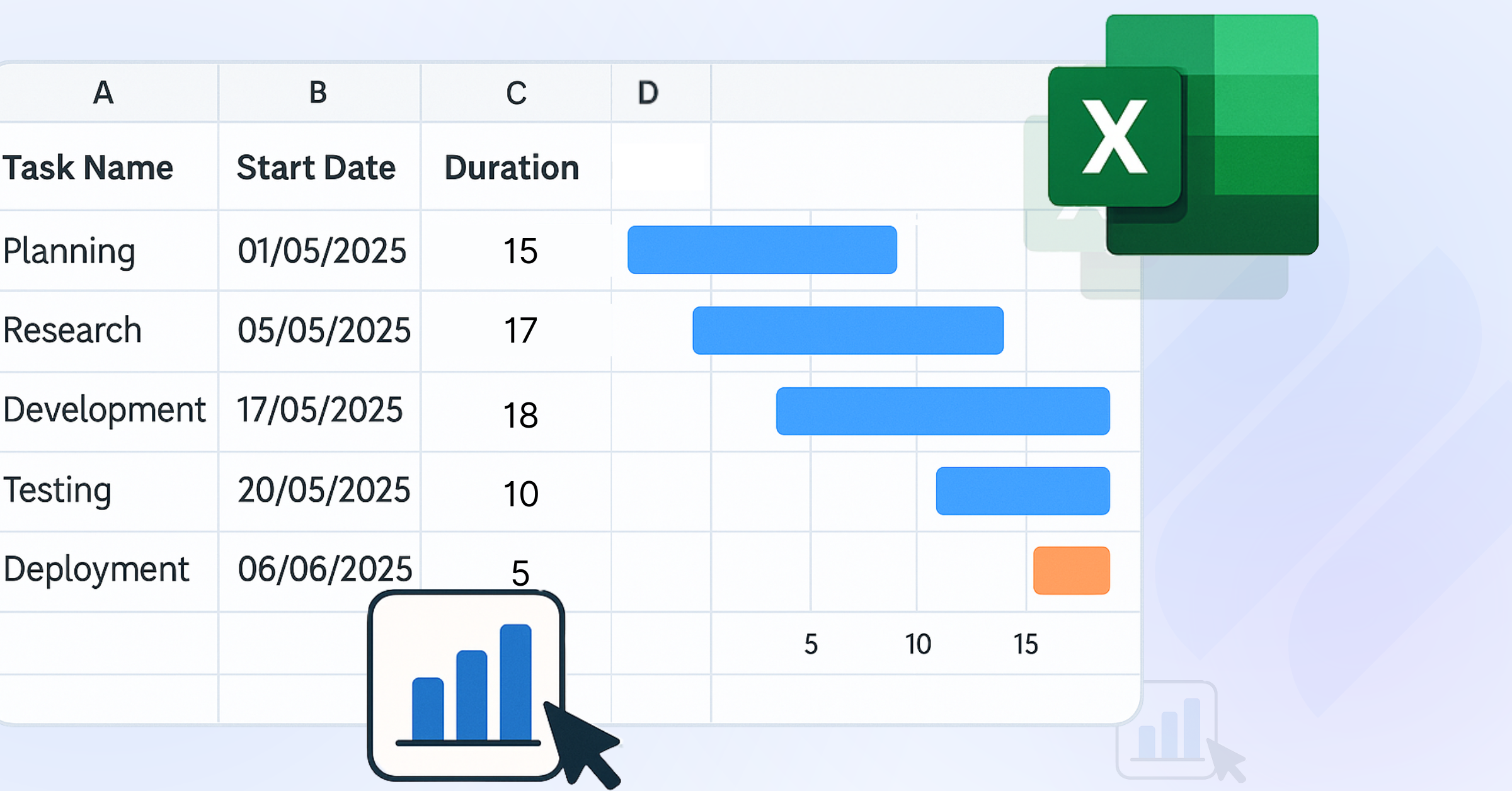
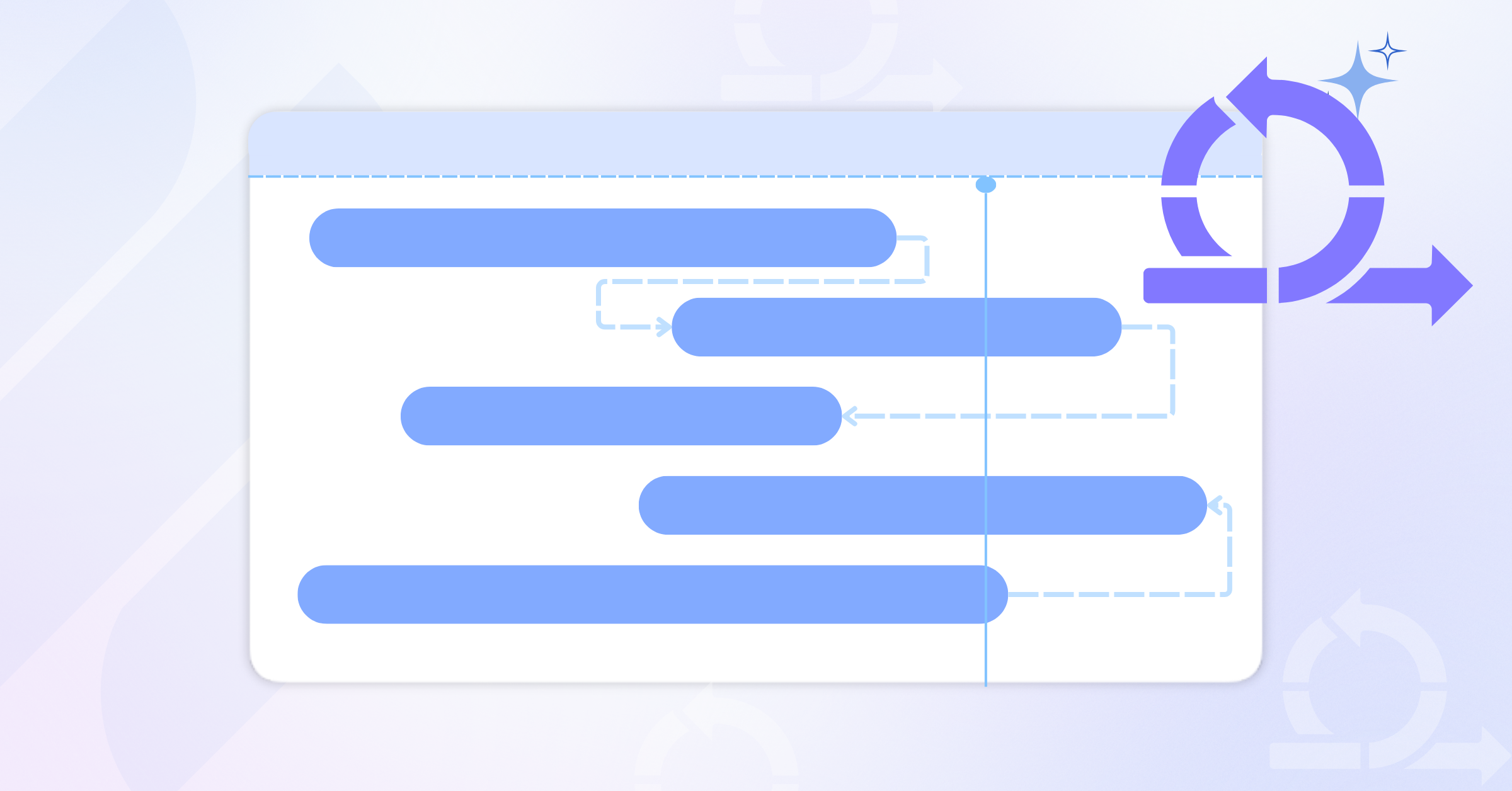
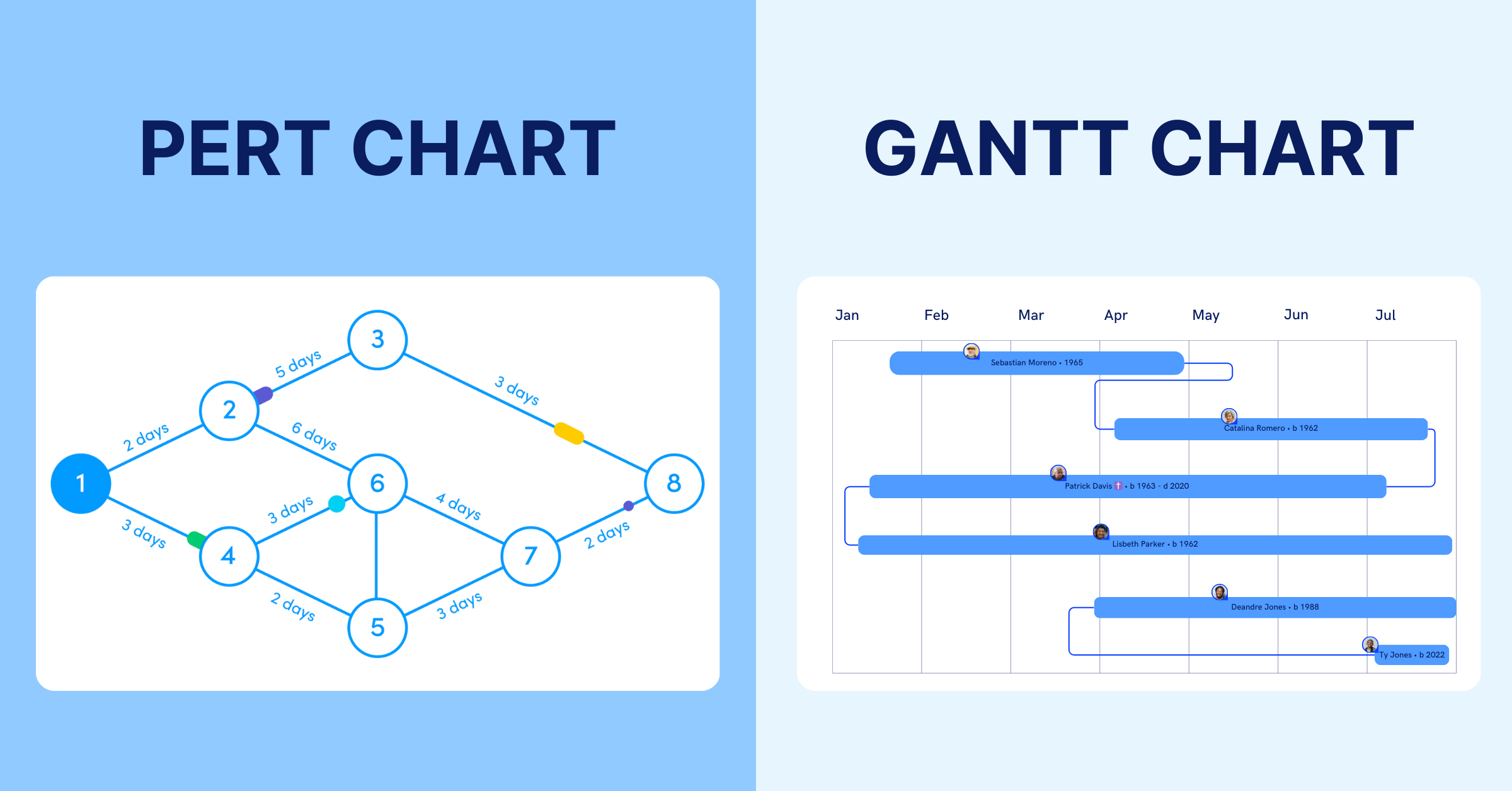
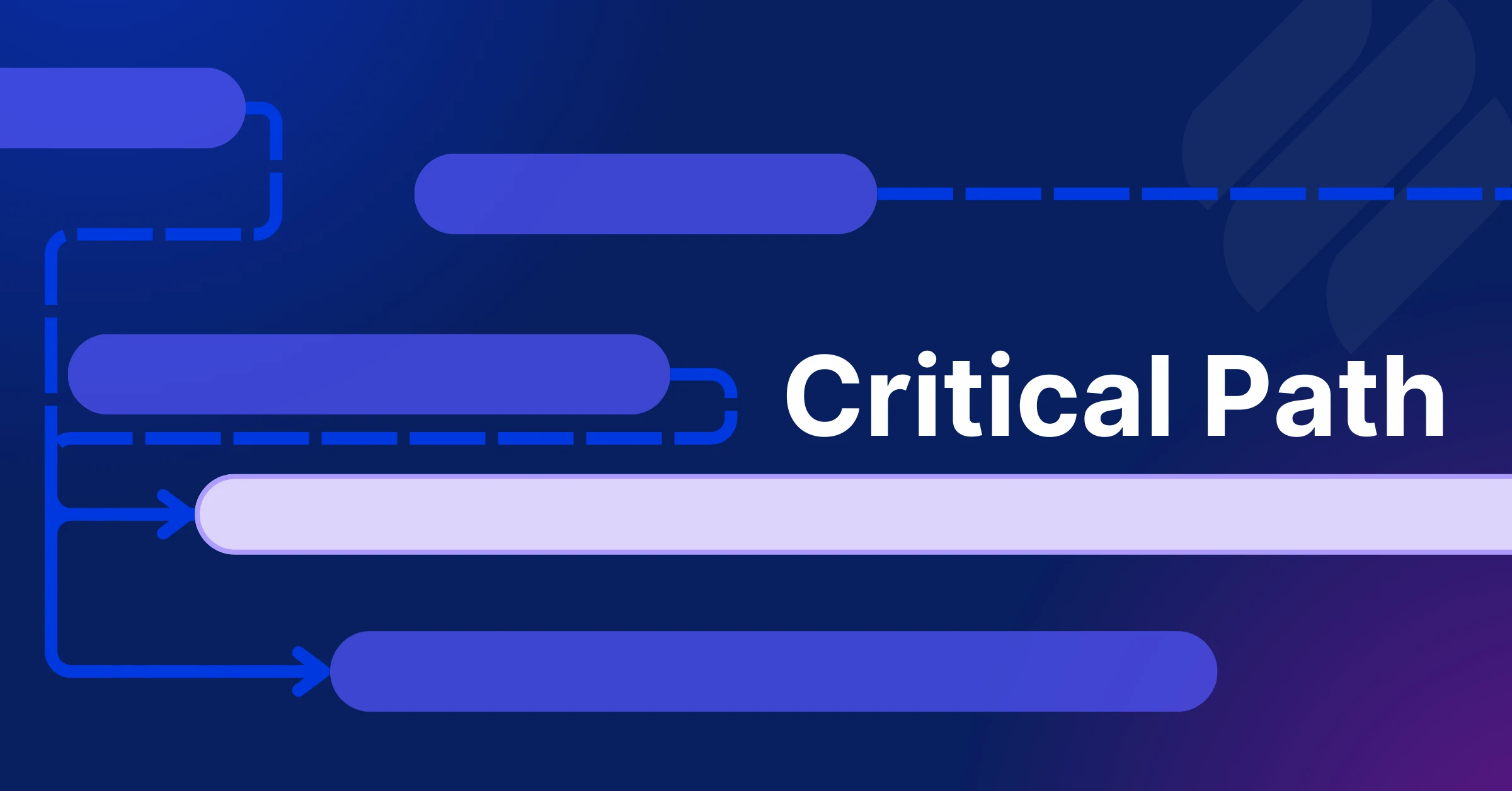
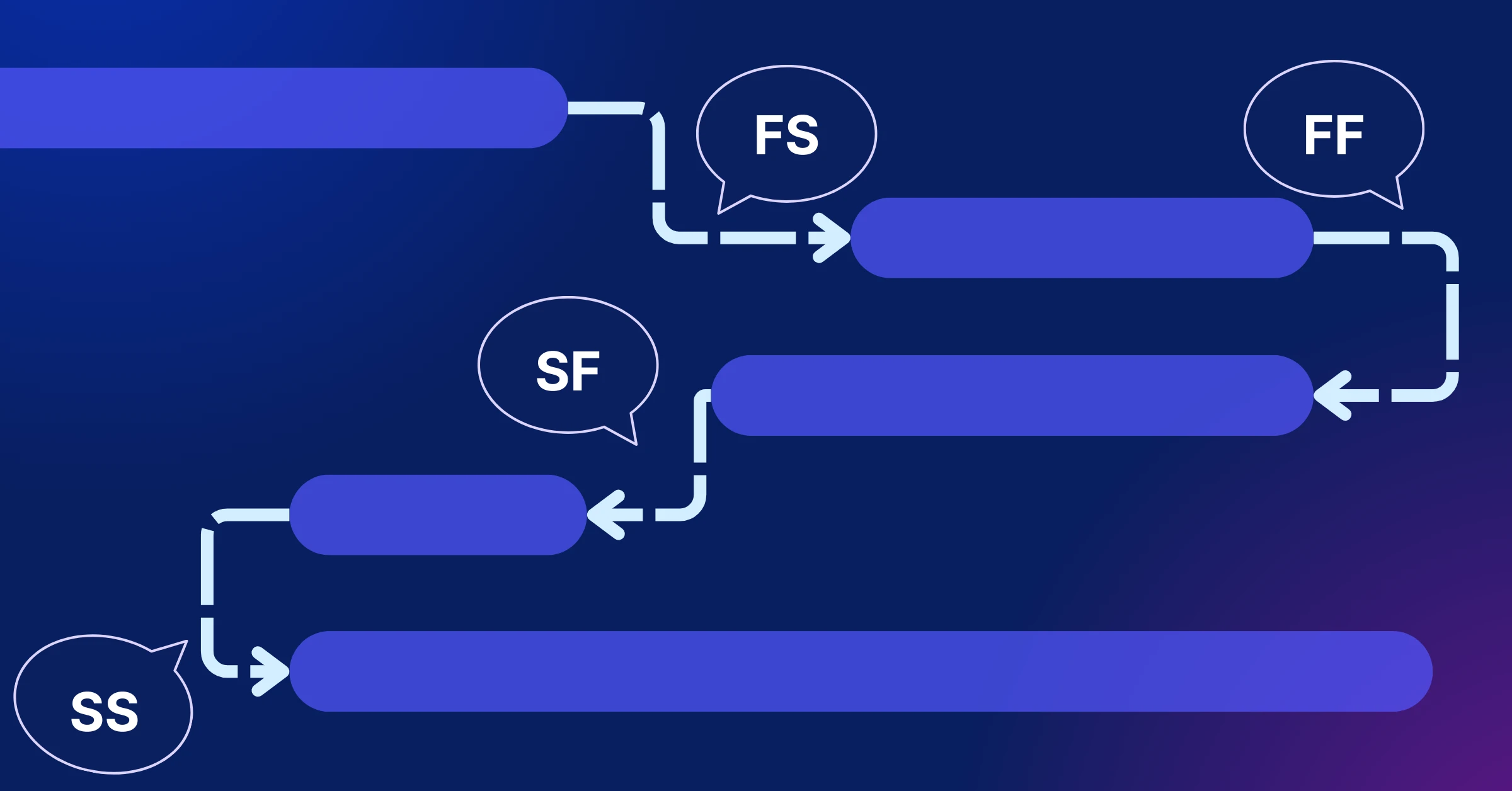
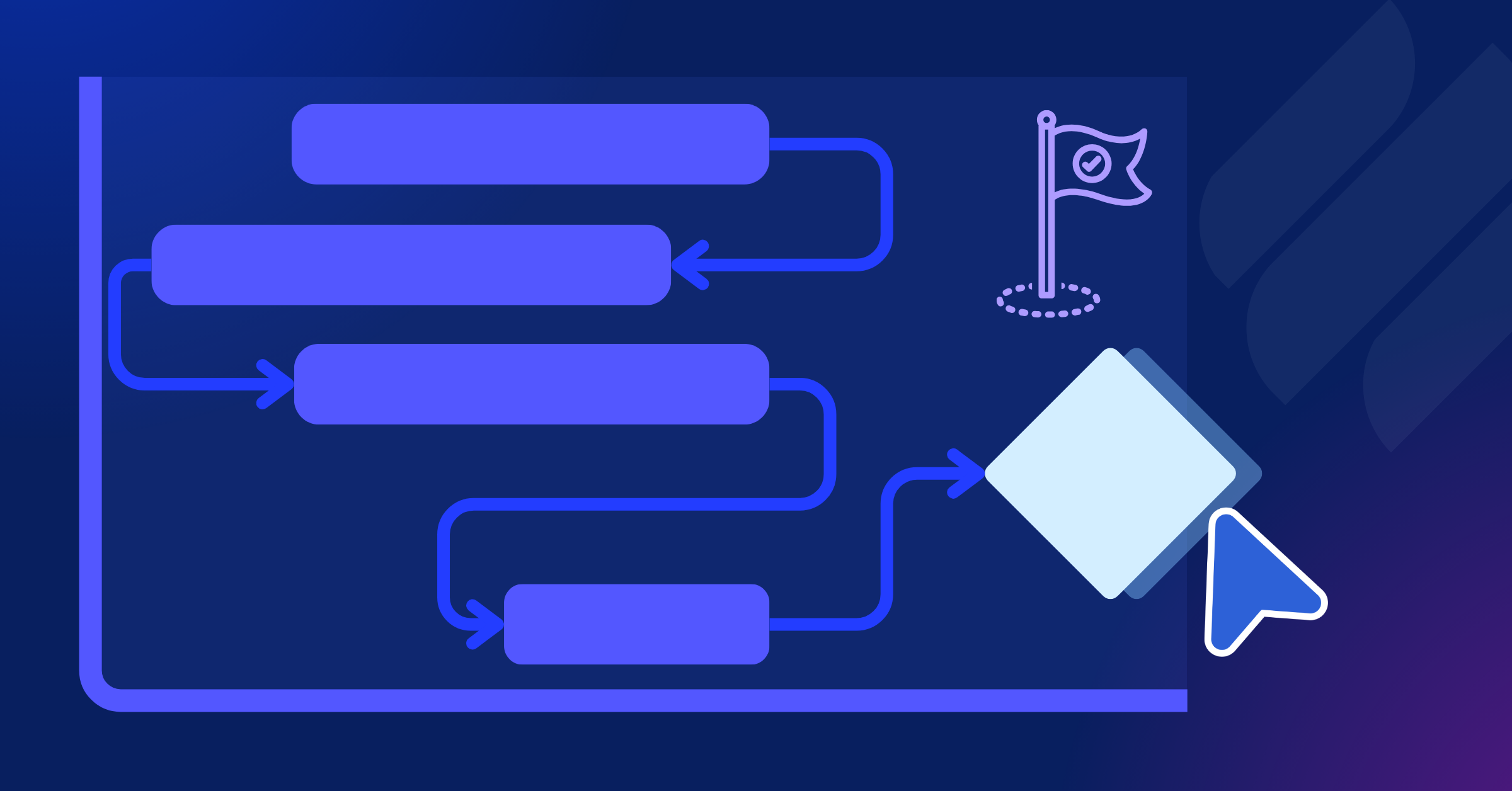
For example, with the Gantt Chart view, you can visualize your project timeline and see how tasks overlap, while the Kanban view provides a simple, drag-and-drop interface to track task progress in real-time, making it easier to stay on top of everything.
2. Campaign Calendar
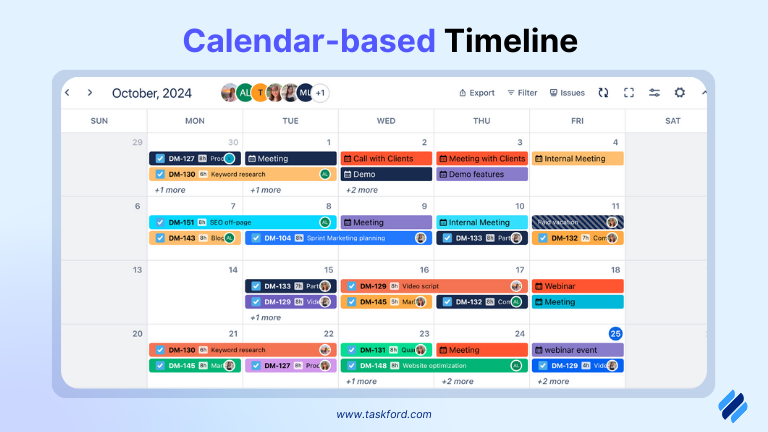
A visual calendar helps plan and schedule content, deadlines, and milestones for each channel. It ensures everything is on track, prevents overlap, and keeps teams aligned with key deliverables.
3. Real-Time Collaboration Tools
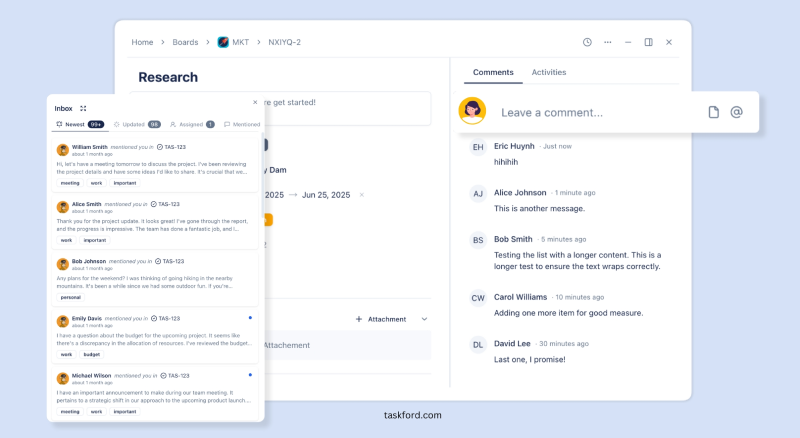
Features like messaging, comments, and file sharing enable teams to work seamlessly. Real-time collaboration ensures that updates, feedback, and approvals are instant, keeping projects moving forward without delays.
4. Real-Time Reporting and Analytics
Track the performance of campaigns across all channels in real time. This allows for data-driven decision-making, enabling quick adjustments and optimization based on current results.
5. Time Tracking and Deadline Management
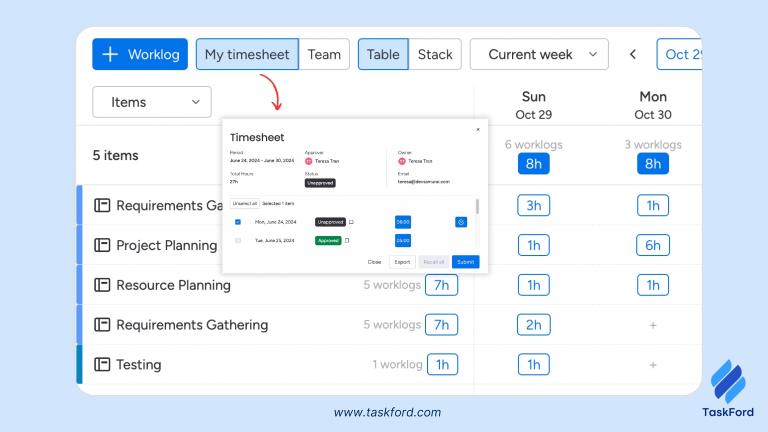
Set task priorities and track time spent on each activity. Automated reminders and deadline alerts ensure teams stay focused and that key deliverables are met on time.
6. Automation Features
Automating repetitive tasks, such as scheduling posts or generating reports, saves time and ensures consistency. Automation reduces human error and frees up your team to focus on strategy and creativity.
These features ensure marketing project management tools simplify workflows, enhance collaboration, and drive successful multichannel campaigns.
Strategies for Effective Multiple Campaign Management
Managing multiple campaigns across channels like social media, email, and paid ads requires strategic planning to ensure alignment, efficiency, and impact. Marketing project management tools enhance these strategies by providing structure and insights. Here are key strategies for success:
1. Adopt a Cross-Channel or Omnichannel Approach
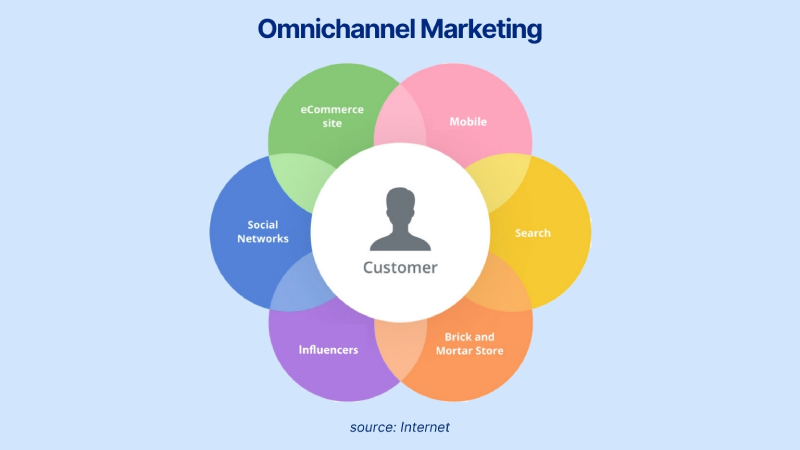
Choose a cross-channel strategy for targeted efforts on specific platforms, or go omnichannel to provide a seamless customer experience across all touchpoints. Both approaches require coordinated efforts to ensure consistency in messaging and branding.
2. Use Frameworks Like RACE
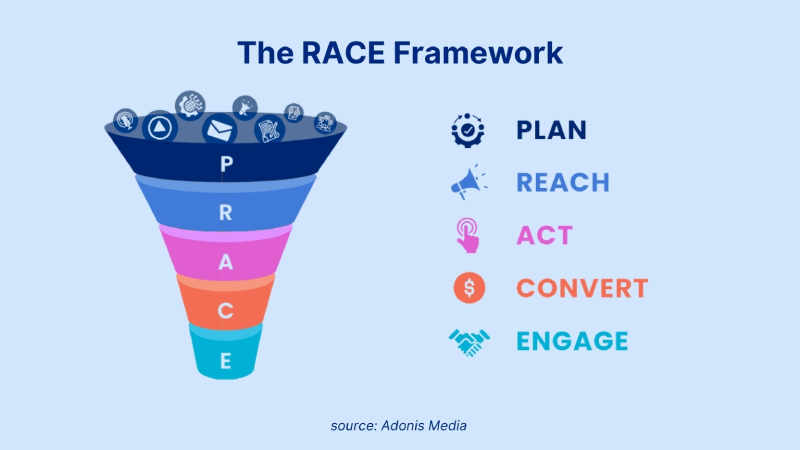
Apply the RACE framework (Reach, Act, Convert, Engage) to structure your campaigns. This framework helps guide your efforts through each stage, ensuring that all aspects of your campaign are planned and executed effectively.
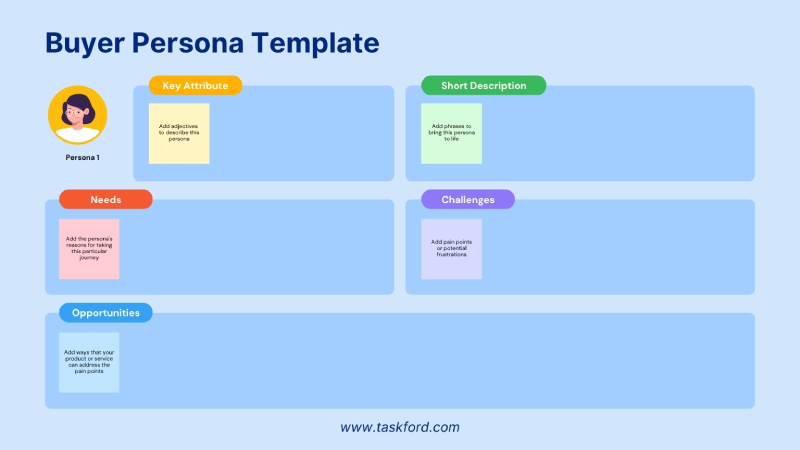
3. Create Buyer Personas
Develop detailed buyer personas to ensure that your content is tailored to the specific needs and preferences of your audience. By understanding your target audience better, you can craft content that resonates and performs well on each channel.
4. Unify Data Across Channels
Centralize all your campaign data, including customer interactions and touchpoints. A unified view of data ensures that your campaigns are consistently aligned and helps inform data-driven decisions for future campaigns.
5. Align Content with the Buyer’s Journey
Customize your content to meet the different stages of the buyer’s journey: awareness, consideration, and decision. This ensures that your messaging is relevant and resonates with your audience at each stage.
6. Leverage Social Media and Paid Advertising
Use social media platforms, your email marketing platform and paid advertising to target your audience effectively. Each platform has unique capabilities that allow for precise targeting, and paid ads can help amplify your reach and drive conversions.
7. Test and Optimize Campaigns
Continuously monitor and test your campaigns to identify areas for improvement. Run A/B tests and analyze performance metrics to make data-driven adjustments and optimize your strategy for better results.
8. Invest in Customer Support
Ensure a smooth customer experience by integrating customer support options, such as live chat or chatbots. Offering prompt and helpful support across all channels enhances customer satisfaction and helps drive loyalty.
Real-Life Examples: How Teams Have Benefited
Case Study #1: Digital Marketing Agency - Coordinating Multiple Client Campaigns
Challenge: A digital marketing agency managing campaigns for several clients struggled with coordinating tasks, meeting deadlines, and maintaining clear communication across multiple teams.
Solution: The agency adopted a project management tool that centralized task assignments, deadlines, and client communications. Each client campaign was tracked separately, providing transparency and easier collaboration.
Outcome: The agency improved its efficiency, met deadlines more consistently, and saw higher client satisfaction due to the improved organization and clear communication.
Case Study #2: E-Commerce Brand’s Product Launch
Challenge: An e-commerce brand had difficulty managing a product launch campaign across various channels (email, social media, ads) with a growing team.
Solution: The brand used a project management tool to create a campaign calendar, ensuring all teams could coordinate content, track deadlines, and manage assets from one platform.
Outcome: The product launch was executed smoothly, with all campaigns running on time and aligned. The brand saw an increase in engagement and sales, thanks to better planning and team coordination.
Case Study #3: SaaS Company - Coordinating a Product Marketing Campaign
Challenge: A SaaS company faced challenges in coordinating marketing efforts across content creation, email campaigns, and webinars for a new product launch.
Solution: The company used a project management tool to assign tasks, track progress, and ensure alignment across teams. The tool allowed for real-time collaboration, making it easier to update content and schedules.
Outcome: The campaign launched on time, driving higher sign-ups and user engagement. The tool helped streamline the process, reducing manual effort and improving team collaboration.
Conclusion
Managing multichannel campaigns doesn’t have to be chaotic. With the right strategies and marketing project management tools, you can streamline workflows, improve collaboration, and ensure consistent, on-time execution. Whether you’re coordinating multiple teams, tracking performance, or ensuring brand consistency across platforms, these tools are essential for turning complex campaigns into successful ones.
By implementing the right tool, staying organized, and focusing on clear communication, you can elevate your marketing efforts and achieve better results—without the stress. The key is to adapt your approach, stay flexible, and use the features that best support your team’s goals, ensuring a smooth and successful campaign every time.
Related Reading
- Construction Project Tracking Software How to Use It to Overcome Schedule Delays
- Project Management Scheduling Software: Features You Shouldn’t Compromise On in 2025
- Marketing Project Manager: Responsibilities, Skills, and Real Impact
- Types of Project Managers - Industry-Specific Project Managers: Roles, Skills, and Work Environments
Related Articles







How to Build and Manage a Product Roadmap with TaskFord







How to Build a Connected Project Timeline in TaskFord









What Are the Best Jira Alternatives for Scrum Teams?

















How WBS Reveals Delivery Breakdown Before It’s Too Late







![How To Conduct a Profound Stakeholder Analysis [+ Free Template]](/marketing/blog/stakeholder-analysis.webp)










What to Look for in Scrum Tools (Beyond Kanban Boards)

![Project Management Calendar for Teams and Managers [Free Templates]](/marketing/blog/project-management-calendar.webp)




How to Define Project Deliverables: A Step-by-Step Guide



![RACI Chart in Project Management: Rules & Examples [Free Download]](/marketing/blog/raci-chart.webp)







![7 Must-Have Project Management Documents Every PO Should Know [Free Templates]](/marketing/blog/project-management-documents.webp)







![How to Create a Winning Project Plan for IT Projects [10 Steps Included]](/marketing/blog/how-to-create-a-project-plan.webp)


![Daily Standup Best Practices: Apply AI to Organize Meetings Successfully [2026 Trends]](/marketing/blog/daily-standup.webp)




![How to Create a Project Communication Plan: Step-by-Step Guide [+Free Template]](/marketing/blog/project-communication-plan.png)


![Master Project Procurement Management in 5 Steps [Download a free plan template]](/marketing/blog/project-procurement-management.webp)






















Subscribe for Expert Tips
Unlock expert insights and stay ahead with TaskFord. Sign up now to receive valuable tips, strategies, and updates directly in your inbox.