How To Use a Progress Tracker for Agile Sprints and Stand-Ups
Discover how a progress tracker helps Agile teams track tasks, spot blockers, and run more efficient stand-ups for smoother project execution.
theirProgress tracker tools are essential in Agile practices like sprints and daily stand-ups, designed to keep teams focused, collaborative, and adaptive. However, in fast-moving projects, just meeting every day isn’t always enough. Teams often need more than conversations to track progress, identify blockers, and ensure sprint goals are on track.
A progress tracking tool provides teams with a shared, real-time view of their work. It turns status updates into visible progress, making discussions more meaningful and ensuring everyone stays aligned throughout the sprint. In this article, we’ll explore what a progress tracker is, why it’s valuable in Agile workflows, and how to use it effectively during sprints and stand-ups.
What is a Progress Tracker?
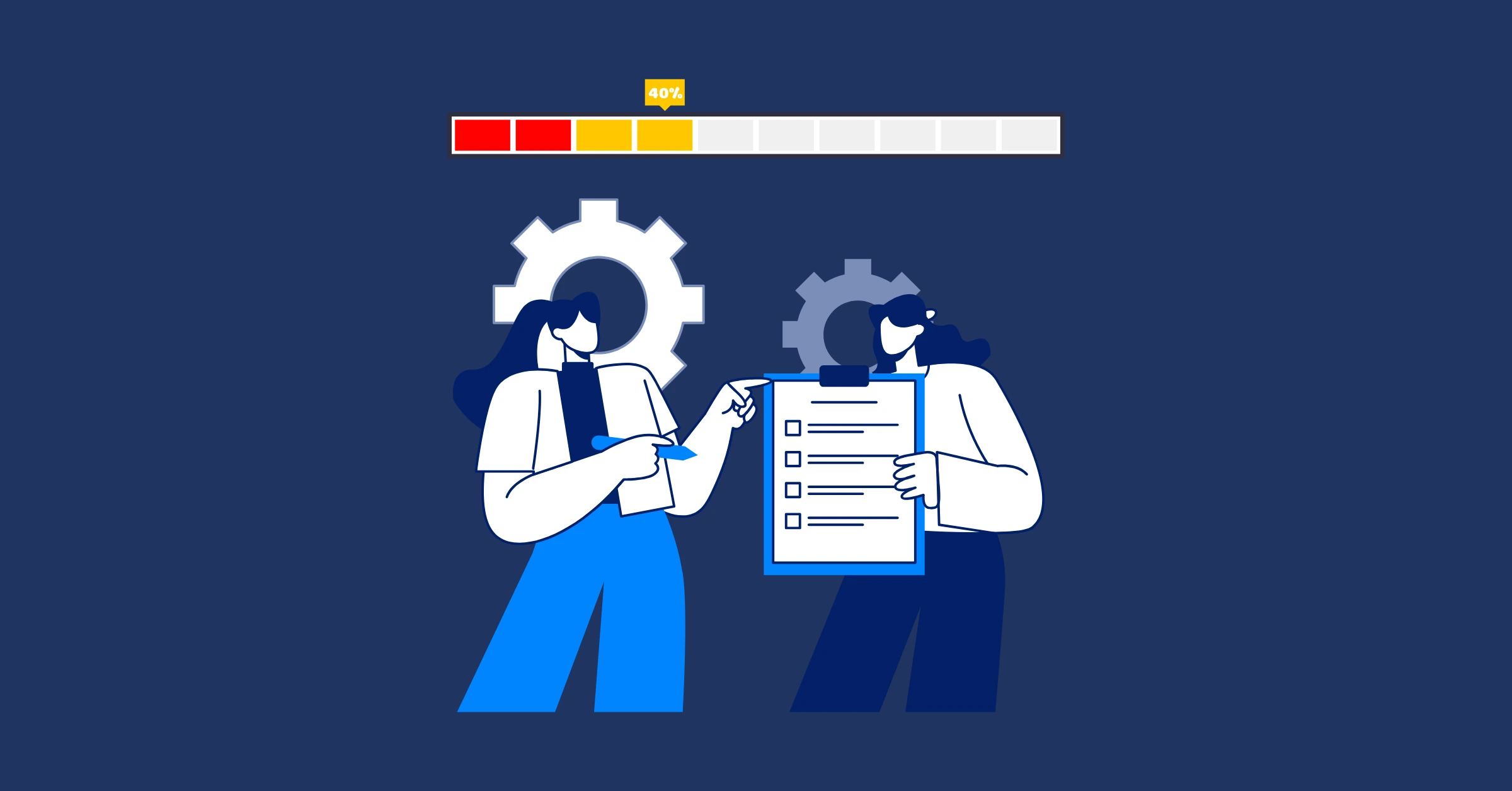
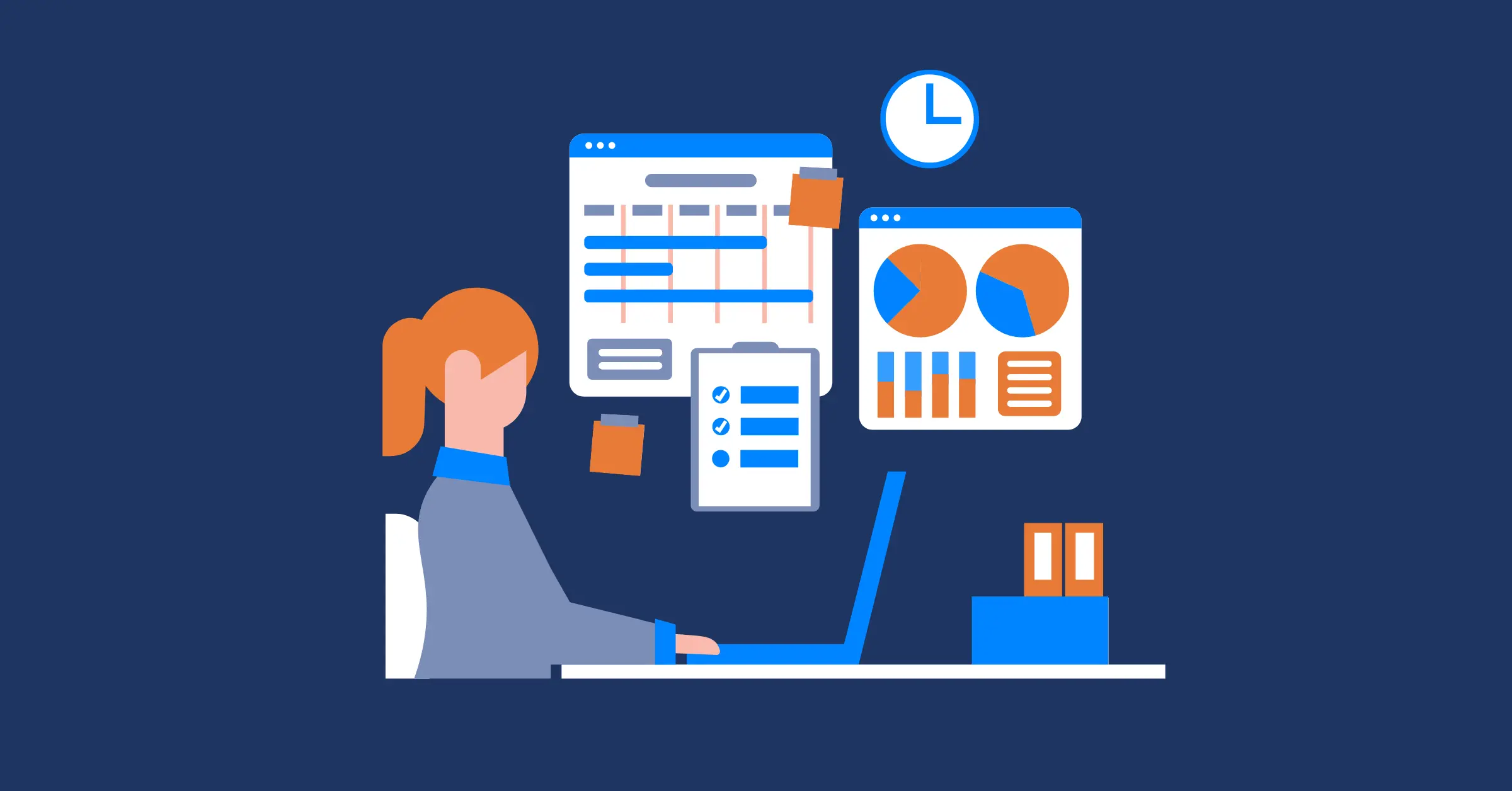
A progress tracker is a tool that helps teams and individuals monitor the status of their work. At its core, it provides a clear view of what’s completed, what’s in progress, and what still needs attention. By making progress visible, it keeps everyone aligned on goals and reduces the risk of tasks being overlooked.
Progress trackers can take different forms depending on the workflow:
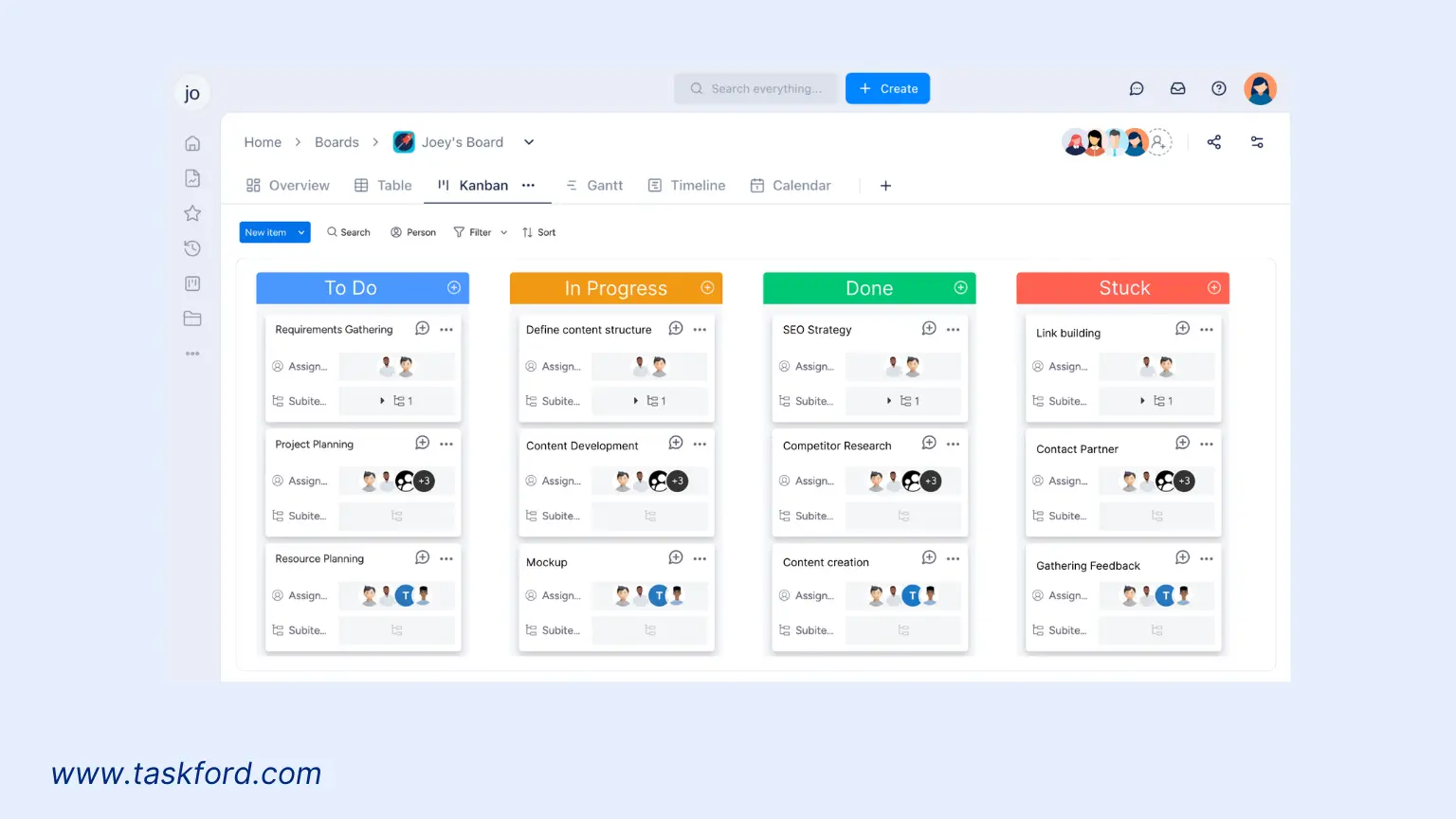
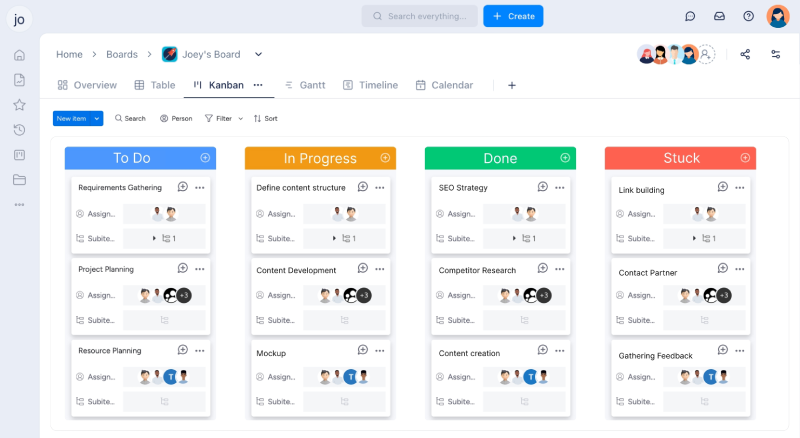
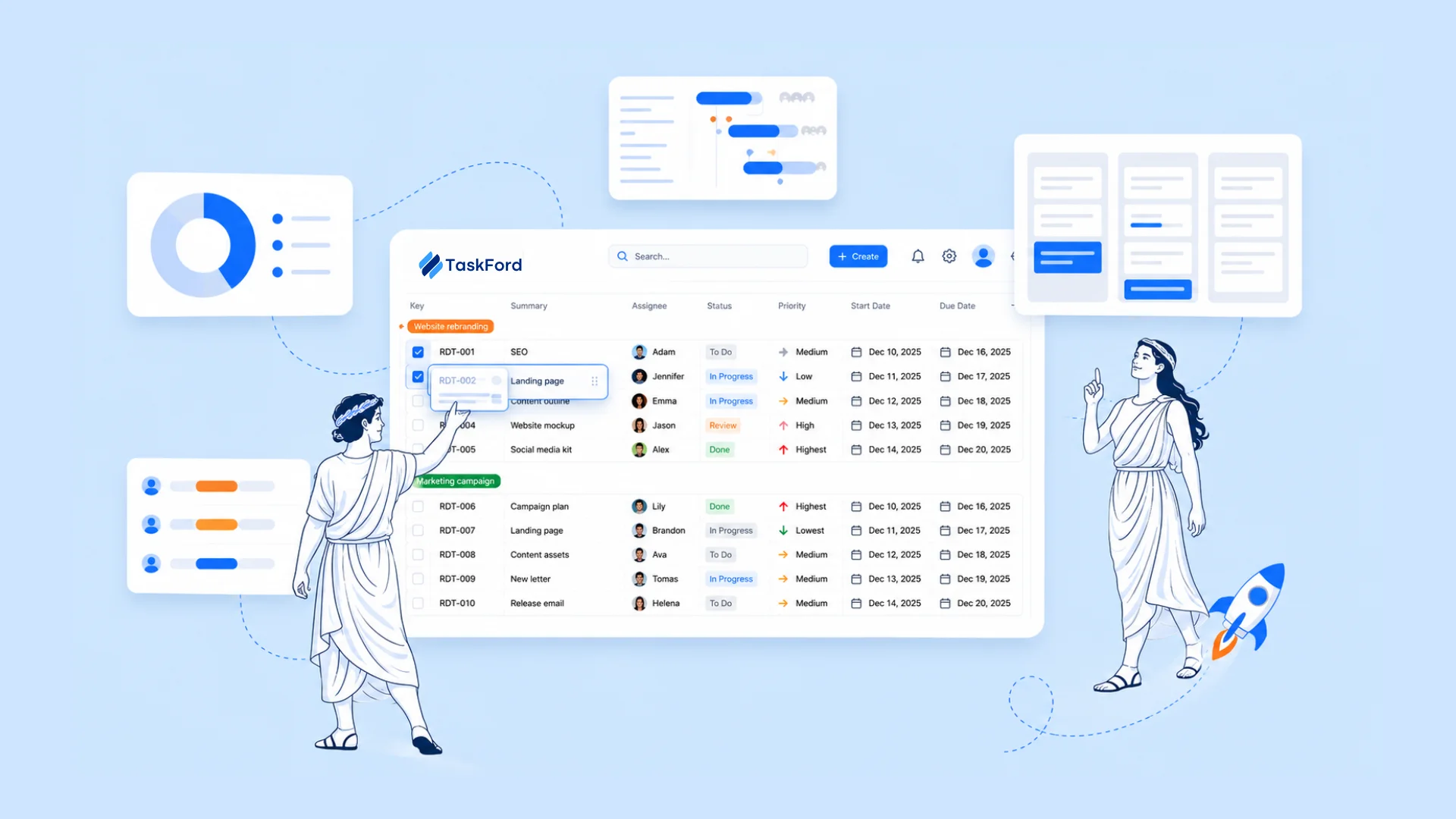
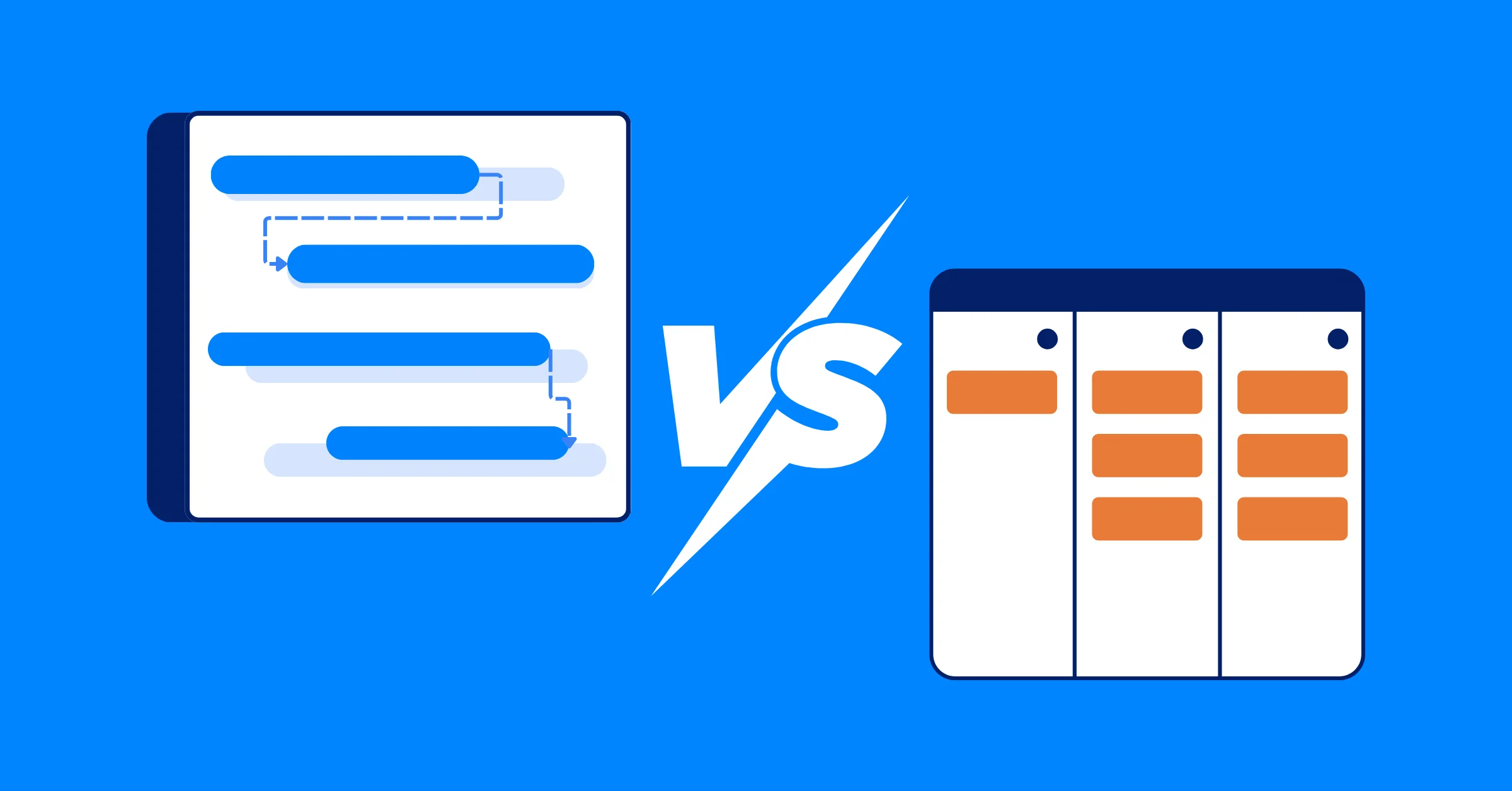
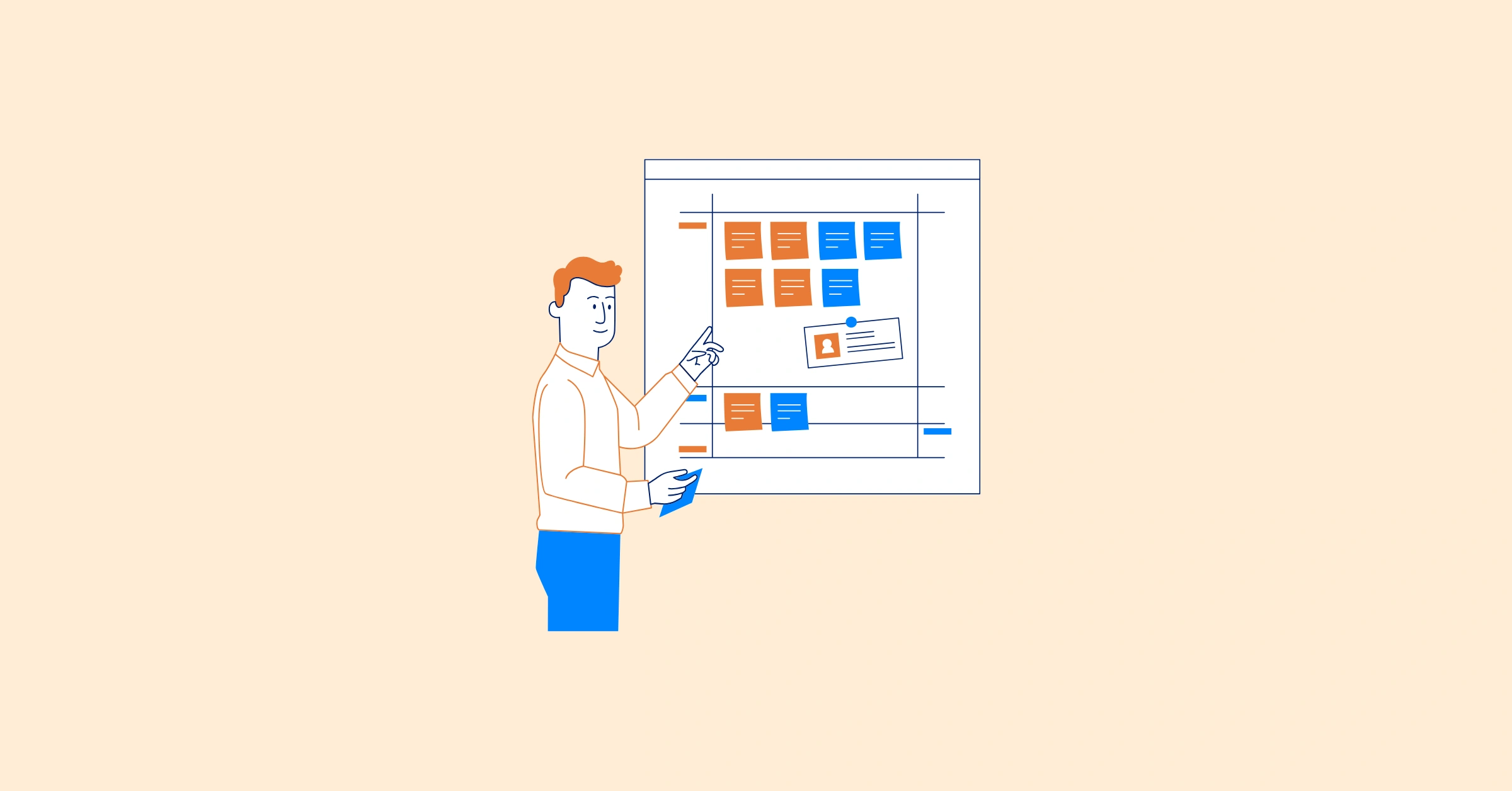
- Kanban Board – A visual tool that uses columns like “To Do,” “In Progress,” and “Done” to show the movement of tasks throughout the sprint.
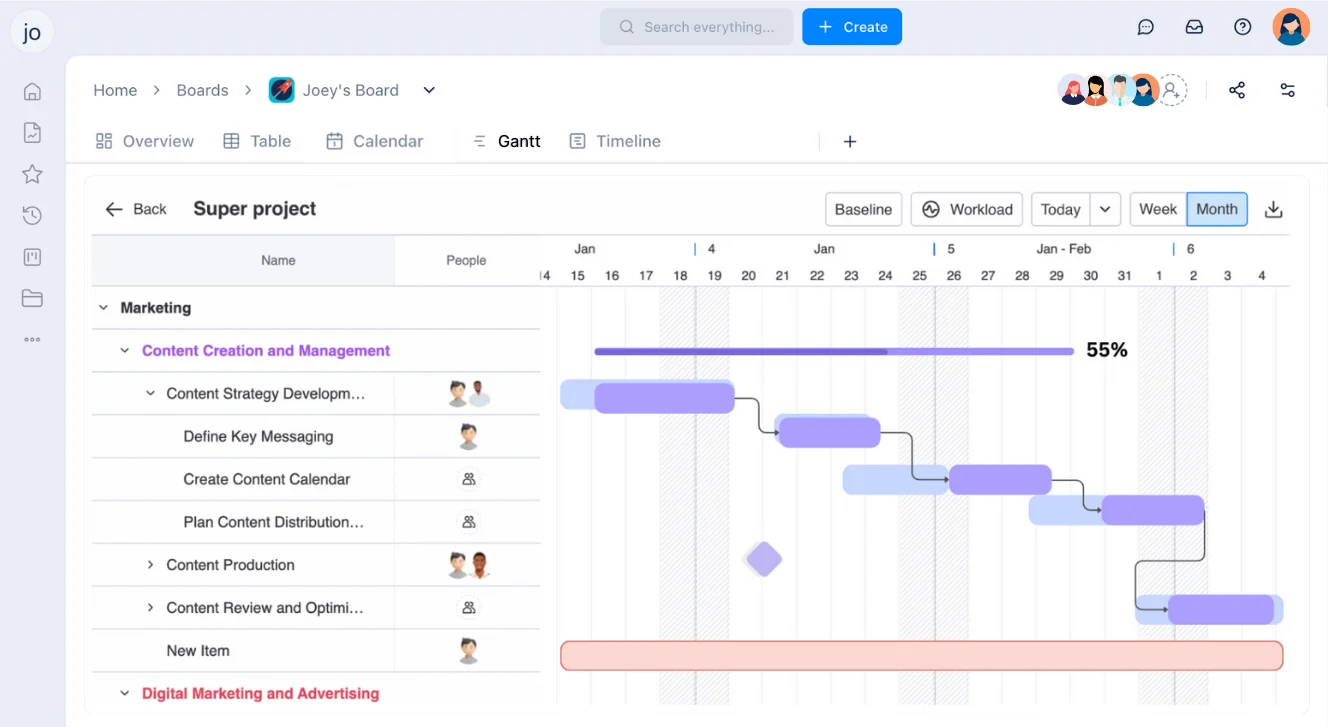
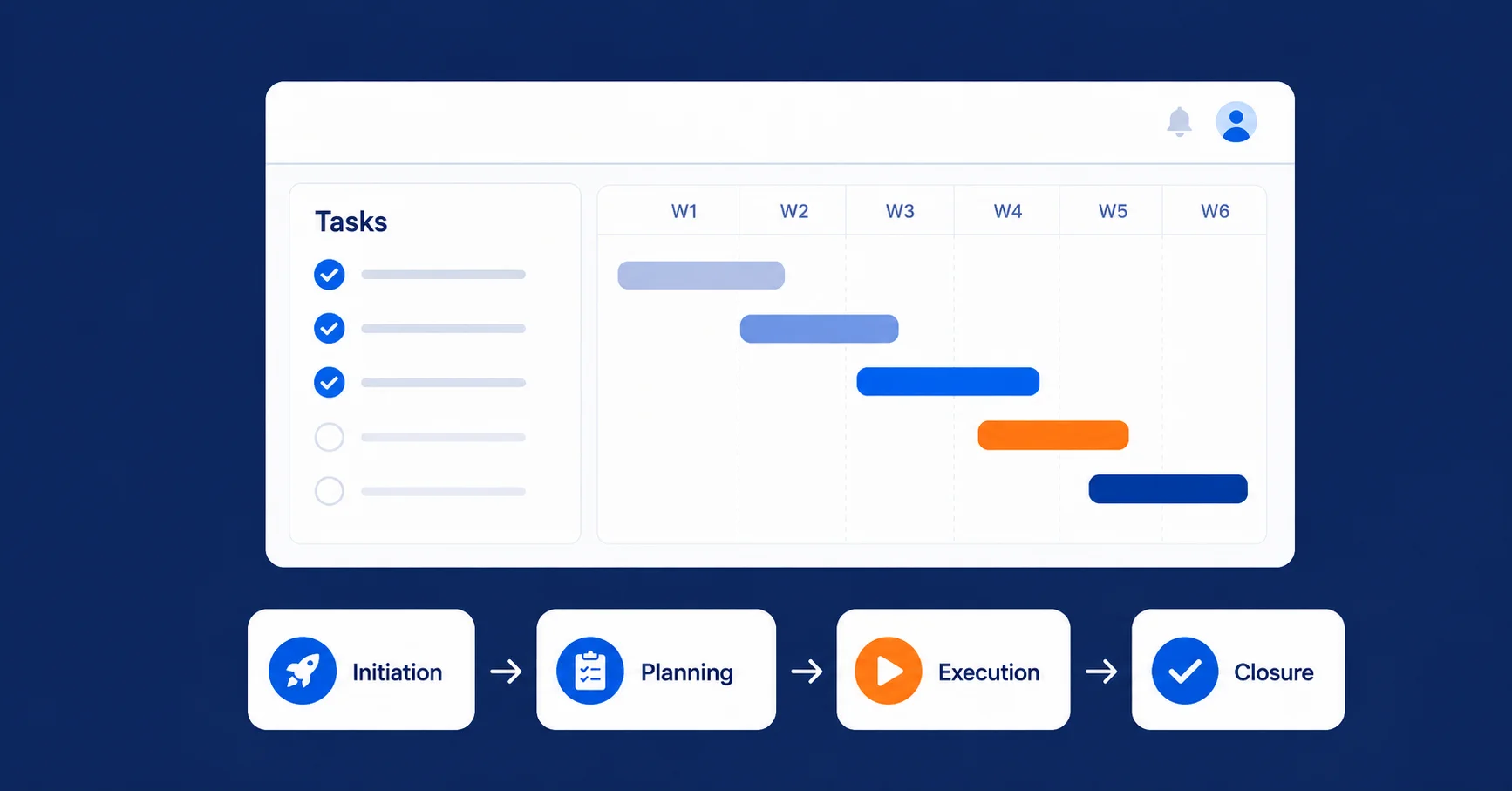
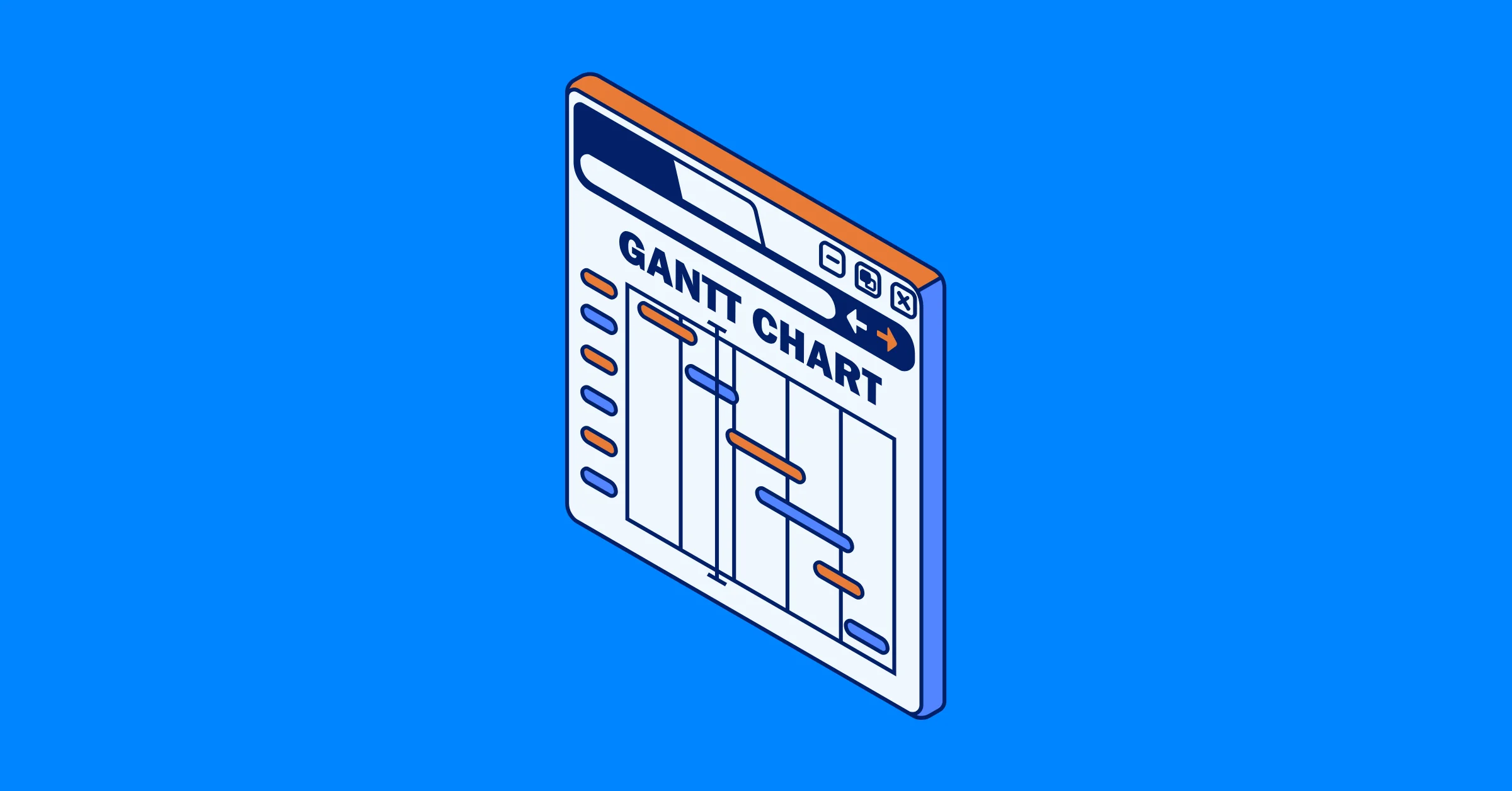
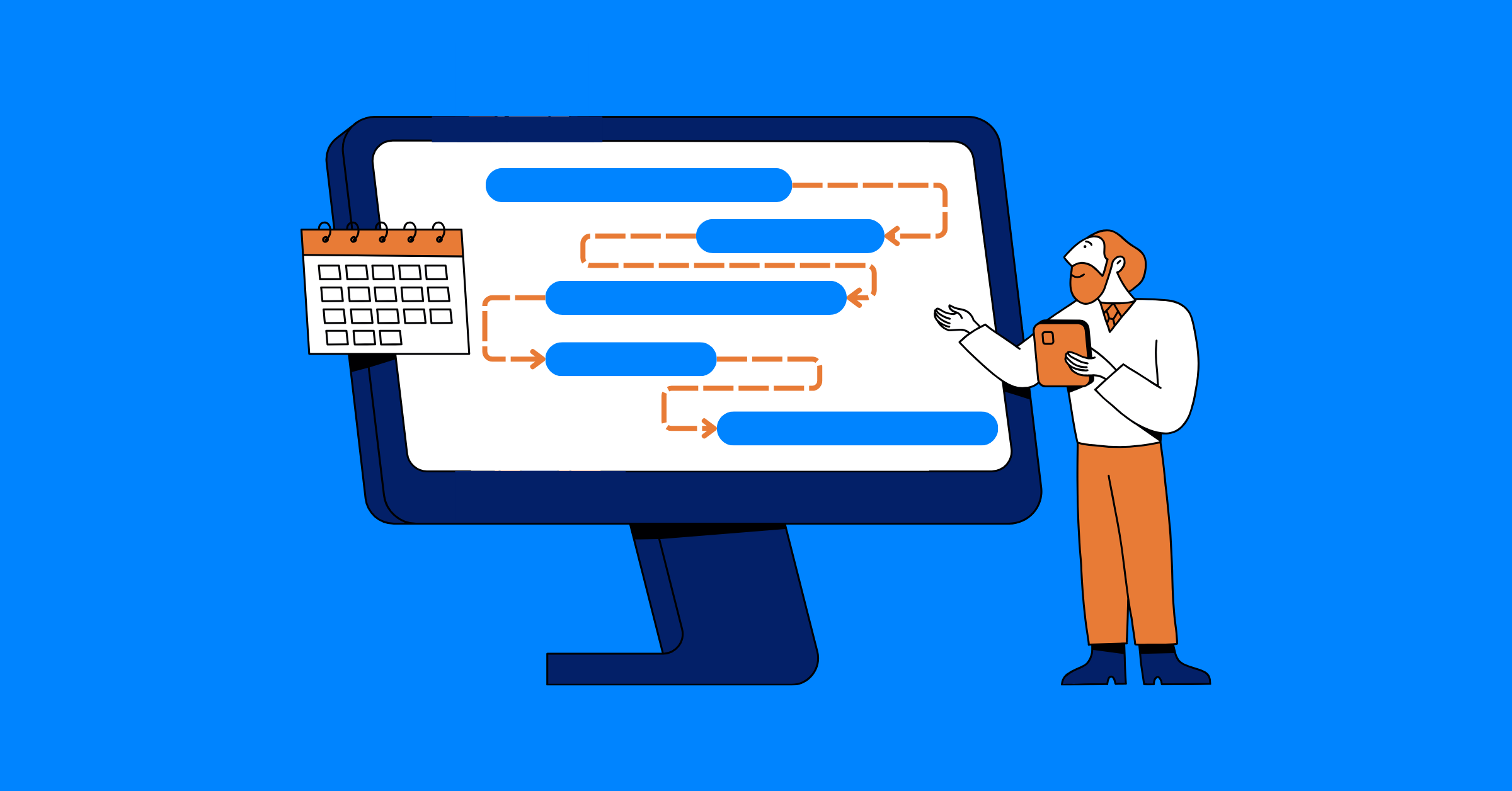
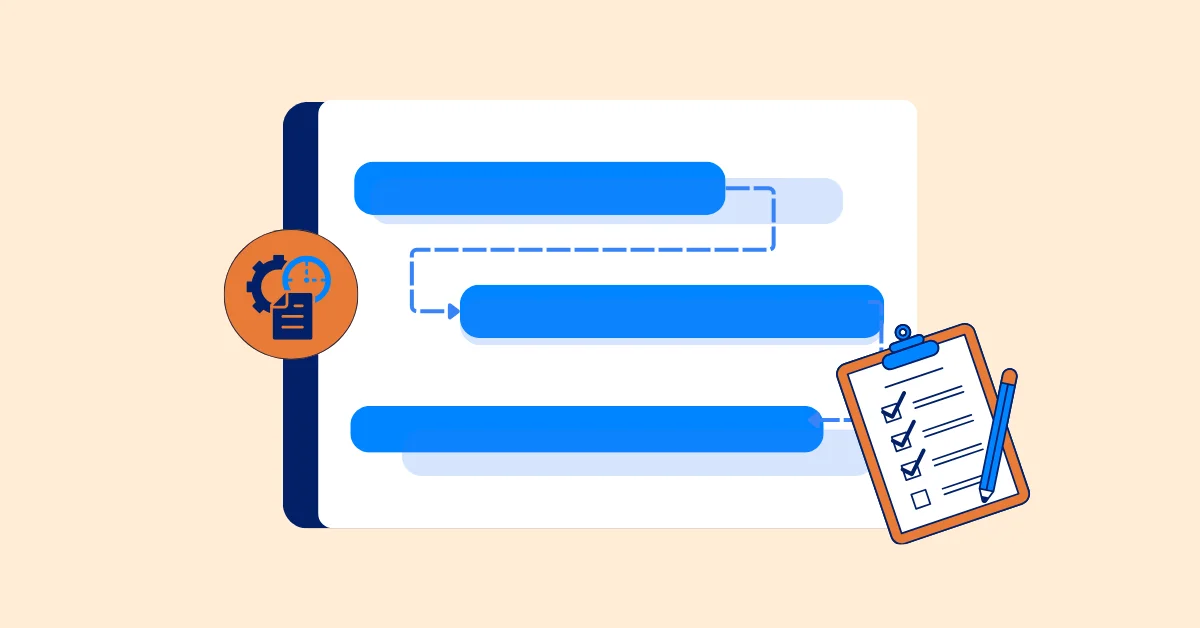
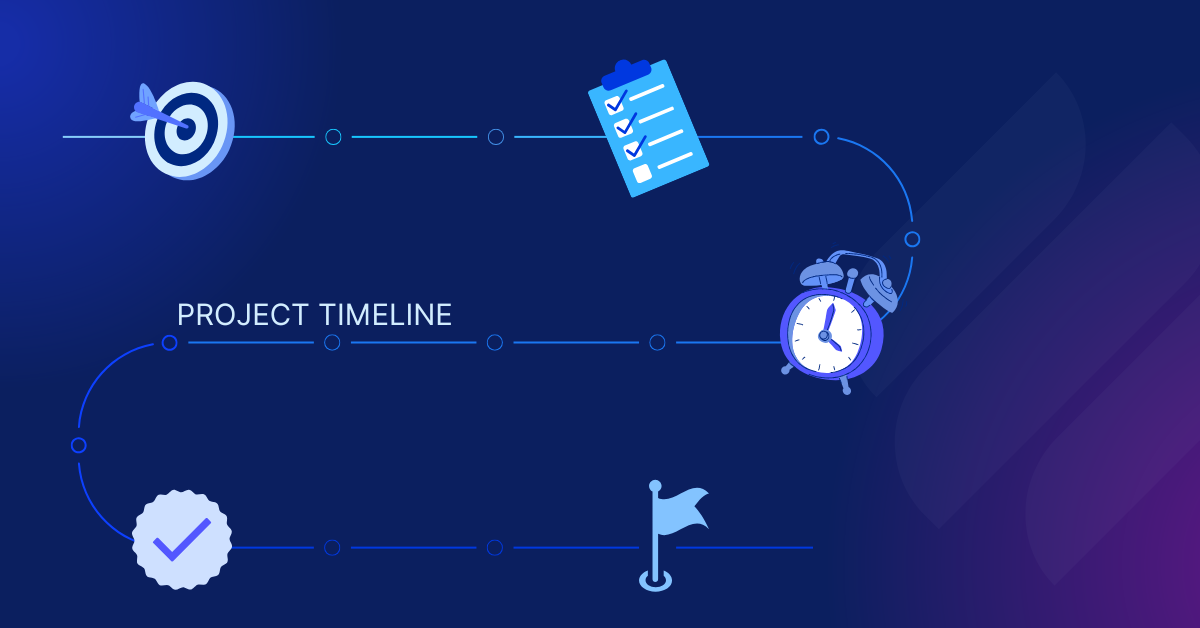
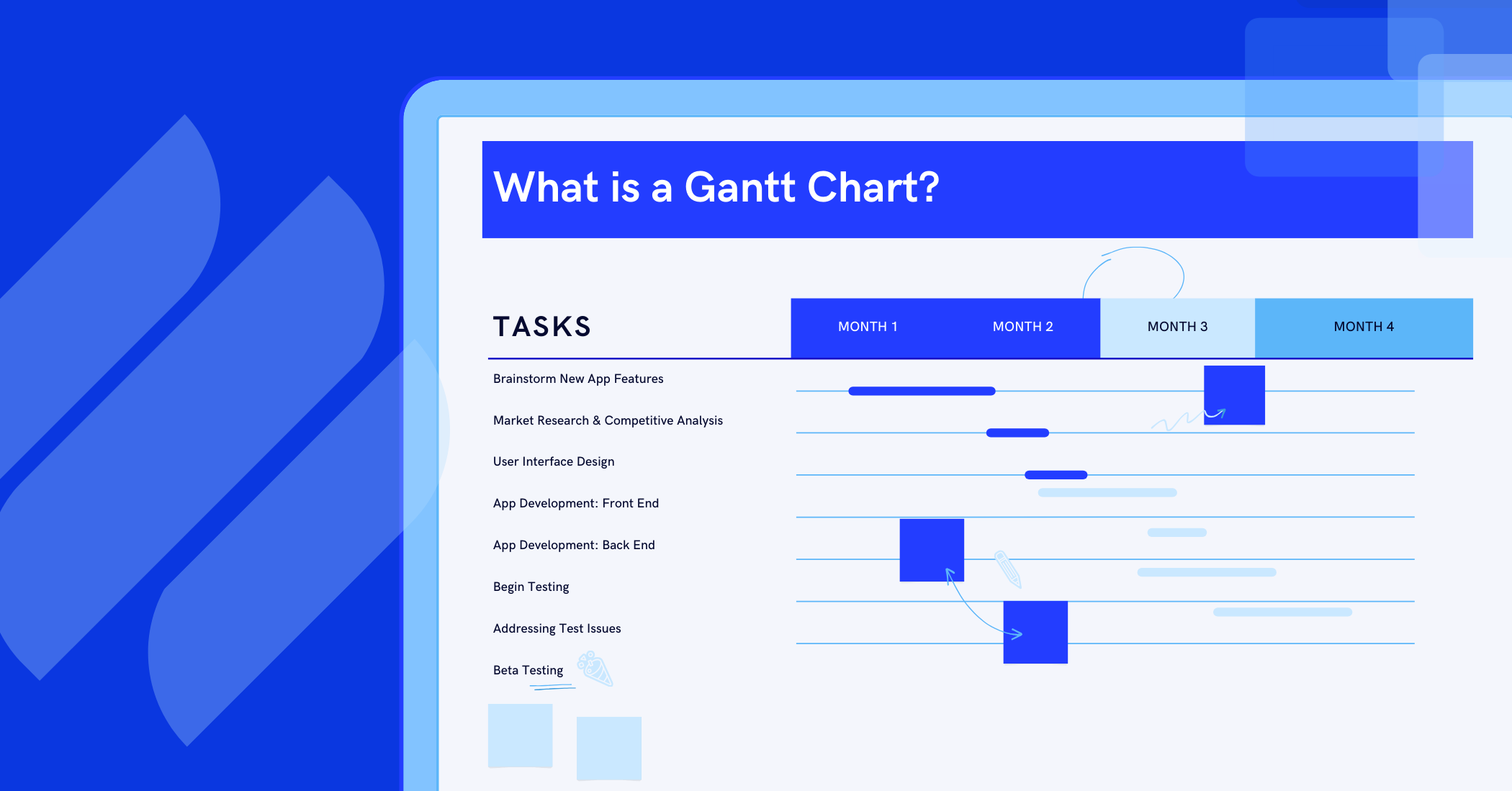
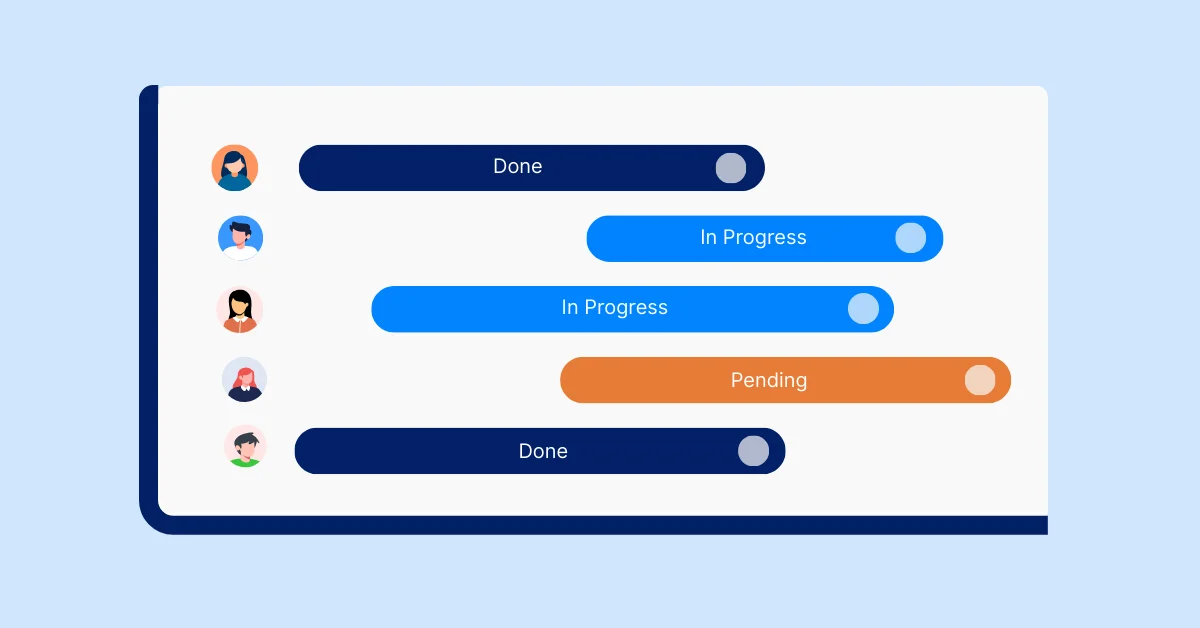
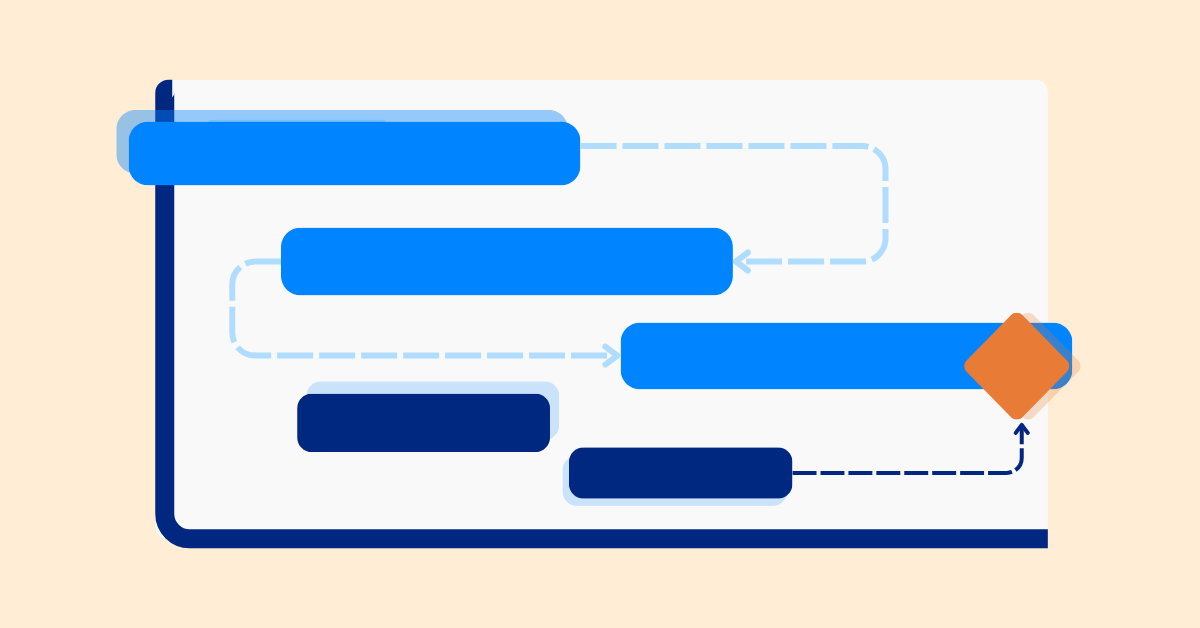
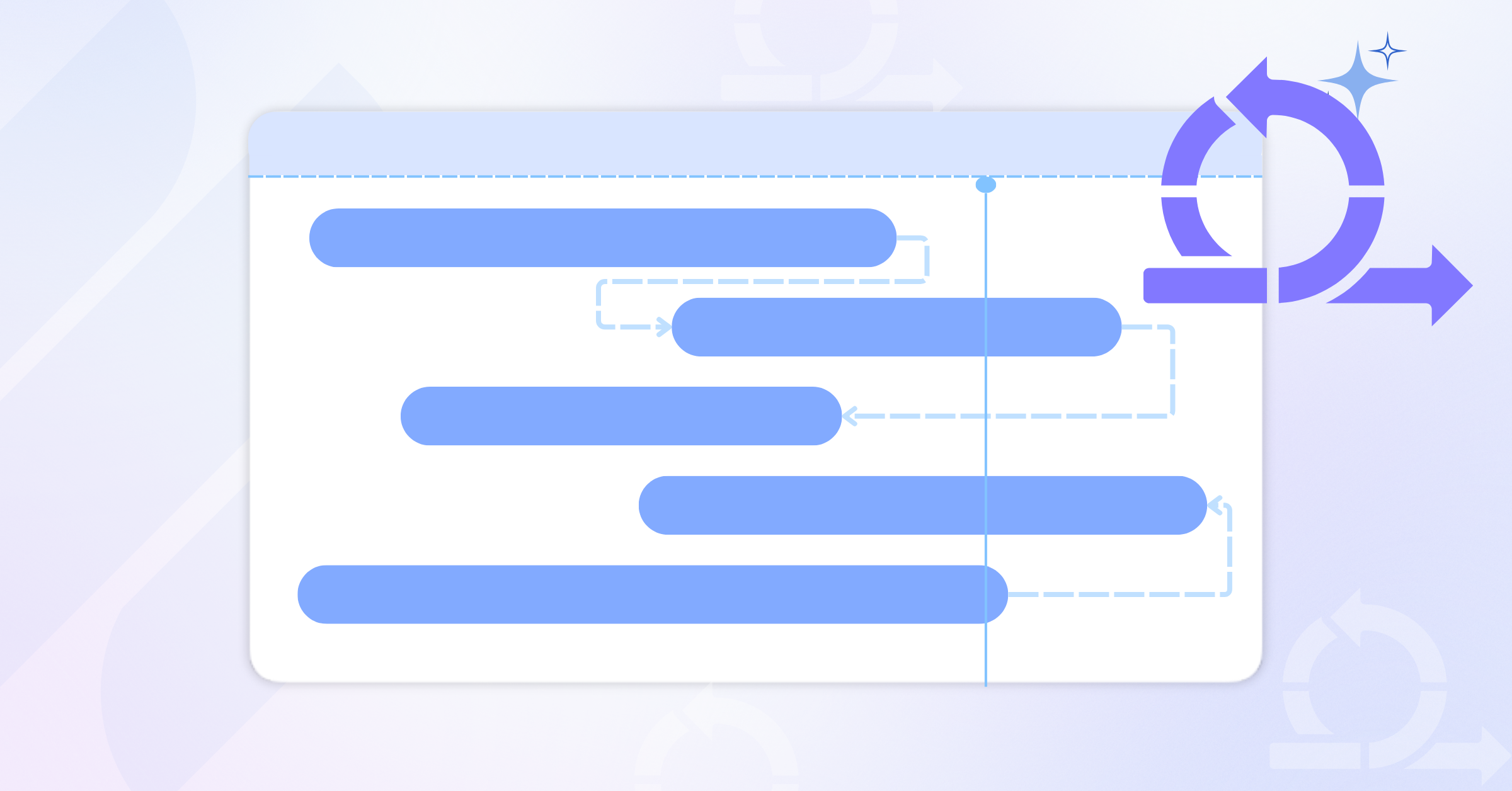
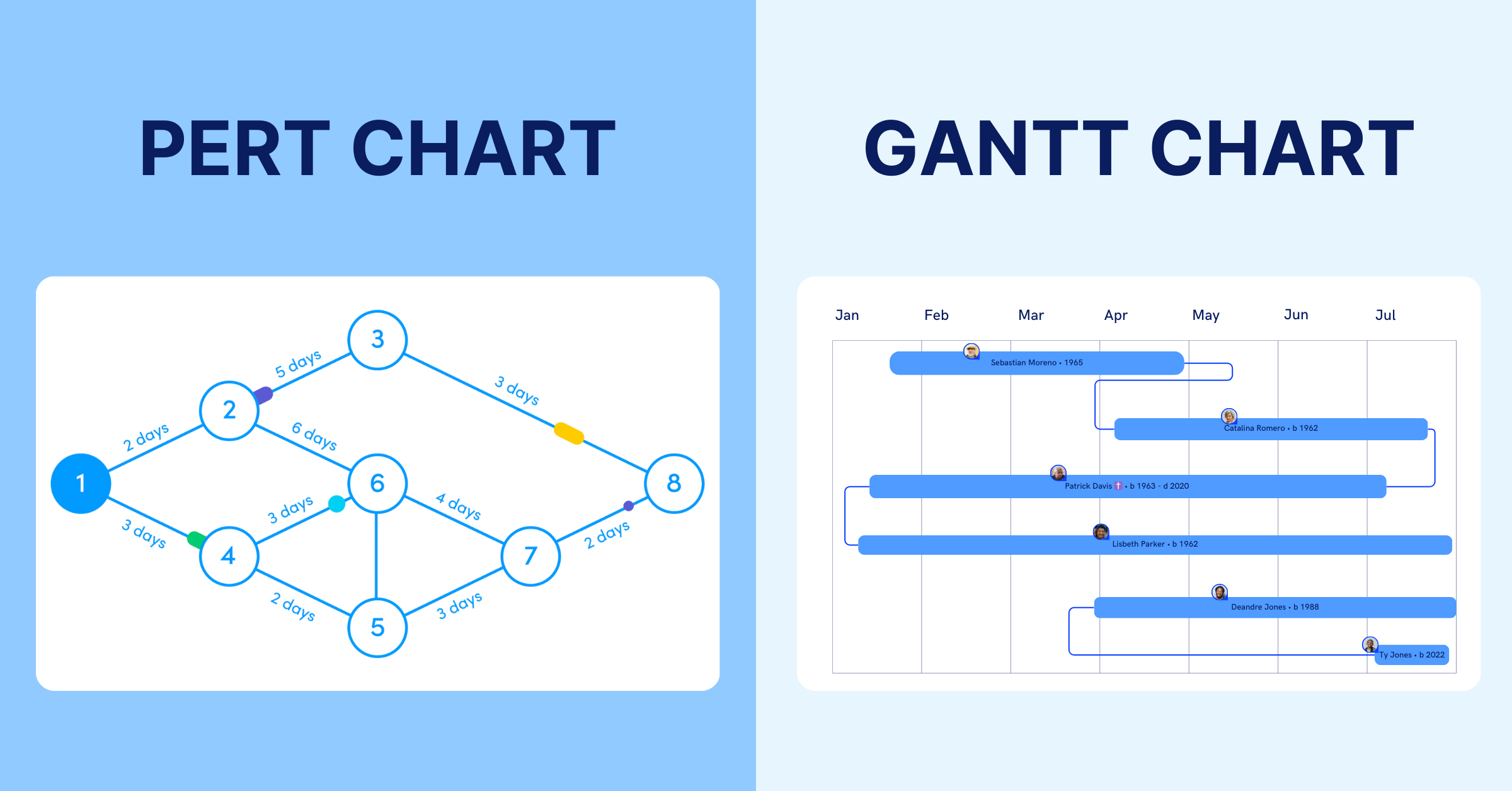
- Gantt Chart or Timelines – These tools are great for visualizing how tasks align with specific deadlines. They offer a clear view of the project timeline, helping teams track progress against set milestones.
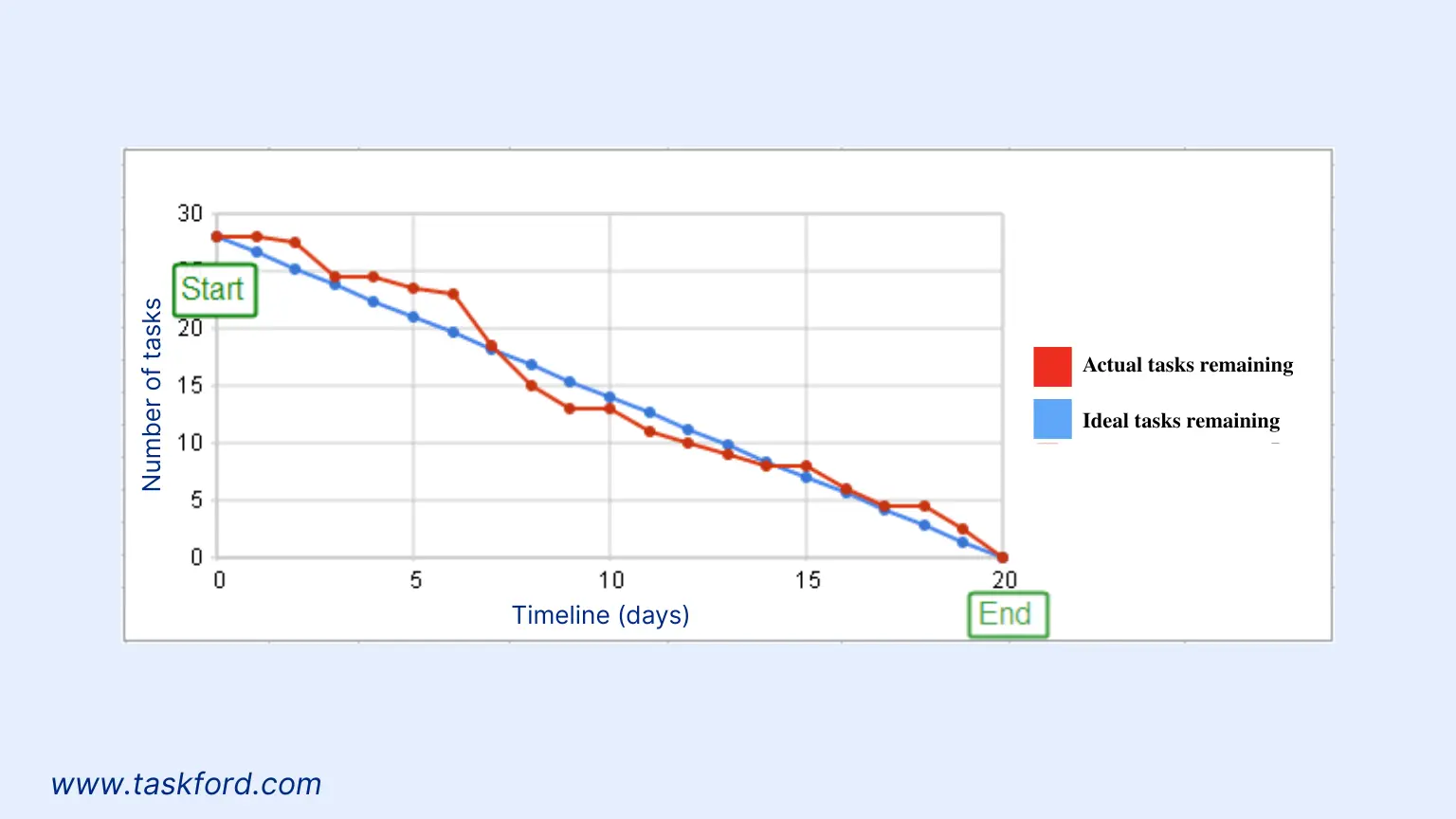
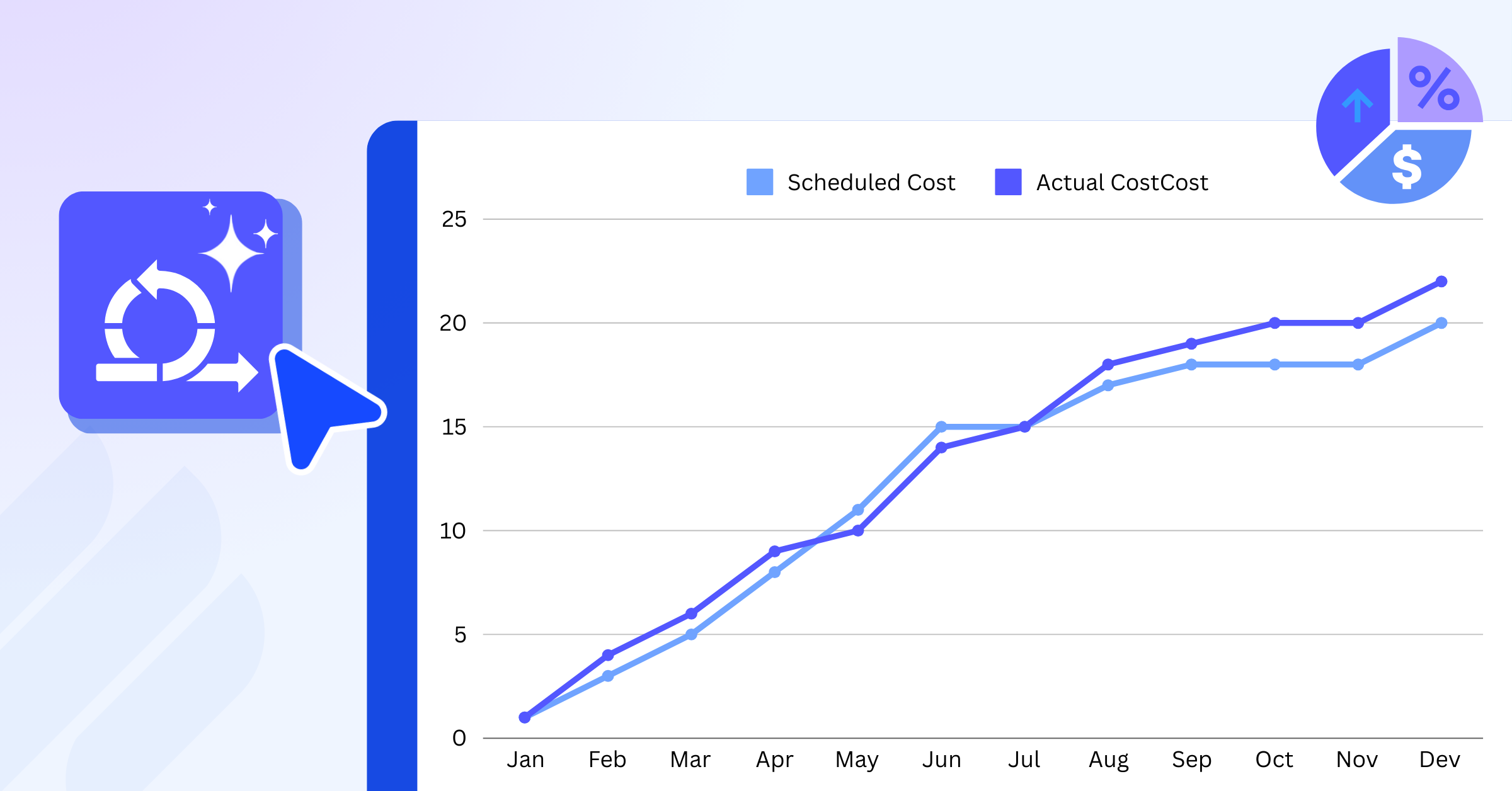
- Burndown Chart– This chart visually shows how much work remains compared to the sprint timeframe, helping teams assess their progress and whether they are on track to complete all tasks within the sprint.
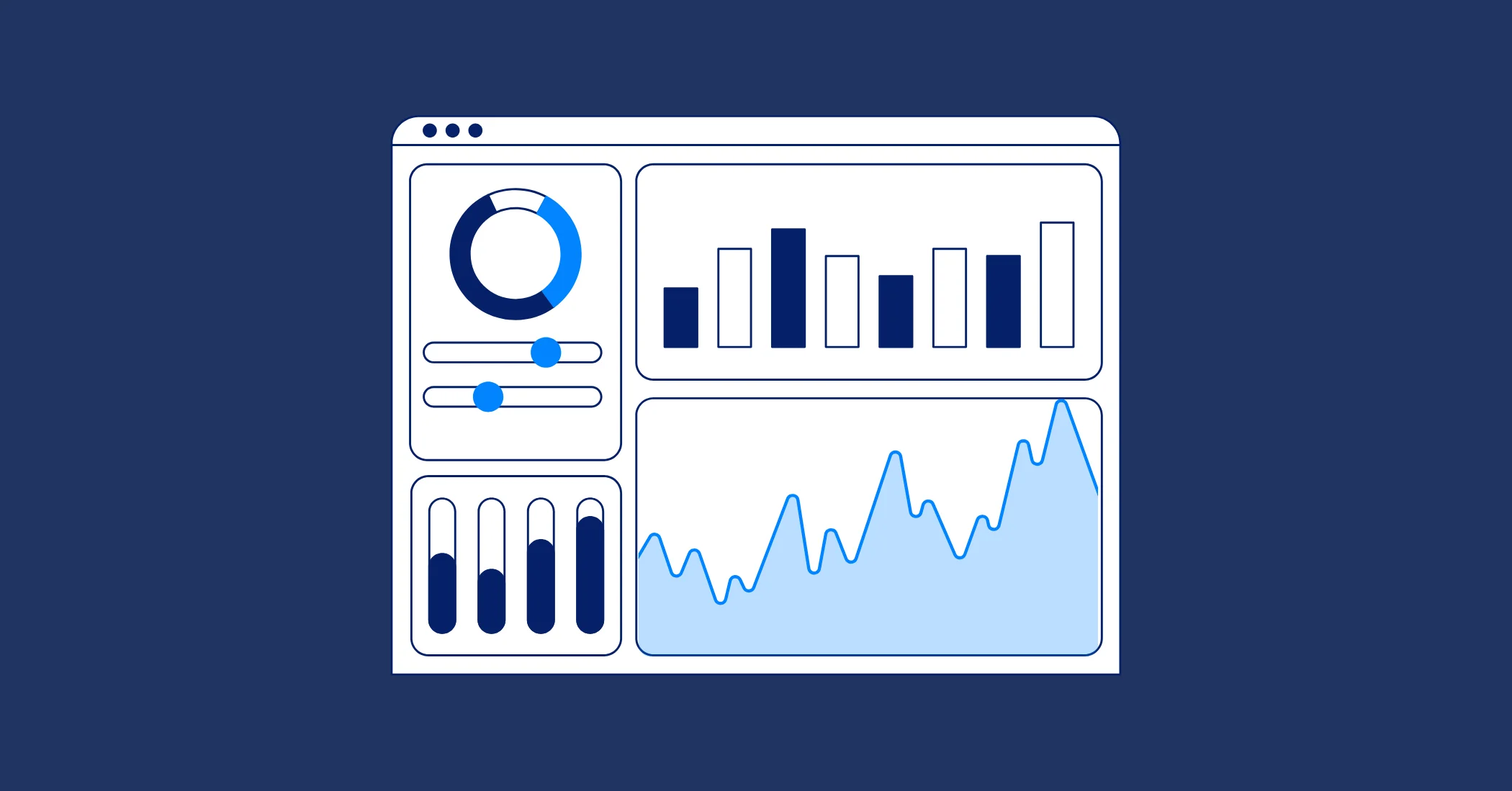
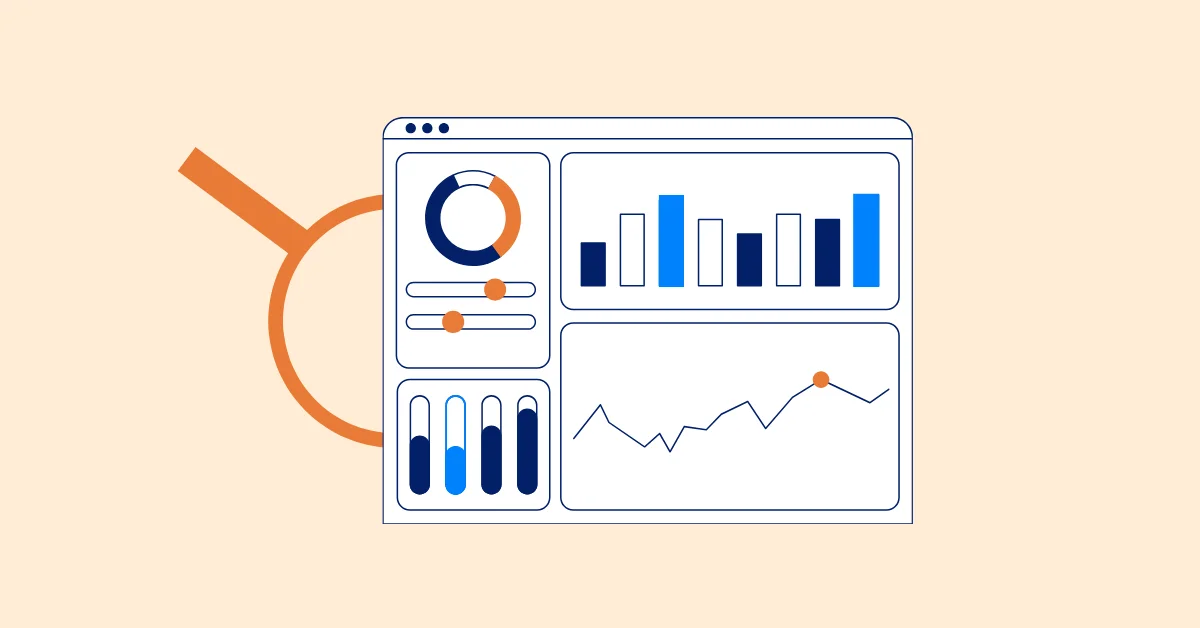
- Dashboard – Summarizes progress with key metrics, offering managers and stakeholders a quick snapshot of project health, task completion, and roadblocks.
In Agile environments, a progress tracker does more than just track tasks — it becomes a shared source of truth. Team members can quickly see how their contributions fit into the bigger picture, while managers and stakeholders gain transparency into overall sprint health.
Why Agile Teams Need a Progress Tracker
Agile methods like sprints and daily stand-ups are built around transparency and collaboration. But without a structured way to visualize progress, teams may find themselves relying too heavily on verbal updates or scattered notes. A progress tracker helps close this gap by making work visible, measurable, and easier to manage.
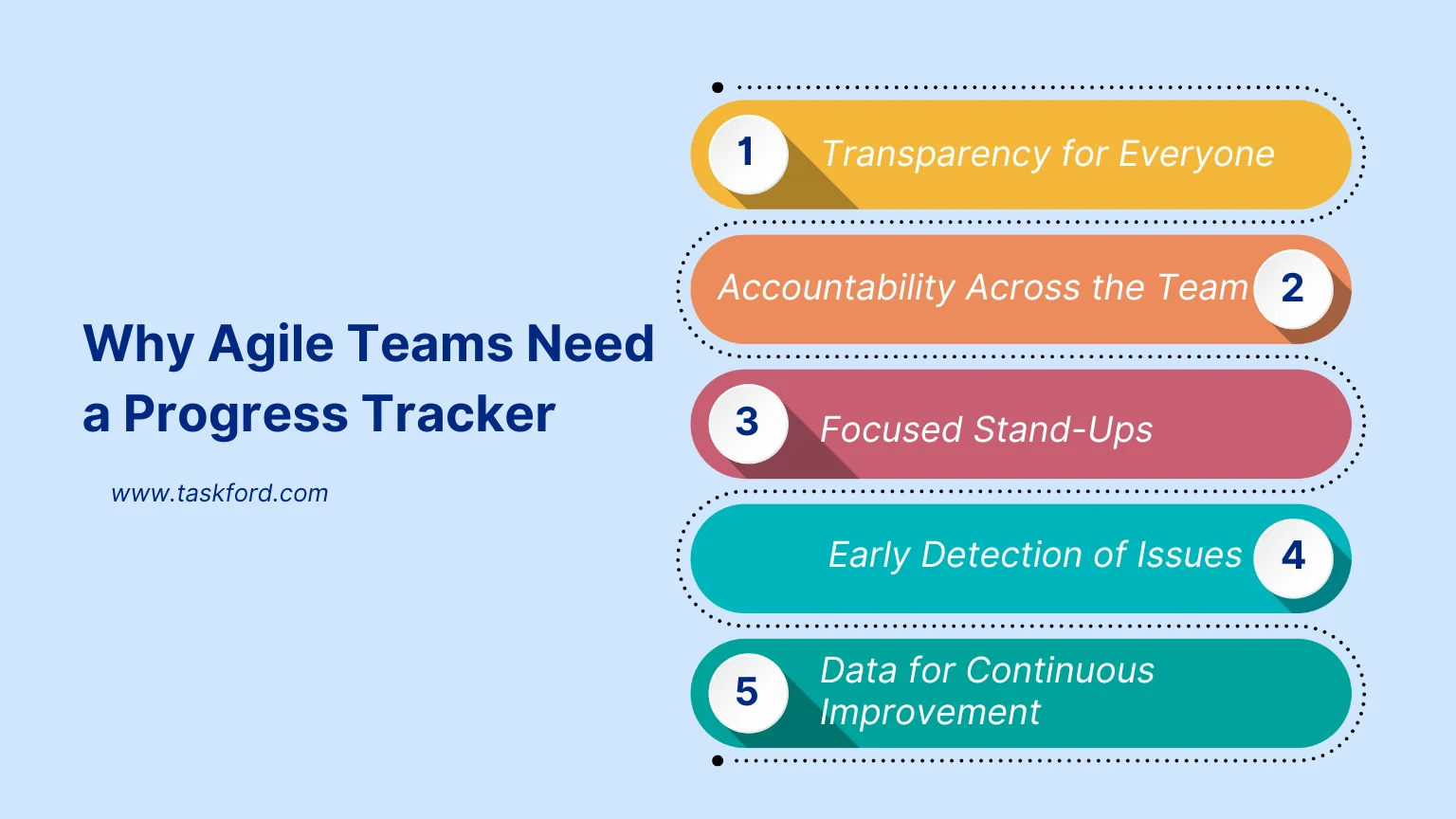
Here are a few key reasons Agile teams benefit:
- Transparency for Everyone A progress tracker ensures that every team member sees the same view of sprint goals, current tasks, and blockers. This shared visibility reduces confusion and keeps priorities clear.
- Accountability Across the Team With a progress tracking tool, it’s easy to see who is working on what tasks, fostering individual accountability and promoting ownership without micromanagement. This clarity also helps to distribute work more evenly, preventing bottlenecks.
- Focused Stand-Ups Instead of spending time recalling updates, teams can point directly to the progress monitor during stand-ups. This keeps meetings short and focused on solving blockers rather than repeating status updates.
- Early Detection of Issues Blockers, delays, or uneven workloads show up quickly in progress tracking, giving teams the chance to resolve them before they derail a sprint.
- Data for Continuous Improvement Beyond daily updates, the data collected in a progress tracking system helps Agile teams review velocity, identify bottlenecks, and improve future sprints.
How to Use a Progress Tracker in Agile Sprints
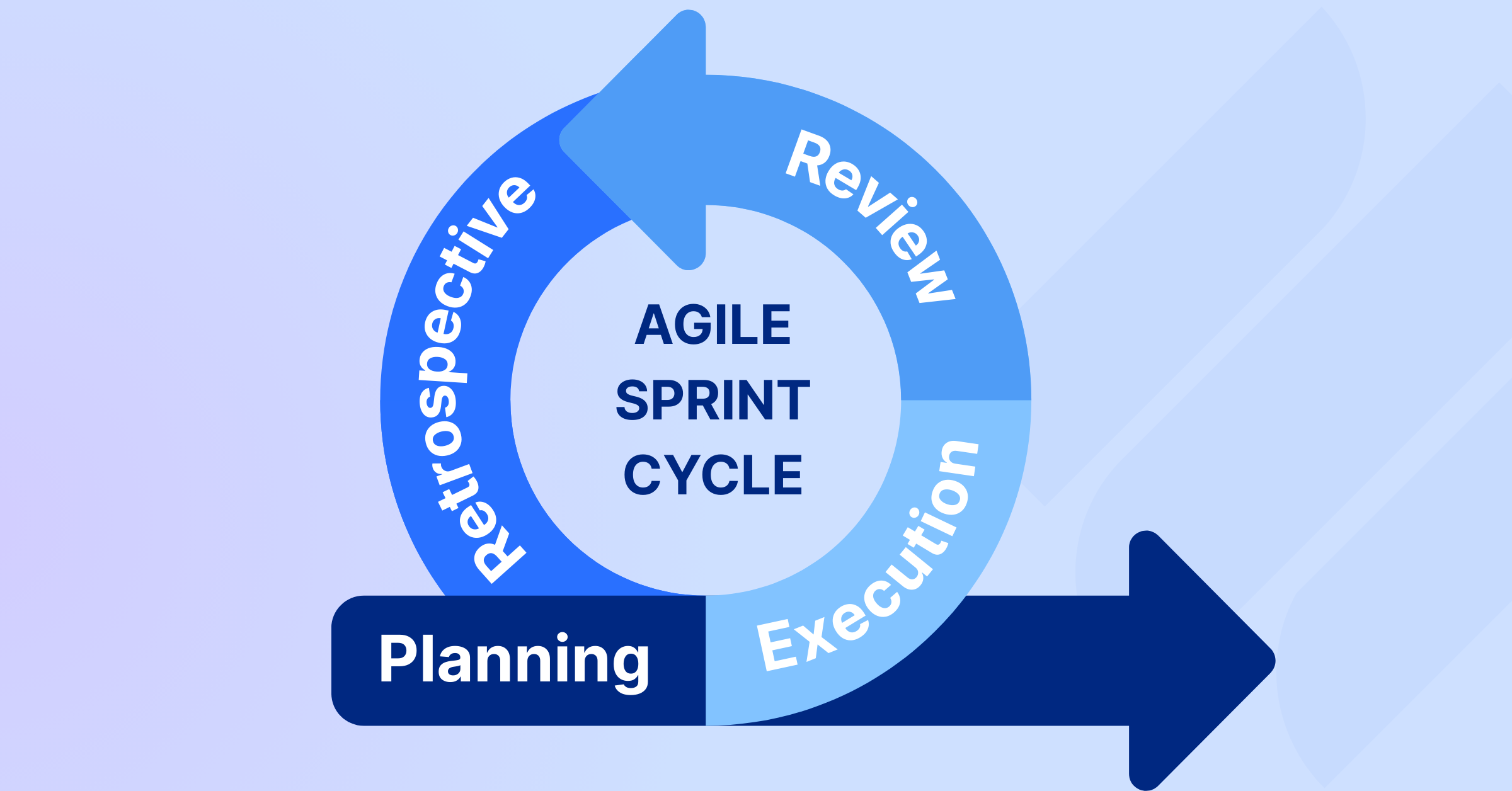
An effective sprint depends on the team’s ability to stay aligned on goals and progress. While the sprint backlog defines what needs to be done, a progress tracking system shows how work is moving toward completion. By integrating this tool into your sprint workflow, you create a shared view of progress that keeps the team focused, accountable, and on track.
Step 1: Set Up the Sprint Backlog in the Tracker
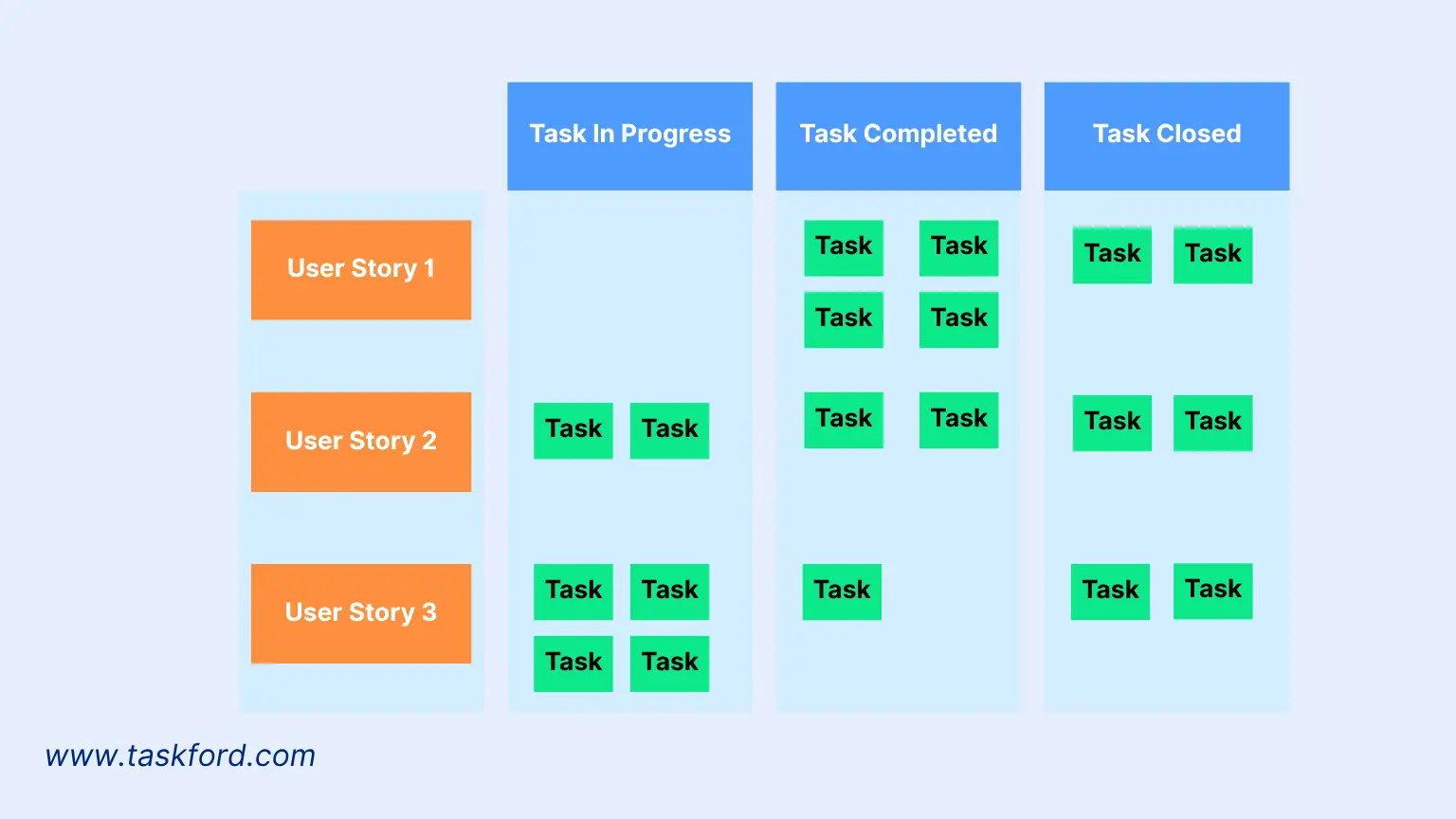
Begin by logging all sprint tasks or user stories into the progress tracking. This ensures that priorities are clear and the entire team starts the sprint with a shared understanding of the workload.
Discover more about Sprint Backlog and learn how to prioritize.
Step 2: Visualize Task Movement
Use tools like Kanban boards or task lists to show work moving from To Do → In Progress → Done. This makes it easy to spot bottlenecks and balance workloads across the team.
Step 3: Monitor Sprint Velocity
Track metrics such as completed story points, progress bars, or burndown charts. This helps teams measure how quickly work is being completed and whether they’re on pace to finish the sprint successfully.
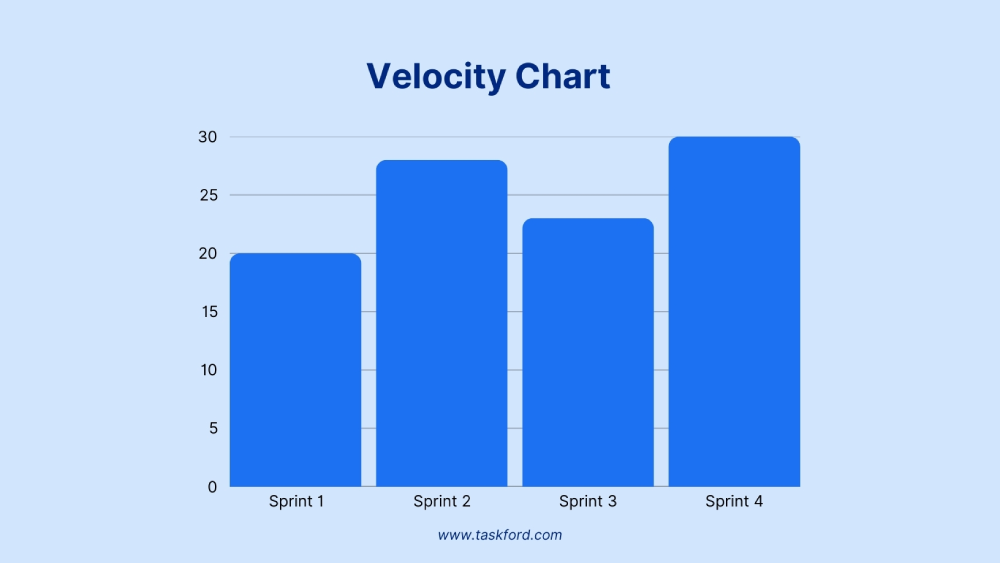
Learn how to measure Sprint Velocity in Agile Projects.
Step 4: Update Regularly
To keep the system accurate, encourage team members to update their tasks daily. This practice ensures real-time visibility of progress, allowing the team to quickly identify any blockers or changes.
Step 5: Use Data for Sprint Reviews
At the end of the sprint, review the data captured in the process. This helps the team evaluate performance, identify blockers, and adjust planning for future sprints.
How to Use a Progress Tracker in Daily Stand-Ups
Daily stand-ups are meant to be short, focused meetings that help the team align and surface blockers. Yet, without structure, they can easily drift into long status updates. A progress tracker provides the clarity needed to keep these meetings efficient and valuable.
Here’s how to make it work:
1. Guide the Conversation
Structure the stand-up around the essentials:
- What was completed yesterday?
- What will be done today?
- Are there any blockers?
Using the progress tracker as a reference ensures every update ties back to visible work.
2. Share a Visual View
Display the tracker during the stand-up — whether it’s a Kanban board, task list, or dashboard. When everyone sees the same picture of current progress, it reduces misunderstandings, sparks more focused discussions, and helps the team quickly align on priorities.
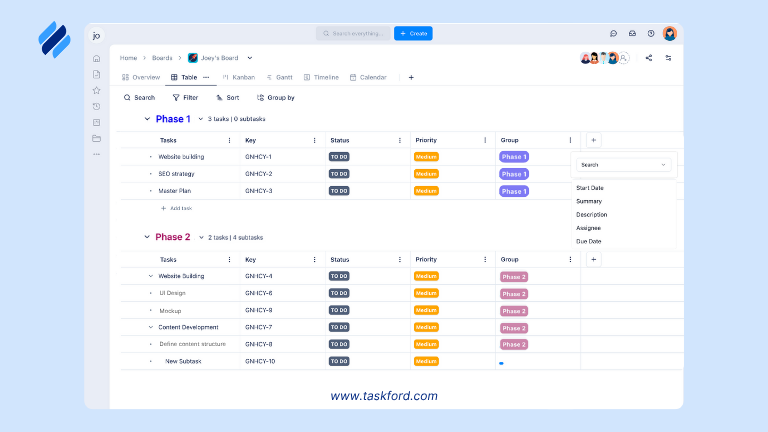
3. Update in Real Time
Move tasks across columns or mark them as complete during the meeting. Real-time updates keep the tracker accurate and eliminate the need for extra admin work afterward.
4. Spot Blockers Quickly
One of the biggest benefits of using a progress tracker in stand-ups is how clearly it highlights delays. Blocked or stalled tasks stand out visually, making it easy to bring them into the discussion. Instead of long explanations, the team can immediately shift to problem-solving.
5. Keep the Meeting Short
With the tracker guiding the flow, stand-ups become concise and actionable. The team walks away knowing what’s on track, what needs attention, and what the next steps are — without wasting time on irrelevant details.
By weaving a progress tracker into daily stand-ups, teams transform what could be a routine status meeting into a high-value ritual that strengthens alignment and accelerates progress.
Types of Progress Trackers for Agile
Agile teams work best when progress is visible. Different types of progress trackers provide unique ways to capture and display information, depending on the team’s workflow and goals. Choosing the right type helps ensure that everyone — from developers to managers to stakeholders — can easily understand how work is moving forward.
Here are some of the most common types of progress trackers used in Agile:
1. Kanban Boards
- Kanban boards visualize tasks in columns such as To Do, In Progress, Done.
- Great for daily stand-ups because the team can quickly see what’s moving and what’s blocked.
- Encourages continuous flow of work and limits multitasking by making bottlenecks visible.
2. Gantt Charts and Timelines
- Gantt Chart helps show how tasks and project milestones fit into the sprint or project schedule.
- Useful for planning dependencies and seeing the bigger picture of how short sprints connect to long-term goals.
- Provide stakeholders with an easy way to understand delivery timelines.
3. Burndown Charts
- Burndown charts show how tasks and milestones fit into the sprint or project schedule.
- Useful for planning dependencies and seeing the bigger picture of how short sprints connect to long-term goals.
- Provide stakeholders with an easy way to understand delivery timelines.
4. Dashboards
- Project dashboards provide a snapshot of overall progress, combining data such as completed tasks, velocity, and blockers.
- Ideal for managers or product owners who need a high-level view without digging into individual tasks.
- Can be tailored to highlight the metrics that matter most to the team.
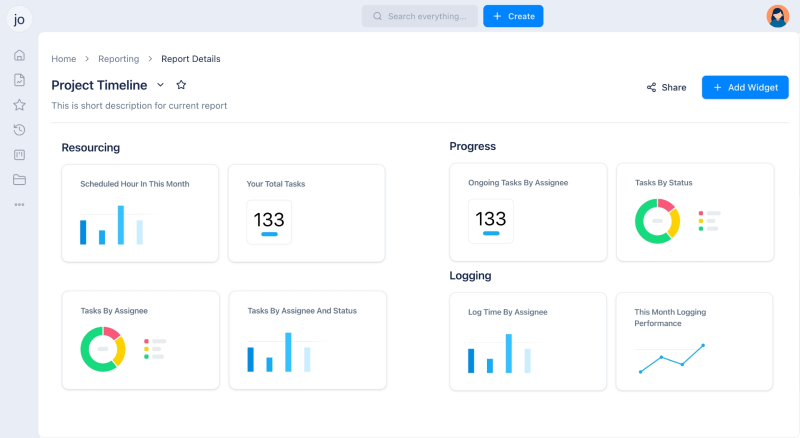
Each type of progress tracker serves a different purpose. Kanban boards keep teams aligned day to day, burndown charts measure sprint performance, and dashboards give a bird’s-eye view of progress across multiple projects. Some Agile tools combine these views, allowing teams to switch between them depending on the audience or meeting.
Common Mistakes to Avoid
Progress tracking can greatly improve Agile sprints and stand-ups, but only if it’s used correctly. Many teams fall into habits that reduce their effectiveness or turn it into extra overhead instead of a valuable tool. Here are some pitfalls to watch out for:
1. Treating the Tracker as a Reporting Tool Only
If the tracker is updated only for managers or stakeholders, it loses its value for the team. It should be a shared workspace that supports collaboration, not just a reporting mechanism.
2. Overloading the Tracker with Details
Too many fields, labels, or metrics can make the tracker hard to read. Agile works best with simplicity — focus on the essentials that help the team move forward.
3. Failing to Update Regularly
The tracker is only as useful as the information in it. If tasks aren’t updated in real time, the tracker becomes unreliable, and stand-ups drift back to verbal updates.
4. Ignoring Blockers
Simply marking a task as “blocked” without discussing it leaves issues unresolved. The tracker should highlight blockers so the team can take immediate action.
5. Not Reviewing Data After Sprints
Some teams forget to use tracker data in retrospectives. This misses a big opportunity to learn from past sprints and improve planning for the next one.
Avoiding these mistakes ensures that your progress tracker remains a valuable part of Agile rituals, helping the team stay aligned, accountable, and continuously improving.
Conclusion
Agile practices like sprints and daily stand-ups are designed to keep teams aligned, adaptive, and focused on delivering value. But without visibility, these rituals can lose their impact. A progress tracker brings structure and clarity, turning routine meetings into opportunities for collaboration and problem-solving.
By making progress visible, teams can quickly spot blockers, keep stand-ups concise, and use sprint data to improve planning. Whether it’s a Kanban board, burndown chart, or dashboard, the right progress tracker ensures that everyone stays on the same page and that sprint goals remain achievable.
Related Articles











How to Build and Manage a Product Roadmap with TaskFord








How to Build a Connected Project Timeline in TaskFord







What Are the Best Jira Alternatives for Scrum Teams?
















How WBS Reveals Delivery Breakdown Before It’s Too Late







![How To Conduct a Profound Stakeholder Analysis [+ Free Template]](/marketing/blog/stakeholder-analysis.webp)











What to Look for in Scrum Tools (Beyond Kanban Boards)

![Project Management Calendar for Teams and Managers [Free Templates]](/marketing/blog/project-management-calendar.webp)



How to Define Project Deliverables: A Step-by-Step Guide



![RACI Chart in Project Management: Rules & Examples [Free Download]](/marketing/blog/raci-chart.webp)









![7 Must-Have Project Management Documents Every PO Should Know [Free Templates]](/marketing/blog/project-management-documents.webp)






![How to Create a Winning Project Plan for IT Projects [10 Steps Included]](/marketing/blog/how-to-create-a-project-plan.webp)



![Daily Standup Best Practices: Apply AI to Organize Meetings Successfully [2026 Trends]](/marketing/blog/daily-standup.webp)




![How to Create a Project Communication Plan: Step-by-Step Guide [+Free Template]](/marketing/blog/project-communication-plan.png)


![Master Project Procurement Management in 5 Steps [Download a free plan template]](/marketing/blog/project-procurement-management.webp)
























Subscribe for Expert Tips
Unlock expert insights and stay ahead with TaskFord. Sign up now to receive valuable tips, strategies, and updates directly in your inbox.