When a Sprint Board Works—and When an Overall Sprint Board Adds Value
Discover how sprint boards and overall sprint boards can transform your project management, ensuring clarity, alignment, and success in Agile workflows.
Sprint planning and project management are at the heart of delivering successful projects, especially in fast-paced environments like software development, marketing, or product design. Agile methodologies, particularly Scrum, have become go-to frameworks for teams aiming to stay organized and deliver results iteratively. A key tool in this process is the sprint board, a visual aid that helps teams track tasks during a sprint.
But as projects grow in complexity or scale across multiple teams, an overall sprint board can provide additional clarity and alignment. This blog explores when a sprint board is sufficient, when an overall sprint board adds value, and how both tools can optimize your project management approach. Let’s dive into the details with a focus on practical applications, real-world scenarios, and actionable insights.
Understanding A Basic Sprint Board
What Is a Sprint Board?
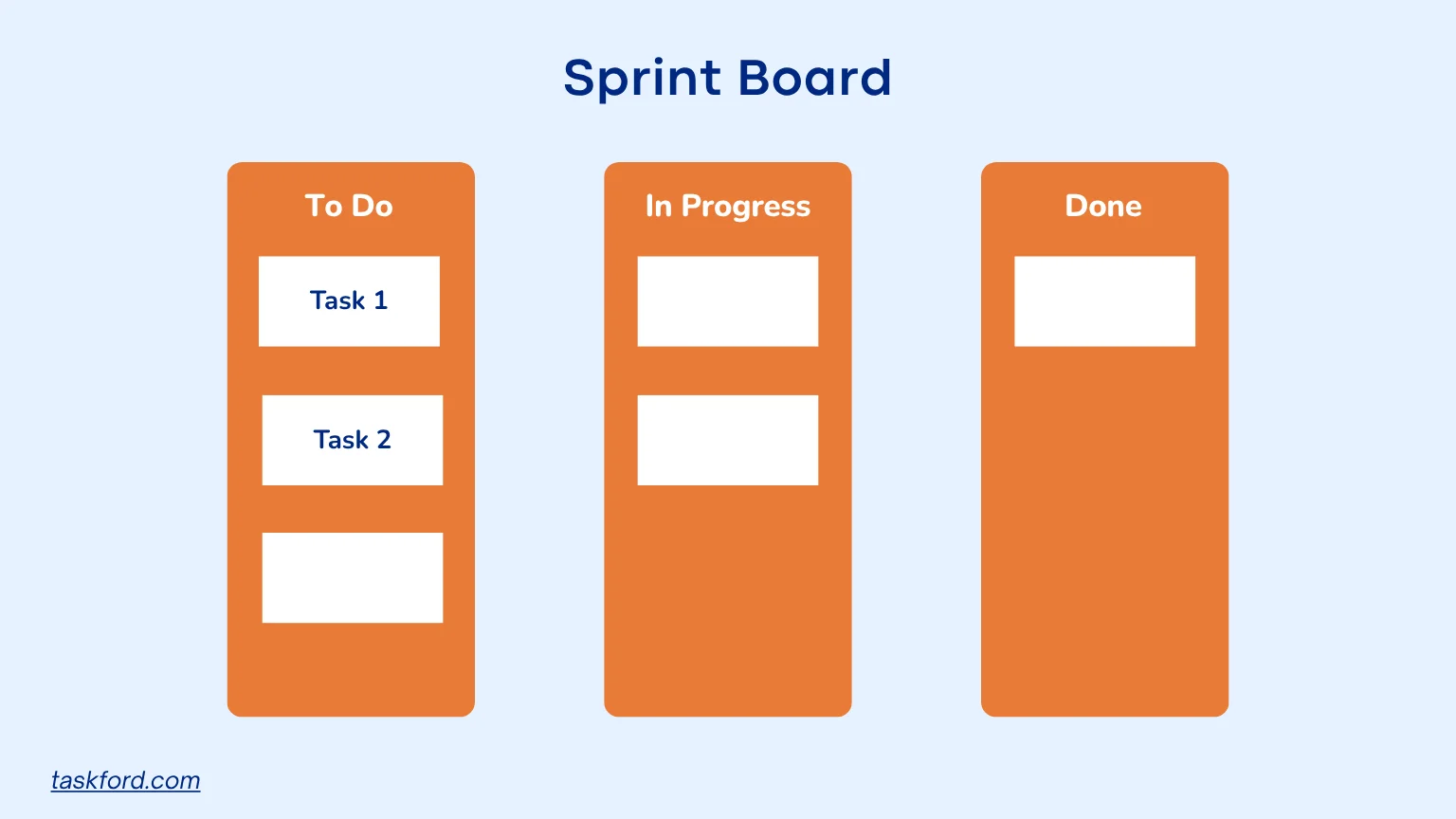
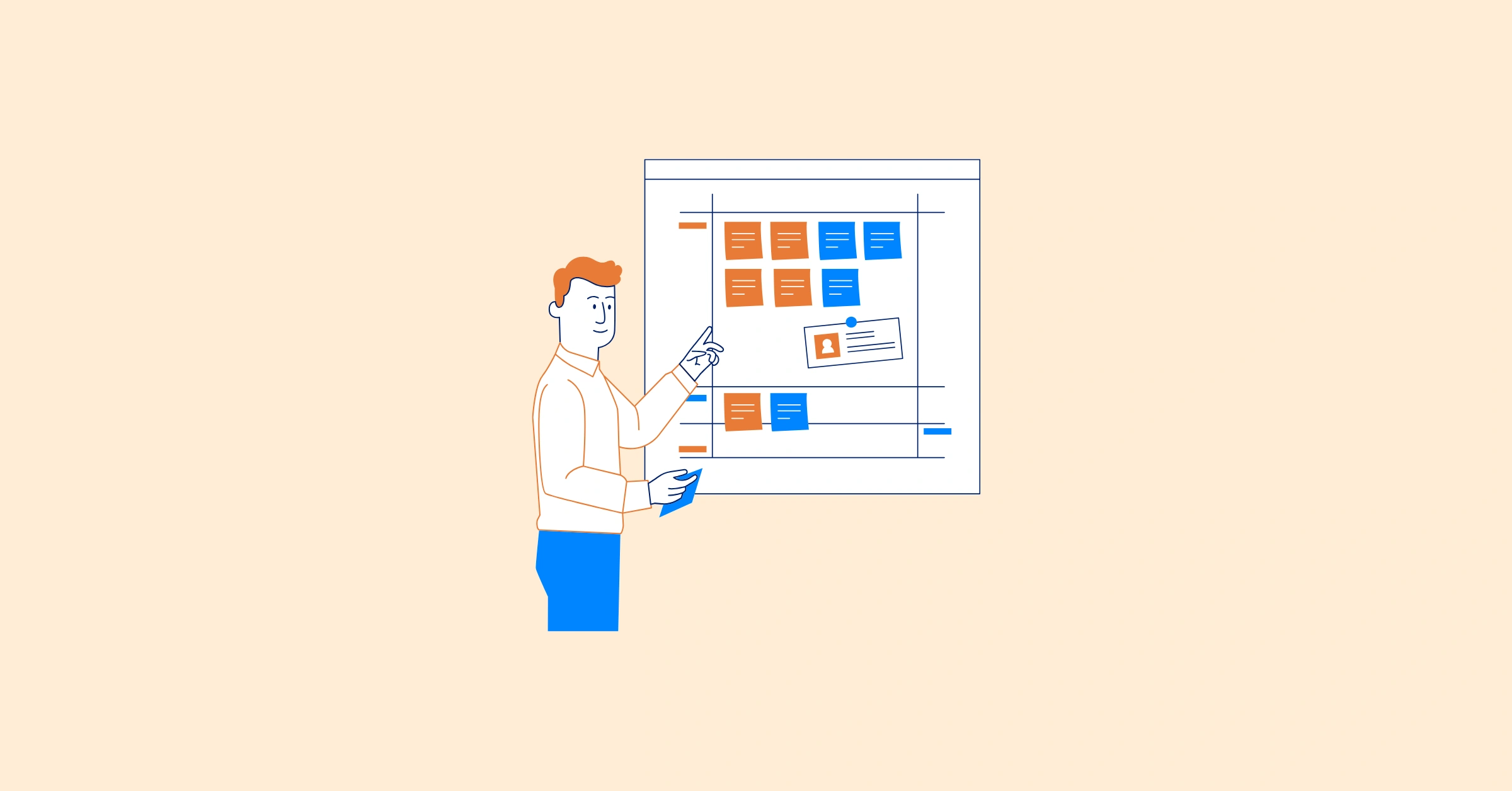
A sprint board is a visual tool used to track a team’s work during a single sprint, typically lasting one to four weeks in Scrum. It is commonly used in Agile project management and organizes tasks into columns like To Do, In Progress, and Done, following a structure similar to a Kanban board.
The sprint board helps teams stay aligned by showing:
- What needs to be done
- Who is responsible for each task
- What is currently in progress
- What has already been completed
By making work visible and easy to update, a sprint board supports daily execution, improves transparency, and helps teams quickly identify bottlenecks or blockers during the sprint.
Key Benefits of a Sprint Board
- Clarity and visibility: A sprint board gives the team a clear view of all tasks in the sprint, making it easy to understand priorities and current progress at any moment.
- Better focus and prioritization: By limiting work to a defined sprint scope, teams can concentrate on high-priority tasks and avoid unnecessary distractions.
- Real-time progress tracking: Tasks move across columns as work progresses, allowing everyone to see updates instantly without needing separate status reports.
- Improved team communication: Sprint boards support more effective daily stand-ups by providing a shared reference point for discussing progress, plans, and blockers.
- Faster identification of blockers: Bottlenecks become visible when tasks stay in one stage for too long, helping teams address issues quickly before they impact delivery.
- Stronger accountability: Clear task ownership ensures that everyone knows their responsibilities, which helps maintain momentum and reduces confusion.
- Adaptability during the sprint: Teams can adjust tasks or priorities when needed while still maintaining overall structure and alignment.
Sprint boards shine in scenarios where a single team is working on a well-defined set of tasks. For instance, a marketing team planning a product launch might use a sprint board to manage content creation, social media posts, and email campaigns for a two-week period. The board keeps everyone on the same page, ensuring deadlines and are met without losing sight of the bigger picture.
When Does a Sprint Board Work Best?
A sprint board is most effective in the following situations:
- Single-Team Projects: If your project involves one team with a clear scope, a sprint board is often all you need. It keeps tasks organized and ensures everyone is focused on the sprint’s goals.
- Short-Term Goals: Sprint boards are ideal for breaking down short-term objectives into actionable tasks. For example, a design team working on a website redesign can use a sprint board to manage wireframes, mockups, and user testing within a single sprint.
- Small to Medium Teams: Teams of 5-10 members benefit most from a sprint board’s simplicity. It’s easy to manage and doesn’t require complex coordination across multiple groups.
- Well-Defined Sprints: When sprint planning is thorough, and the team has a clear understanding of deliverables, a sprint board provides the structure needed to execute efficiently.
However, as projects grow in size or complexity, a single sprint board may not be enough. This is where the concept of an overall sprint board comes into play.
Understanding An Overall Sprint Board
What Is an Overall Sprint Board?
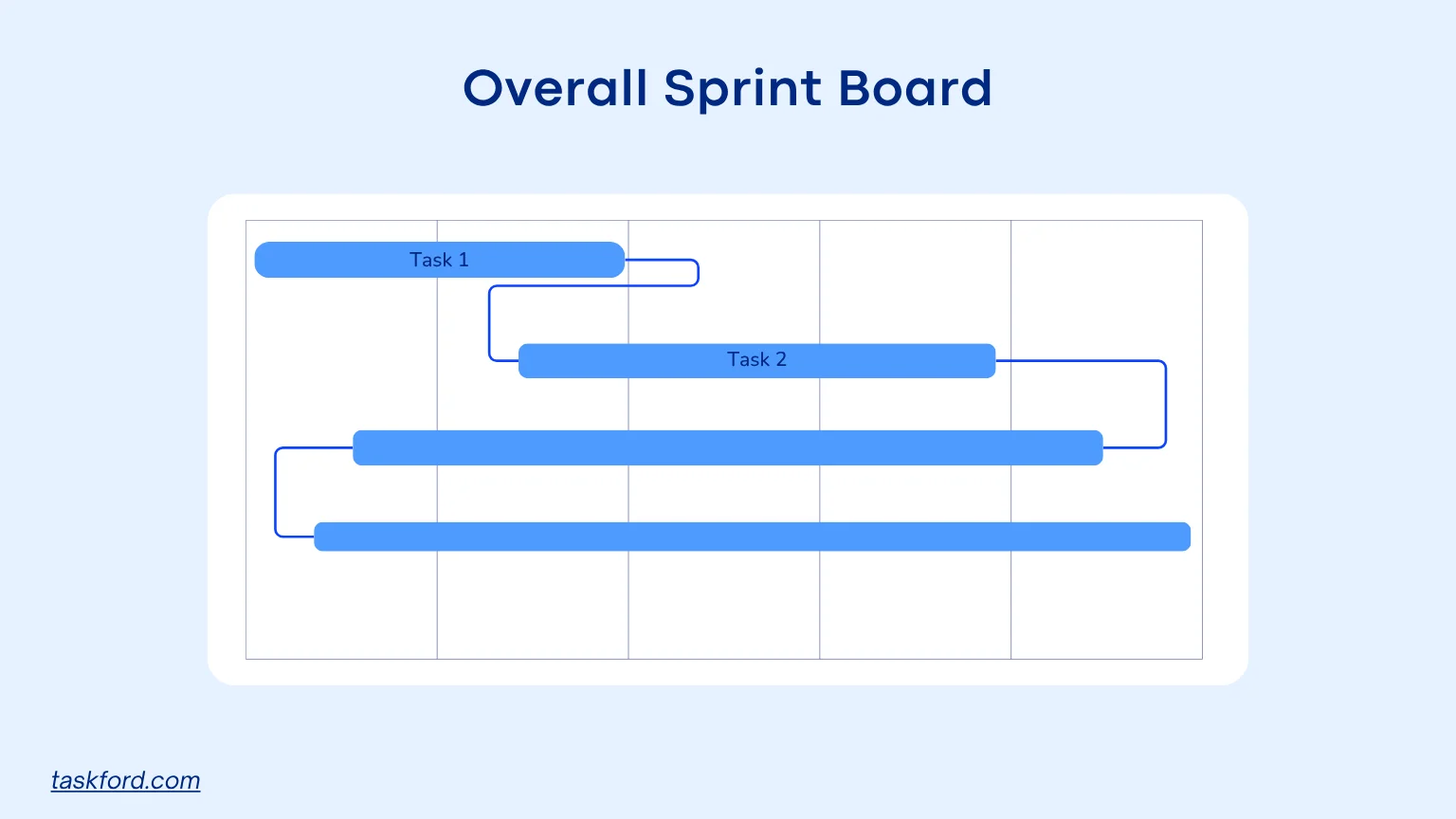
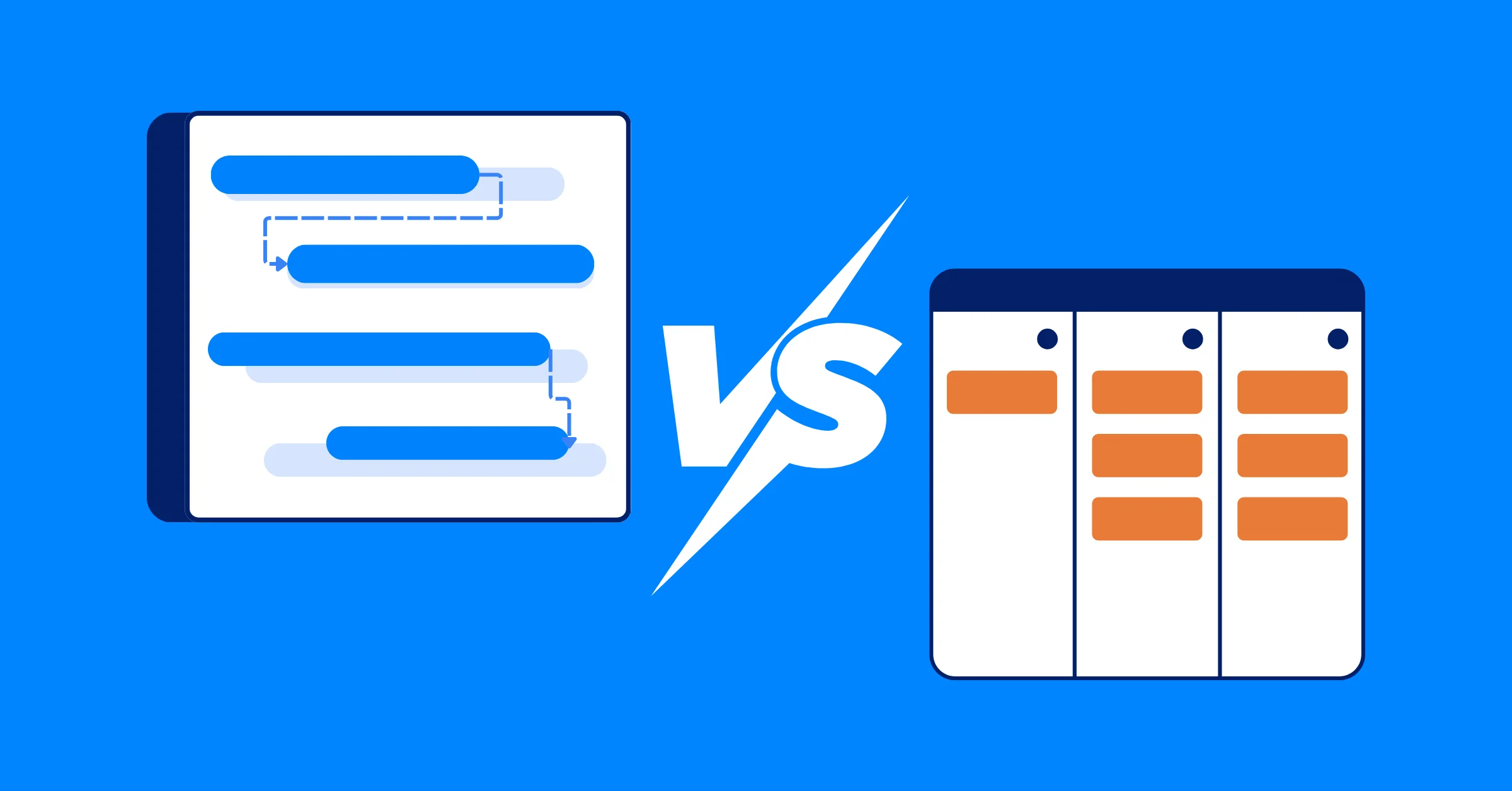
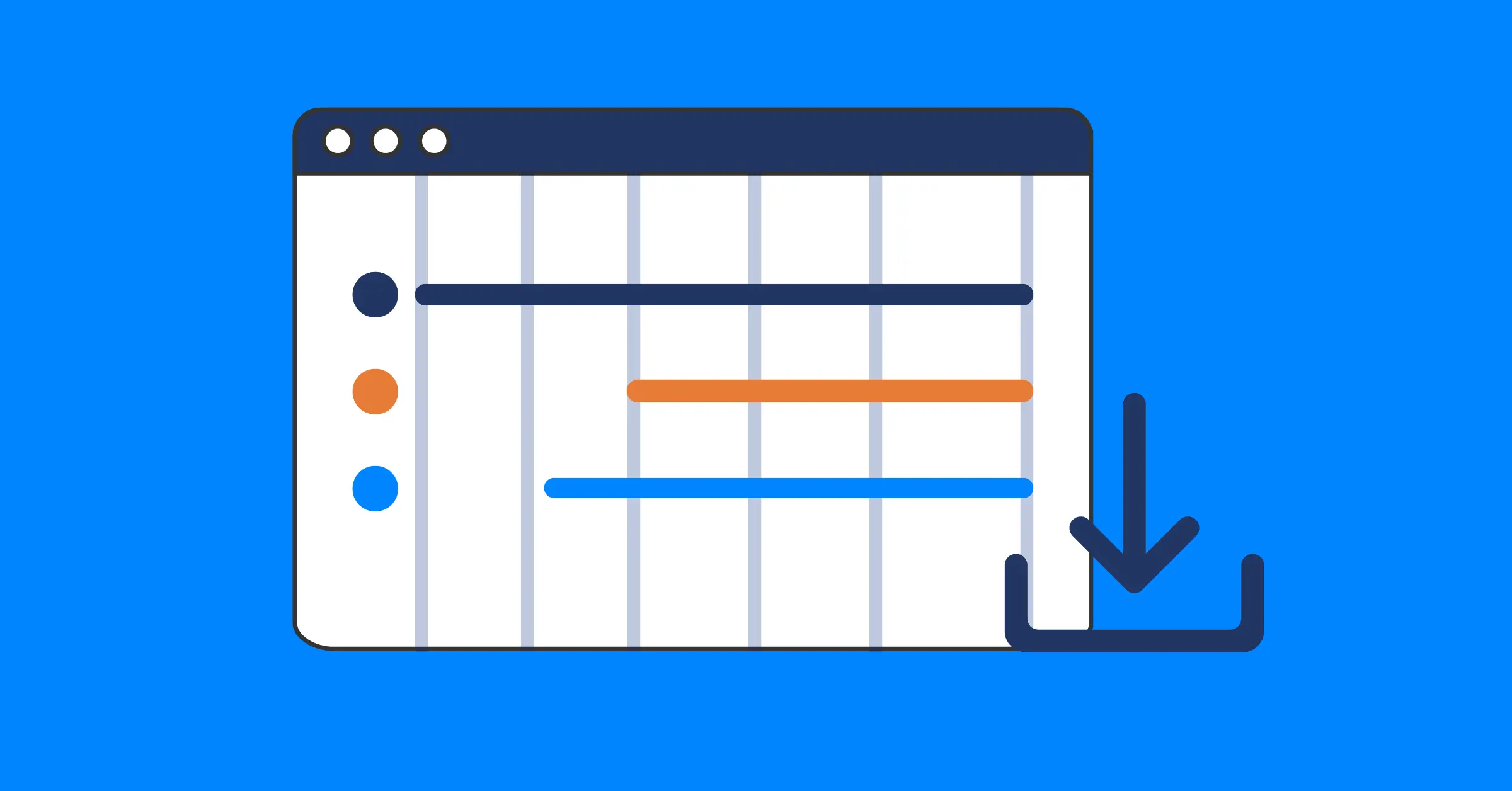
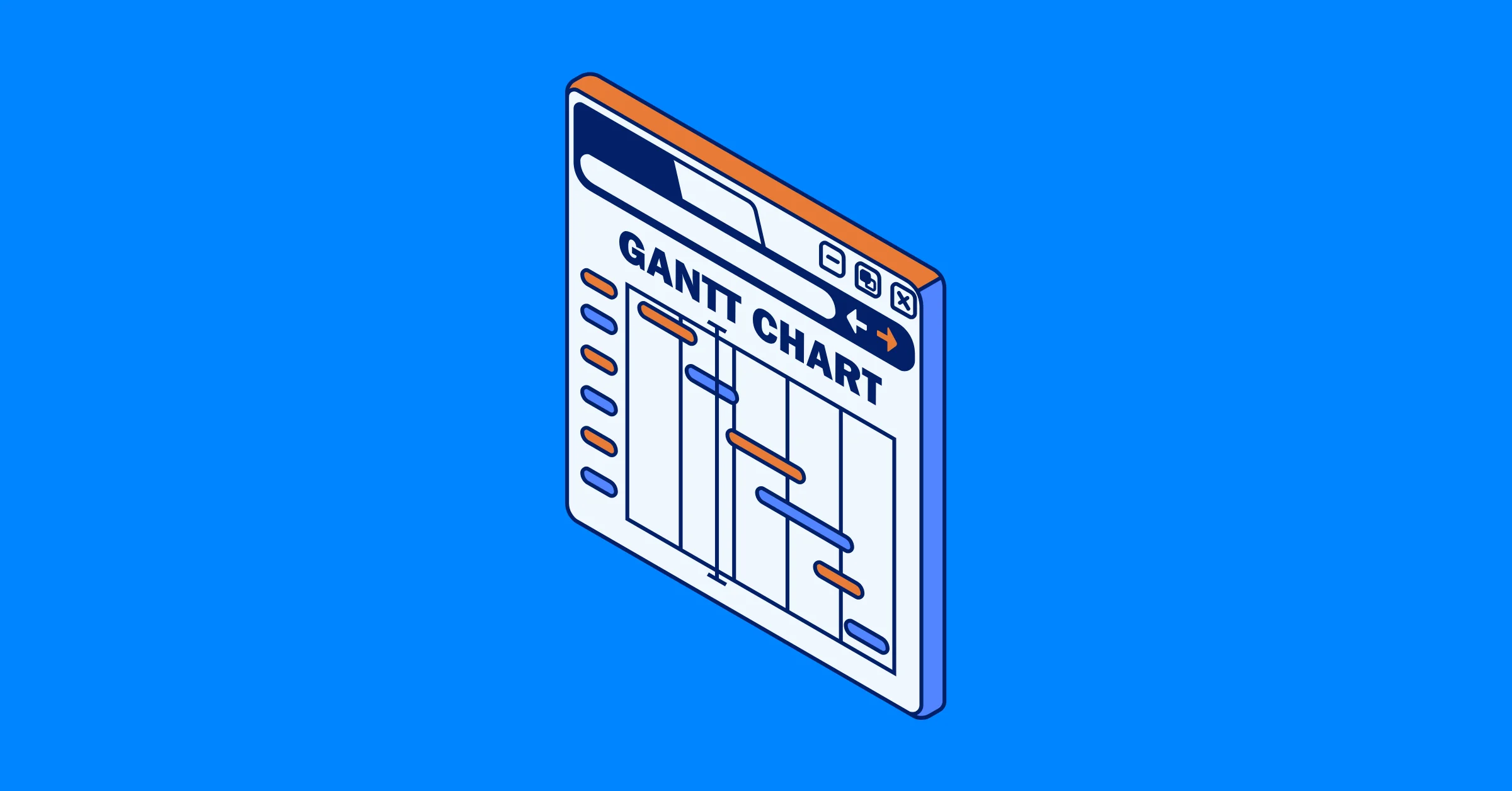
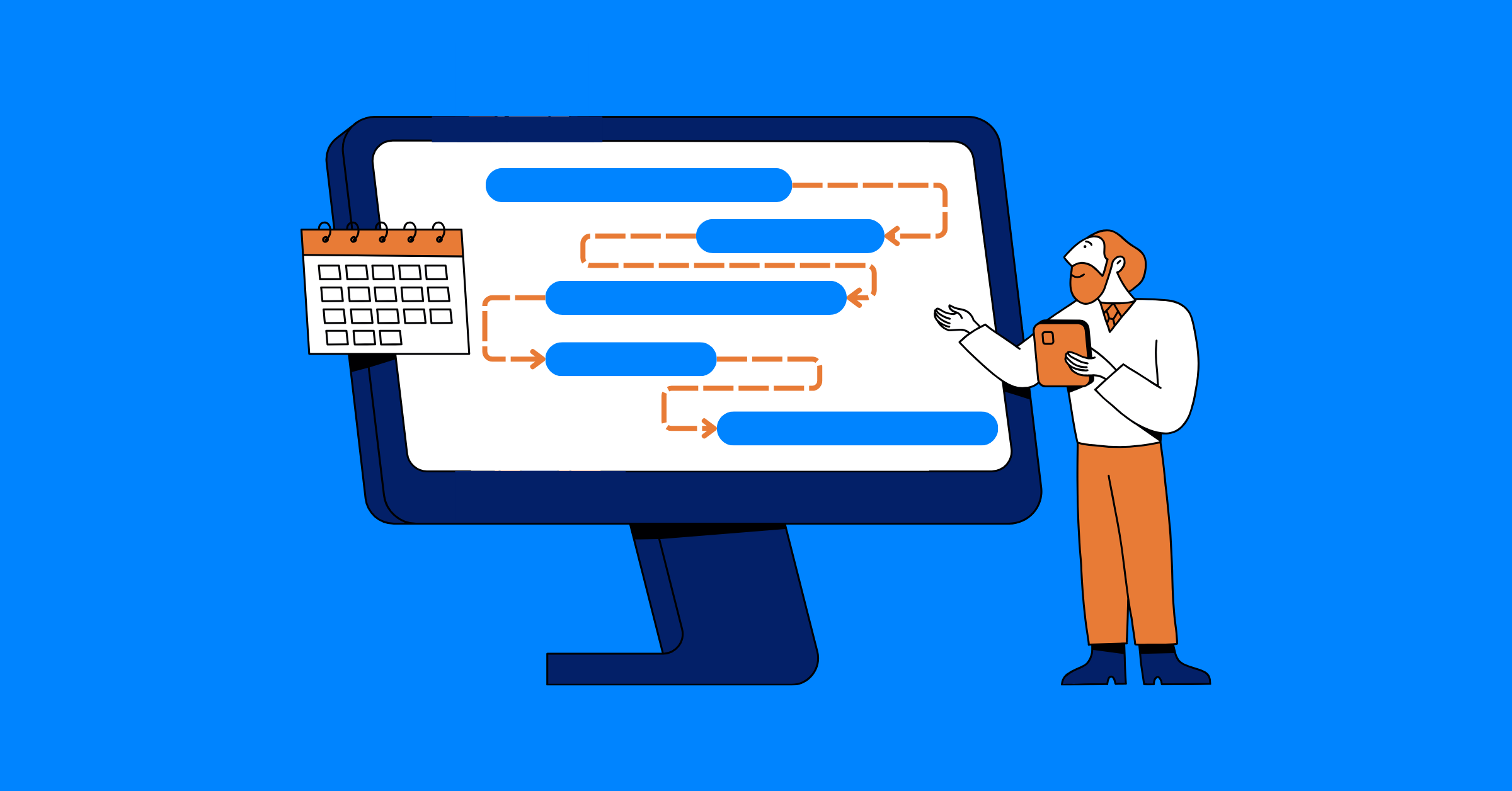
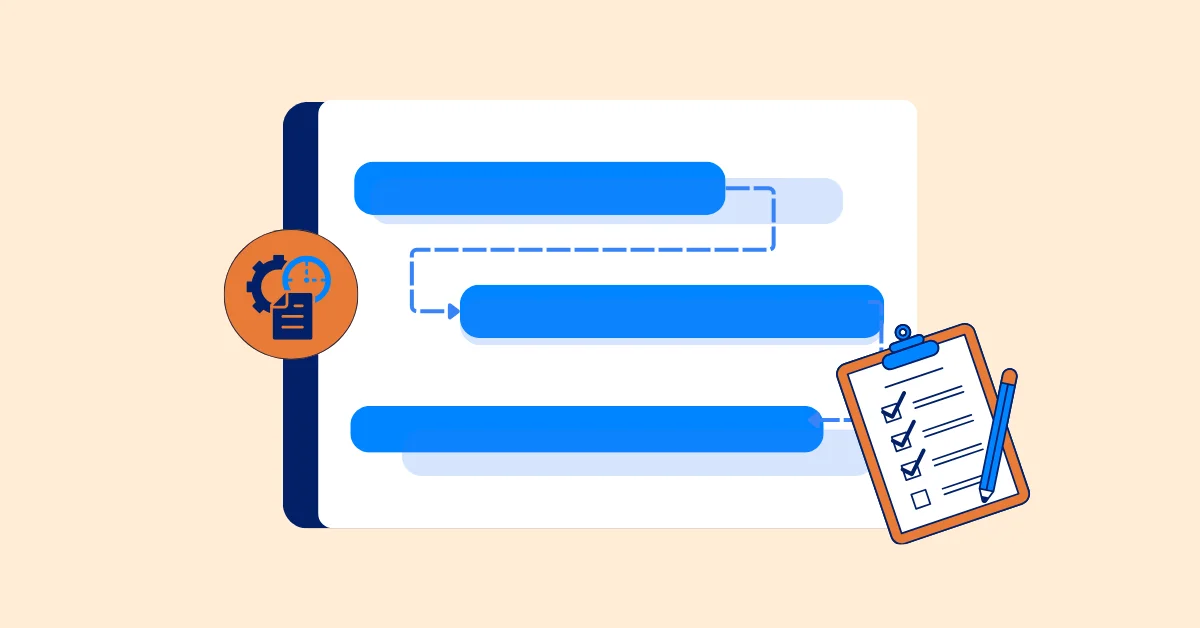
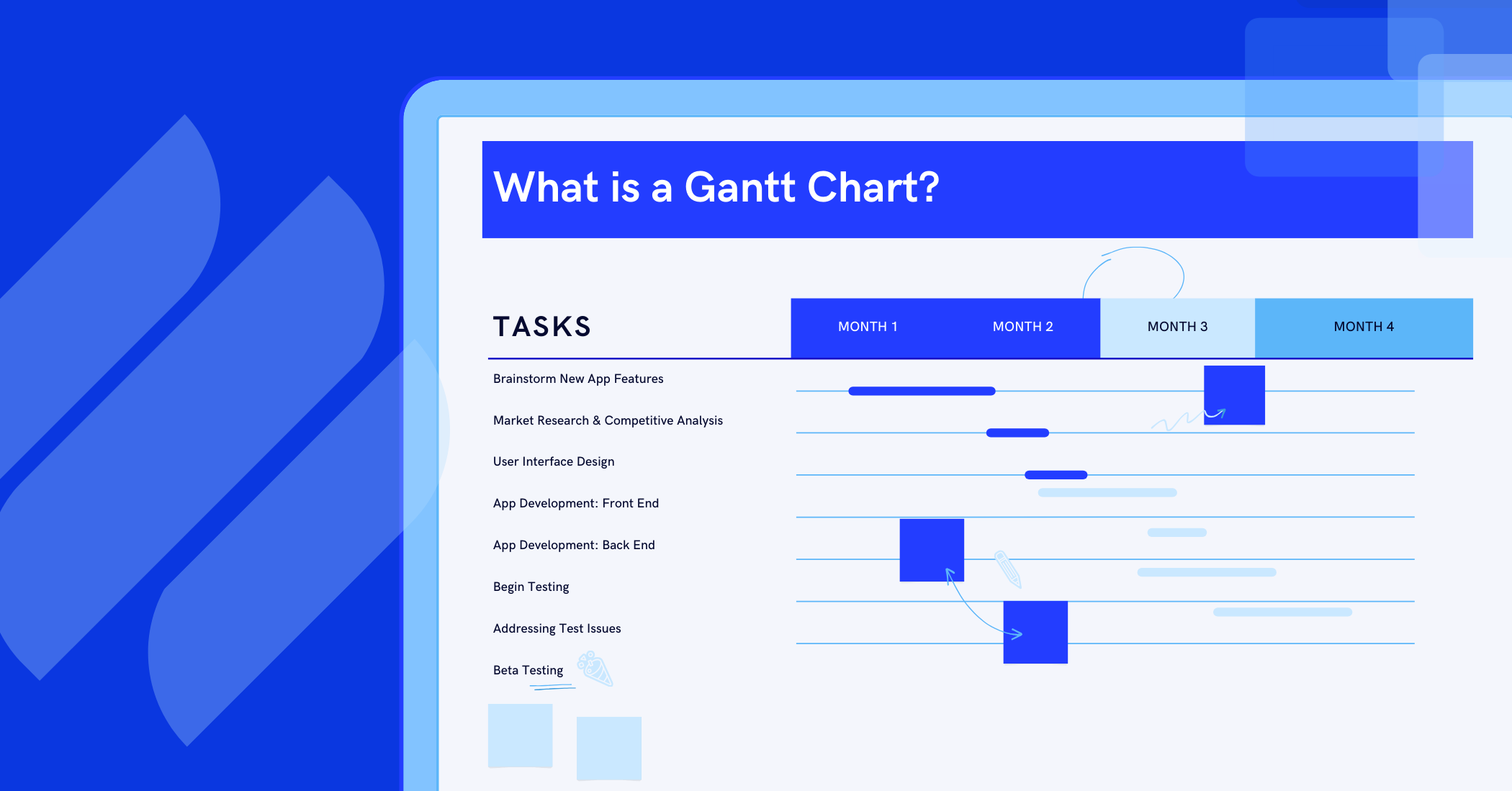
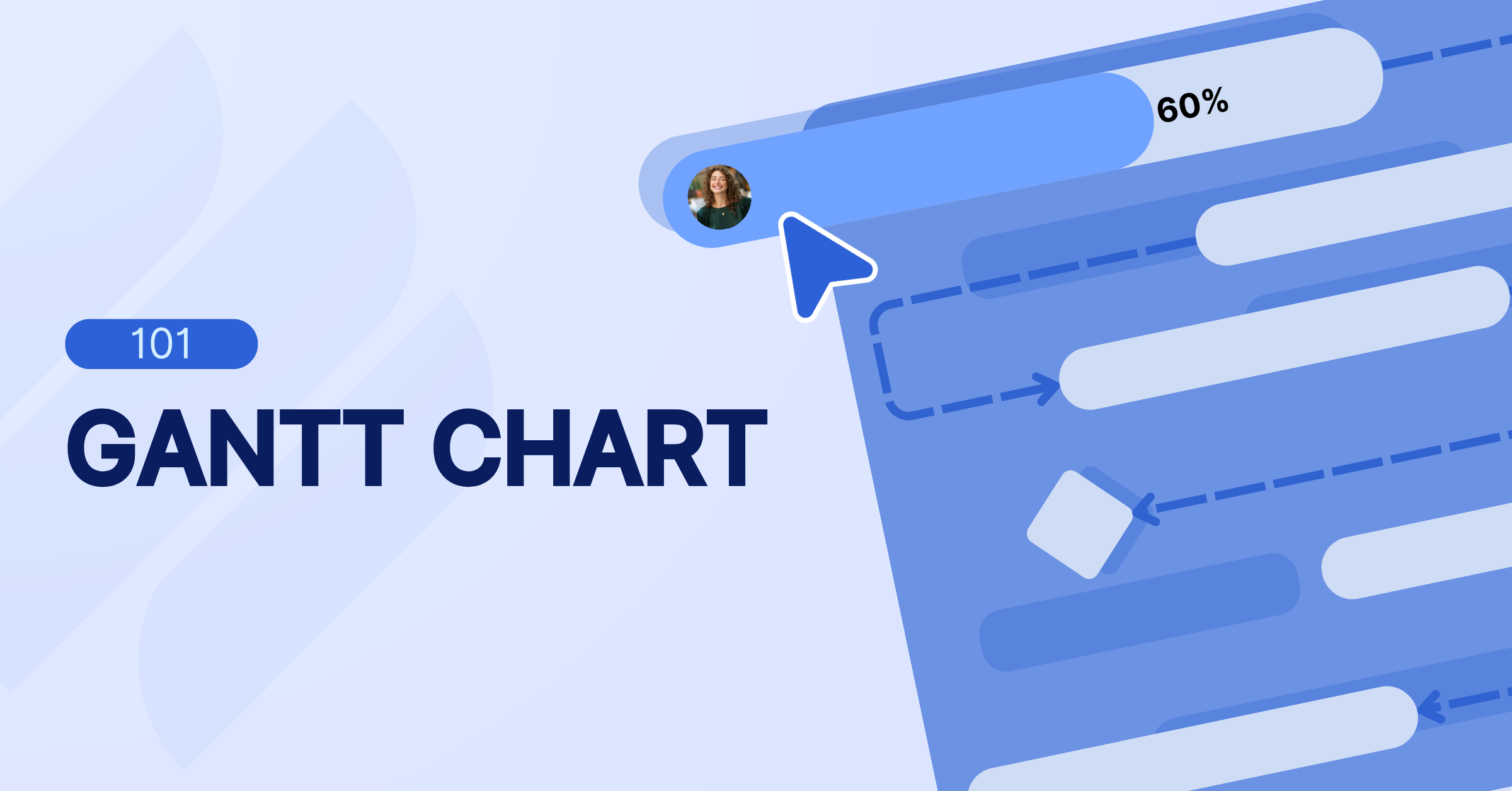
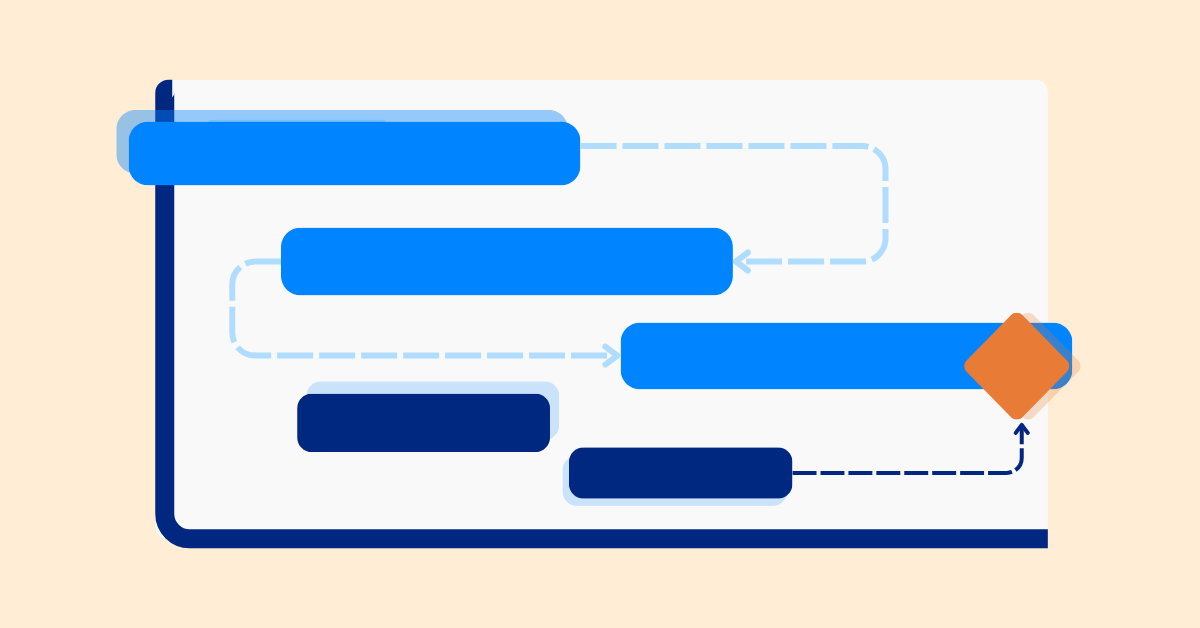
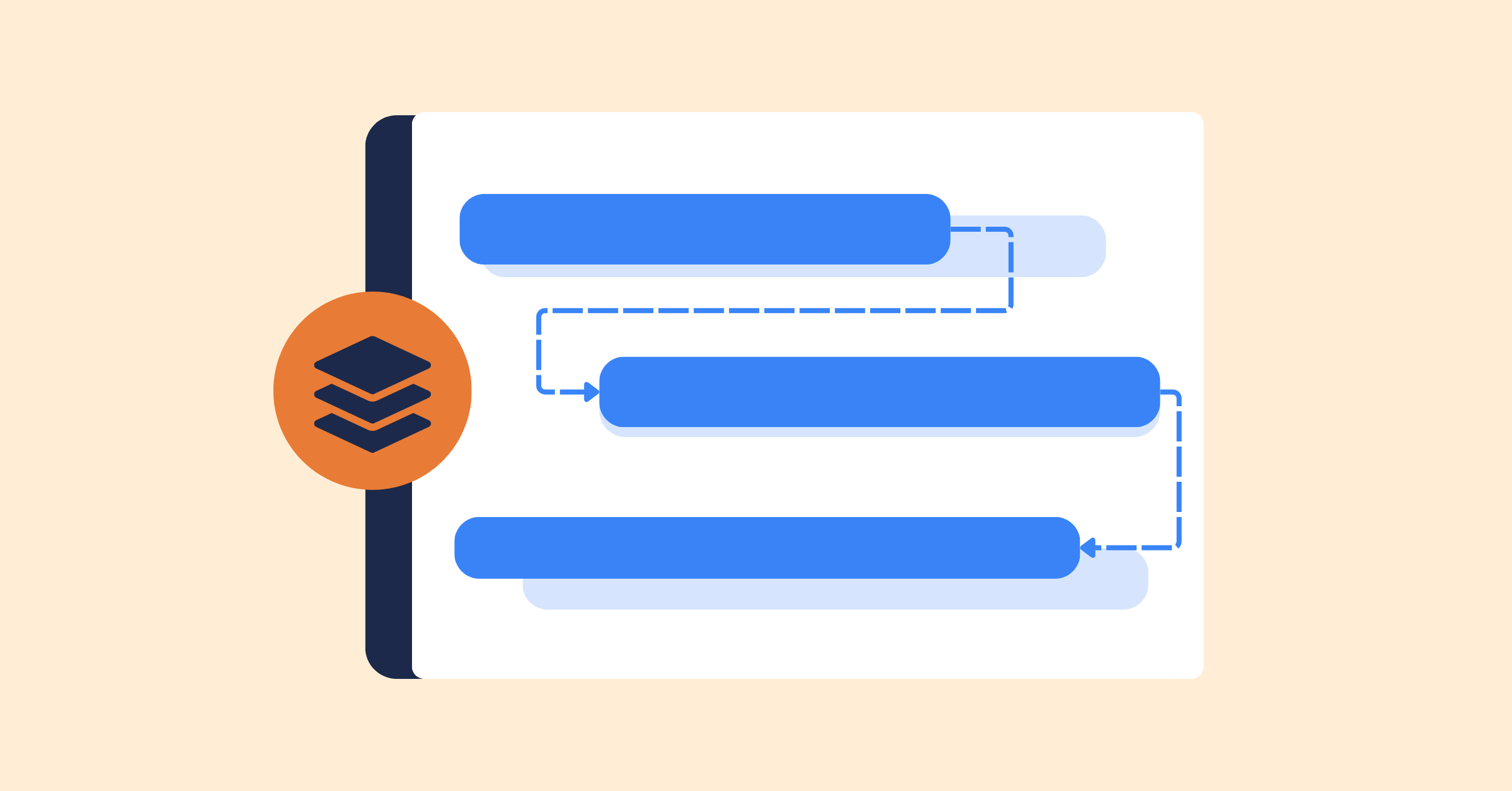
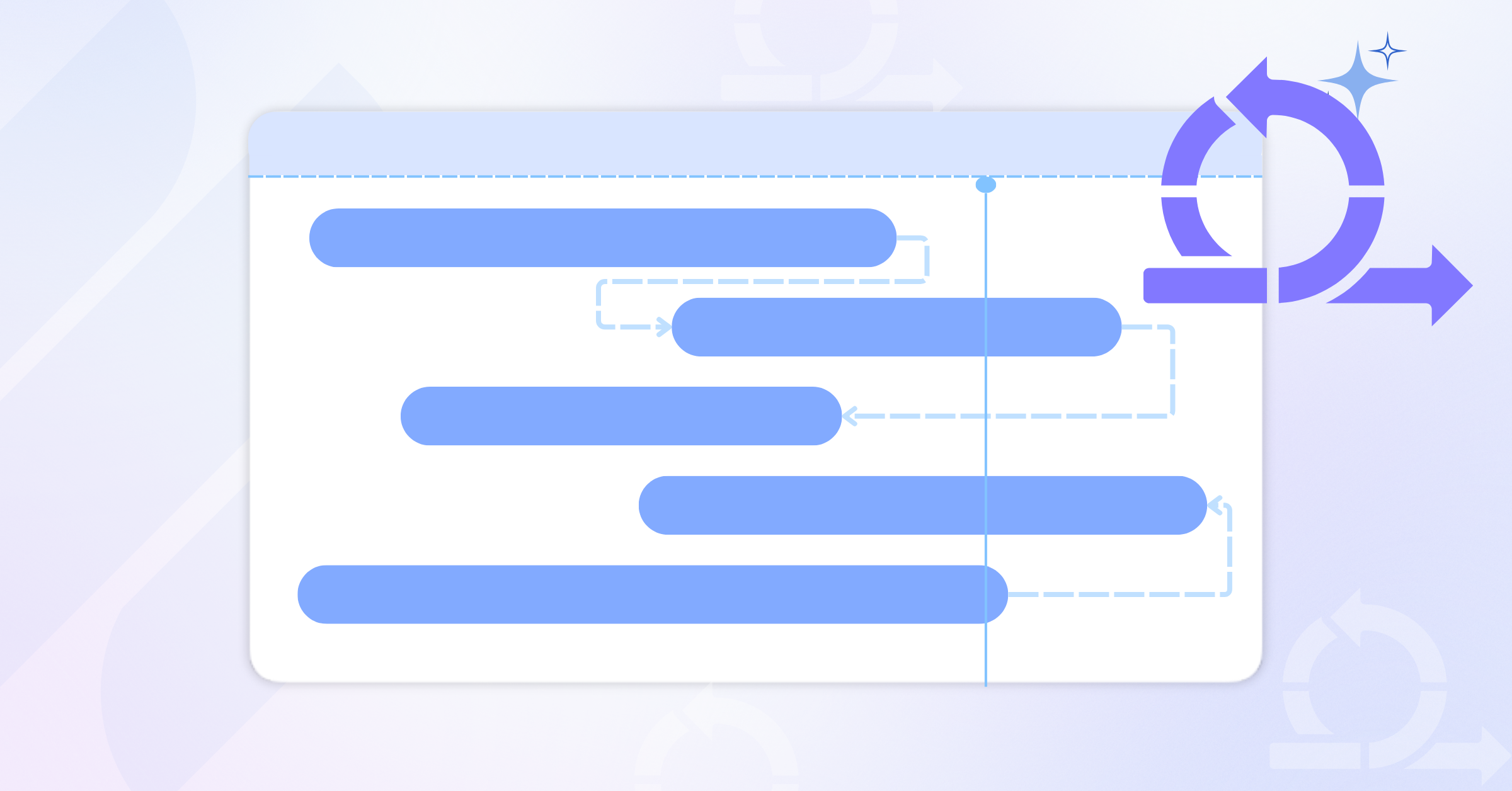
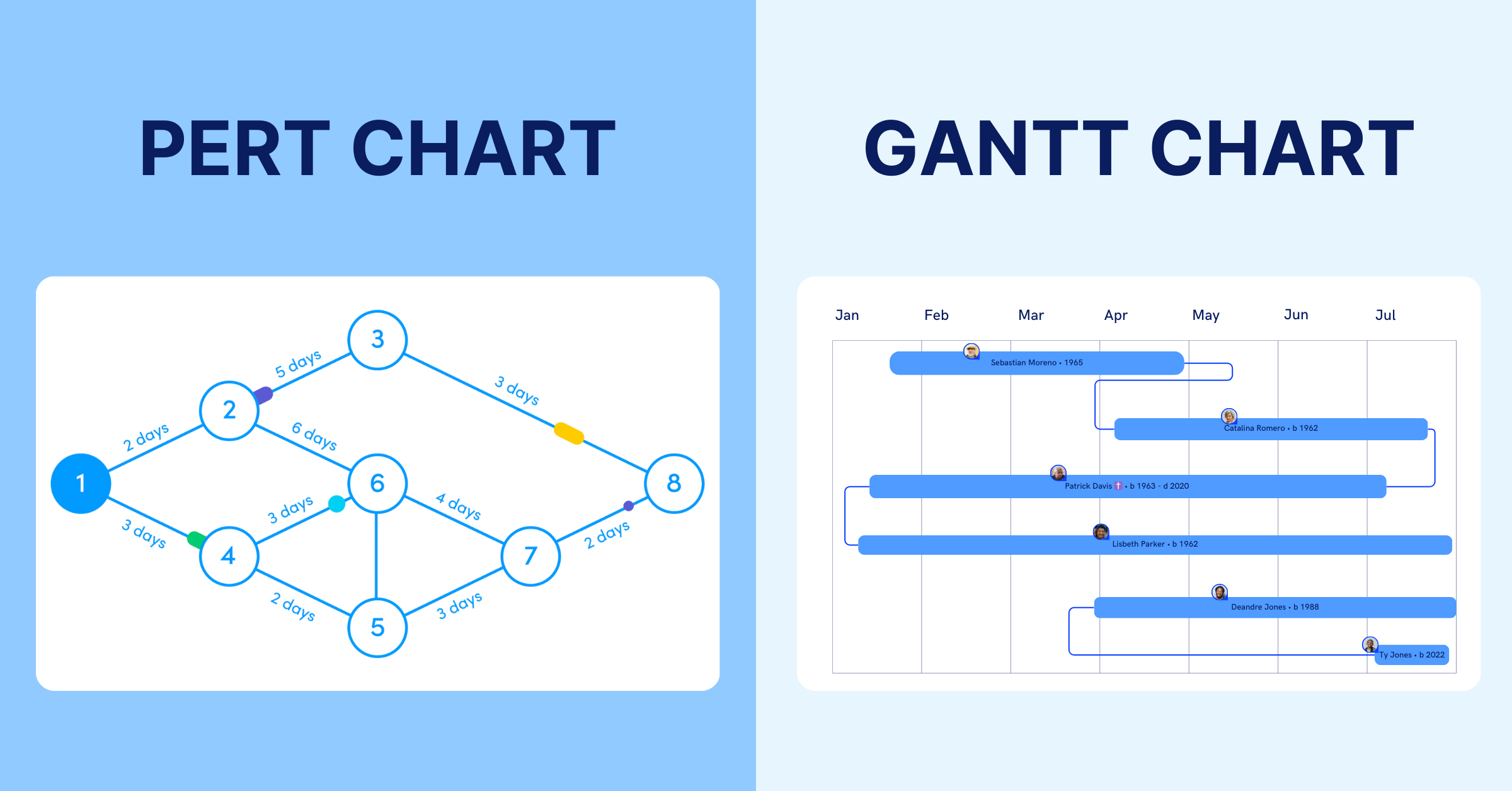
An overall sprint board is a high-level view of work across multiple teams within the same sprint or initiative in Scrum. While a sprint board focuses on the tasks of a single team, an overall sprint board brings everything together to show progress, alignment, and dependencies across teams, being similar to a typical Gantt chart.
It is used to provide visibility into how different parts of a project are moving together toward a shared goal, especially in larger or more complex initiatives.
Key Features of an Overall Sprint Board
Cross-team overview
An overall sprint board consolidates work from multiple teams into a single view. This helps project managers and stakeholders understand what is happening across the organization without needing to check each team’s sprint board individually. It provides a clear picture of how different teams are contributing to the same initiative.
Dependency visibility
It highlights relationships between tasks owned by different teams, making it easier to identify where delays in one area may impact another. This is especially important in complex projects where engineering, design, and QA work must be tightly coordinated to avoid bottlenecks.
High-level progress tracking
Instead of focusing on individual tasks, the board tracks progress at the level of features, epics, or milestones. This allows teams and stakeholders to quickly assess whether the project is on track without getting lost in task-level detail. Moreover, this helps team gain visibility during milestone reviews
When Does an Overall Sprint Board Add Value?
An overall sprint board becomes essential in scenarios where a single sprint board falls short. Here are some situations where it adds significant value:
- Multi-Team Projects: When multiple teams are involved, each with its own sprint board, an overall sprint board ensures alignment. For instance, a product launch involving engineering, marketing, and sales teams requires coordination to ensure all deliverables are ready on time.
- Complex Dependencies: If one team’s work depends on another’s, an overall sprint board clarifies these relationships. For example, a game development project might require the art team to complete character designs before the programming team can integrate them into the game engine.
- Large-Scale Initiatives: For programs spanning months or years, such as enterprise software development or major marketing campaigns, an overall sprint board provides a roadmap to keep everyone on track.
- Stakeholder Communication: Project managers and executives often need a high-level view to report progress to stakeholders. An overall sprint board simplifies this by summarizing key milestones and deliverables.
- Resource Allocation: When resources like budget, personnel, or tools are shared across teams, an overall sprint board helps optimize their use by showing where they’re needed most.
Sprint Board and Overall Sprint Board: Comparison
A sprint board and an overall sprint board serve different levels of project visibility within Scrum. The sprint board focuses on day-to-day execution for a single team, while the overall sprint board provides a higher-level view across multiple teams to support coordination, alignment, and reporting.
| Aspect | Sprint Board | Overall Sprint Board |
|---|---|---|
| Scope | Single team | Multiple teams or an entire initiative |
| Focus | Individual tasks and workflow stages | Features, milestones, and cross-team progress |
| Level of detail | High detail (task-level tracking) | Medium to low detail (summary-level tracking) |
| Time horizon | One sprint (1–4 weeks) | Multiple sprints or full project/release cycle |
| Primary users | Team members and Scrum team | Project managers, program managers, and stakeholders |
| Key strength | Keeps team focused and aligned on daily work | Ensures alignment and visibility across teams |
| Best use case | When a single team is delivering clearly defined sprint work | When multiple teams must coordinate toward shared goals |
When to Choose Which?
Choosing between a sprint board and an overall sprint board depends on how your work is structured and how many teams are involved in delivering it within Scrum.
- Use a sprint board when: Your focus is on executing tasks within a single team during a sprint. It is ideal when the scope is clear, dependencies are minimal, and the team can manage work independently from start to finish.
- Use an overall sprint board when: Your project involves multiple teams that need to stay aligned. It becomes essential when there are shared goals, cross-team dependencies, or a need to track progress at a higher level for coordination and reporting.
- Use both together when: Each team manages its own sprint board for execution, while the overall sprint board provides a consolidated view of progress, dependencies, and alignment across teams. This combination is common in larger or more complex projects.
Real-World Example: Sprint Board and Overall Sprint Board
A company is launching a new eco-friendly product with three marketing teams: content, social media, and paid ads.
Sprint Boards (Team Execution)
Each team uses its own sprint board to manage a two-week sprint:
- Content team: blog posts, email campaigns, landing page copy
- Social media team: post scheduling, video content, influencer outreach
- Paid ads team: ad creatives, targeting setup, budget allocation
These sprint boards help each team stay focused, organized, and accountable for their tasks.
Overall Sprint Board (Cross-Team Alignment)
The campaign manager uses an overall sprint board to coordinate across teams:
- Tracks dependencies between teams
- Highlights blockers, such as content approval or missing visuals
- Monitors key milestones like campaign launch phases
- Provides a clear, high-level view for stakeholders
Together, sprint boards drive execution, while the overall sprint board ensures alignment and keeps the campaign on schedule.
How to Optimize Both Sprint Board and Overall Sprint Board
To get the most out of sprint boards and overall sprint boards, consider these best practices:
- Define Clear Objectives: During sprint planning, ensure each sprint board aligns with the project’s goals. The overall sprint board should reflect the broader objectives, tying individual sprints to the project’s success.
- Use the Right Tools: Tools like TaskFord can support both sprint boards and overall sprint boards. Choose one that allows easy integration between team-level and program-level views.
- Regularly Update Boards: Both boards should be living documents. Update them during daily stand-ups (for sprint boards) and weekly program reviews (for overall sprint boards) to reflect progress and changes.
- Train Your Team: Ensure team members understand how to use the sprint board effectively. For overall sprint boards, train project managers and team leads to interpret and act on the high-level data.
- Balance Detail and Simplicity: Sprint boards should be detailed enough to guide daily work but not so cluttered that they overwhelm the team. Overall sprint boards should focus on key milestones and dependencies without diving into granular tasks.
Using Sprint Board and Overall Sprint Board in TaskFord
TaskFordis an integrated work delivery platform designed to help teams manage work across both sprint-level execution and high-level planning. By supporting both detailed task management and broader project visibility, TaskFord helps teams stay aligned and maintain control as projects grow in complexity.
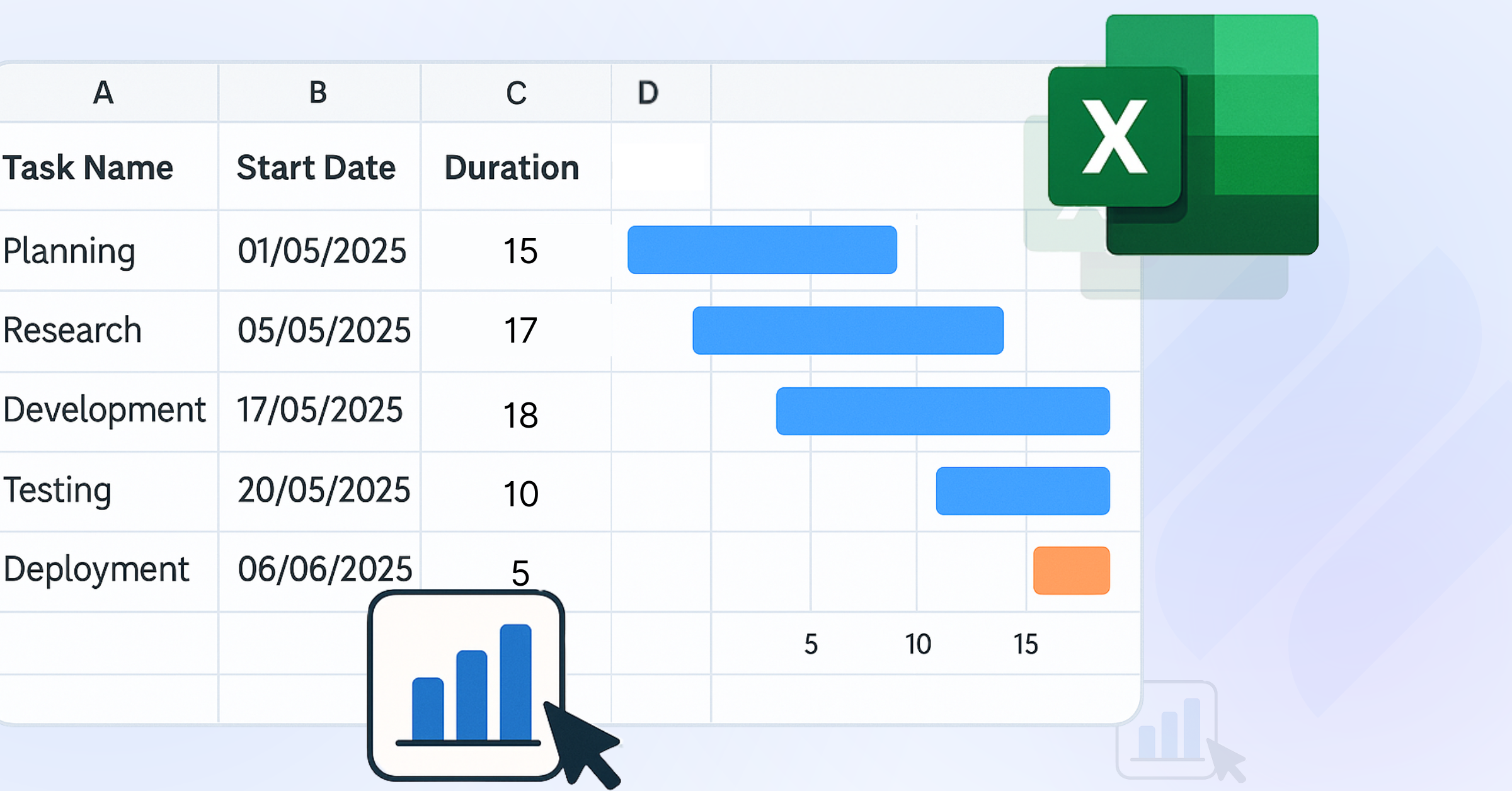
Create and assign tasks with Table View
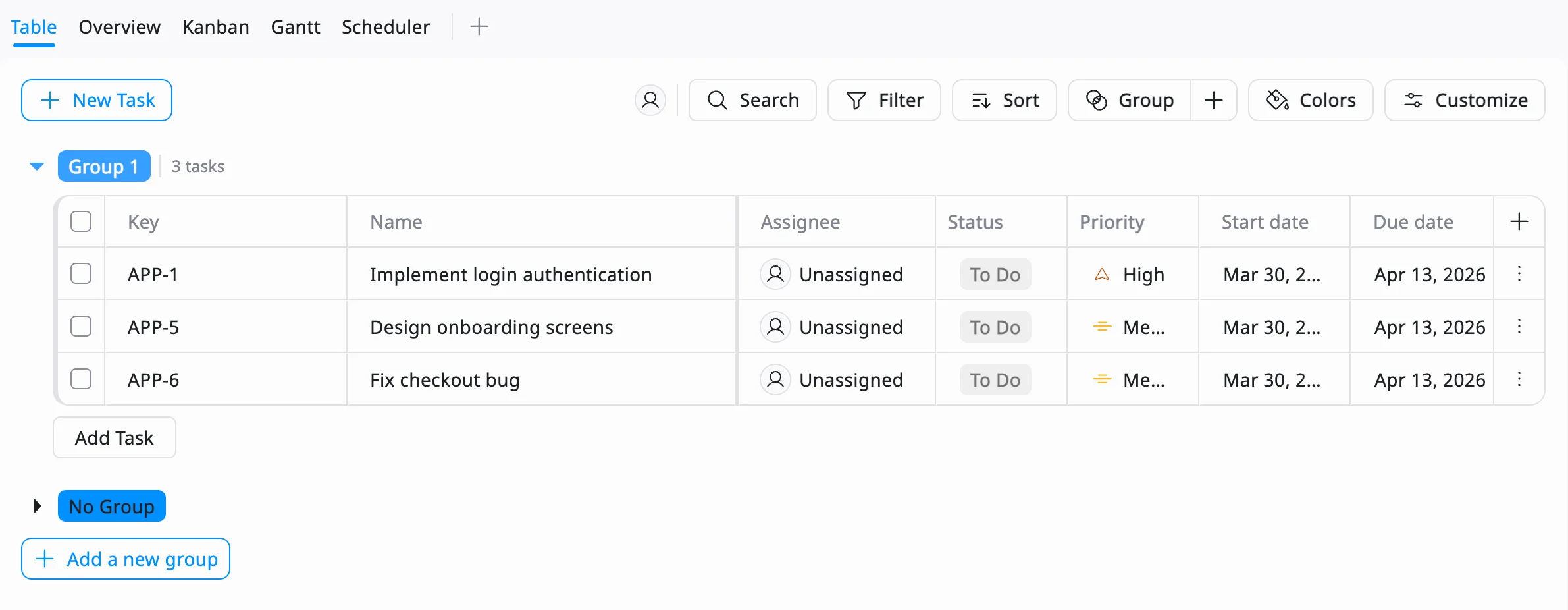
Start by listing all sprint work in a structured table. Break down user stories into tasks, assign owners, set priorities, and define deadlines. This creates a clear foundation before the sprint begins.
Organize work into a sprint board with Kanban
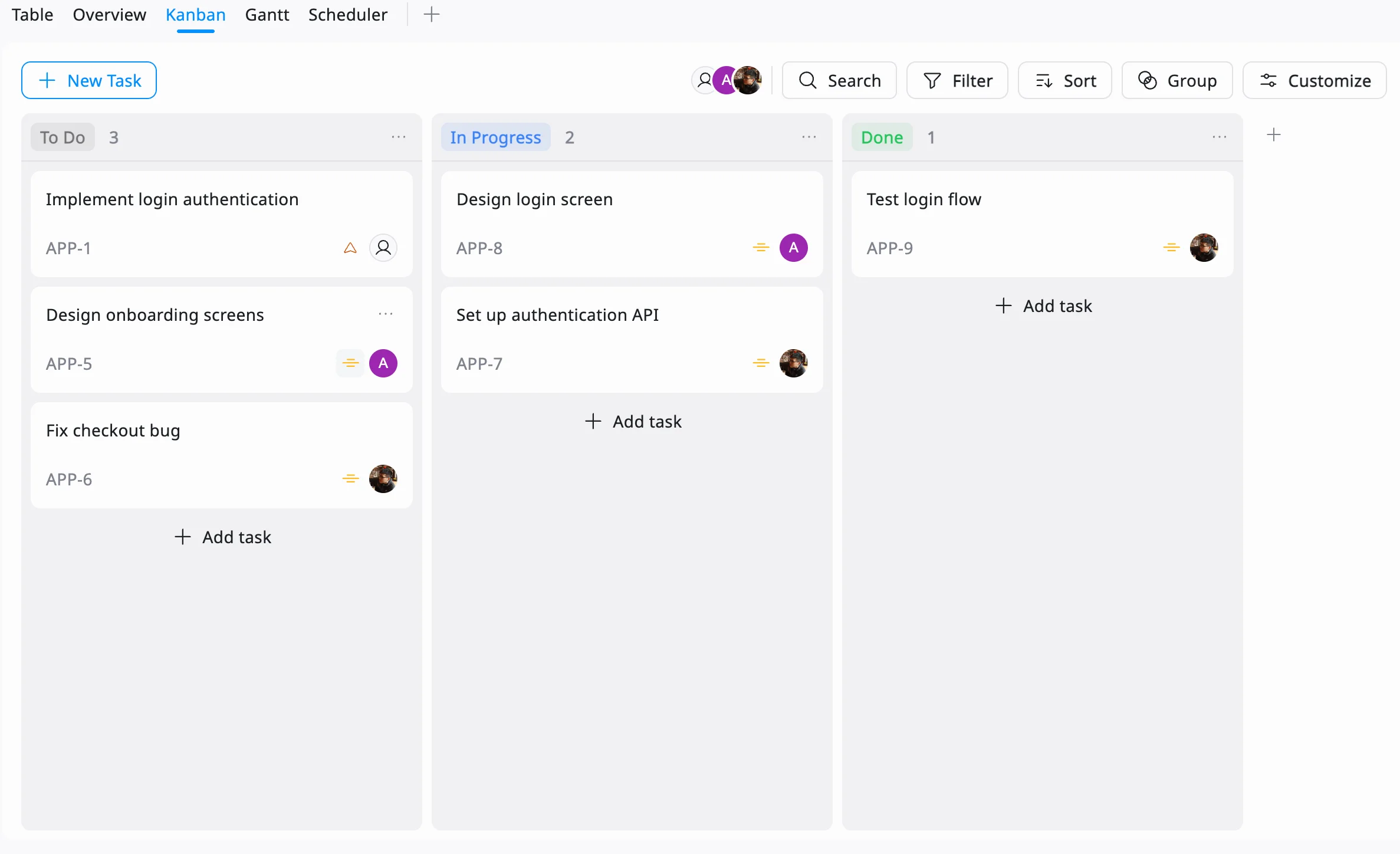
Switch to a Kanban view to manage the sprint. Move tasks across columns like To Do, In Progress, and Done to reflect real-time progress and keep the team aligned.
Use the sprint board during daily stand-ups to review updates, adjust priorities, and resolve blockers. This keeps the team focused and ensures steady progress throughout the sprint.
Track timelines and align teams with a Gantt view
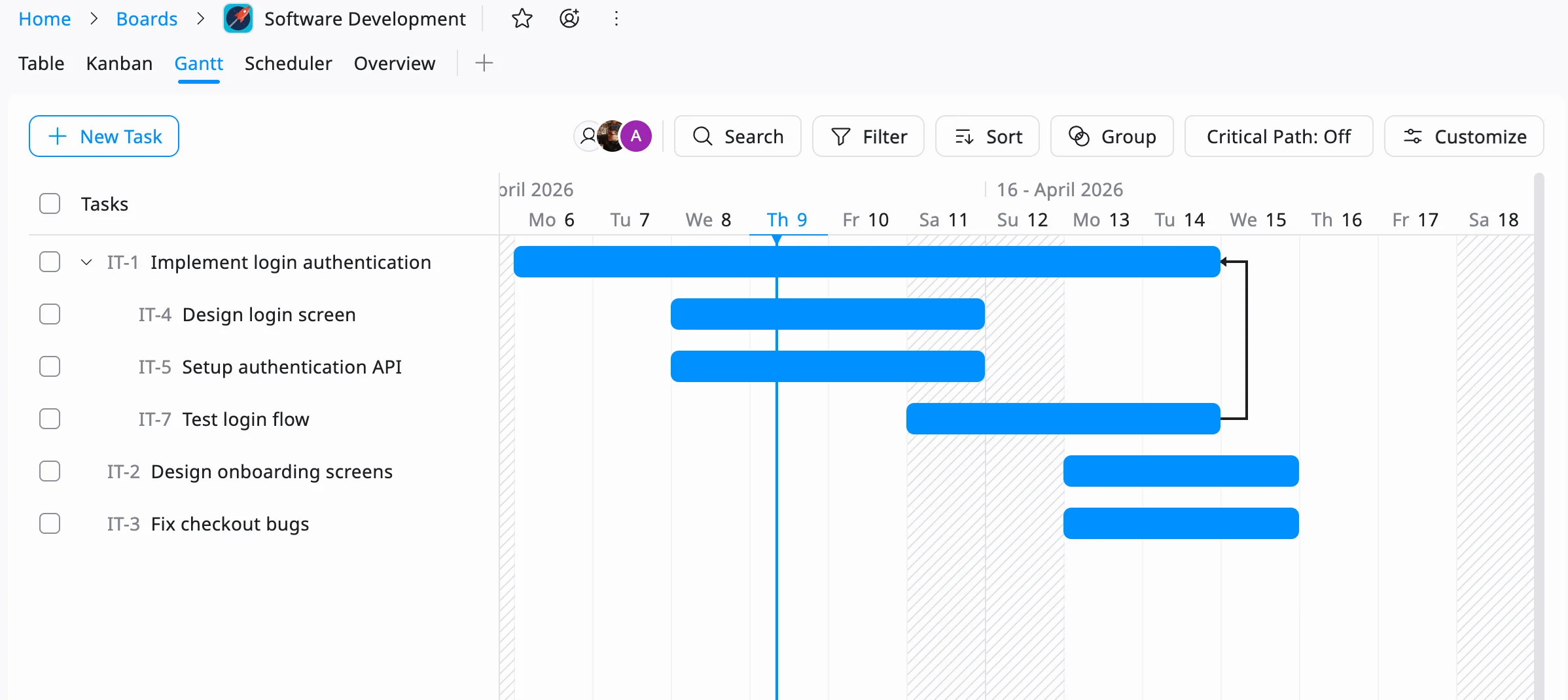
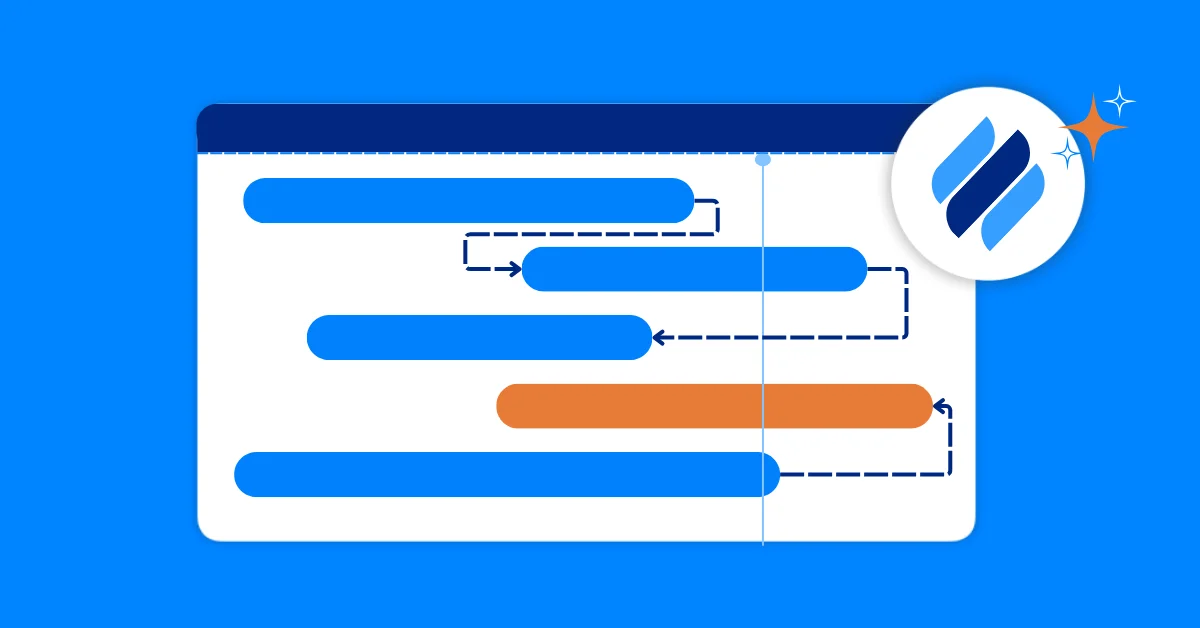
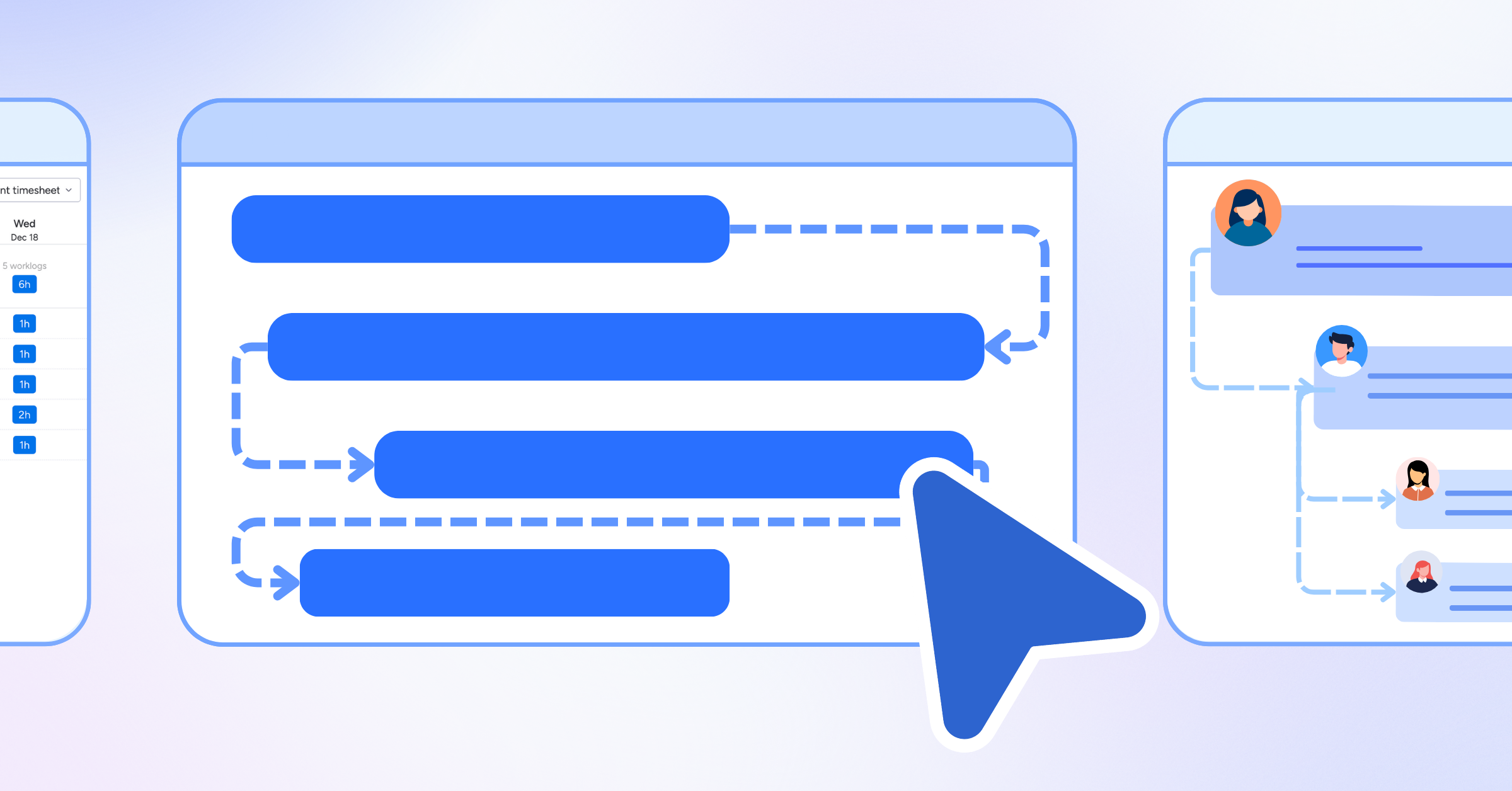
Use a Gantt-style timeline as your overall sprint view to see how work connects across tasks and teams. This helps you identify dependencies, monitor deadlines, and ensure everything stays aligned with key milestones.
Conclusion
Sprint boards and overall sprint boards are essential tools for effective project management, especially in Agile environments. A sprint board is perfect for single teams tackling short-term goals, providing clarity and focus during sprint planning. An overall sprint board adds value when projects involve multiple teams, complex dependencies, or long-term objectives, offering a big-picture view that keeps everyone aligned.
By understanding when to use each and how to optimize them, teams can deliver projects efficiently and effectively. Whether you’re managing a small marketing campaign or a large-scale software development project, leveraging both boards can make all the difference in achieving your goals.
Related Articles
















How to Build and Manage a Product Roadmap with TaskFord














How to Build a Connected Project Timeline in TaskFord








What Are the Best Jira Alternatives for Scrum Teams?





















How WBS Reveals Delivery Breakdown Before It’s Too Late











![How To Conduct a Profound Stakeholder Analysis [+ Free Template]](/marketing/blog/stakeholder-analysis.webp)
















What to Look for in Scrum Tools (Beyond Kanban Boards)


![Project Management Calendar for Teams and Managers [Free Templates]](/marketing/blog/project-management-calendar.webp)





How to Define Project Deliverables: A Step-by-Step Guide









![RACI Chart in Project Management: Rules & Examples [Free Download]](/marketing/blog/raci-chart.webp)














![7 Must-Have Project Management Documents Every PO Should Know [Free Templates]](/marketing/blog/project-management-documents.webp)









![How to Create a Winning Project Plan for IT Projects [10 Steps Included]](/marketing/blog/how-to-create-a-project-plan.webp)




![Daily Standup Best Practices: Apply AI to Organize Meetings Successfully [2026 Trends]](/marketing/blog/daily-standup.webp)





![How to Create a Project Communication Plan: Step-by-Step Guide [+Free Template]](/marketing/blog/project-communication-plan.png)


![Master Project Procurement Management in 5 Steps [Download a free plan template]](/marketing/blog/project-procurement-management.webp)

































Subscribe for Expert Tips
Unlock expert insights and stay ahead with TaskFord. Sign up now to receive valuable tips, strategies, and updates directly in your inbox.