How to Run a Product Launch Marketing Campaign in TaskFord
Learn to run a product launch marketing campaign in TaskFord, from kickoff and planning to execution and post-launch review.
Launching a new product involves more than creating a landing page and sending an announcement email. Marketing, product, sales, and support teams all need to work together to get the right message to the right audience at the right time.
When launch plans are spread across documents, spreadsheets, emails, and chat threads, it’s easy to lose visibility. Teams struggle to track progress, manage approvals, and stay aligned as launch day approaches.
TaskFord helps teams manage the entire launch in one connected workspace — from planning and asset creation to launch execution and post-launch review. In this guide, we’ll walk through how to run a product launch marketing campaign in TaskFord across three phases:
- Pre-Launch Planning & Preparation – Define goals, identify your target audience, build launch assets, and prepare the team for launch.
- Launch Day Execution – Coordinate launch activities, monitor progress, manage issues, and keep teams aligned in real time.
- Post-Launch Review & Optimization – Measure performance, collect feedback, capture lessons learned, and improve future launches.
Phase 1: Pre-Launch Planning & Preparation
The success of launch day depends entirely on the clarity of your pre-launch phase. This is where you align stakeholders, draft your messaging, and build the actual marketing engine. In TaskFord, this phase transitions seamlessly from a high-level strategic brief into an actionable asset production line.
Step 1: Set SMART Launch Goals
Clear goals give your launch direction before the team starts planning channels, creating assets, or assigning work. Start by setting SMART goals: Specific, Measurable, Achievable, Relevant, and Time-bound. These goals should explain what the launch needs to achieve, how success will be measured, and when results will be reviewed.
For example, instead of setting a vague goal like “increase awareness,” define a target such as “reach 10,000 landing page views during launch week.”
Once the goals are defined, keep them where every team can easily find and reference them throughout the launch. In TaskFord, you can create a launch brief in Document View and keep it directly alongside your project work. This allows teams to quickly access the launch strategy while planning tasks, reviewing progress, and making decisions, helping everyone stay aligned from kickoff through launch.
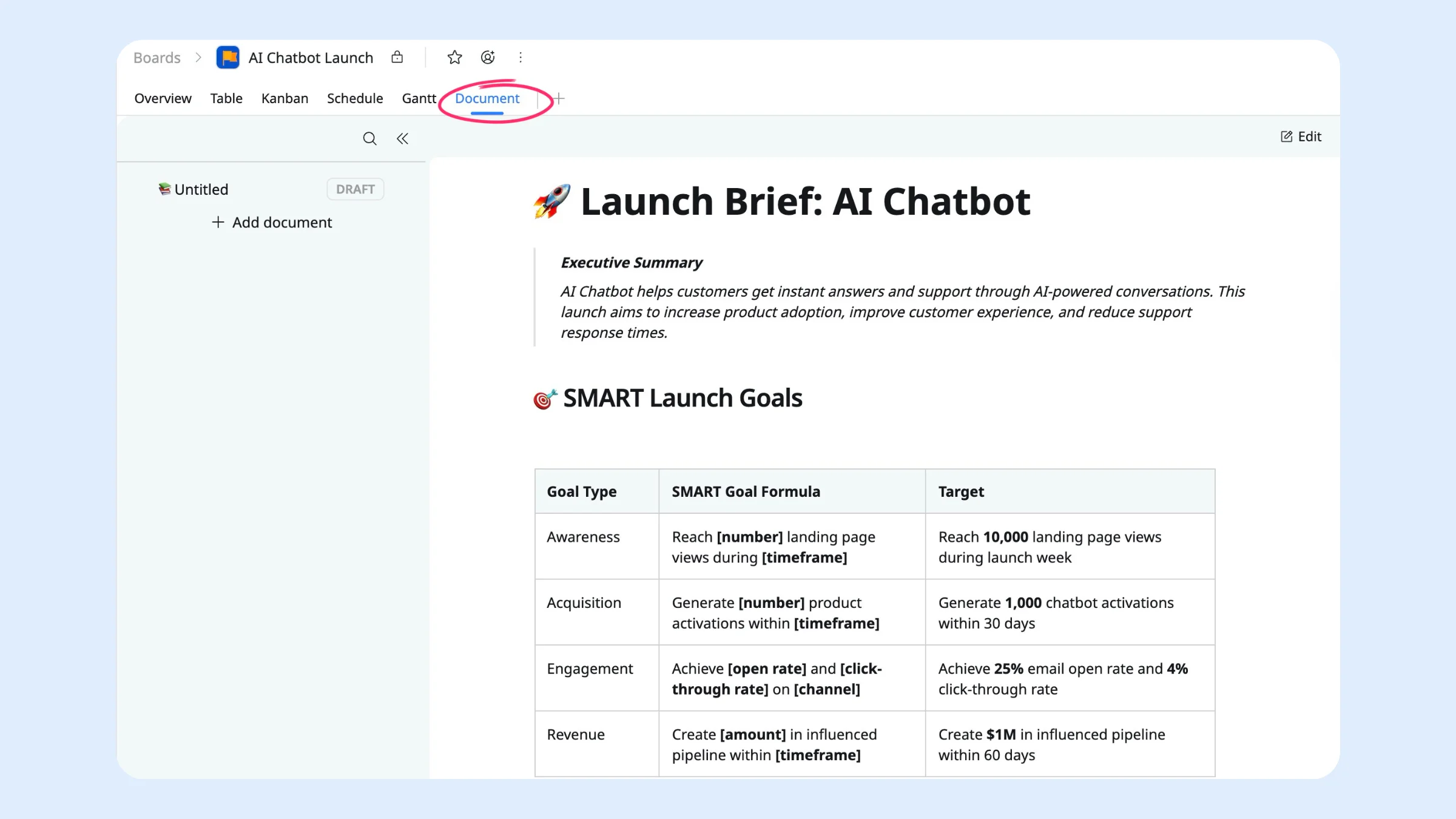
Use headings to separate key sections, tables to summarize goals and dates, and callouts to highlight important details like the launch date, final approval deadline, or main owner.
Step 2: Turn the GTM Plan into Structured Work
Once the launch strategy is set, the next step is to break the plan into specific deliverables, assign ownership, and set deadlines. This ensures every team understands their responsibilities and prevents important launch activities from falling through the cracks. TaskFord’s Table View can help teams organize and track this work.
Here’s how to set it up:
- Build the hierarchy: Add each major deliverable as a task, then break it into subtasks. For example, Landing Page can include copywriting, design, development, QA, and publishing.
- Set ownership: Assign every task and subtask to one owner with a clear due date, so everyone knows who is responsible and when the work is due.
- Group by launch phase: Use Grouping to divide the launch into Pre-Launch, Launch Day, and Post-Launch, so the team can focus on current priorities while keeping the full plan in view.
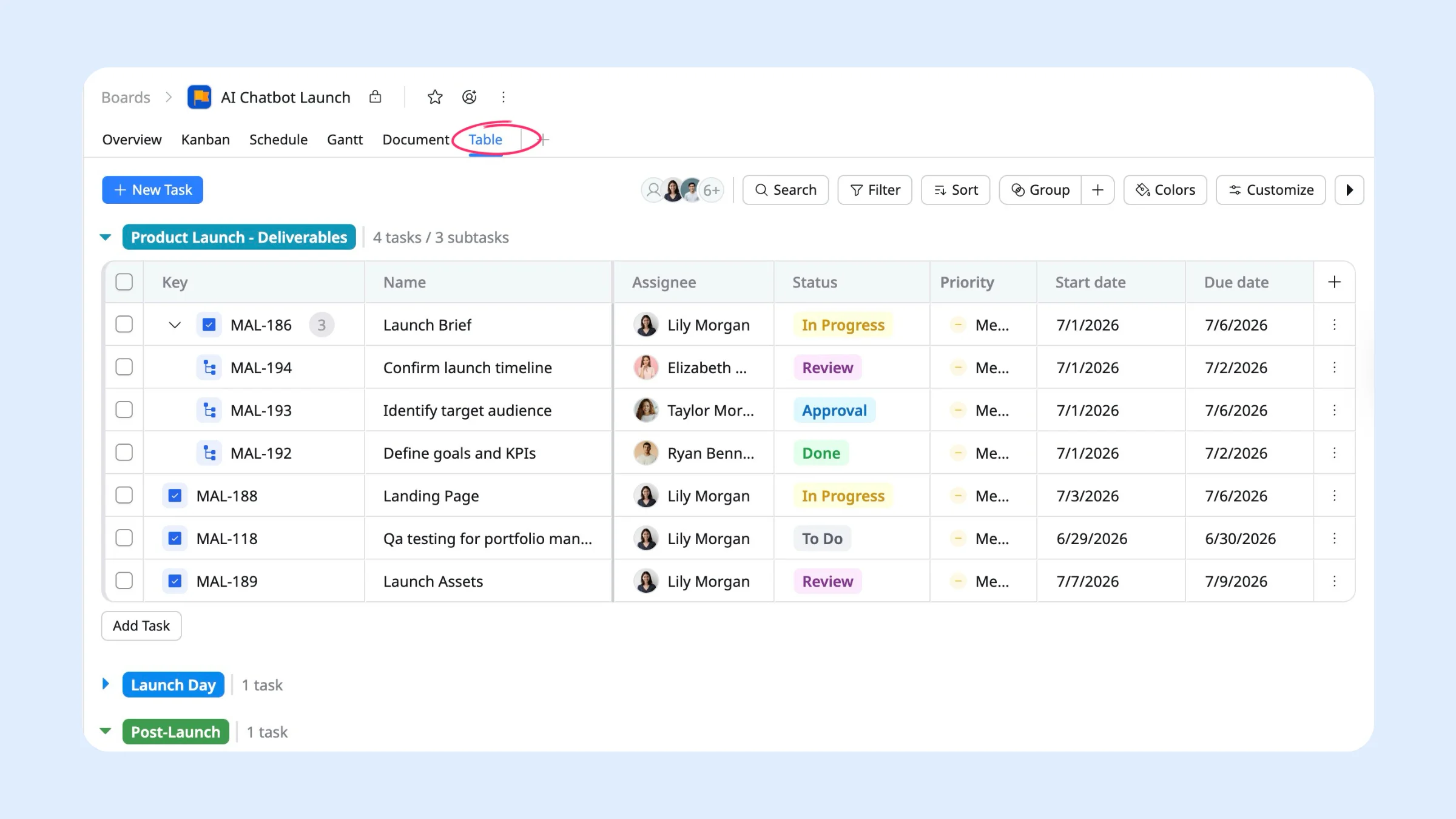
To get started quickly, build on a ready-made product launch template and customize it for your team. Learn more about the product launch template →
Step 3: Map Timelines and Dependencies
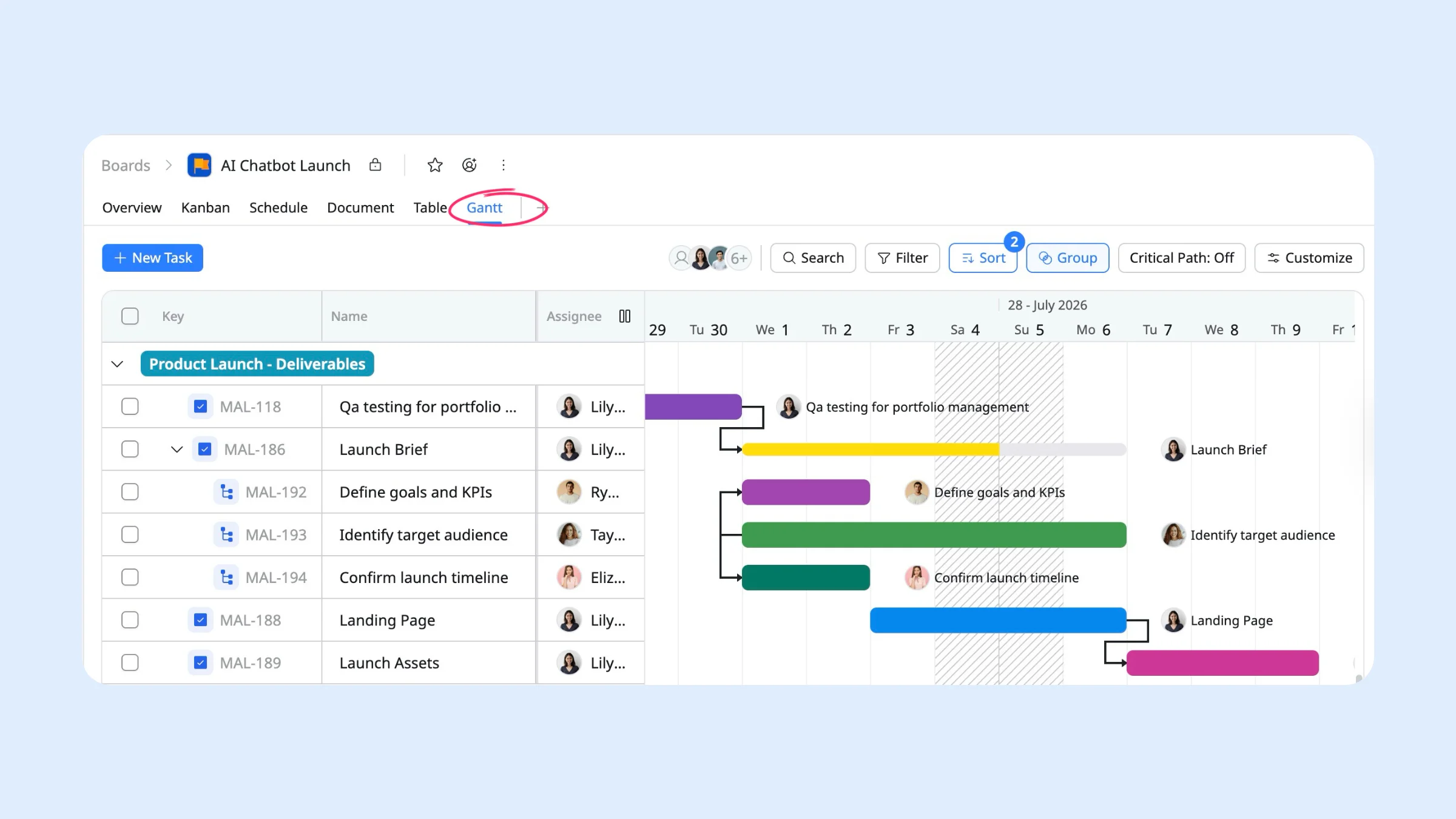
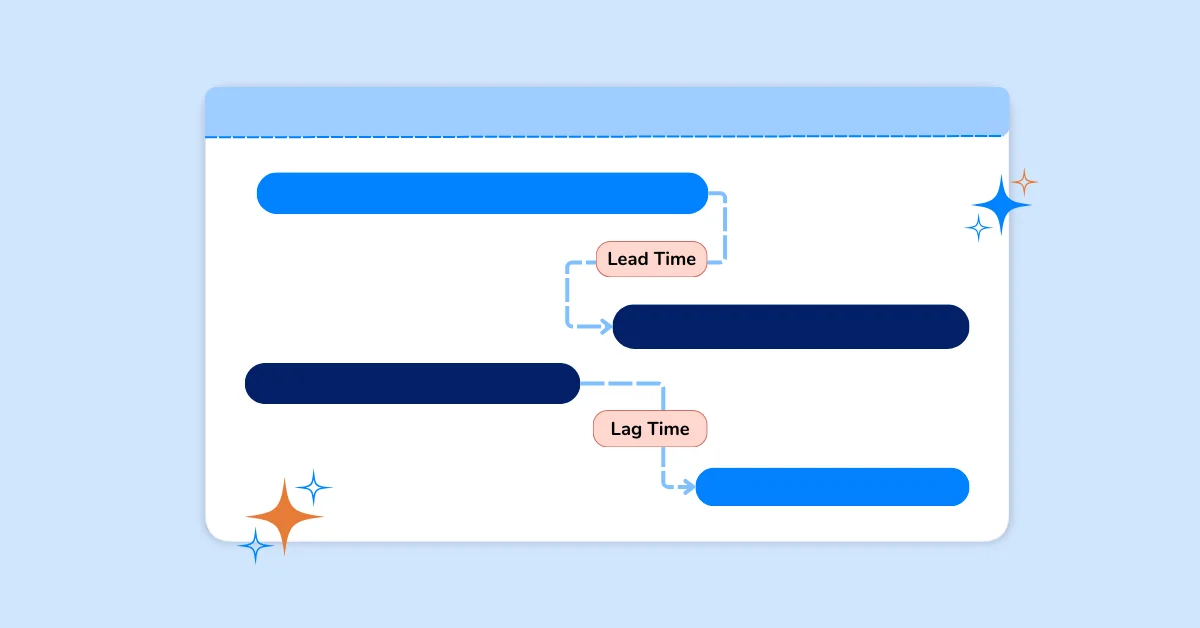
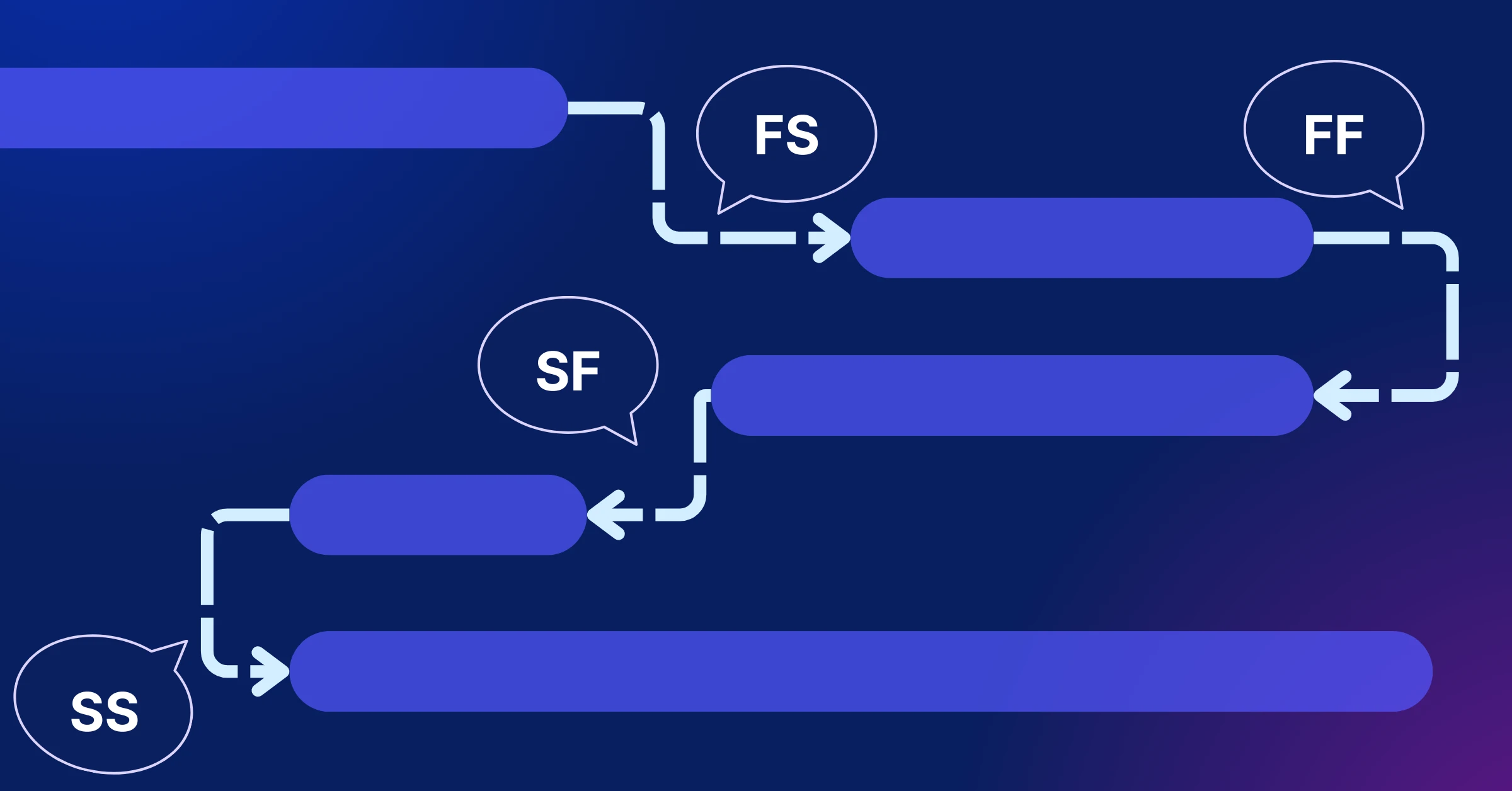
Product launches involve multiple teams and handoffs, so the order of work matters. Some activities cannot begin until others are completed. For example, messaging must be approved before landing page copy starts, and design must be finalized before development begins.
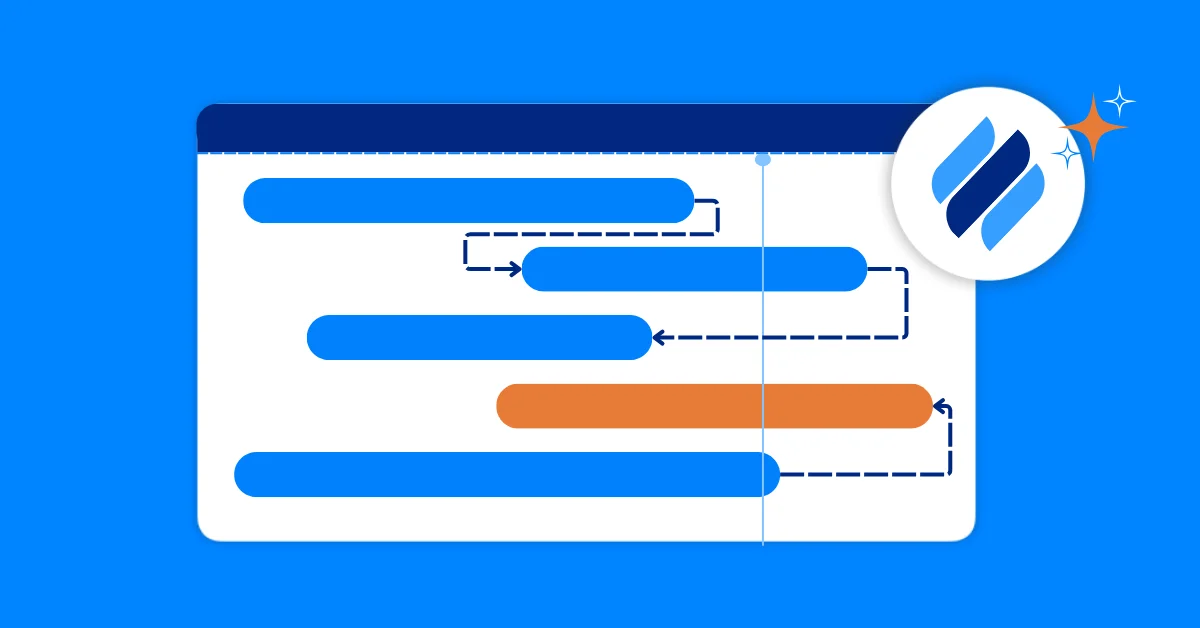
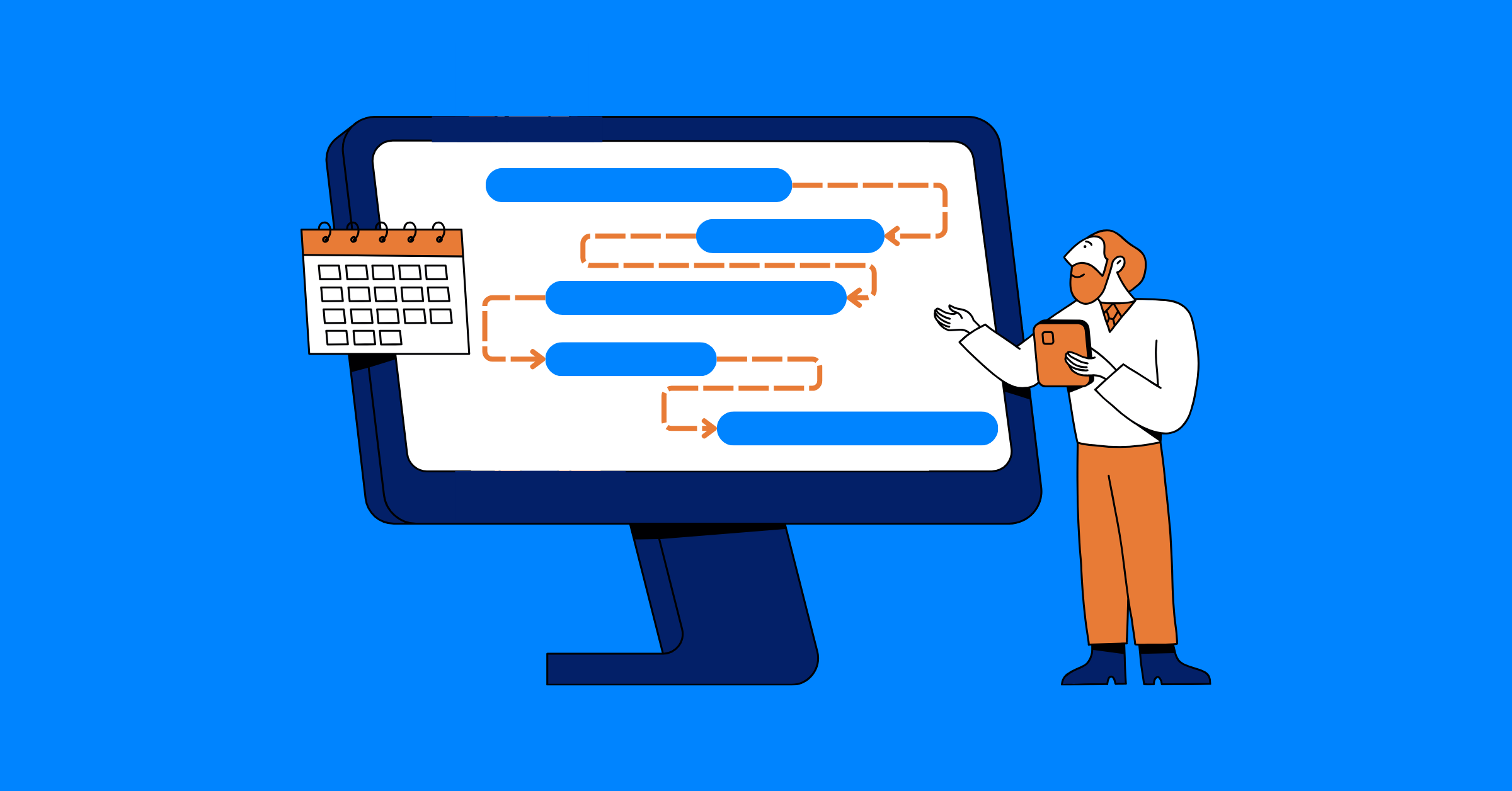
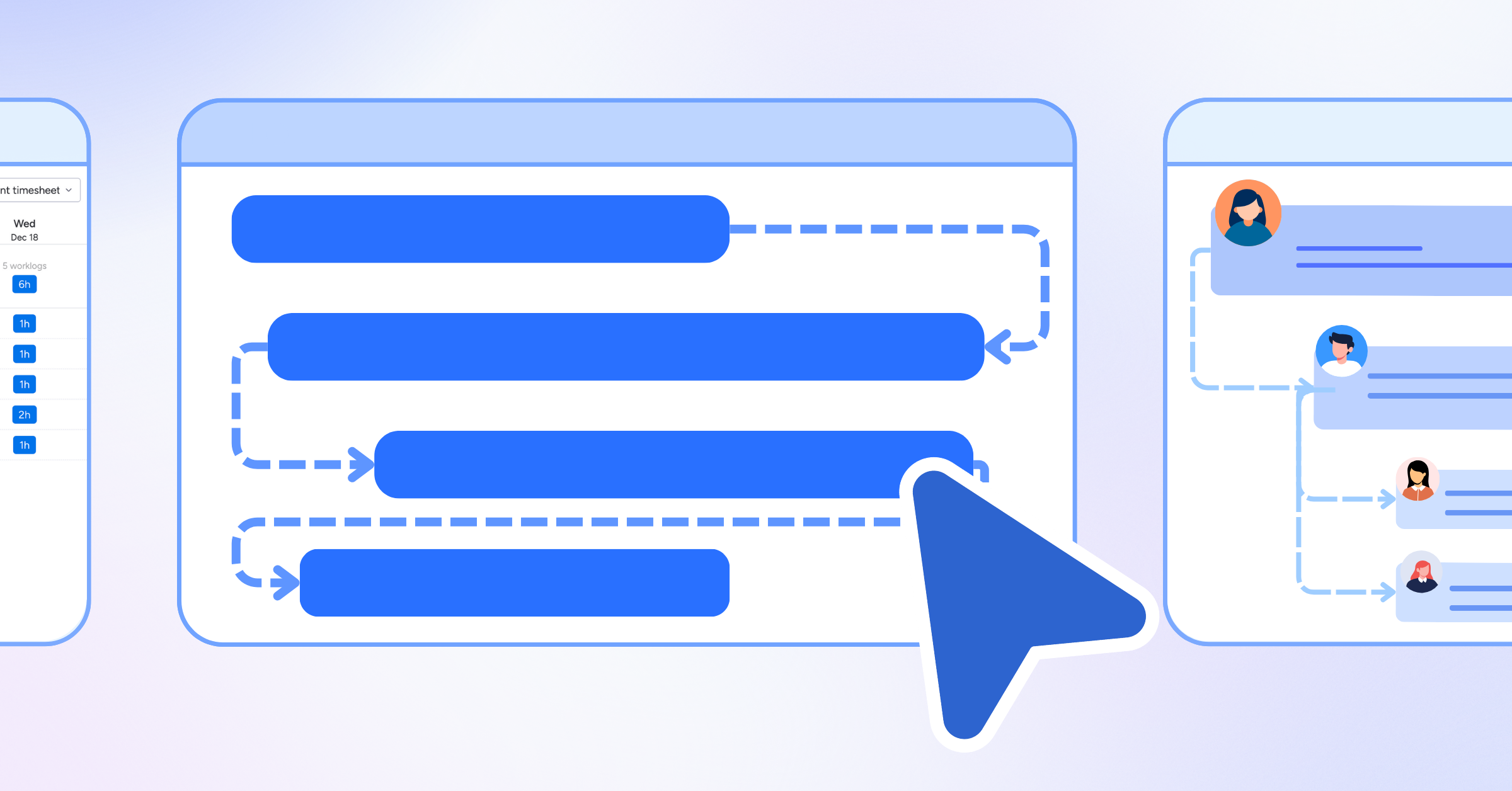
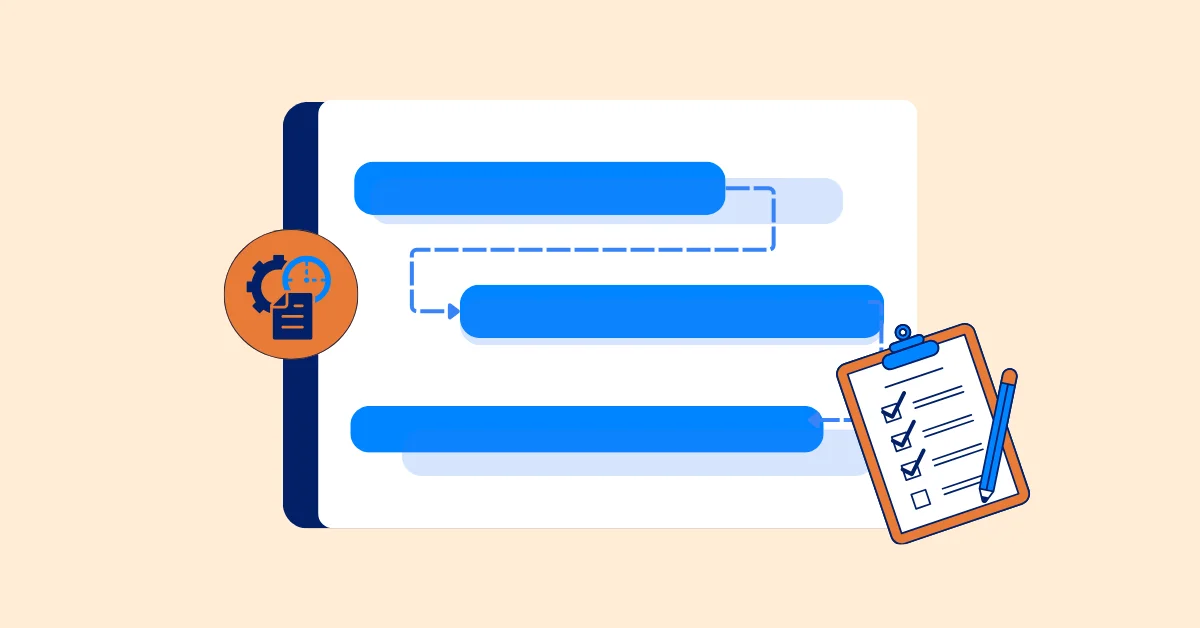
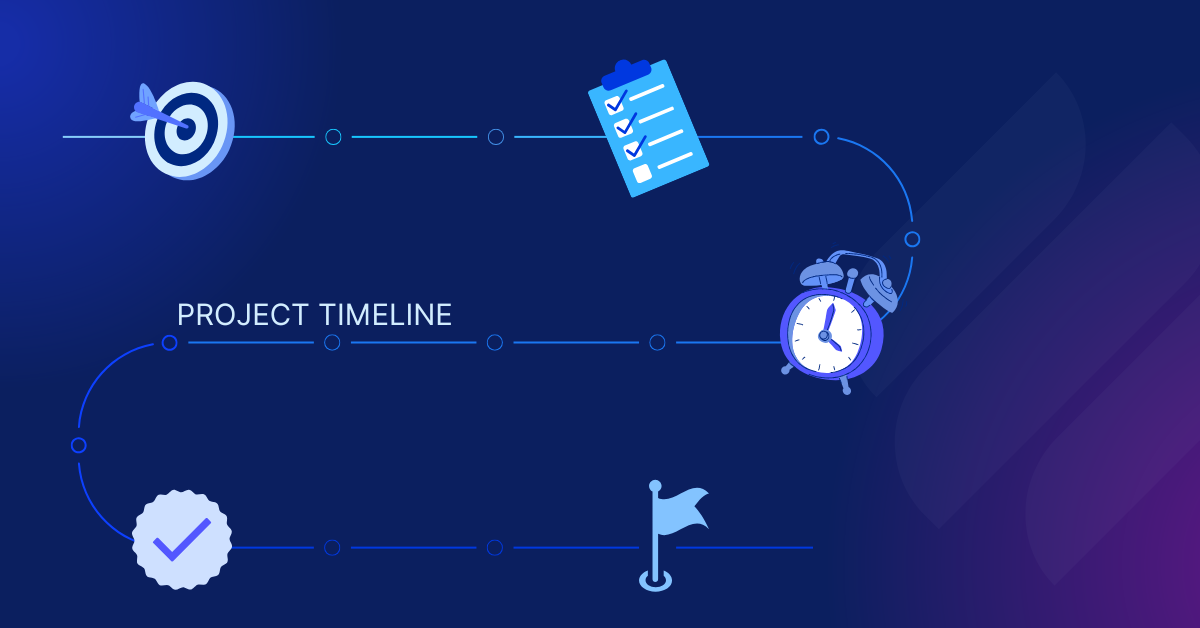
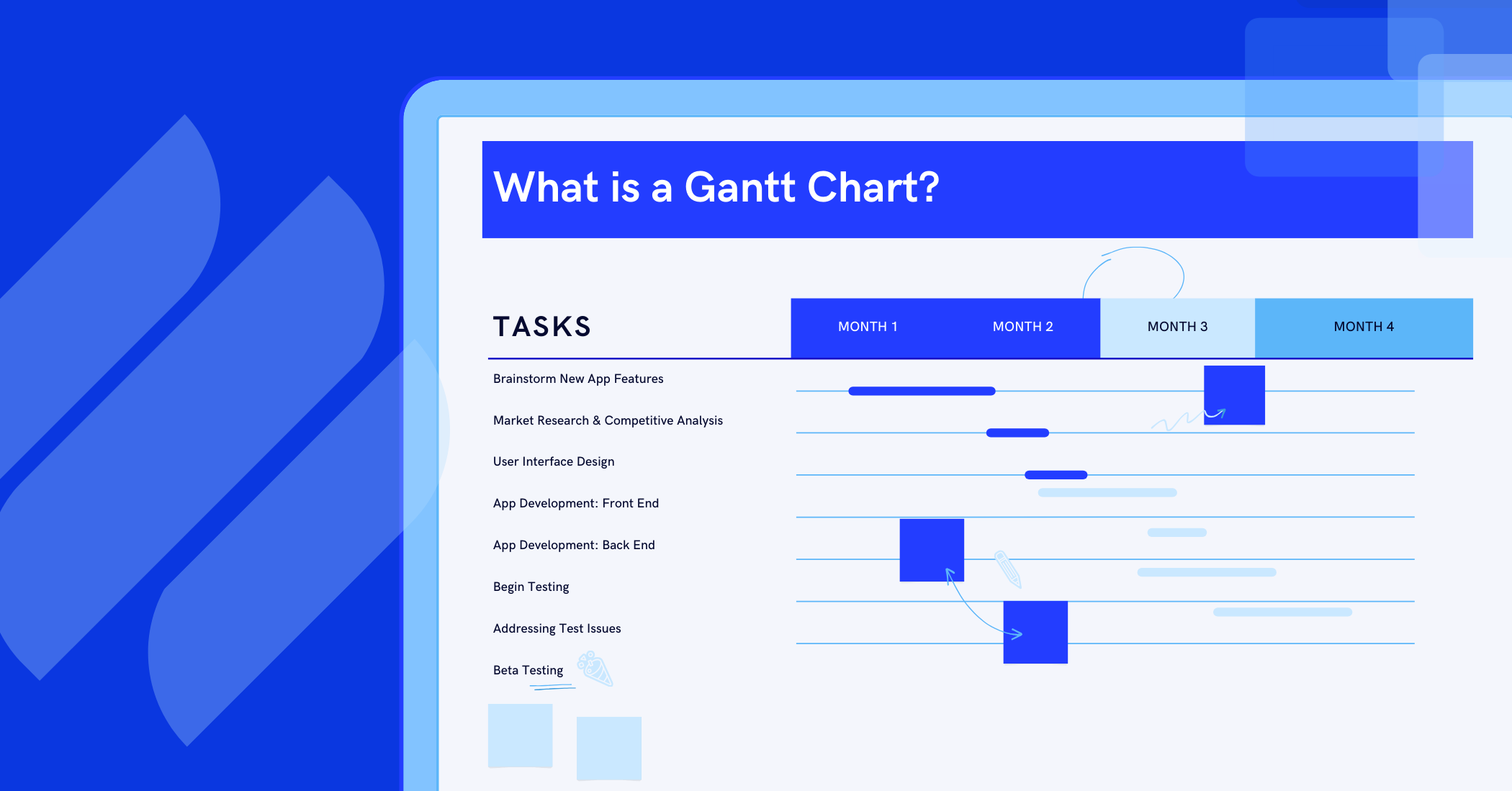
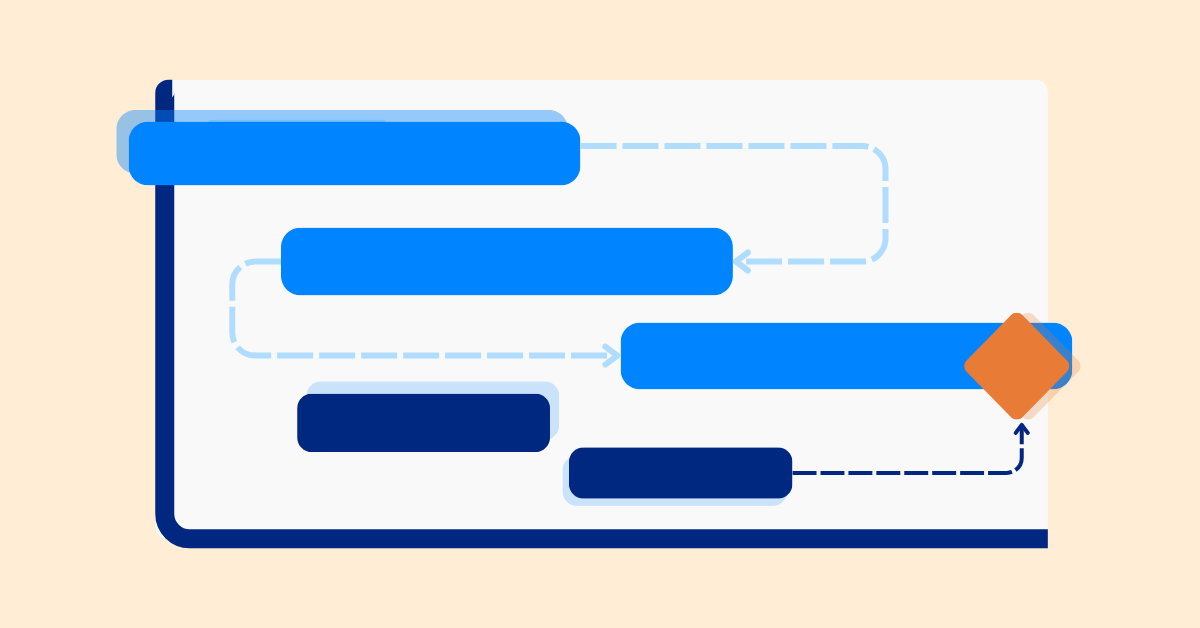
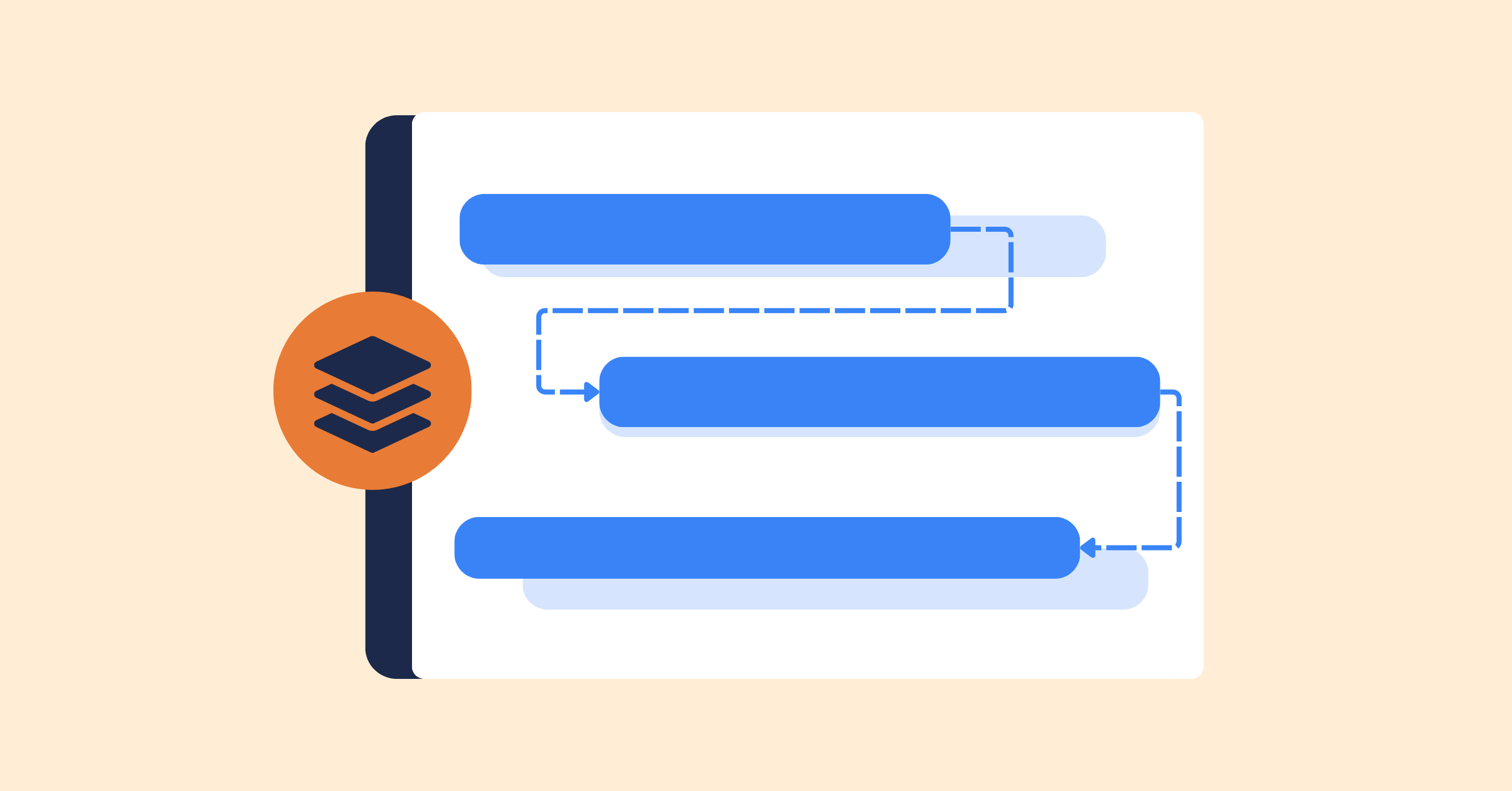
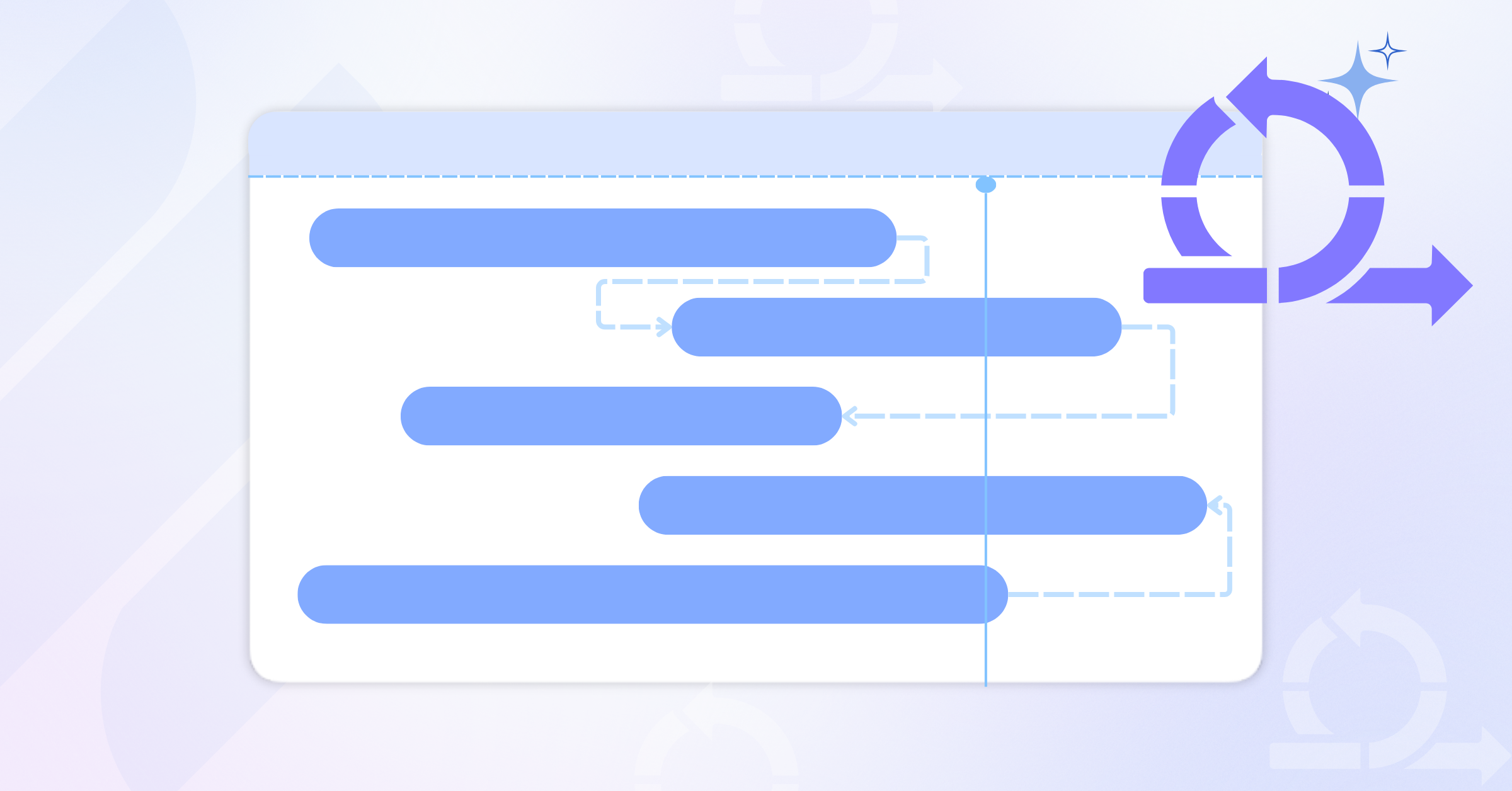
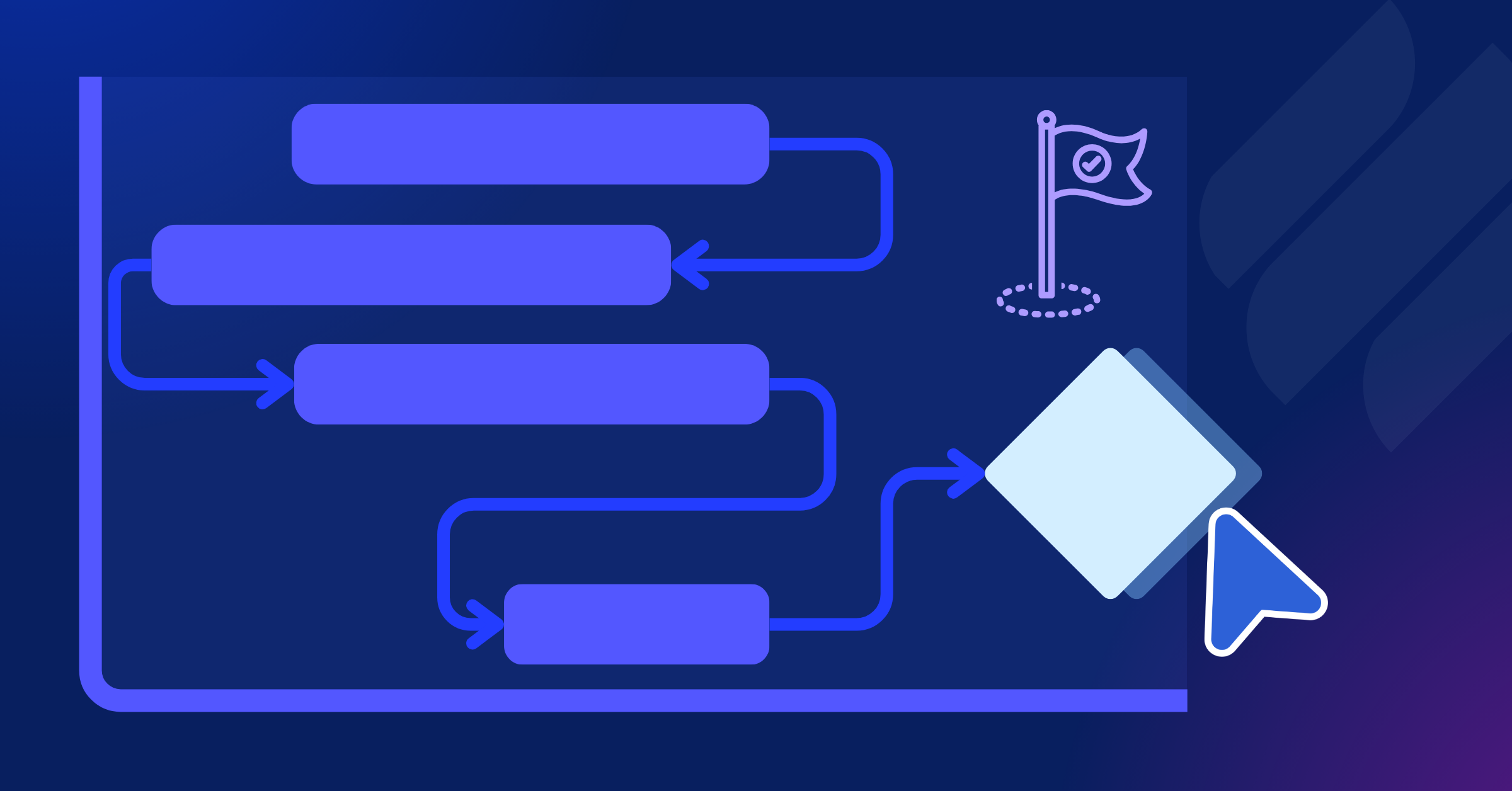
Once the task sequence is clear, switch to Gantt View to visualize the full launch timeline. Connect related tasks with dependencies to show which activities must happen first and which work depends on them.
This gives the team a clear view of task relationships, highlights critical work, and makes it easier to spot schedule risks before they affect launch day.
Step 4: Track Details with Custom Fields
Product launches include different assets, channels, audiences, and approval steps, so teams need a consistent way to organize and review work.
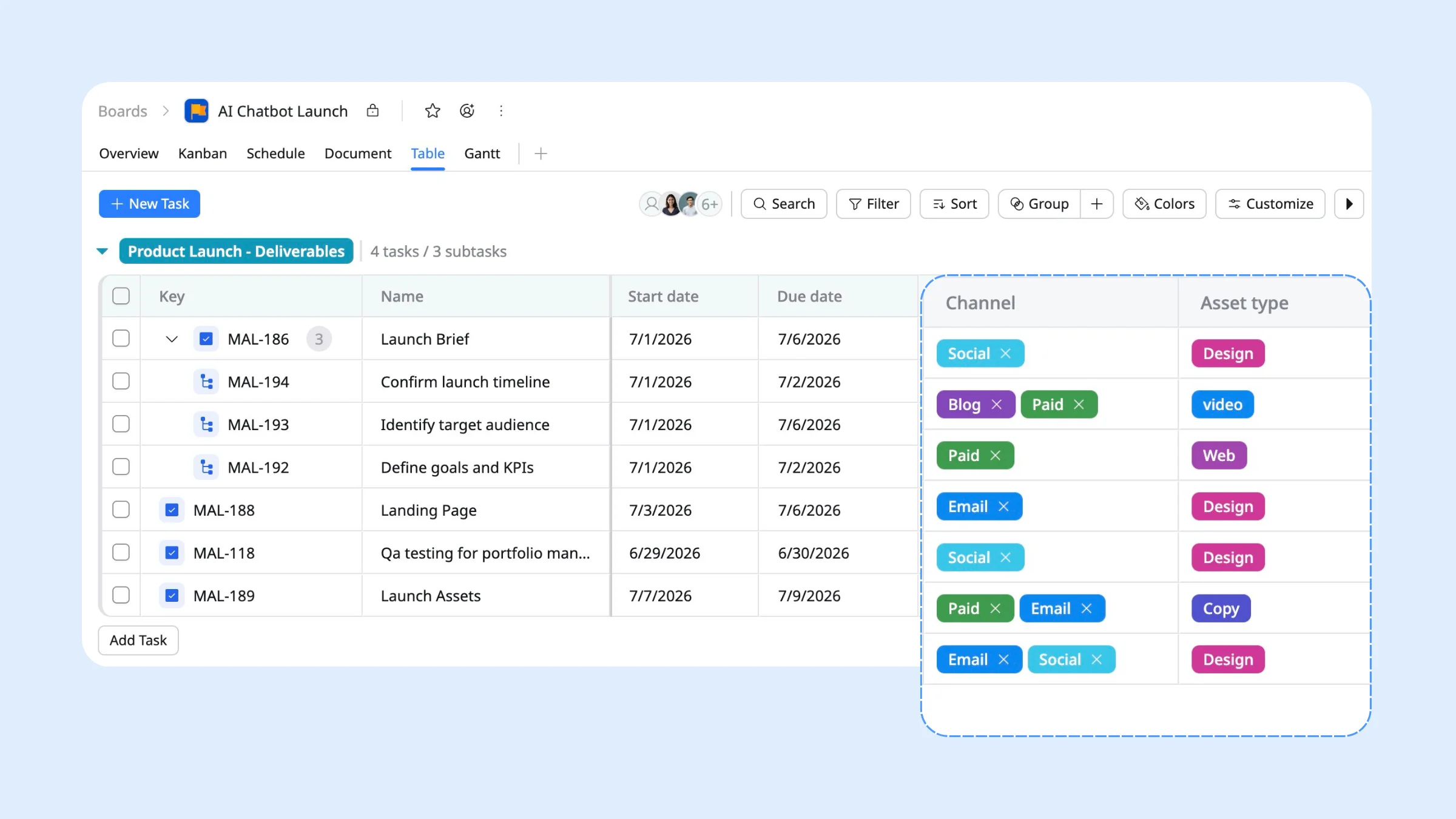
Add Custom Fields to capture launch-specific details directly on each task. TaskFord supports field types such as text, number, dropdown, date, and more, so you can track the information that matters most to your launch.
For example:
- Channel: Email, Social, Blog, Paid
- Asset Type: Copy, Design, Video, Web
- Priority: Must-have, Nice-to-have
- Approval Status: Draft, In Review, Approved
With these fields in place, teams can filter, group, and review launch work more easily, while also using the data for reporting on progress, priorities, and launch readiness.
Step 5: Track Daily Tasks with Kanban View
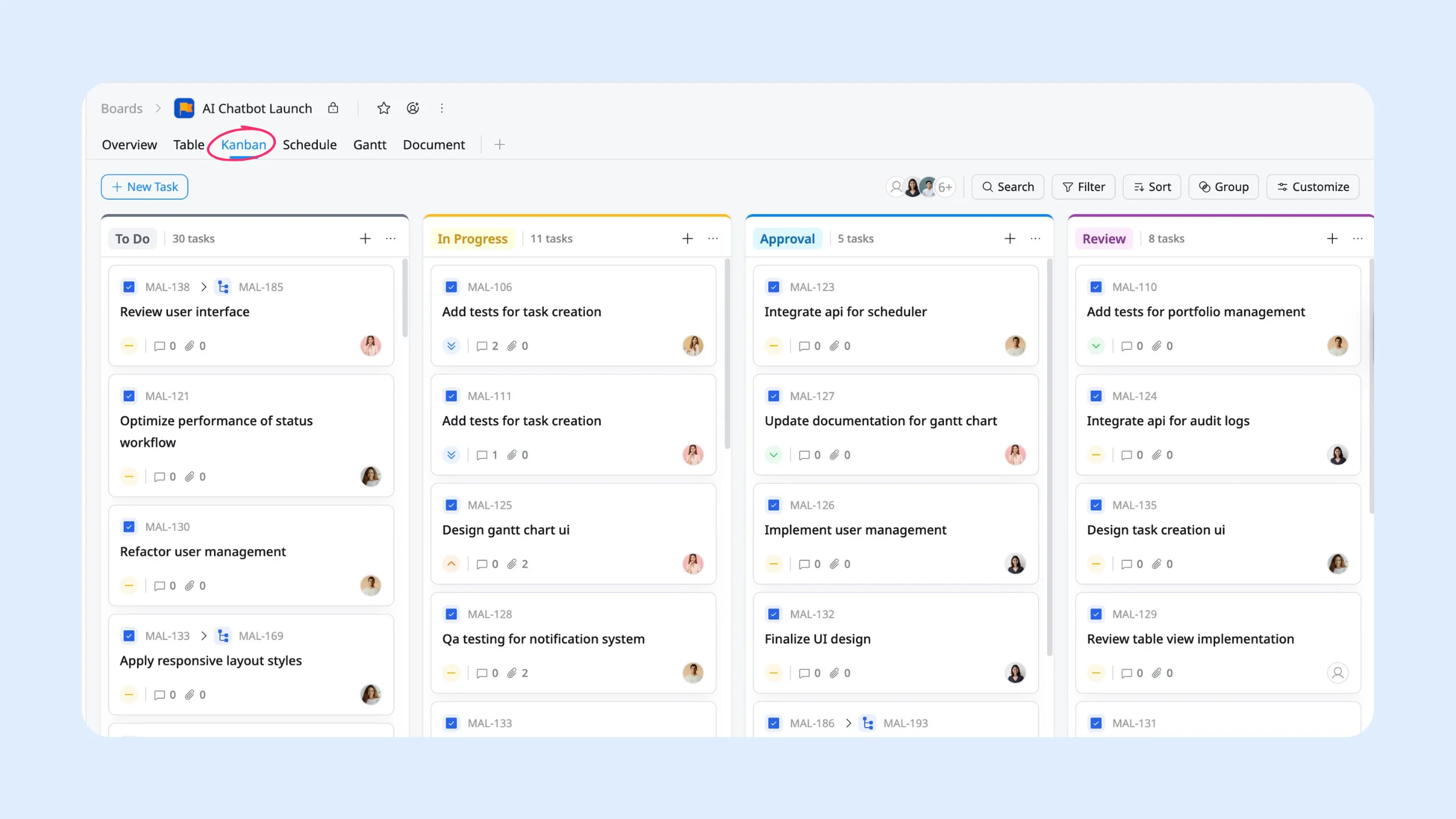
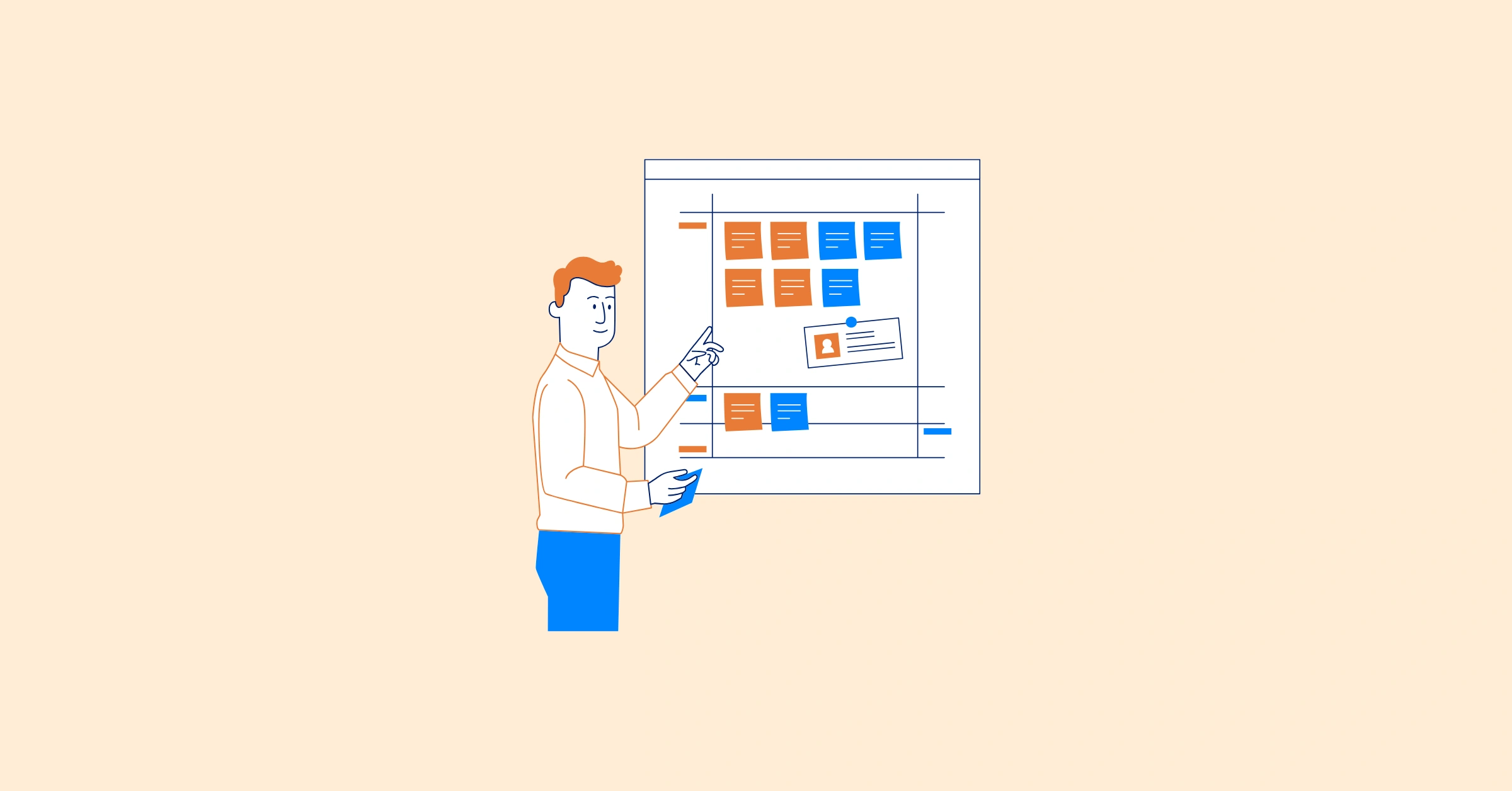
During the pre-launch phase, teams need a simple way to manage daily preparation work and keep every asset moving toward approval. Use Kanban View to plan and track launch preparation tasks across each stage, such as:
TO DO → IN PROGRESS → IN REVIEW → APPROVED → DONE
With status tracking, every task shows where it stands at a glance. Teams can quickly see which assets are still being created, which are waiting for review, and which are ready for launch without relying on extra meetings or manual updates.
Phase 2: Launch Day Execution
After weeks or months of preparation, launch day is when your product and marketing campaign become visible to the market. The objective is not simply to publish content or flip a switch—it is to coordinate multiple teams, channels, and activities so customers experience a smooth, consistent launch.
Launch day is the shortest phase but the most intense, typically running from a single day to a full launch week depending on scale.
Step 1: Run a Final Launch Readiness Check
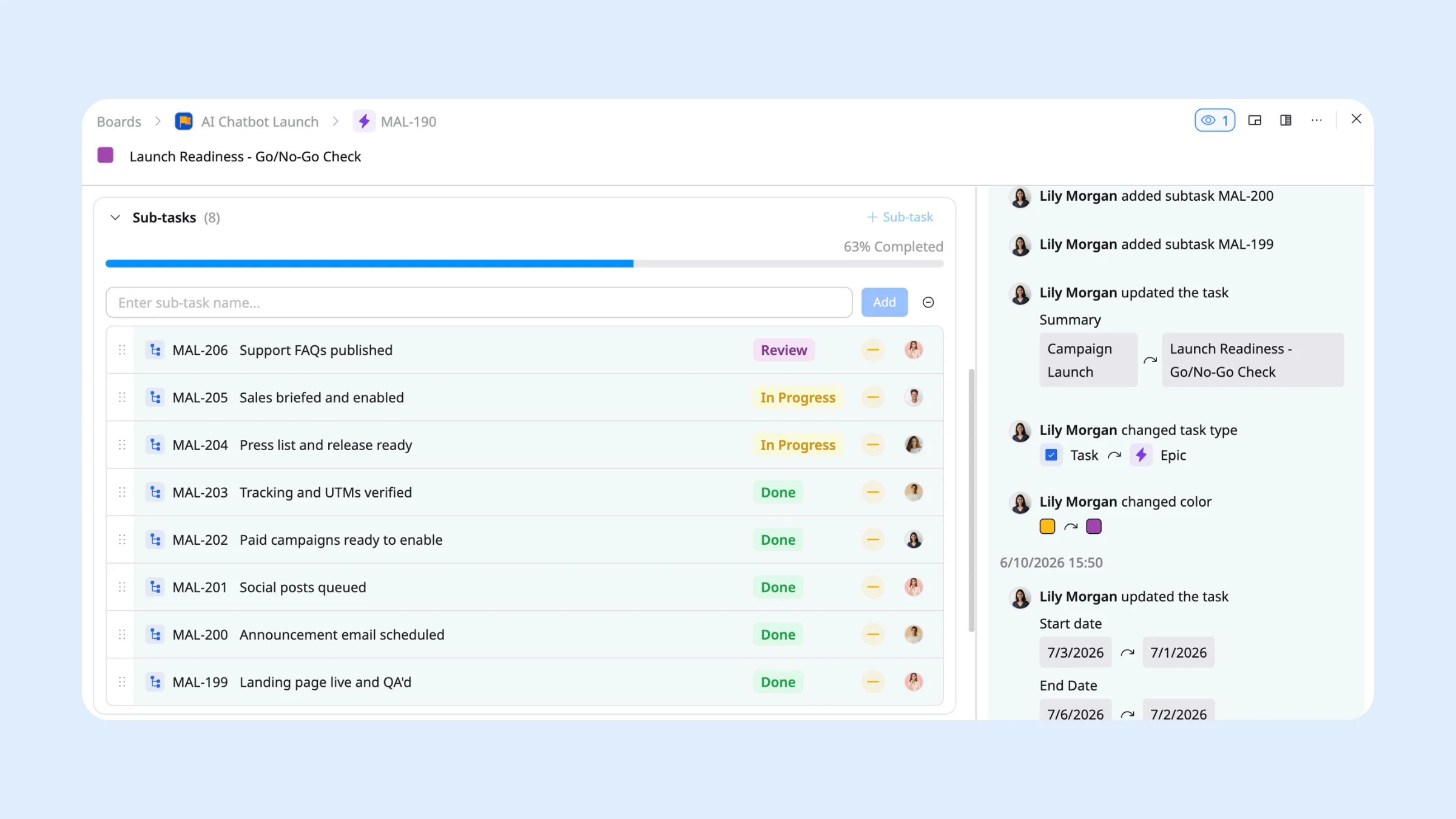
To ensure your launch is genuinely ready to go live, you should execute a structured go/no-go checklist. Having a formal review process prevents last-minute scrambling and ensures your release doesn’t break.
TaskFord can help centralize this process by keeping all readiness checks in one place. Create an Epic named Launch Readiness and add each checklist item as a subtask. Assign ownership to the appropriate team and track completion in real time, so everyone can quickly see whether the launch is ready to proceed.
Step 2: Coordinate the Go-Live Sequence
Launch activities need to happen in the right order. The landing page should go live before launch emails, social posts, and paid campaigns start driving traffic to it. If one step is delayed, the rest of the rollout may need to adjust.
To keep the sequence tight, set it up in TaskFord so the work signals itself:
- Dependencies & Auto Scheduling: Link related tasks together so work follows the correct order. If an upstream task is delayed, Auto Scheduling automatically updates dependent task dates, helping the team maintain an accurate launch timeline.
- Watchers and notifications: Have team members watch the deliverables they depend on. When the landing page status changes, watchers are notified instantly to begin their work.
- Milestones: Mark the moment the product is officially out by setting a milestone, signaling to every stakeholder that the launch is live.
Step 3: Monitor Progress in Real Time
Once the launch is live, shift your focus from execution to monitoring. Launch day is your first opportunity to see how customers respond, so it’s important to watch performance closely and identify issues before they have a larger impact.
Track key metrics in real time using your analytics and marketing tools. Depending on your goals, this may include website traffic, sign-ups, conversions, email engagement, social media interactions, ad performance, or Product Hunt activity. Compare results against the launch goals defined during the planning phase and watch for unexpected changes or drop-offs.
Step 4: Coordinate the Team and Resolve Issues Fast
On launch day, keep communication clear and make sure every issue has an owner. When a bug, campaign error, approval delay, or support question appears, log it immediately, assign responsibility, and track it until it is resolved.
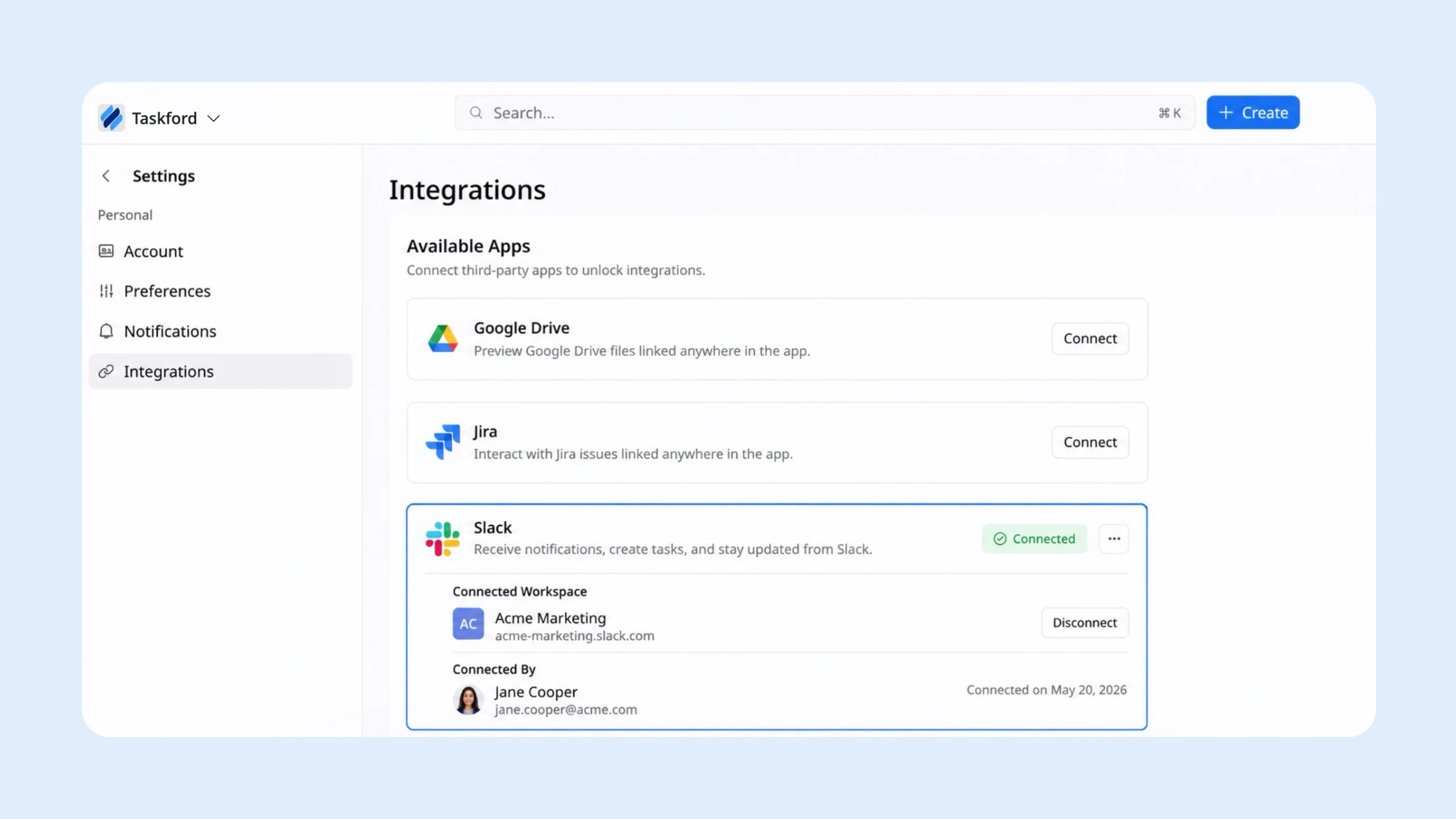
TaskFord helps by keeping issue discussions inside the relevant task through comments and @mentions. You can also connect TaskFord with Slack to route launch-related updates to a dedicated channel, so status changes, mentions, and watched-task updates appear in real time without forcing teams to jump between platforms.
Phase 3: Post-Launch Review & Optimization
A launch doesn’t end when the product goes live. The post-launch phase is where you measure performance, gather feedback, and capture what you learned.
Step 1: Review Launch Performance
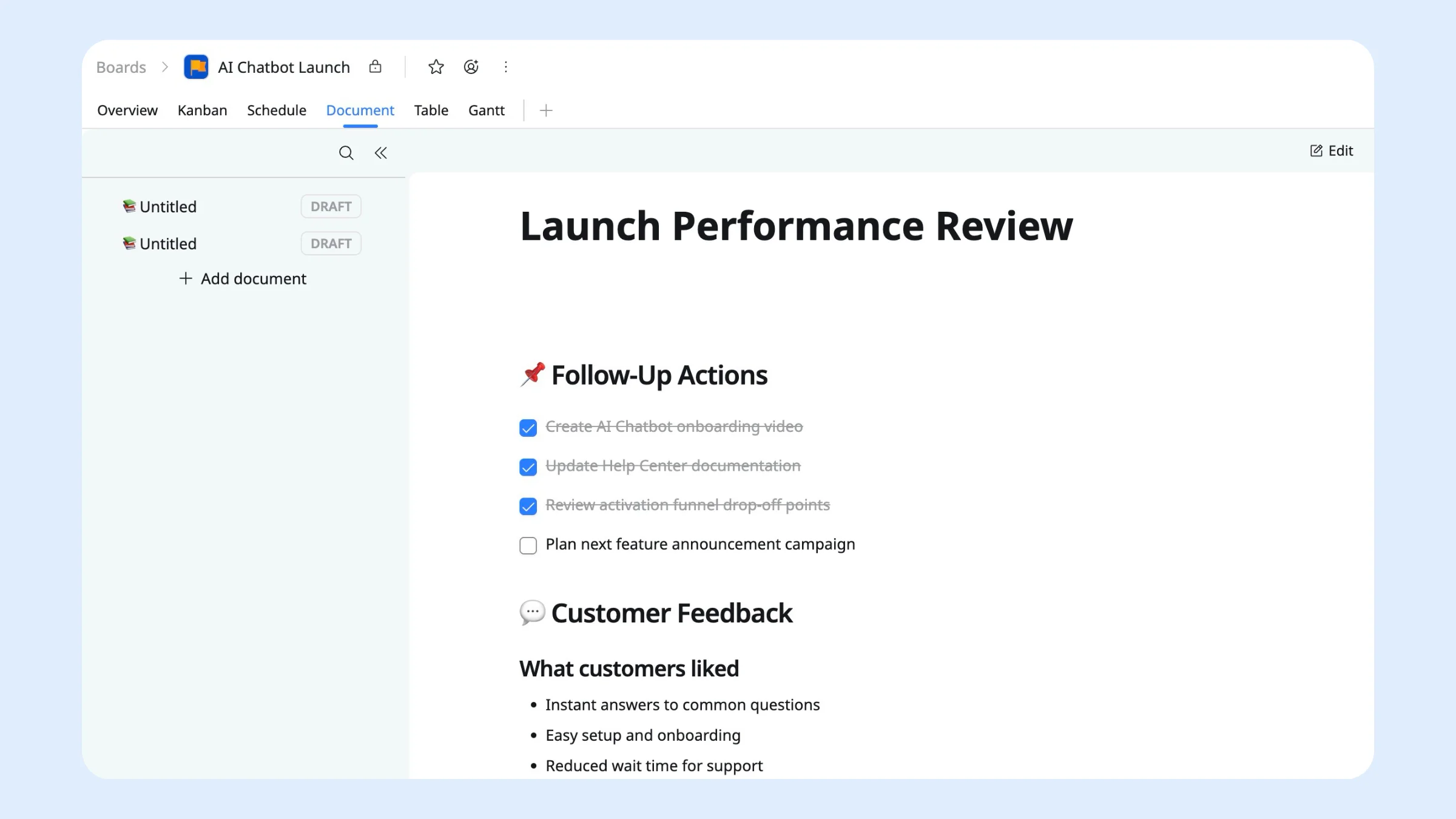
Return to your launch brief in Document View and add a new section called Launch Performance Review. Compare actual results against the goals you defined during planning, then document the outcomes, key takeaways, and next steps.
Step 2: Collect Feedback with Forms
After launch, gather feedback from internal teams and customers to understand what worked and what could be improved. Use Forms in TaskFord to collect feedback from:
- Internal teams — marketing, product, sales, and support
- Customers and early adopters
- Beta participants and waitlist members
Responses are automatically captured in TaskFord, making it easy to review trends, identify recurring issues, and turn feedback into follow-up tasks.
Step 3: Track Multiple Launches with Portfolios
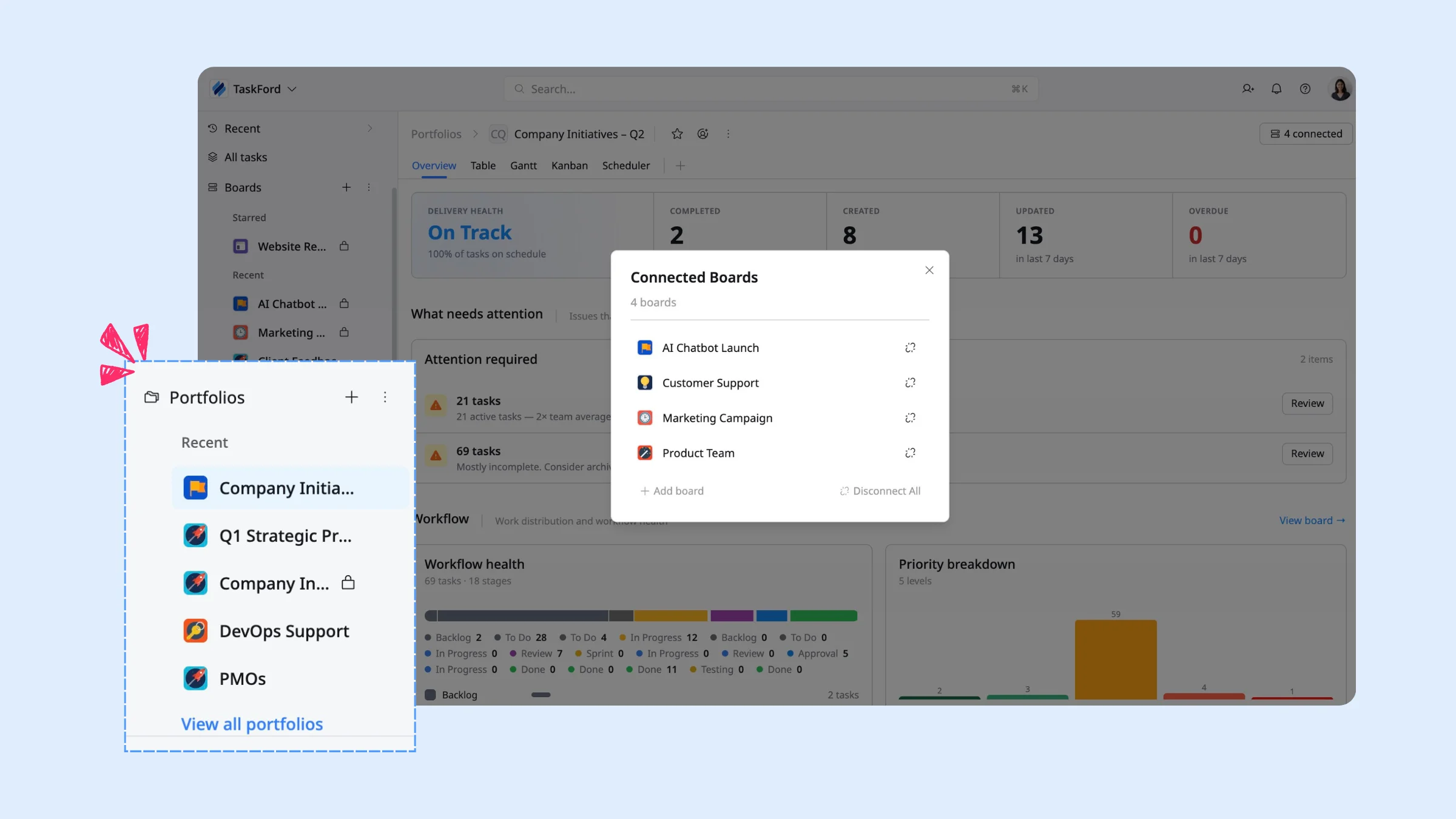
If your organization runs multiple product launches, Portfolios help leadership move from project-by-project tracking to program-level visibility. Instead of checking each launch separately, teams can monitor rolling feature rollouts, brand campaigns, and regional launches side by side.
In the Portfolio Overview tab, you can get real-time visibility into project status, priorities, and team workload across all launches. This helps leaders understand which launches are on track, where risks are emerging, and where teams may need support.
An end-to-end launch workflow
A product launch has too many moving parts to run across separate docs, spreadsheets, and chat threads. Planning and running it in TaskFord keeps strategy, production, timelines, and communication connected from kickoff to recap — so your team spends less time chasing updates and more time on a launch that lands.
Related Articles















How to Build and Manage a Product Roadmap with TaskFord














How to Build a Connected Project Timeline in TaskFord












What Are the Best Jira Alternatives for Scrum Teams?
























How WBS Reveals Delivery Breakdown Before It’s Too Late








![How To Conduct a Profound Stakeholder Analysis [+ Free Template]](/marketing/blog/stakeholder-analysis.webp)


















What to Look for in Scrum Tools (Beyond Kanban Boards)


![Project Management Calendar for Teams and Managers [Free Templates]](/marketing/blog/project-management-calendar.webp)






How to Define Project Deliverables: A Step-by-Step Guide










![RACI Chart in Project Management: Rules & Examples [Free Download]](/marketing/blog/raci-chart.webp)

















![7 Must-Have Project Management Documents Every PO Should Know [Free Templates]](/marketing/blog/project-management-documents.webp)










![How to Create a Winning Project Plan for IT Projects [10 Steps Included]](/marketing/blog/how-to-create-a-project-plan.webp)



![Daily Standup Best Practices: Apply AI to Organize Meetings Successfully [2026 Trends]](/marketing/blog/daily-standup.webp)






![How to Create a Project Communication Plan: Step-by-Step Guide [+Free Template]](/marketing/blog/project-communication-plan.png)


![Master Project Procurement Management in 5 Steps [Download a free plan template]](/marketing/blog/project-procurement-management.webp)































Subscribe for Expert Tips
Unlock expert insights and stay ahead with TaskFord. Sign up now to receive valuable tips, strategies, and updates directly in your inbox.