How to Turn Big-Picture Project Goals into Weekly Action Plans
Learn how to turn ambitious project goals into actionable weekly steps with a practical guide to creating effective action plans that keep teams aligned.
Creating an action plan is a critical step for transforming ambitious project goals into tangible results. Whether you are managing a complex project, launching a new initiative, or pursuing personal or professional objectives, a well-crafted action plan breaks down lofty aspirations into manageable weekly tasks. For project managers, team leaders, or individuals aiming to bring structure to their ambitions, mastering how to turn big-picture project goals into weekly action plans is essential.
In this guide, we will walk you through a seven-step process to create an actionable, clear, and results-driven plan while incorporating best practices for project management and leveraging tools like TaskFord to enhance execution. Let us dive into the details of crafting a weekly action plan that drives success.
What Is an Action Plan and Why Does It Matter?
An action plan is a structured roadmap that outlines the tasks, responsibilities, resources, and timelines needed to achieve a specific goal. In project management, it helps transform strategic objectives into actionable steps, ensuring that work is organized, trackable, and aligned with desired outcomes.
Rather than simply listing tasks, an action plan provides a clear framework for execution by defining who is responsible for each activity, when it should be completed, and how success will be measured. This structured approach helps teams stay focused, coordinate their efforts, and make consistent progress toward their goals.
(Learn more: What is Project Management?)
Why Does an Action Plan Matter?
A well-defined action plan helps teams move from planning to execution by providing clarity, structure, and accountability. Key benefits include:
- Clarifies Goals and Priorities: An action plan breaks large objectives into manageable tasks, helping teams understand what needs to be accomplished and which activities should be prioritized.
- Improves Accountability: By assigning ownership to specific tasks, team members know their responsibilities and can be held accountable for delivering results.
- Enhances Progress Tracking: Clear milestones and deadlines make it easier to measure performance, monitor progress, and identify potential delays before they become major issues.
- Optimizes Resource Allocation: An action plan helps managers allocate budgets, tools, and team capacity more effectively, reducing bottlenecks and preventing resource conflicts.
- Reduces Risks and Uncertainty: Identifying potential challenges and contingency measures early helps teams respond more effectively when issues arise.
- Strengthens Team Alignment: With clear objectives, responsibilities, and timelines, everyone works toward the same goals, improving collaboration and communication across teams.
- Increases the Likelihood of Success: By providing a structured path from goals to execution, action plans help organizations maintain momentum and achieve desired outcomes more consistently.
Action Plan vs. Plan B vs. Project Plan
| Aspect | Project Plan | Action Plan | Plan B |
|---|---|---|---|
| Purpose | Outline entire project scope and phases | Execute a specific goal through actionable tasks | Mitigate risks with alternative strategies |
| Timeframe | Long-term (Months–Years) | Short-term (Weekly–Monthly) | Contingent (Used if the primary plan fails) |
| Level of Detail | Moderate detail (Phases, timelines, resources) | High detail (Tasks, assignees, deadlines) | Low detail (Alternative approaches) |
To effectively turn big-picture project goals into weekly action plans, it is crucial to distinguish an action plan from other planning tools like a plan B or a project plan. Each serves a distinct purpose in project management, and understanding their differences ensures you apply the right approach to achieve your objectives.
-
Action Plan: An action plan is a tactical document that outlines the specific tasks, responsibilities, and deadlines needed to achieve a particular goal. It focuses on execution, breaking objectives into actionable steps that can be completed over weeks or months. For example, an action plan for a website redesign might include tasks such as creating wireframes, reviewing content, and launching the new site, with assigned owners and deadlines.
-
Plan B: A plan B is a contingency plan that outlines alternative actions if the original approach encounters obstacles or fails to achieve the desired outcome. It focuses on risk mitigation and provides backup options to keep progress moving forward. For example, if a marketing campaign relies heavily on paid social media ads, a plan B might involve shifting budget to email marketing or search advertising if ad performance falls below expectations.
(Learn more: Contingency Planning in Project Management)
-
Project Plan: A project plan is a high-level document that defines a project’s objectives, scope, timeline, resources, and major phases. It serves as the overall roadmap for the project and often includes multiple action plans to support specific goals and deliverables. For example, a product launch project plan may cover research, development, testing, marketing, and launch activities over several months, along with key milestones and resource requirements.
An action plan bridges the gap between the high-level strategy of a project plan and the contingency focus of a plan B, ensuring steady progress toward big-picture goals through weekly execution.
Step-by-Step Guide to Writing an Action Plan
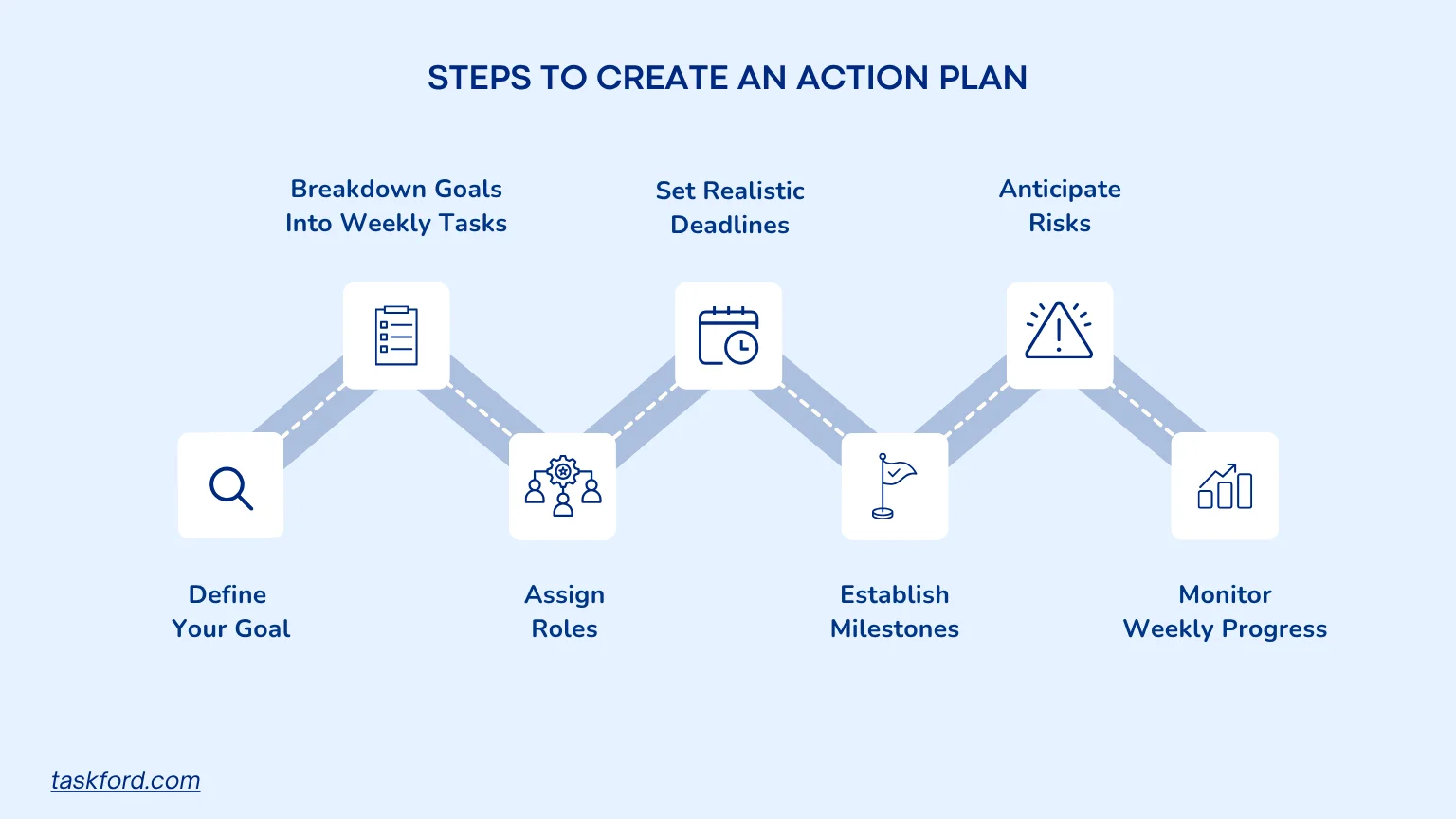
Step 1: Define Your Goal with Precision
The first step in turning big-picture project goals into weekly action plans is to articulate a clear and specific goal. Vague objectives like “improve team performance” or “launch a new product” lack the clarity needed to guide action. Instead, use the SMART framework (Specific, Measurable, Achievable, Relevant, and Time-bound) to define your goal.
For example, instead of saying, “We want to increase sales,” a SMART goal would be: “Increase weekly sales by 15% within six months by targeting new customer segments and optimizing marketing campaigns.” This goal is specific (increase sales by 15%), measurable (track weekly revenue), achievable (with the right strategies), relevant (aligns with business growth), and time-bound (six months).
To optimize your action plan for project management, ensure the goal aligns with broader organizational objectives. You can create a project board to visualize this goal and share it with your team, ensuring everyone is aligned from the start.
Step 2: Break Down the Goal into Weekly Tasks
Once your goal is defined, break it down into smaller, actionable tasks tailored to weekly execution. This process, often referred to as task decomposition in project management, ensures that the goal is manageable and progress is trackable. For instance, if your goal is to launch a marketing campaign, weekly tasks might include:
- Week 1: Conduct market research to identify target audiences.
- Week 2: Develop campaign messaging and creative assets.
- Week 3: Set up advertising platforms (e.g., Google Ads, social media).
- Week 4: Schedule content publication dates.
- Week 5: Monitor campaign performance and adjust strategies.
Each task should be specific and tied to the overall objective, with a focus on what can be accomplished within a week. You can assign these tasks, set priorities, and track completion status using a centralized platform to reduce the risk of oversight and keep your team focused.
Step 3: Assign Roles and Allocate Resources
A successful action plan clearly defines who is responsible for each task and ensures the necessary resources are available. Without clear ownership and proper resource planning, projects can quickly face delays, confusion, and workload imbalances. When assigning responsibilities, consider:
- Task Ownership: Assign a primary owner for each task to improve accountability and avoid confusion.
- Team Capacity: Evaluate workloads to ensure team members have the availability to complete assigned work.
- Required Resources: Identify the budget, tools, software, or personnel needed to support execution.
- Dependencies: Determine whether certain tasks rely on resources or work from other teams before they can begin.
For example, a product launch action plan may assign campaign execution to the marketing team while the product team focuses on development and testing. Using a centralized work management platform can help managers track assignments, monitor workloads, and ensure resources are aligned with project priorities.
Step 4: Set Realistic Weekly Timelines and Deadlines
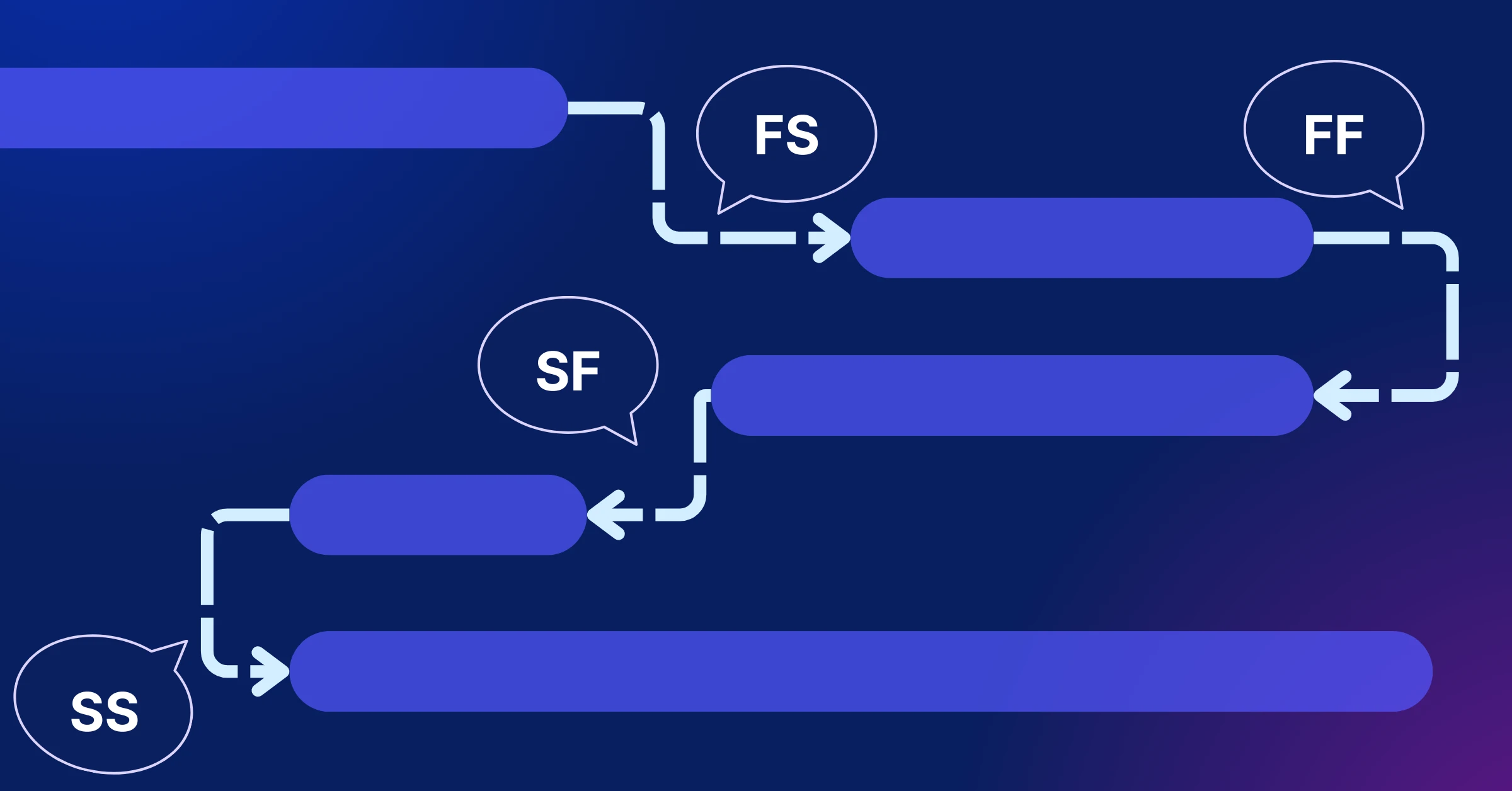
Timelines are the backbone of any action plan, providing structure and urgency for weekly progress. For each task, estimate the time required and set a realistic deadline within the week. Consider dependencies (tasks that must be completed before others can begin) and factor in buffer time for unexpected delays.
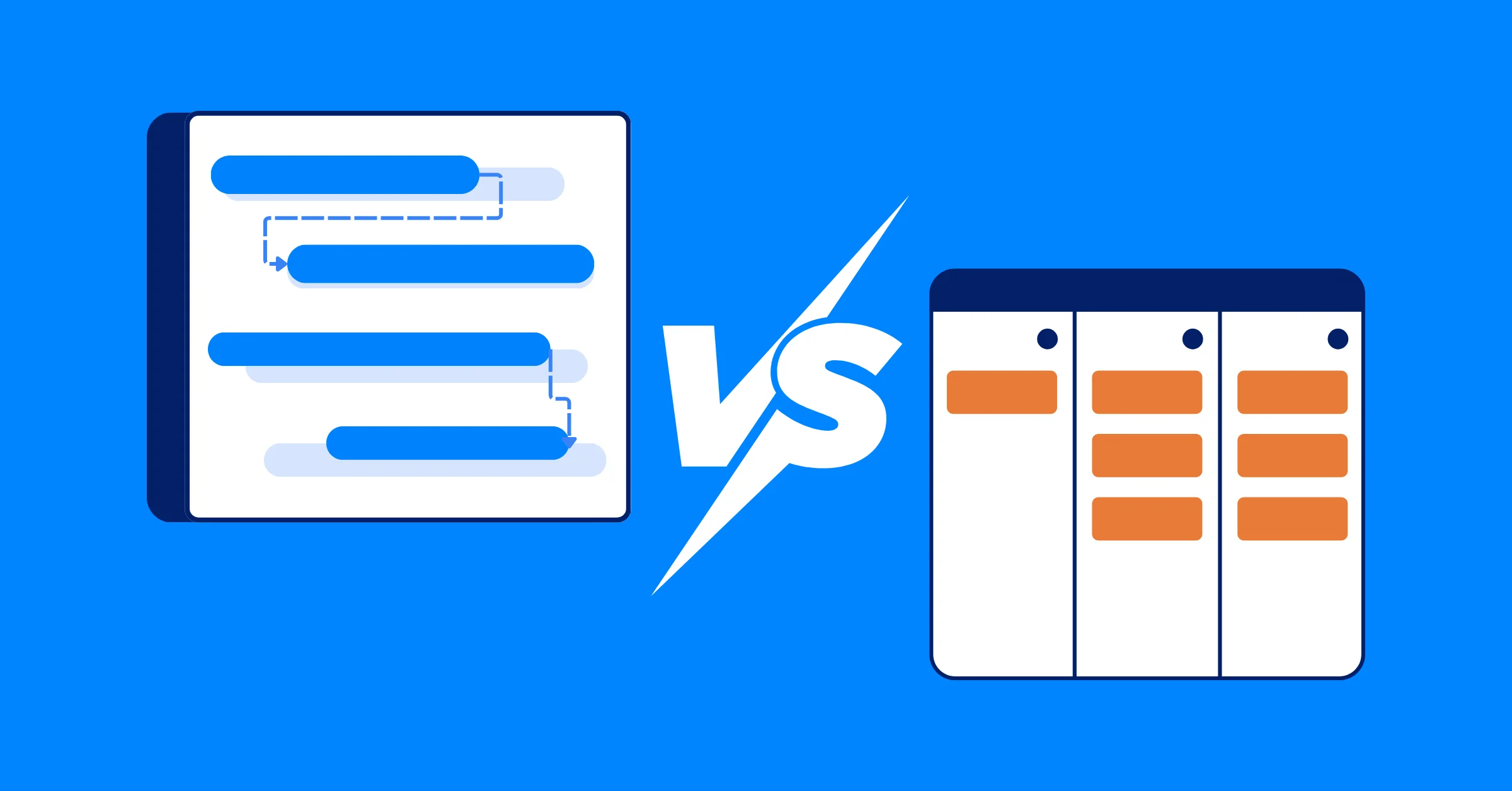
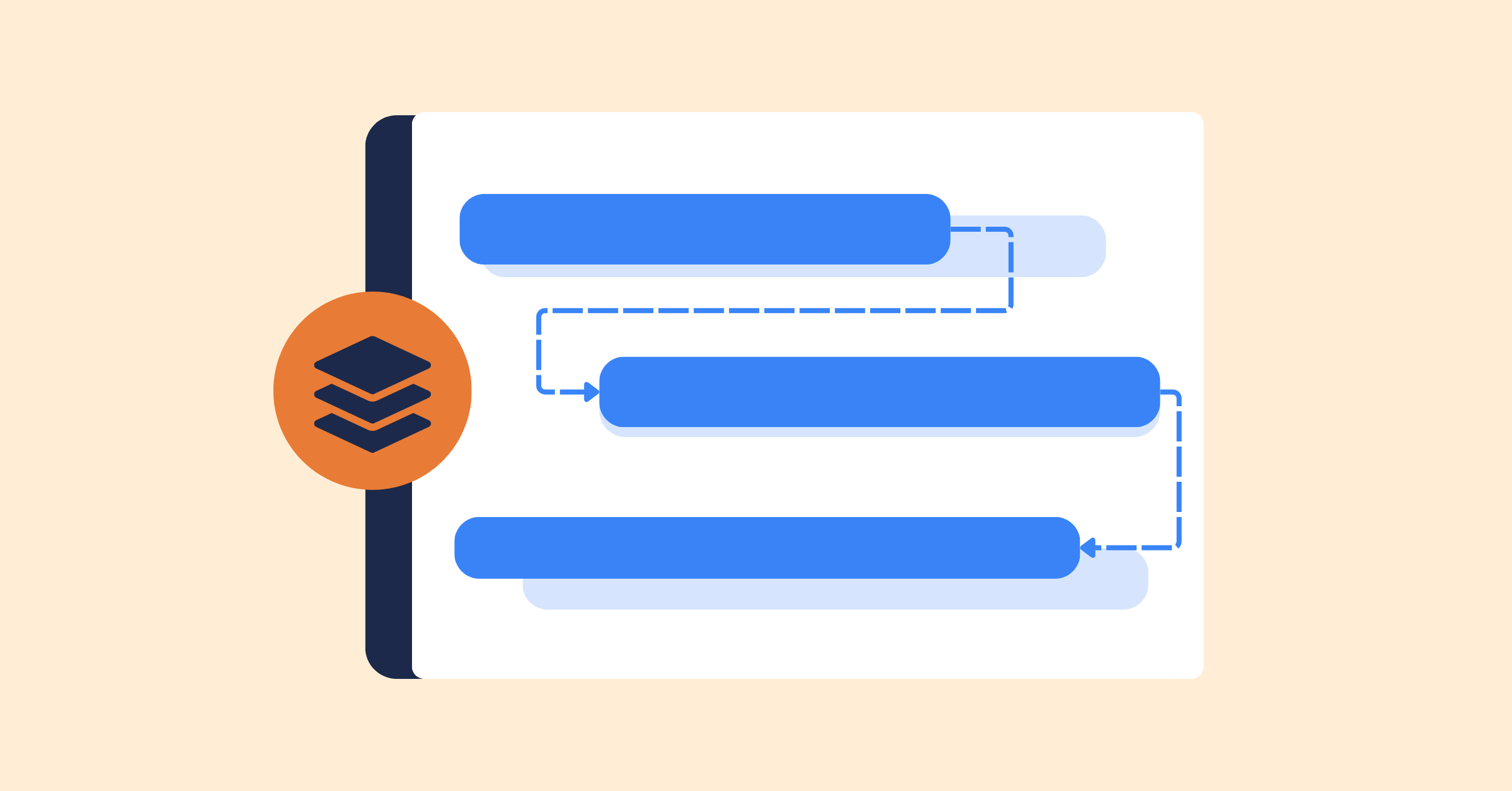
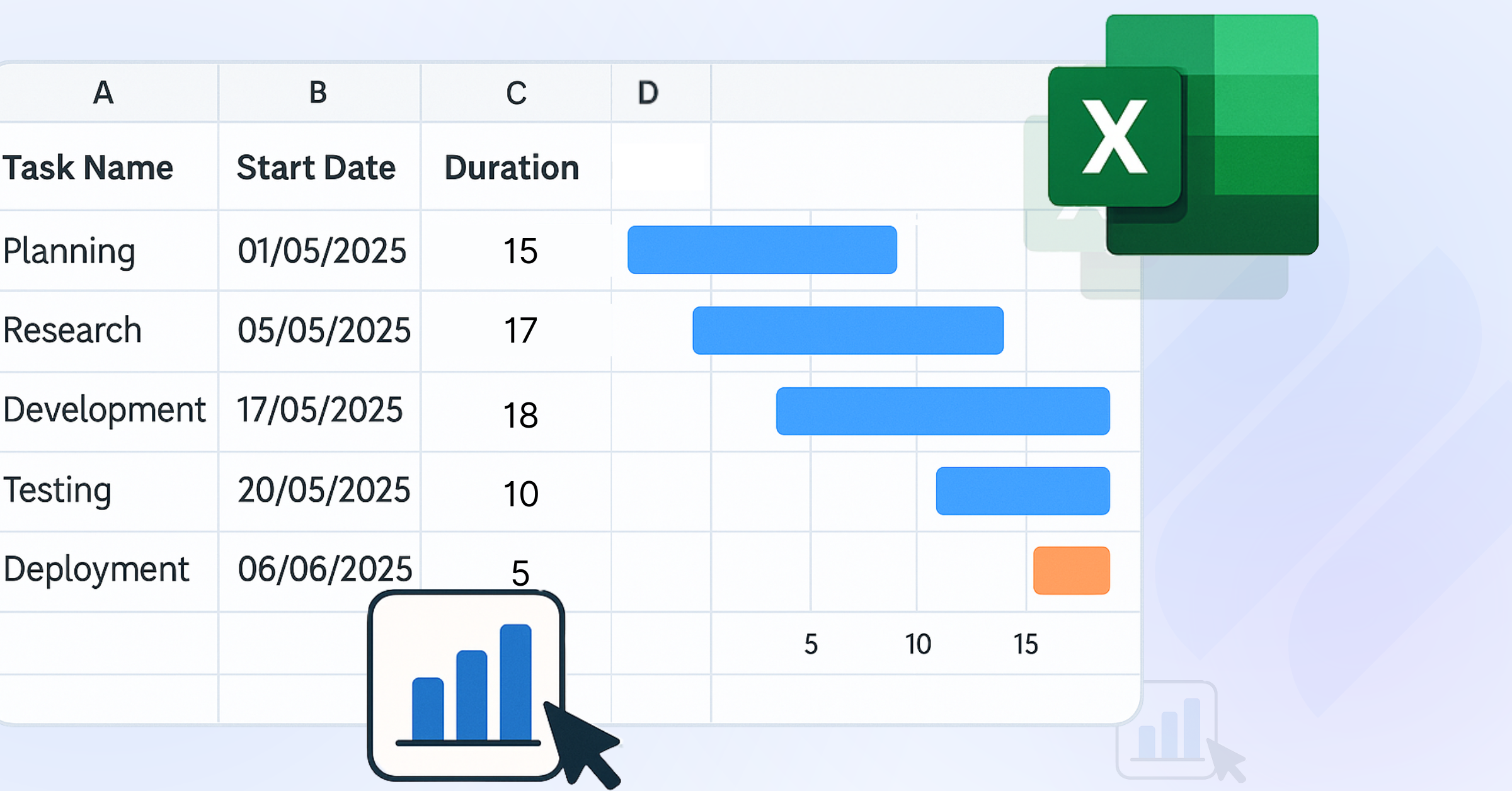
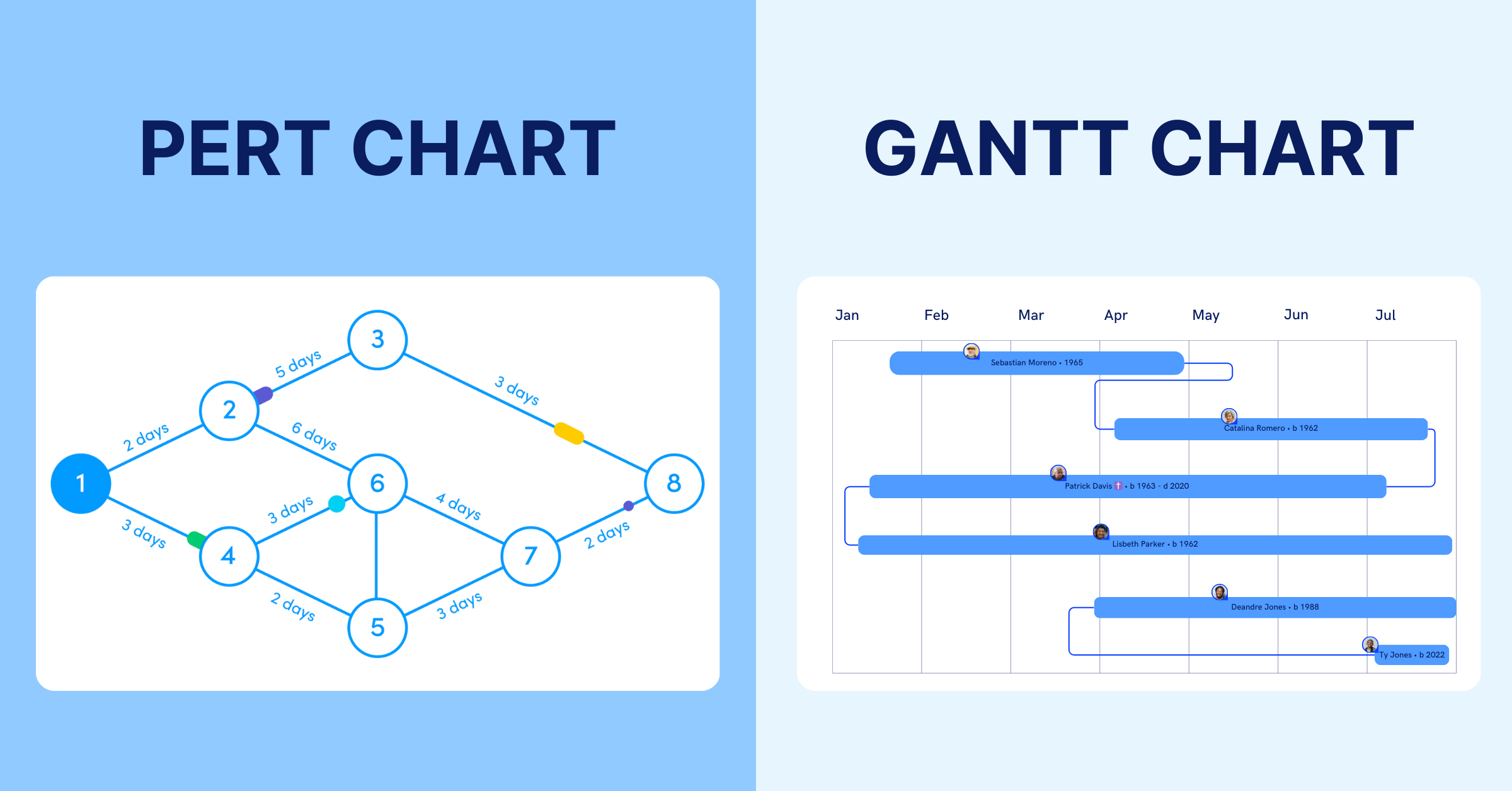
In project management, tools like Gantt charts or Kanban boards can help visualize weekly timelines and dependencies. You can map out tasks sequentially to ensure deadlines are clear and achievable. For instance, if market research must be completed before campaign development, highlighting this dependency prevents bottlenecks within the week.
Step 5: Establish Weekly Milestones and Checkpoints
Milestones are significant points in your action plan that mark progress toward the goal, often aligned with weekly achievements. They serve as opportunities to evaluate performance, celebrate successes, and adjust strategies if needed. For example, in a product launch, weekly milestones might include completing a prototype draft, finalizing a week’s worth of marketing content, or hitting a specific sales target.
(Learn more: What Is a Project Milestone?)
Incorporate weekly milestone reviews to monitor progress and address challenges. You can set and monitor these key points, using notifications to keep the team aligned, ensuring the project stays on course and any deviations are addressed promptly within the weekly cycle.
Step 6: Anticipate Risks and Plan Mitigation Strategies
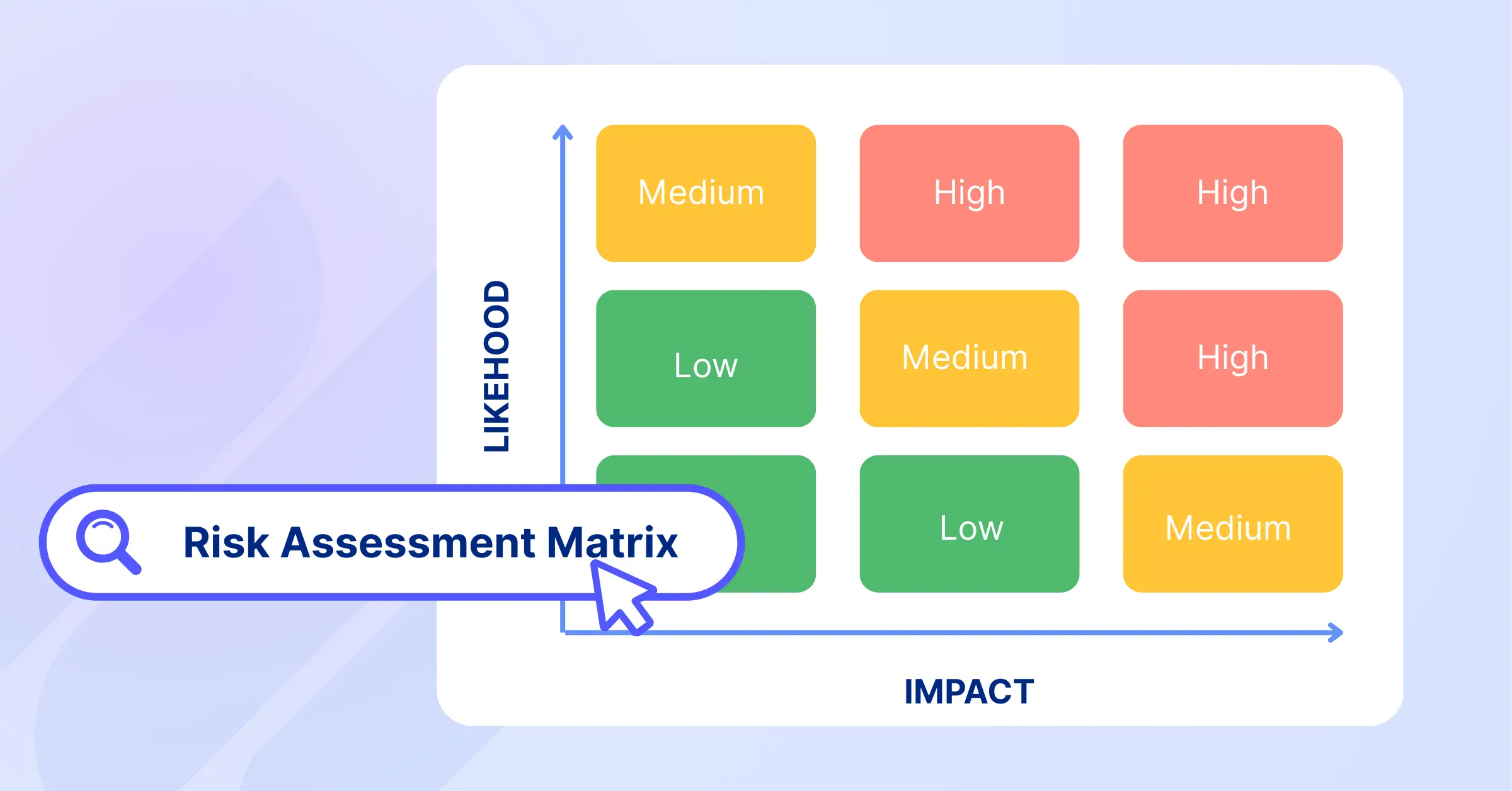
Even the best action plans can encounter unexpected challenges. Identifying potential risks early allows teams to prepare contingency measures and minimize disruptions. Common risks to evaluate include:
- Resource Constraints: Team members may become unavailable or workloads may exceed capacity.
- Timeline Delays: Dependencies, approvals, or unforeseen issues can impact deadlines.
- Technical Challenges: Software, system, or integration issues may slow progress.
- External Factors: Market changes, supplier delays, or regulatory updates can affect project execution.
For each identified risk, define a mitigation strategy. For example, if a key contributor becomes unavailable, a backup resource or cross-trained team member can help maintain momentum. Proactive planning helps teams respond quickly when challenges arise.
Step 7: Monitor Weekly Progress and Refine the Plan
An action plan should be treated as a living document that evolves throughout the project. Regular reviews help teams identify issues early, measure progress, and make adjustments when necessary. Monitor performance using metrics such as:
- Task Completion Rate: Track how many planned tasks are completed on schedule.
- Milestone Achievement: Measure progress toward key deliverables and objectives.
- Resource Utilization: Ensure budgets and team capacity are being used effectively.
- Project Outcomes: Evaluate whether completed work is contributing to the overall goal.
Schedule regular review sessions to assess progress, gather feedback, and update the action plan as priorities or circumstances change. Continuous monitoring helps keep projects aligned with their objectives and improves the likelihood of successful outcomes.
Leveraging TaskFord for Action Plan Success
Creating an action plan is only the first step. Successful execution requires visibility into tasks, resources, timelines, and performance. TaskFord helps teams turn plans into measurable results by providing the tools needed to organize, monitor, and optimize work throughout the project lifecycle.
Table View for Action Planning
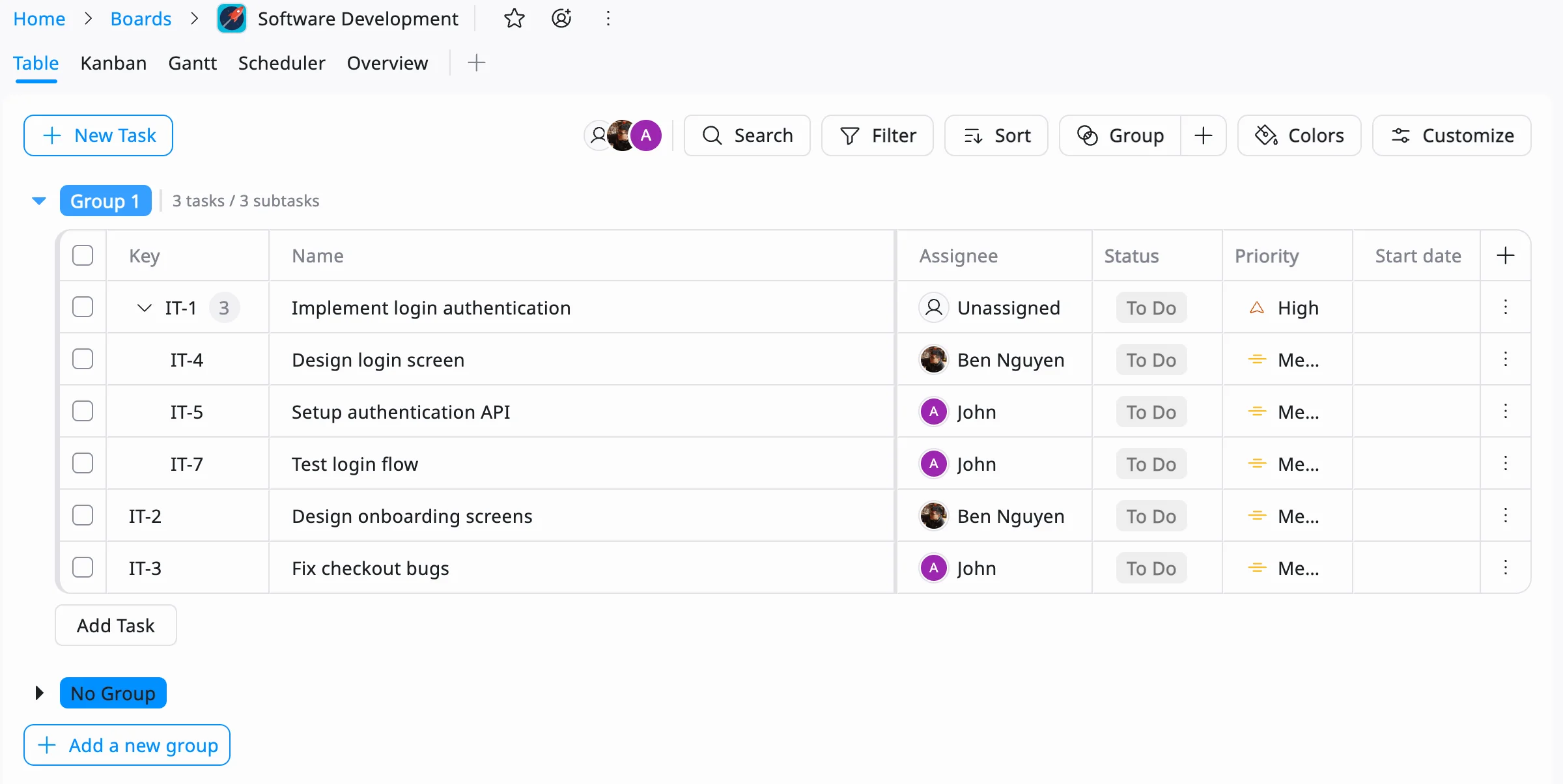
TaskFord’s Table View helps teams turn goals into actionable plans by organizing tasks, owners, priorities, and deadlines in a structured format. It provides a clear overview of all action items, making it easier to break down complex objectives, track progress, and keep work aligned with project goals.
Resource Scheduler for Task Assignment
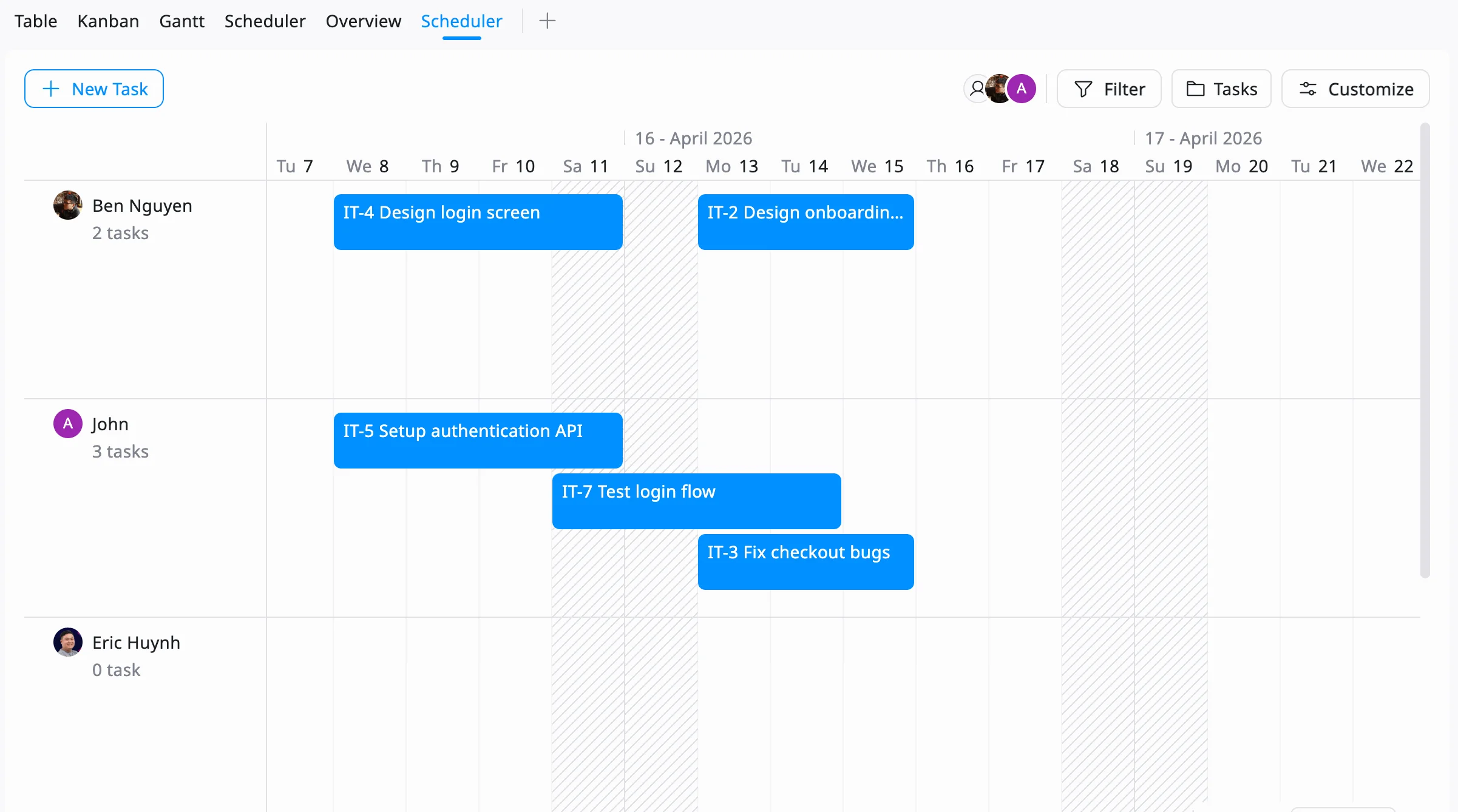
Once an action plan is broken down into tasks, TaskFord’s Resource Scheduler helps managers assign those tasks across a timeline based on team availability and workload. By visualizing schedules and resource capacity, teams can create realistic execution plans, avoid overloading individuals, and ensure work is completed according to deadlines.
Gantt Chart for Timeline Planning
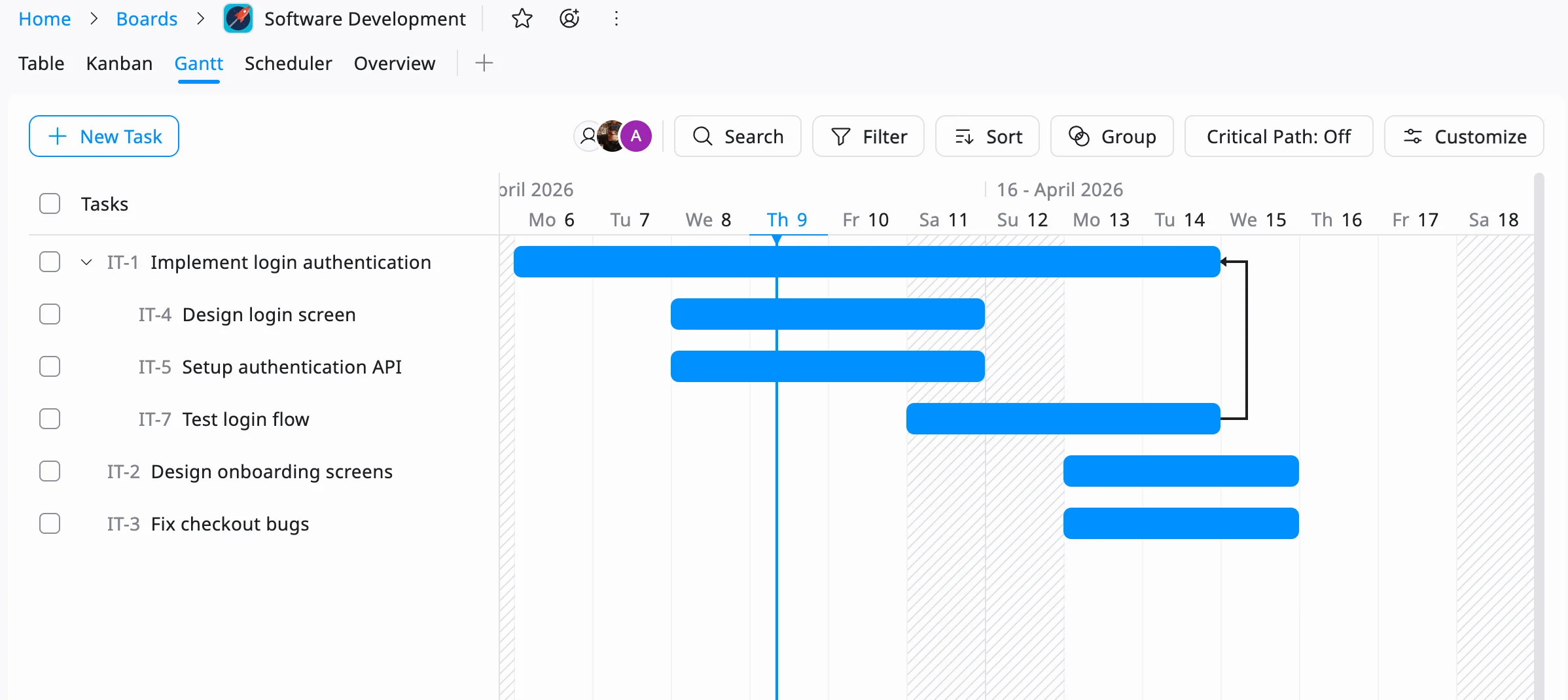
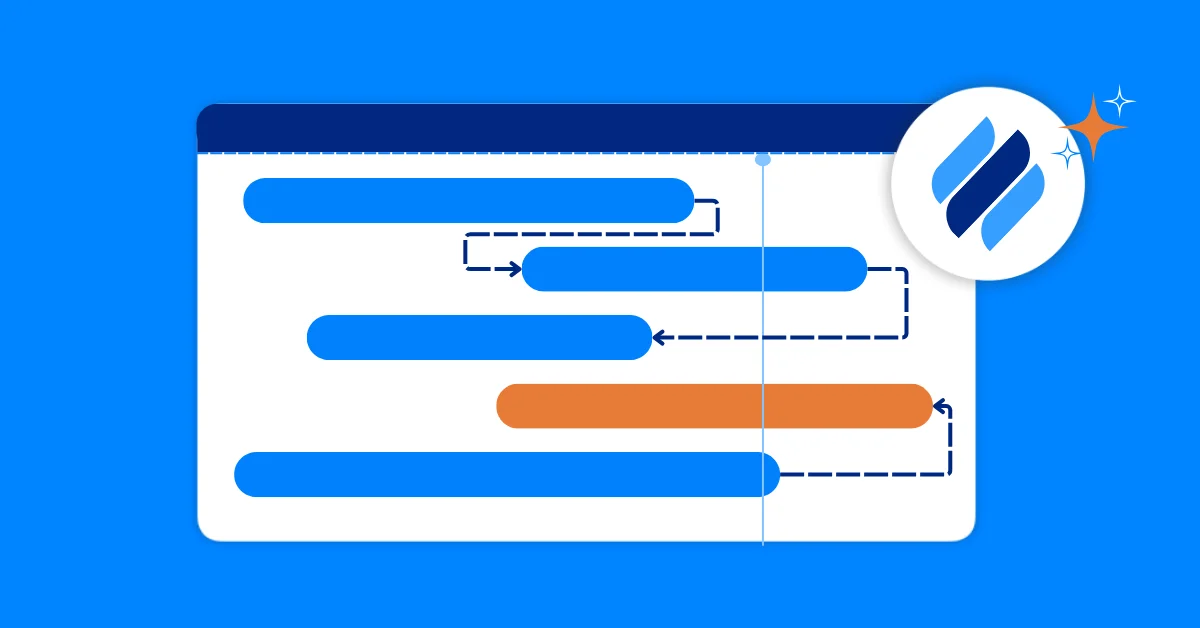
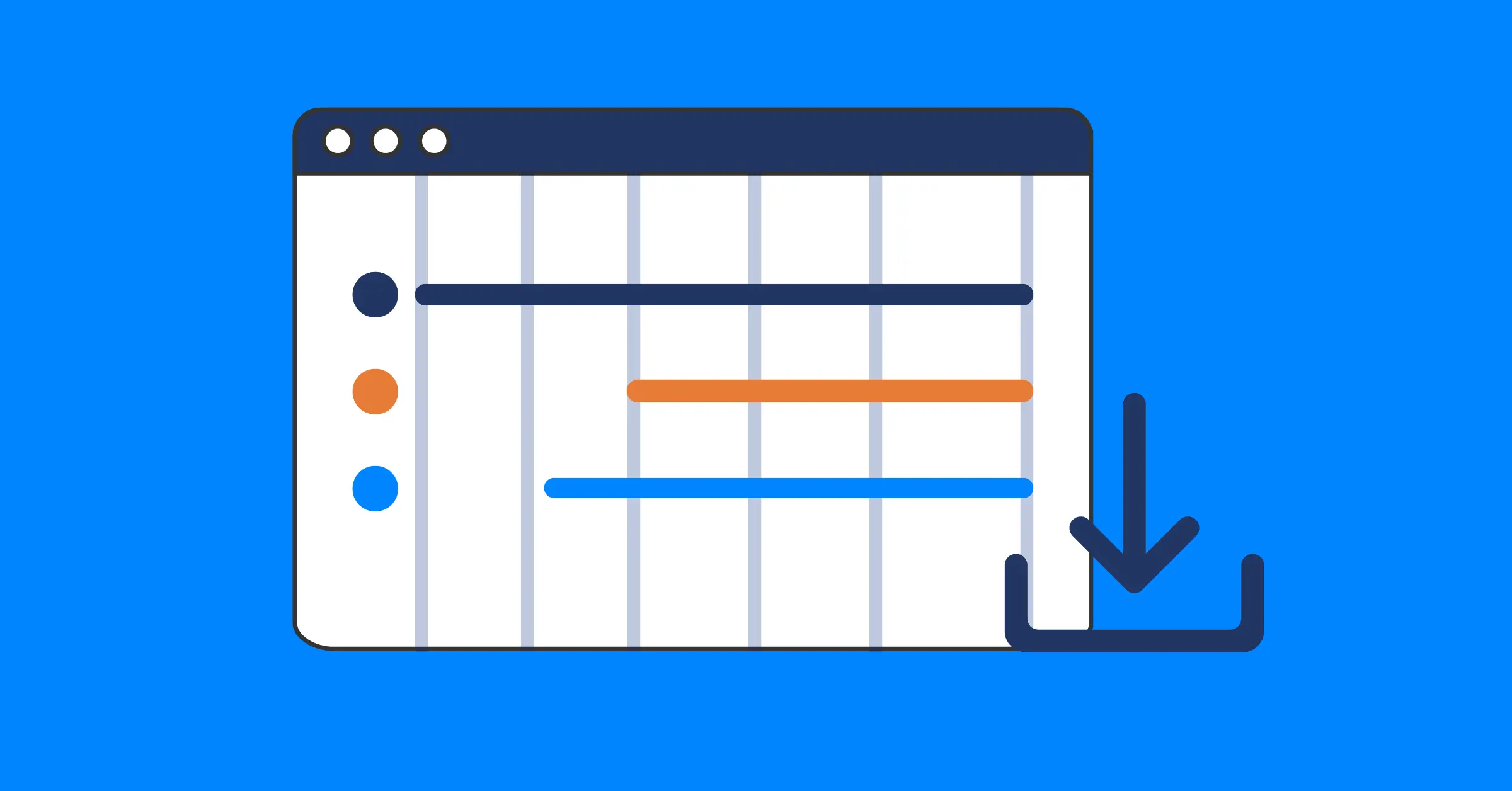
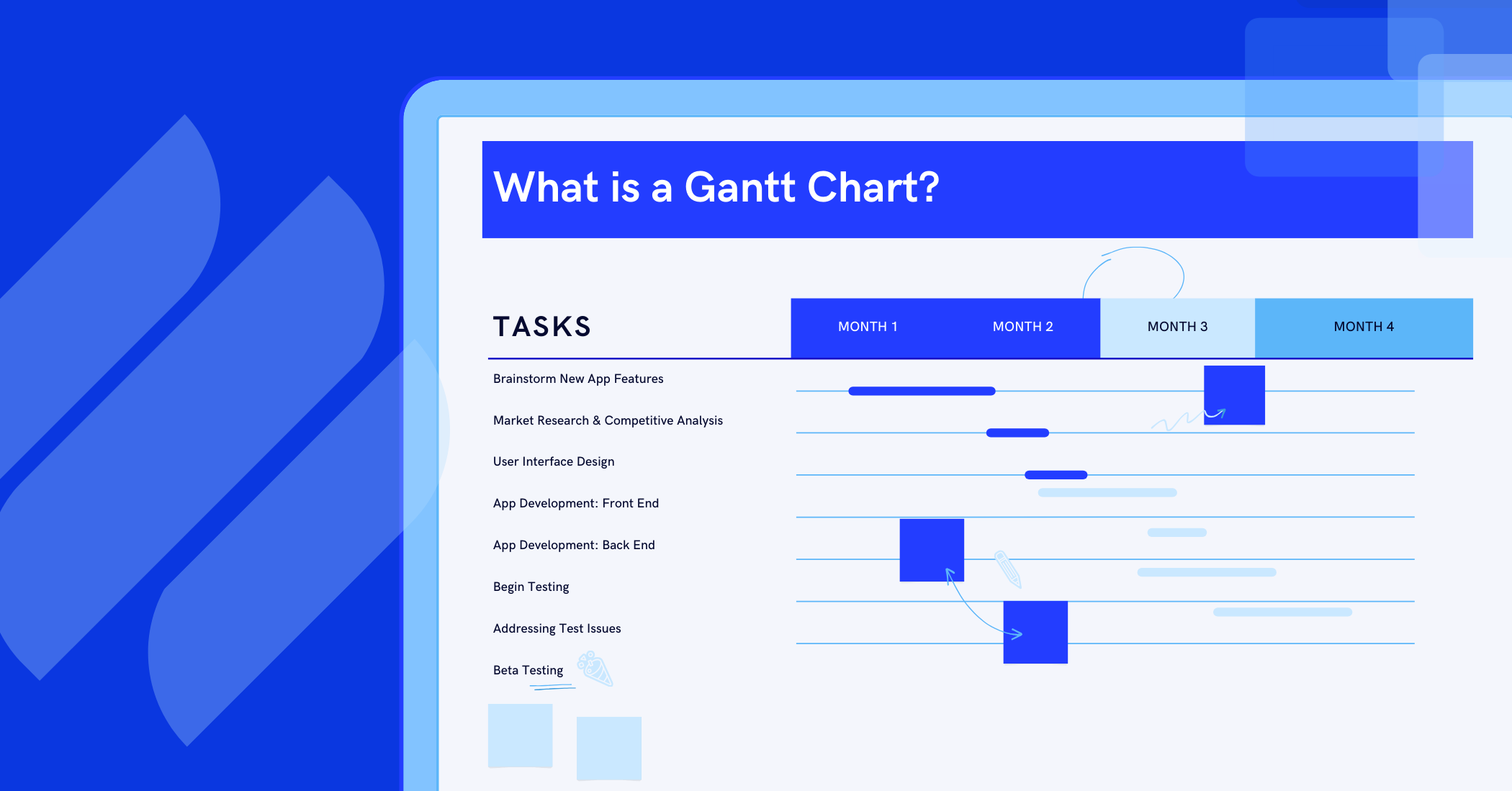
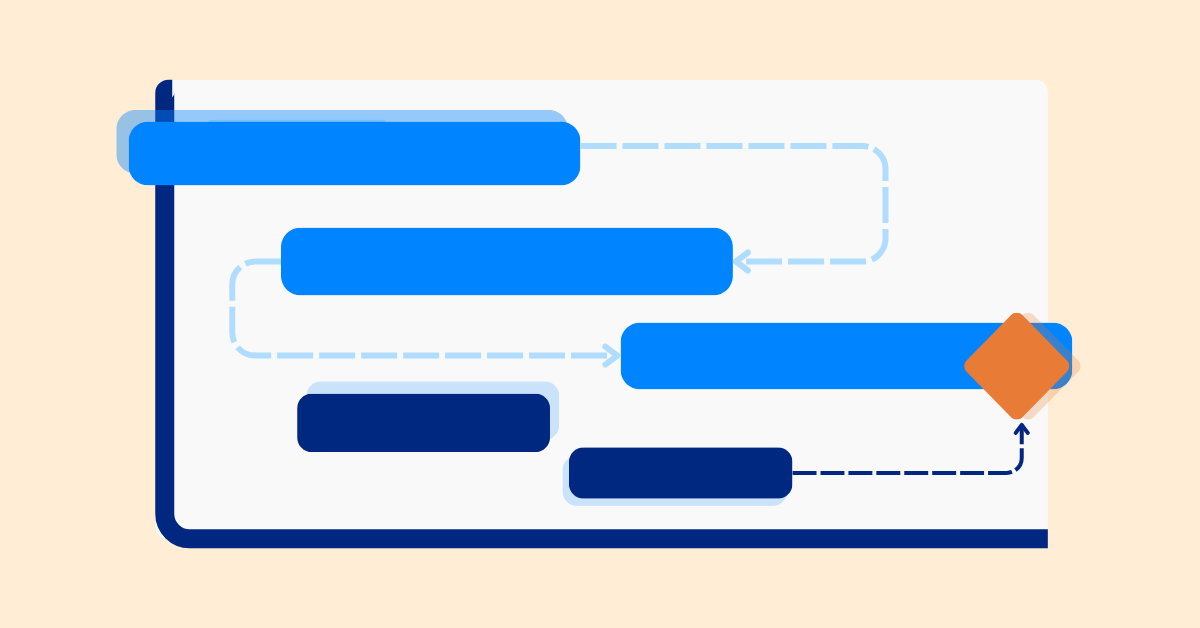
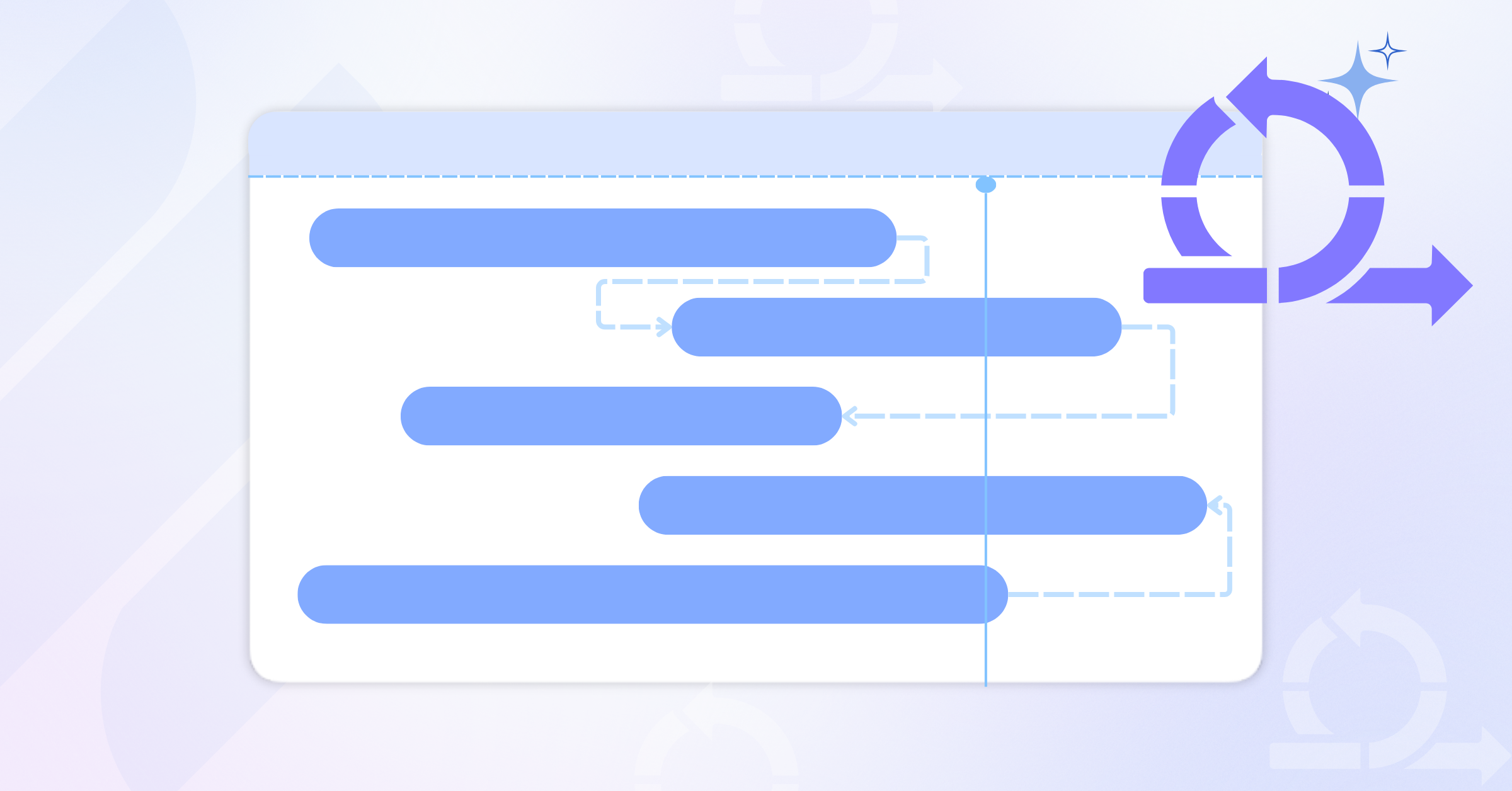
TaskFord’s Gantt Chart allows teams to visualize project timelines, task dependencies, and key milestones. Managers can identify scheduling conflicts, monitor progress against deadlines, and adjust plans when priorities change, helping projects stay on track.
Reporting Dashboard for Progress Tracking
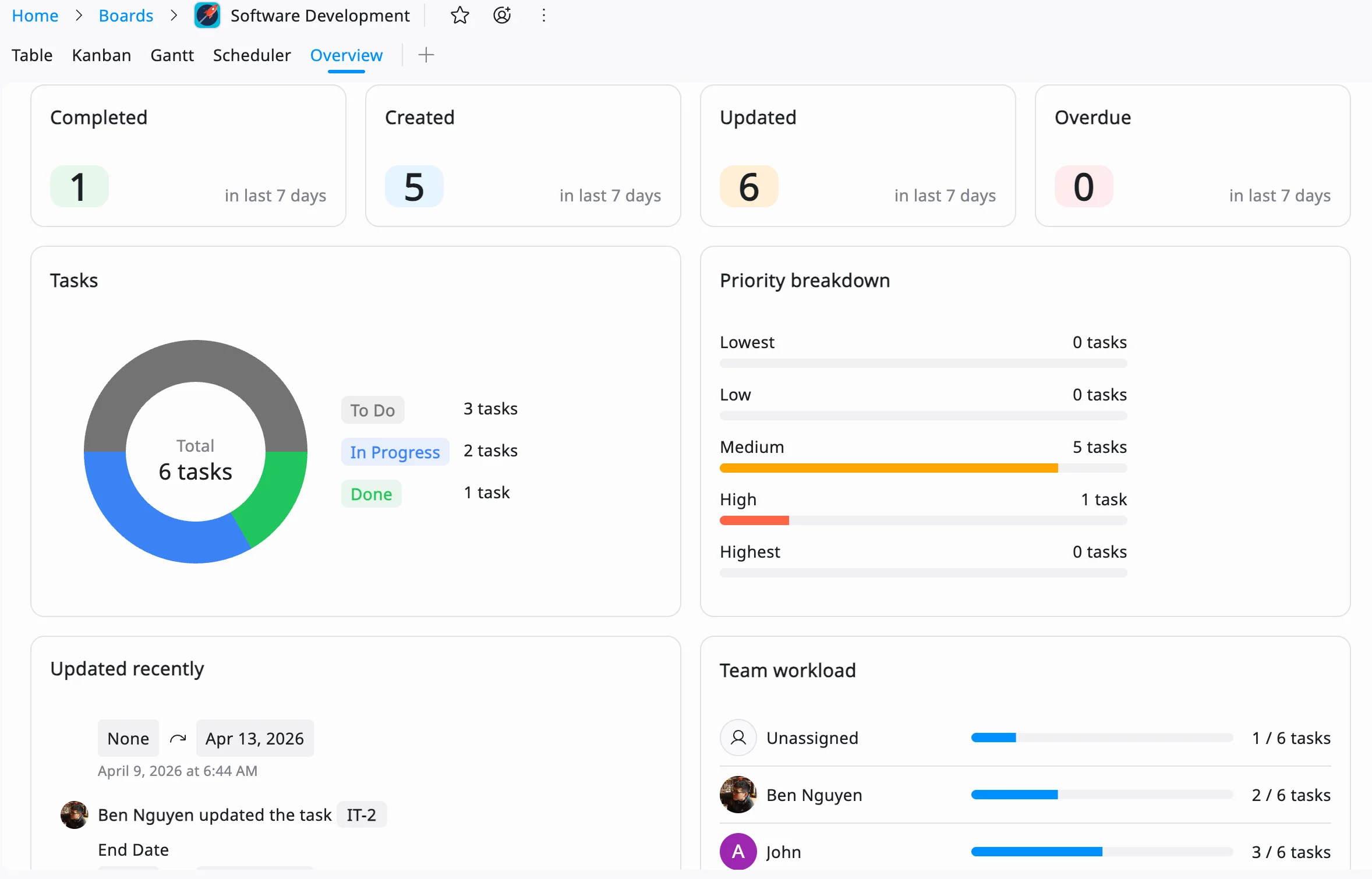
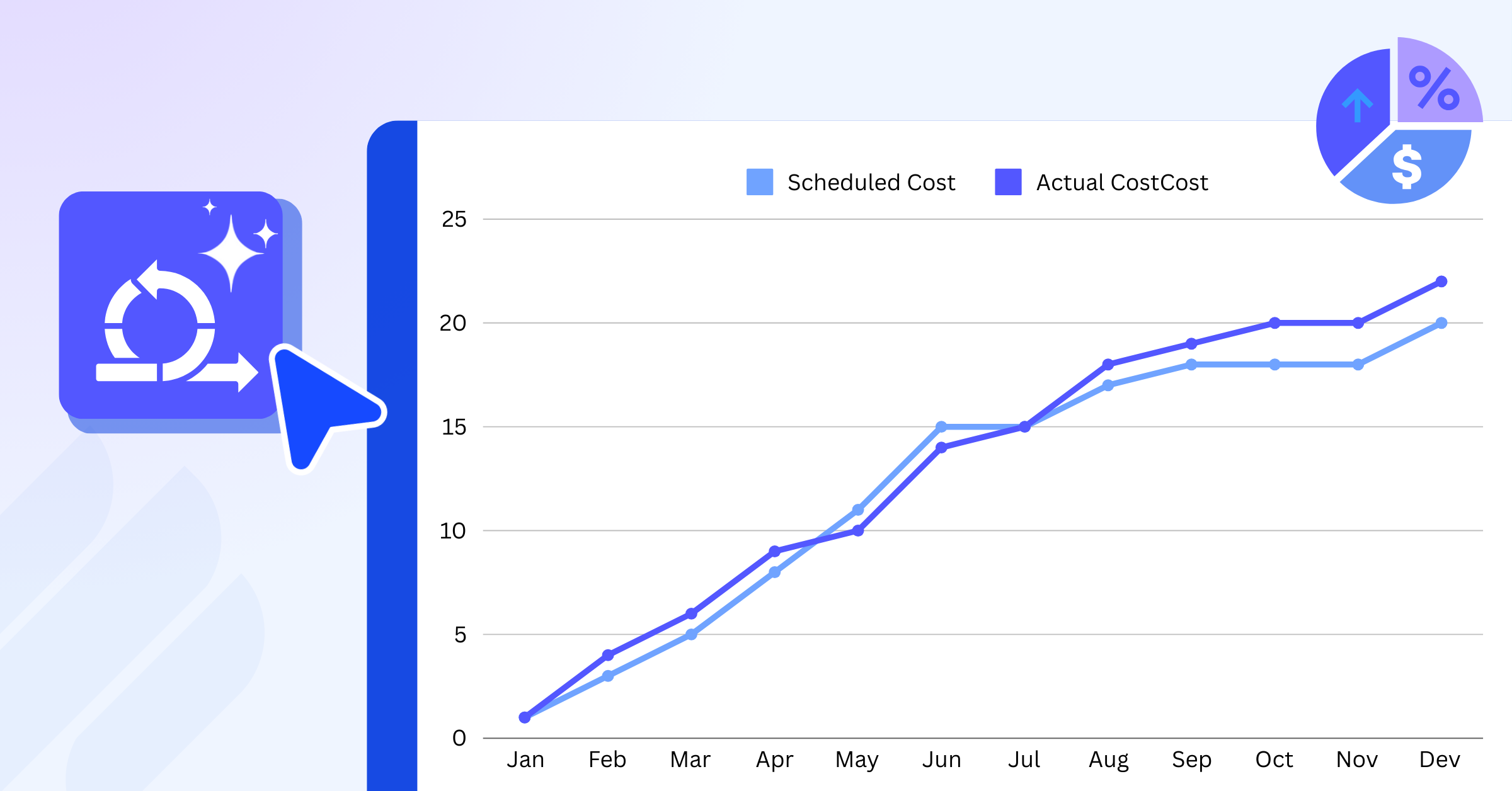
Monitoring progress is essential for keeping action plans aligned with project goals. TaskFord’s Reporting Dashboard provides real-time insights into task completion, workloads, and overall project performance. These reports help teams identify bottlenecks, measure success, and make data-driven decisions.
By centralizing planning, scheduling, execution, and reporting, TaskFord helps teams maintain visibility and accountability while turning goals into actionable results.
Best Practices for Turning Big-Picture Goals into Weekly Action Plans
To ensure your weekly action plan is effective, follow these best practices rooted in project management principles:
- Involve Key Stakeholders: Engage team members, clients, or other stakeholders during the planning process to ensure buy-in and alignment for weekly tasks.
- Keep It Concise Yet Detailed: Avoid overwhelming detail, but ensure each weekly task is clear and actionable.
- Use Visual Aids: Incorporate charts, timelines, or Kanban boards to make the weekly plan easier to understand.
- Communicate Regularly: Share weekly updates with your team to maintain transparency and address issues promptly.
- Test and Iterate: Pilot your weekly action plan on a smaller scale if possible, refining it based on initial results.
Conclusion: Turning Big-Picture Goals into Results with TaskFord
Mastering how to turn big-picture project goals into weekly action plans is a vital skill for achieving success in project management. By defining clear objectives, breaking down tasks, assigning responsibilities, and leveraging tools like TaskFord, you can create a roadmap that drives progress week by week. A well-executed weekly action plan not only keeps your project on track but also fosters collaboration, accountability, and adaptability.
Ready to turn your big-picture goals into weekly action plans? Start with TaskFord today and transform your ideas into actionable, measurable results.
Learn more
- The 7 Key Skills Needed for Project Management Excellence
- 10 Proven Strategies to Manage and Track Multiple Projects Successfully
- Triple Constraint in Project Management - Time, Scope & Cost
Related Articles















How to Build and Manage a Product Roadmap with TaskFord
















How to Build a Connected Project Timeline in TaskFord












What Are the Best Jira Alternatives for Scrum Teams?

























How WBS Reveals Delivery Breakdown Before It’s Too Late









![How To Conduct a Profound Stakeholder Analysis [+ Free Template]](/marketing/blog/stakeholder-analysis.webp)

















What to Look for in Scrum Tools (Beyond Kanban Boards)


![Project Management Calendar for Teams and Managers [Free Templates]](/marketing/blog/project-management-calendar.webp)







How to Define Project Deliverables: A Step-by-Step Guide










![RACI Chart in Project Management: Rules & Examples [Free Download]](/marketing/blog/raci-chart.webp)

















![7 Must-Have Project Management Documents Every PO Should Know [Free Templates]](/marketing/blog/project-management-documents.webp)










![How to Create a Winning Project Plan for IT Projects [10 Steps Included]](/marketing/blog/how-to-create-a-project-plan.webp)




![Daily Standup Best Practices: Apply AI to Organize Meetings Successfully [2026 Trends]](/marketing/blog/daily-standup.webp)







![How to Create a Project Communication Plan: Step-by-Step Guide [+Free Template]](/marketing/blog/project-communication-plan.png)


![Master Project Procurement Management in 5 Steps [Download a free plan template]](/marketing/blog/project-procurement-management.webp)





































Subscribe for Expert Tips
Unlock expert insights and stay ahead with TaskFord. Sign up now to receive valuable tips, strategies, and updates directly in your inbox.